

Guides / Paintings and files
Books and pages
Give any painting more pages, for a comic, a coloring book or a story, and go between them, reorder, duplicate and delete them.
Any painting can grow pages. Paint something on the first one.
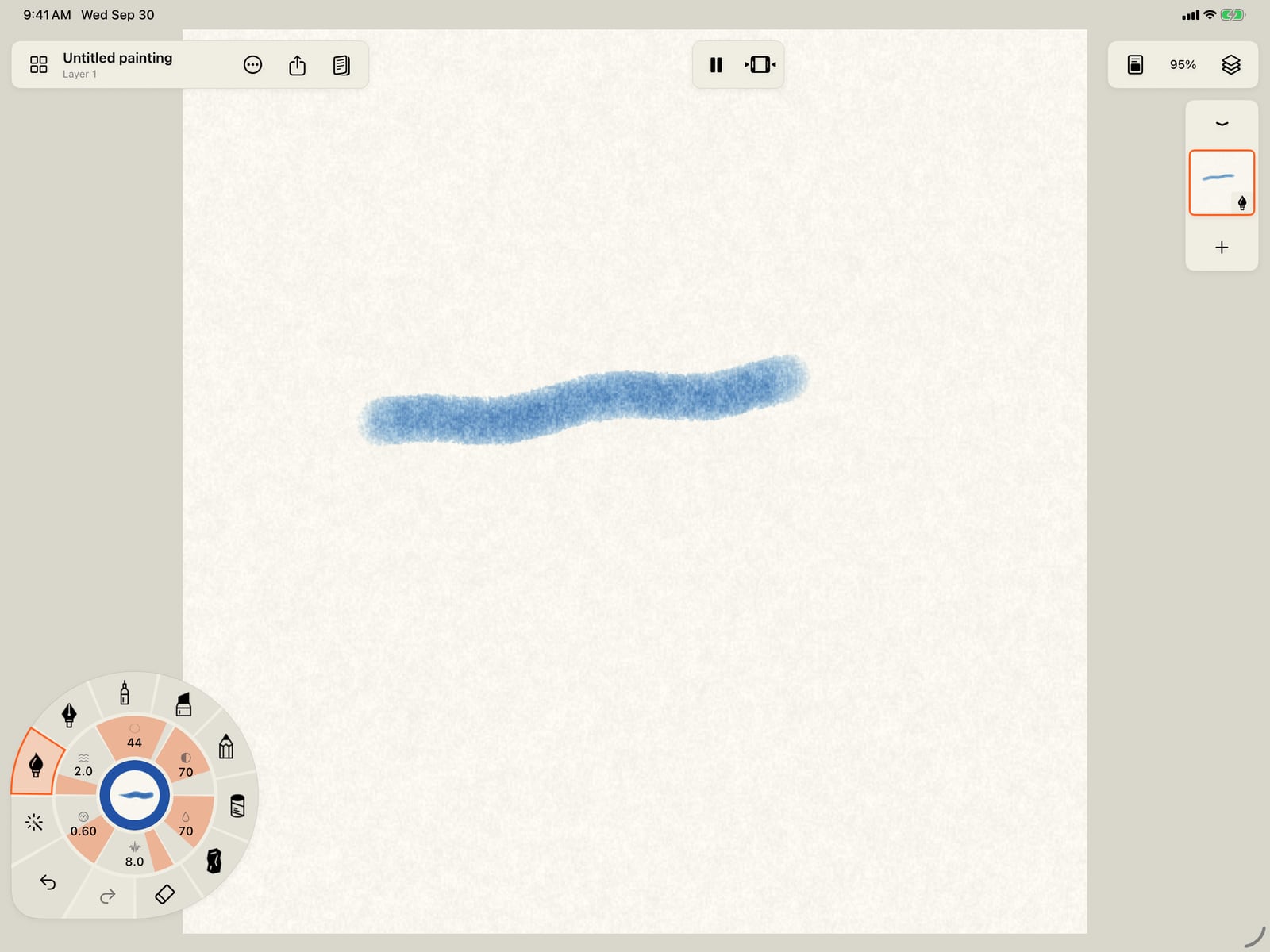
Any painting can grow pages. Paint something on the first one.

Tap Pages at the top. A painting starts as a single page.
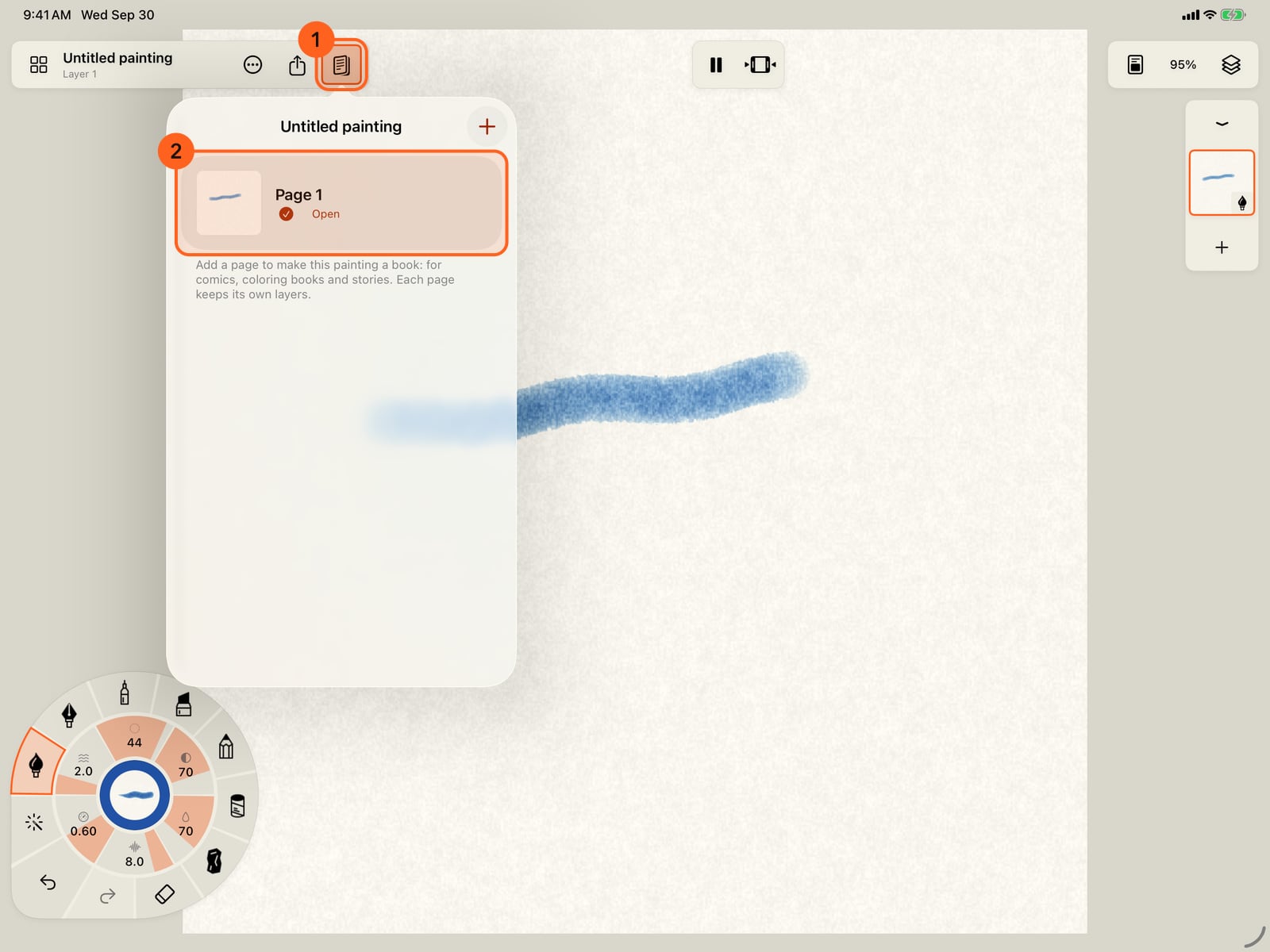
Tap Pages at the top. A painting starts as a single page.
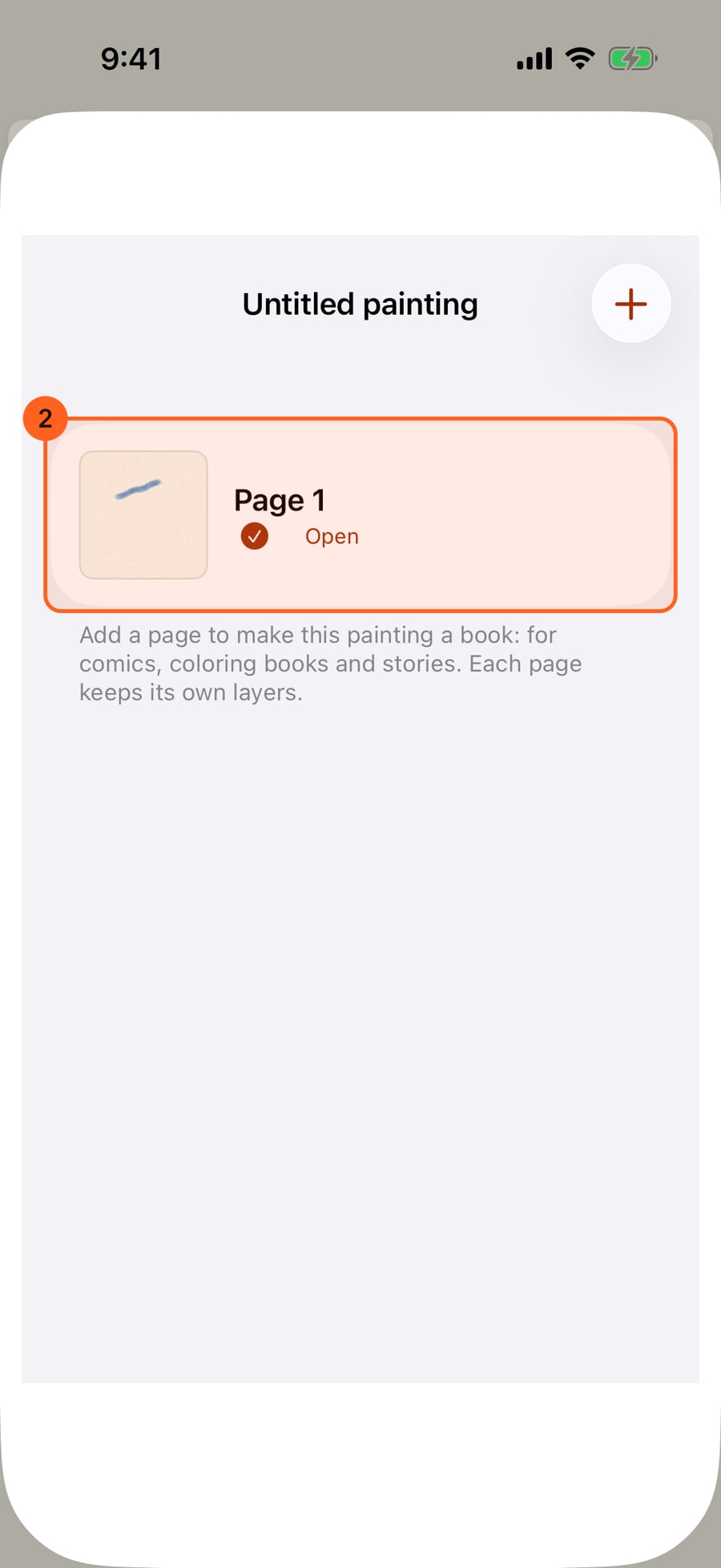
Click Pages at the top. A painting starts as a single page.
Tap Add page. You can add a blank page like this one, a page with the same comic panels, or a copy of this page.
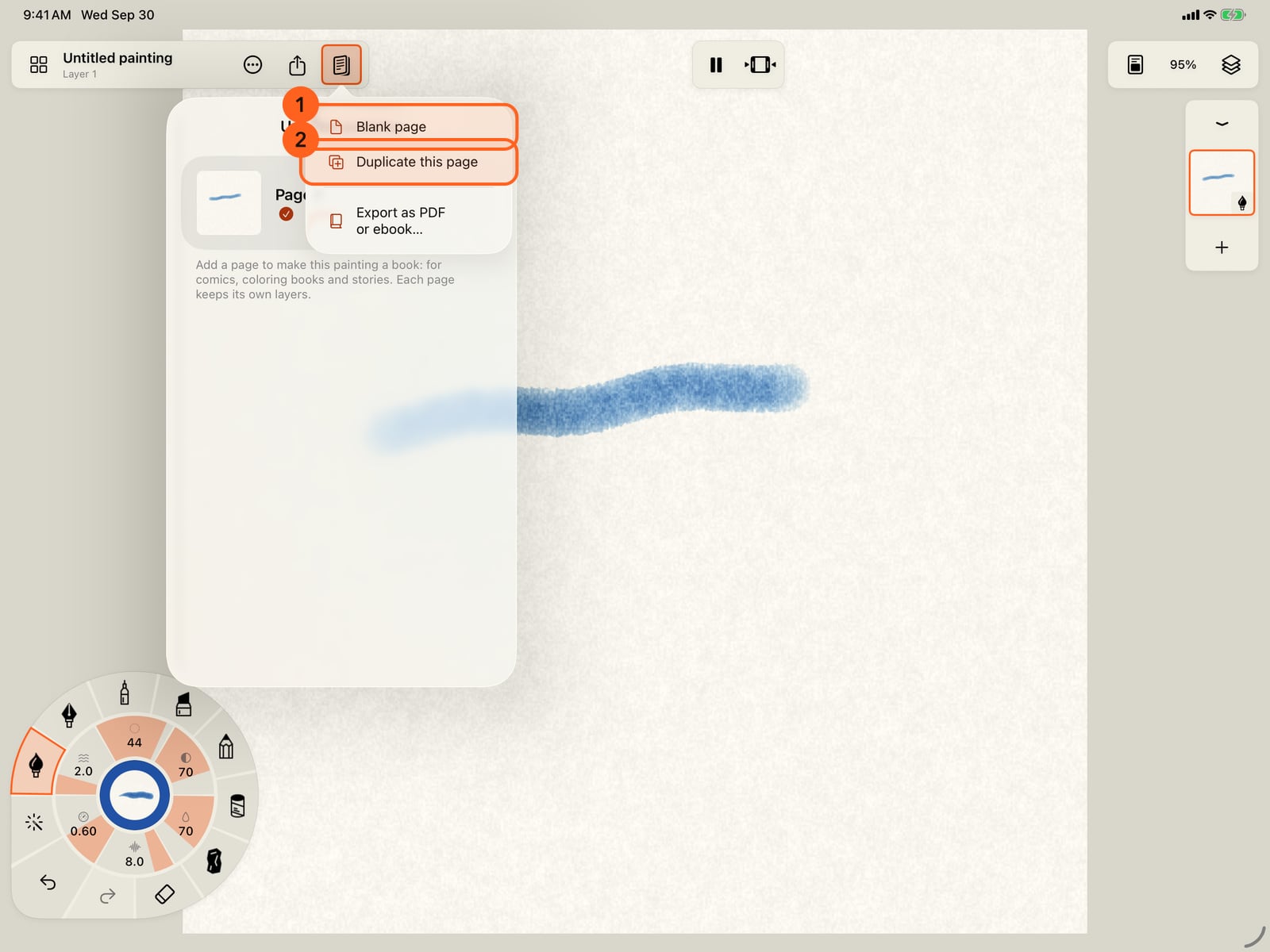
Tap Add page. You can add a blank page like this one, a page with the same comic panels, or a copy of this page.
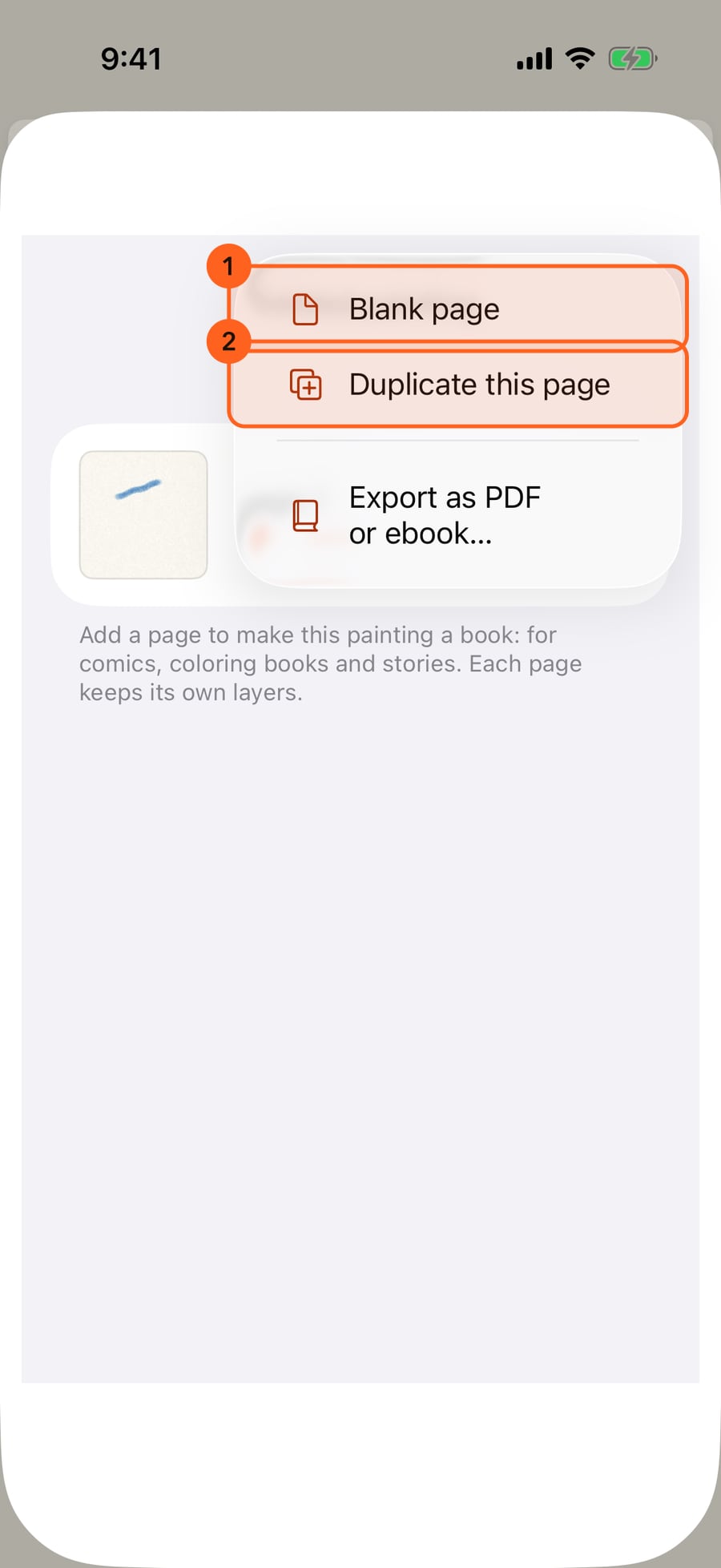
Click Add page. You can add a blank page like this one, a page with the same comic panels, or a copy of this page.
Choose Blank page. The painting is now a book, and its new page opens, the same size and paper, with layers of its own. The top bar says which page you're on.
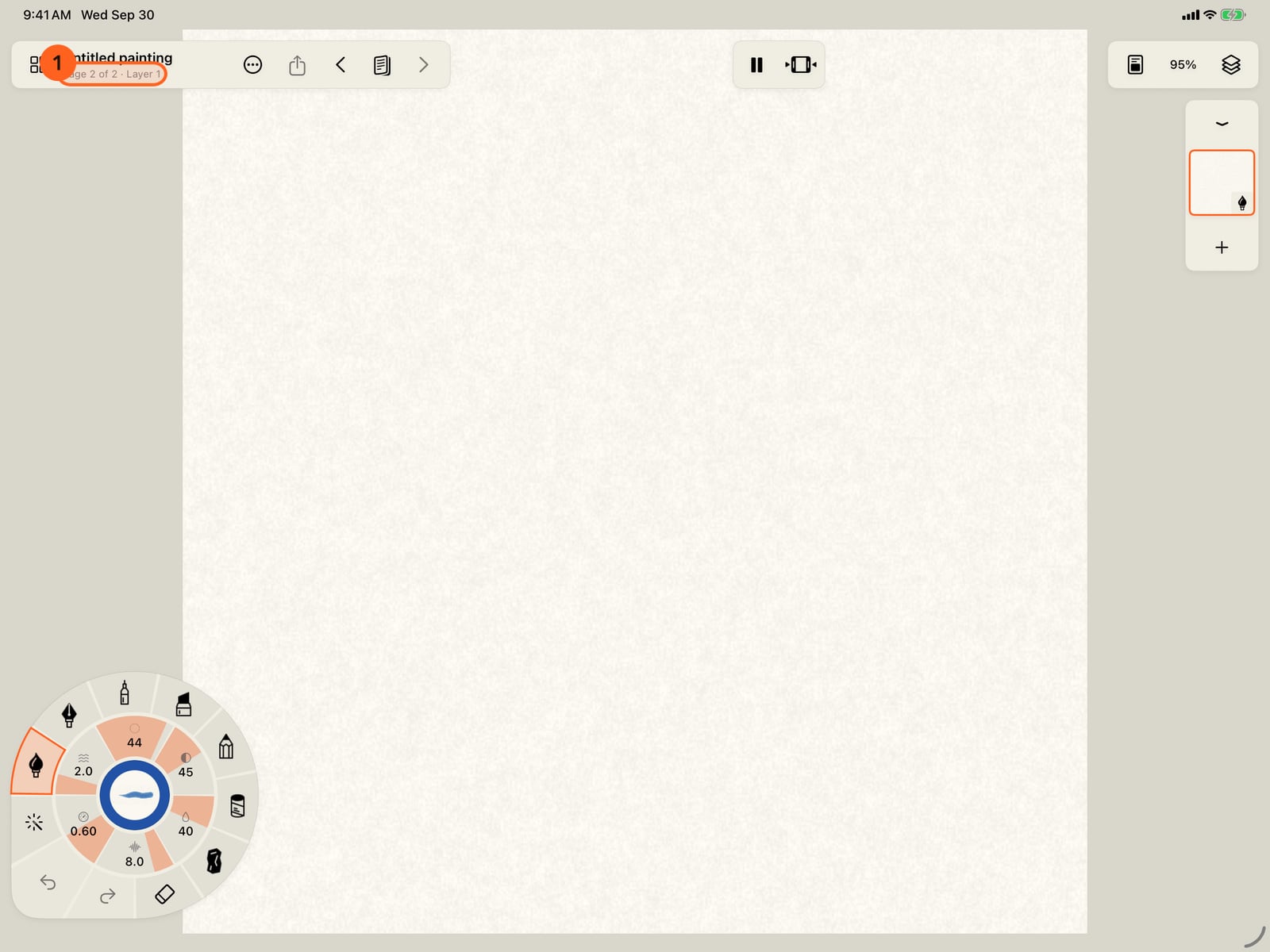
Choose Blank page. The painting is now a book, and its new page opens, the same size and paper, with layers of its own.

Paint on the new page. Each page keeps its own strokes, layers and undo.
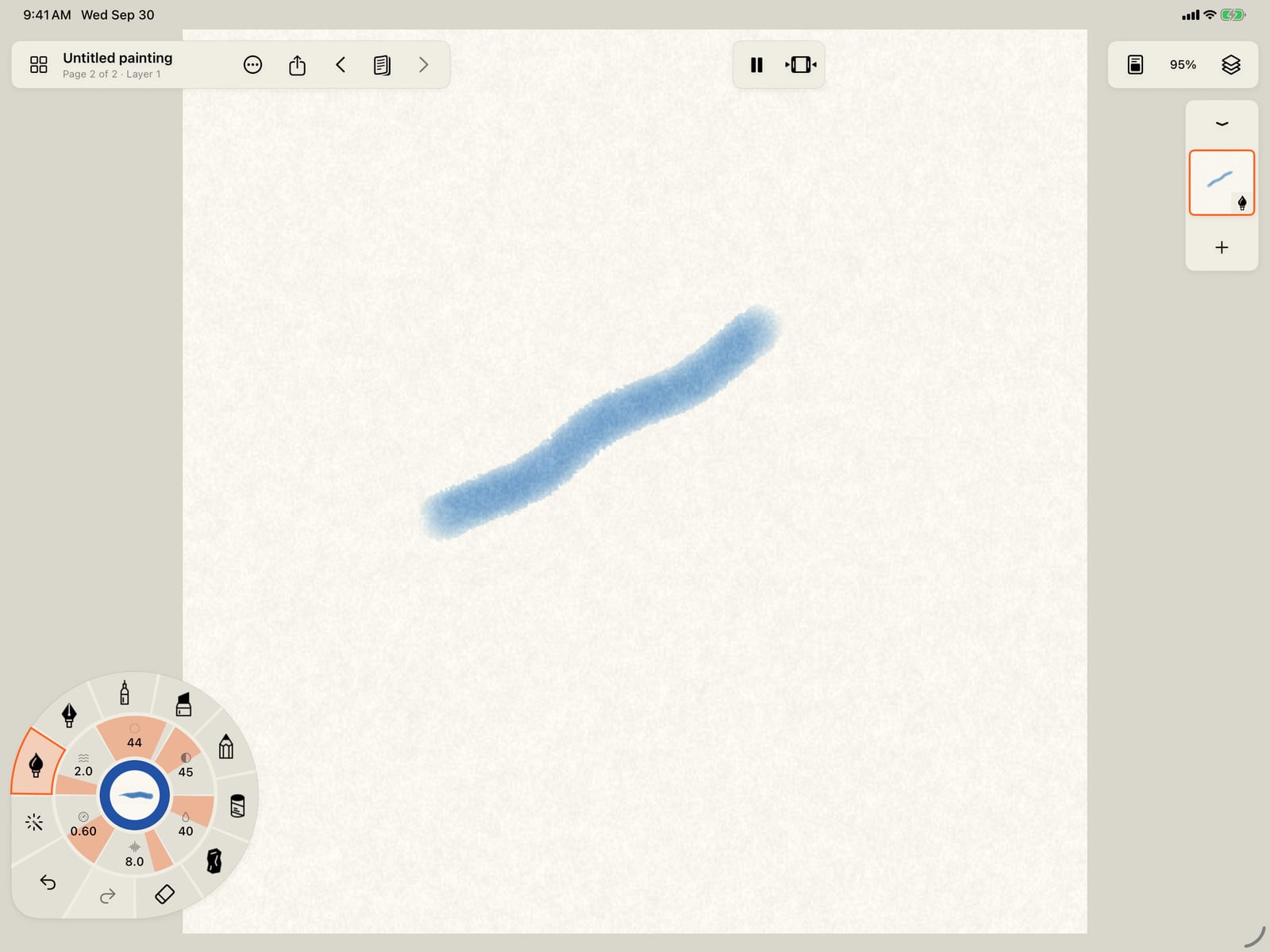
Paint on the new page. Each page keeps its own strokes, layers and undo.

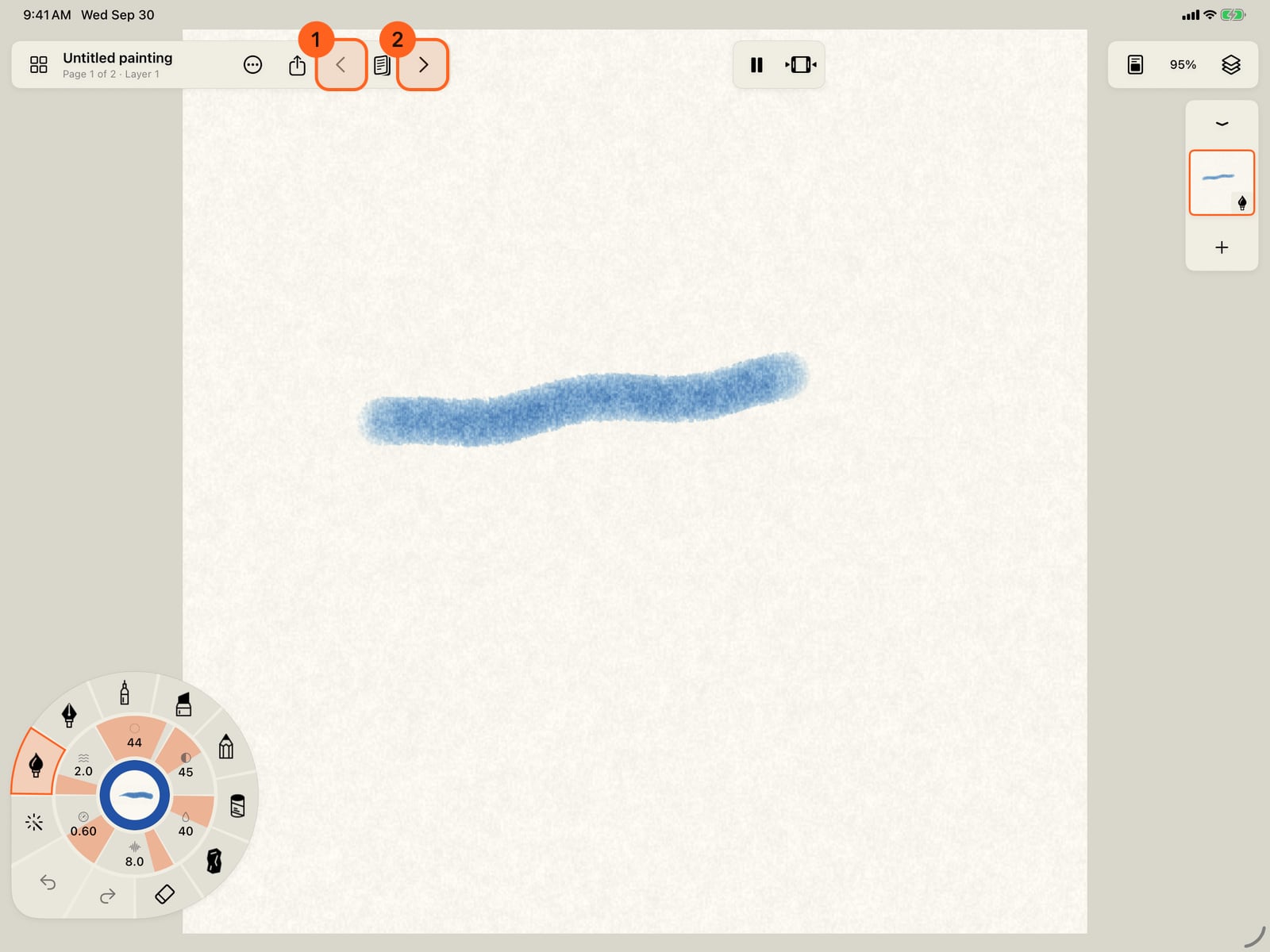
The arrows either side of Pages go to the previous and next page.
Open Pages and tap a page to go to it.

In Pages, tap Edit, then drag the handles to put the pages in a new order. Swipe a page, or touch and hold it, to delete it.
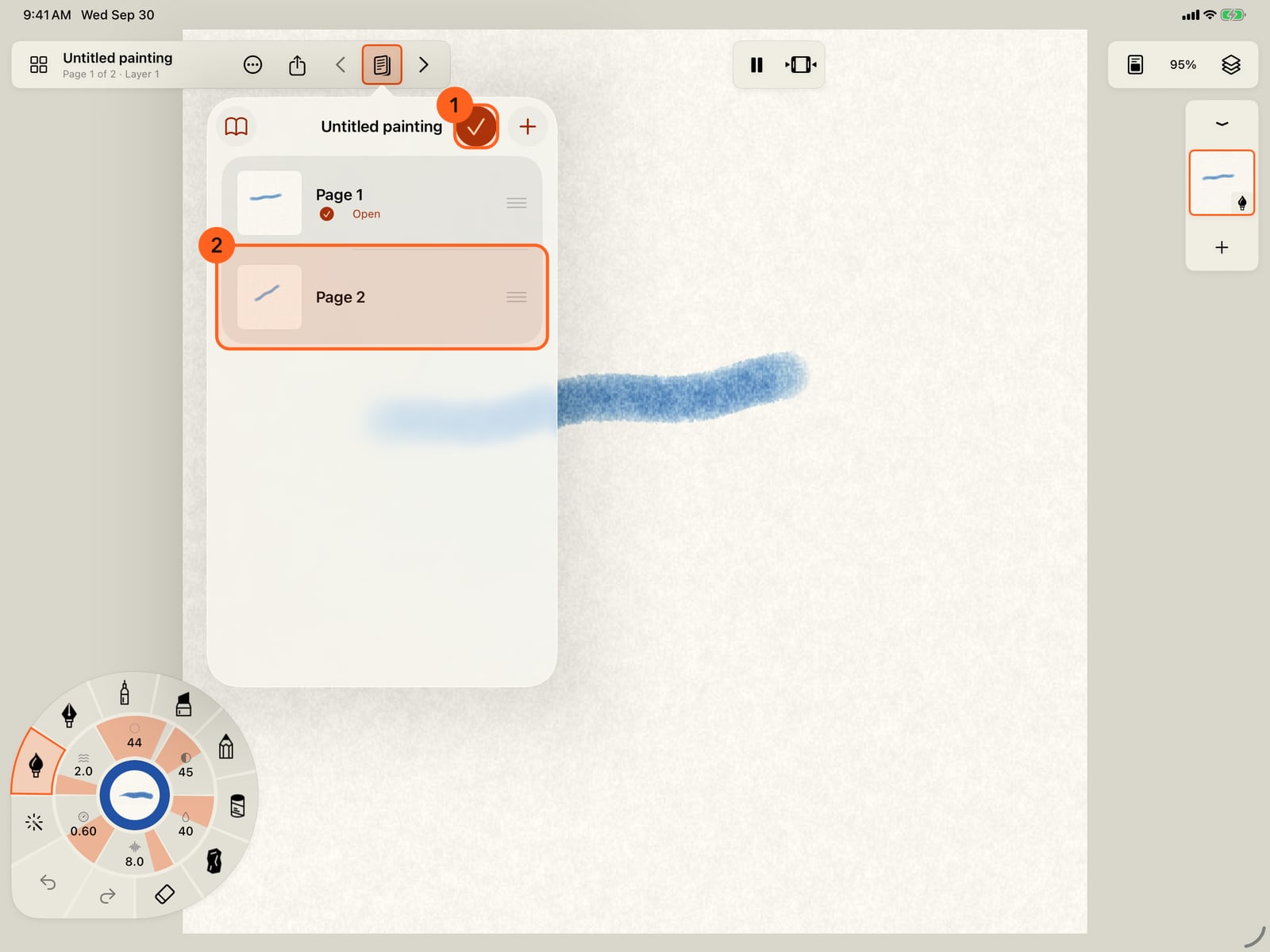
In Pages, tap Edit, then drag the handles to put the pages in a new order. Swipe a page, or touch and hold it, to delete it.
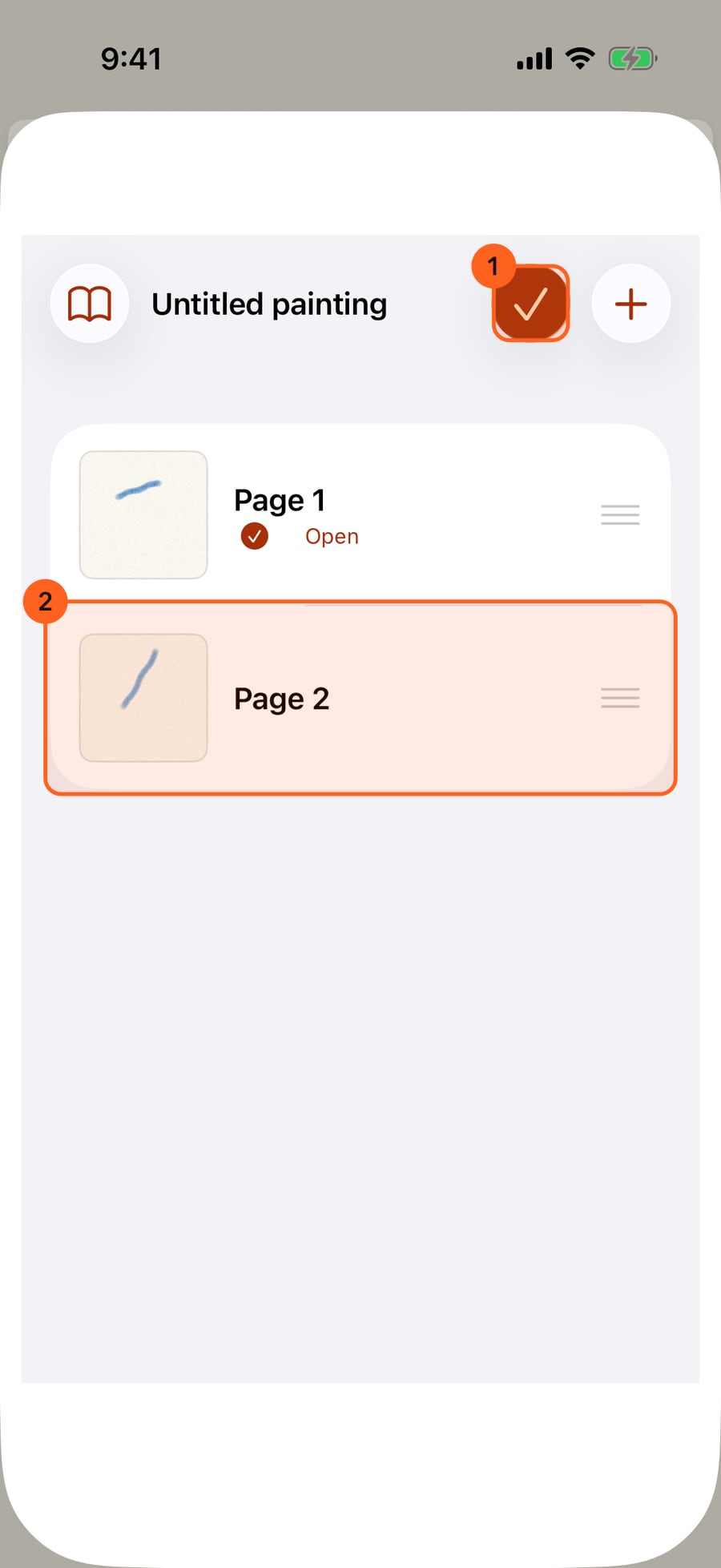
In Pages, click Edit, then drag the handles to put the pages in a new order. Swipe a page, or click and hold it, to delete it.
Making a book
Every painting can have pages. Tap Pages 1 at the top (the stack of pages beside Share) and Add page:
- Blank page: a new page the same size, on the same paper, with the same layers and media but none of their strokes.
- Page with these panels: shown when this page has a panel layout. The new page starts with the same panels and borders, so a comic keeps one grid across its pages.
- Duplicate this page: a copy of the page, strokes and all.
The first page you add turns the painting into a book. The new page goes in after the page you are on, and opens.
Going between pages
On iPad and Mac, the top bar shows the book's title and Page 3 of 12. The arrows either side of Pages go to the previous and next page. In Pages, tap any page to go to it. The page that's open is marked.
Each page is a whole painting of its own: its layers, its paper, its animation, and its own undo. Undo works within the page you are on, and starts afresh when you go to another page.
Arranging pages
- Reorder: in Pages, tap Edit and drag the handles.
- Delete: swipe a page, or touch and hold it and choose Delete page…. You are asked first. A book keeps at least one page.
- Read: in Pages, Read opens Book View.
- Export book…: in Pages, or Actions, makes a PDF, ebook or web page.
- Share book file: sends the whole book, every page, as one
.doodlybookfile.
In the gallery and in Files
In the gallery, a book is one card, its first page on a stack of pages, with how many pages it has. It opens on the page you were last on. Touch and hold it to rename, duplicate or delete the whole book.
In Files → Doodly Doodle, a book's copy is one .doodlybook file, with every page inside, kept up to date as you paint. Put a .doodlybook in that folder, or open one from anywhere, and it comes in as a book.
A book can carry its own colours. A pack that comes with a palette shows it first in the colour panel while one of its pages is open.
Pro: Books are Free, with any number of pages.
Something not behaving as expected?
Visit support or write to [email protected].