

Guides / Images and colouring pages
Coloring books
Turn a PDF coloring book into a book of colouring pages, every page's lines ready to paint inside.
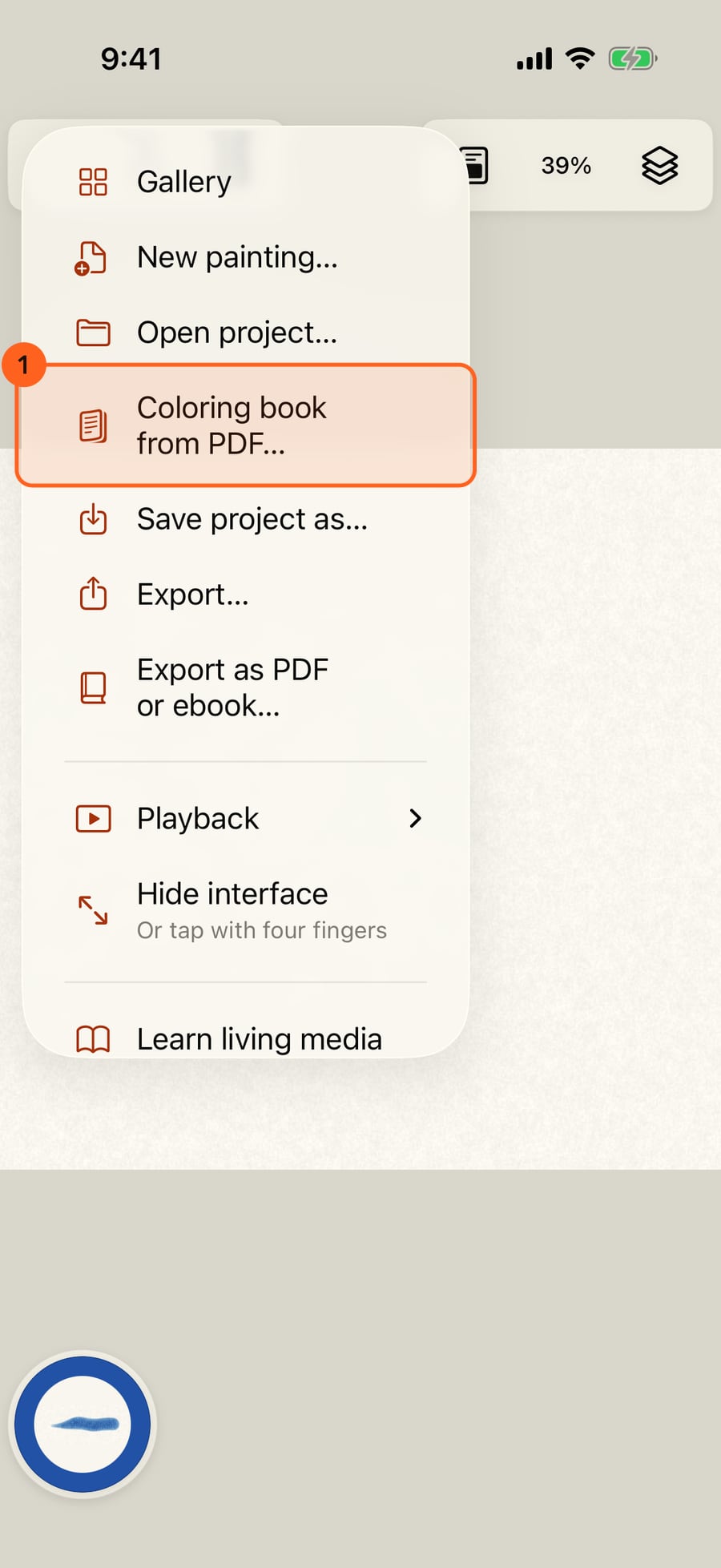
Open the Actions menu and choose Coloring book from PDF. It's also in the Gallery, under Start something new.
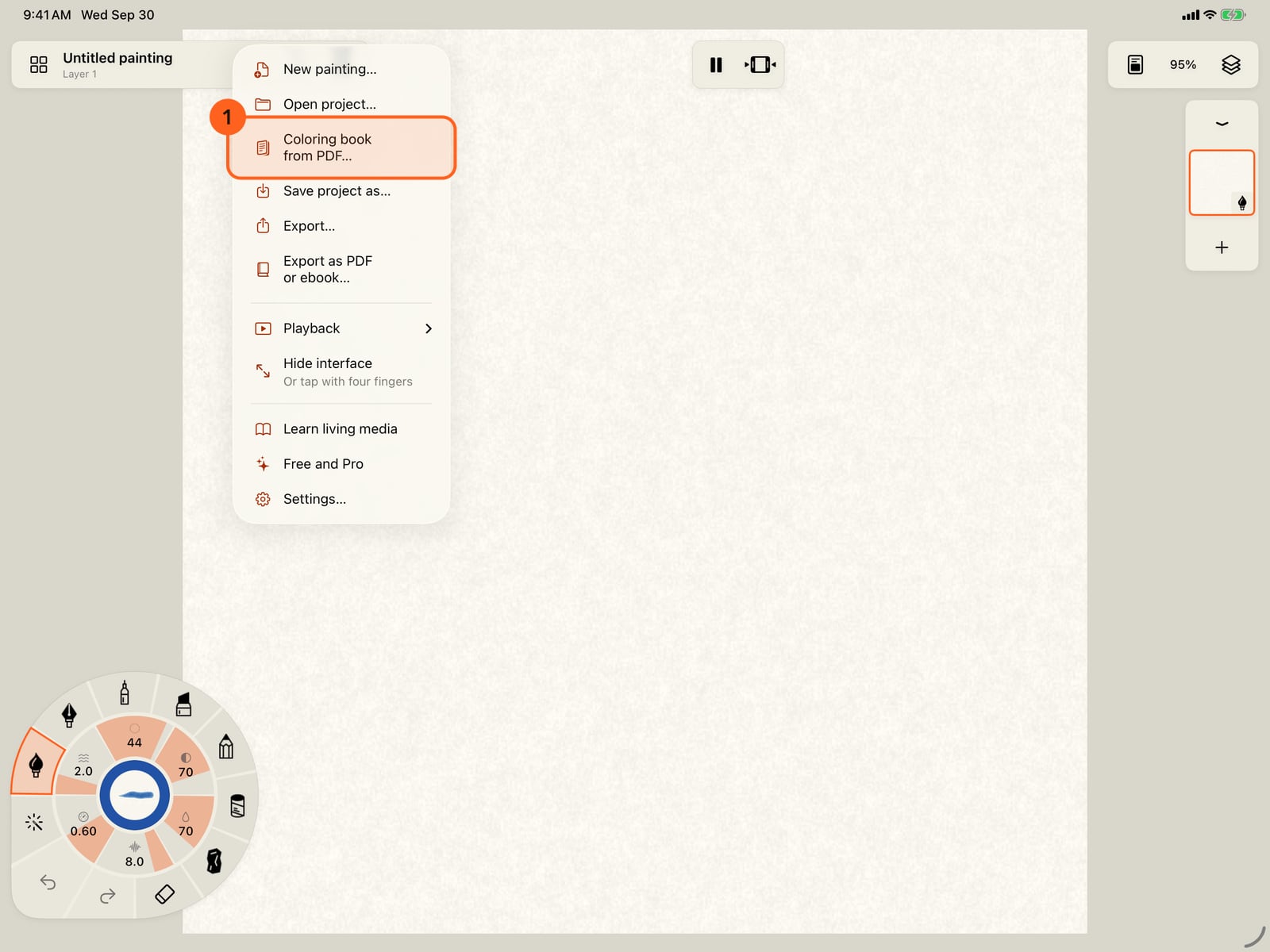
Open the Actions menu and choose Coloring book from PDF. It's also in the Gallery, under Start something new.
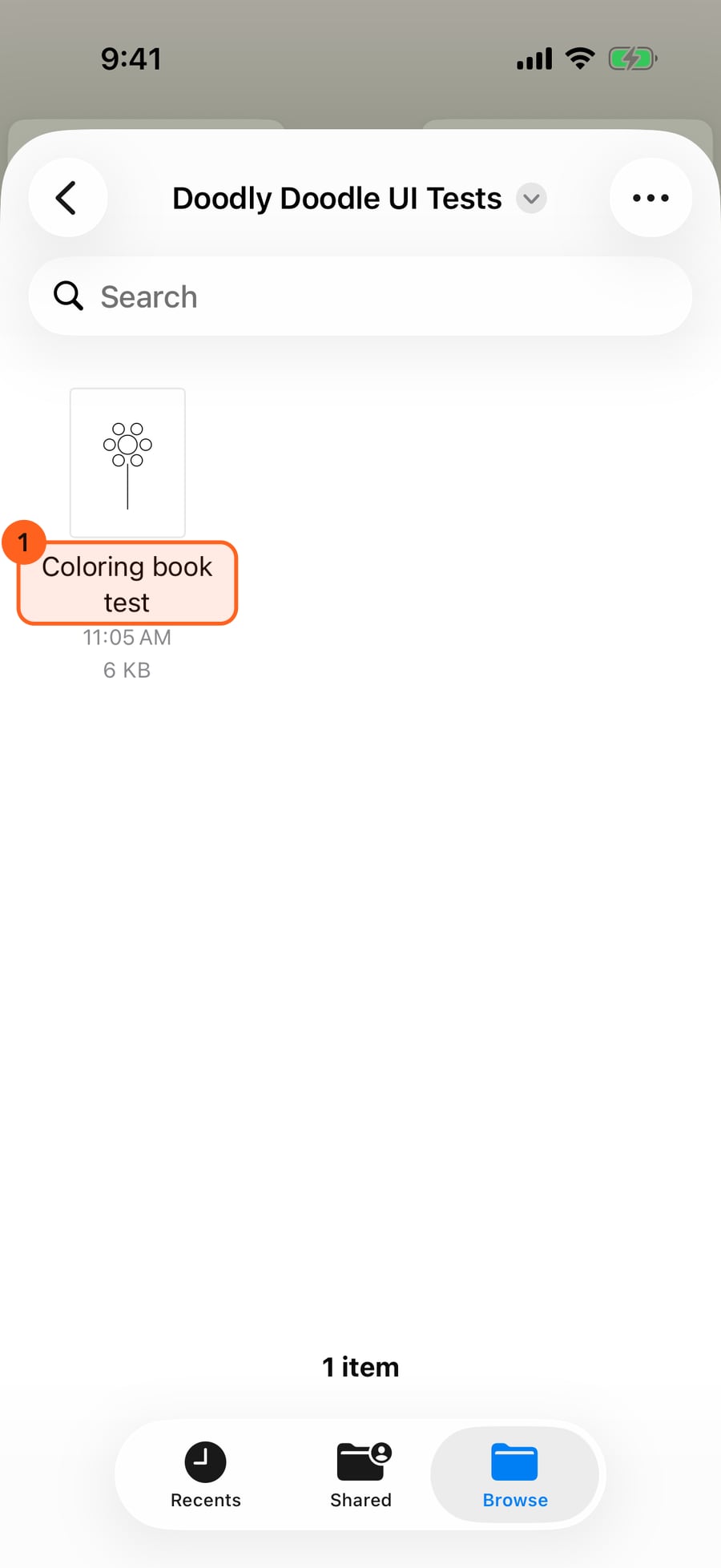
Find the PDF in Files.
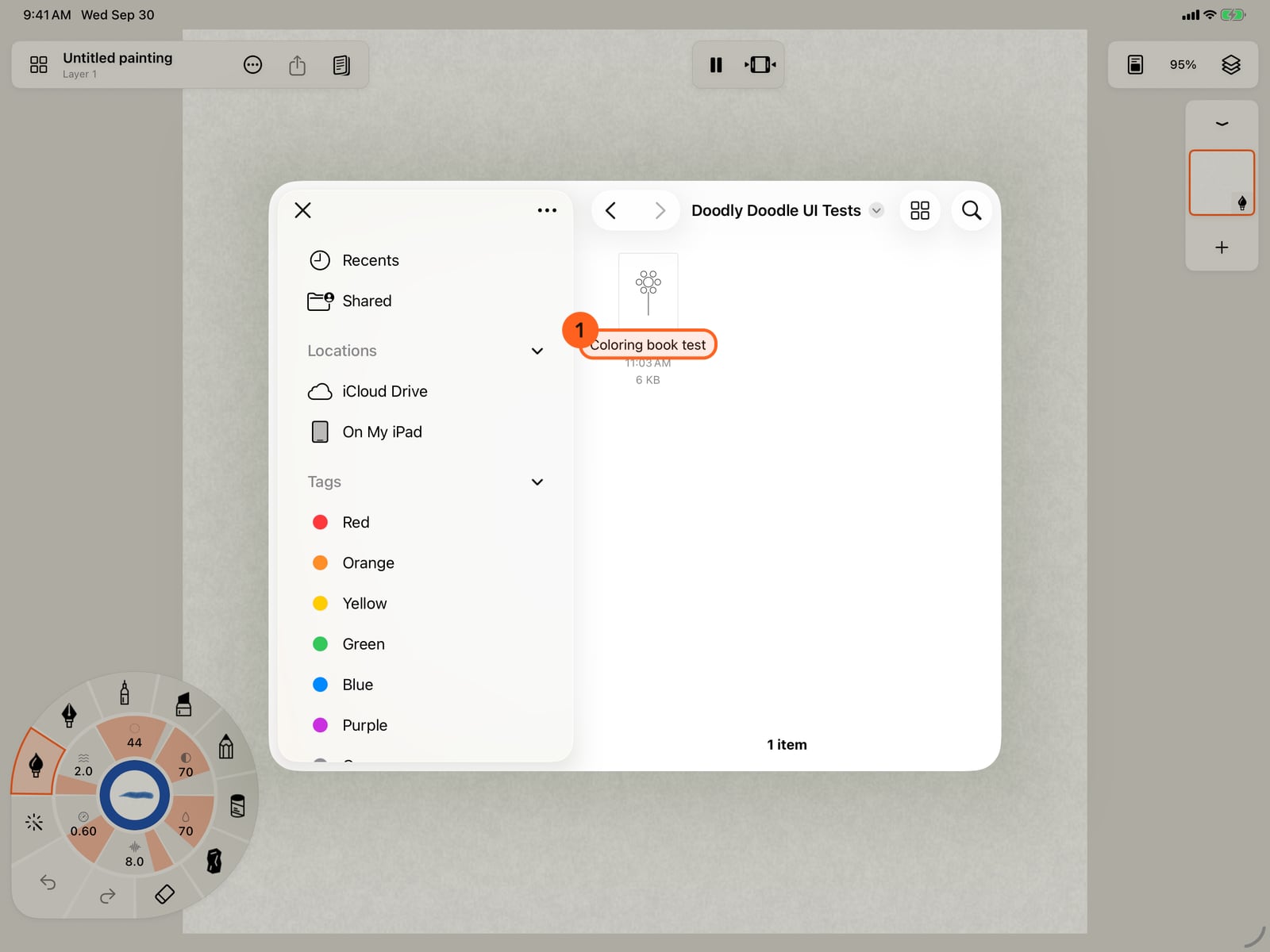
Find the PDF in Files.
Tap it. Each page of the PDF becomes a page of a new book, its lines on top and the areas between them found, with a watercolor layer underneath.
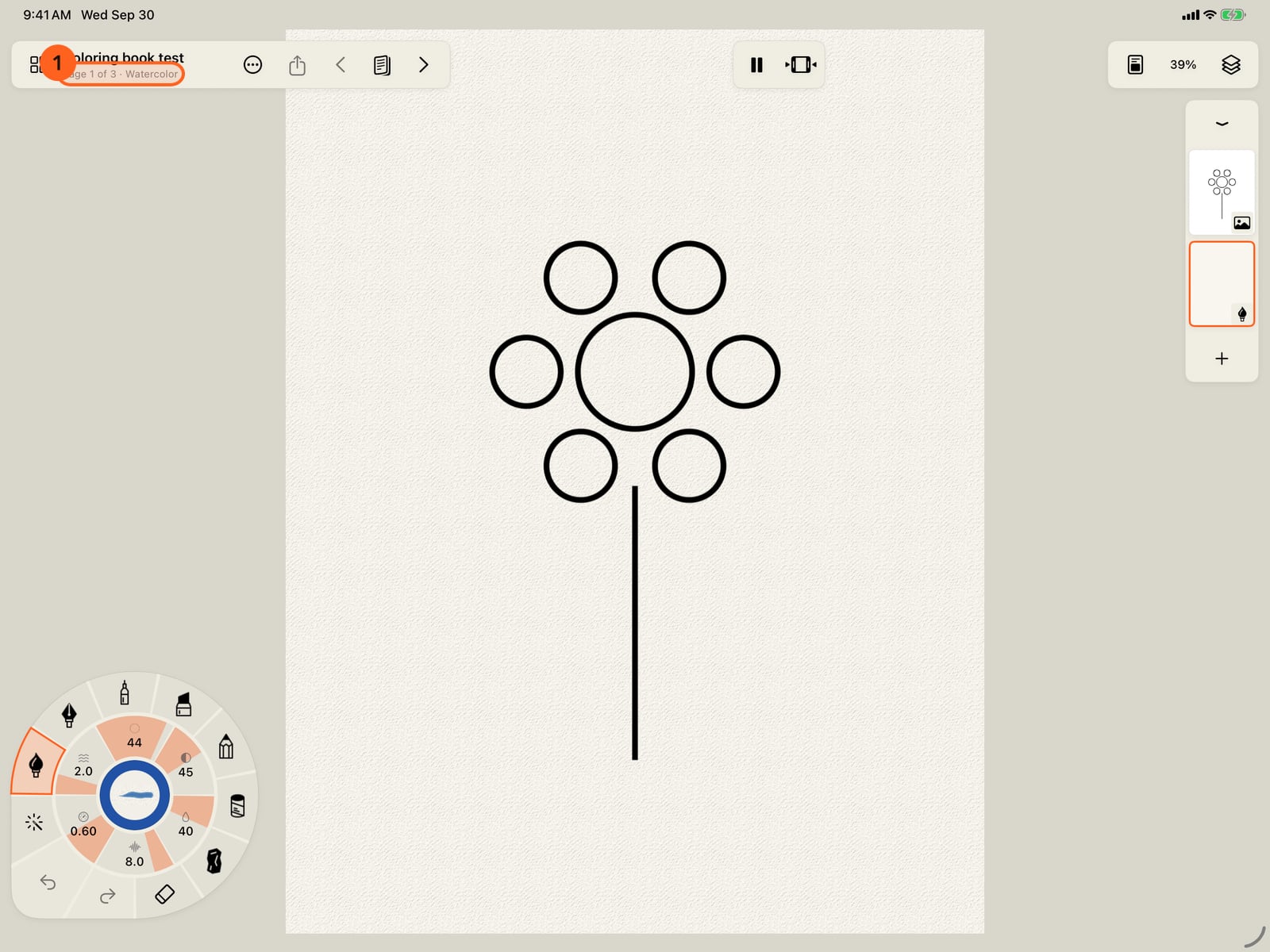
Tap it. Each page of the PDF becomes a page of a new book, its lines on top and the areas between them found, with a watercolor layer underneath.
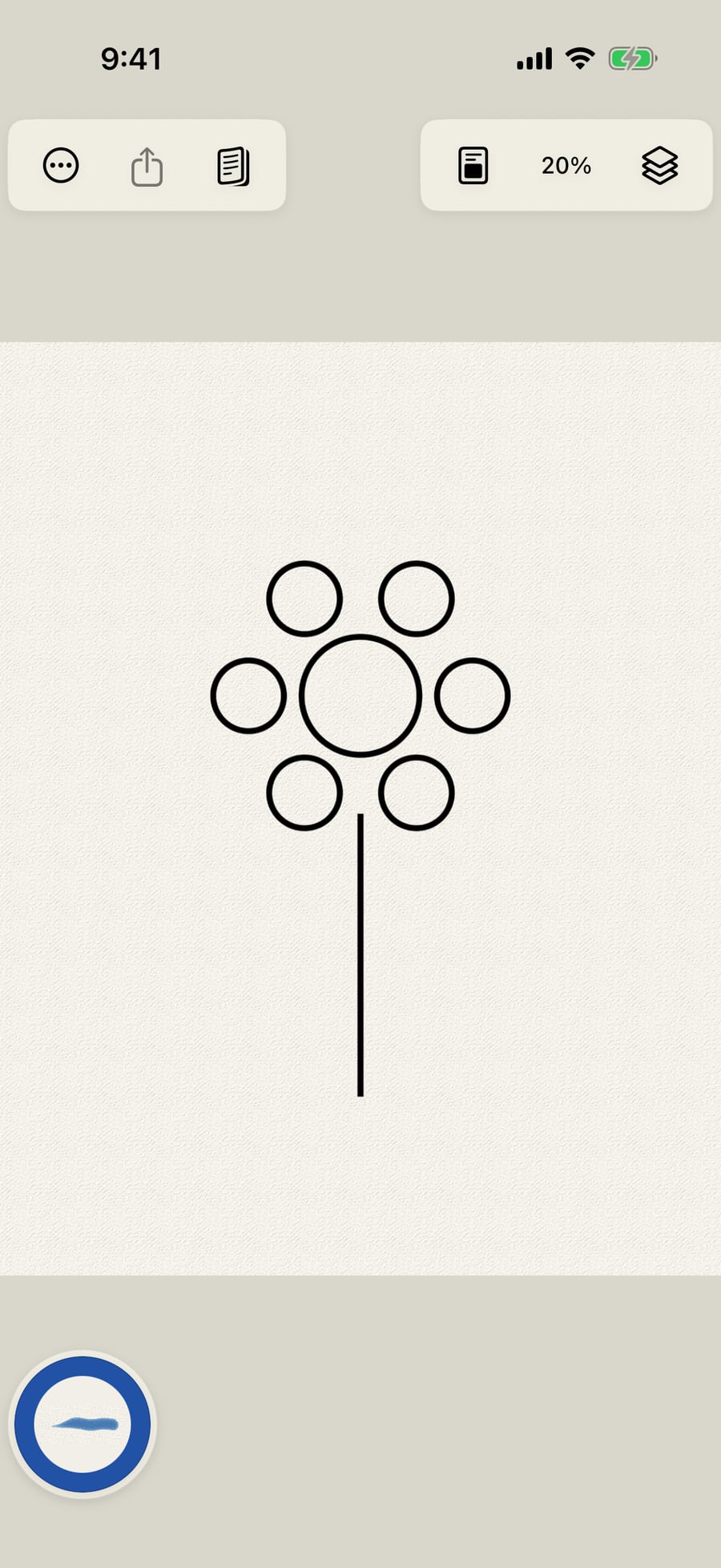
Click it. Each page of the PDF becomes a page of a new book, its lines on top and the areas between them found, with a watercolor layer underneath.
Paint across the flower. Each stroke stays inside the area where it starts, and the lines stay crisp on top.
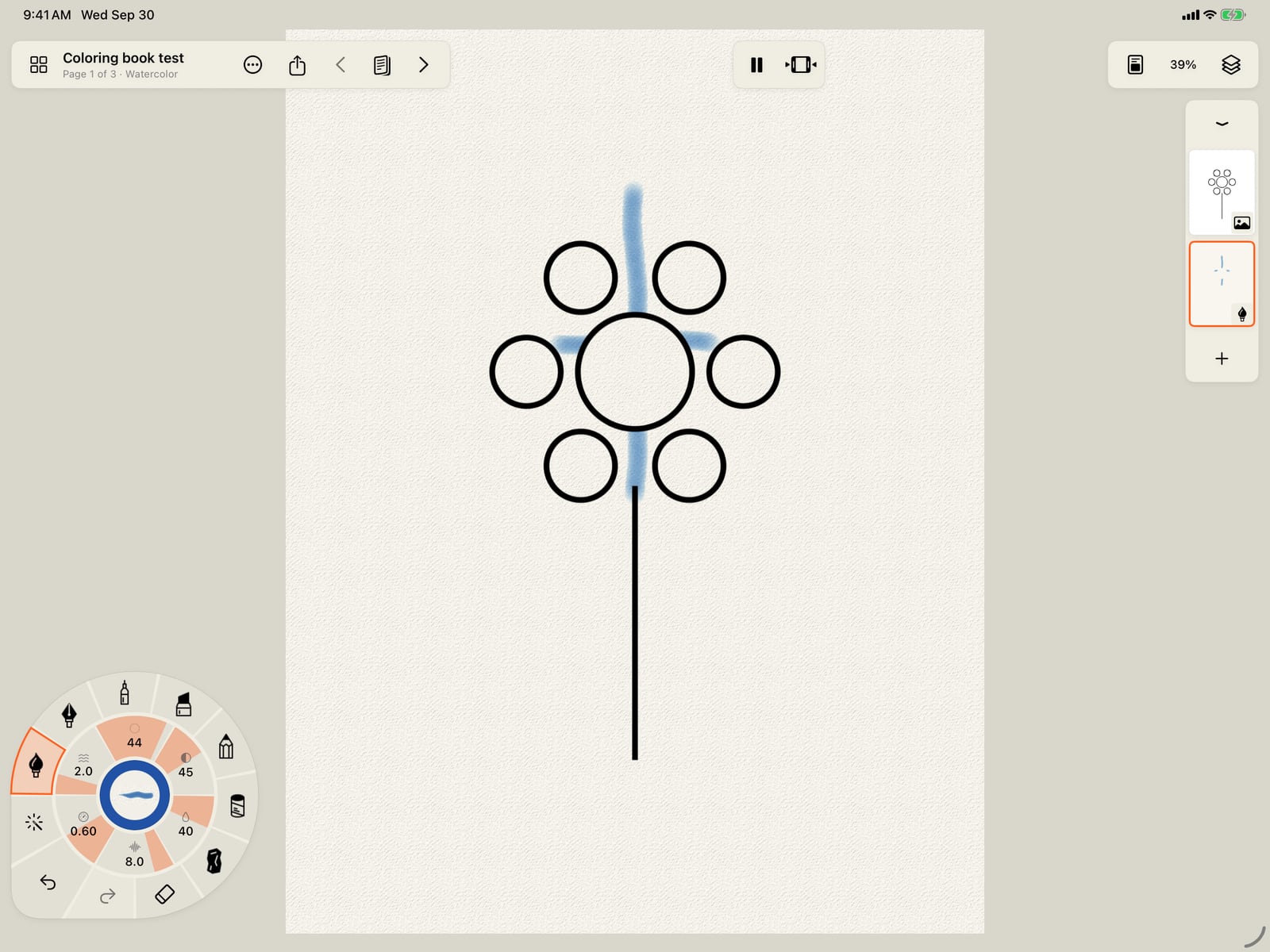
Paint across the flower. Each stroke stays inside the area where it starts, and the lines stay crisp on top.
Pages shows every page of the book. Tap one to colour it next.
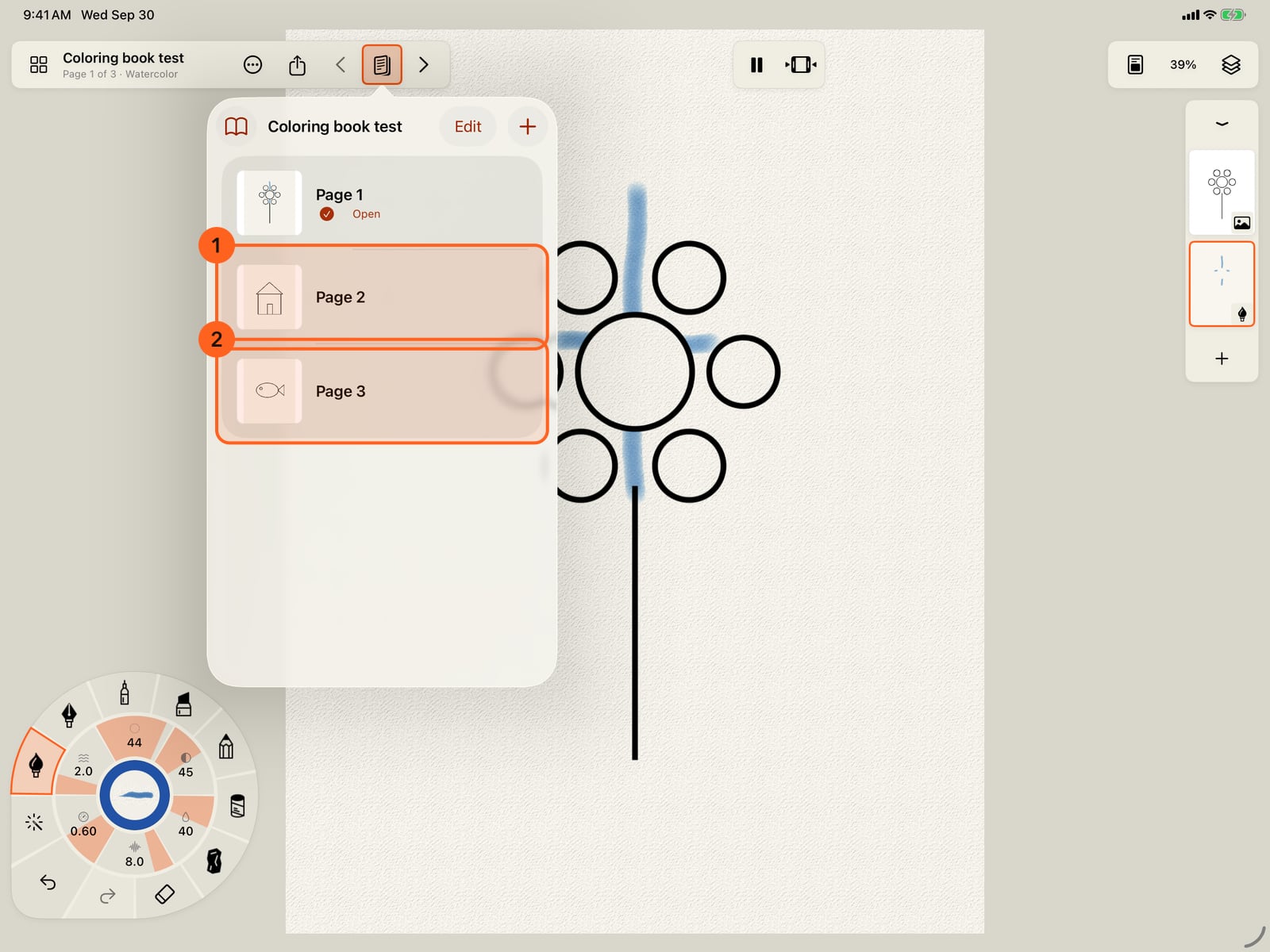
Pages shows every page of the book. Tap one to colour it next.
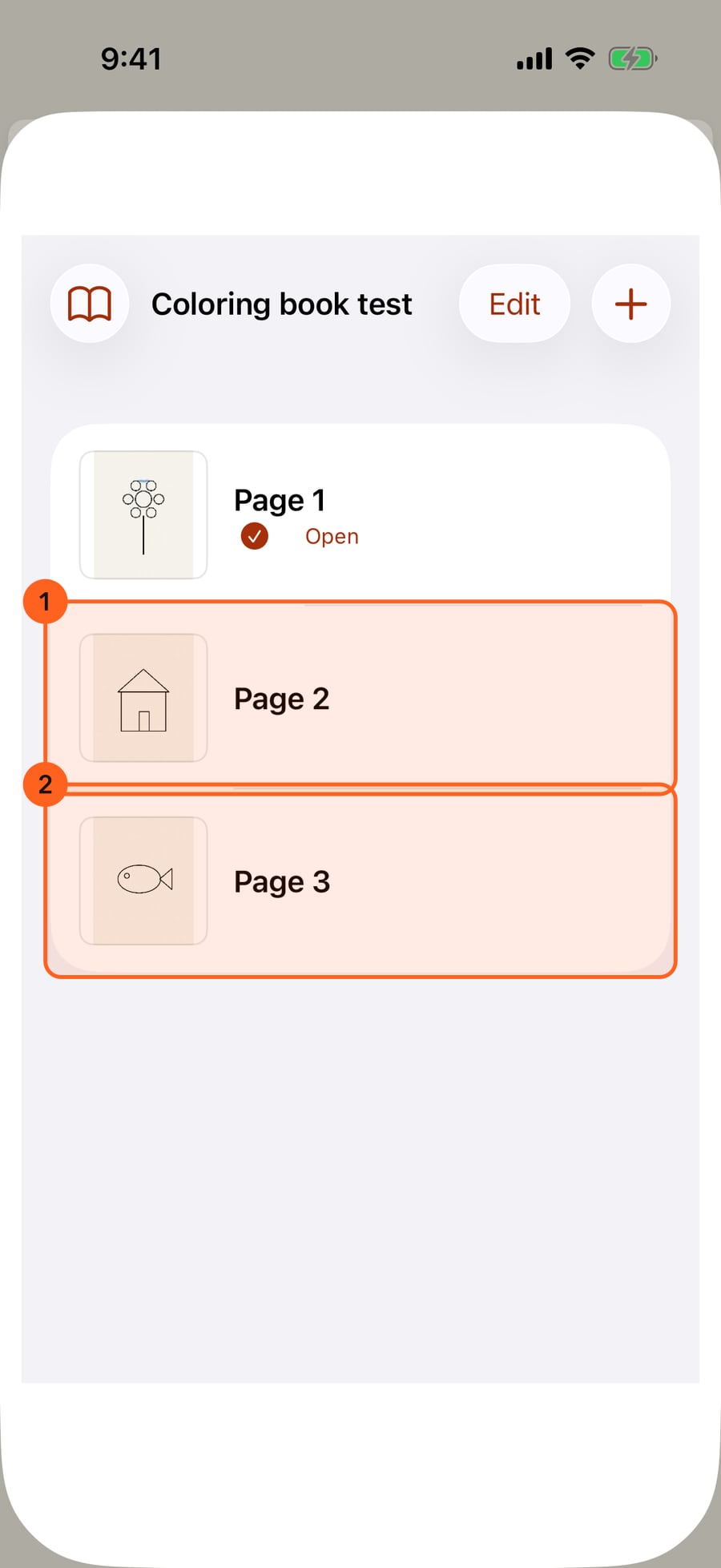
Pages shows every page of the book. Click one to colour it next.
From a PDF
Most coloring books you buy or download are PDFs. Choose Coloring book from PDF… in the Actions menu 1, or the Coloring book card in the gallery's Start something new, and pick the PDF. Open project… takes a PDF the same way.
Each page of the PDF becomes a page of a new book, named after the file:
- the page's picture, 2480 pixels on its long side (A4 at 300 DPI), on an image layer at the top in Multiply, so its lines show over your paint;
- the areas its lines enclose, found as a colouring page finds them;
- a Watercolor layer underneath to paint on, on cold press cotton paper.
Inside the lines turns on, so each stroke stays in the area where it starts. Choose area, fills and every medium work as on any colouring page. Change the medium of the paint layer, or add layers, as you like.
A PDF of up to 200 pages comes in at once. For a longer one, split it first.
Packs
Coloring packs that come with the app appear in the gallery under Start something new. Opening one starts your own copy, as a book. A pack can bring its own palette, shown first in the colour panel while you paint its pages.
Tip: Lines that don't quite close leave two areas joined. Paint there with Inside the lines off, in the Canvas and paper menu.
Pro: Coloring books are Free.
Something not behaving as expected?
Visit support or write to [email protected].