

Guides / Export and share
PDF, ebook and web page
Export a book, or one painting, as a PDF for print, an EPUB ebook or a single web page, with the pages moving where the reader can play them.
Here is a book of two pages, A quiet breeze and a page added after it.
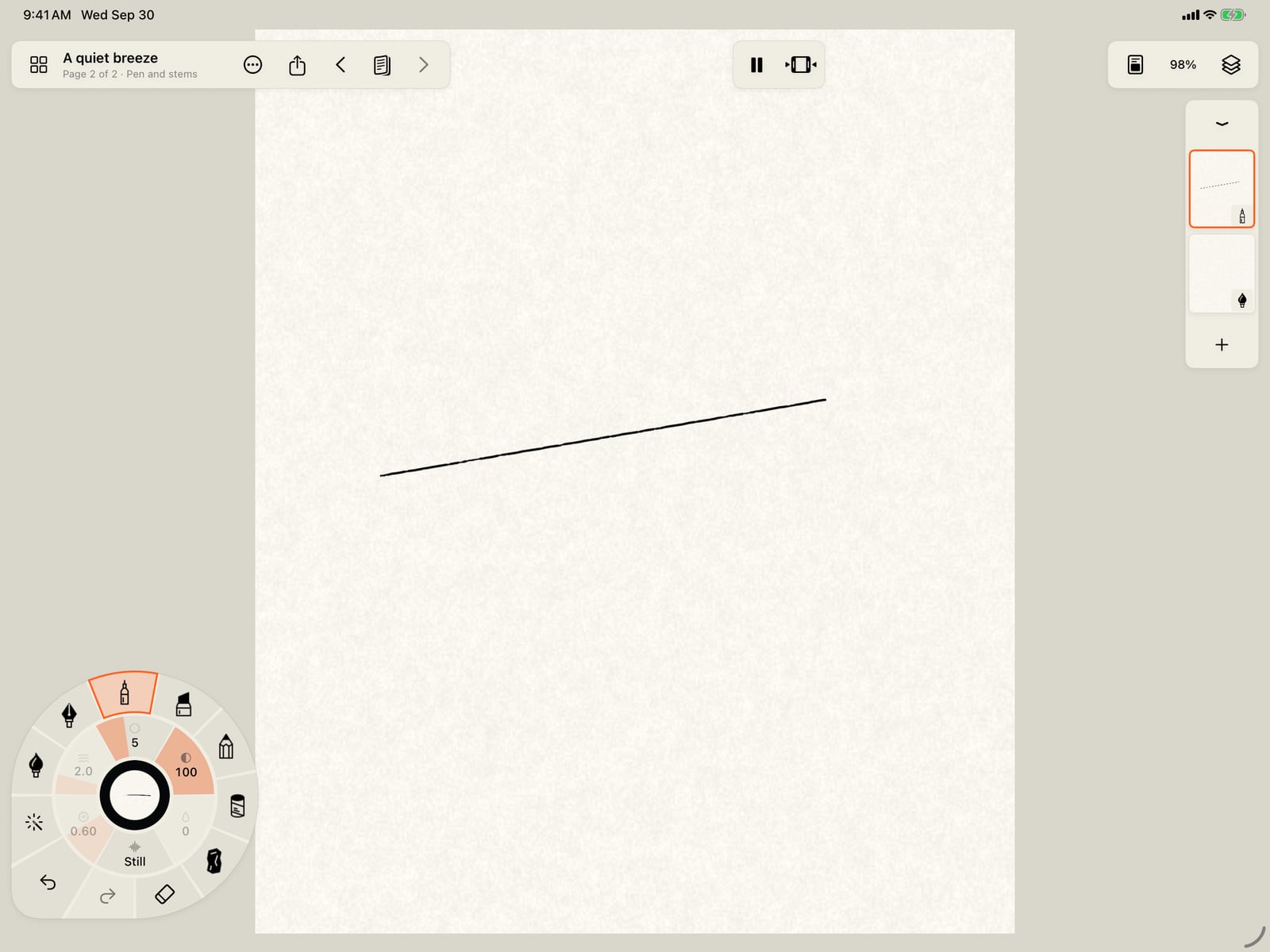
Here is a book of two pages, A quiet breeze and a page added after it.
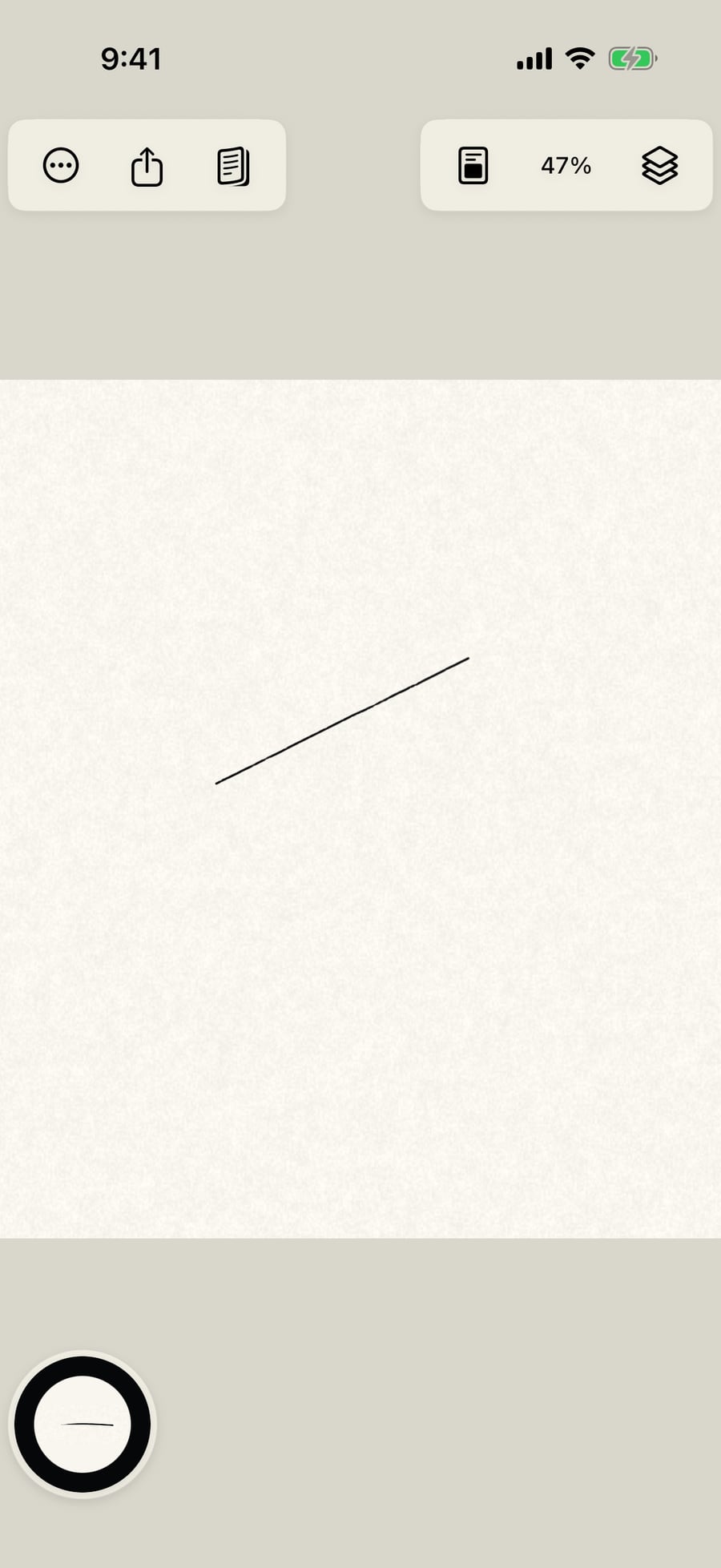
Open Pages, tap Add page, and choose Export book. It's in the Actions menu too.
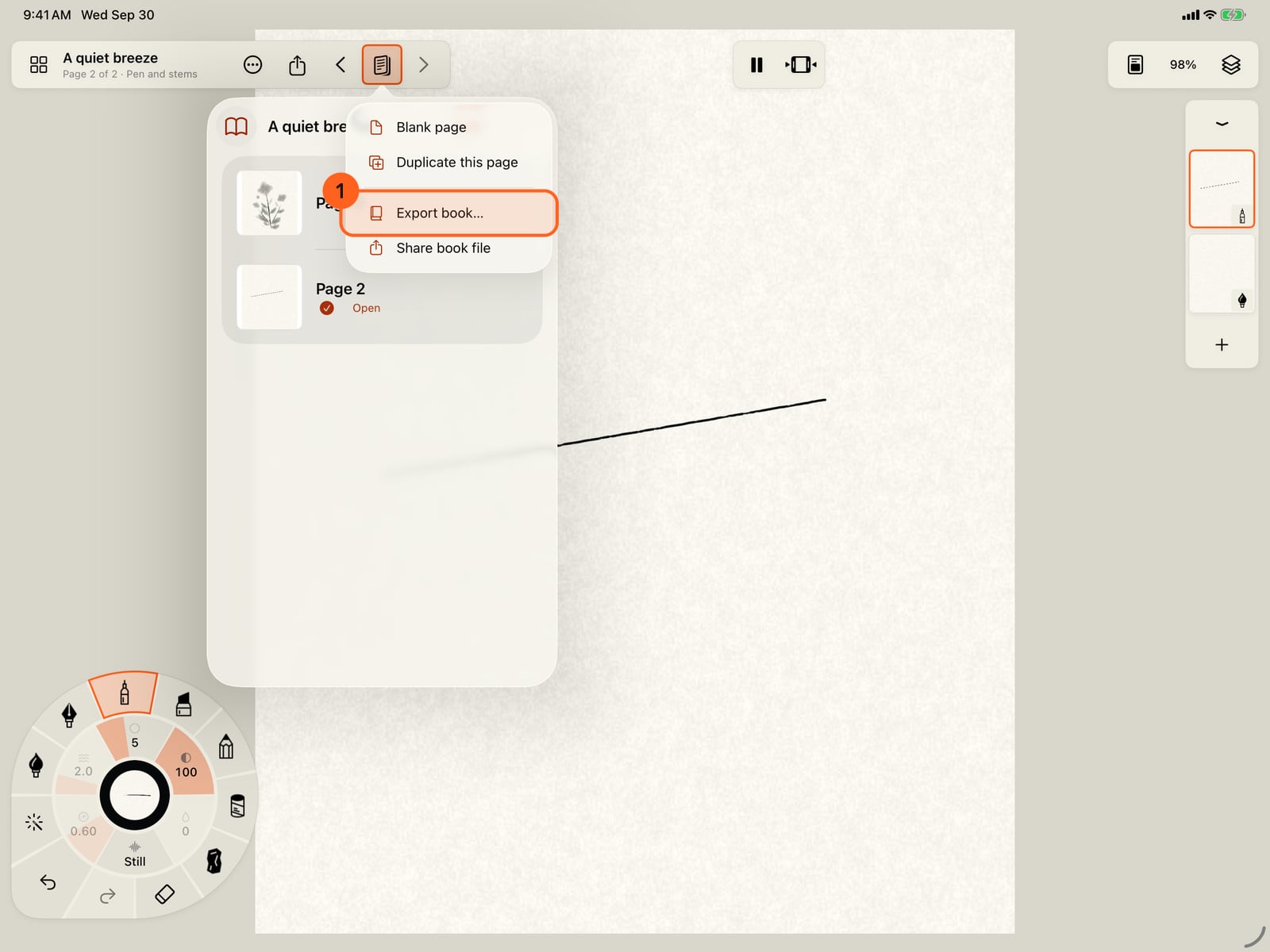
Open Pages, tap Add page, and choose Export book. It's in the Actions menu too.
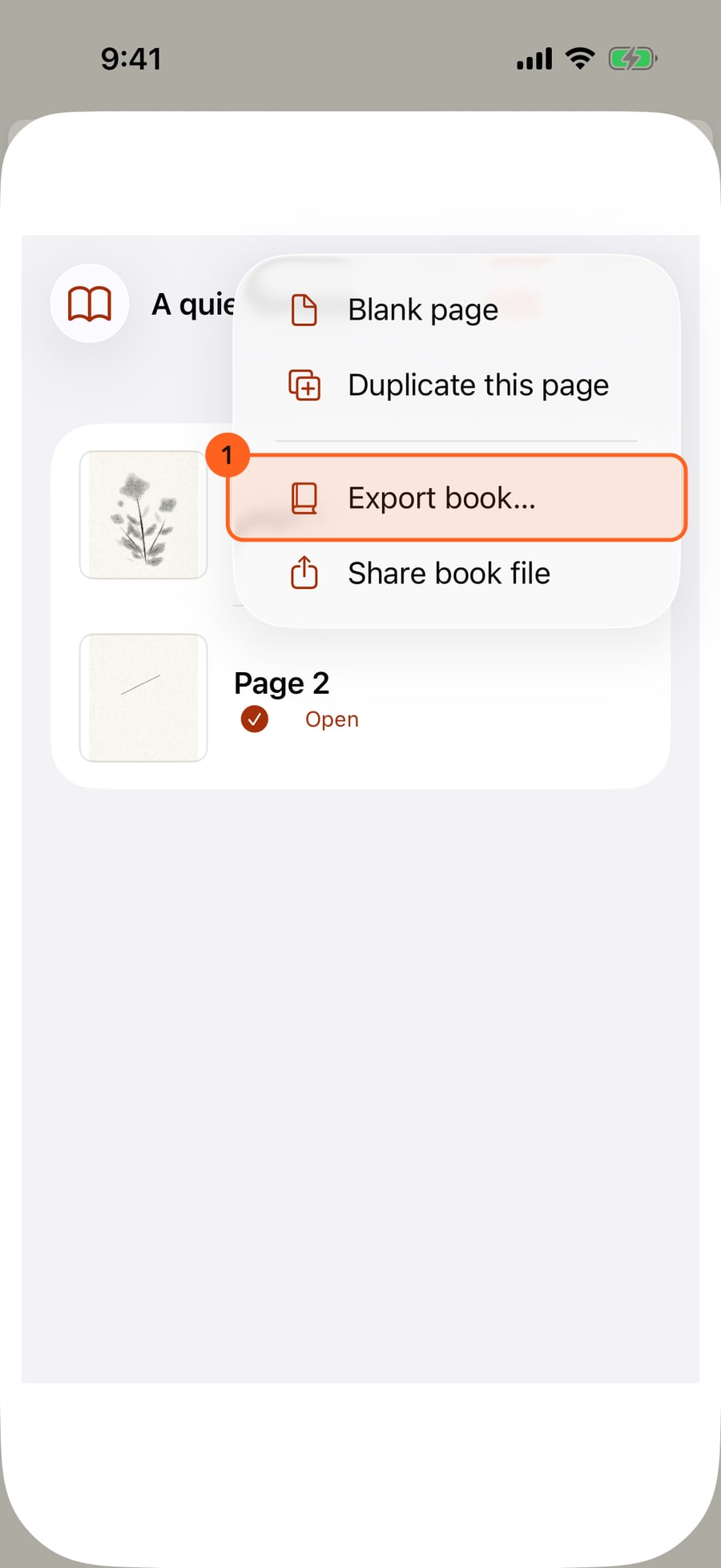
Open Pages, click Add page, and choose Export book. It's in the Actions menu too.
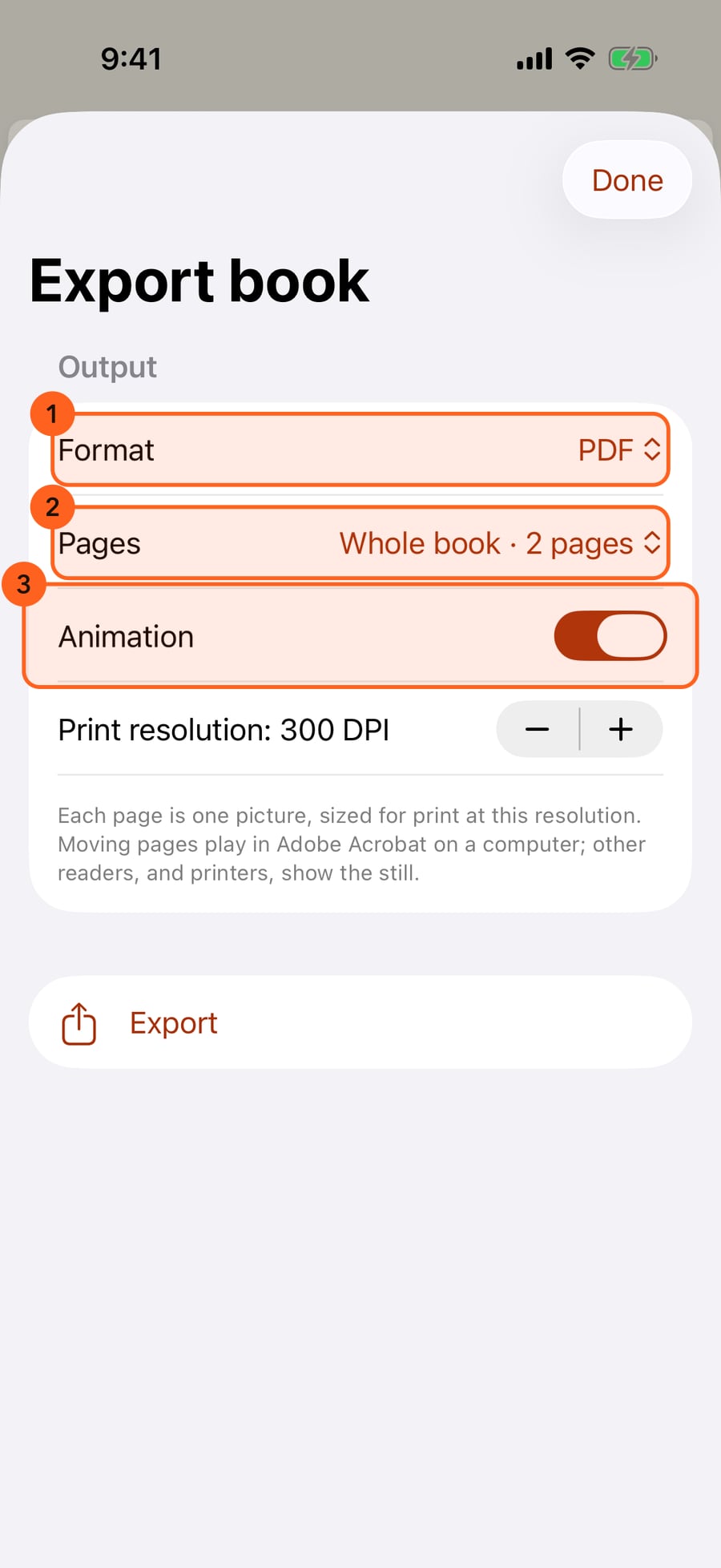
Choose PDF, EPUB ebook or Web page, the whole book or just this page, and whether the pages move.
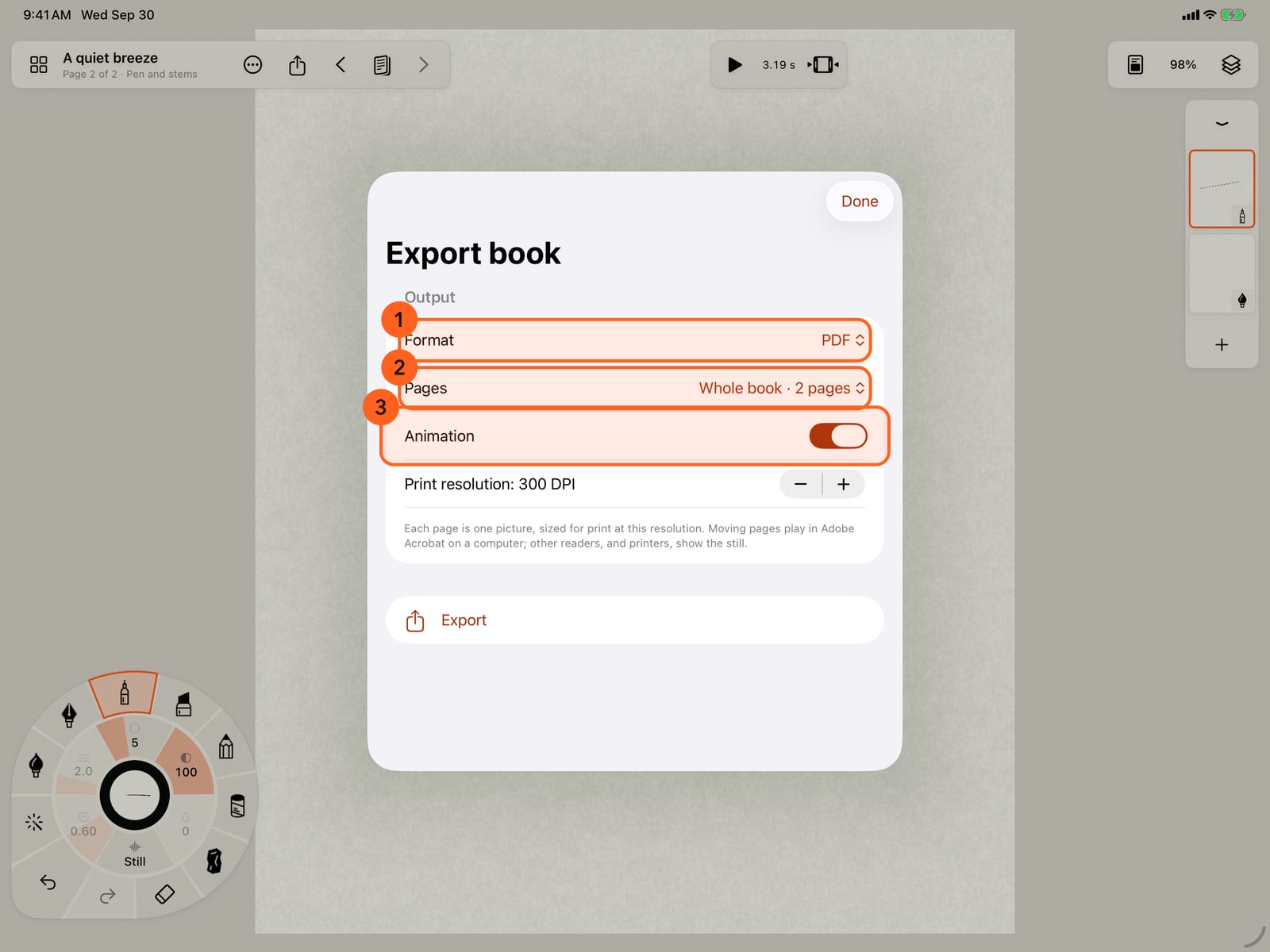
Choose PDF, EPUB ebook or Web page, the whole book or just this page, and whether the pages move.
Tap Export. When it's done, share the file, or find it in Files, in Doodly Doodle, Exports.
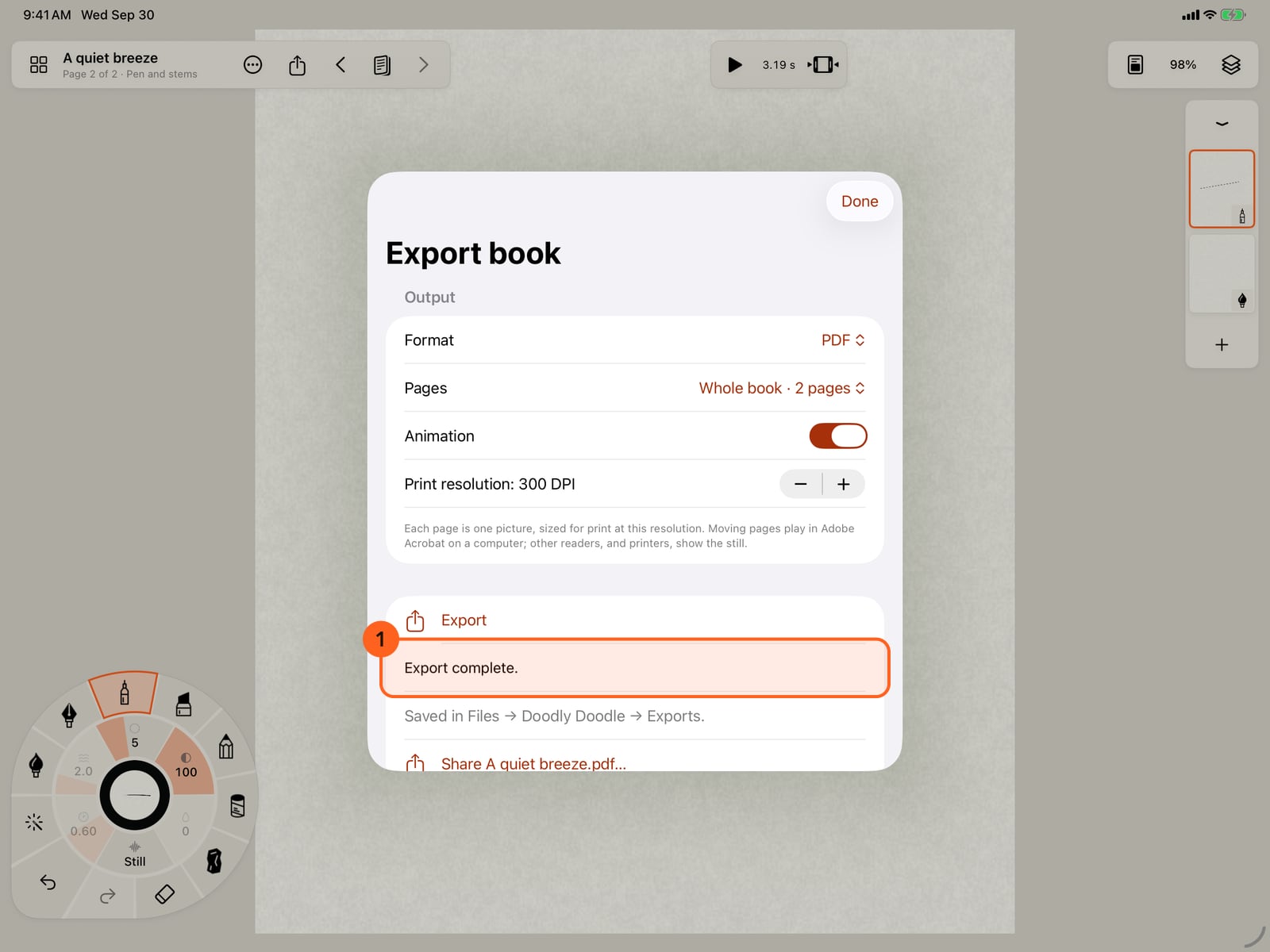
Tap Export. When it's done, share the file, or find it in Files, in Doodly Doodle, Exports.
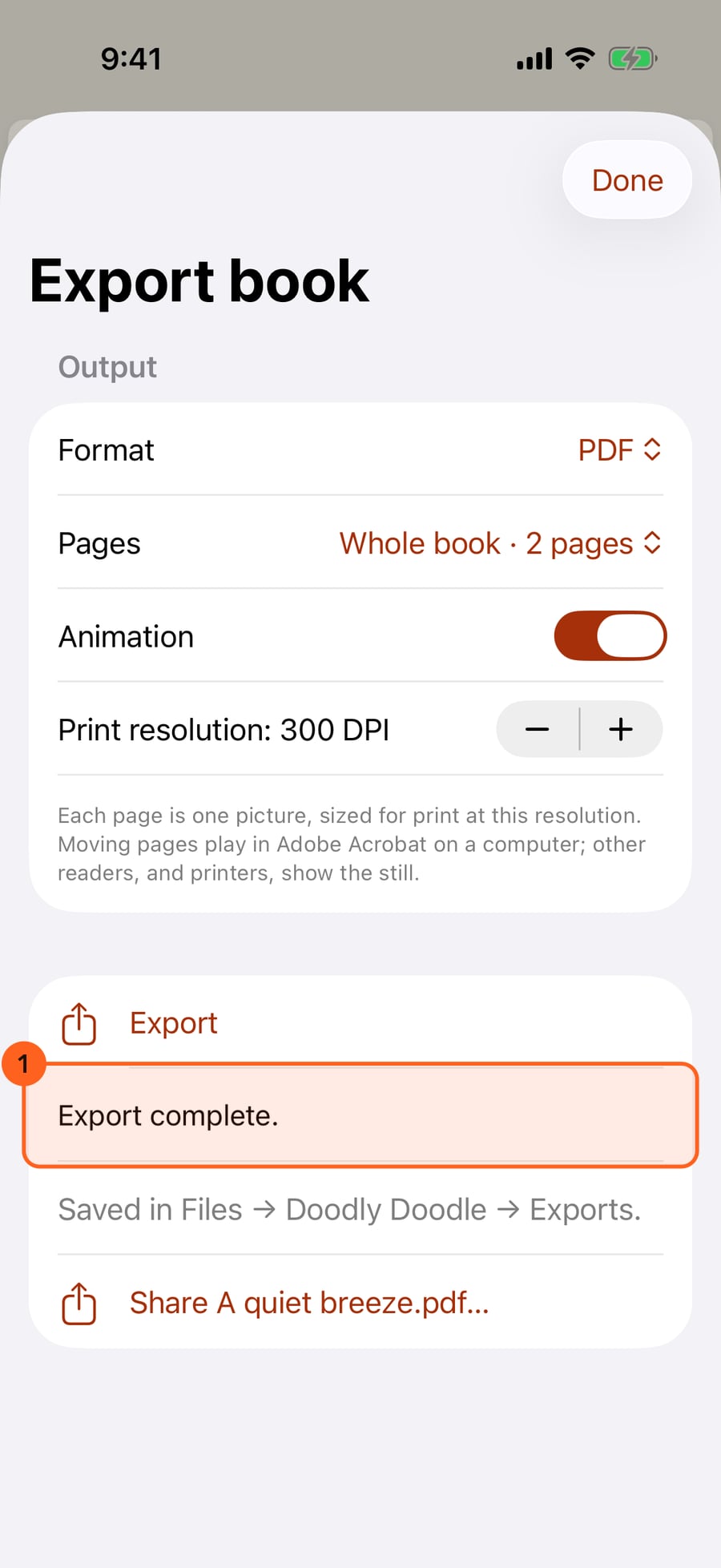
Click Export. When it's done, share the file, or find it in Files, in Doodly Doodle, Exports.
Three kinds of document
Open Pages → Add page → Export book… 1, or Actions → Export book…. For a painting that isn't a book, the same choice reads Export as PDF or ebook….
- PDF: each page is one picture, sized for print at the Print resolution you choose. A page of 2480 × 3508 pixels at 300 DPI prints as A4. With Animation on, each moving page also carries its motion as a short looping video, over the still picture. Adobe Acrobat on a computer plays it; other readers, and printers, show the still.
- EPUB ebook: one painting to a page, laid out as the page is (fixed layout). Moving pages play in Apple Books, looping; readers that can't play video show the still.
- Web page: one
.htmlfile with every page inside. It opens in any browser on any device, with the pages playing. Turn pages with the buttons, the arrow keys or a swipe. Send it by AirDrop or email, or put it on a website.
Pages 2: the whole book, or only the page you are on. Animation 3: whether moving pages move. Each page shows the pose it was left in; its motion loops for as long as it takes to repeat (up to 20 seconds). A page that doesn't move is a still picture in every format.
The file is saved in Files → Doodly Doodle → Exports, and Share sends it on.
Tip: For the widest reach, export the web page. It is the one format that plays everywhere. The PDF is best for printing, and the EPUB for reading on iPad and iPhone in Apple Books.
Pro: Books and their stills are Free in every format, and so is one page with its motion. A book with its pages moving is Pro: in Free, Export the stills turns Animation off.
Something not behaving as expected?
Visit support or write to [email protected].