

Guides / Export and share
Share and export
Send a still or a loop in one tap, or export an image, video, time-lapse or layered file with Export….
Your painting saves itself as you go. When it's ready to share, look to the top bar.
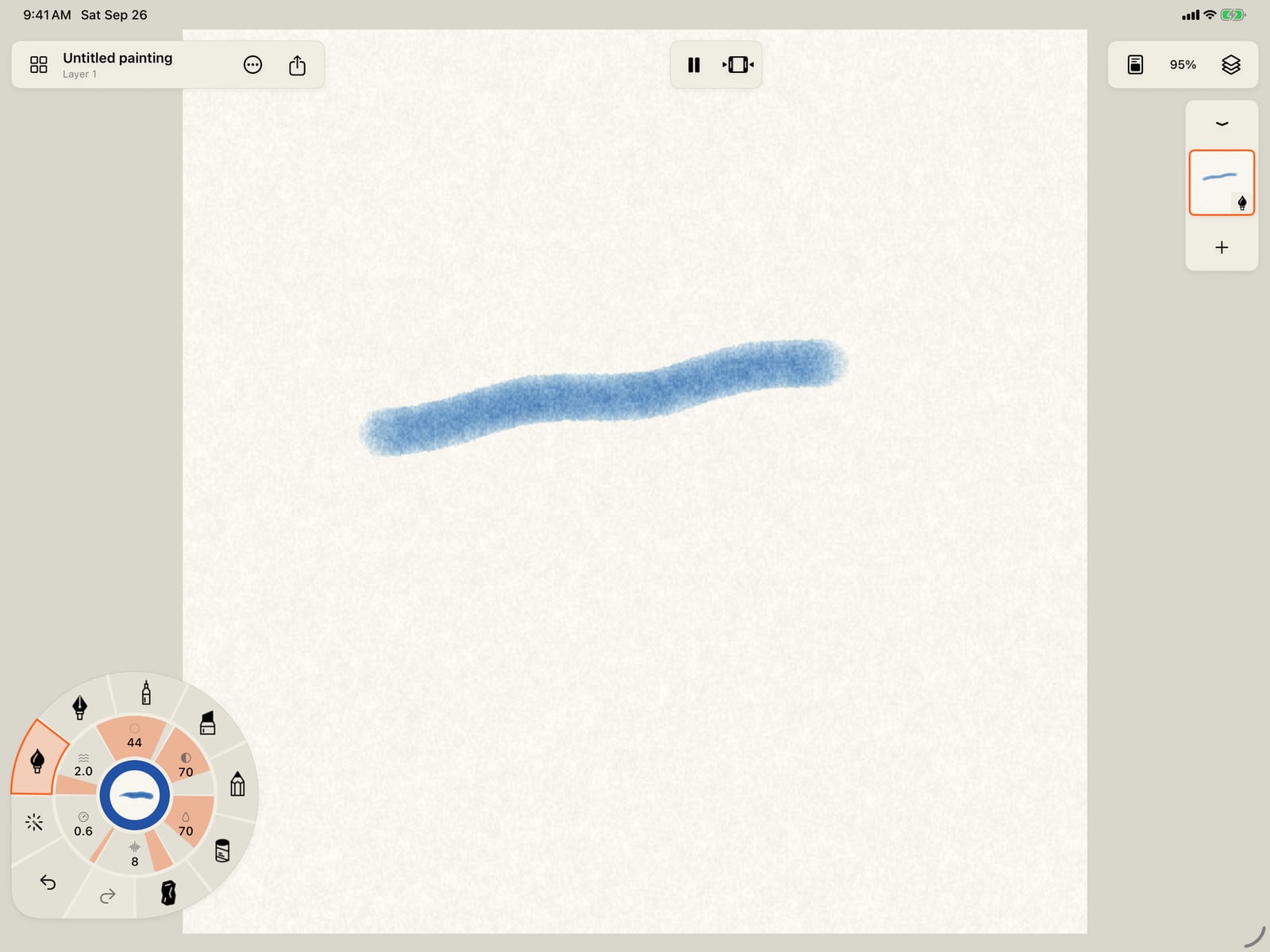
Your painting saves itself as you go. When it's ready to share, look to the top bar.
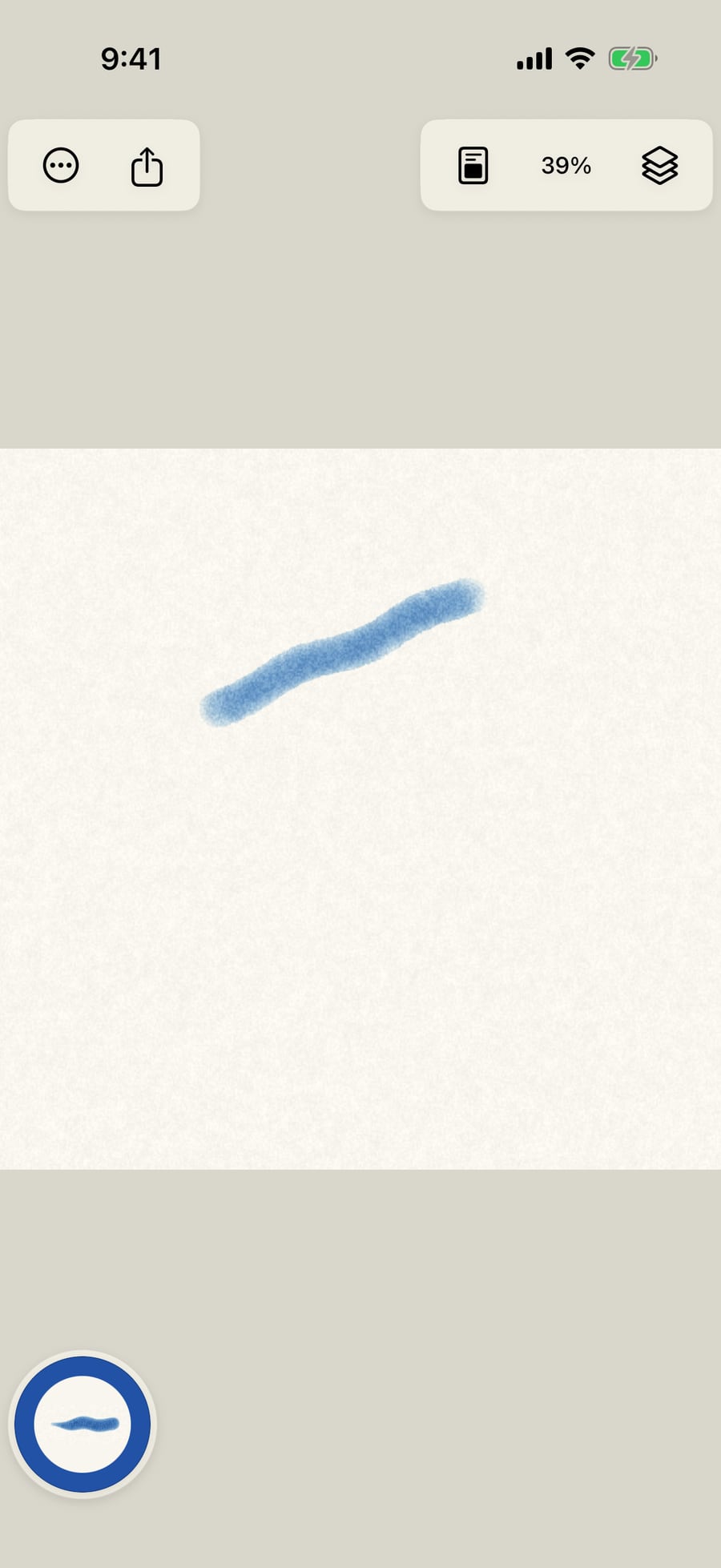
Tap Share. Share image sends a still at the canvas size, and Share loop sends the painting's motion as a short video.
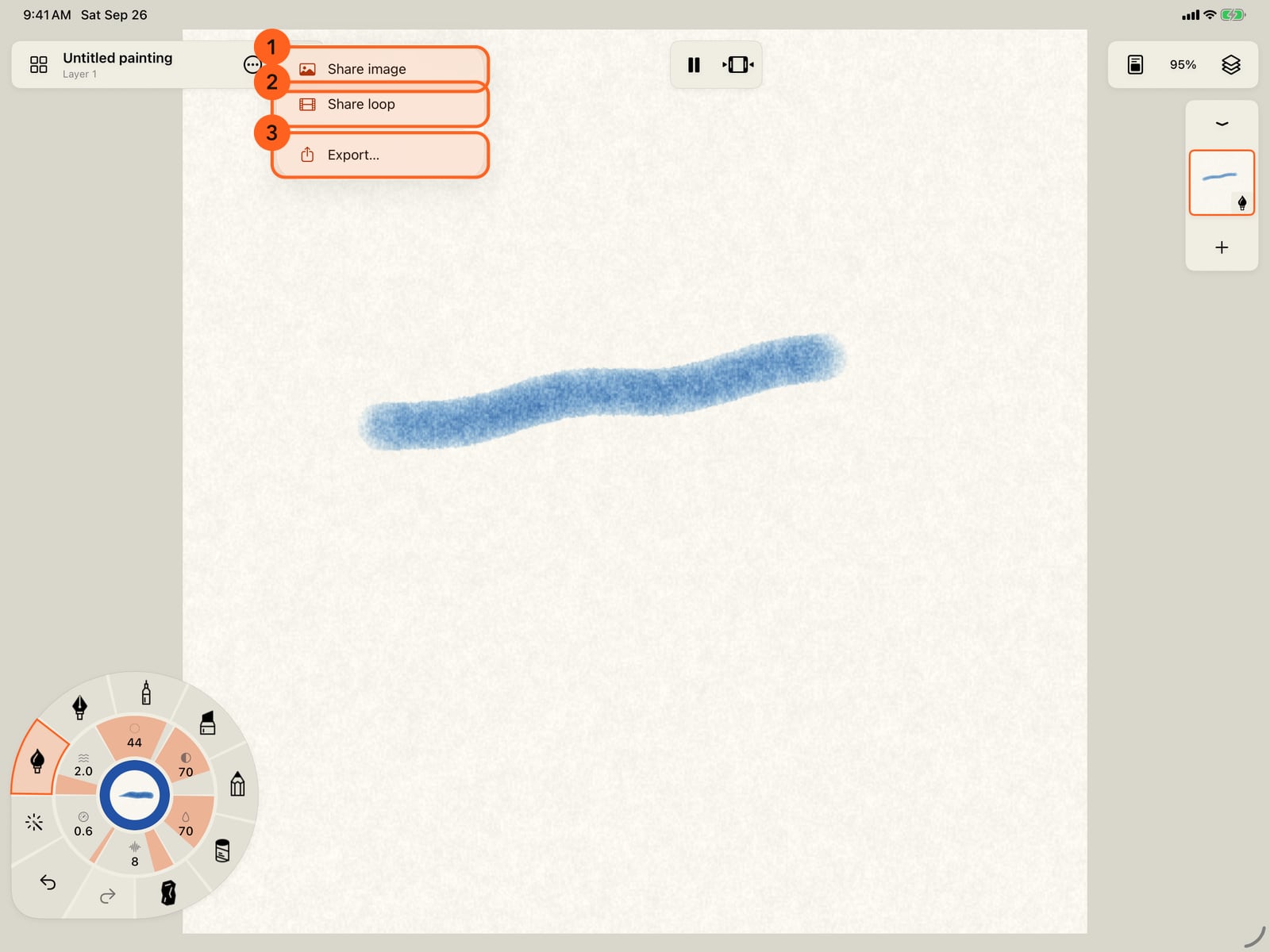
Tap Share. Share image sends a still at the canvas size, and Share loop sends the painting's motion as a short video.
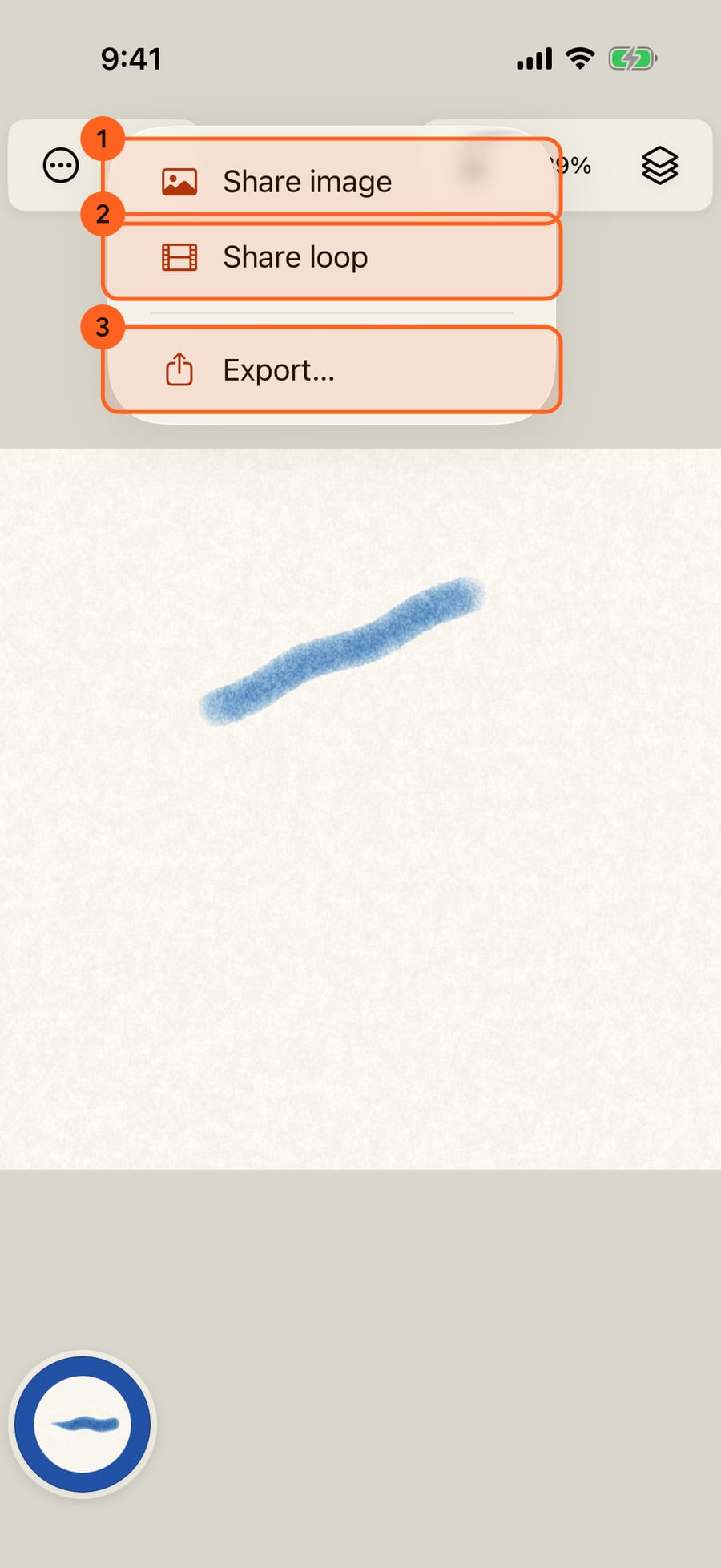
Click Share. Share image sends a still at the canvas size, and Share loop sends the painting's motion as a short video.
For more choices, tap Export. The format decides the rest of the options.
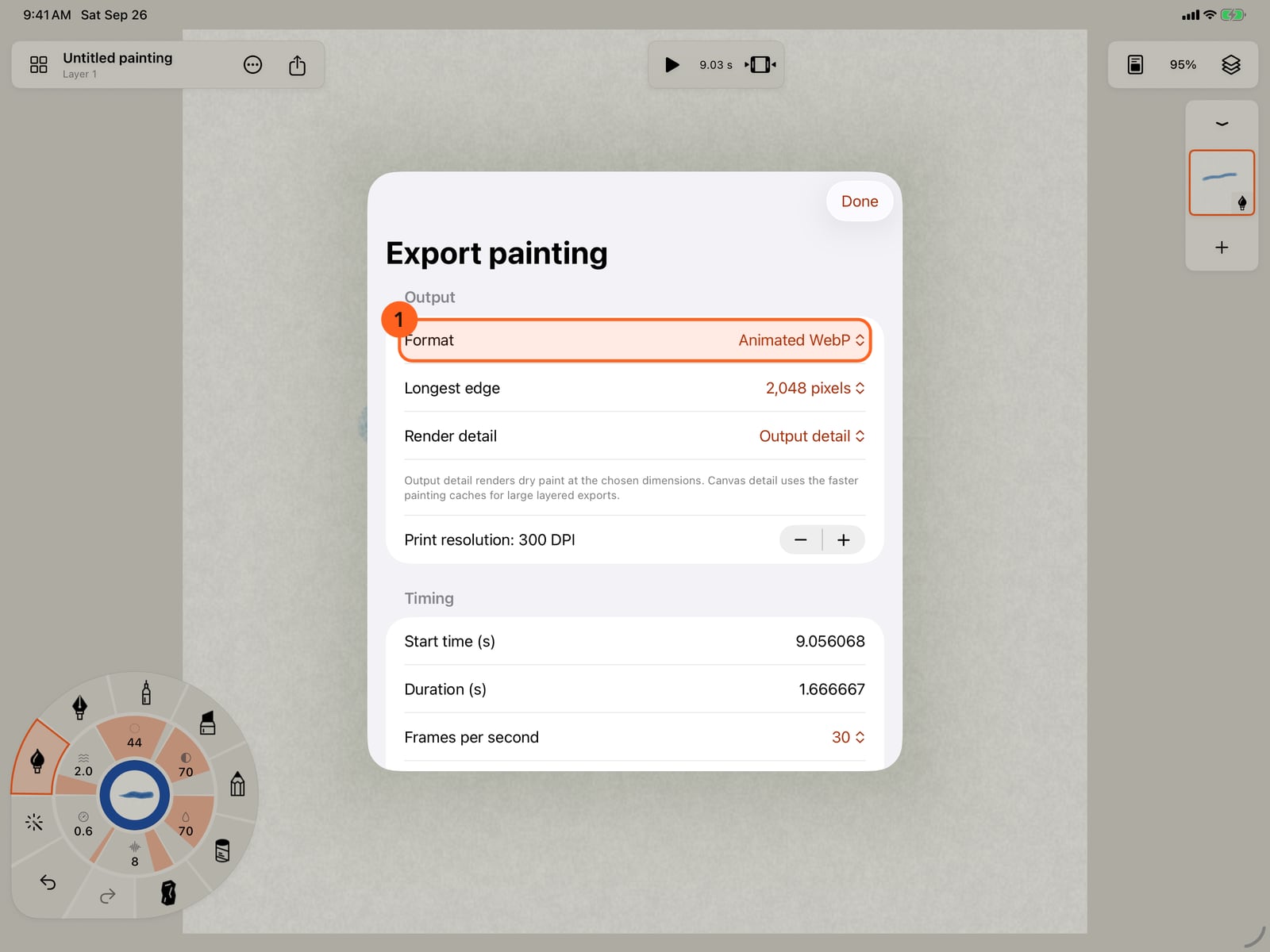
For more choices, tap Export. The format decides the rest of the options.
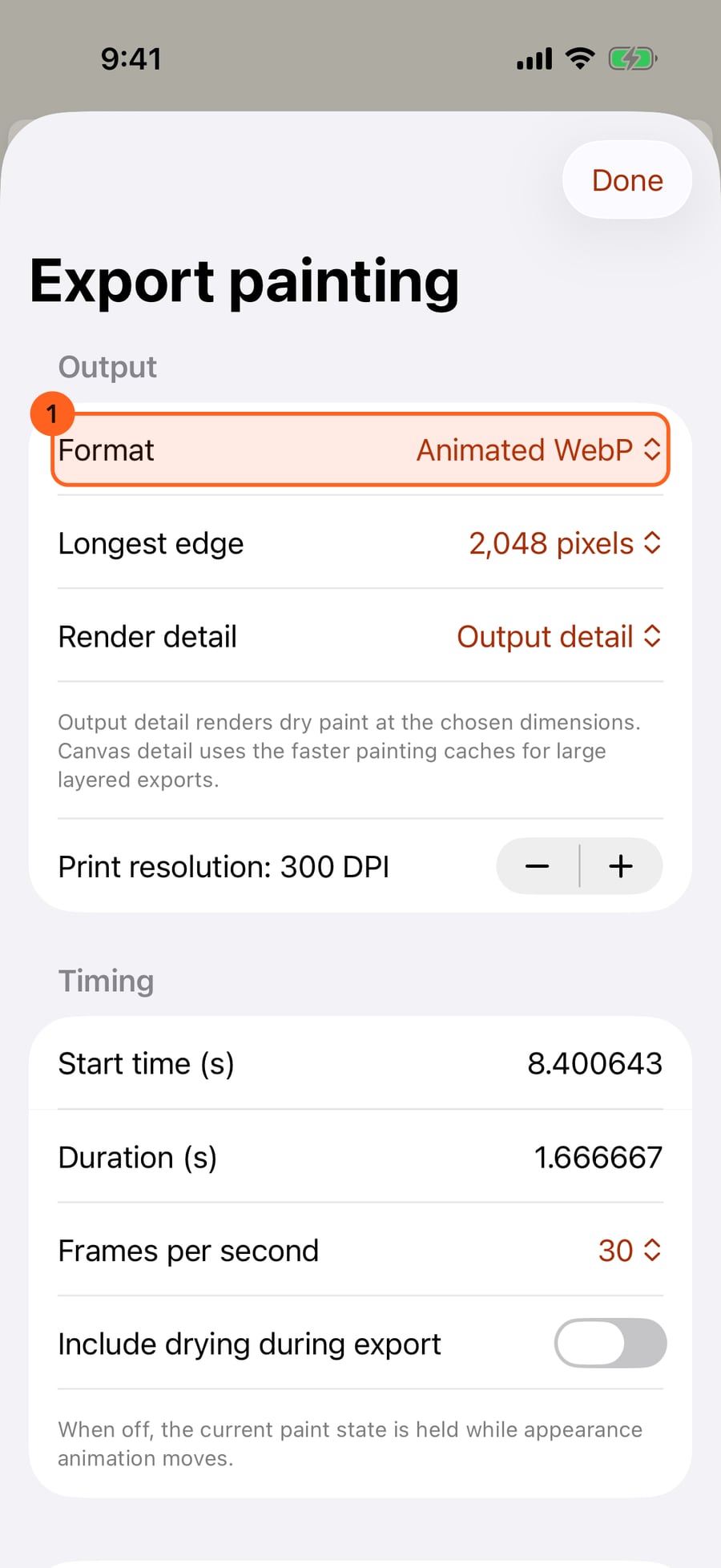
For more choices, click Export. The format decides the rest of the options.
Export opens on WebP, animated when your painting moves. You can also choose another still image, a video or GIF, a time-lapse of the painting taking shape, a soundtrack, or layers as a Photoshop file.
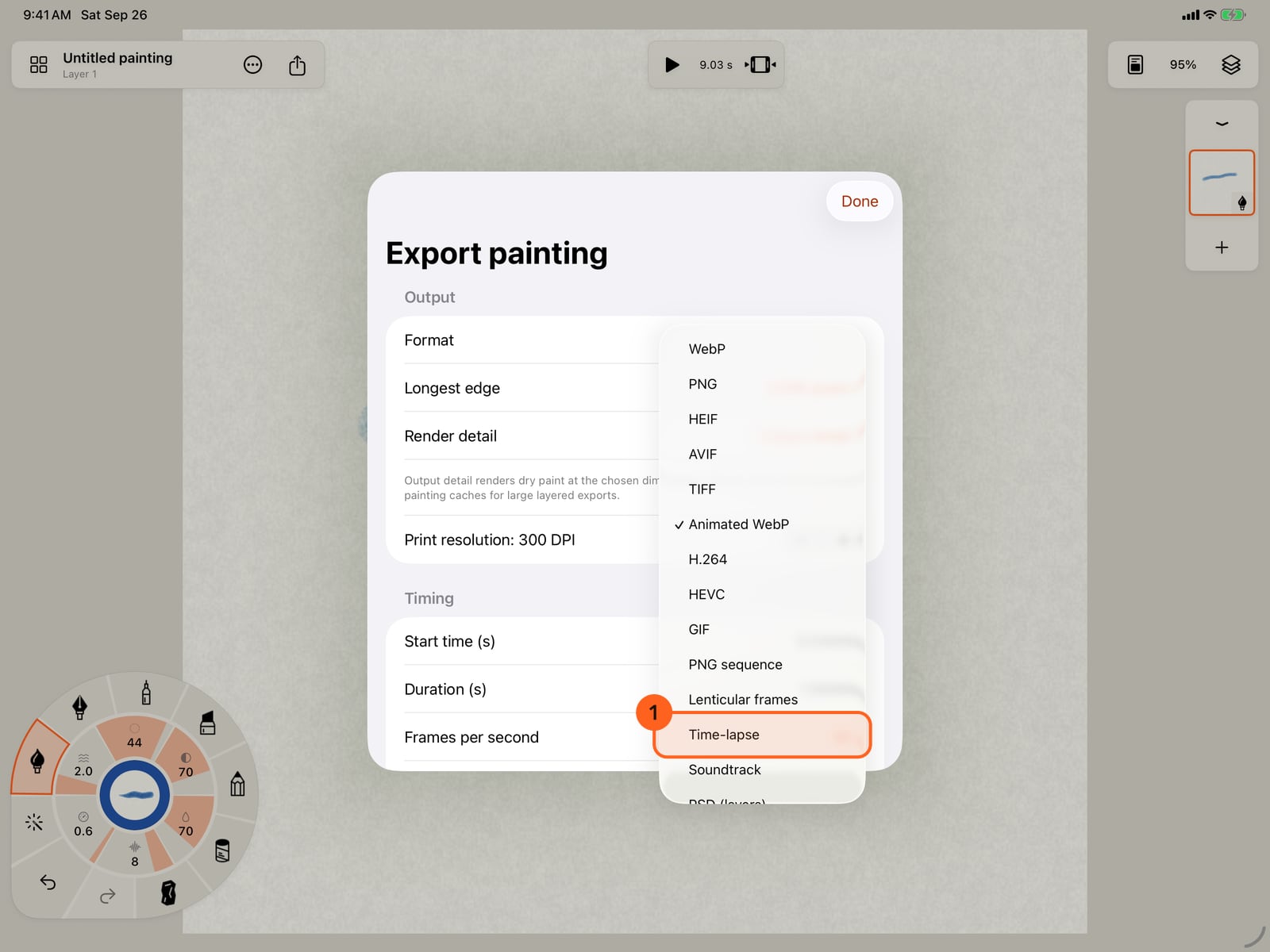
Export opens on WebP, animated when your painting moves. You can also choose another still image, a video or GIF, a time-lapse of the painting taking shape, a soundtrack, or layers as a Photoshop file.
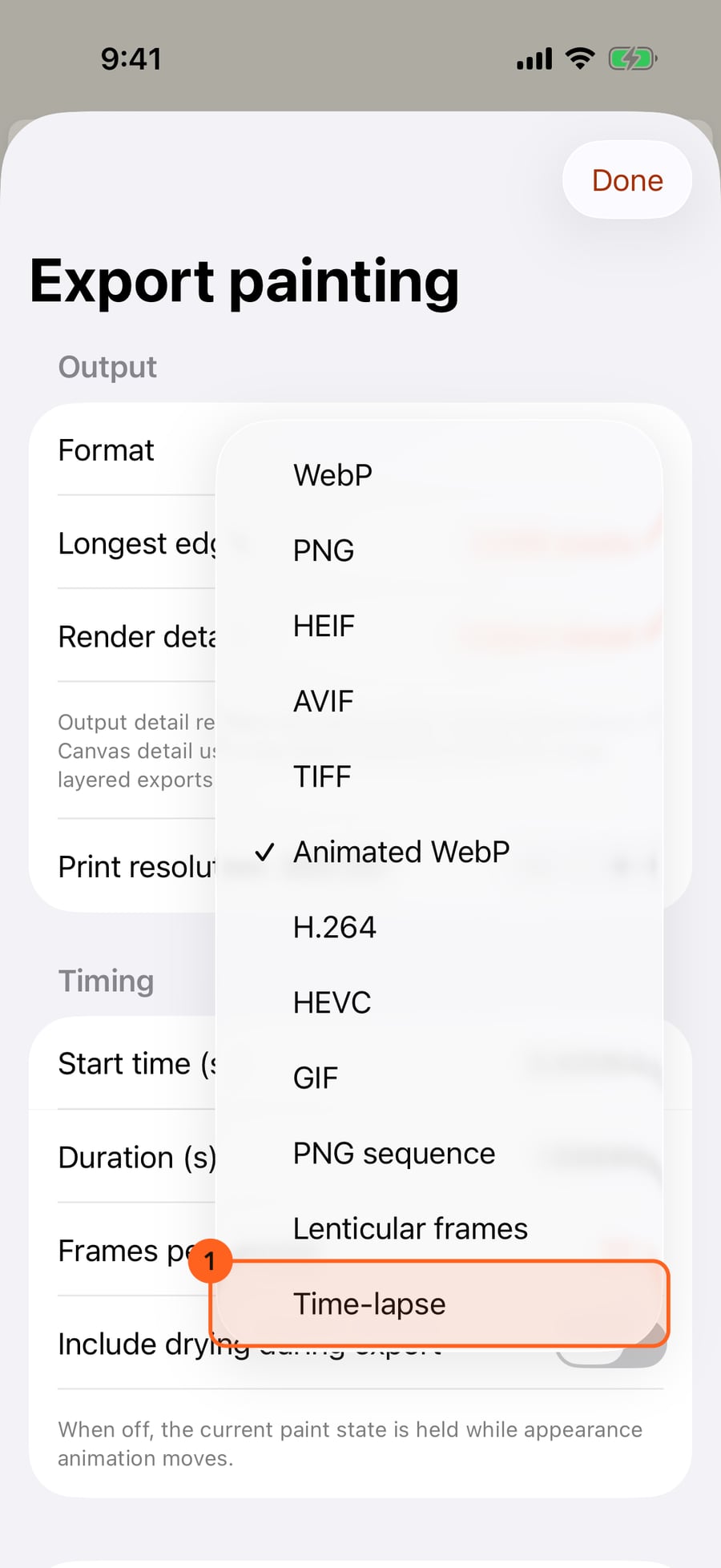
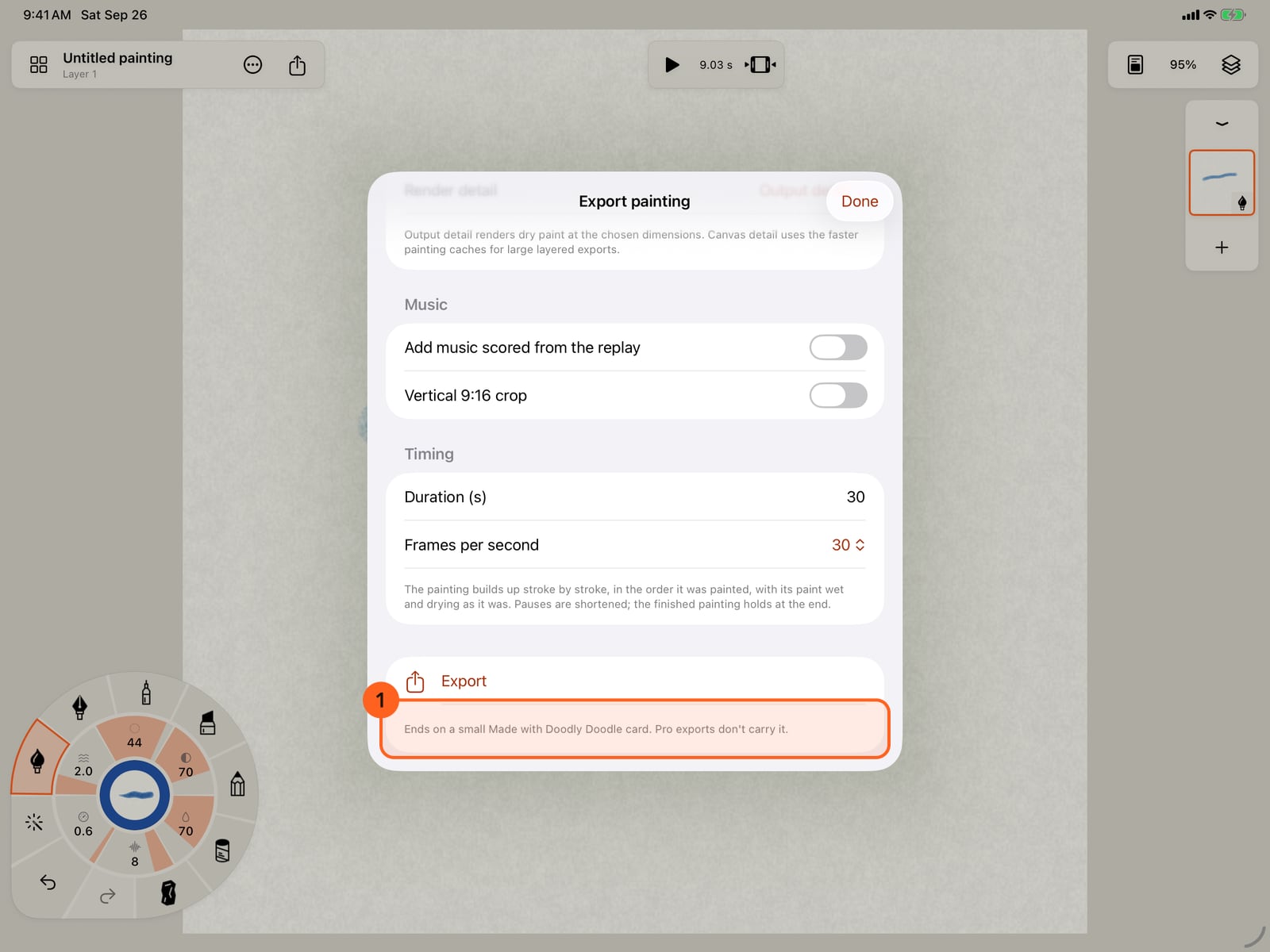
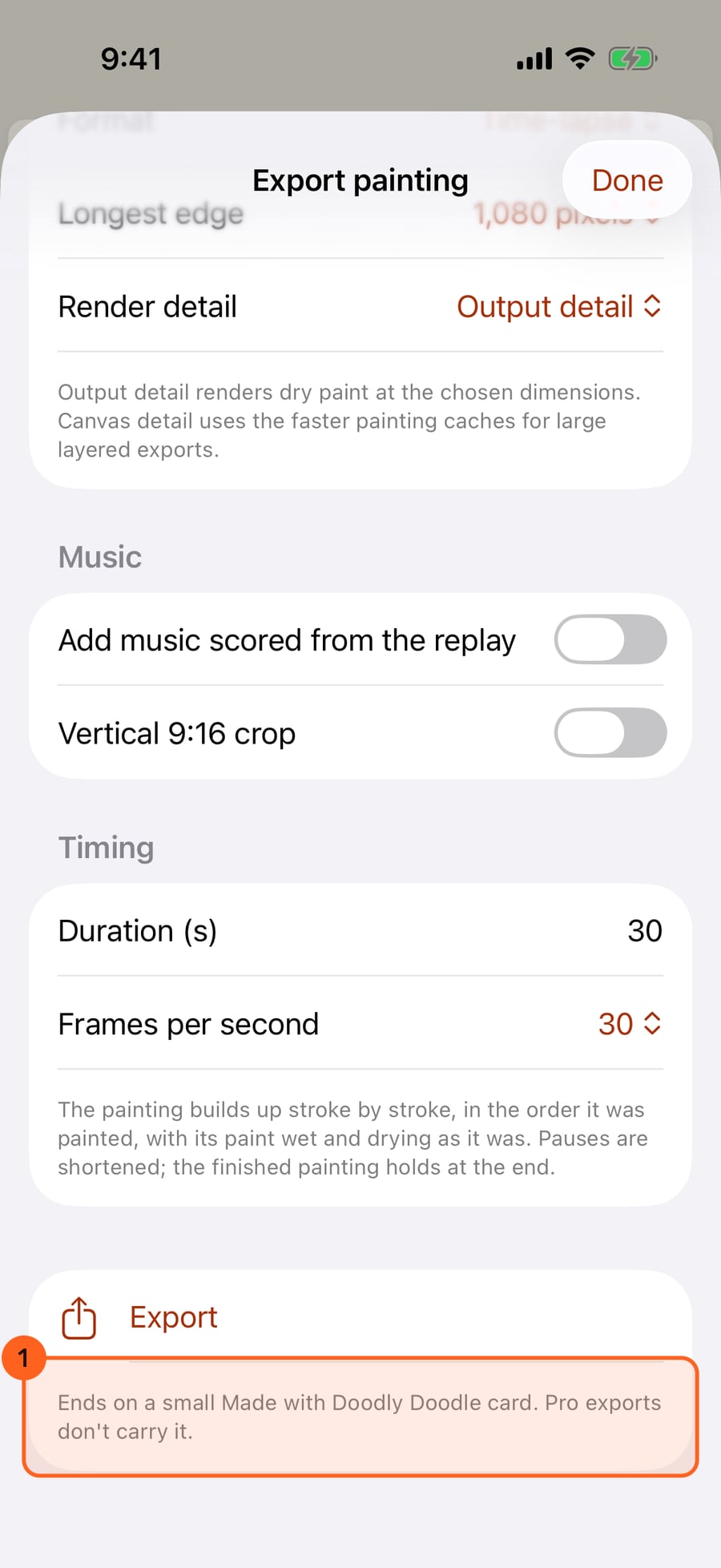
On Free, animated exports run up to 1080 pixels and 30 seconds, and end on a small Made with Doodly Doodle card. Pro removes the limits and the card.
On Free, animated exports run up to 1080 pixels and 30 seconds, and end on a small Made with Doodly Doodle card. Pro removes the limits and the card.
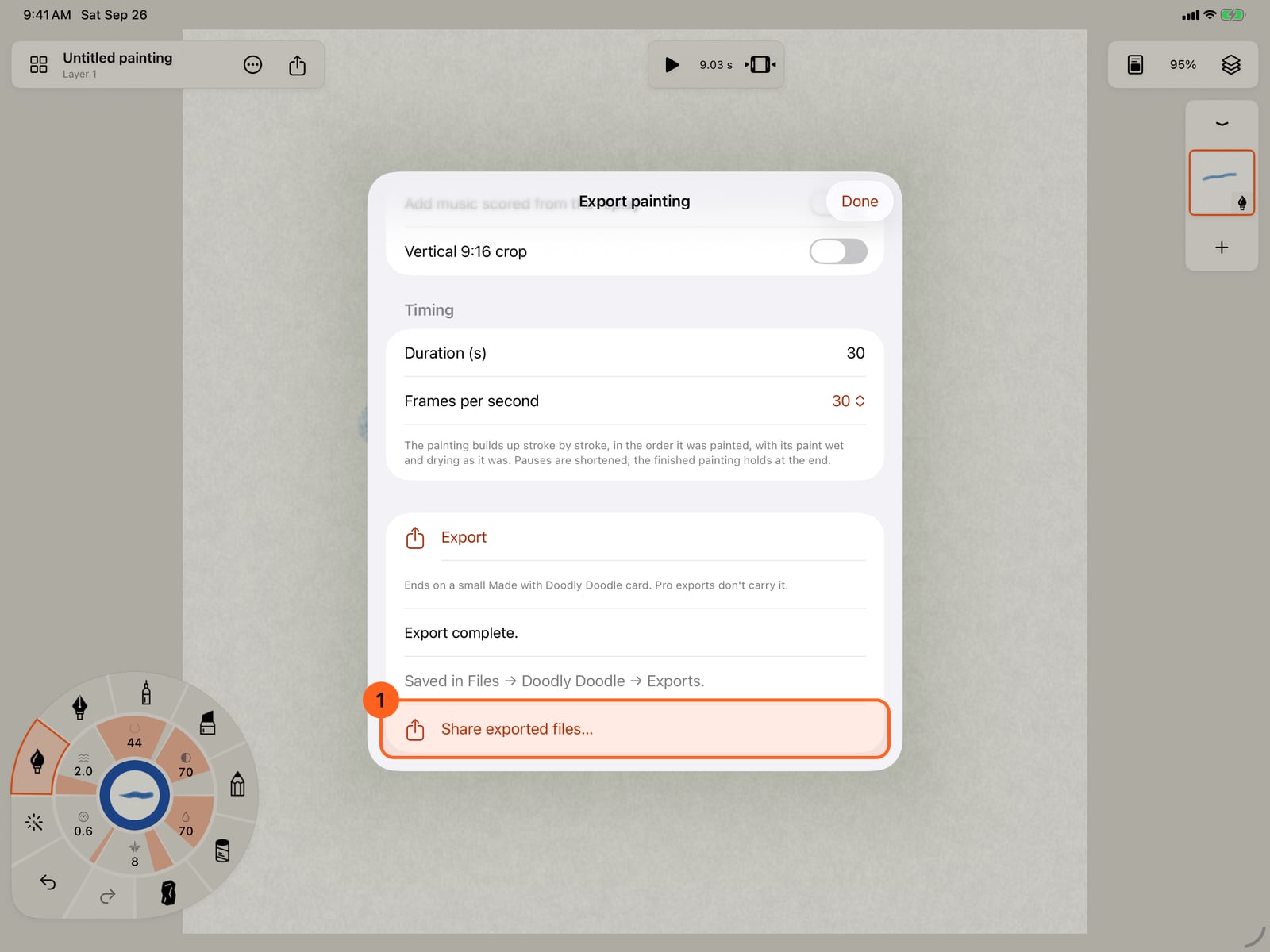
Tap Export. The file is saved in Files, in Doodly Doodle's Exports folder, and Share exported files sends it on.
Tap Export. The file is saved in Files, in Doodly Doodle's Exports folder, and Share exported files sends it on.
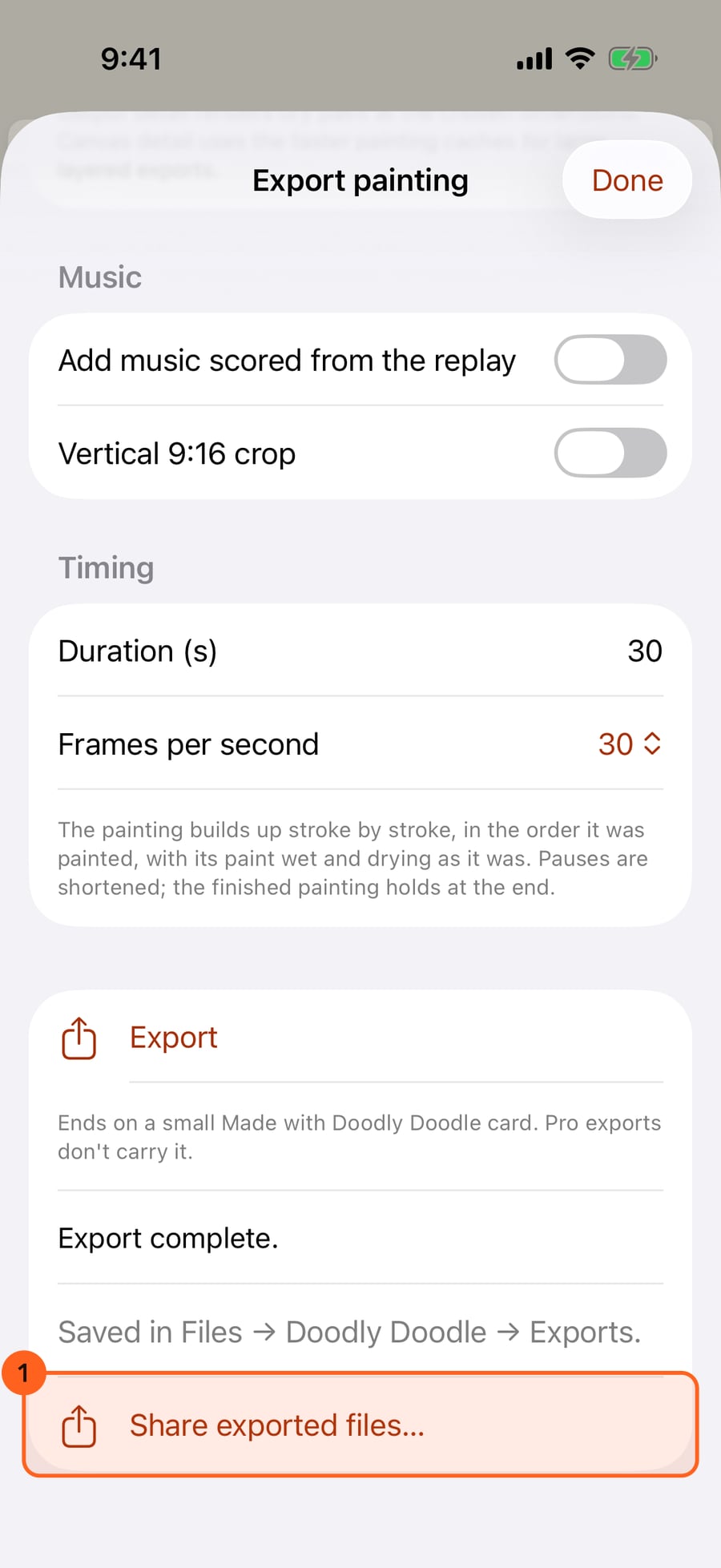
Click Export. The file is saved in Files, in Doodly Doodle's Exports folder, and Share exported files sends it on.
Share in one tap
Share 1 2 in the top bar goes straight to the share sheet, where Save Image and Save Video put the result in Photos:
- Share image: a still at the canvas size.
- Share loop: the painting's motion loop as an H.264 video, 1080 pixels, up to 10 seconds.
Export…
Export… opens on WebP: animated when the painting moves, a still when it doesn't. WebP is small and sharp, loops on the web and in messages, and keeps transparency.
| Format | What you get |
|---|---|
| WebP, PNG, HEIF, AVIF, TIFF | A still at any size (Free up to 8,192 pixels; Pro up to 16,384 for PNG and TIFF, 16,383 for WebP). HEIF and AVIF stop at 8,192 |
| Animated WebP, H.264, HEVC, GIF | The painting moving: start time, duration, frame rate, and Match motion loop so it repeats without a jump |
| Time-lapse | The painting being made, with an optional vertical 9:16 crop, and music scored from the replay with Pro |
| Soundtrack | Music composed from the painting: style, mood and a preview |
| PSD (layers) | A layered file for Photoshop and similar apps |
| PNG sequence, Lenticular frames | Every frame as a still, for print and lenticular work (Pro) |
Exports are saved in Files → Doodly Doodle → Exports. Share exported files… sends them on. An export isn't an editable painting: your painting keeps its own .doodly copy.
Free limits
On Free, Export… opens on settings Free exports: animation and time-lapse up to 1080 pixels, 30 seconds and 30 fps, and stills up to 8,192 pixels. Larger sizes and frame rates say · Pro in their menus. Choose one and Export dims, says why, and offers two ways on:
- Get Pro opens Free and Pro on what you reached for.
- Use Free settings brings the size, length and frame rate back within Free, in the same format. PNG sequences, lenticular frames and the Pro score styles have no Free version, so they offer Get Pro alone.
Free animated exports (Animated WebP, H.264, HEVC, GIF and time-lapse) end on a small Made with Doodly Doodle card. The sheet shows you the card before you export, with Remove with Pro beside it. Stills never carry it.
Pro: Larger and longer animated exports without the end card, 16,384-pixel stills, PNG sequences, lenticular frames and music under time-lapses. Compare Free and Pro.
Something not behaving as expected?
Visit support or write to [email protected].