

Guides / Paint
Watercolor and ink
How much water a brush carries, wet paint running together and blooming, drying, wetting or drying a whole layer, and replaying the drying.
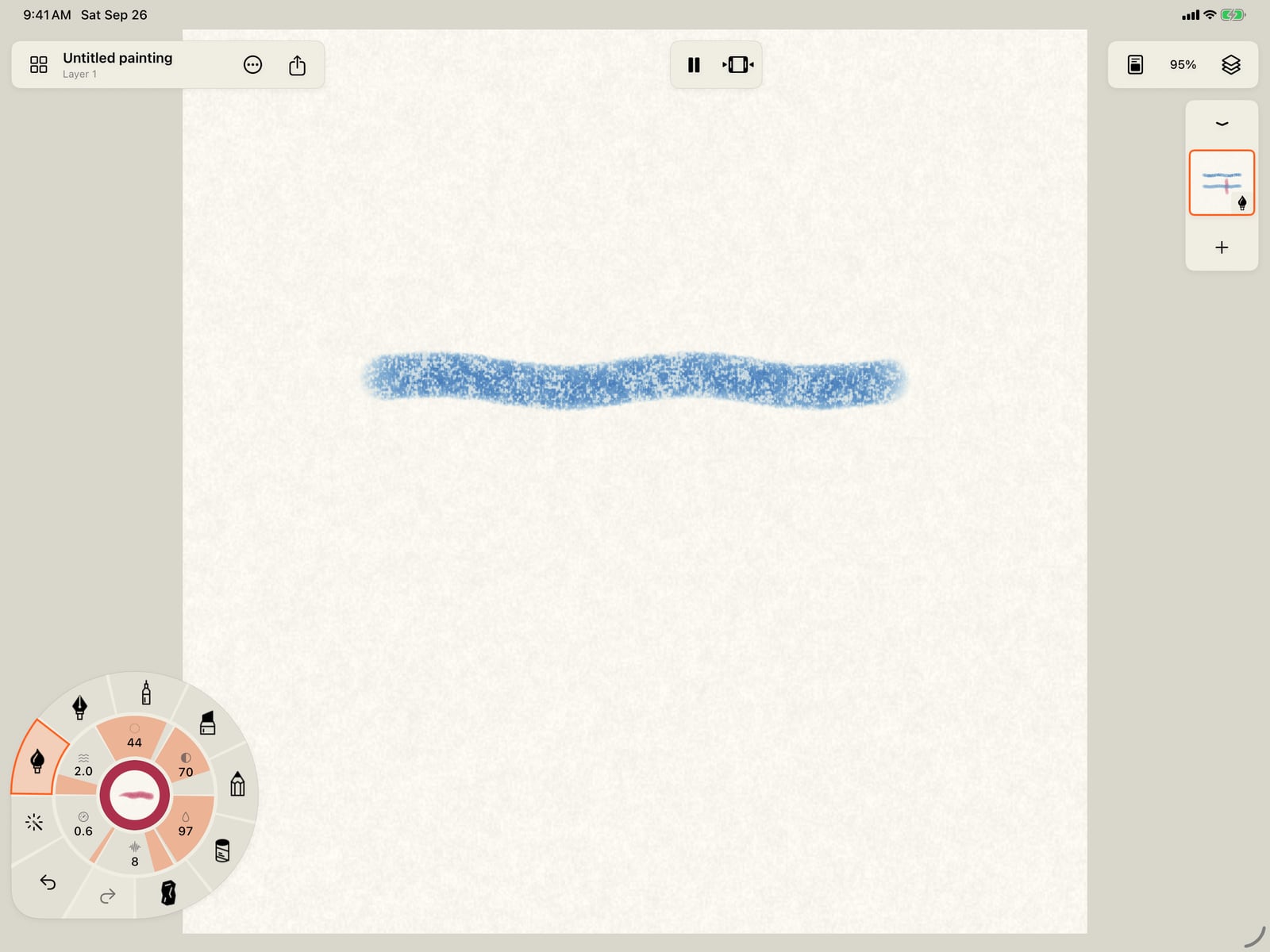
Tap the Water gauge for the brush's settings, and turn Water right down. With little water, watercolor stays where you put it.
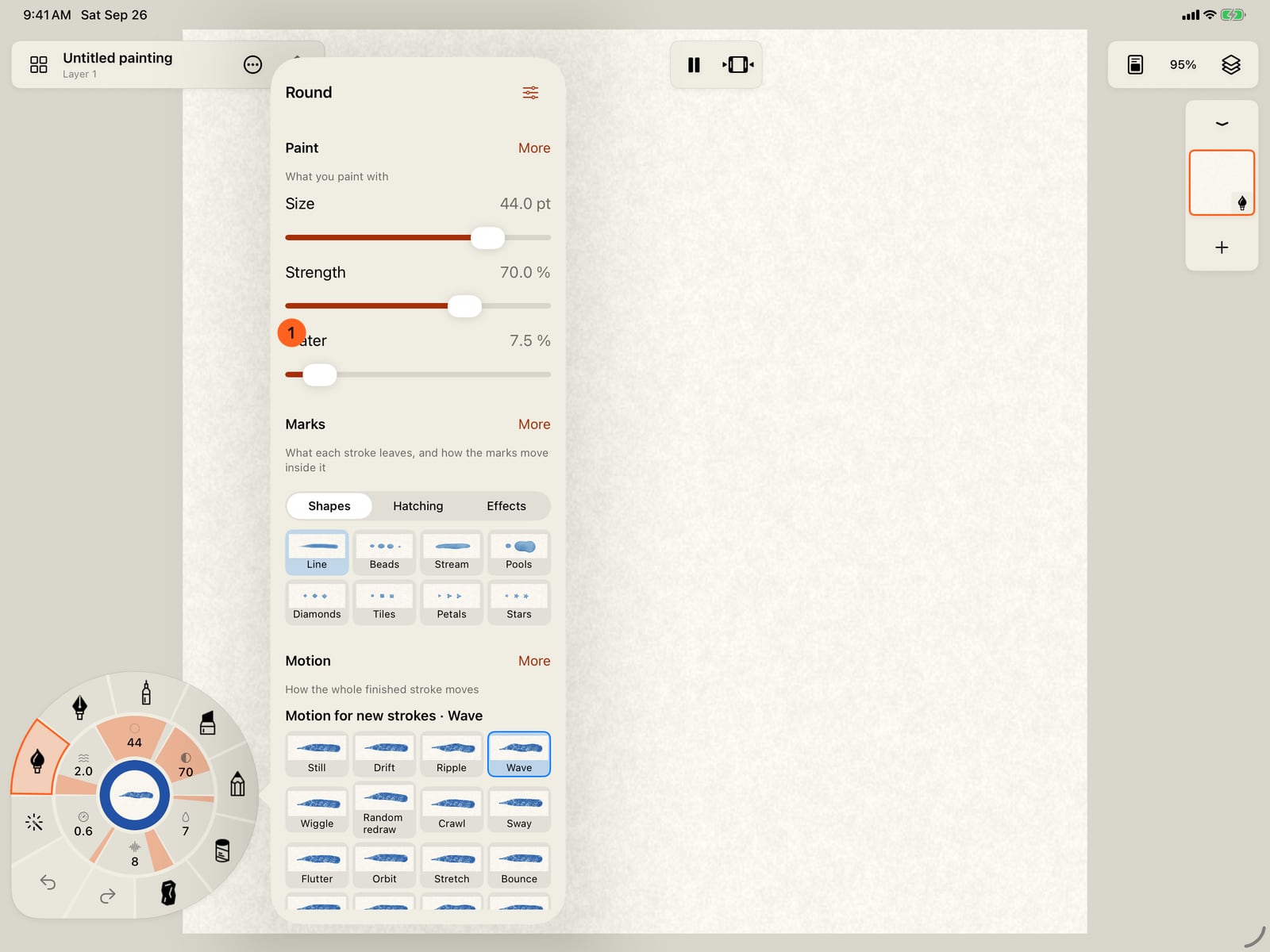
Unfold the wheel, tap the Water gauge for the brush's settings, and turn Water right down. With little water, watercolor stays where you put it.
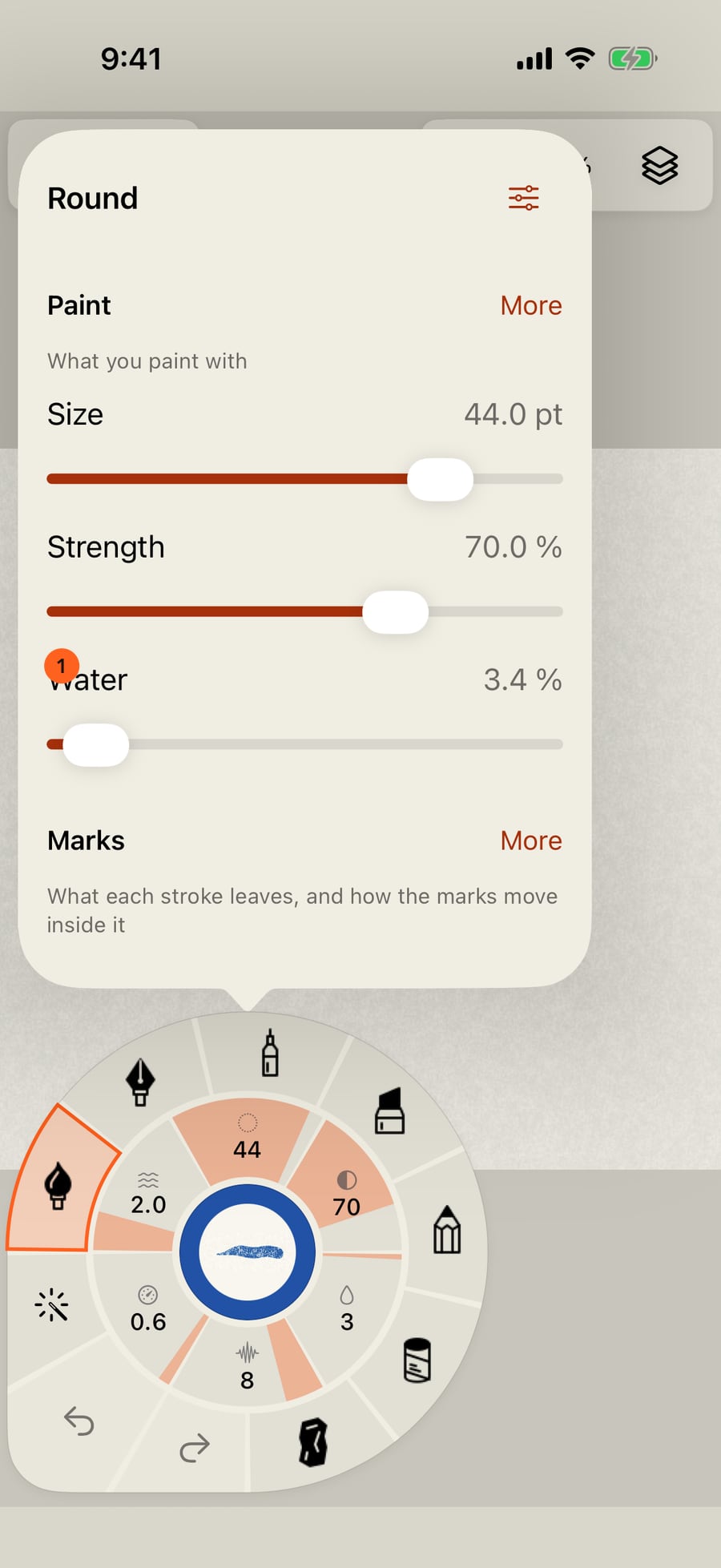
Click the Water gauge for the brush's settings, and turn Water right down. With little water, watercolor stays where you put it.
Tap the page to close the settings, and paint a stroke.
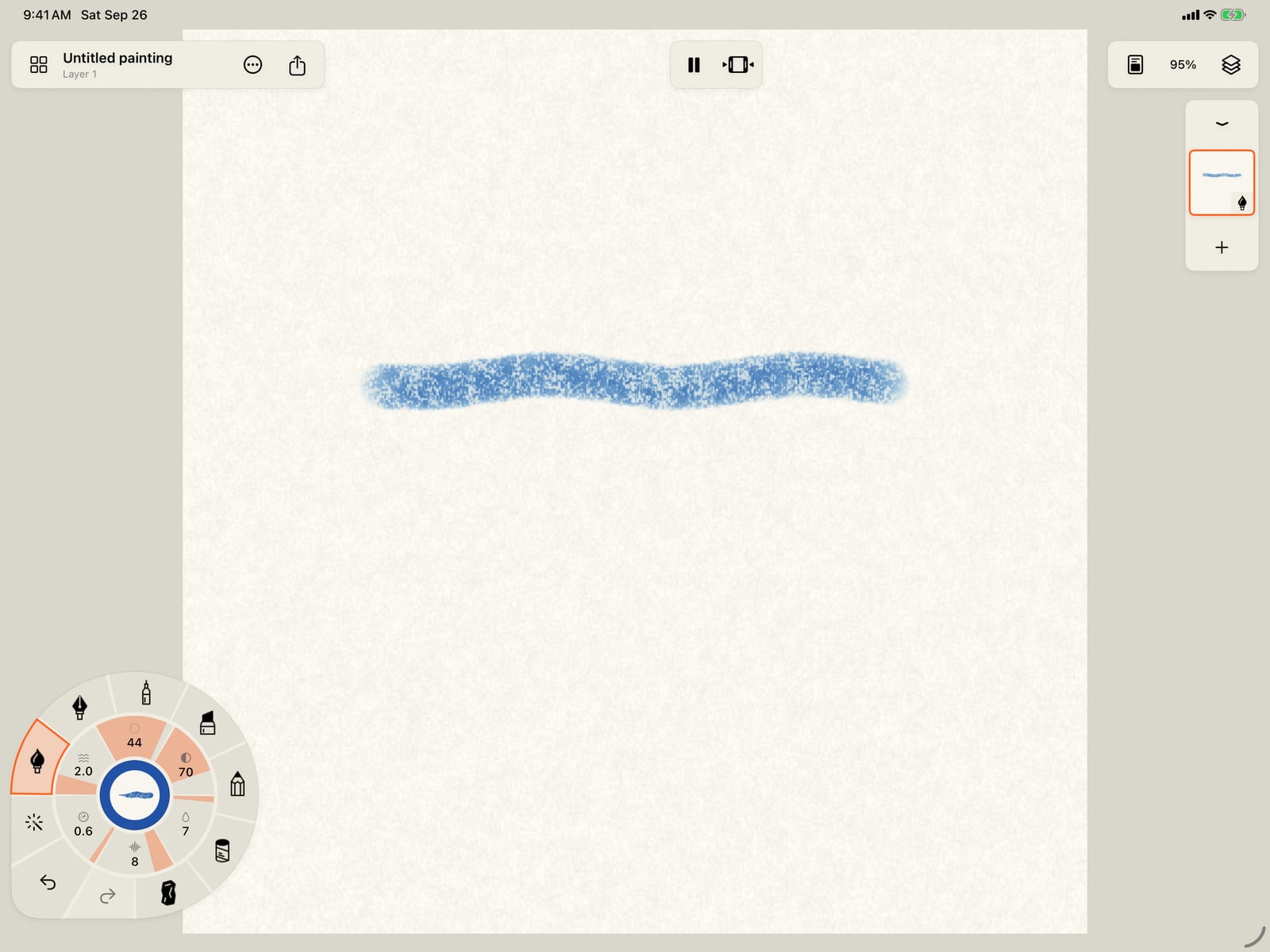
Tap the page twice, to close the settings and fold the wheel, and paint a stroke.
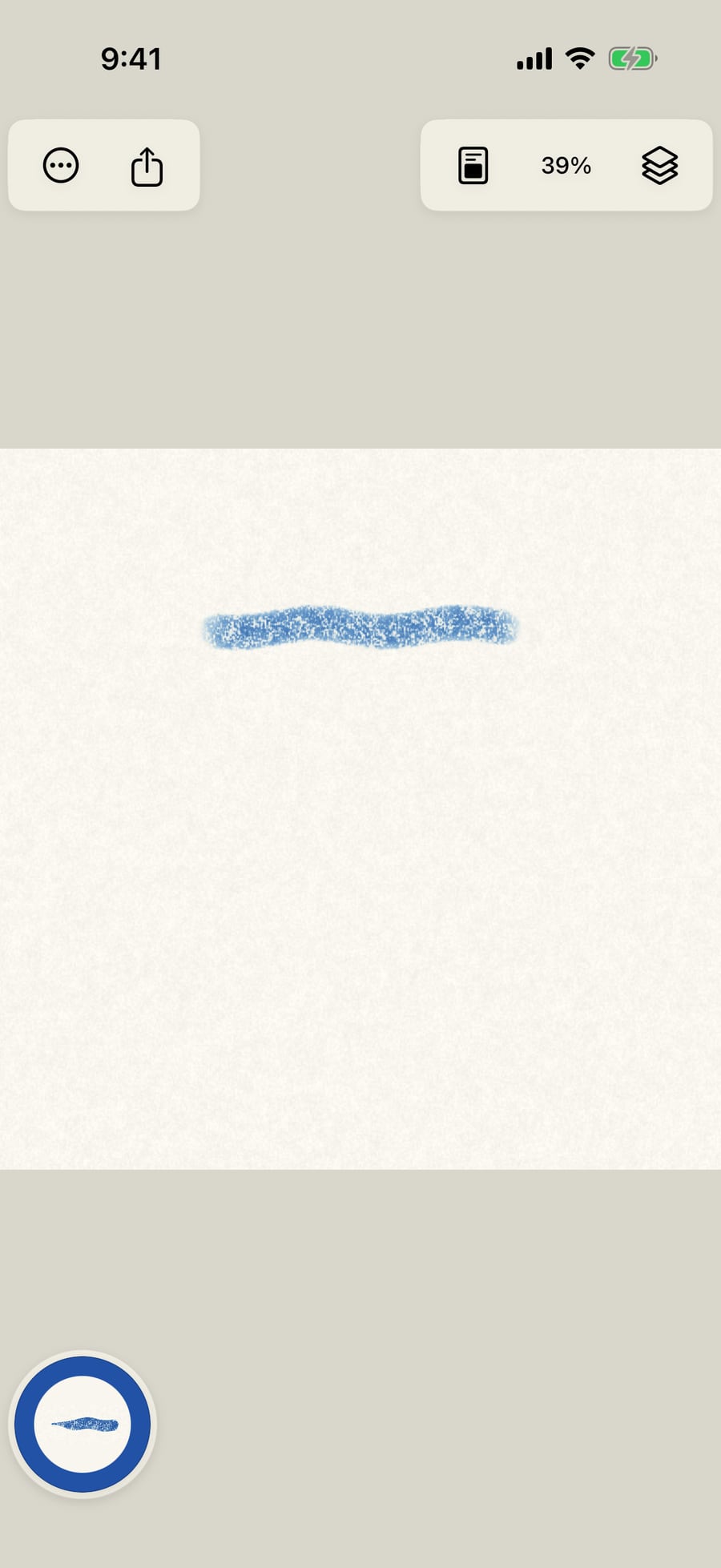
Click the page to close the settings, and paint a stroke.
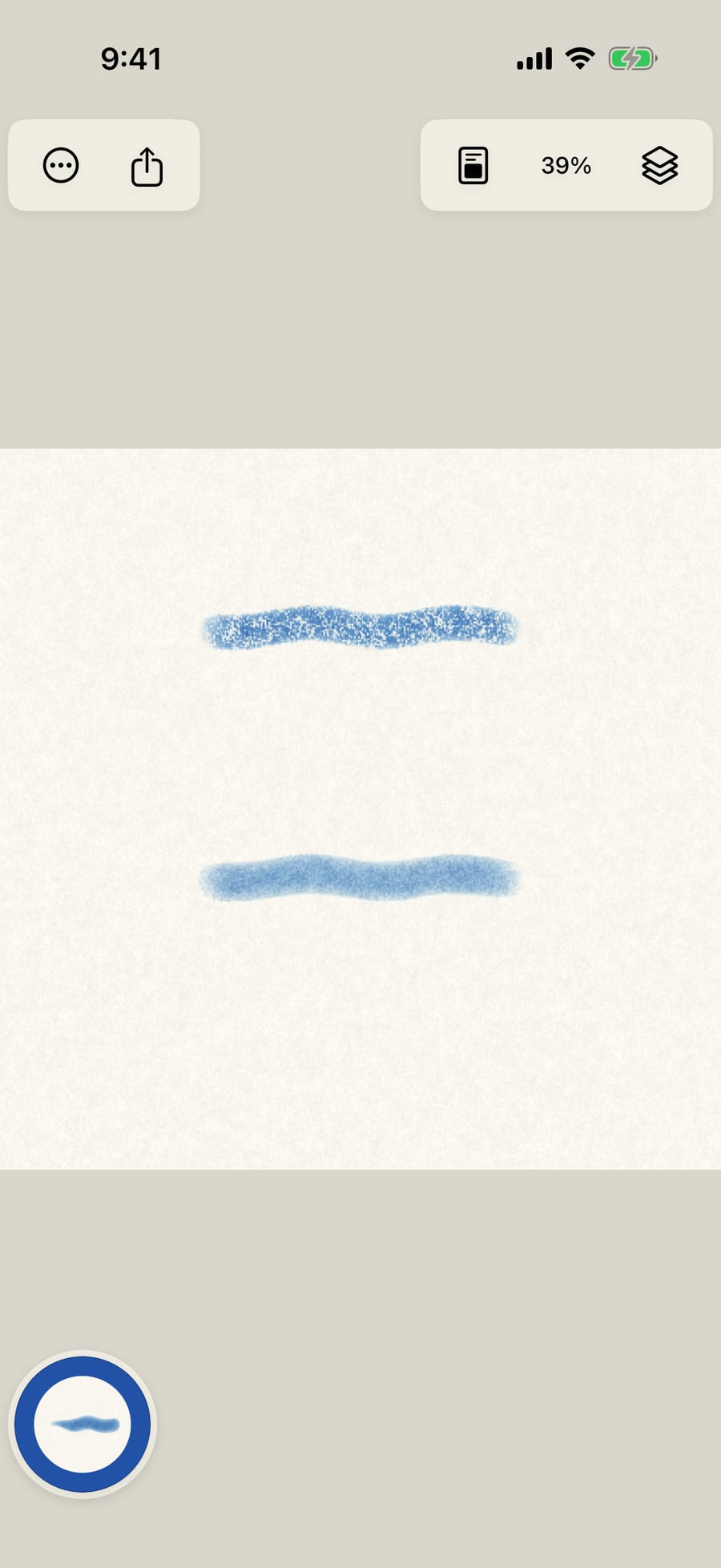
Now turn Water all the way up and paint below it. The wet stroke spreads into the paper, soft-edged, and keeps moving while it's wet.
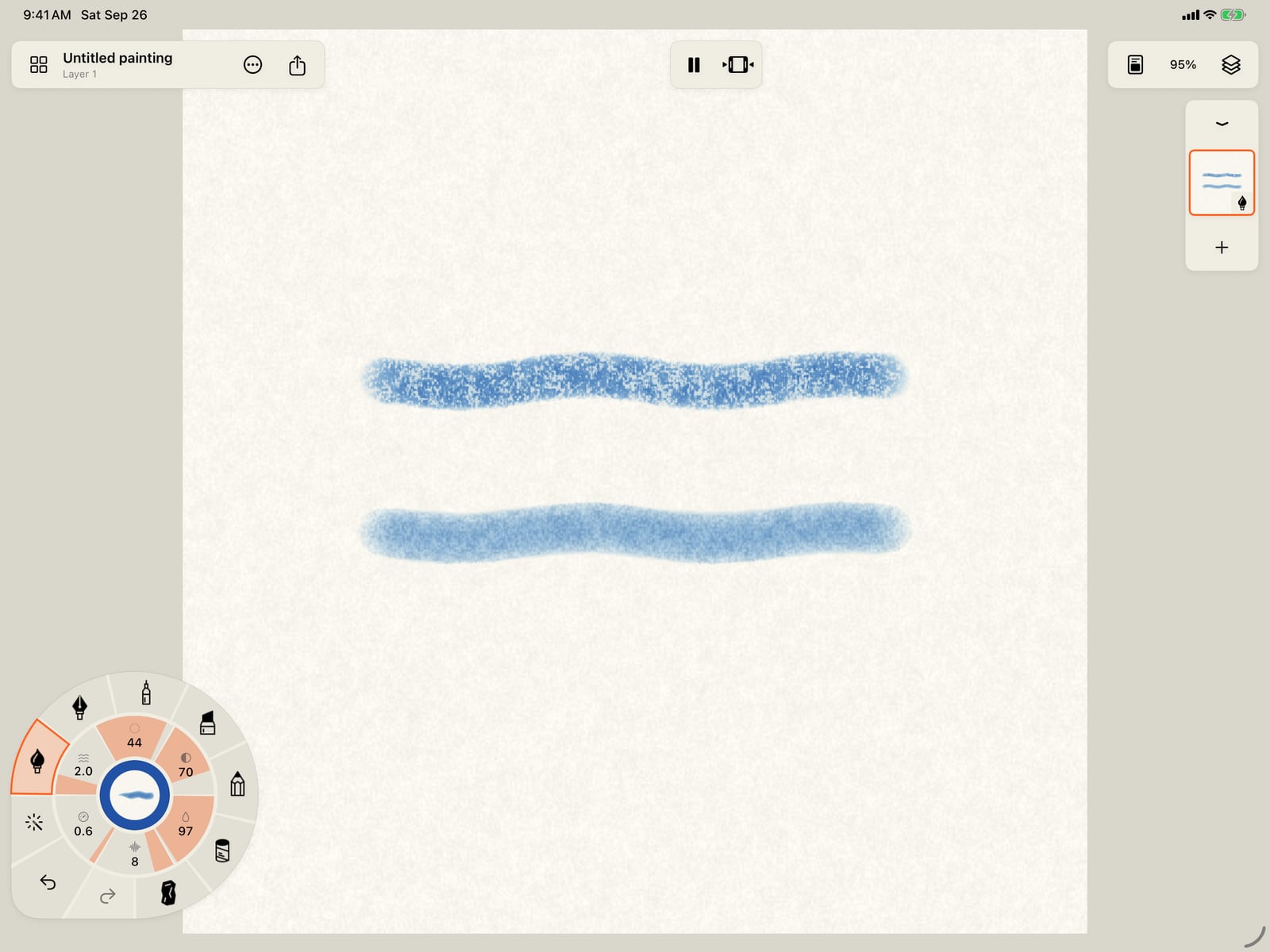
Now turn Water all the way up and paint below it. The wet stroke spreads into the paper, soft-edged, and keeps moving while it's wet.
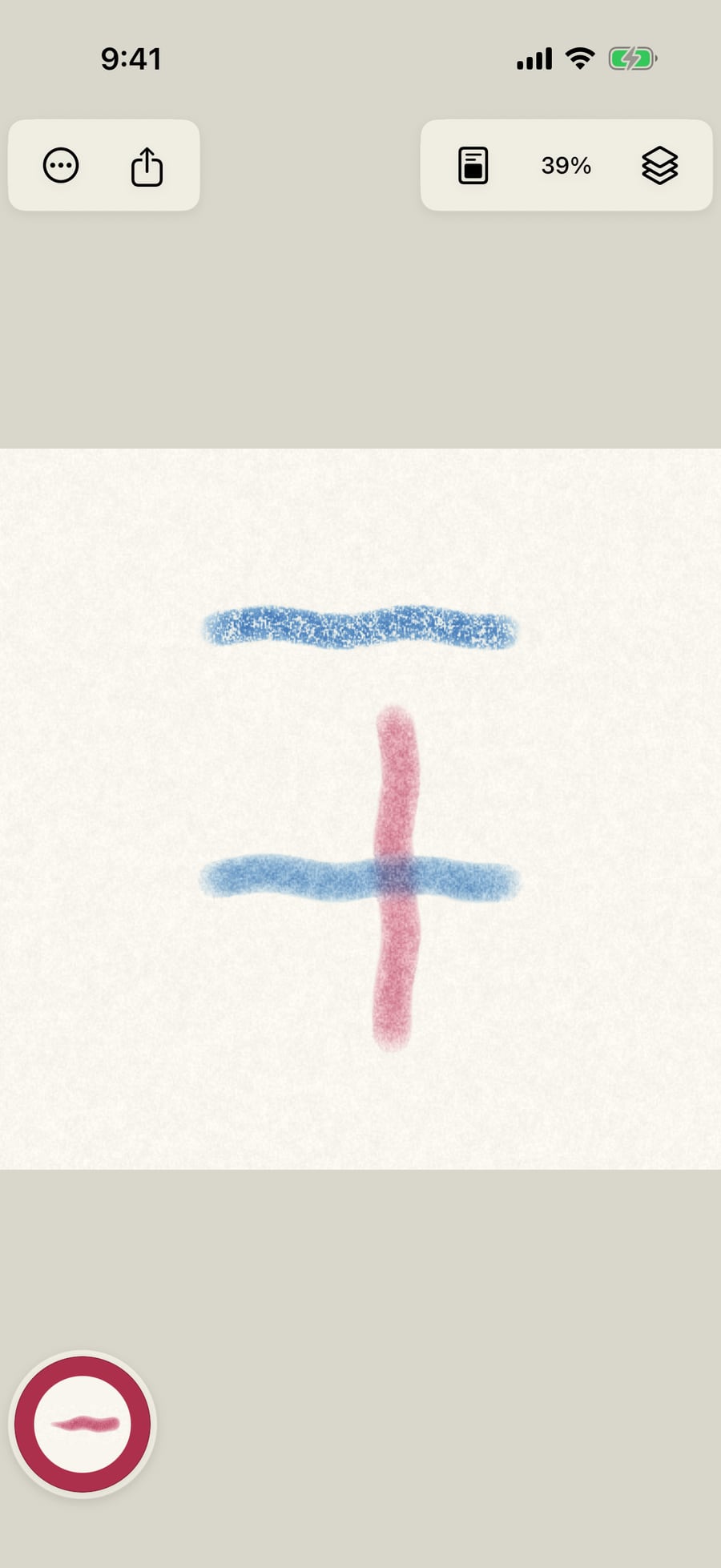
While it's still wet, change colour and paint across it. Where the strokes meet, the colours run into each other and bloom.
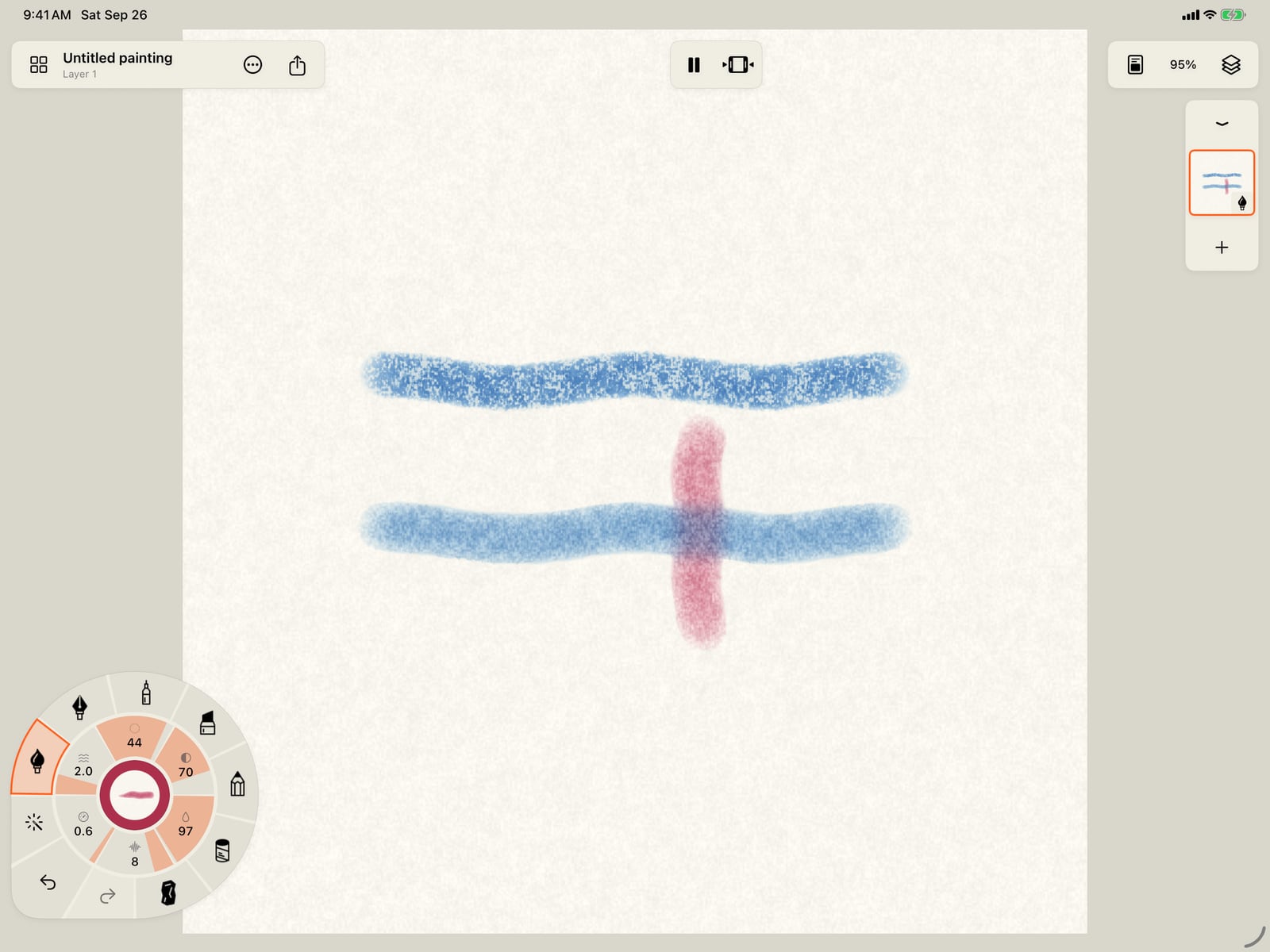
While it's still wet, change colour and paint across it. Where the strokes meet, the colours run into each other and bloom.
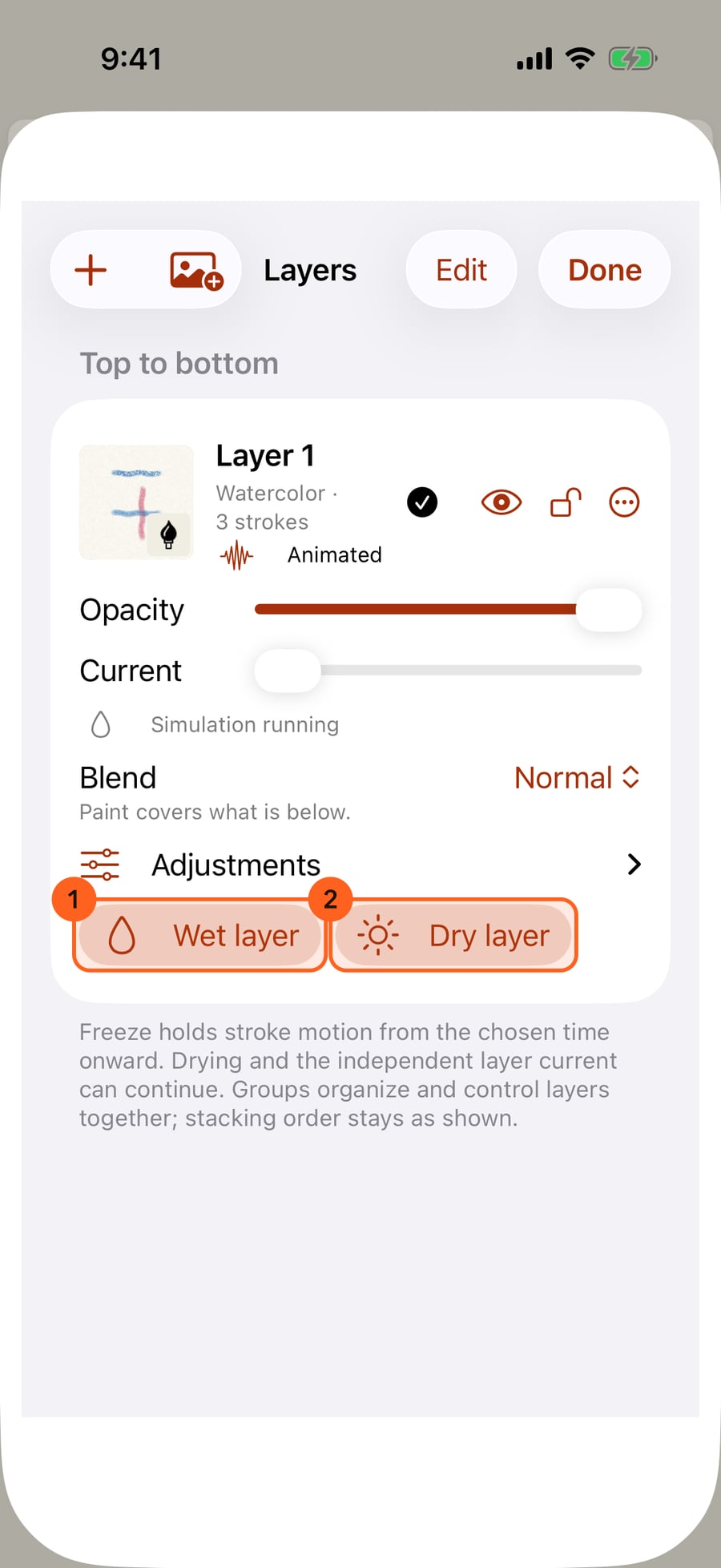
Open Layers. A watercolor or ink layer has Wet layer, to wet the whole page before painting wet-on-wet, and Dry layer, to dry it before glazing over.
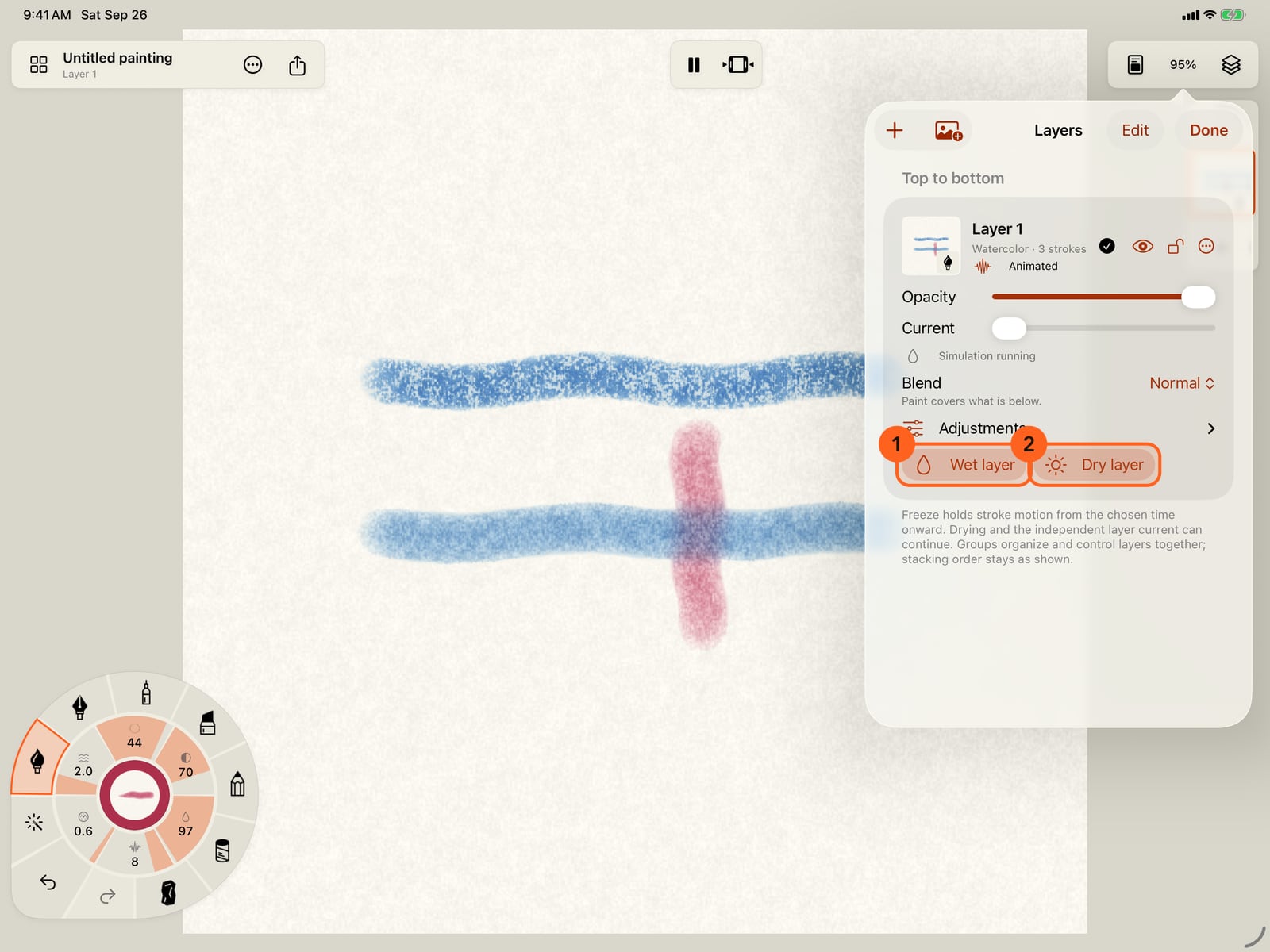
Open Layers. A watercolor or ink layer has Wet layer, to wet the whole page before painting wet-on-wet, and Dry layer, to dry it before glazing over.
Drying happens once, as you paint. To watch it again, open Actions, then Playback.
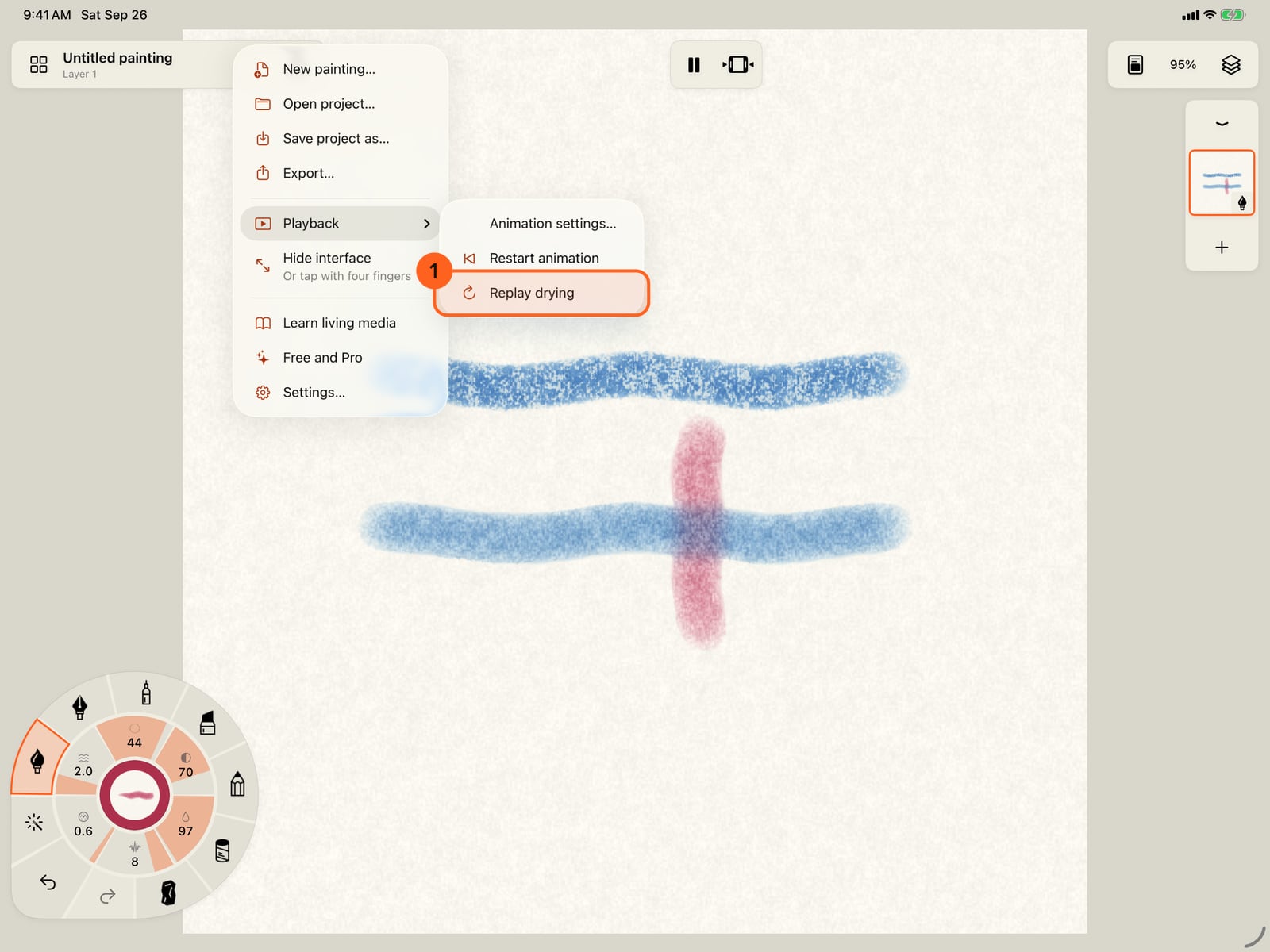
Drying happens once, as you paint. To watch it again, open Actions, then Playback.
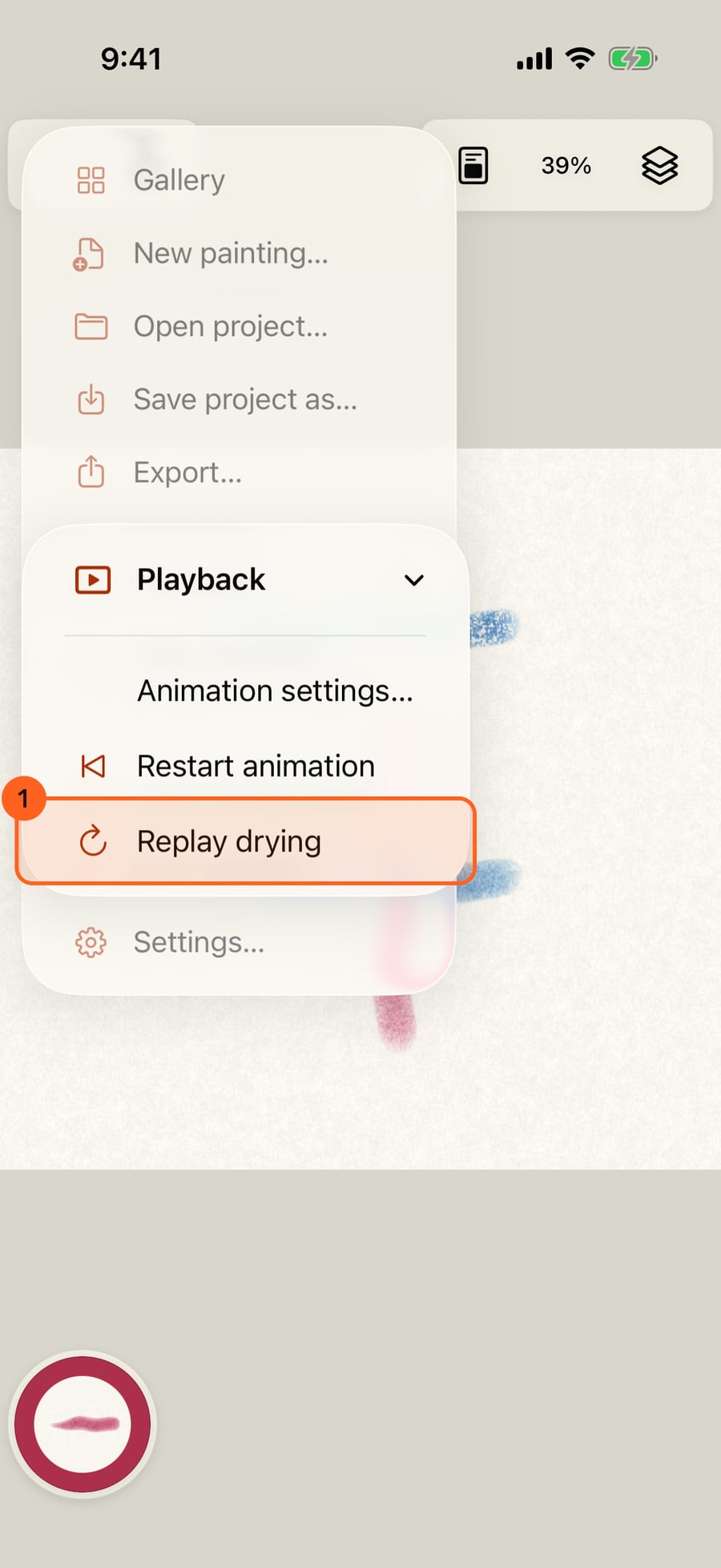
Replay drying runs the wet paint again from the start, spreading, meeting and drying as it did.
Replay drying runs the wet paint again from the start, spreading, meeting and drying as it did.
Water
Watercolor and Ink are wet media: paint moves in water on the paper until it dries.
- Water 1 on the wheel's ring sets how much water the brush carries. Turn it clockwise for more; tap it for a large slider. Low water keeps a crisp, dry-brush mark that catches the paper's grain; high water spreads, softens and runs.
- On Brush Studio's Paint page, Water is the same value, beside Strength, Staining, Edge darkening, Spreading and Pencil push.
- Water dims on the wheel when the layer is a dry medium.
Wet into wet, blooms and drying
Strokes that meet while wet run into each other, so colours mix on the paper. Water or paint dropped into a damp wash pushes pigment outward into a bloom with a darker edge; Bloom Water and Wet Round are made for it, and Edge darkening sets how strongly pigment gathers at the edge as a wash dries. As paint dries it stops moving, keeps its edges and settles into the paper's grain. Staining pigment binds to the paper; non-staining pigment can be lifted again while wet.
Ink behaves like watercolor while wet, feathering along the paper and pooling at its edges, but it dries permanent: it can't be lifted.
Wet layer and Dry layer
Tap the current layer in the layer strip, or open Layers, and a watercolor or ink layer offers:
| Control | What it does |
|---|---|
| Wet layer 1 | Wets the whole layer, so the next strokes go on wet-on-wet. |
| Dry layer 2 | Dries the whole layer at once, so the next strokes glaze over it without mixing. |
| Current (in Layers) | A gentle, steady current that keeps moving the wet paint on the layer. |
Each is one step you can undo. Wet and Dry layer are dimmed while the layer is locked or hidden.
To wet or dry just part of the page, use the Water Brush and the Dry Tool; see Blending tools.
Replaying the drying
Drying is not part of the animation loop: once paint has dried it stays dry while the painting plays. Actions → Playback → Replay drying runs every wet layer again from the start, so you can watch the paint spread, meet and dry. Restart animation only restarts the motion.
Tip: Wet paint needs the painting to be playing to move. If a wash looks still, check that the play button in the top bar isn't paused.
Something not behaving as expected?
Visit support or write to [email protected].