

Guides / Paint
Blending tools
Soften, spread and move paint already down with each medium's tools, from the Water Brush to Smudge, Blend and Dust.
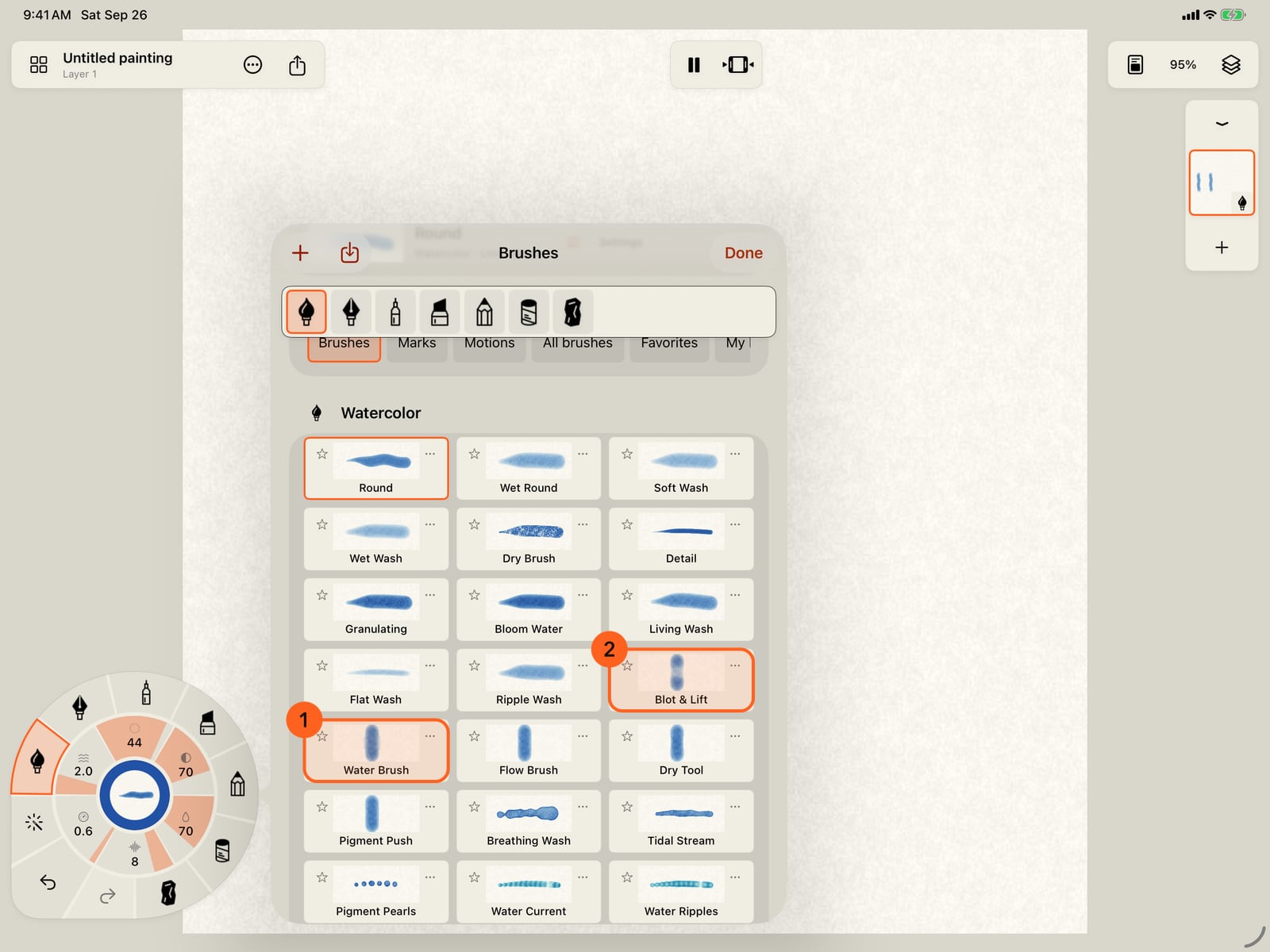
Paint two watercolor strokes side by side. The left one stays as it is, to compare.
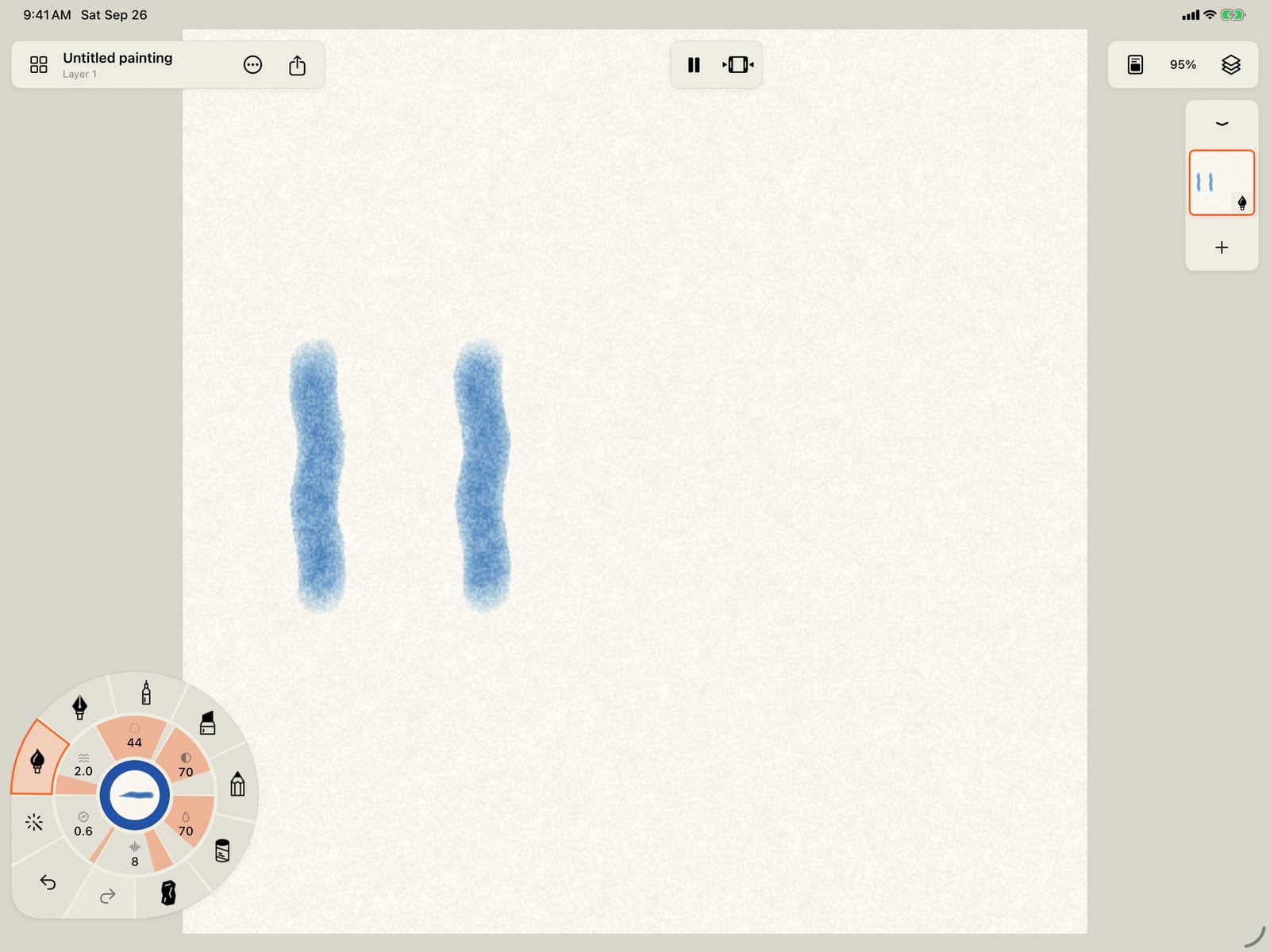
Paint two watercolor strokes side by side. The left one stays as it is, to compare.
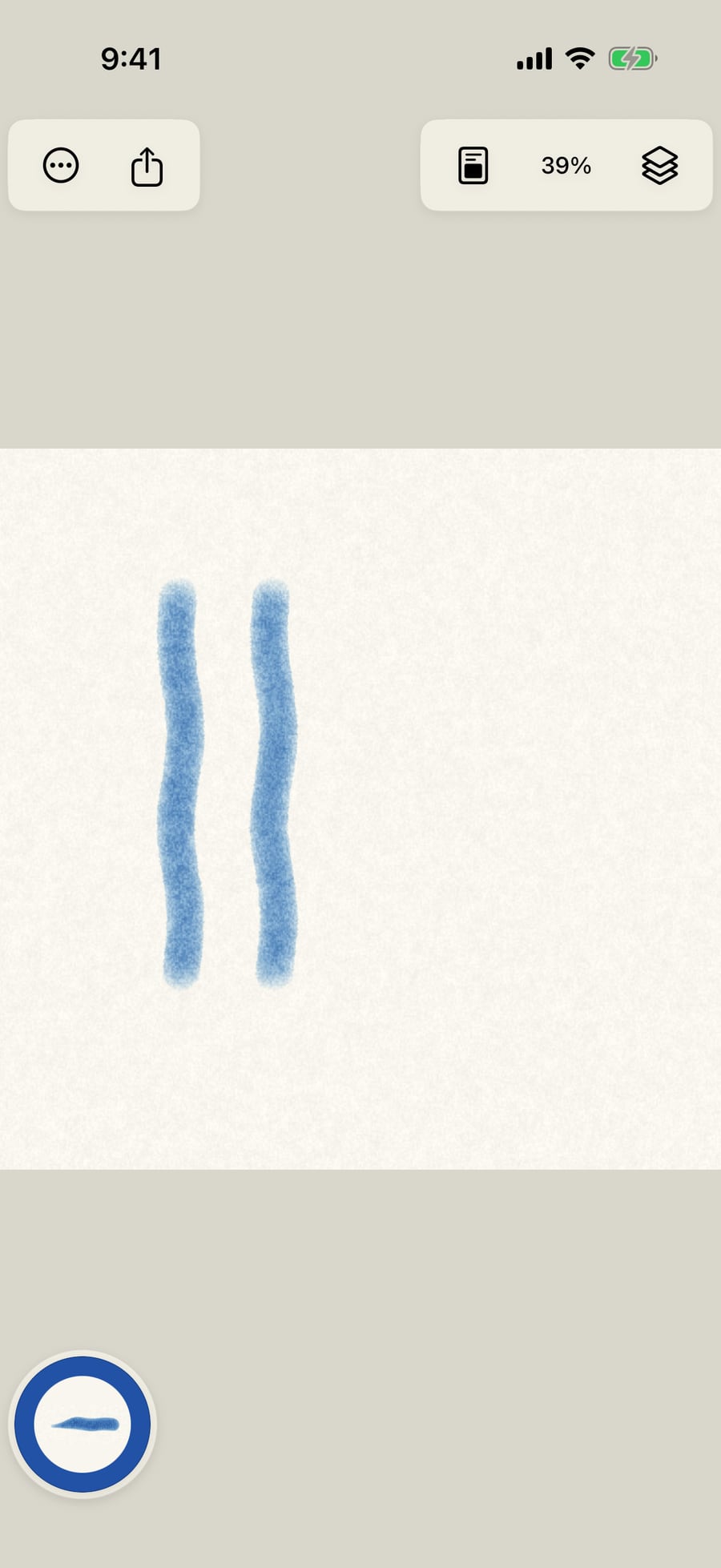
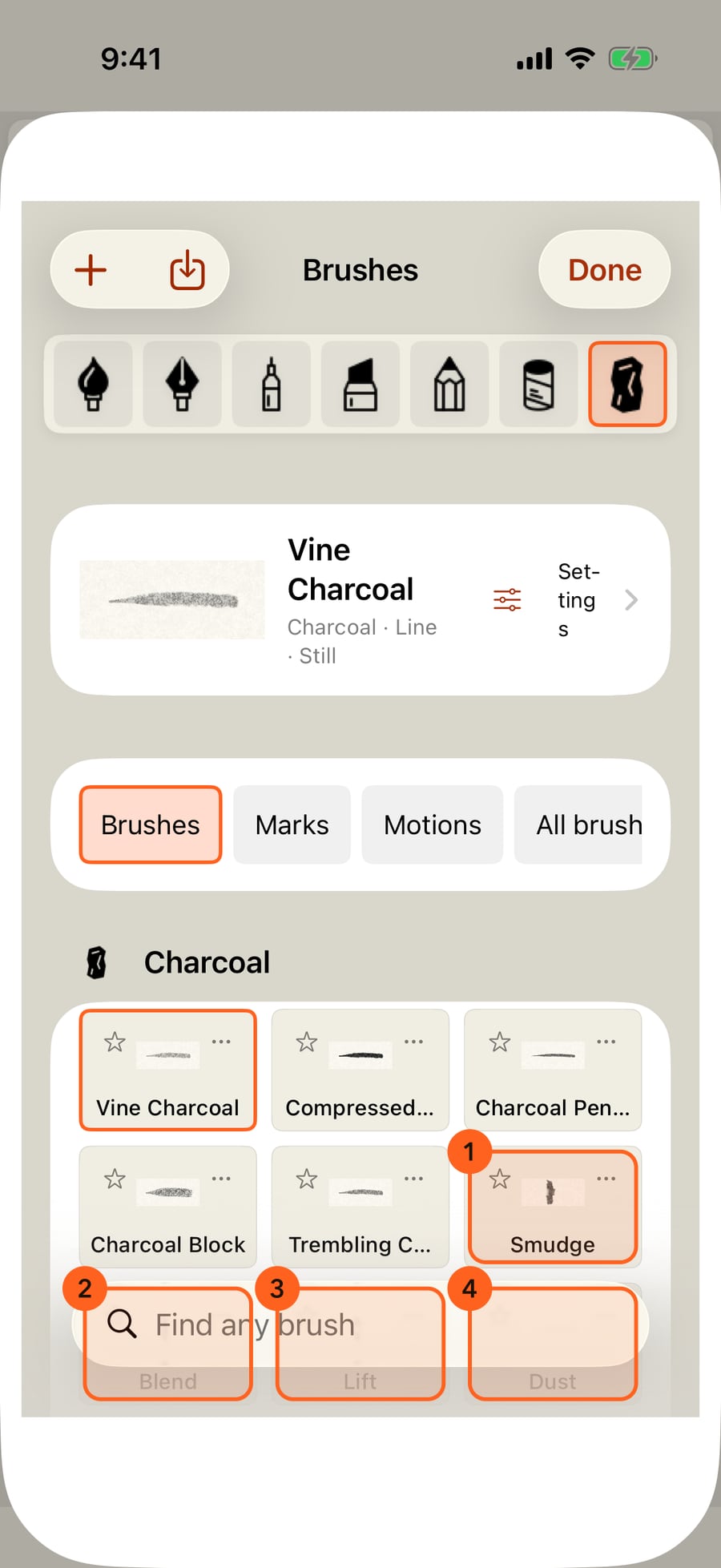
The tools are brushes. Tap the medium in hand, then All brushes. Each medium's tools come after its paint brushes, like the Water Brush and Blot & Lift.
The tools are brushes. Unfold the wheel, tap the medium in hand, then All brushes. Each medium's tools come after its paint brushes, like the Water Brush and Blot & Lift.
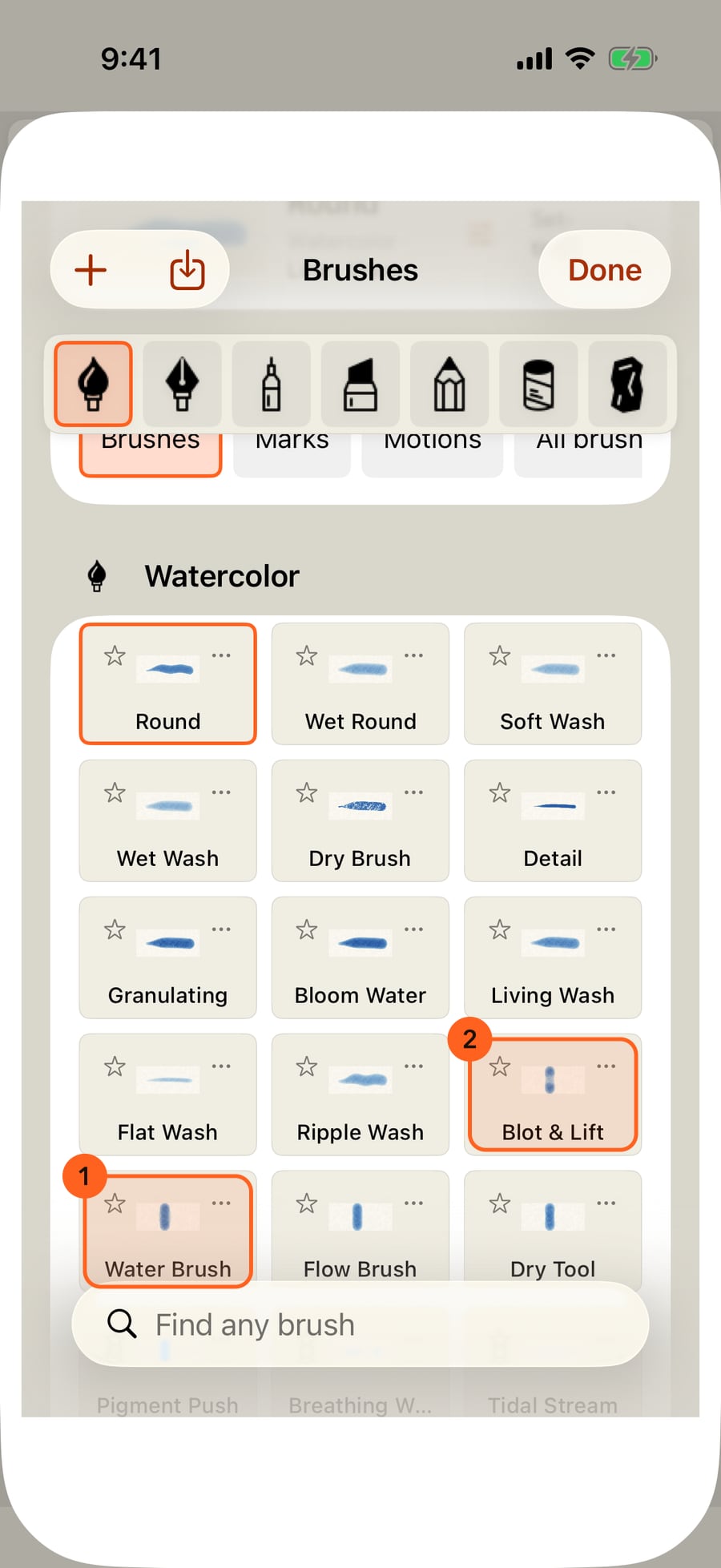
The tools are brushes. Click the medium in hand, then All brushes. Each medium's tools come after its paint brushes, like the Water Brush and Blot & Lift.
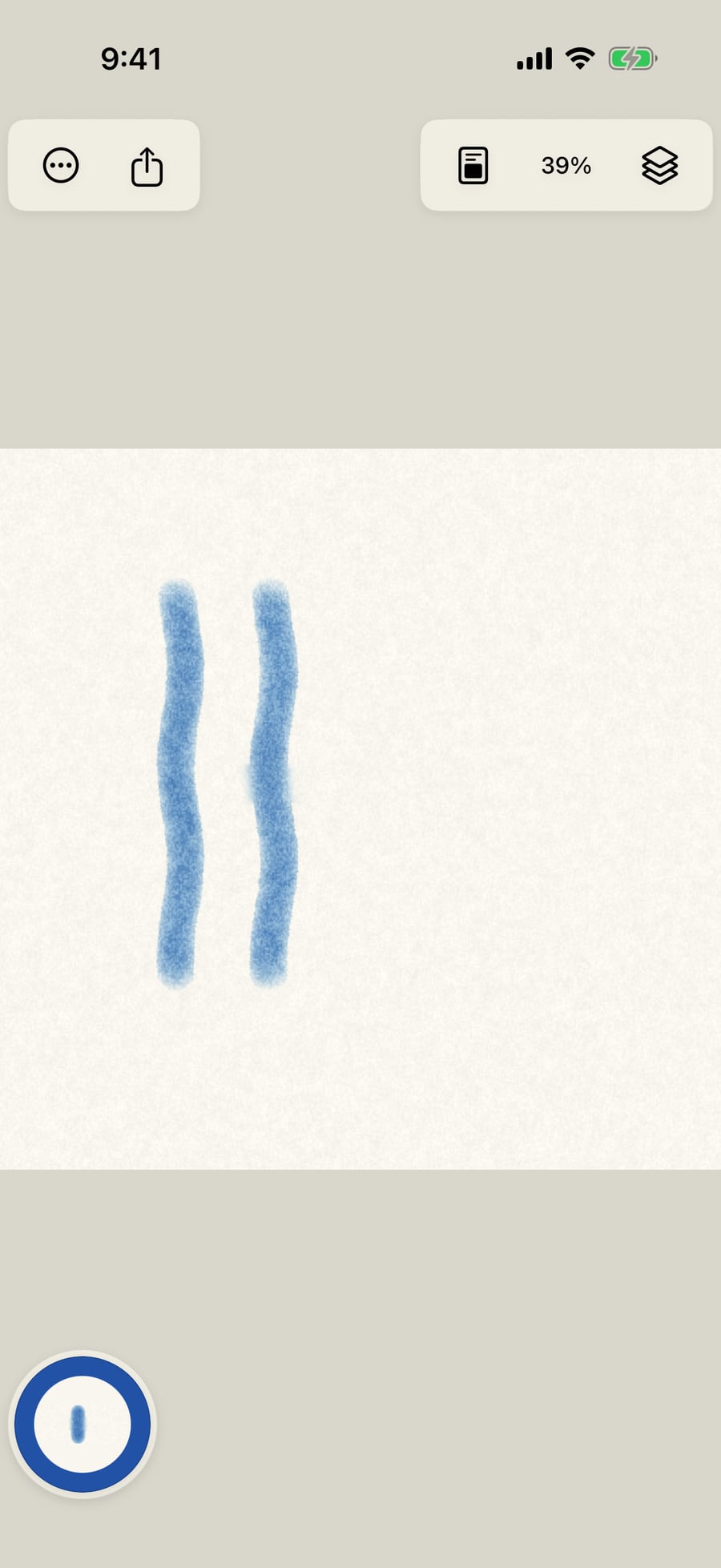
Take up the Water Brush and paint across the right-hand stroke. It re-wets the paint and carries it out into the water.
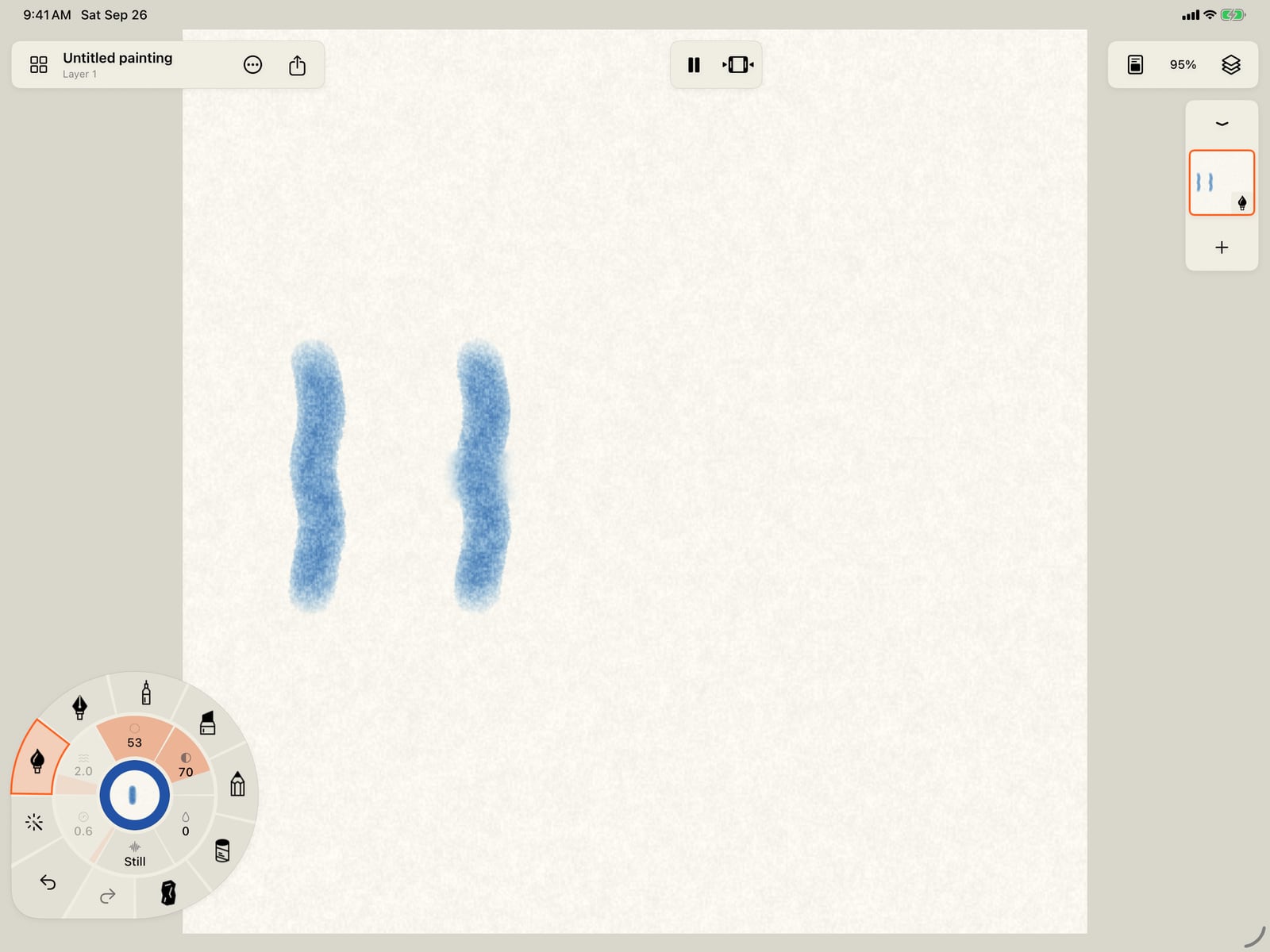
Take up the Water Brush, fold the wheel, and paint across the right-hand stroke. It re-wets the paint and carries it out into the water.
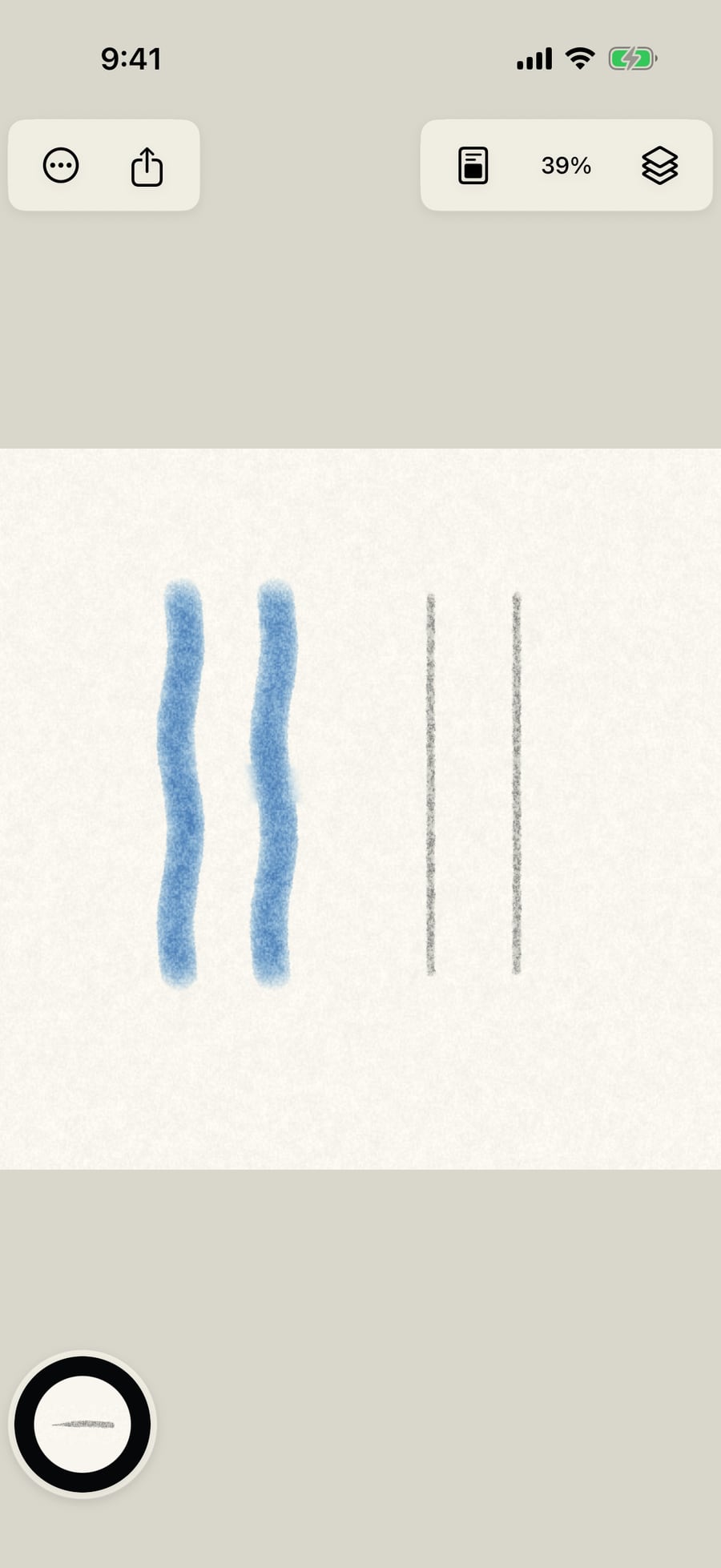
Dry media have their own tools. Take up Compressed Charcoal, which gets a layer of its own, and paint two more strokes.
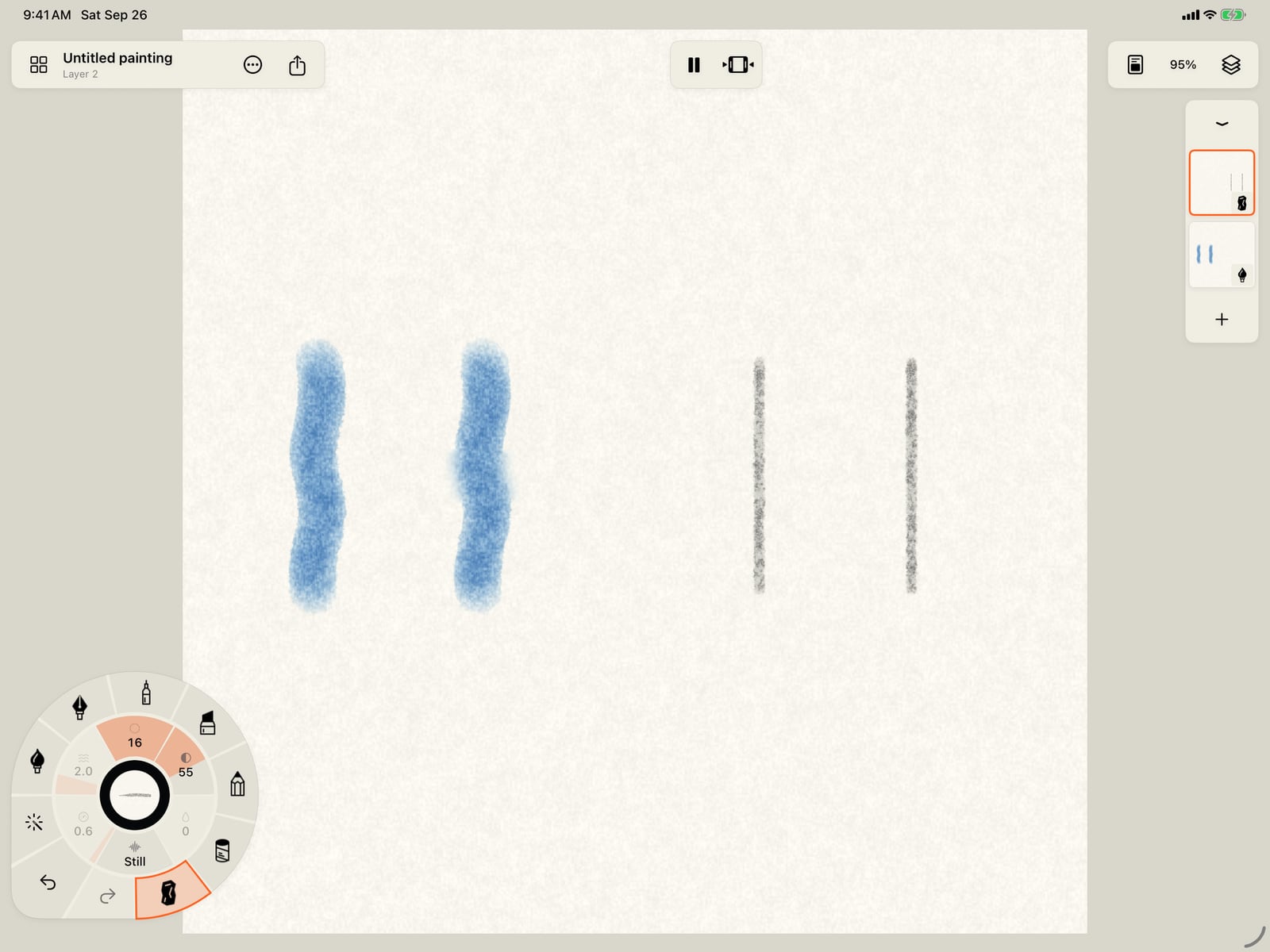
Dry media have their own tools. Take up Compressed Charcoal, which gets a layer of its own, fold the wheel, and paint two more strokes.
Charcoal's tools are Smudge, Blend, Lift and Dust. Pastel has the same four, and Graphite its own.
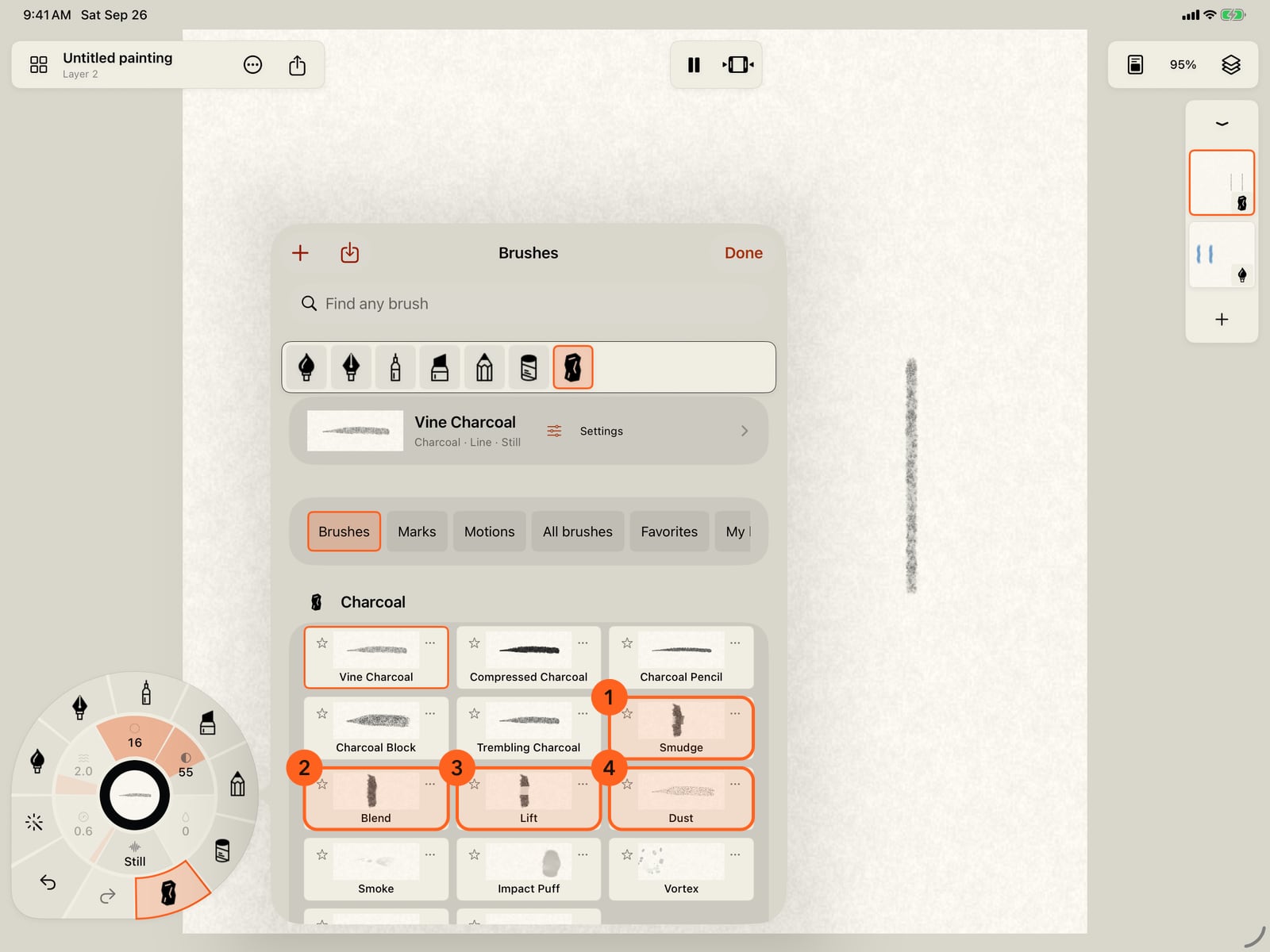
Charcoal's tools are Smudge, Blend, Lift and Dust. Pastel has the same four, and Graphite its own.
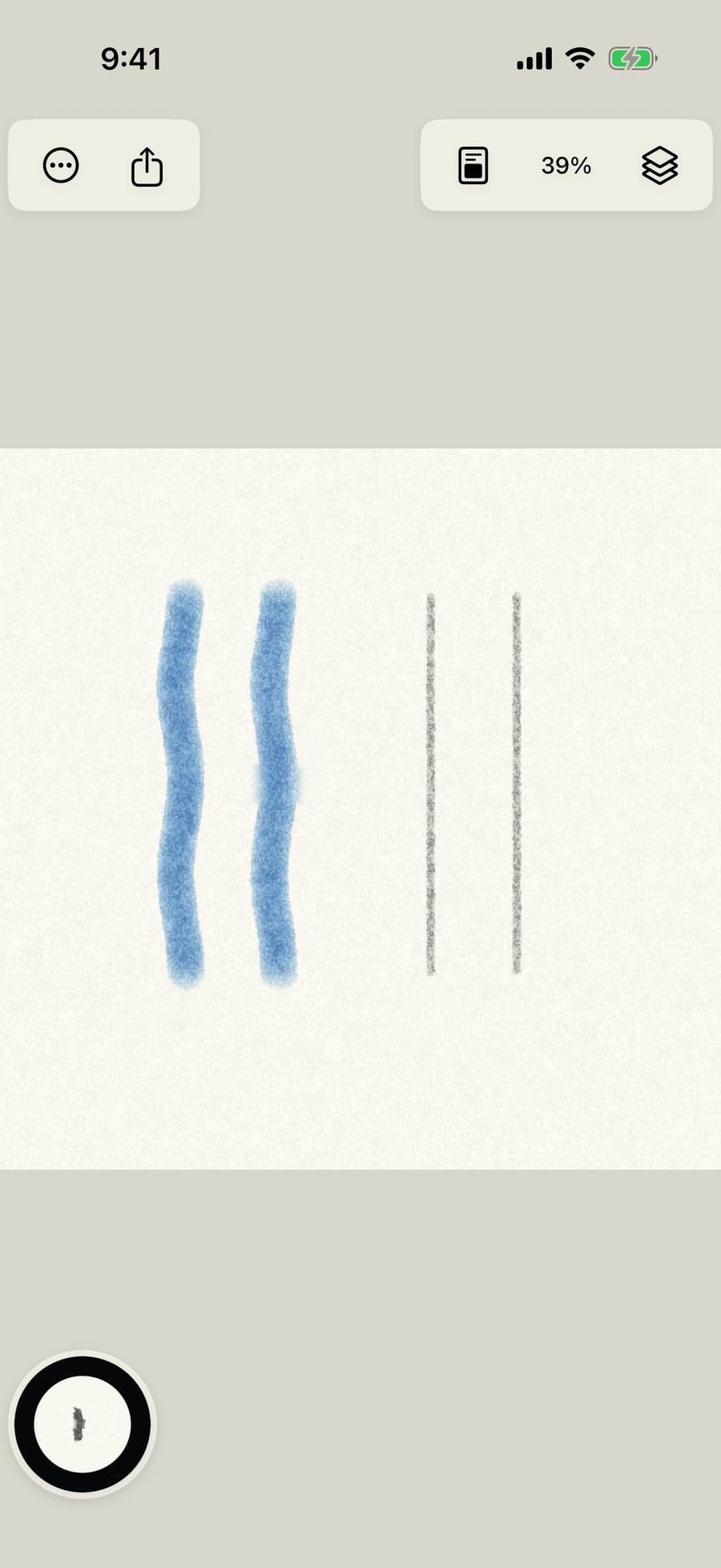
Take up Smudge and drag across the right-hand stroke. It picks up charcoal and smears it along your stroke.
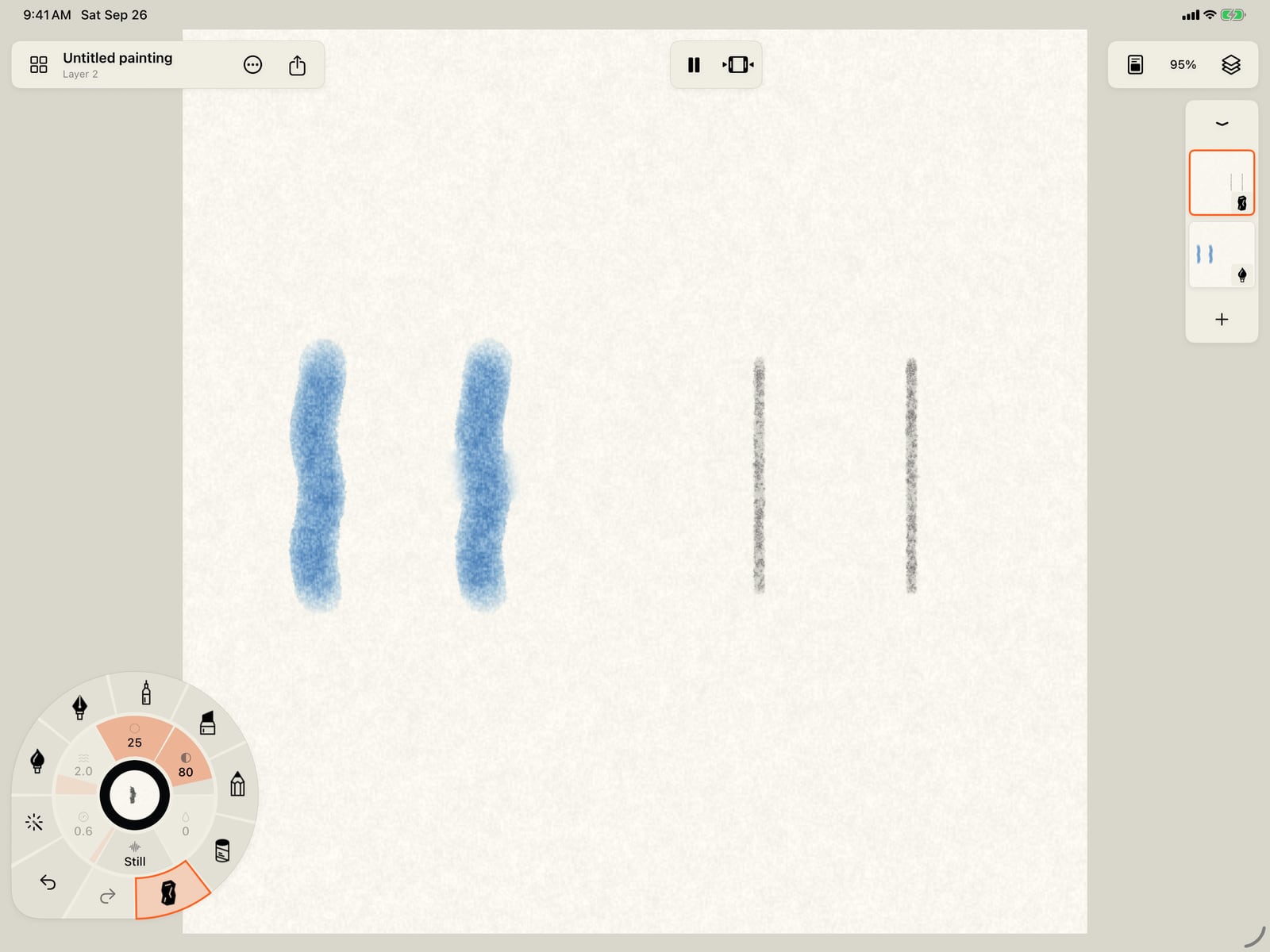
Take up Smudge, fold the wheel, and drag across the right-hand stroke. It picks up charcoal and smears it along your stroke.
Tools are brushes
Every tool that works on paint already down is a brush of its medium. Find them:
- in the brush library: tap the medium in hand, then All brushes; a medium's tools come after its paint brushes, and search finds them by name;
- on the wheel's ring of brushes, among the medium's other brushes;
- for lifting, Tools → Lift paint takes up the medium's lift tool at full strength (see Erase and lift paint).
A tool works on the current layer, so it touches only the paint of its own medium. Taking one up keeps the colour in hand for when you go back to a brush. Size, and the tool's Strength, set how broad and how strong it is, on the wheel or in Brush Studio.
The tools, medium by medium
| Tool | Media | What it does |
|---|---|---|
| Water Brush | Watercolor, Ink | Paints clear water: re-wets dry paint, softens edges and lets pigment run. |
| Flow Brush | Watercolor, Ink | Pushes wet paint the way you draw. |
| Pigment Push | Watercolor, Ink | The Flow Brush with its Gesture response at full, so the speed of your stroke moves the pigment as far as it can. |
| Dry Tool | Watercolor, Ink | Dries the paint under it, to glaze over without mixing. |
| Blot & Lift | Watercolor | Blots wet paint and water off the paper, like a tissue. |
| Smudge | Pen, Marker, Pastel, Charcoal (Graphite Smudge in Graphite) | Picks up paint and smears it along the stroke. |
| Blend | Pen, Marker, Graphite, Pastel, Charcoal | Softens and mixes paint where it passes, without pushing it far. |
| Lift | Pen, Marker, Pastel, Charcoal (Graphite Lift in Graphite) | Takes paint off the paper. |
| Dust | Pastel, Charcoal (Graphite Dust in Graphite) | Scatters loose particles of the medium, like dust knocked off a stick. |
Ink dries permanent, so it has no Lift; use the Water Brush while it is still wet. Tools that move wet paint (Water Brush, Flow Brush, Pigment Push, Dry Tool) have no colour and no marks.
Tool settings
In Brush Studio a tool shows Strength in place of pigment. Pastel and Charcoal's Smudge and Blend add Adhesion; the Flow Brush and Pigment Push add Gesture response, how much the speed of your stroke pushes the water. Tool, on the Tip page, turns any brush into a tool of its medium.
Tip: Watercolor and Ink tools act on paint that's still wet; for a dried wash, re-wet it with the Water Brush first. See Watercolor and ink.
Something not behaving as expected?
Visit support or write to [email protected].