

Guides / Paint
The seven media
Watercolor, Ink, Pen, Marker, Graphite, Pastel and Charcoal, how each behaves, and why each has its own layer.
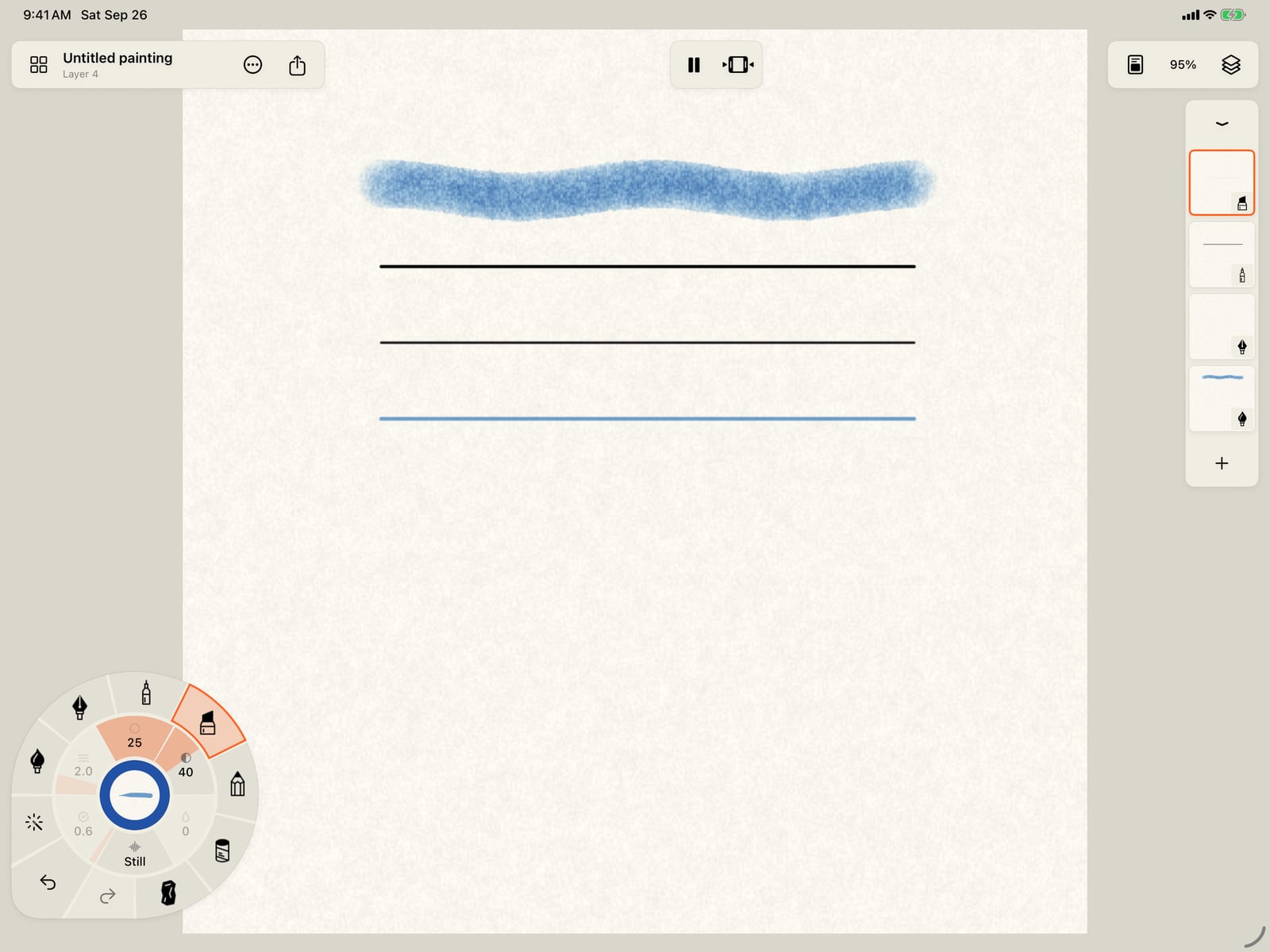
Paint a watercolor stroke, then tap Ink on the rim. Each medium paints on its own layer, so Doodly makes an Ink layer and says so at the top.
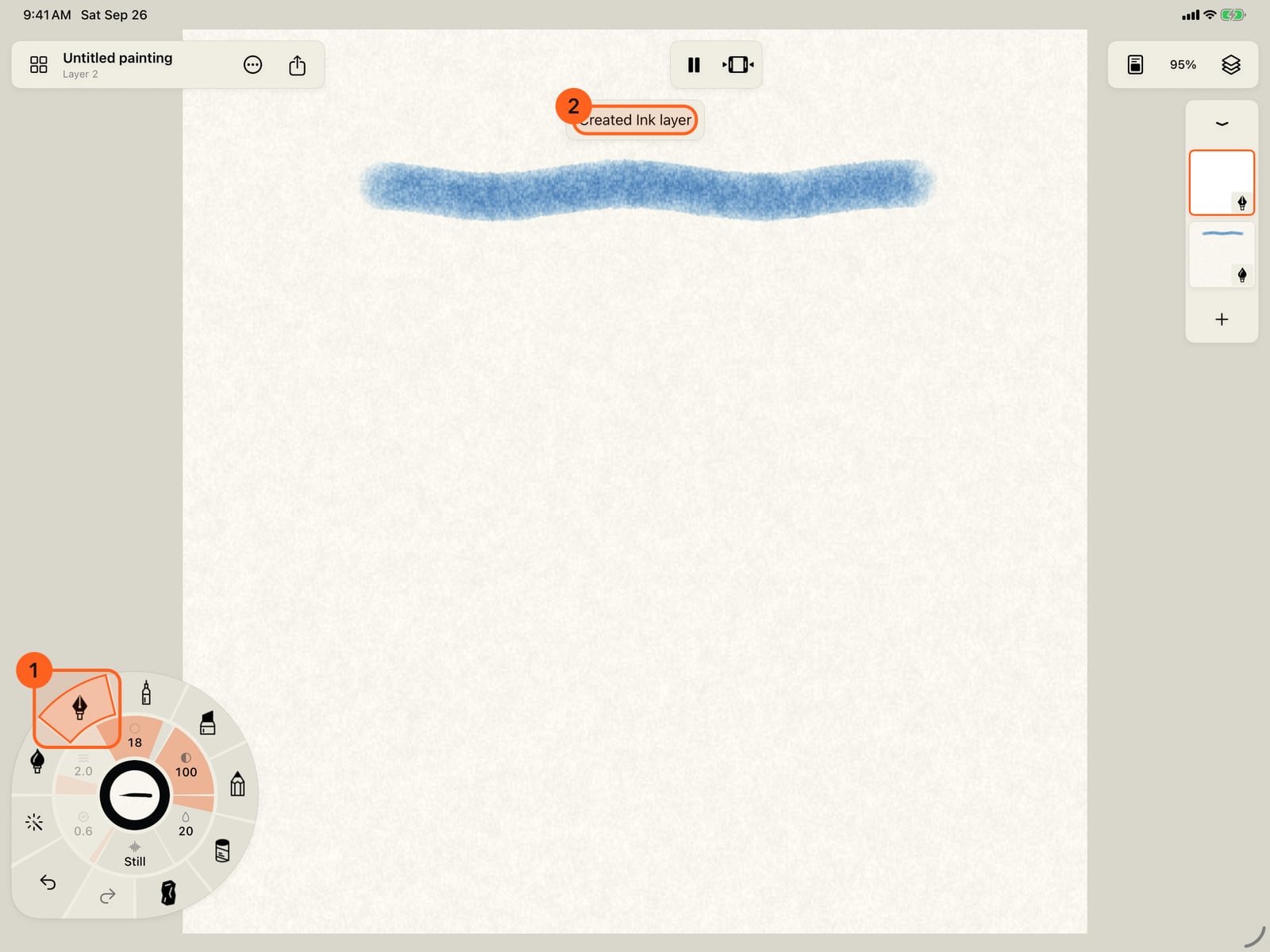
Paint a watercolor stroke, then unfold the wheel and tap Ink. Each medium paints on its own layer, so Doodly makes an Ink layer and says so at the top.
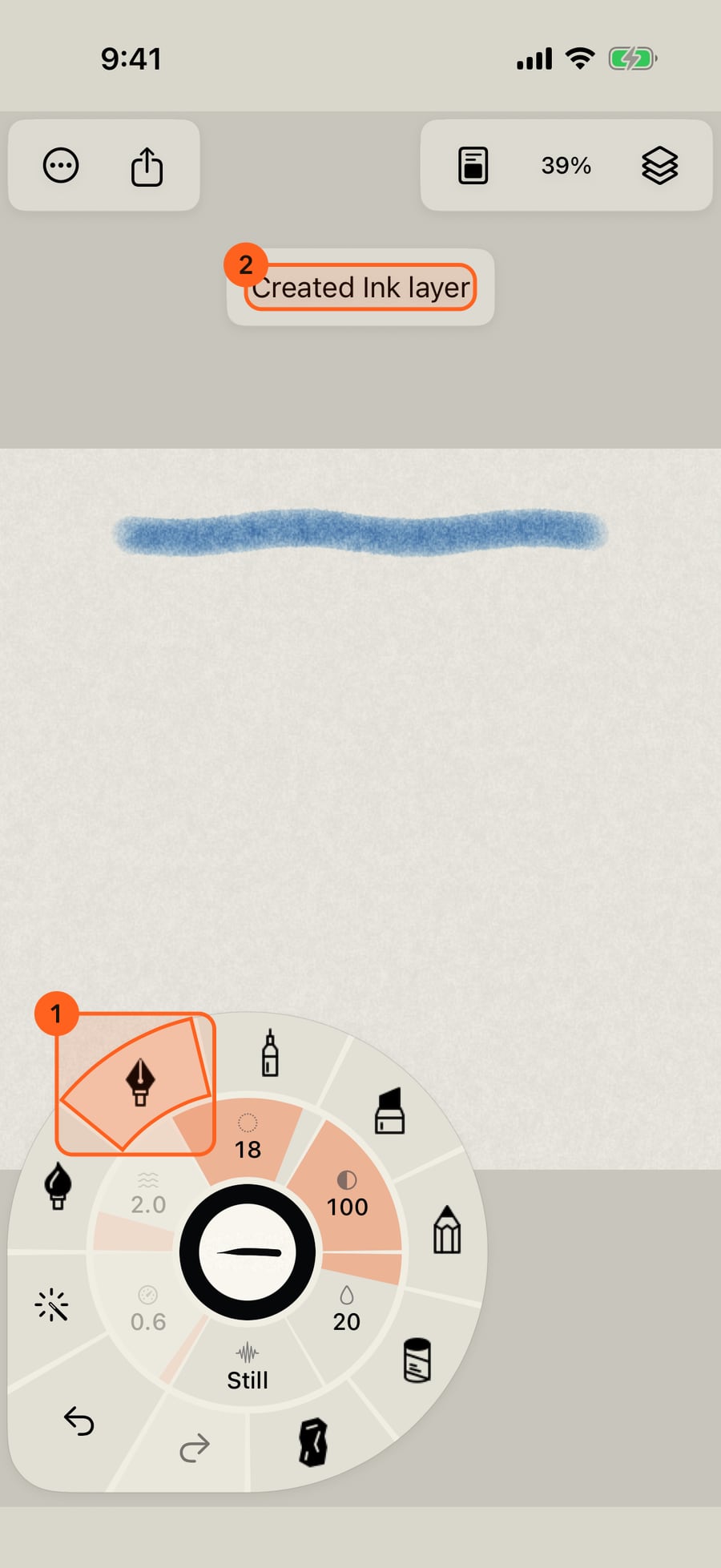
Paint a watercolor stroke, then click Ink on the rim. Each medium paints on its own layer, so Doodly makes an Ink layer and says so at the top.
Watercolor and Ink are wet. They spread into the paper, run together where they meet, bloom, and dry over a few seconds. Ink dries permanent.
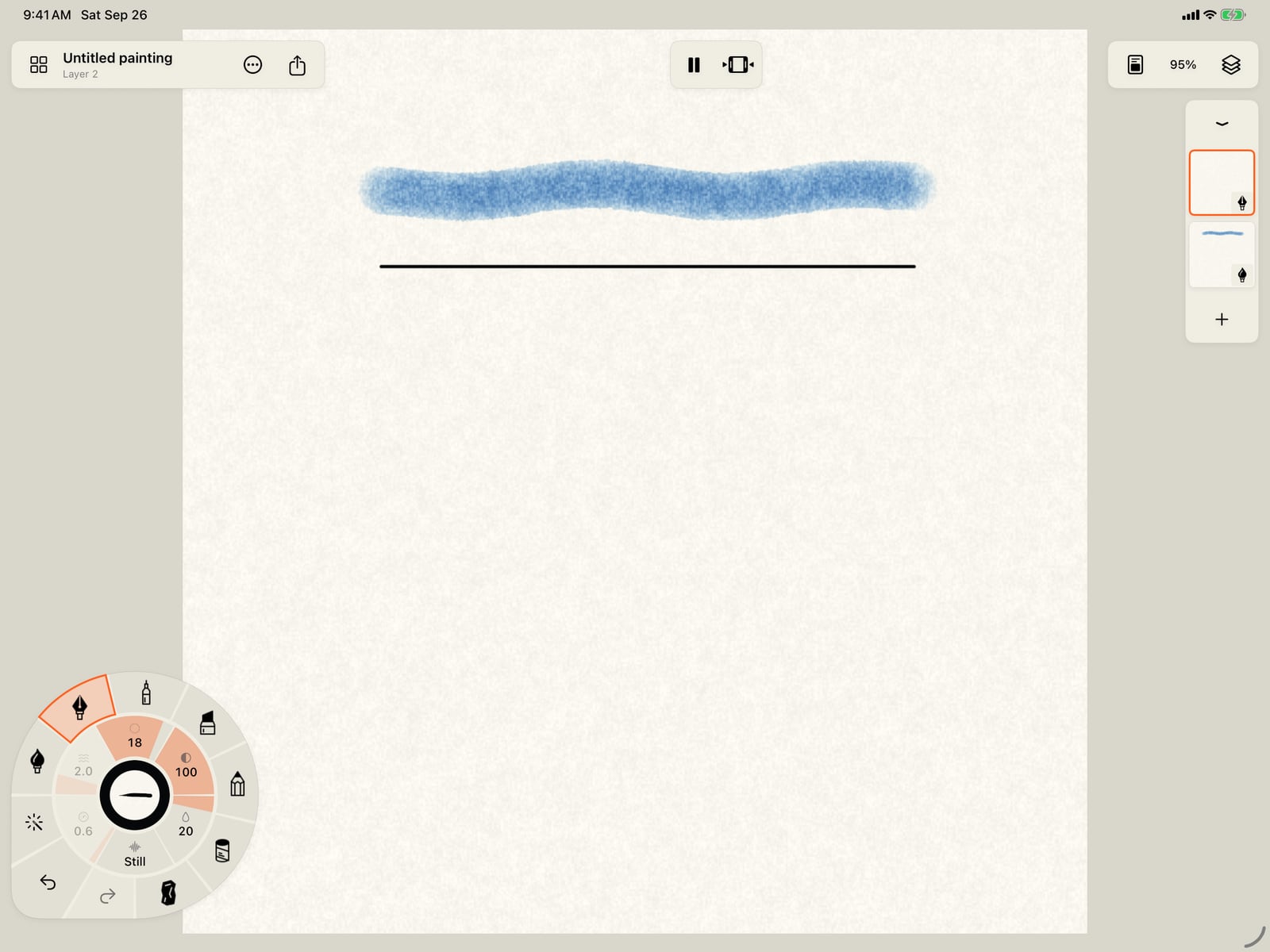
Watercolor and Ink are wet. They spread into the paper, run together where they meet, bloom, and dry over a few seconds. Ink dries permanent.
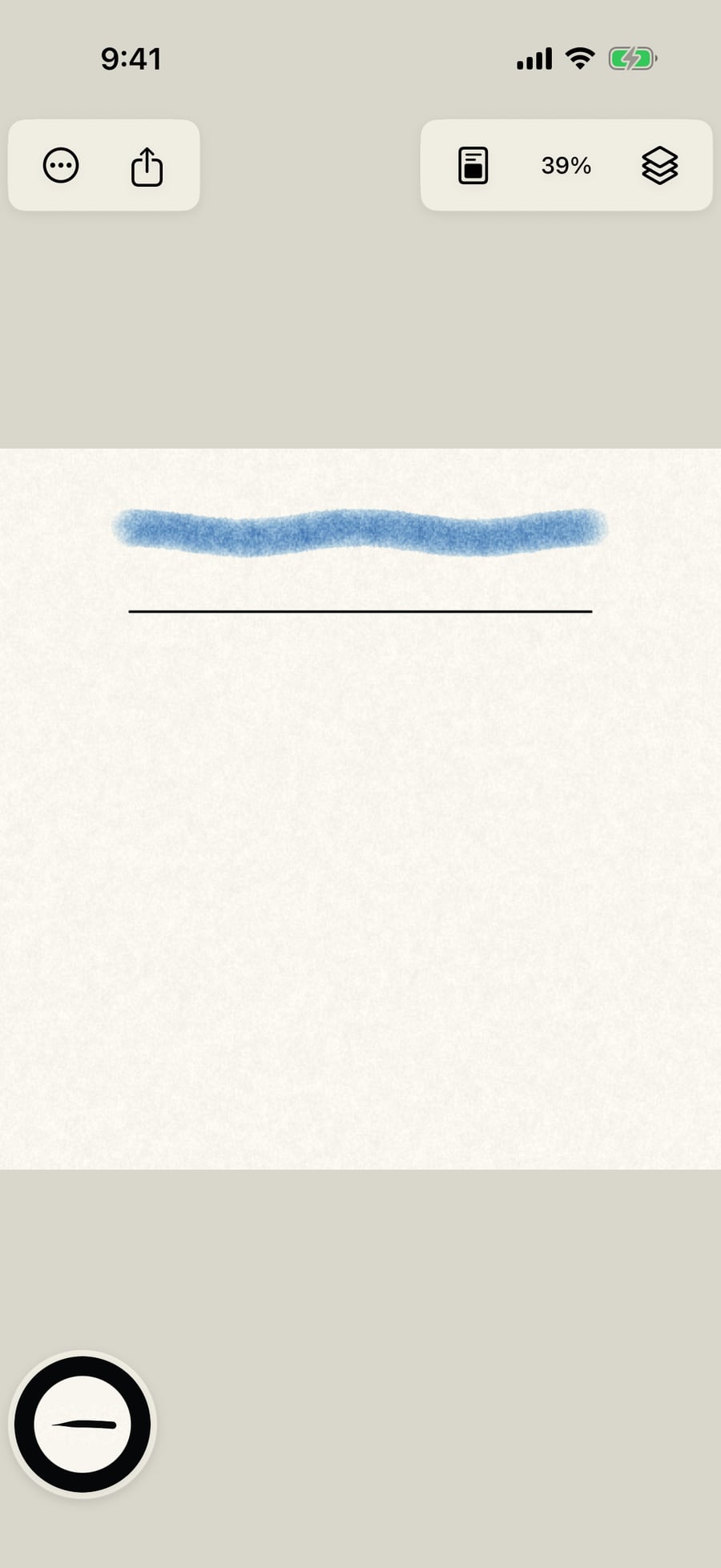
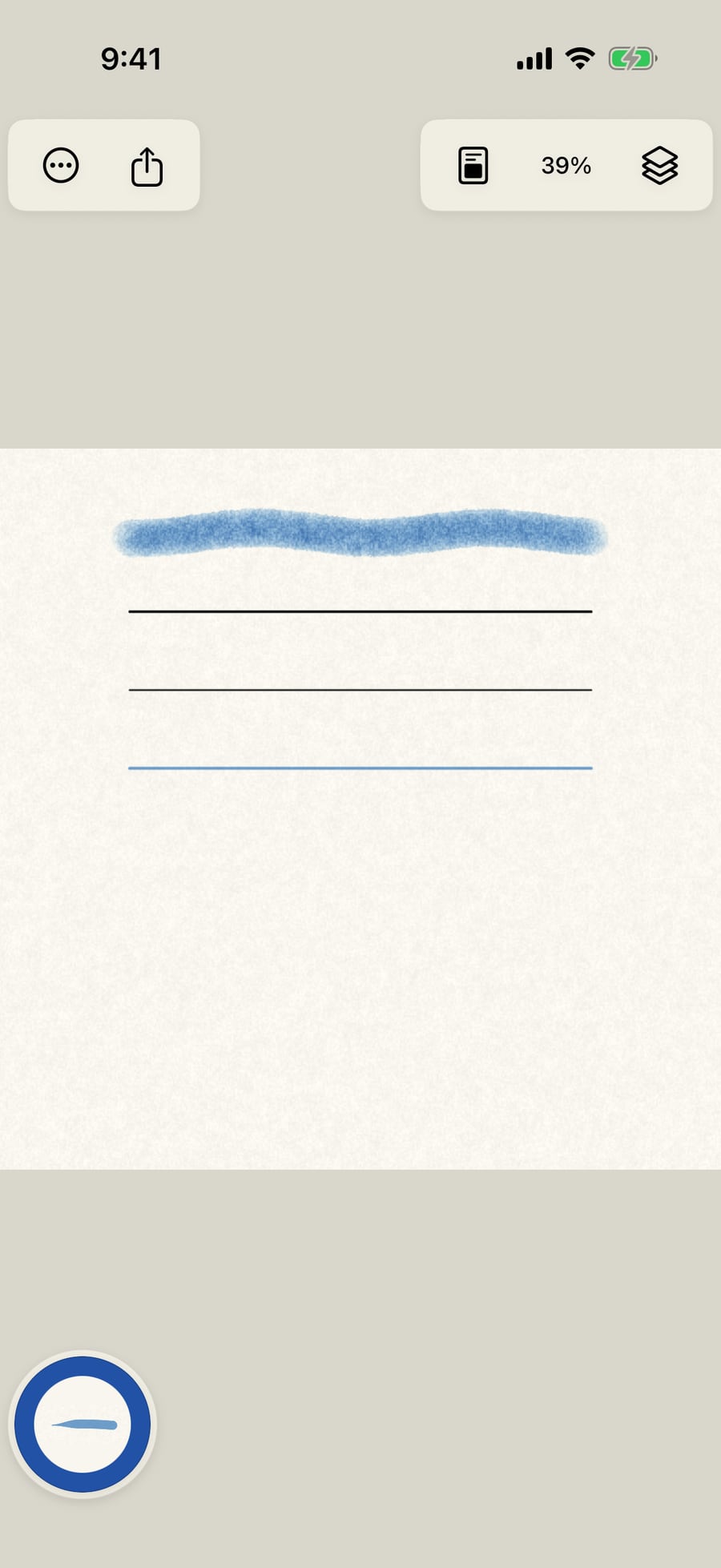
Pen draws a crisp, even line. Marker is translucent, so it darkens where strokes cross, and it bleeds a little into the paper.
Pen draws a crisp, even line. Marker is translucent, so it darkens where strokes cross, and it bleeds a little into the paper.
Graphite, Pastel and Charcoal are dry. They catch the paper's grain, and each can be smudged, blended and lifted afterwards.
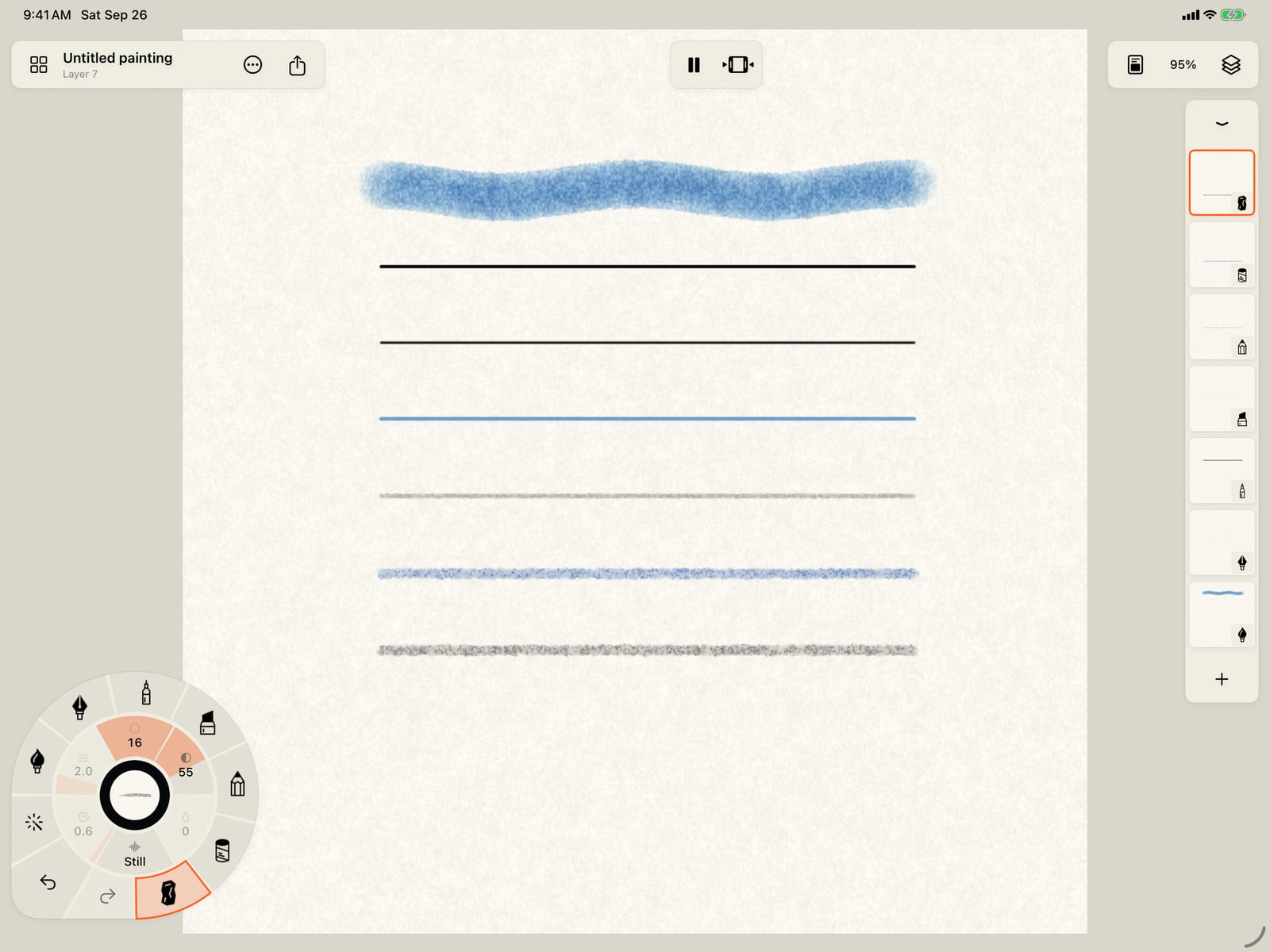
Graphite, Pastel and Charcoal are dry. They catch the paper's grain, and each can be smudged, blended and lifted afterwards.
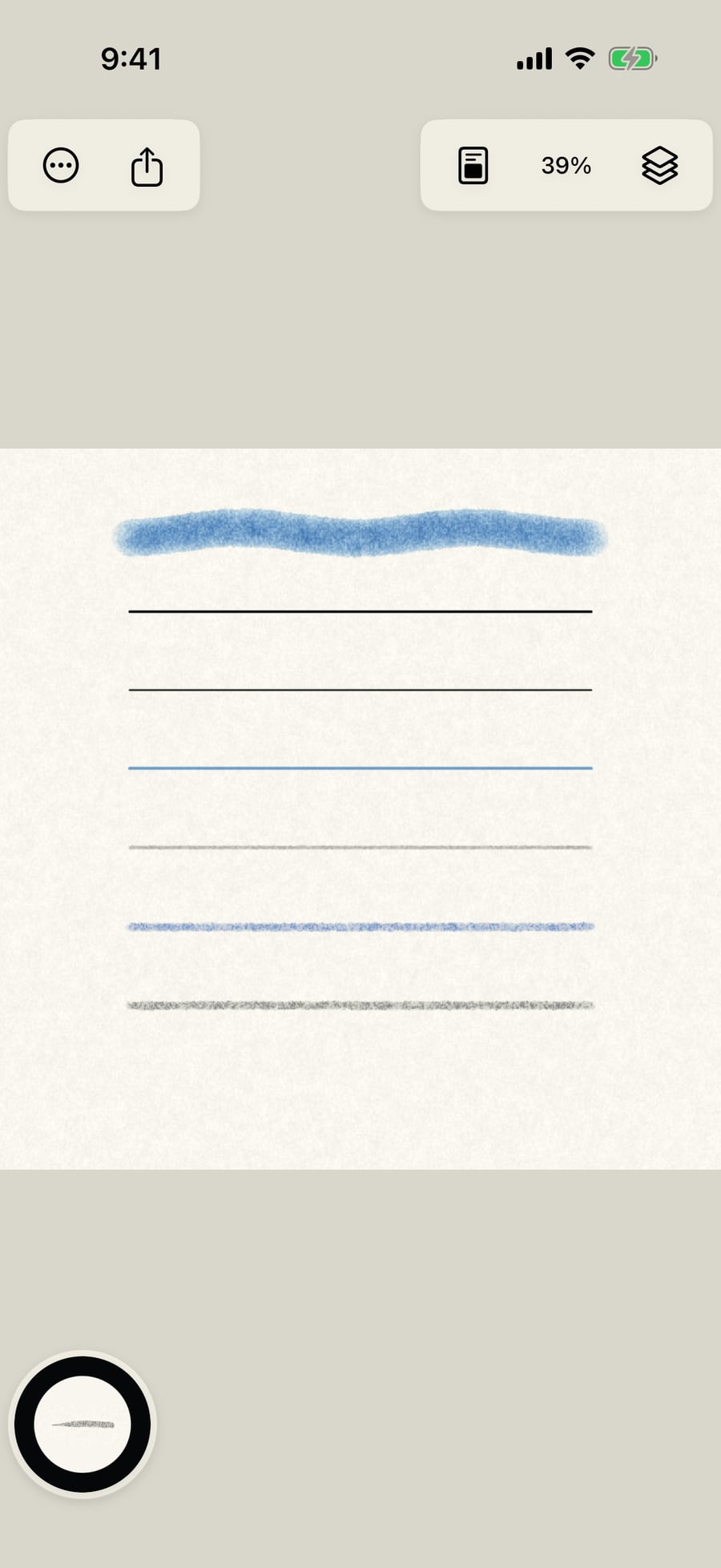
Open Layers and there is one layer for each medium, marked with its icon. Taking up a brush of another medium switches to its layer, or makes one.
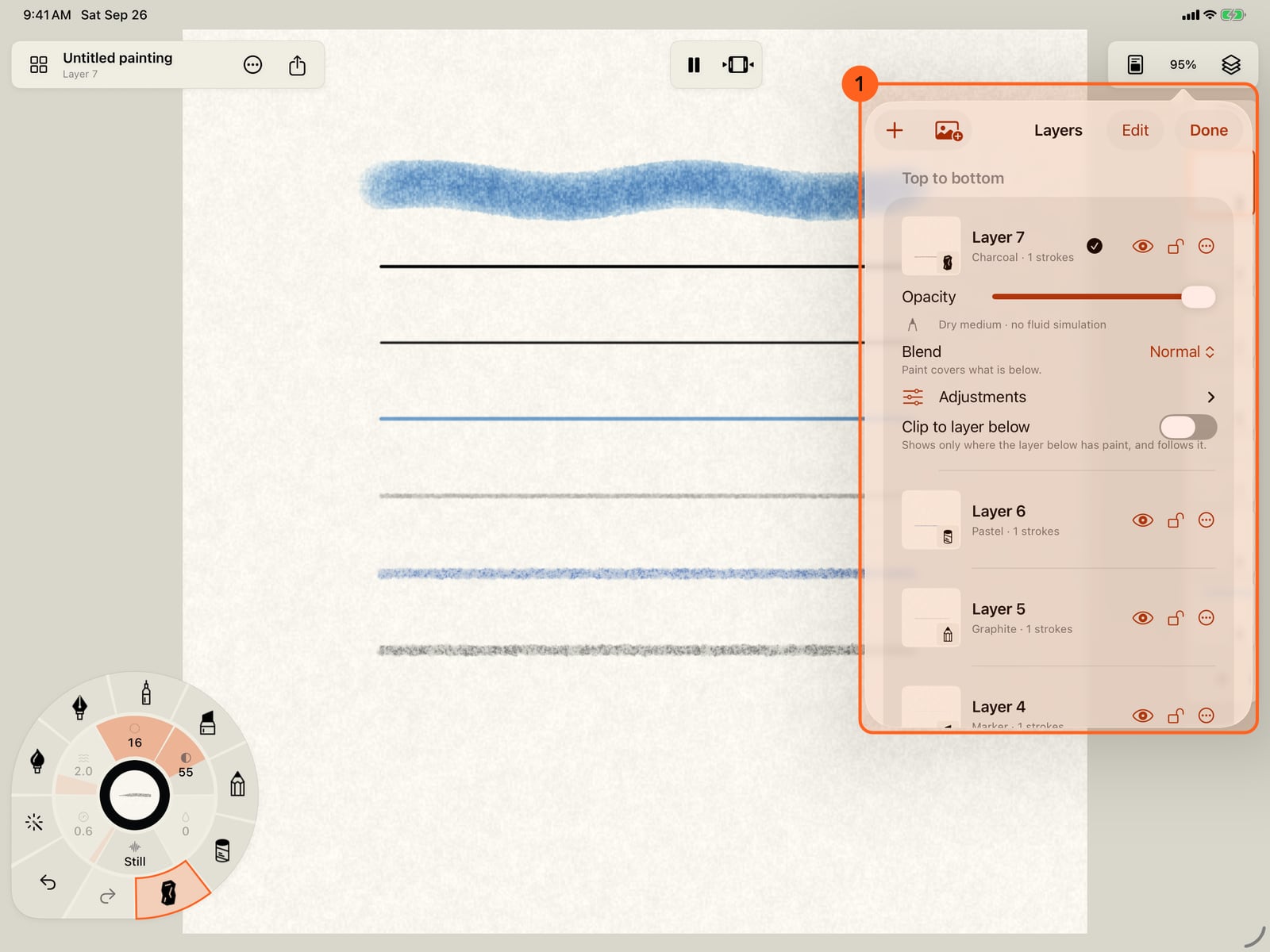
Open Layers and there is one layer for each medium, marked with its icon. Taking up a brush of another medium switches to its layer, or makes one.
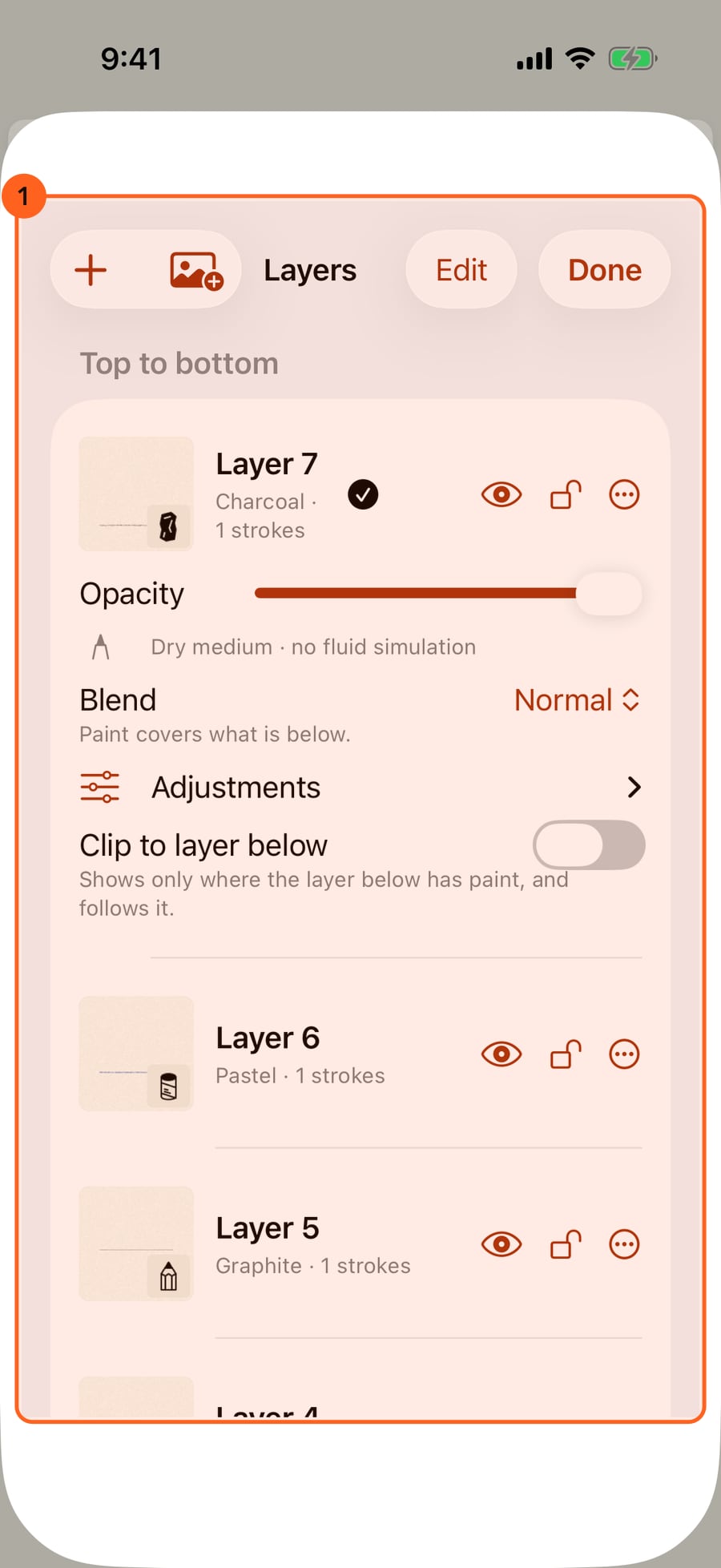
One medium per layer
Every layer holds one medium, because each medium is its own kind of paint: wet media run a water simulation, and dry media lay particles or film. When you take up a brush of another medium, from the rim, a ring or the library, the painting follows it:
| What the current layer is | What happens | The notice at the top 2 |
|---|---|---|
| Empty | It becomes a layer of the new medium. | Empty layer changed to Ink |
| Painted, and a visible, unlocked layer of that medium exists | That layer becomes current. | Switched to its name |
| Painted, and there is none | A new layer of that medium is added. | Created Ink layer |
The layer strip and Layers 1 mark each layer with its medium's icon. Choosing a layer of another medium takes up that medium's brush. Free holds three paint layers and Pro sixteen; when they are all in use, show and unlock a layer of the medium, or clear or delete one, to use the brush.
How each medium behaves
| Medium | Kind | How it behaves |
|---|---|---|
| Watercolor | Wet | Transparent pigment carried by water. Wet strokes spread, run into each other and bloom, granulate into the paper's texture, darken at their edges as they dry, and can be re-wetted and lifted. |
| Ink | Wet | Liquid, strongly staining ink. It feathers along the paper, pools at its edges and dries permanent: Ink has no Lift. |
| Pen | Dry | A crisp line at an even tone, for drawing and lettering. Its marks can glow on a dark painting. |
| Marker | Dry | Translucent layers that darken where they overlap, with a little bleed into the paper. A Marker layer already multiplies, so it has no blend mode to choose. |
| Graphite | Dry | Pencil tone that catches the paper's tooth; pressure and tilt shape it. Smudge, Blend, Lift and Dust tools. |
| Pastel | Dry | Soft, chalky particles that sit on the paper's peaks and fill its valleys as you press. Smudge, Blend, Lift and Dust. |
| Charcoal | Dry | Like Pastel, with a stronger black and finer breakup. Smudge, Blend, Lift and Dust. |
Wet media are covered in Watercolor and ink, and the tools that soften and move paint in Blending tools.
Brushes in each medium
Each medium has its own brushes, from fine to broad, some that move by themselves (Living Wash, Living Sumi, Living Line and so on), mark brushes that lay shapes or effects, and its tools. Every medium also takes every motion and every effect, from the Motion and Effects collections of the brush library.
Tip: Every medium is Free, with all of its brushes and tools.
Something not behaving as expected?
Visit support or write to [email protected].