

Guides / Sound
Stylus sound and music
Hear the tip on the paper as you paint, and let your painting steer music while you work, in a style and mood you choose.
Sound is in Settings. Tap Actions in the top bar.
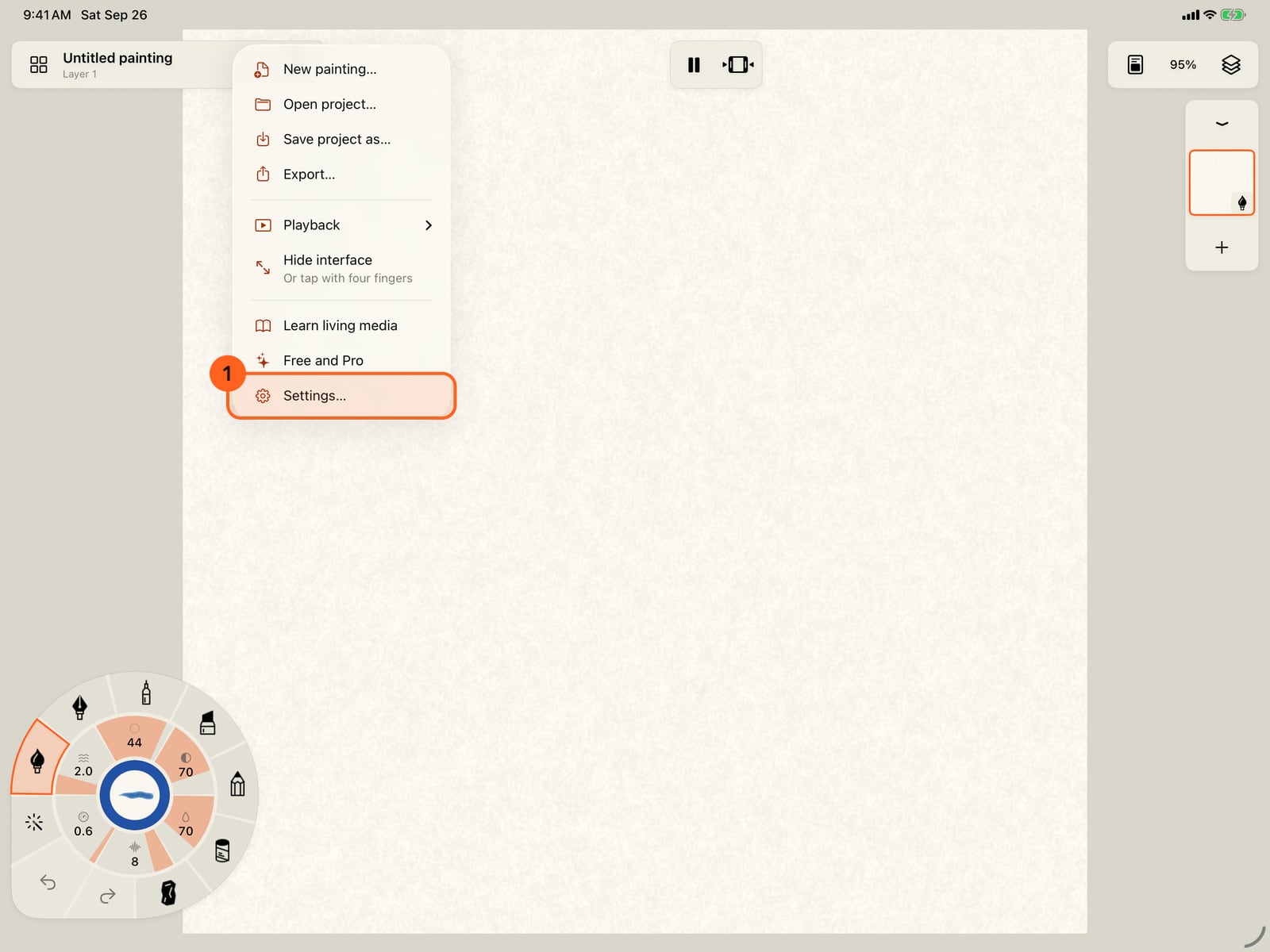
Sound is in Settings. Tap Actions in the top bar.
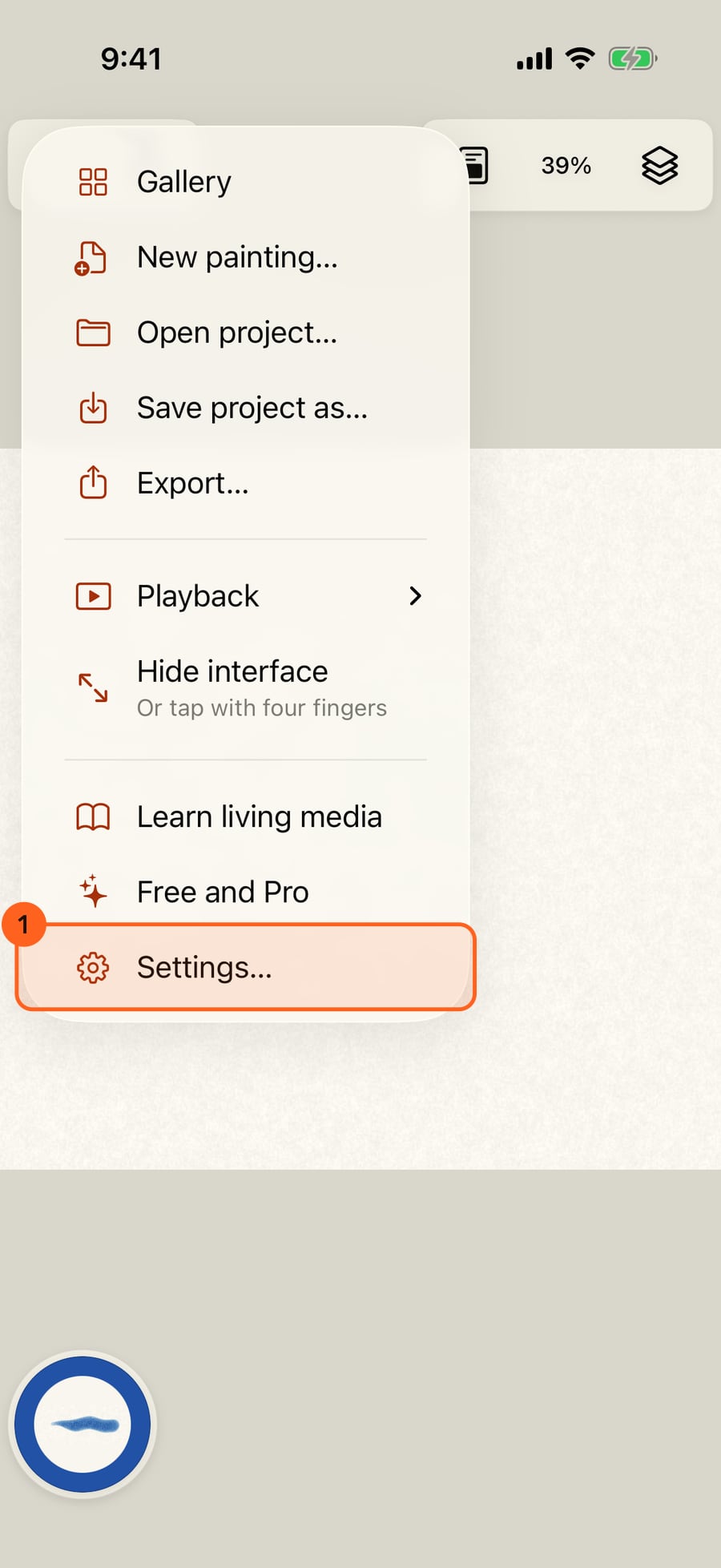
Sound is in Settings. Click Actions in the top bar.
Choose Settings, and scroll to Sound. Both sounds start off.
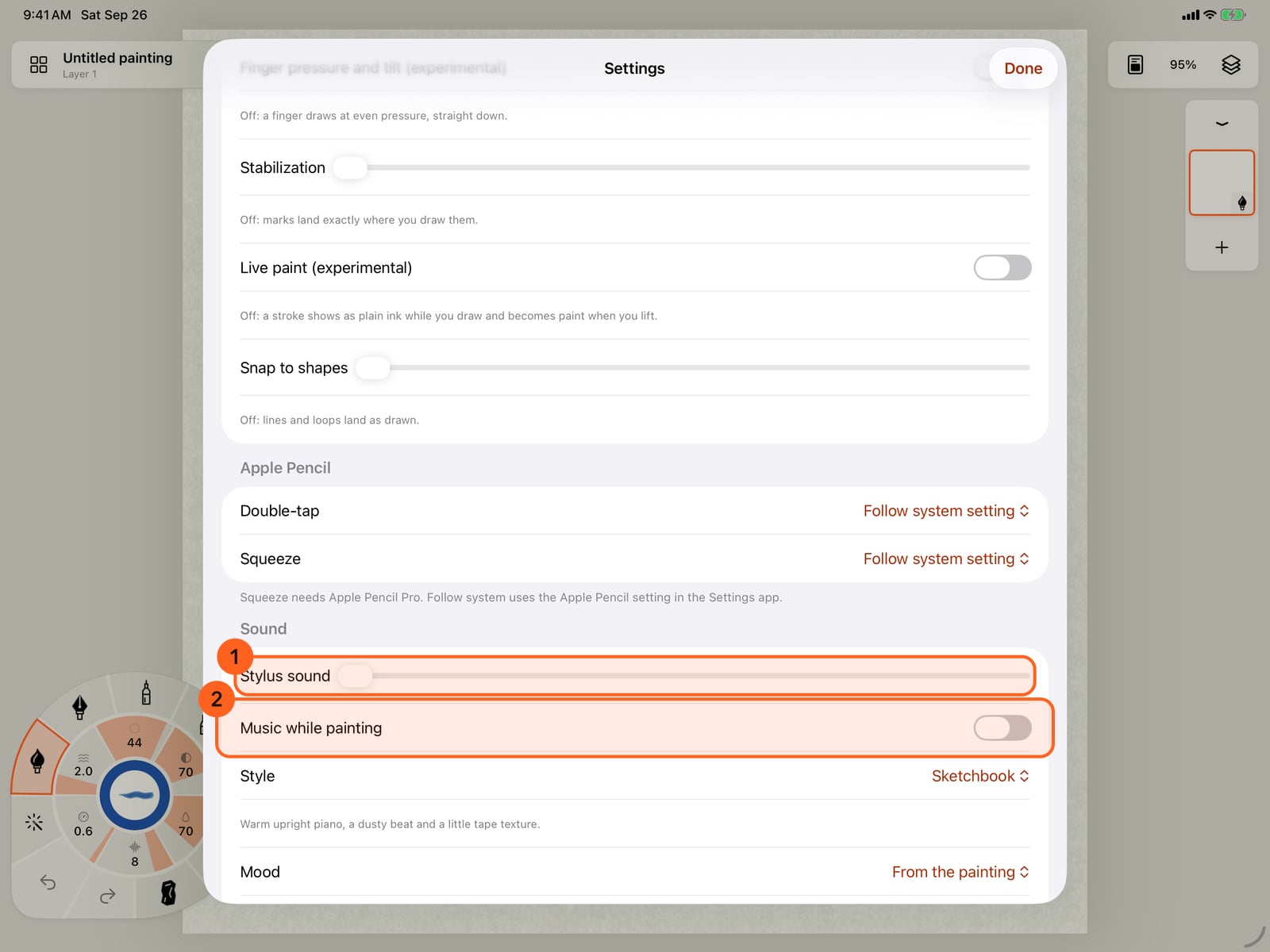
Choose Settings, and scroll to Sound. Both sounds start off.
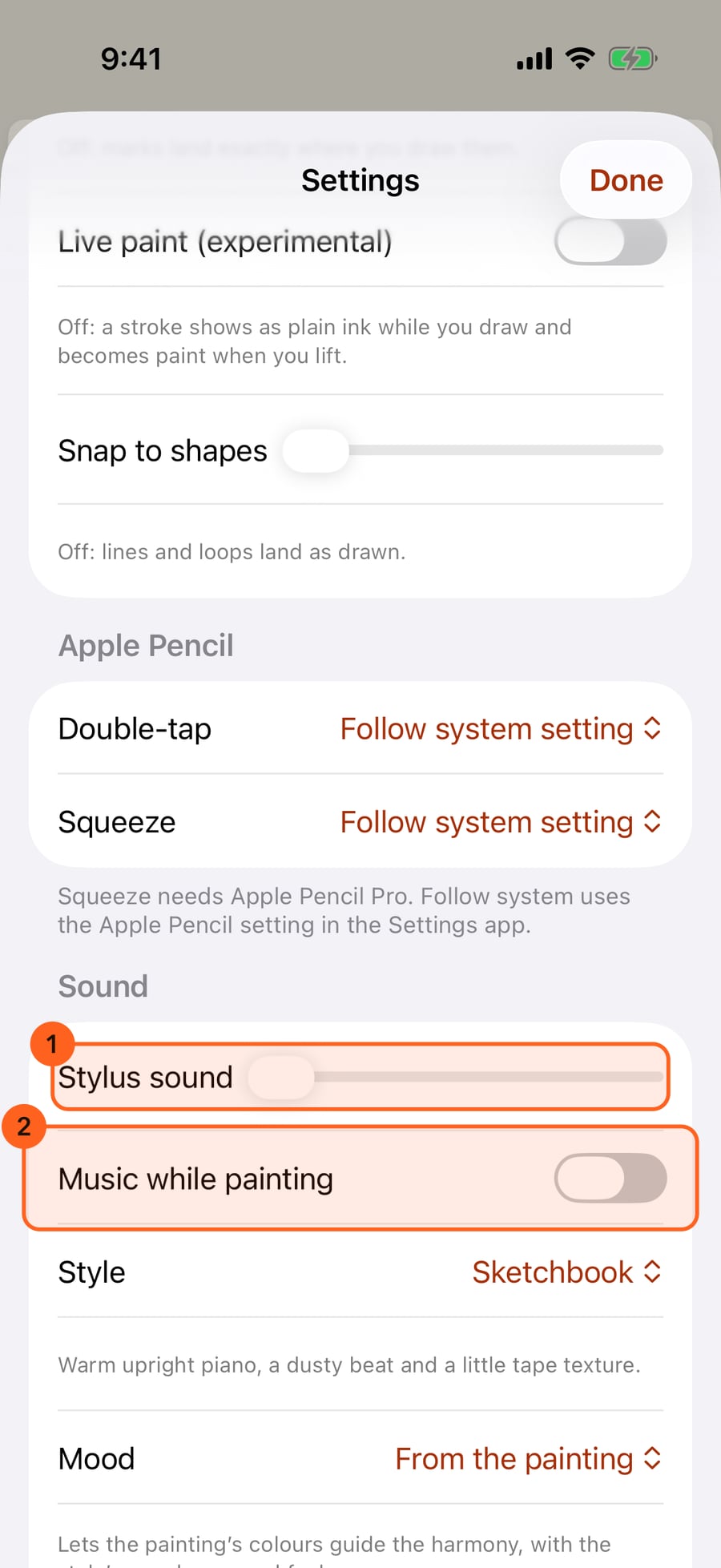
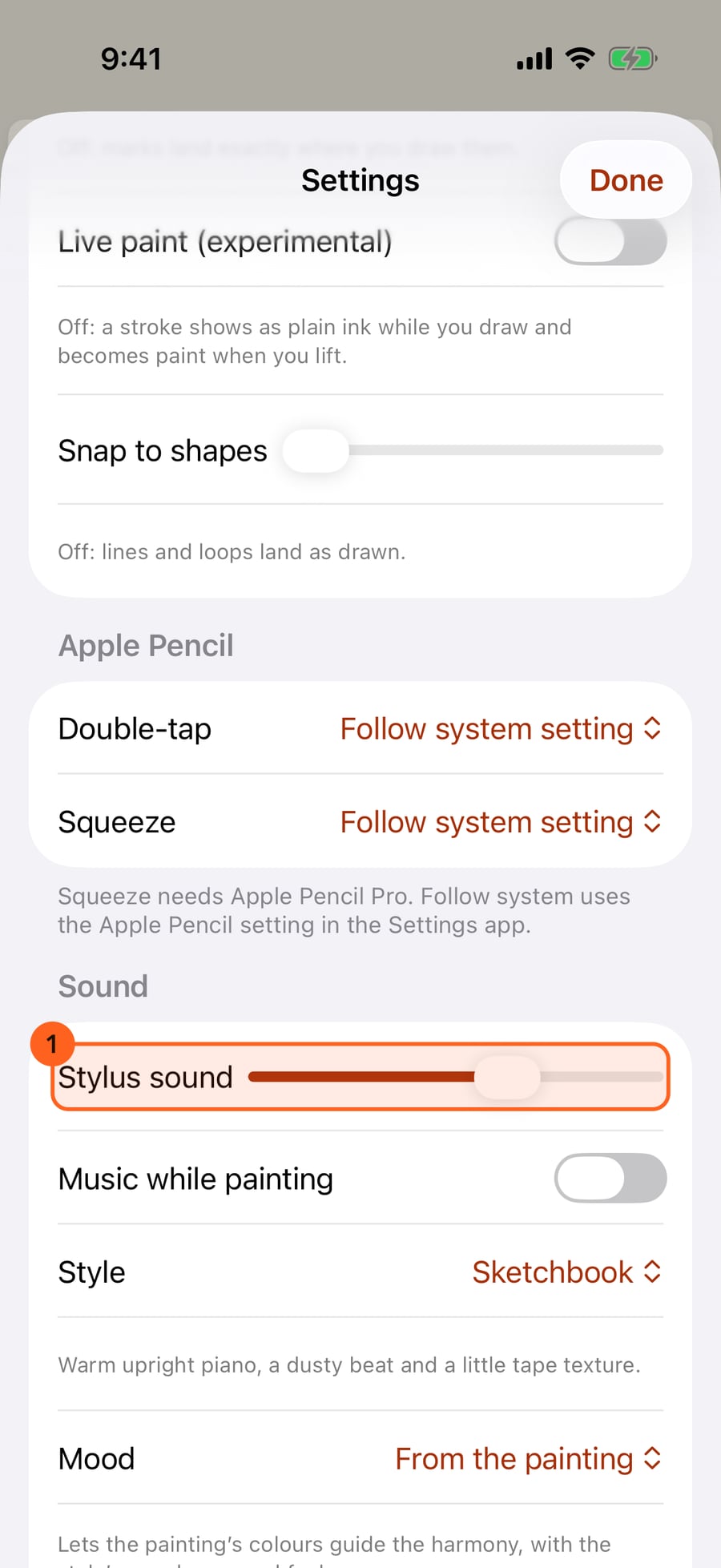
Slide Stylus sound up to hear the tip on the paper. Each kind of tool sounds its own way, from a pencil's scrape to a brush's soft drag.
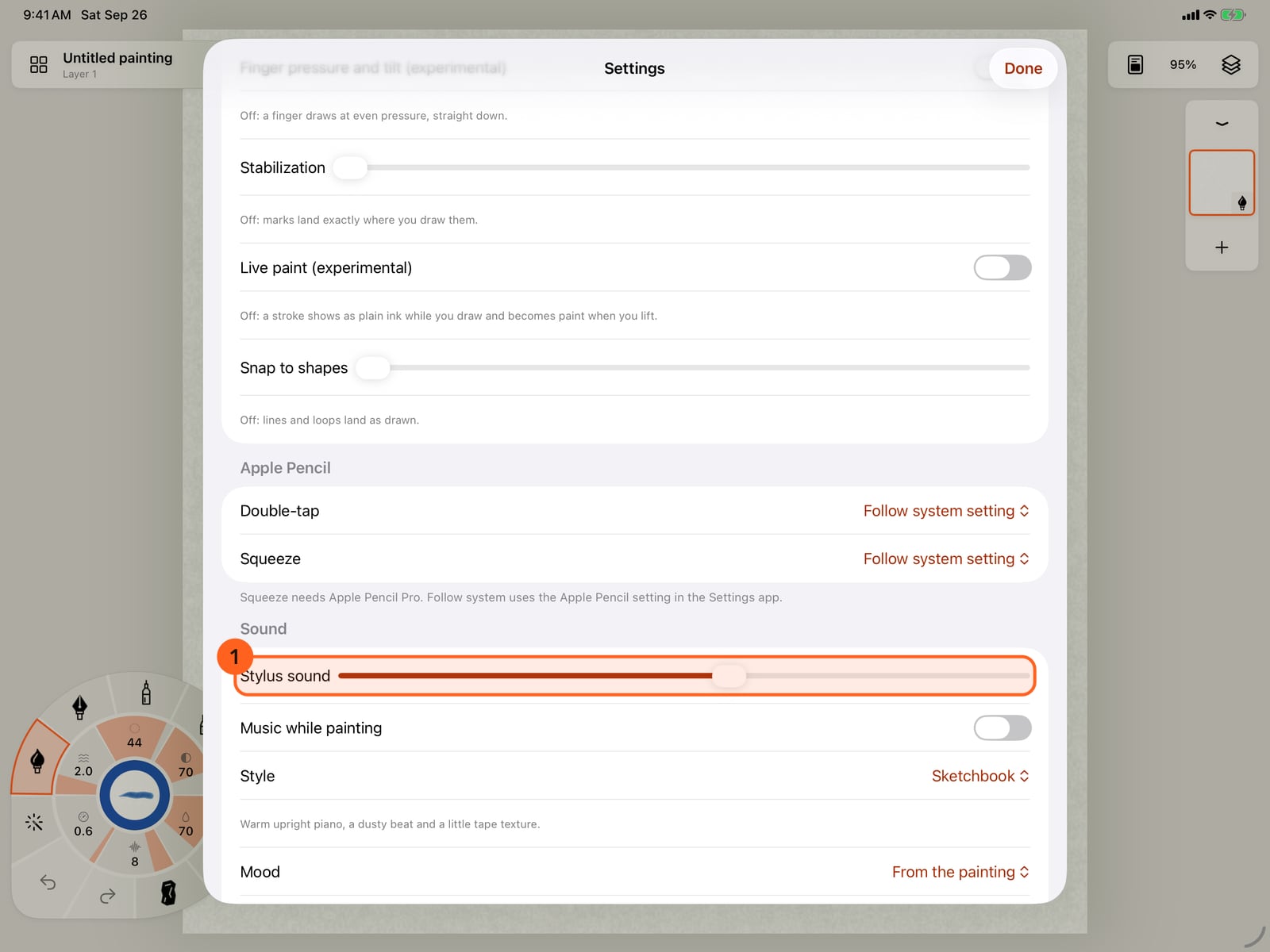
Slide Stylus sound up to hear the tip on the paper. Each kind of tool sounds its own way, from a pencil's scrape to a brush's soft drag.
Turn on Music while painting. Your strokes steer the music as you work. Then tap Style.
Turn on Music while painting. Your strokes steer the music as you work. Then tap Style.
Turn on Music while painting. Your strokes steer the music as you work. Then click Style.
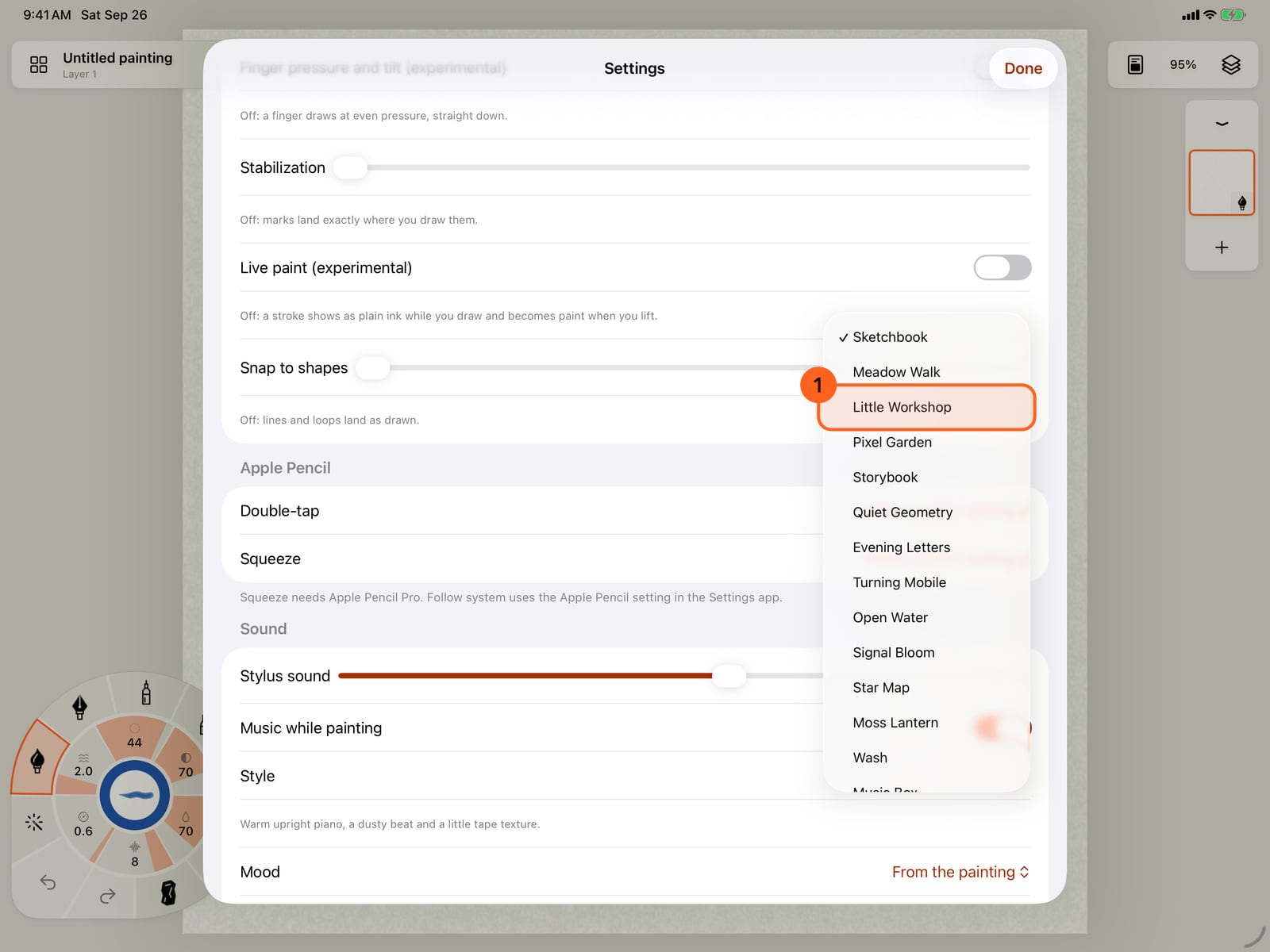
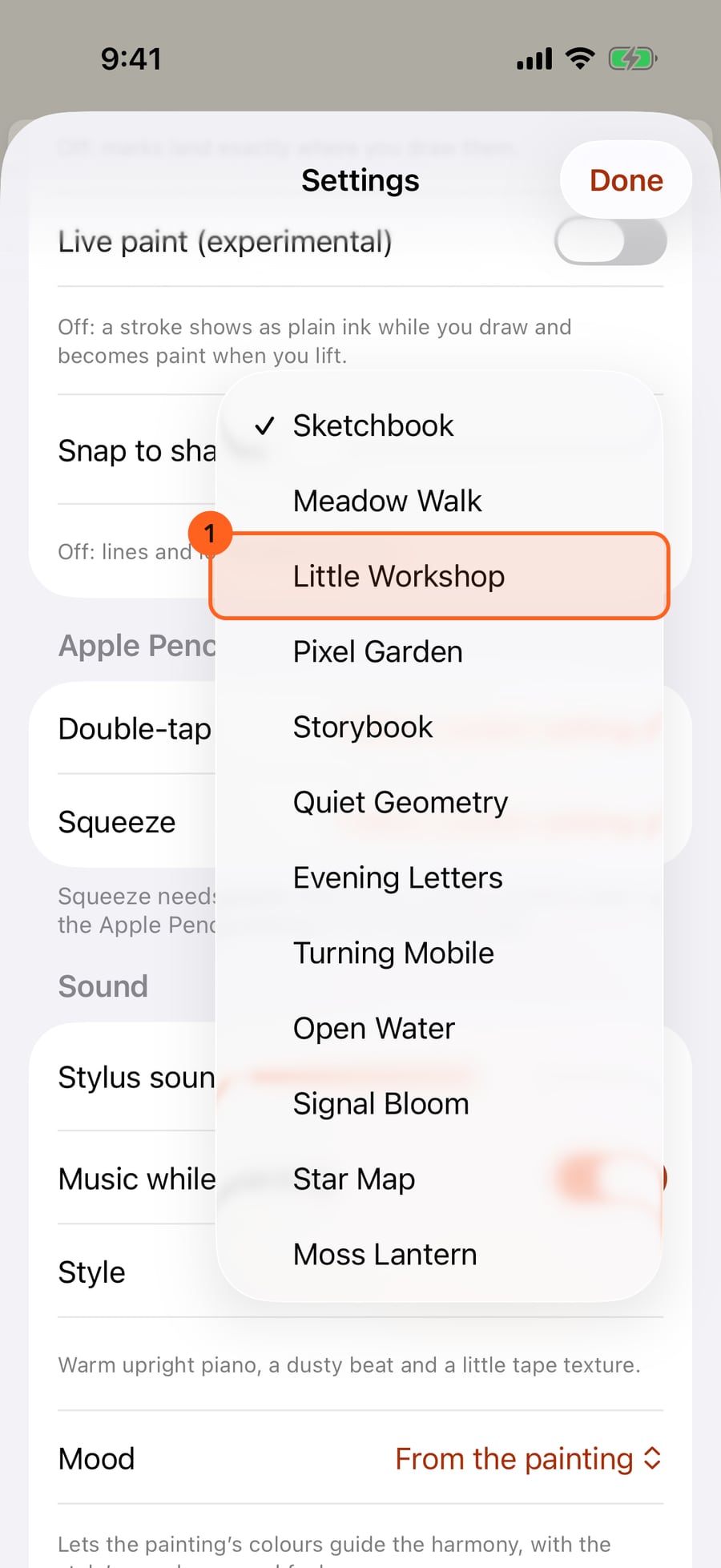
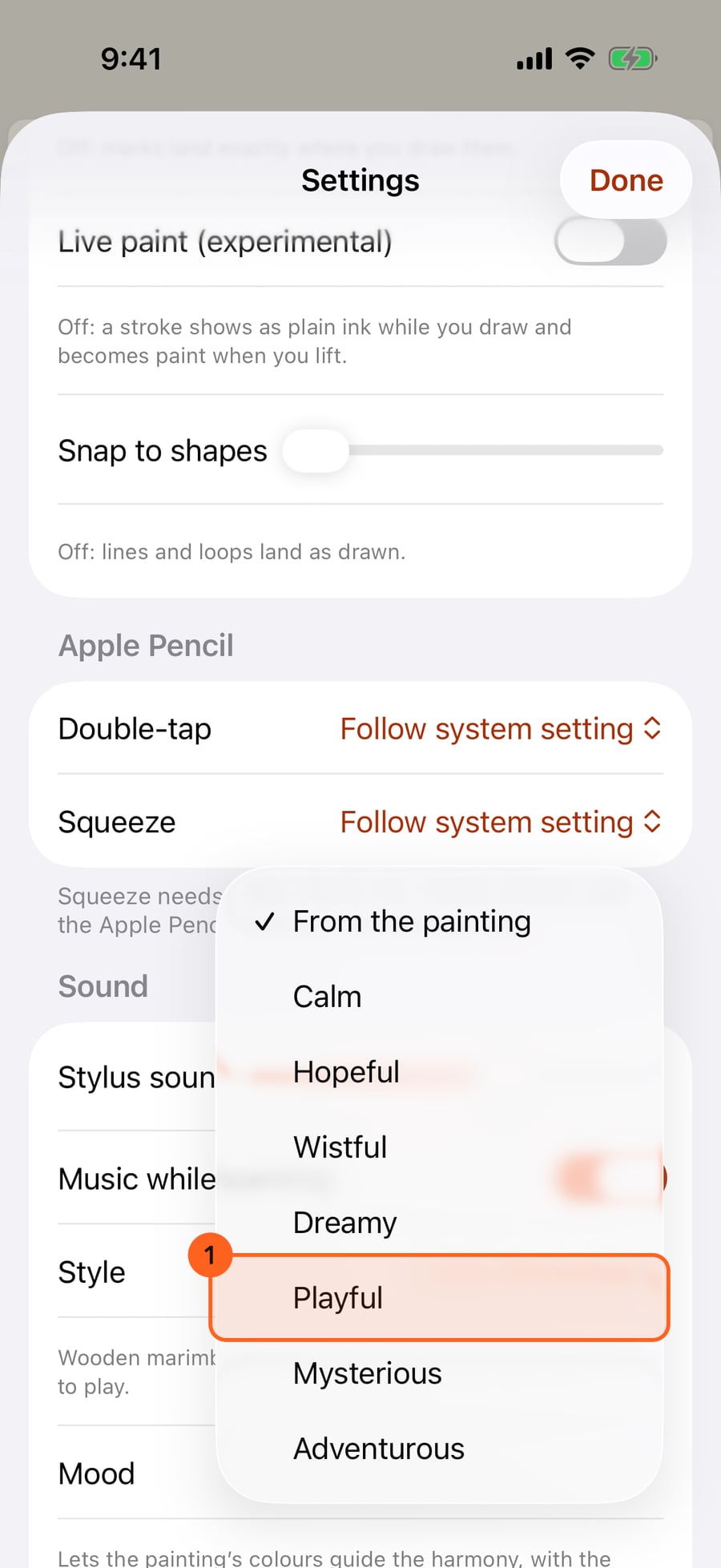
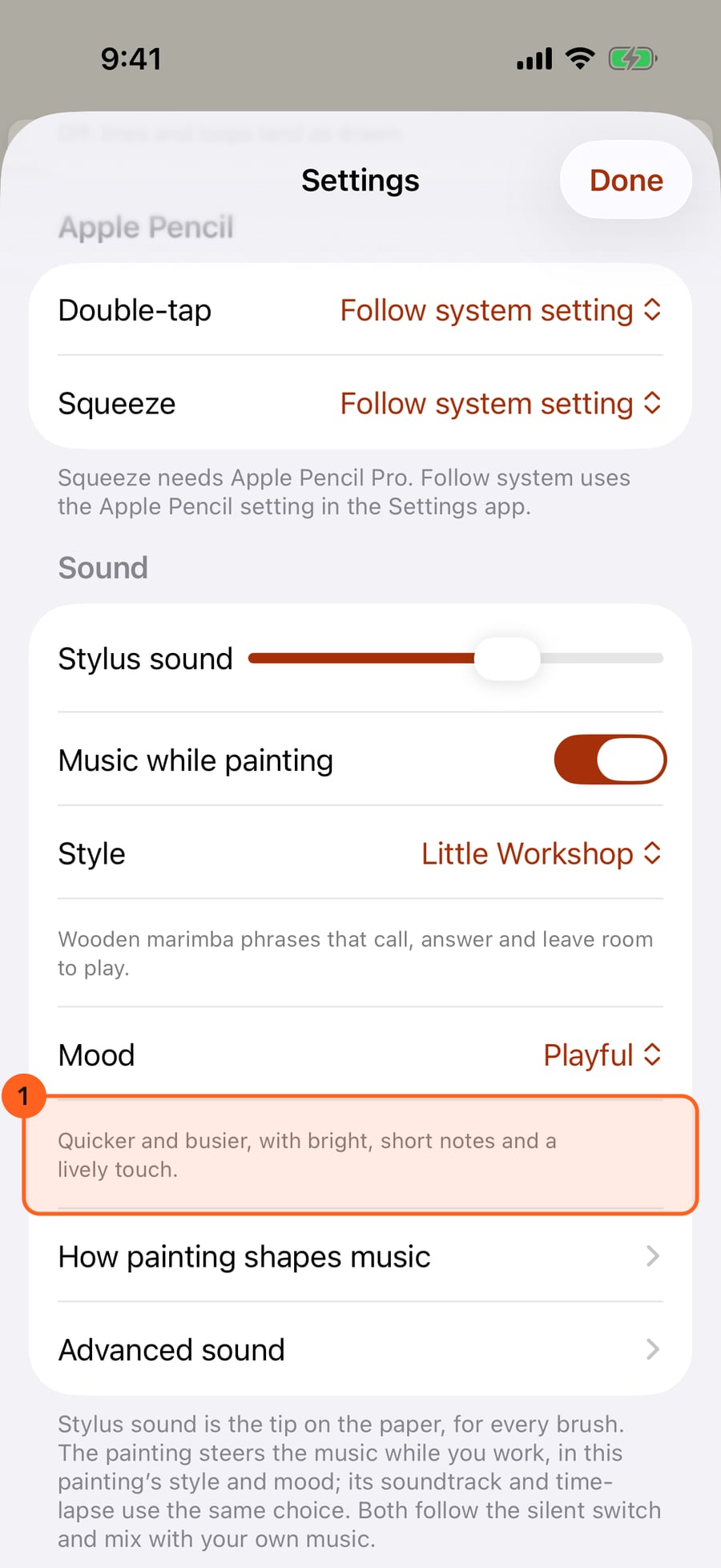
Choose a style, here Little Workshop, with its wooden marimba. Then tap Mood.
Choose a style, here Little Workshop, with its wooden marimba. Then tap Mood.
Choose a style, here Little Workshop, with its wooden marimba. Then click Mood.
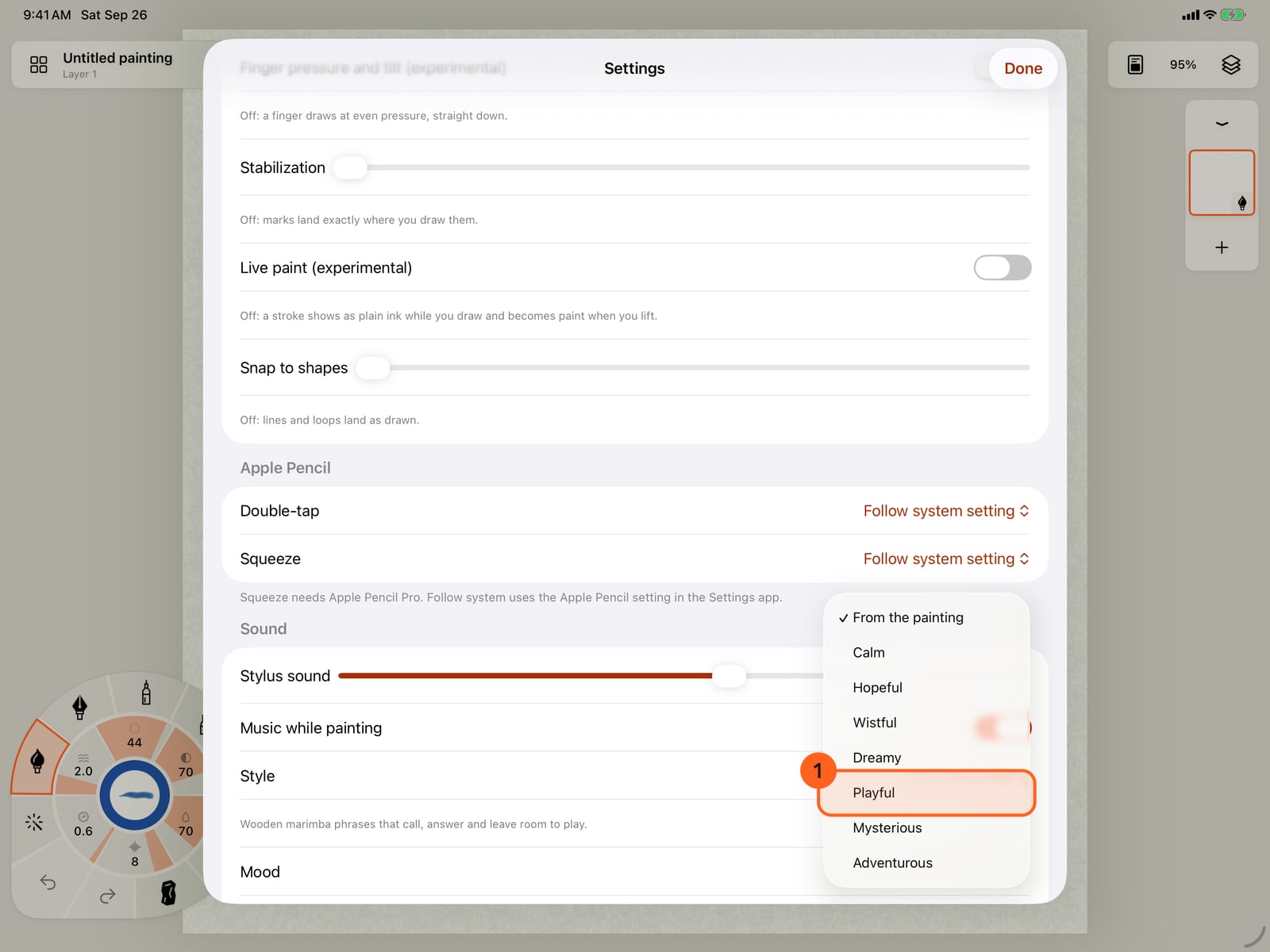
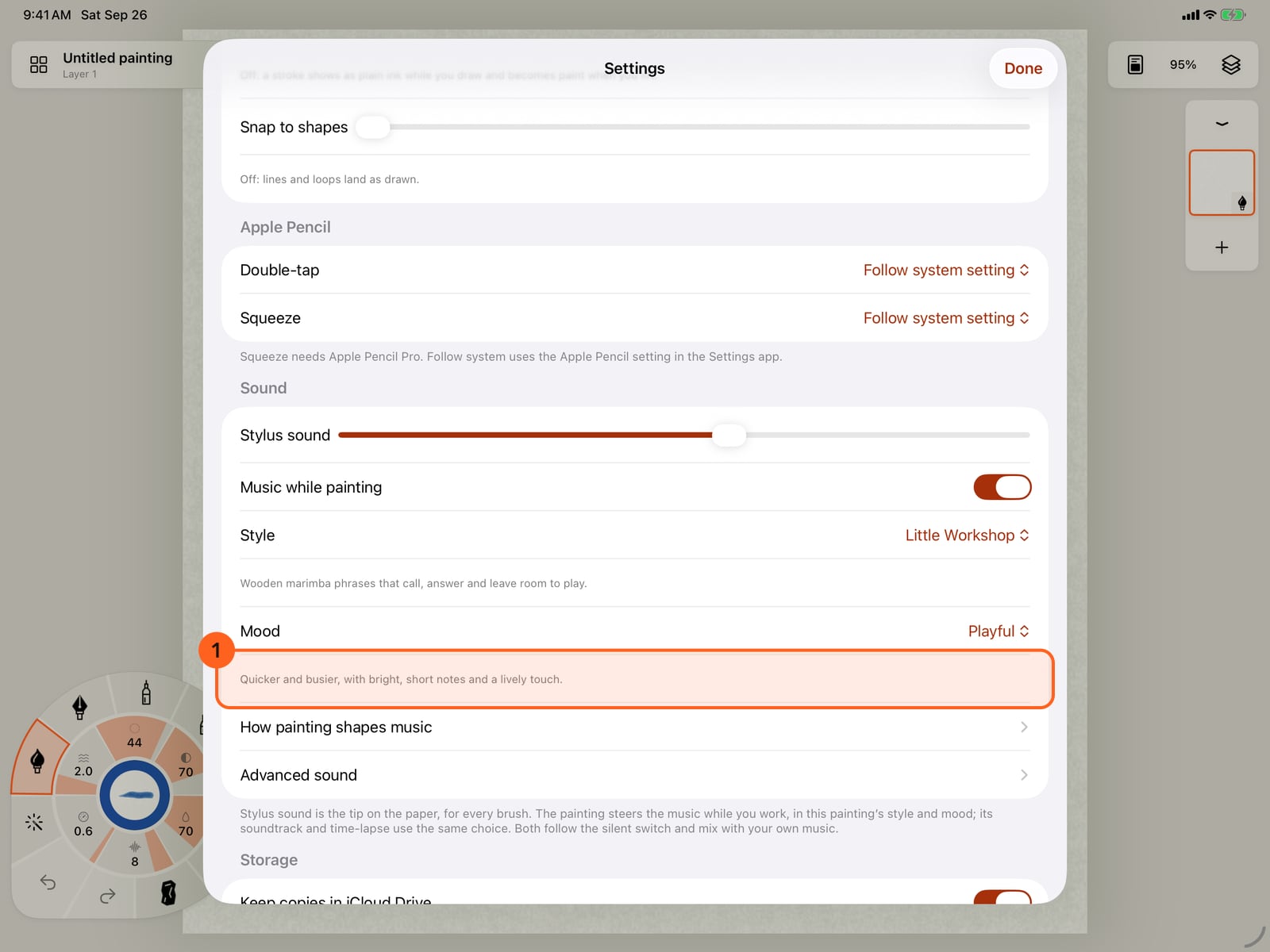
Choose Playful. The line under each choice says what it does to the music.
Choose Playful. The line under each choice says what it does to the music.
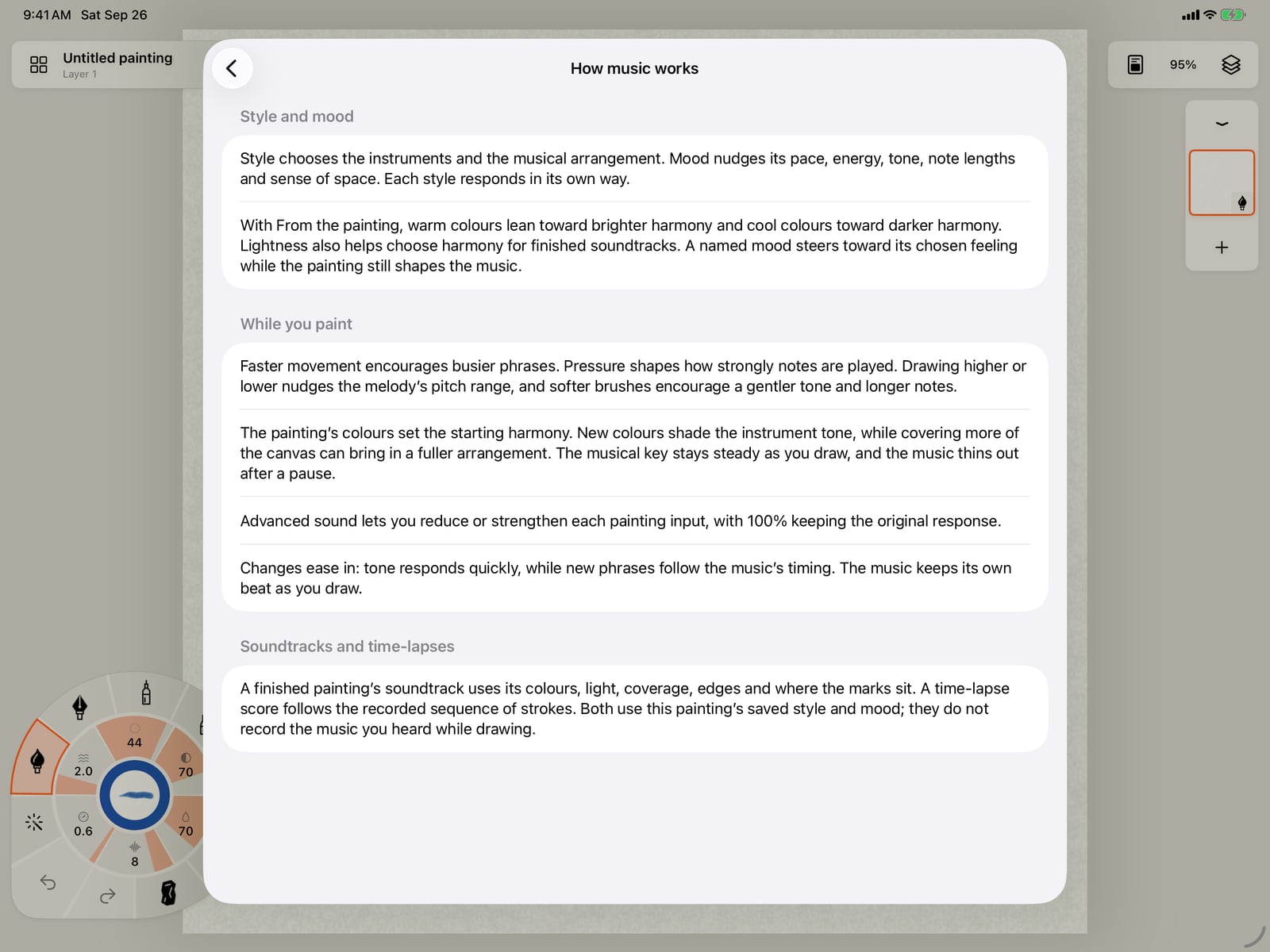
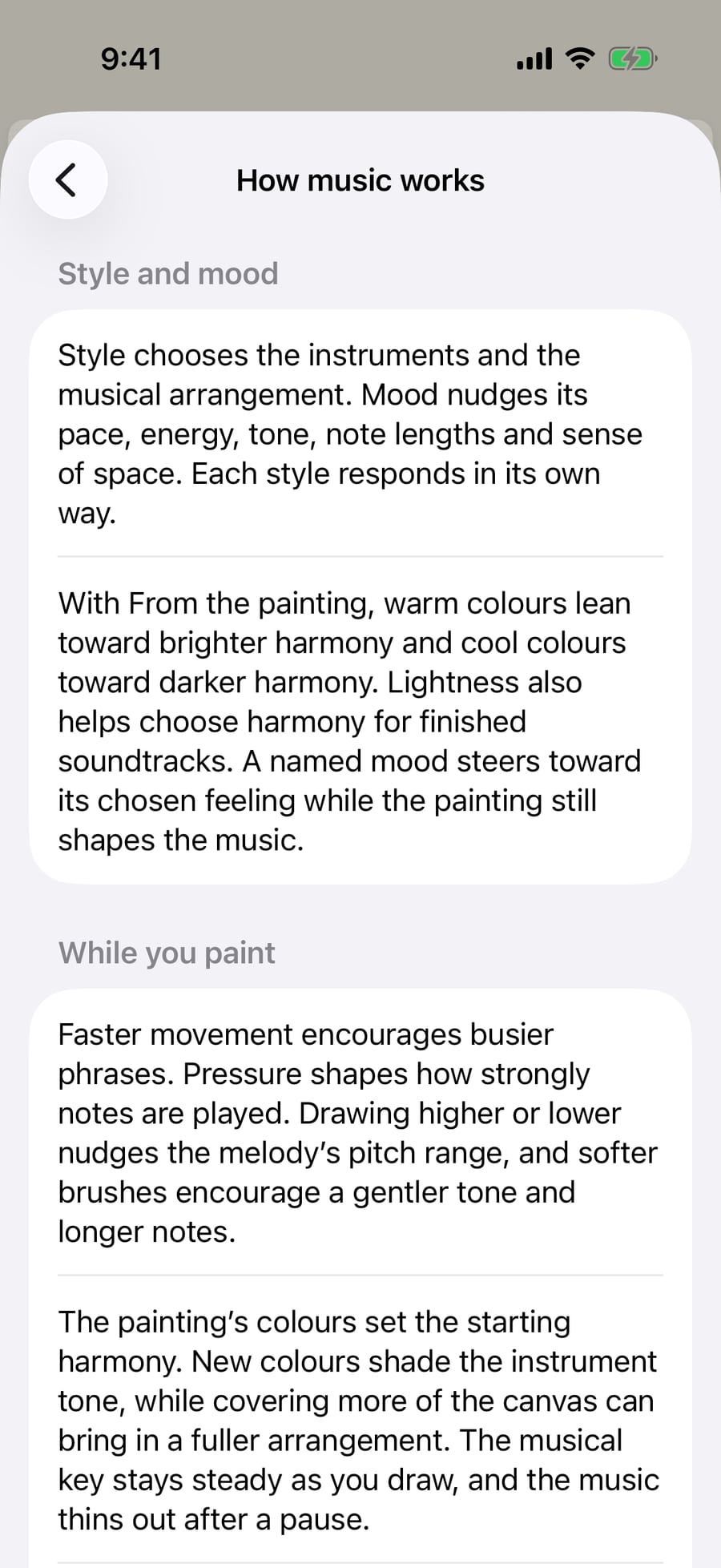
How painting shapes music explains what your painting steers. Speed, pressure, height, colour and coverage all play a part.
How painting shapes music explains what your painting steers. Speed, pressure, height, colour and coverage all play a part.
Stylus sound
Actions → Settings… → Sound → Stylus sound 1 is the sound of the tip on the paper, for every brush. It's a level rather than a switch, since speakers and headphones differ: far left is off.
Each tool has its own sound: a pencil scrapes the paper's tooth, charcoal and pastel crumble, a ballpoint rolls, an ink nib's tines snag the fibres, a marker squeaks, and a brush drags soft hairs, silky when wet and scratchy when dry. Blending and lifting tools make a soft rub. Pressure, speed and changes of direction all shape the sound.
It plays for Apple Pencil, for a finger when Finger draws is on, and for a mouse, trackpad or tablet on the Mac.
Music while painting
Music while painting 2 plays music that your painting steers as you work, in this painting's style and mood.
| Control | What it does |
|---|---|
| Style | The instruments and arrangement. The line under it describes the style. |
| Mood | The feeling to lean into. The line under it describes the mood. |
| How painting shapes music | A page on what the painting changes in the music. |
| Advanced sound | Per-tool sound editors and music mapping. See Advanced sound. |
Styles: Sketchbook, Meadow Walk, Little Workshop, Pixel Garden, Storybook, Quiet Geometry, Evening Letters, Turning Mobile, Open Water, Signal Bloom, Star Map, Moss Lantern, Wash, Music Box, Night Piano and Paper Rain are Free. Glasshouse, Drone Field, Tape Choir, Jazz Corner and Pulse are Pro.
Moods:
| Mood | What it does |
|---|---|
| From the painting | Lets the painting's colours guide the harmony, with the style's usual pace and feel. |
| Calm | Slower, quieter and more spacious, with fewer notes and a softer tone. |
| Hopeful | A little quicker and brighter, with lifted melodies and a stronger touch. |
| Wistful | Slower, darker and lower, with gently held notes. |
| Dreamy | Slow and floating, with high melodies, lingering notes and more echo. |
| Playful | Quicker and busier, with bright, short notes and a lively touch. |
| Mysterious | Quieter and more spacious, with darker harmony and more echo. |
| Adventurous | Quicker and more energetic, with a brighter tone and a stronger touch. |
How painting shapes music
- While you paint: faster movement makes busier phrases; pressure sets how strongly notes are played; painting higher or lower nudges the melody's range; softer brushes favour a gentler tone and longer notes. The painting's colours set the starting harmony, new colours shade the instruments' tone, and covering more of the page brings in a fuller arrangement. The key stays steady, and the music thins out when you pause.
- Style and mood are saved with each painting. The painting's soundtrack and its time-lapse use the same choice. They don't record the music you heard while painting: a finished painting's soundtrack is composed from its colours, light, coverage and marks, and a time-lapse score follows the order of the strokes.
Both sounds follow the silent switch and mix with your own music.
Pro: Stylus sound, Music while painting and sixteen styles are Free. Pro adds the five Pro styles, custom tool sounds and music mapping in Advanced sound, and music under time-lapse videos. On Free, choosing a Pro style says so, and music while painting plays Sketchbook until then; you can preview any style when exporting a soundtrack.
Something not behaving as expected?
Visit support or write to [email protected].