

Guides / Paintings and files
Draw together
Paint with one other person over SharePlay, each on layers of your own, with real brushes, motion and watercolor; both keep an editable copy.
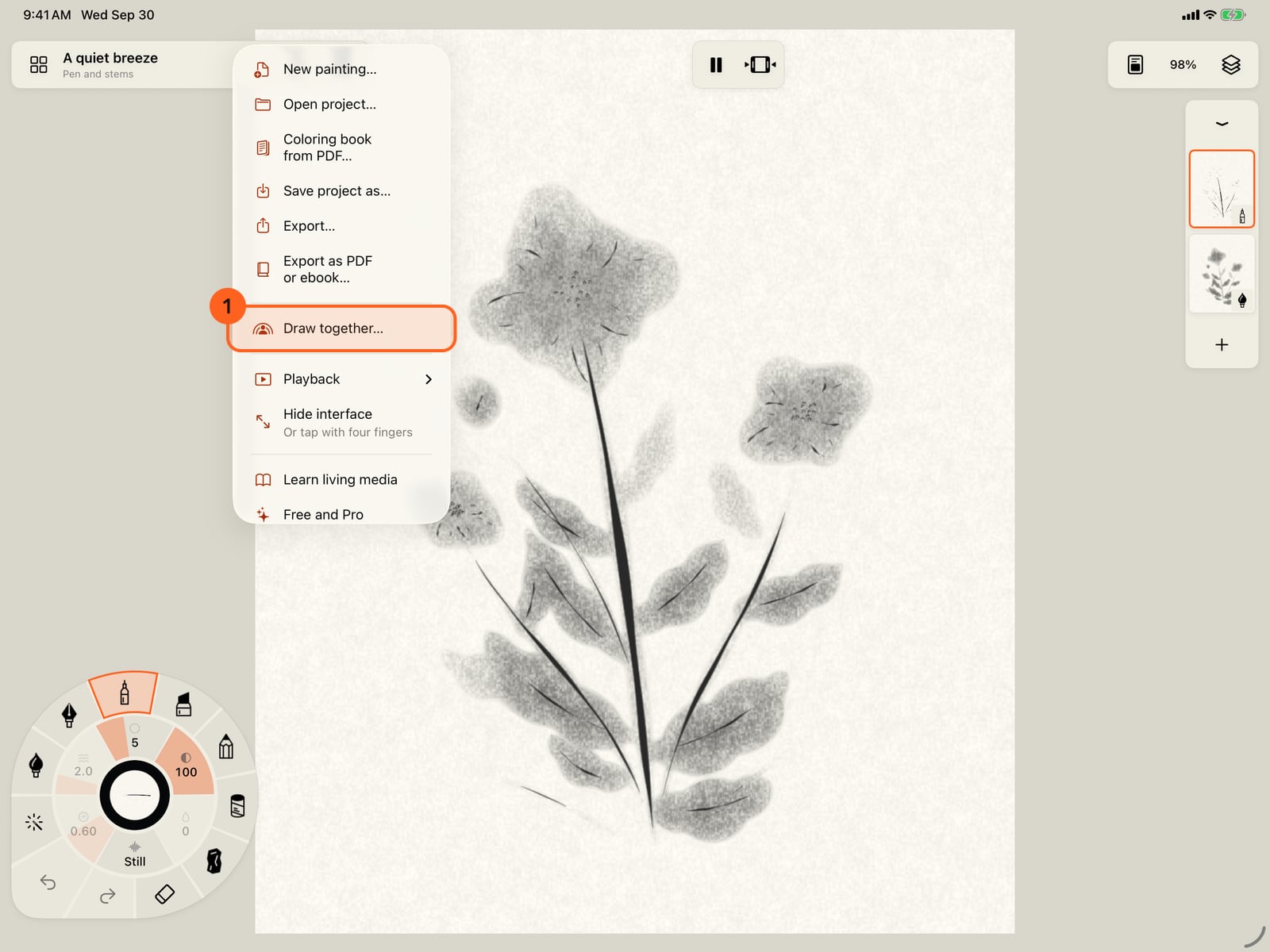
In Actions, choose Draw together to paint with someone over SharePlay.
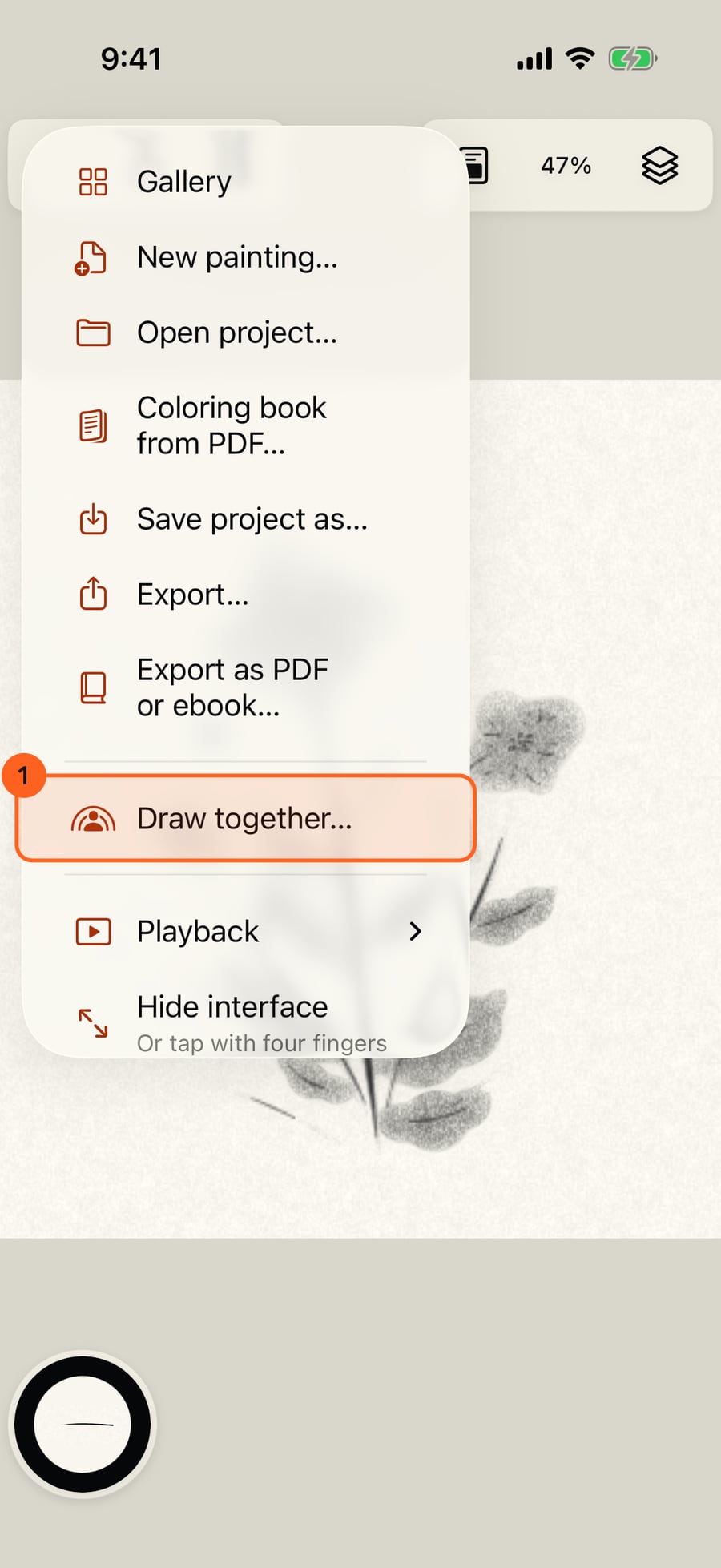
In Actions, choose Draw together to paint with someone over SharePlay.
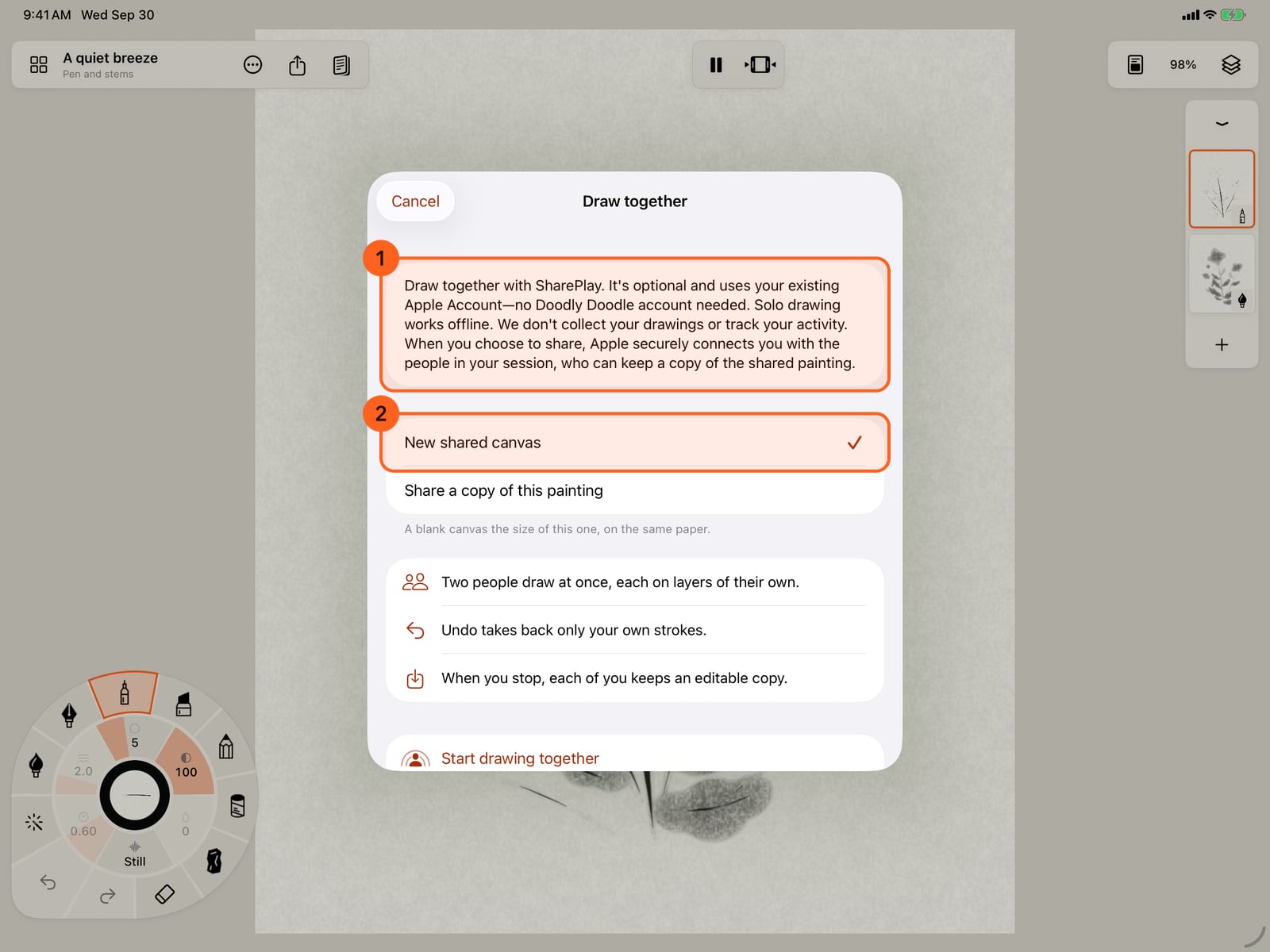
It's optional, needs no account, and nothing is collected. Start a new shared canvas, or share a copy of this painting.
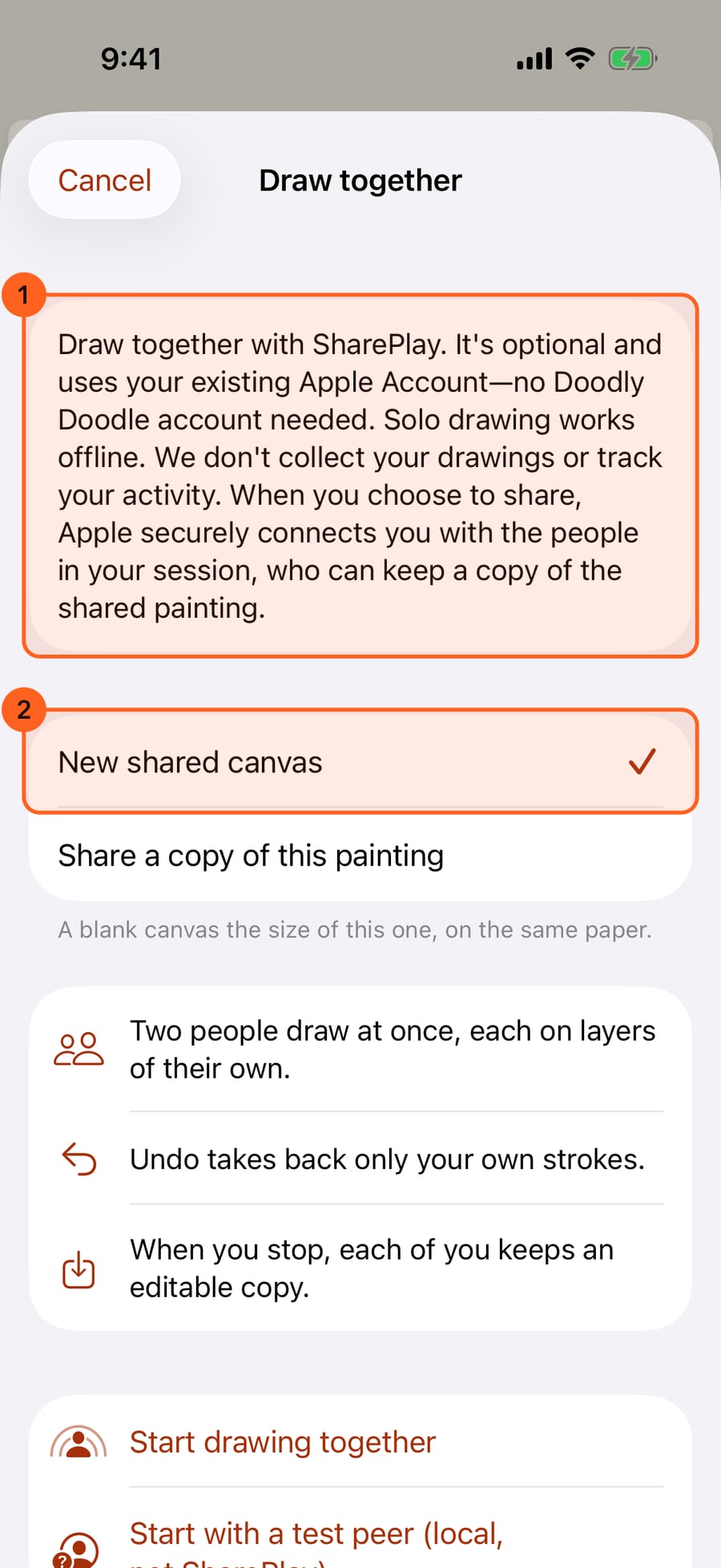
It's optional, needs no account, and nothing is collected. Start a new shared canvas, or share a copy of this painting.
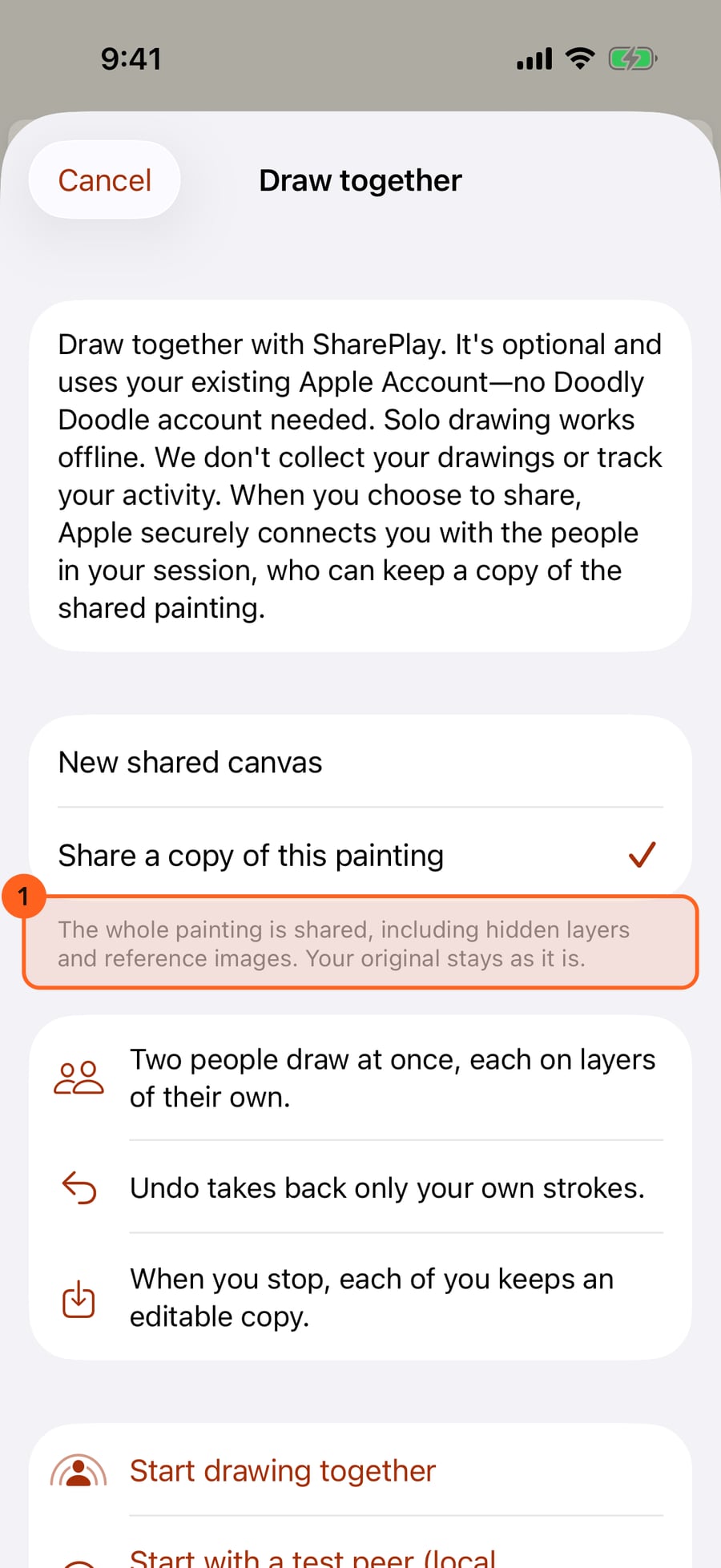
A copy shares the whole painting, hidden layers and reference images too. Your original stays as it is.
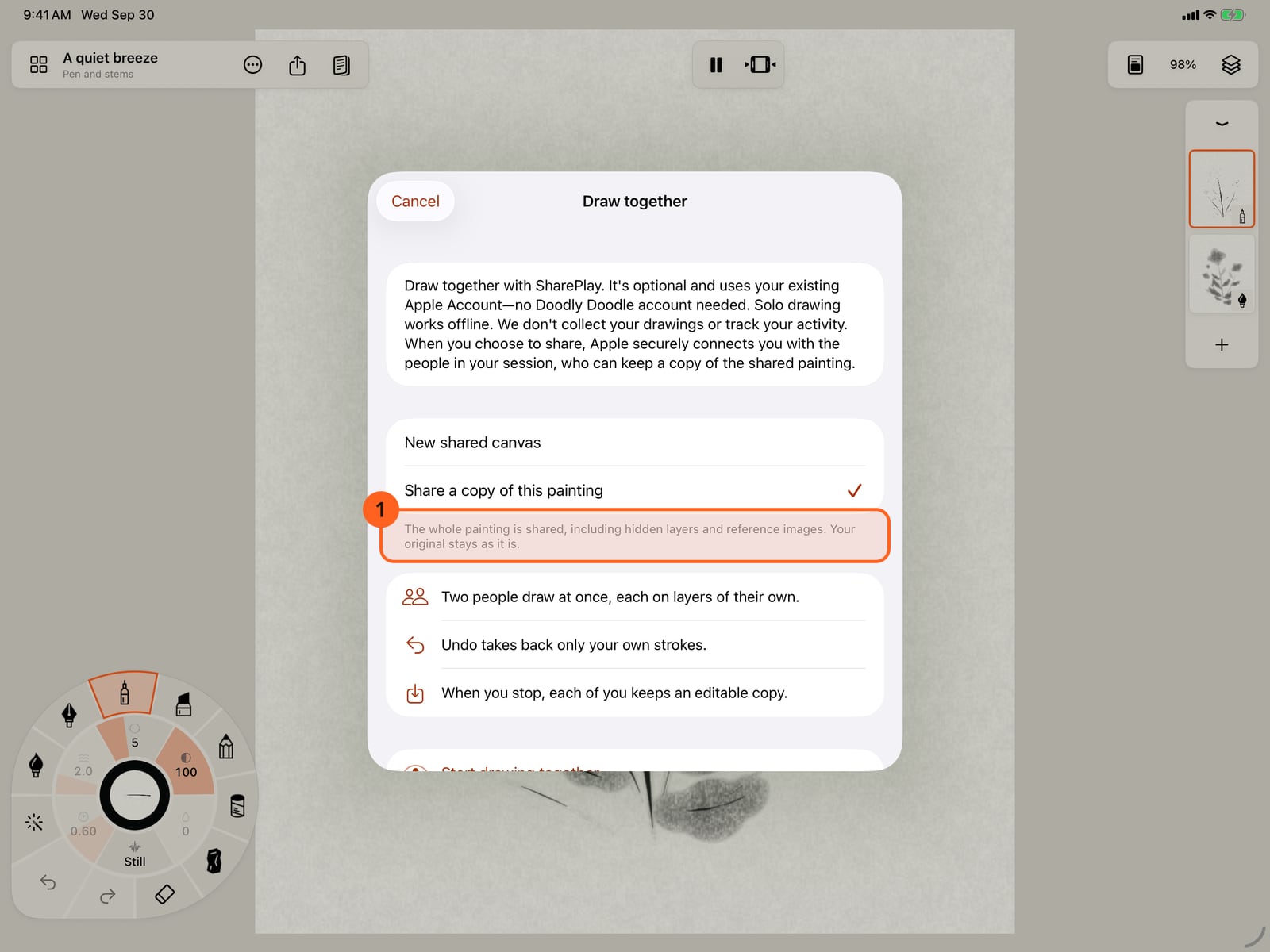
A copy shares the whole painting, hidden layers and reference images too. Your original stays as it is.
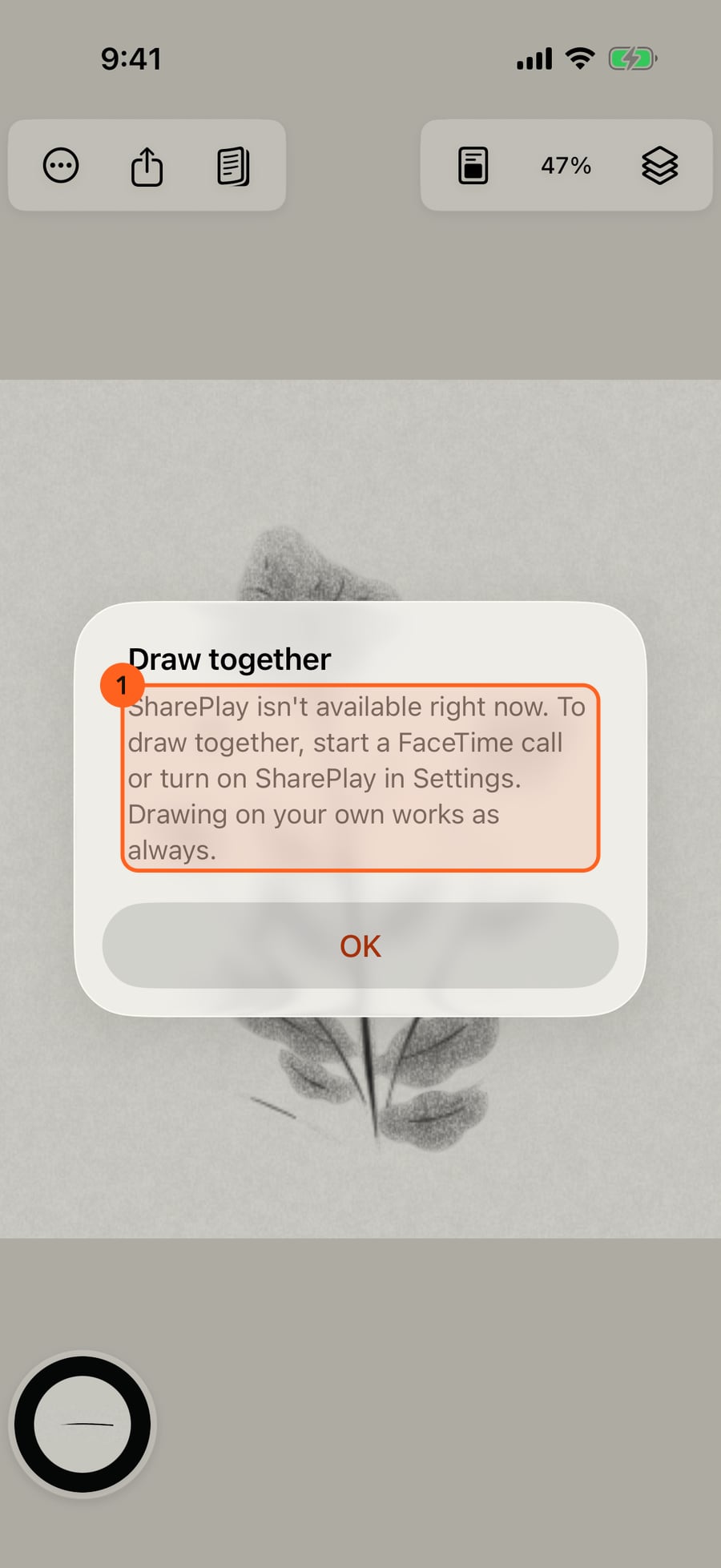
Outside a FaceTime call, or with SharePlay off, the app says so, and painting on your own carries on as always.
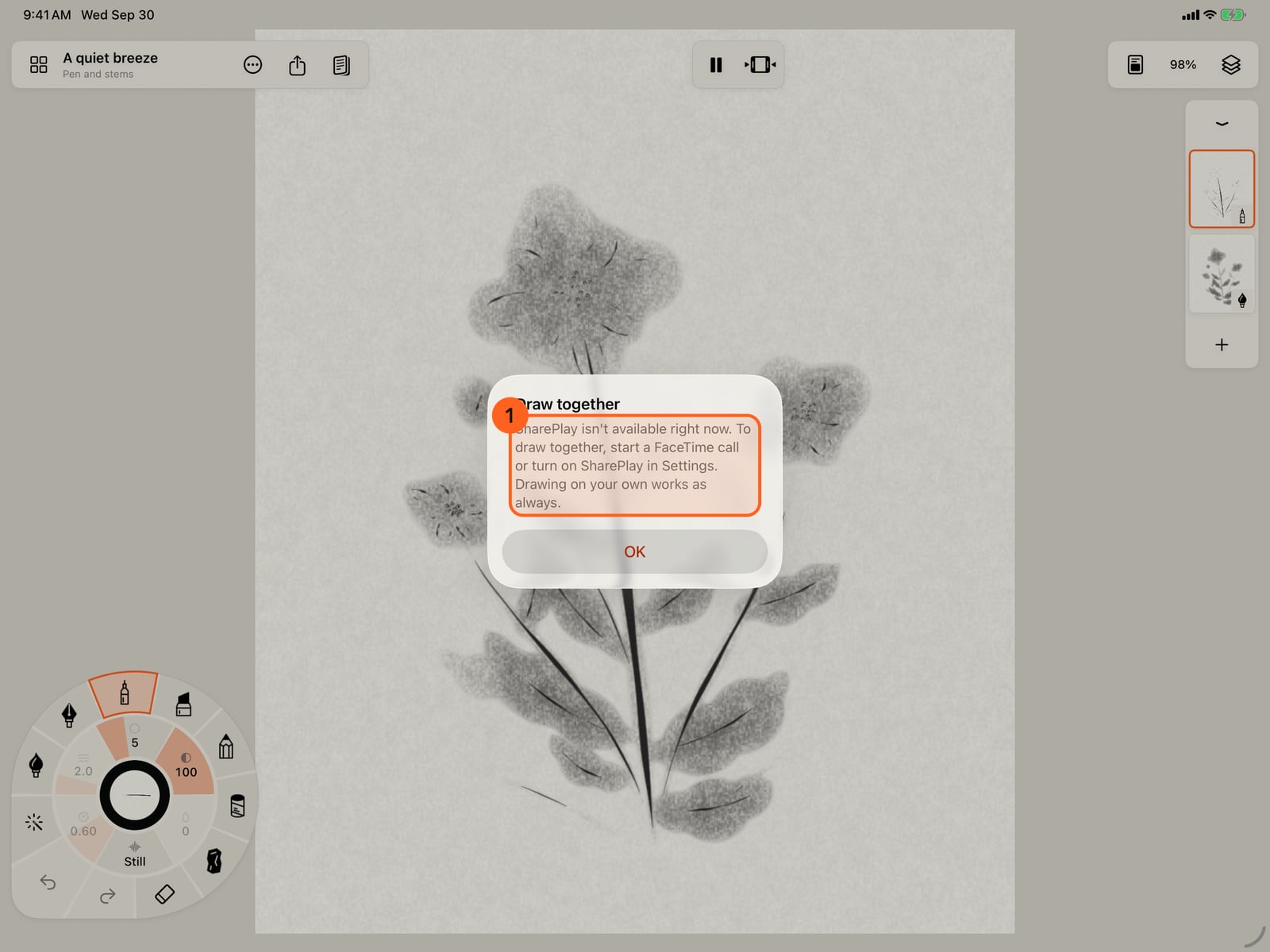
Outside a FaceTime call, or with SharePlay off, the app says so, and painting on your own carries on as always.
From here the other person is a test peer on this Simulator, standing in for a second device. Their strokes grow as they paint, then become real paint on a layer of theirs.
From here the other person is a test peer on this Simulator, standing in for a second device. Their strokes grow as they paint, then become real paint on a layer of theirs.
You paint on your own layer. Undo takes back only your strokes; theirs stay.
You paint on your own layer. Undo takes back only your strokes; theirs stay.
End, or Leave for a guest, stops drawing together. Each of you keeps the painting as your own, to carry on alone.
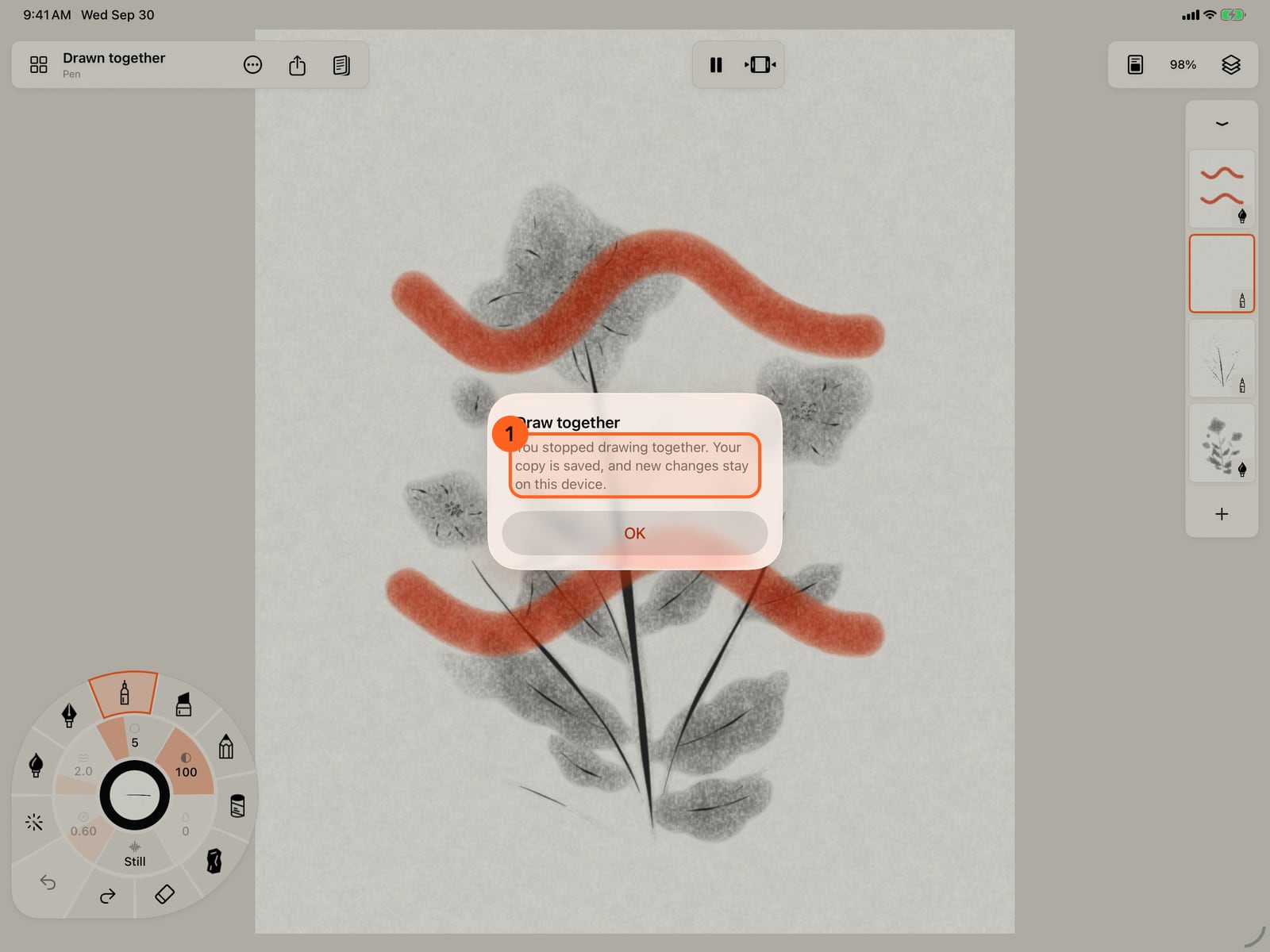
End, or Leave for a guest, stops drawing together. Each of you keeps the painting as your own, to carry on alone.
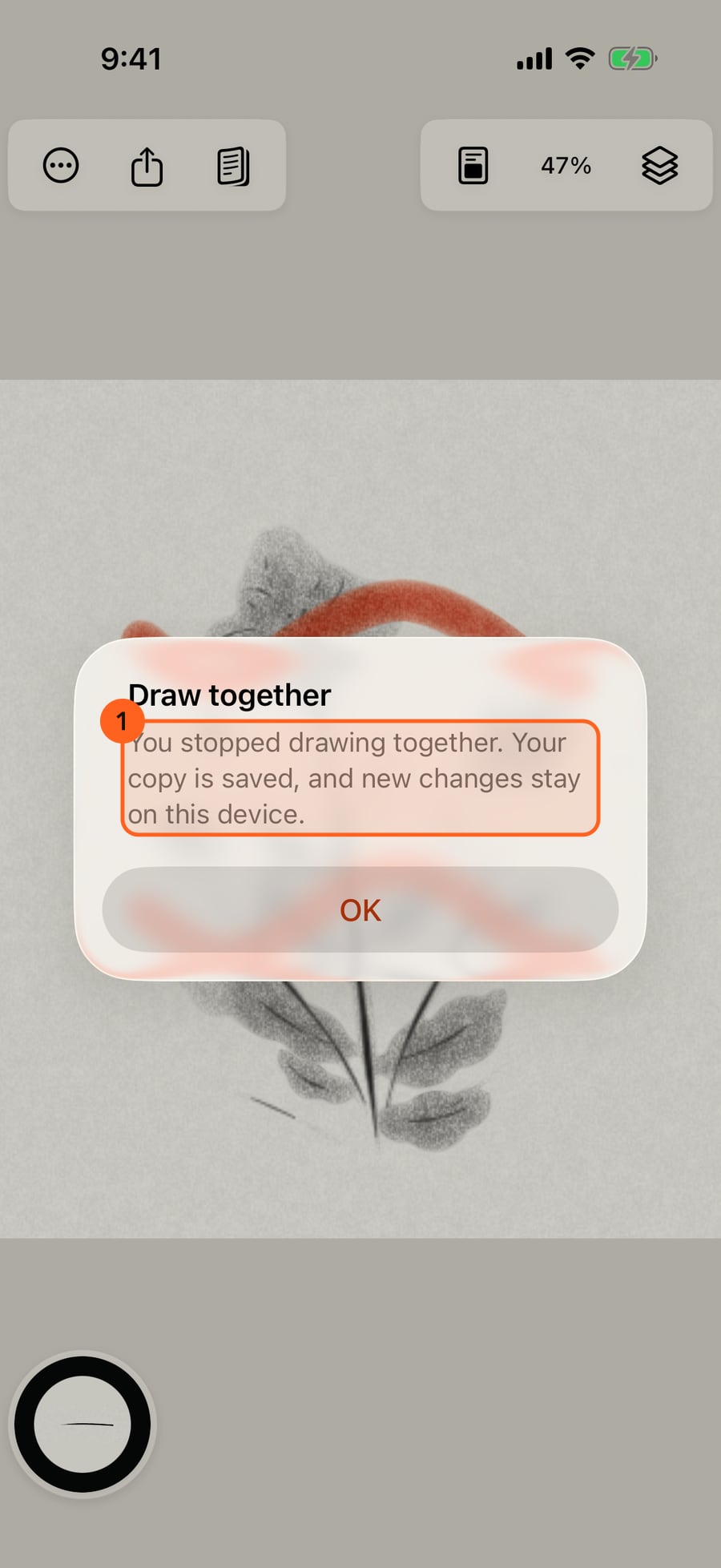
Starting
Actions → Draw together… 1 starts drawing with one other person over SharePlay: in a FaceTime call, or, outside a call, by inviting someone from the system's SharePlay sheet. Choose:
- New shared canvas: a blank canvas the size of the painting you have open, on the same paper.
- Share a copy of this painting: the whole painting, with its hidden layers and reference images, goes to the other person. Your original isn't changed: drawing together happens on a copy, titled Drawn together.
If the painting can't be shared (too large, or no room for two more layers), the sheet says so and offers a new canvas instead.
If SharePlay isn't available (you're not in a FaceTime call and SharePlay is off, or the device doesn't support it), the app says so, and nothing changes.
Joining
When someone starts drawing together in a call you're in, Doodly Doodle asks whether to join. Your painting is saved first and stays as it is. The shared painting arrives, and it opens as a new painting of your own only once all of it is there. Cancel while it arrives leaves your painting open, untouched.
Drawing together is for two people at a time. If more people are in the call, the others are told that two are already drawing; their call carries on.
While you draw
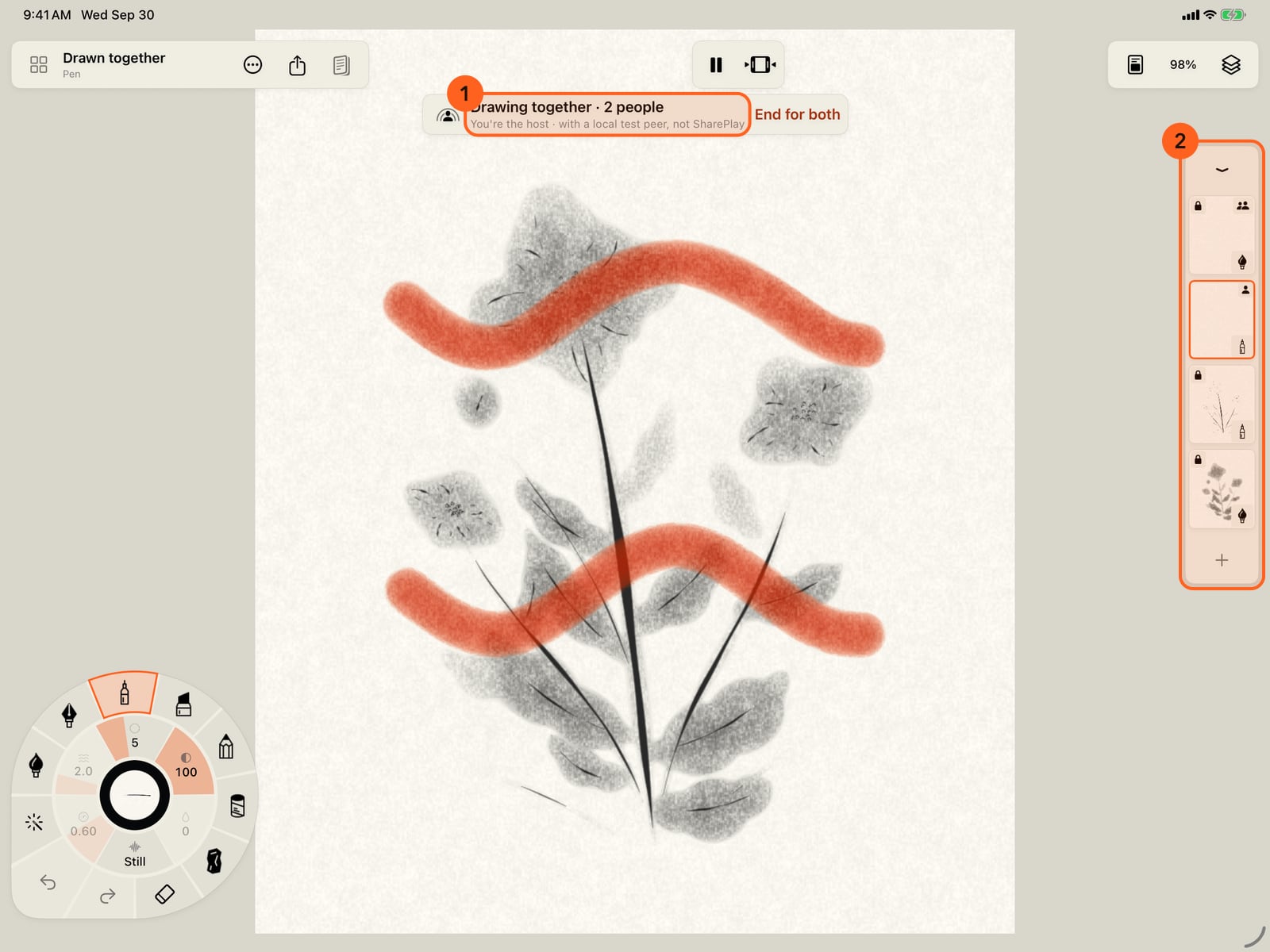
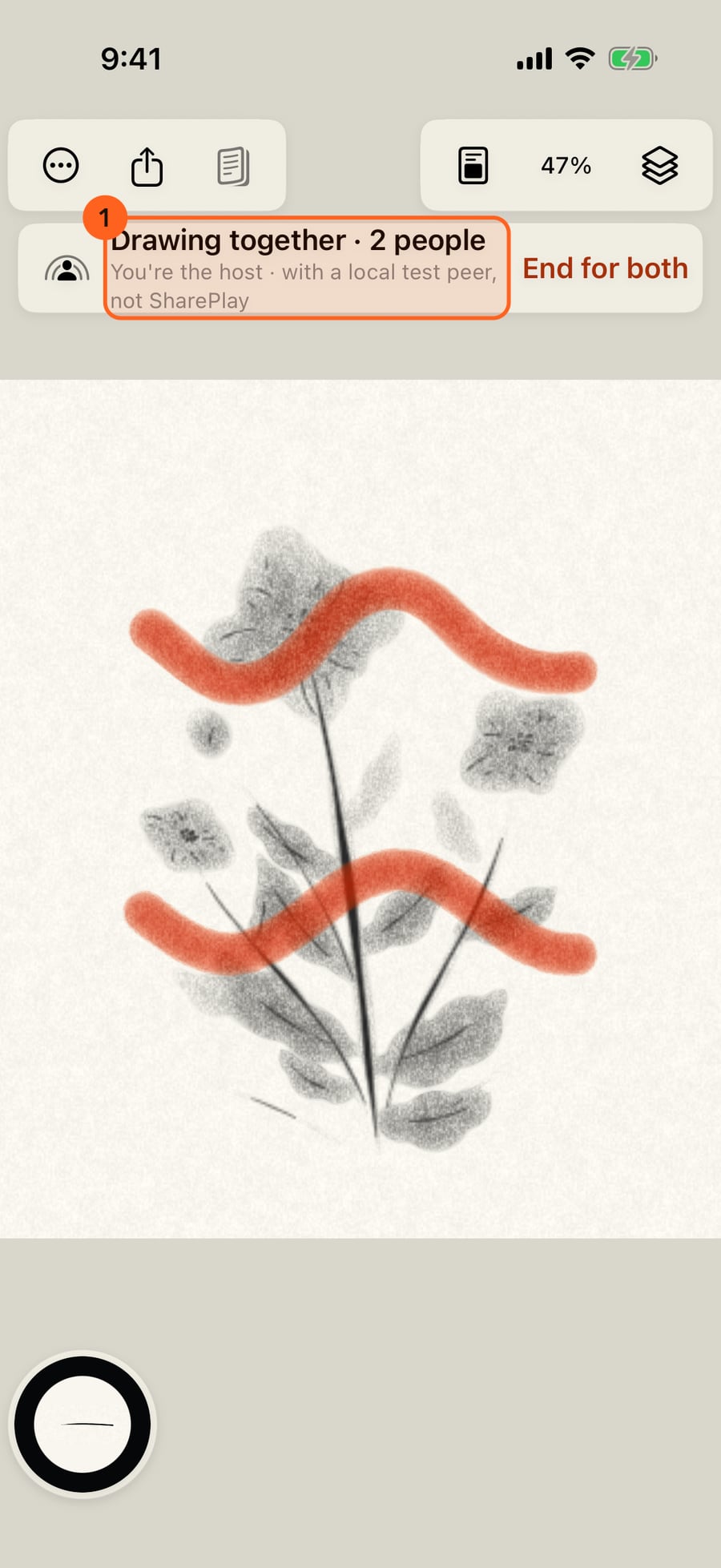
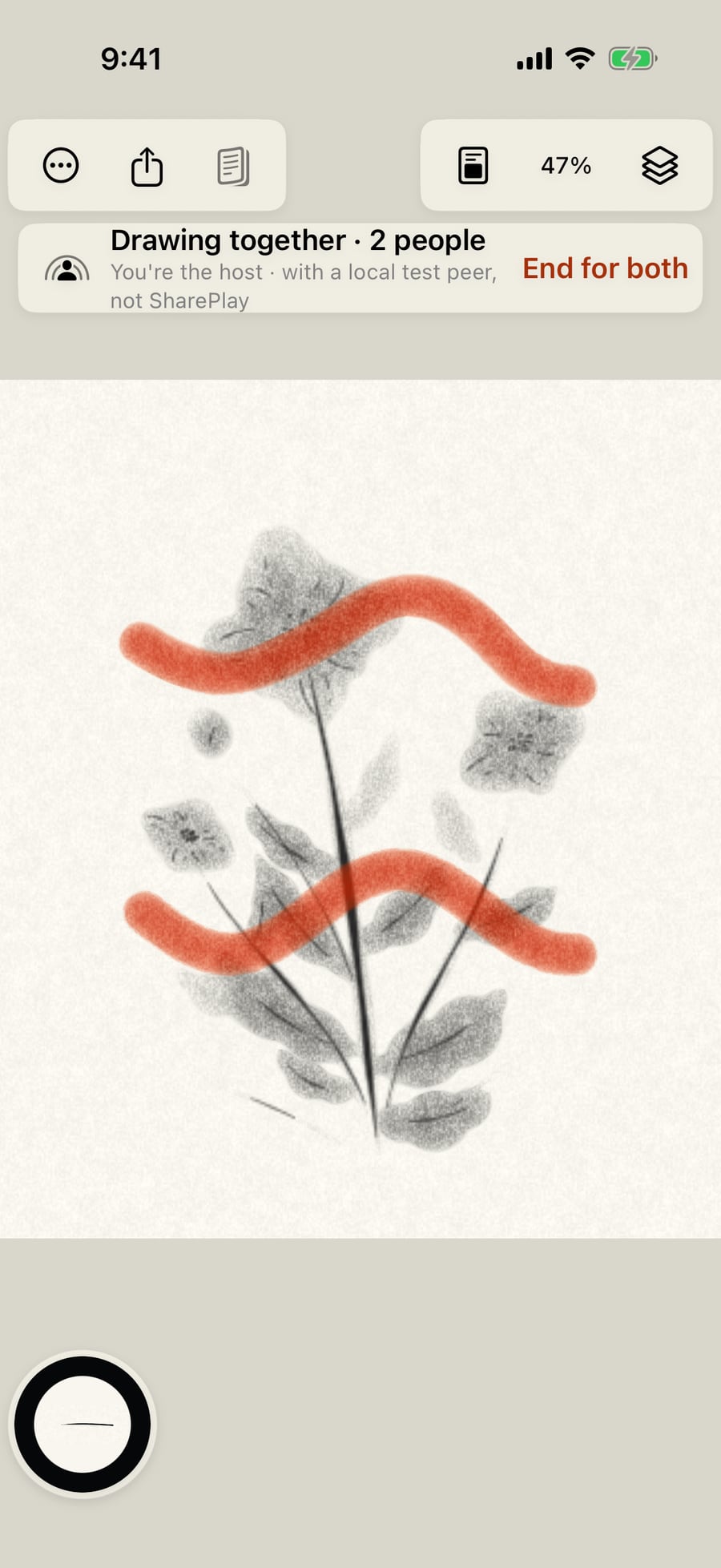
- The bar at the top 1 shows that you're drawing together, and whether you're the host (who started it) or the guest.
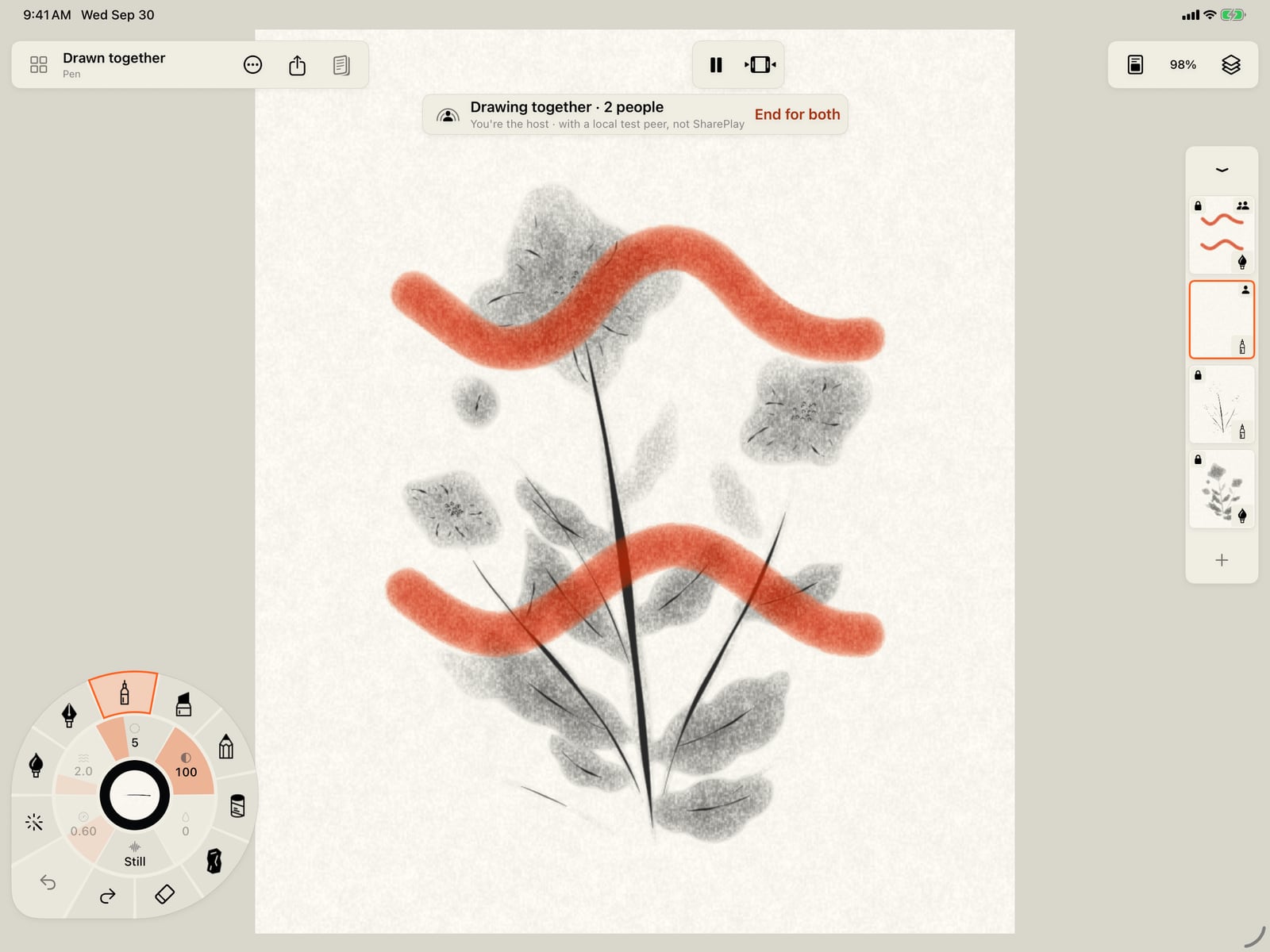
- You paint on layers of your own. Everything else is locked until you stop: the other person's layers, and the painting you started from. In the layer strip 2, your layers carry one figure and theirs two, and the Layers panel says whose each is. Choosing another medium adds a layer of it for you.
- Their strokes grow as they paint, as ink, and turn into real paint, moving and drying, the moment they lift the pen.
- Undo and Redo take back only your own strokes. The eraser's Whole strokes takes only yours too, and so does Clear on your own layer.
- The host plays and pauses the painting for both of you. Brushes, colours, zoom, and sound stay your own.
- Layers, paper, canvas size, animation settings, Fill, and switching paintings wait until you stop.
If a change can't reach the other person, the bar says Delivery interrupted: Retry fetches a fresh copy of the shared painting and sends what you painted since; Continue on my own stops drawing together.
Stopping
End for both (the host) or Leave (the guest) stops drawing together; the FaceTime call carries on. Each of you keeps the painting as it was, saved as a painting of your own, and can go on painting it alone with every tool. If the host leaves, the guest keeps their copy the same way.
The copy you keep is yours like any other painting: it saves itself, and its copy in Files follows your Storage setting.
Privacy
Drawing together is optional and needs no Doodly Doodle account: SharePlay uses your Apple Account. Only the shared painting and your strokes go to the other person, over SharePlay, which Apple encrypts end to end. Nothing goes to us: we don't collect your drawings or track what you do. The other person can keep a copy of what was shared.
Pro: Drawing together is Free. Each person paints with their own Free or Pro brushes, and sees everything the other paints. Free counts layers as always: when a painting has no room for another Free layer, the app says so rather than asking you to buy anything.
Something not behaving as expected?
Visit support or write to [email protected].