

Guides / Export and share
Layered files and frame sequences
Export your layers as a Photoshop file, or every frame of the motion as numbered PNGs, including ordered frames for lenticular prints.
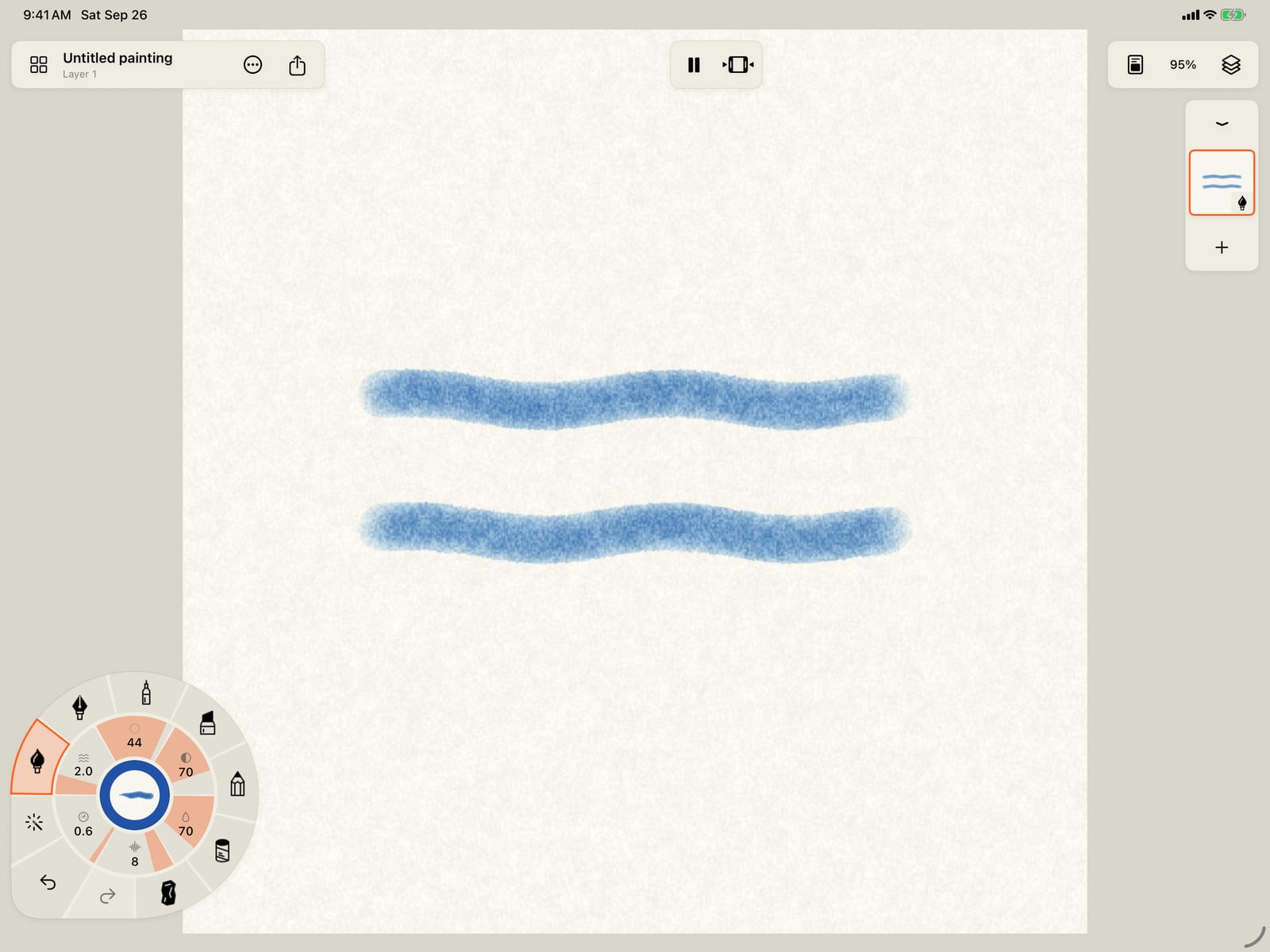
Frames are most useful when the painting moves. Tap Motion on the wheel, choose Wave, and paint two strokes.
Frames are most useful when the painting moves. Unfold the wheel, tap Motion, choose Wave, then tap the page to fold the wheel and paint two strokes.
Frames are most useful when the painting moves. Click Motion on the wheel, choose Wave, and paint two strokes.
Tap Share, then Export, then Format. PSD, PNG sequence and Lenticular frames are near the end of the list.
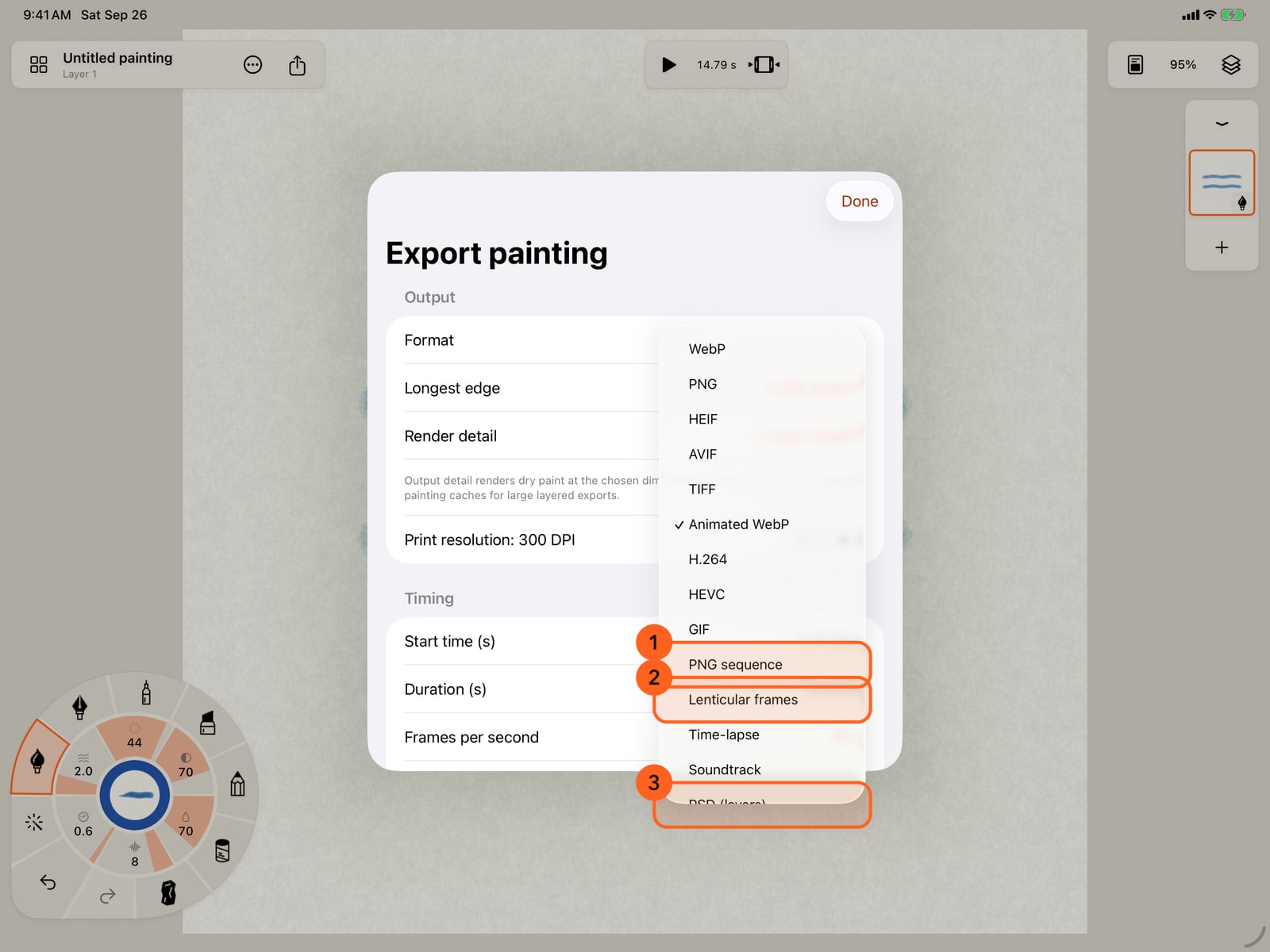
Tap Share, then Export, then Format. PSD, PNG sequence and Lenticular frames are near the end of the list.
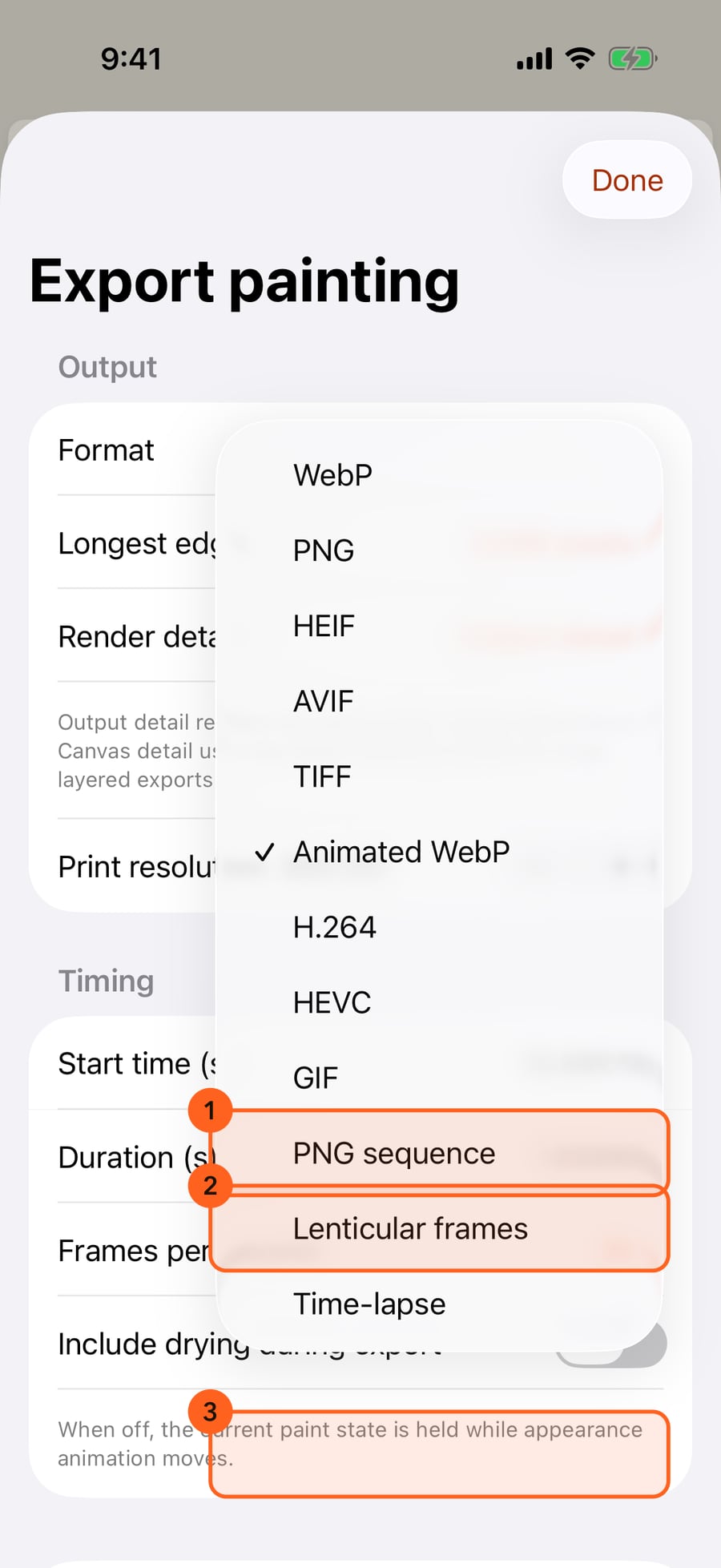
Click Share, then Export, then Format. PSD, PNG sequence and Lenticular frames are near the end of the list.
Choose PSD. Each layer becomes a Photoshop layer, with its name, opacity, blend mode and visibility, over the finished painting.
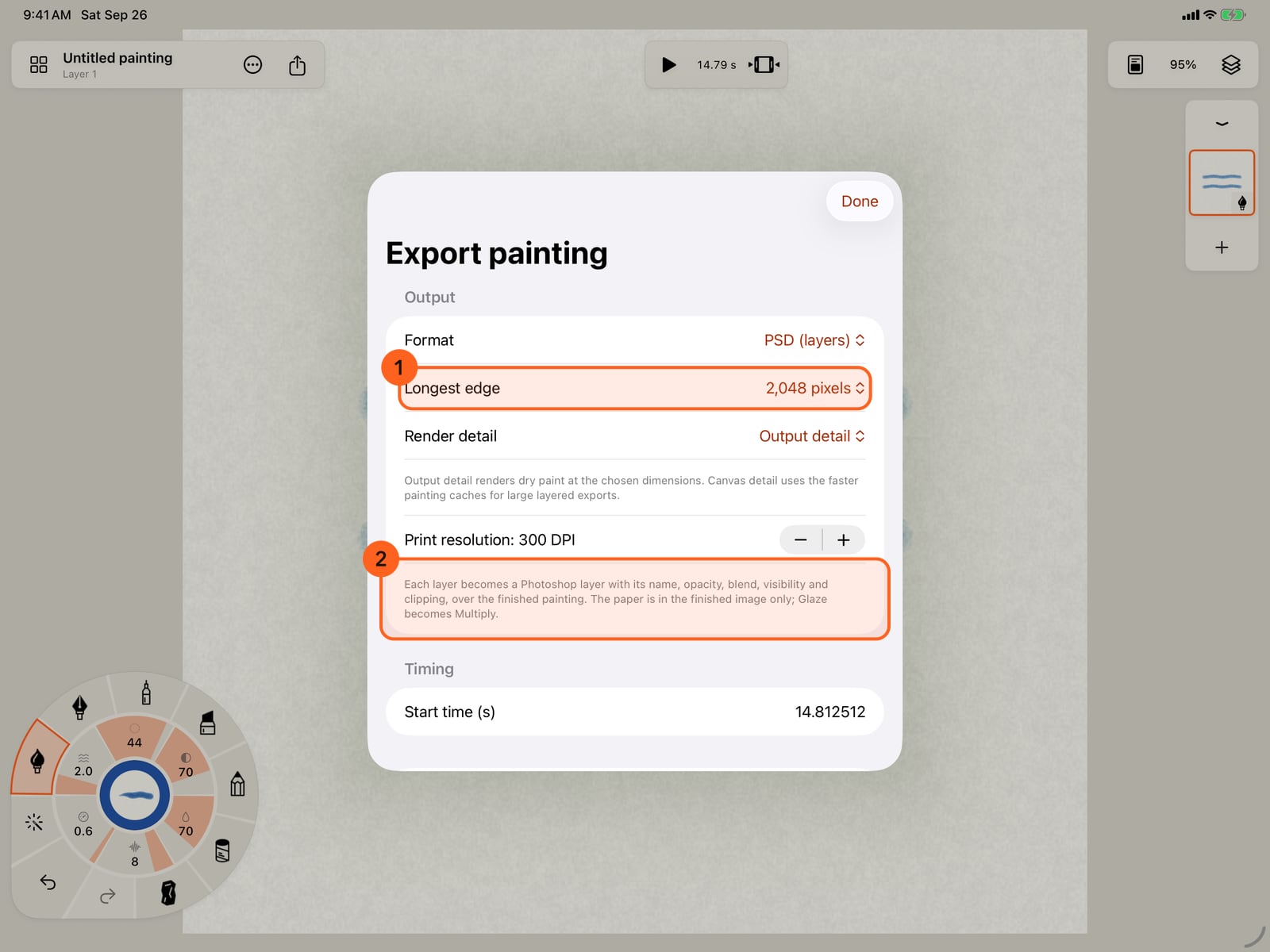
Choose PSD. Each layer becomes a Photoshop layer, with its name, opacity, blend mode and visibility, over the finished painting.
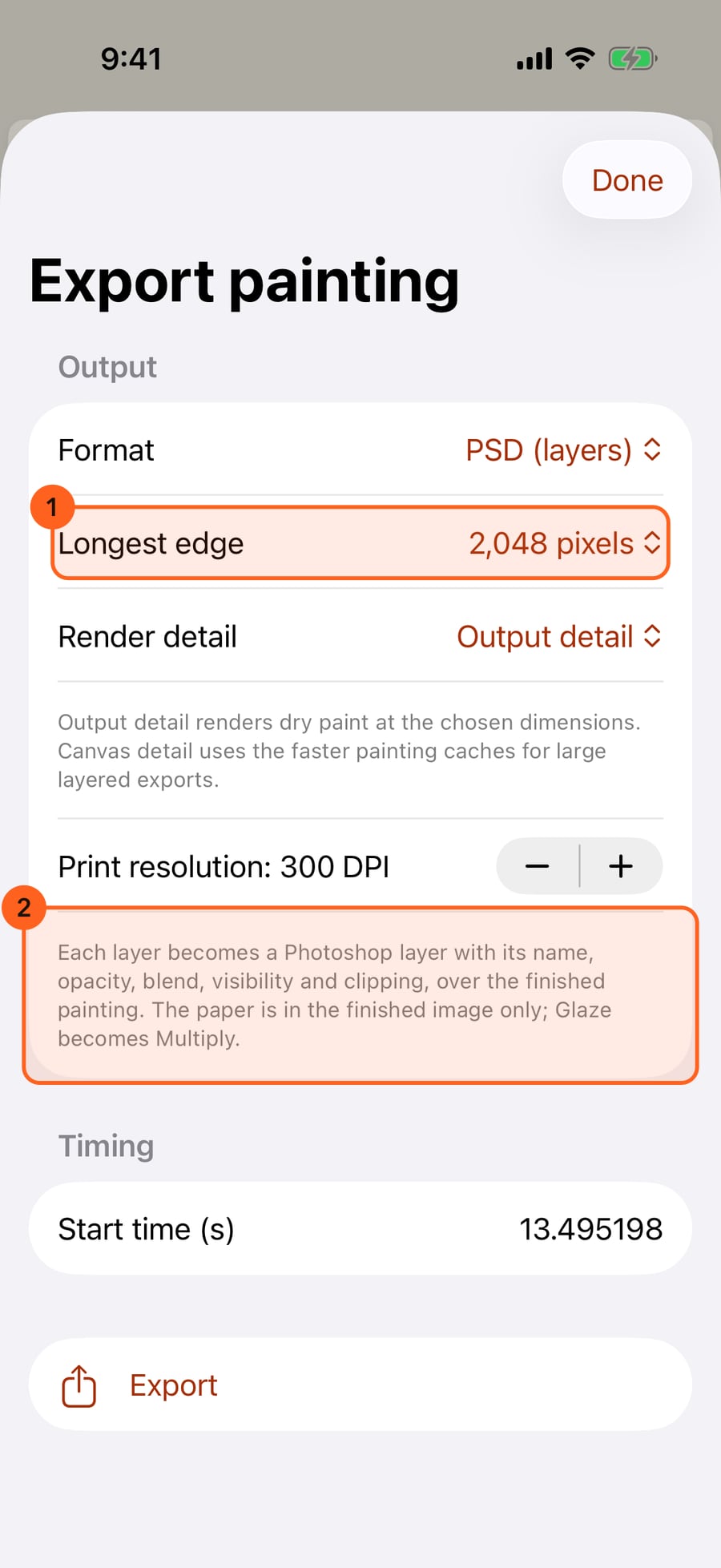
Tap Export. The file is saved in Files, in Doodly Doodle's Exports folder, ready for Photoshop and apps that open its files.
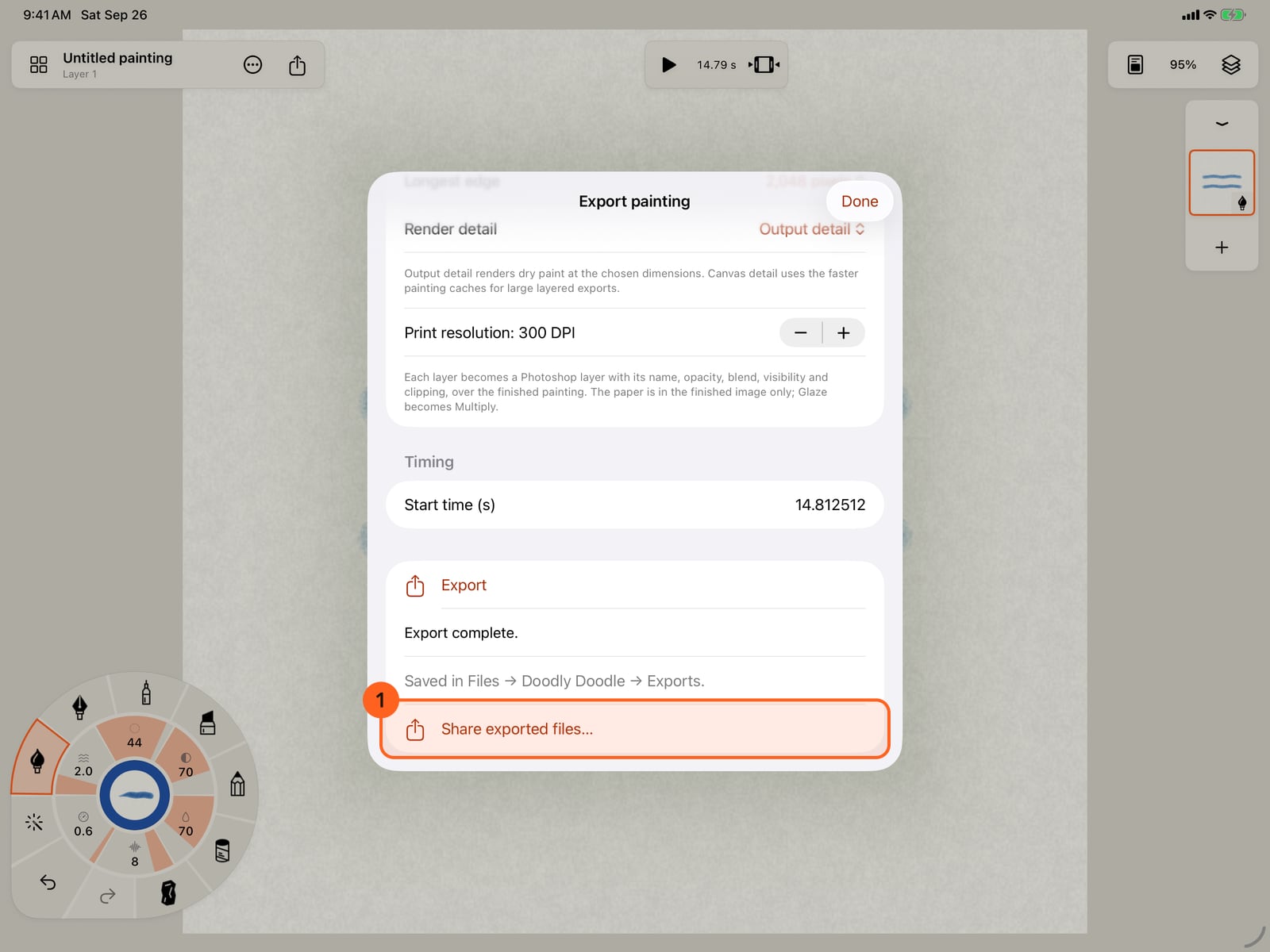
Tap Export. The file is saved in Files, in Doodly Doodle's Exports folder, ready for Photoshop and apps that open its files.
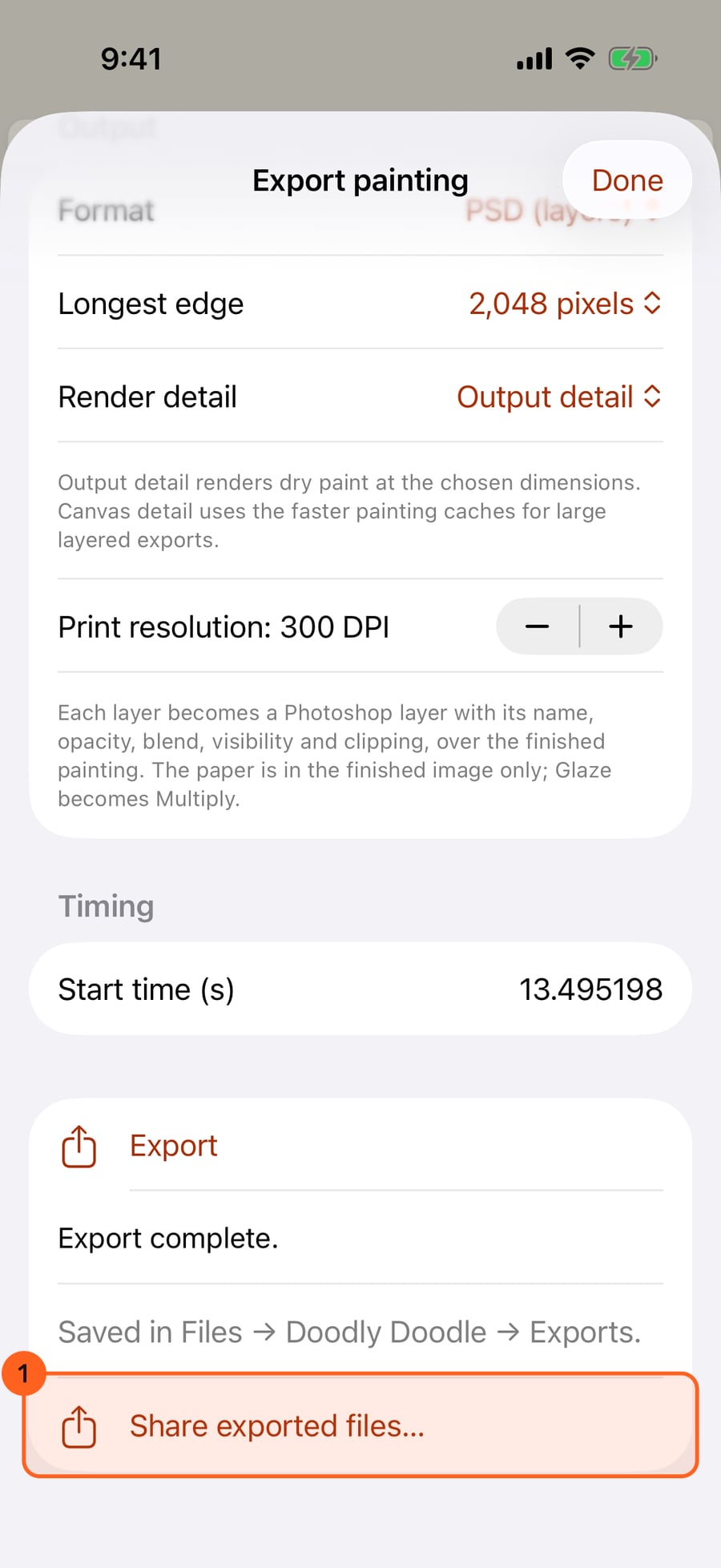
Click Export. The file is saved in Files, in Doodly Doodle's Exports folder, ready for Photoshop and apps that open its files.
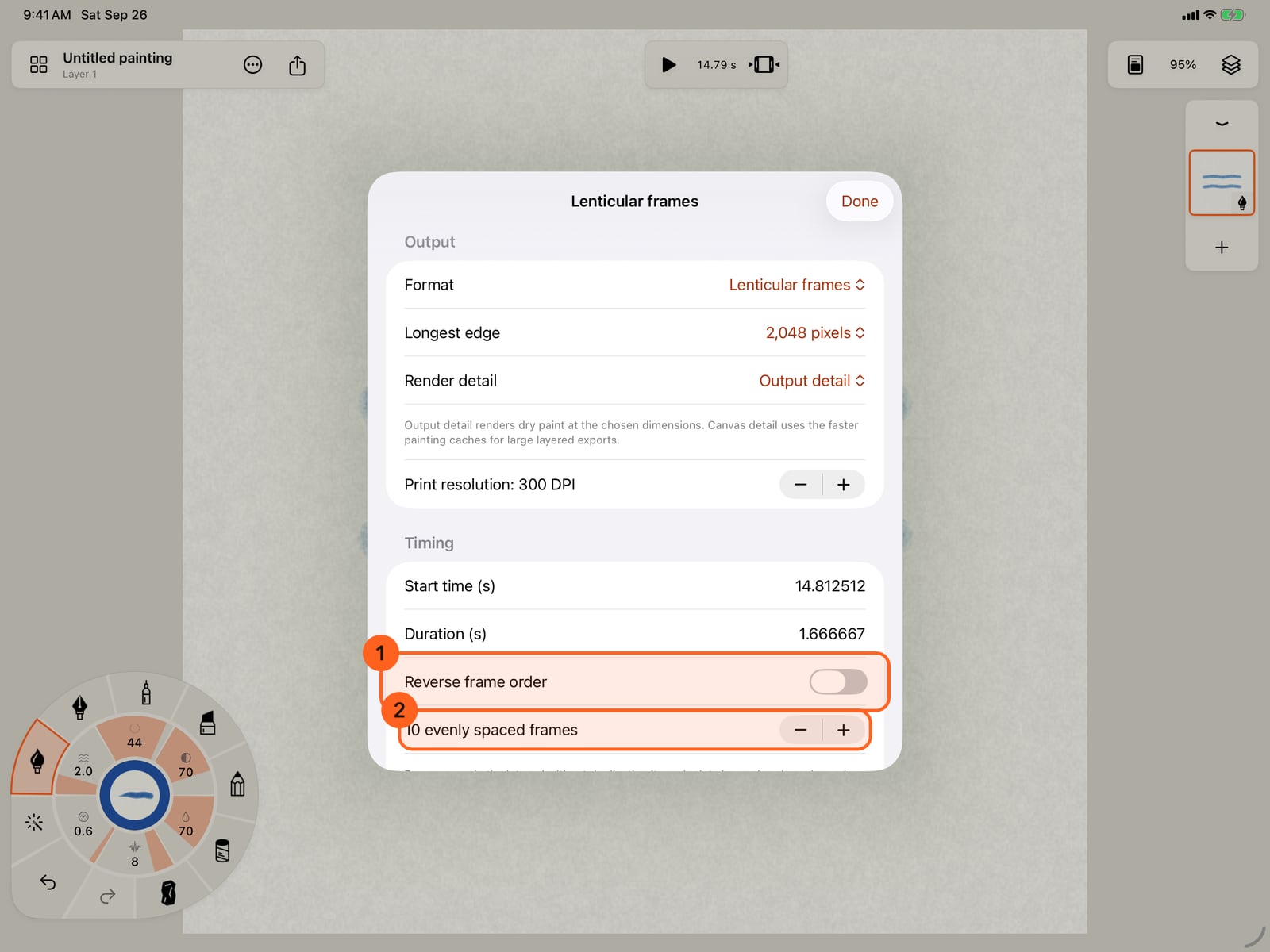
PNG sequence writes every frame of the motion as a numbered PNG. Choose where it starts, how long it runs and how many frames each second.
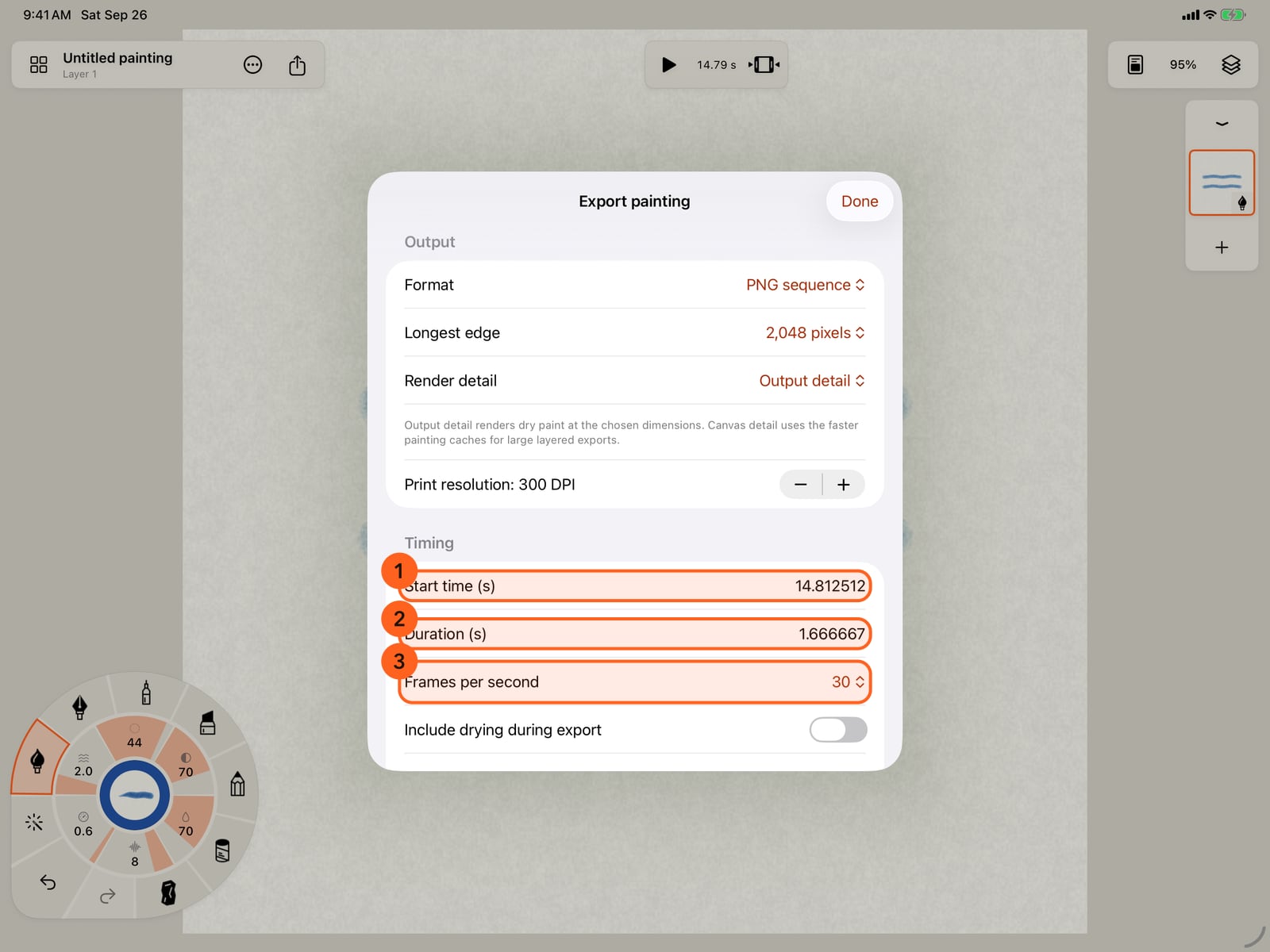
PNG sequence writes every frame of the motion as a numbered PNG. Choose where it starts, how long it runs and how many frames each second.
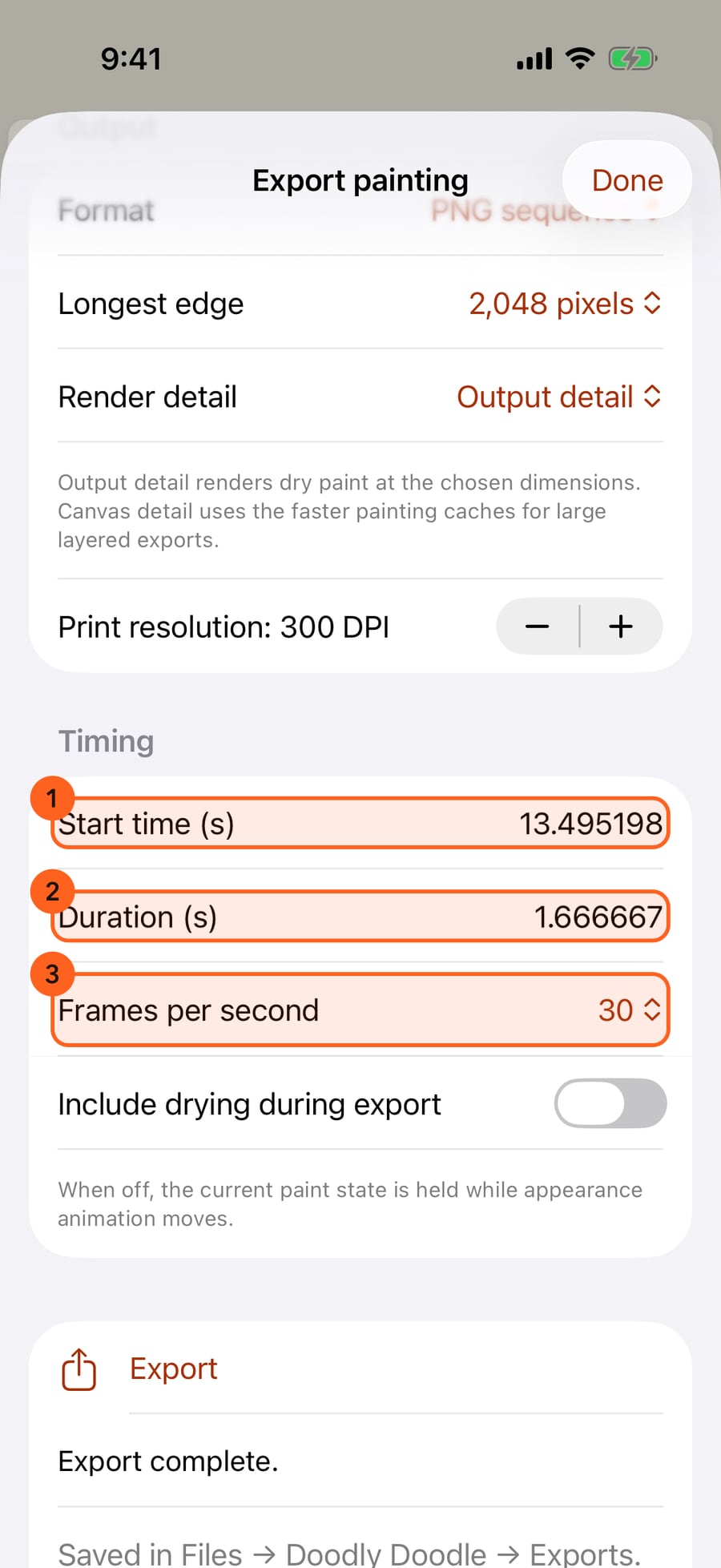
Lenticular frames spreads a fixed number of frames evenly over the duration, for printing under a lens. You can reverse their order and set how many.
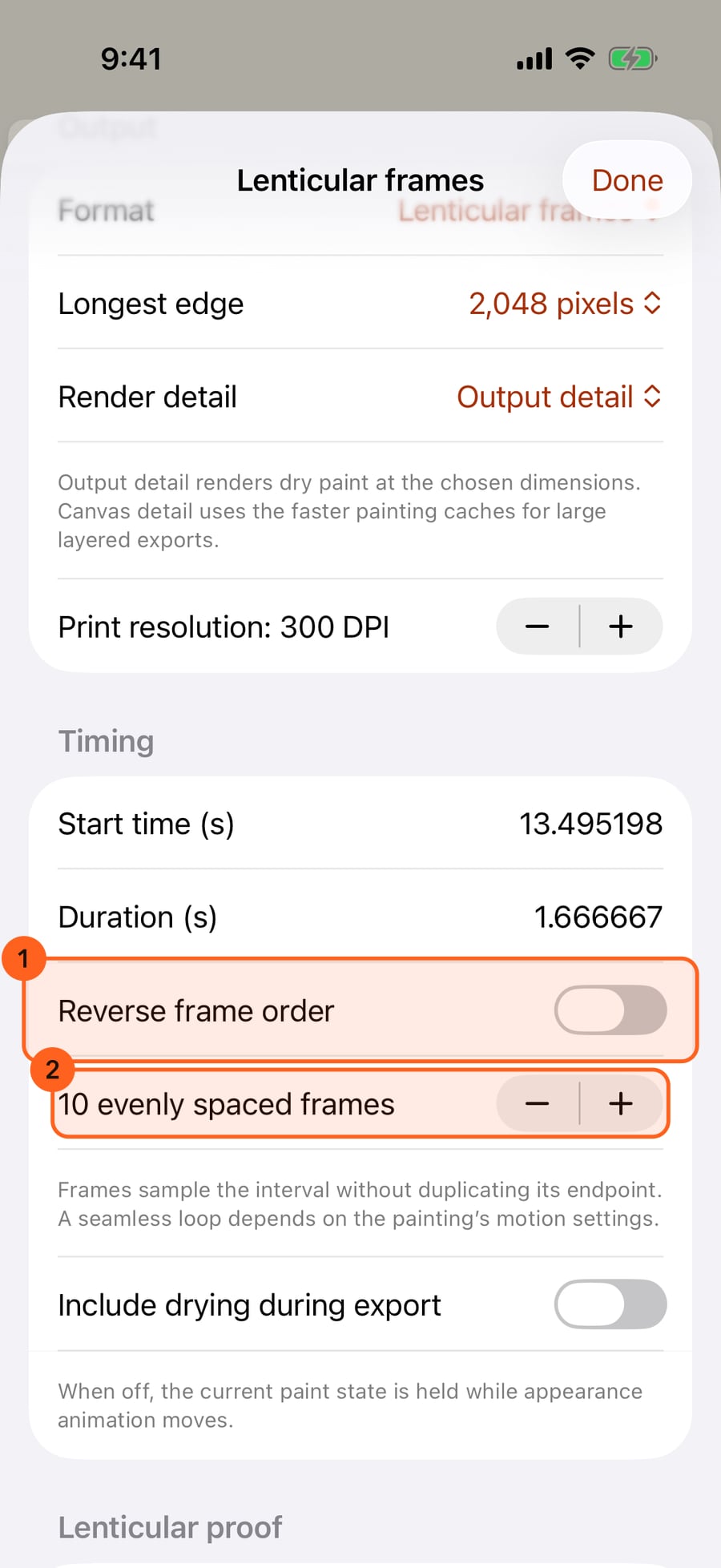
Lenticular frames spreads a fixed number of frames evenly over the duration, for printing under a lens. You can reverse their order and set how many.
Tap Preview ordered frames to see them in order, small, with each one's time. The proof line gives the print size at your resolution.
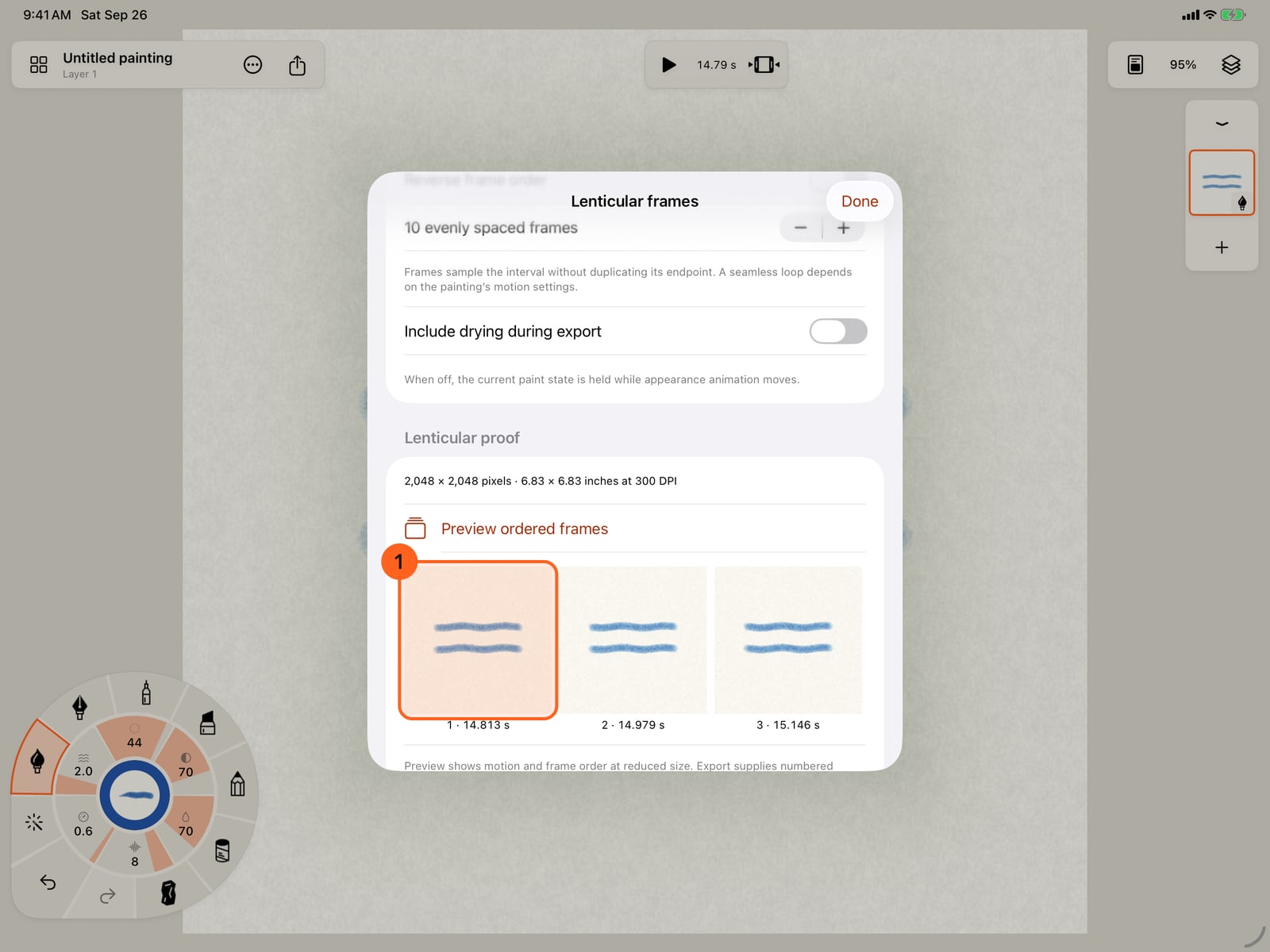
Tap Preview ordered frames to see them in order, small, with each one's time. The proof line gives the print size at your resolution.
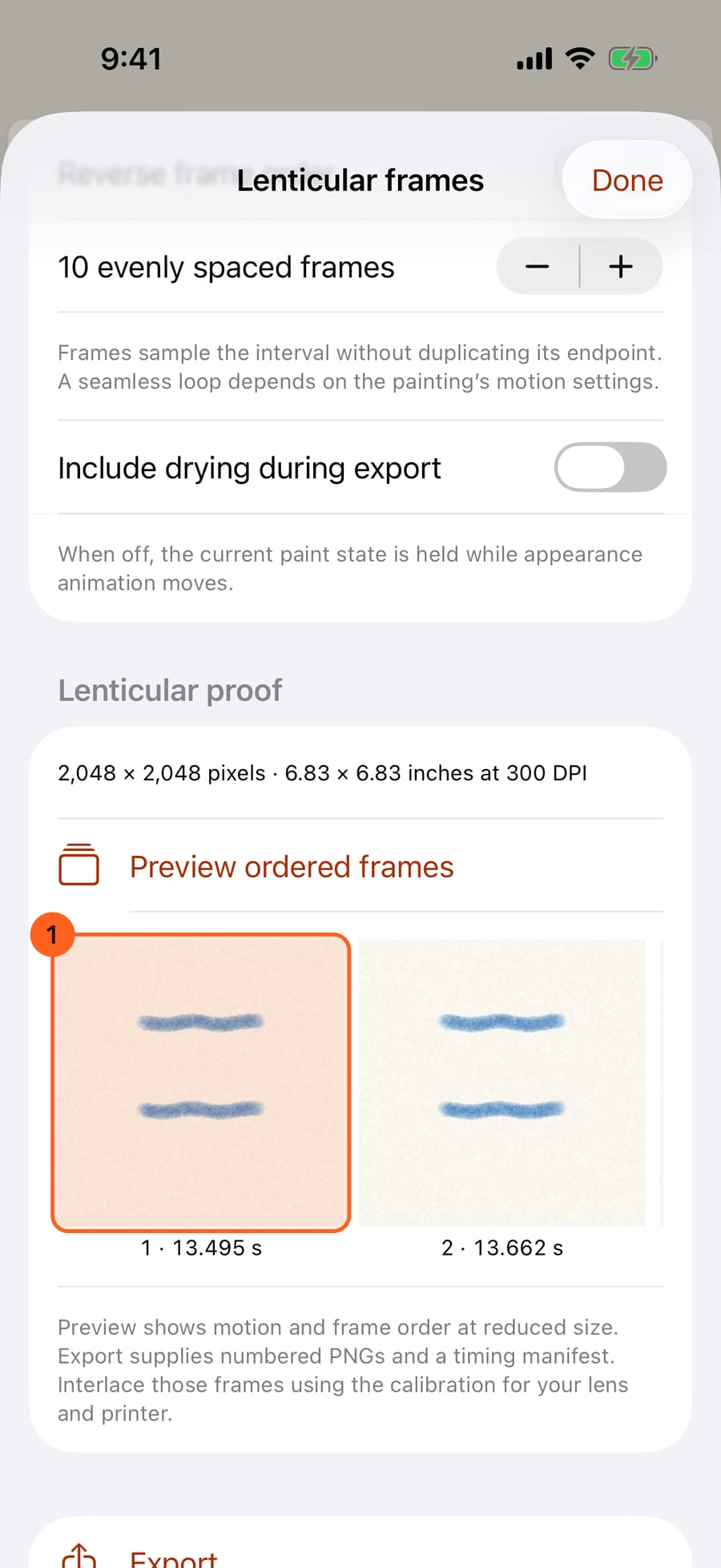
Click Preview ordered frames to see them in order, small, with each one's time. The proof line gives the print size at your resolution.
PSD (layers)
Share → Export… → Format → PSD (layers) writes a layered Photoshop file. Share and export covers the Export sheet as a whole.
- Each layer becomes a Photoshop layer, with its name, opacity, blend mode, visibility and clipping, over the finished painting.
- The paper is in the finished image only, not in the layers. The Glaze blend becomes Multiply.
- Longest edge goes up to 8,192 pixels; for a larger image, choose PNG or TIFF.
- Print resolution (72 to 600 DPI) is written into the file.
- Render detail: Output detail renders dry paint at the chosen size; Canvas detail uses the faster painting caches, for large layered paintings.
PSD is Free.
PNG sequence
PNG sequence writes the painting's motion as numbered PNG frames, with a manifest.json that records each frame's time.
| Option | What it does |
|---|---|
| Longest edge, Render detail, Print resolution | As for still images. |
| Start time in seconds | Where in the animation the first frame is taken. |
| Duration in seconds | How much of the animation to export, up to 60 seconds. Match motion loop sets it to one full cycle of the motion, so the frames repeat without a jump. |
| Frames per second | 12, 24, 30, 50 or 60. One export holds up to 600 frames. |
| Include drying during export | Lets wet paint dry across the frames. Off, the paint holds its current state while the motion plays. |
Lenticular frames
Lenticular frames samples a fixed number of frames evenly across the duration, for interlacing under a lenticular lens. The sheet's title changes to Lenticular frames.
| Option | What it does |
|---|---|
| Start time, Duration | The stretch of motion the frames cover. Frames sample it without repeating its endpoint, so the last frame isn't a copy of the first. Match motion loop sets the duration to one full motion cycle. |
| Reverse frame order 1 | Numbers the frames from last to first. |
| Evenly spaced frames | 2 to 120 frames; 10 to start. |
| Lenticular proof | The frame size in pixels and in inches at your print resolution. |
| Preview ordered frames | Renders the frames small, in export order, each labelled with its number and time. |
| Include drying during export | Lets wet paint dry across the frames. |
The export supplies the numbered PNGs and a timing manifest. Interlace them with the calibration for your own lens and printer.
Pro: PNG sequences and lenticular frames need Pro. On Free, the sheet says PNG sequence export is included with Pro. or Lenticular frame export is included with Pro., and Export stays dimmed, with Get Pro beside it; you can still preview lenticular frames. PSD is Free. Compare Free and Pro.
Something not behaving as expected?
Visit support or write to [email protected].