

Guides / Color: paint by number
Color's first page
The first time Color opens, a finger shows what to do, tap a colour, then tap its areas, and any touch puts it away. The book's music card waits for your first area.
- Free
- Everything in this guide works in Free.
Open a book by number. The first time Color opens, a finger shows what to do. Tap a colour, then tap its areas.
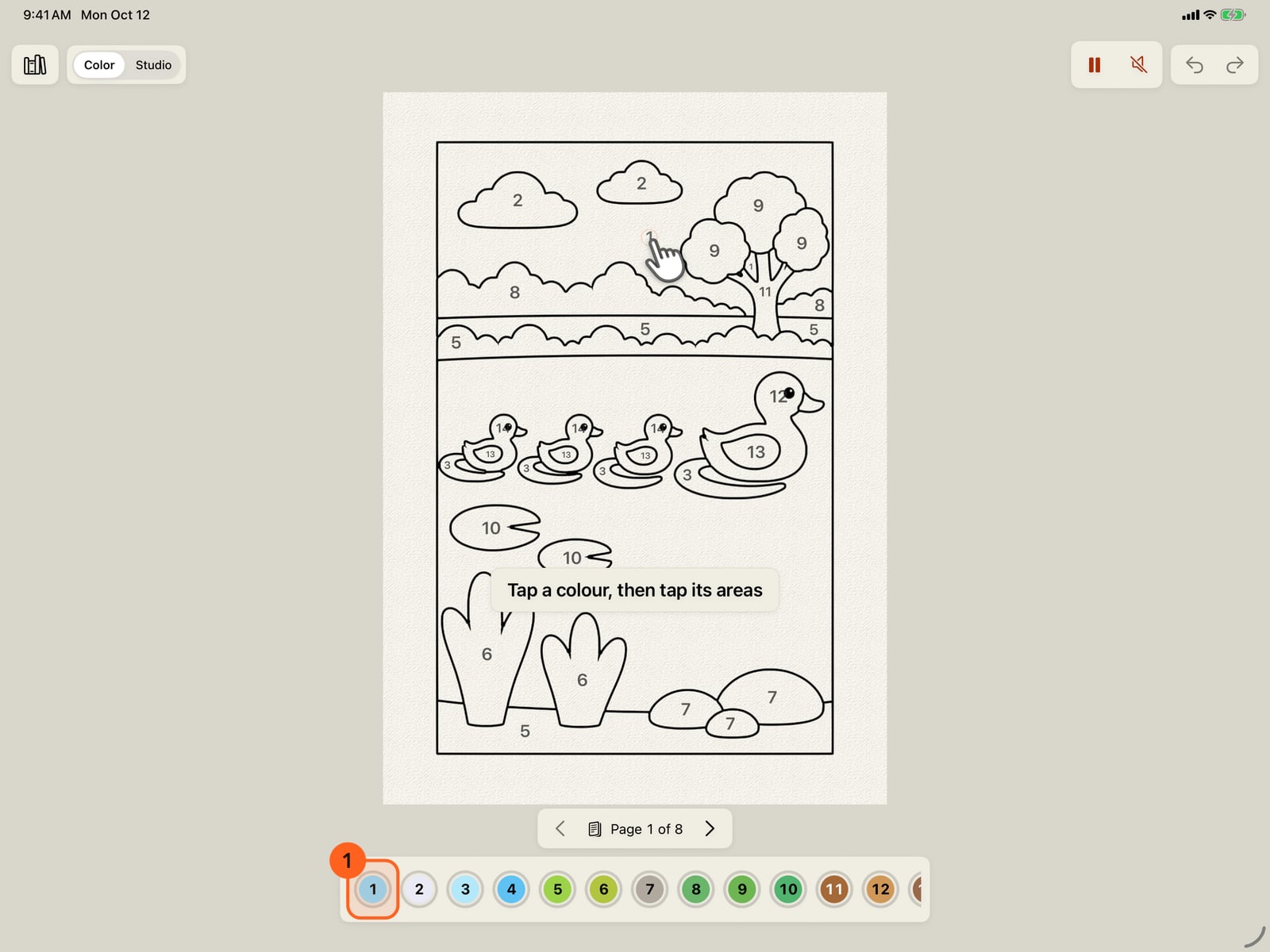
Open a book by number. The first time Color opens, a finger shows what to do. Tap a colour, then tap its areas.
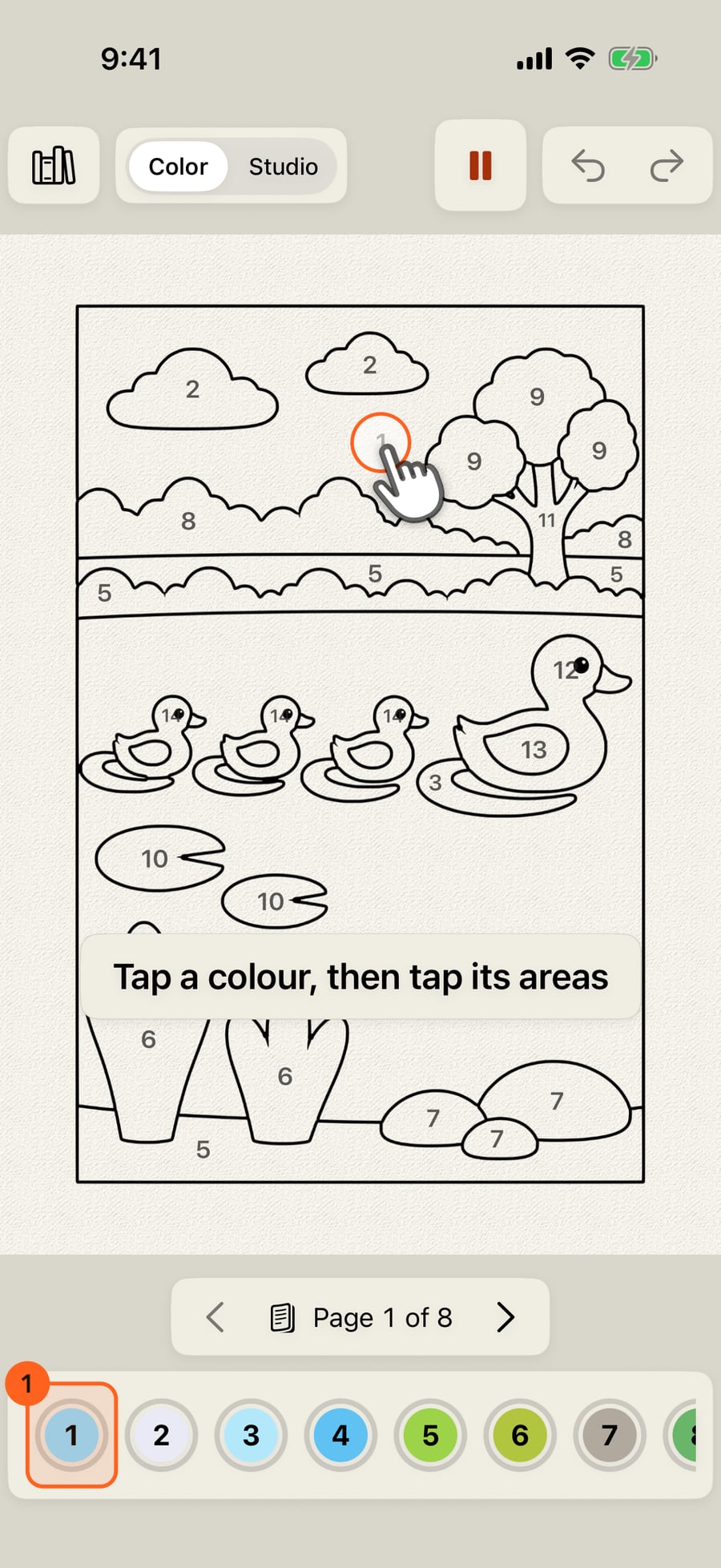
Open a book by number. The first time Color opens, a finger shows what to do. Click a colour, then click its areas.
Any touch puts it away, and it doesn't come back. Then do as it showed. Tap a colour.
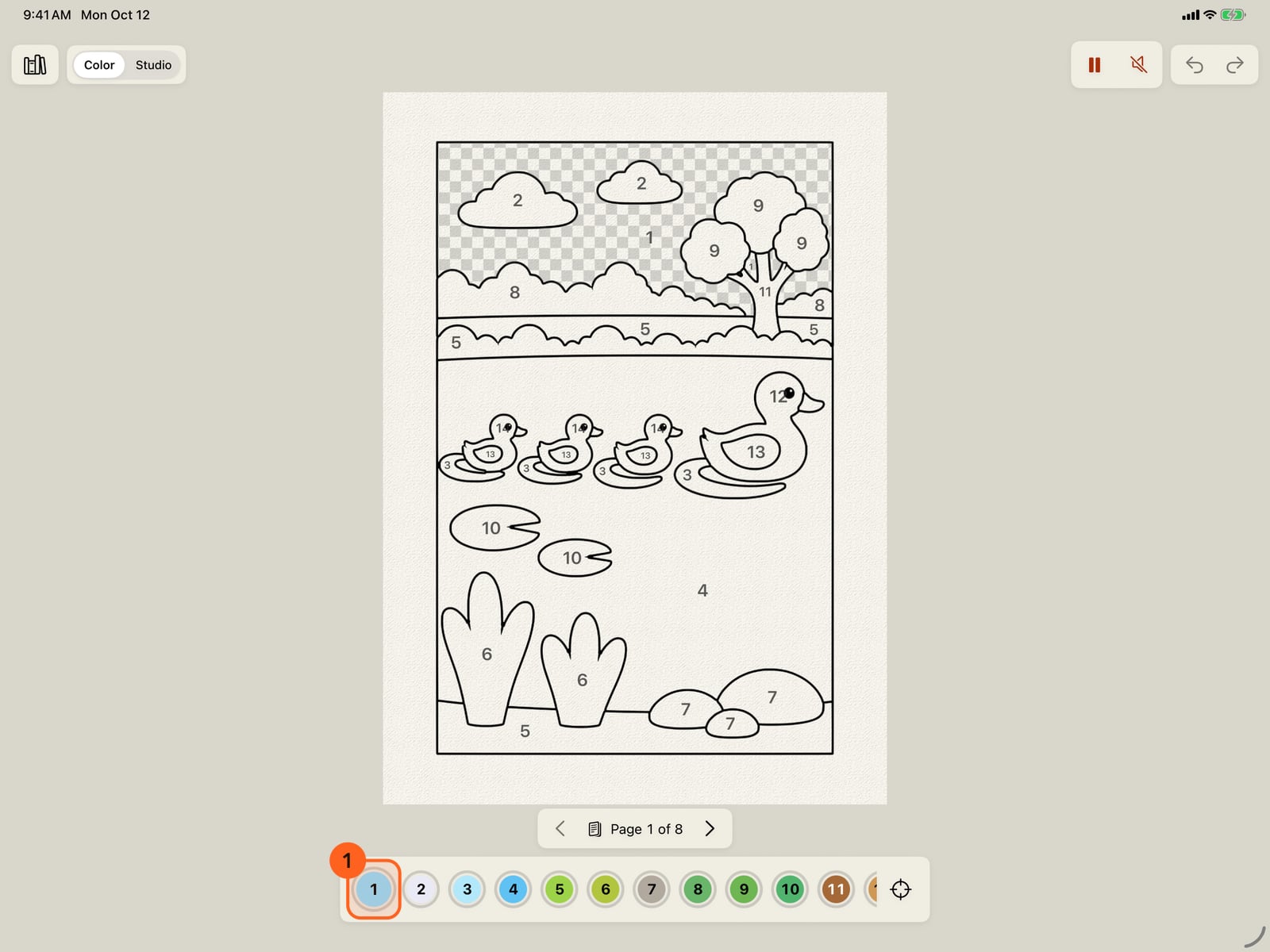
Any touch puts it away, and it doesn't come back. Then do as it showed. Tap a colour.
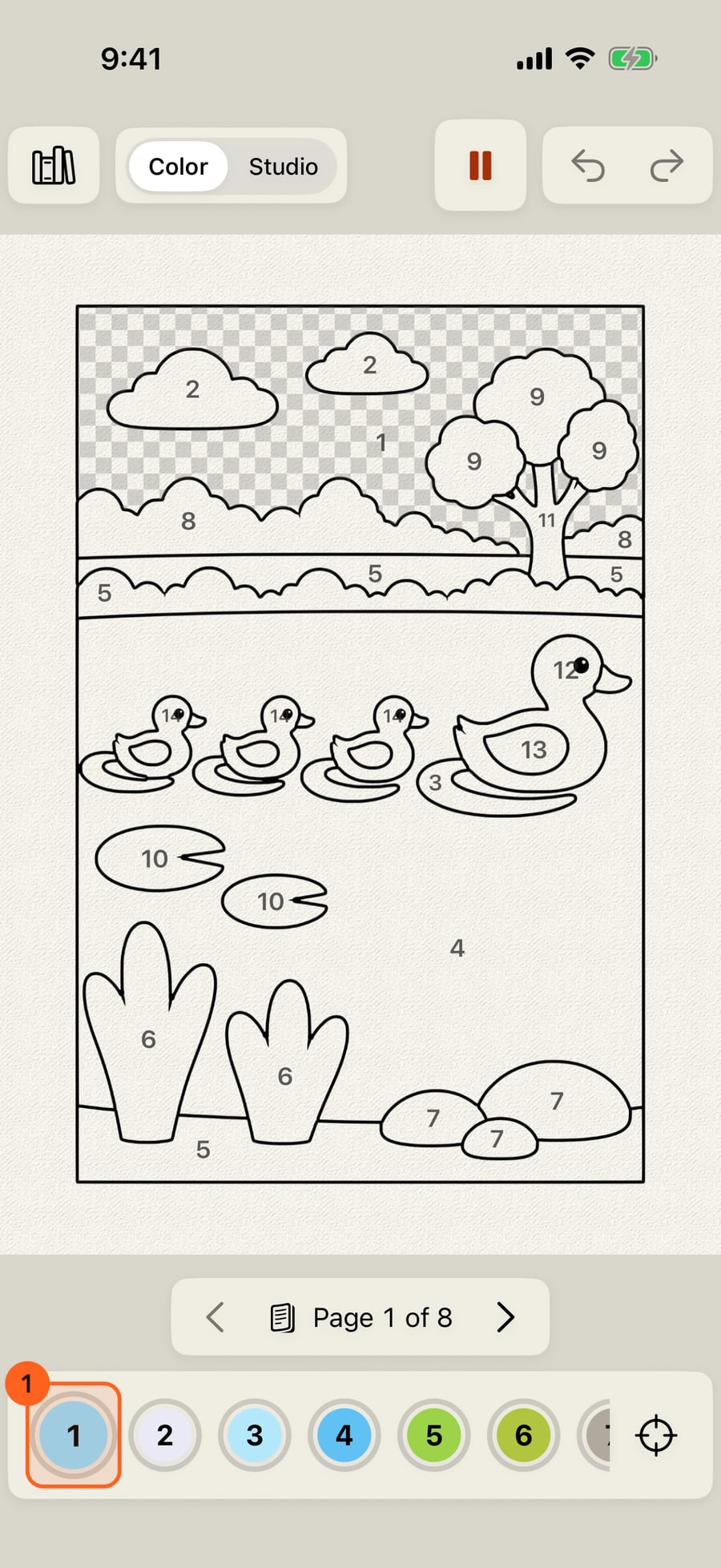
Any touch puts it away, and it doesn't come back. Then do as it showed. Click a colour.
Then tap one of its areas. Here, Find shows one, and a tap paints it in. After your first area, the book offers its music.
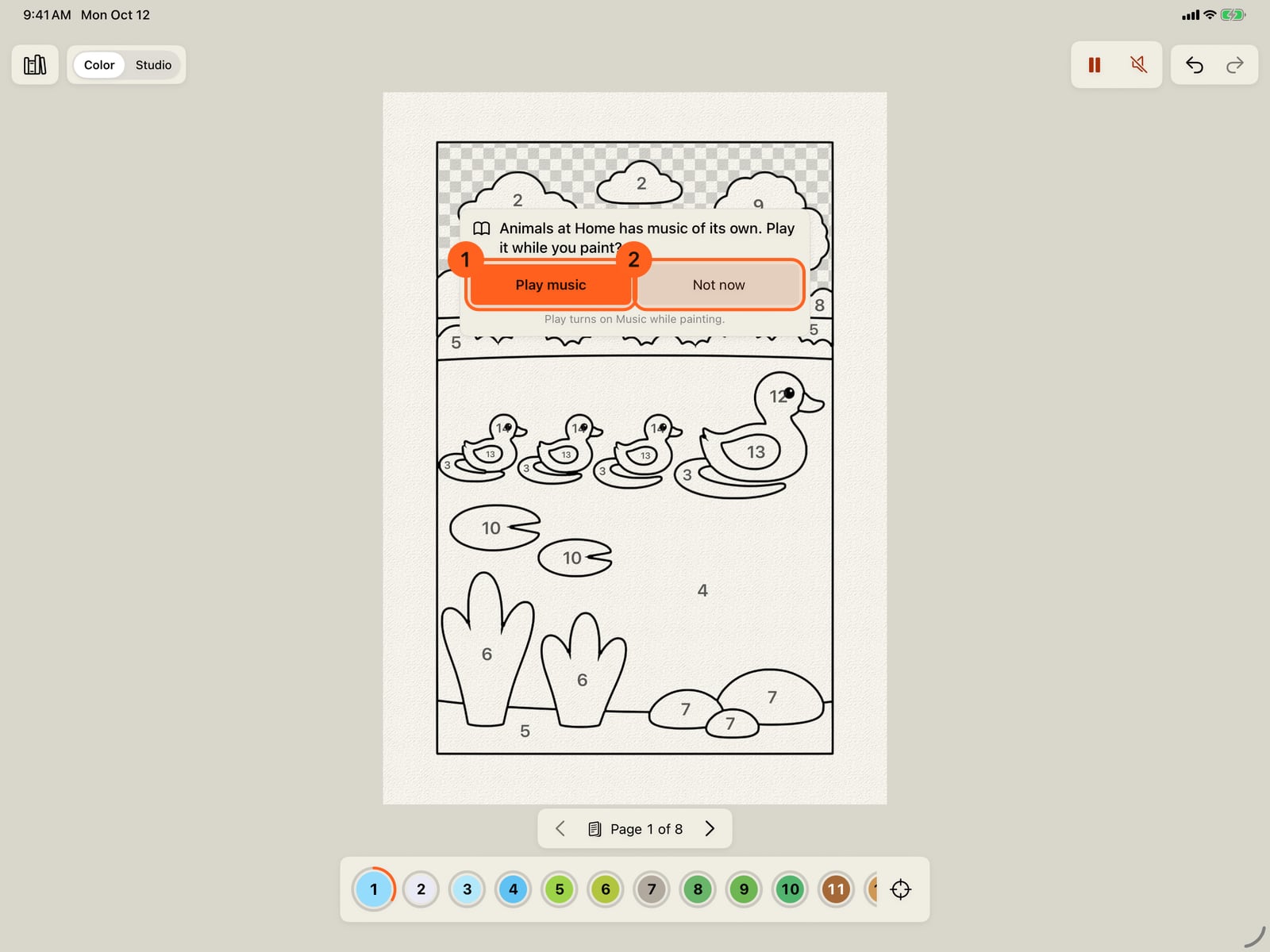
Then tap one of its areas. Here, Find shows one, and a tap paints it in. After your first area, the book offers its music.
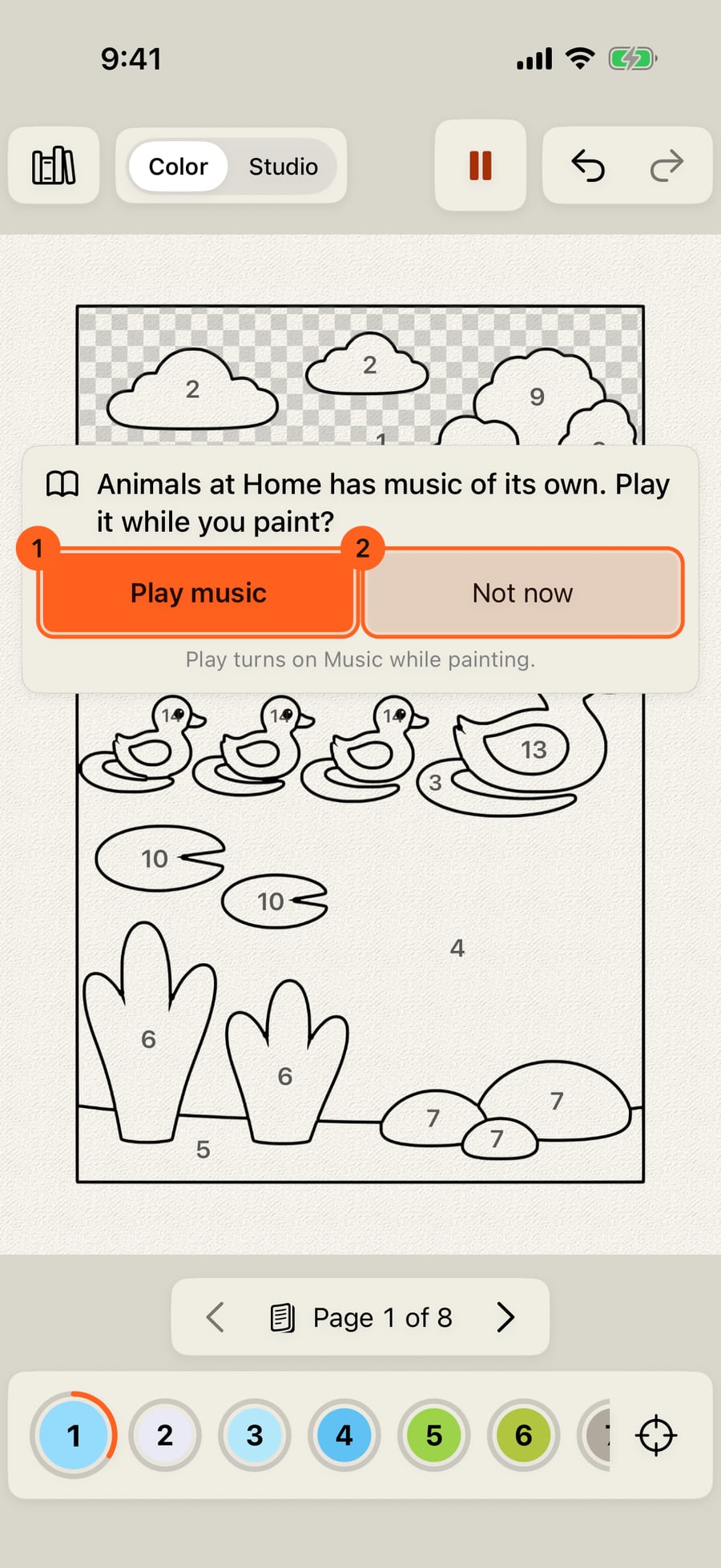
Then click one of its areas. Here, Find shows one, and a click paints it in. After your first area, the book offers its music.
The first page in Color
The first time a book opens in Color, there is nothing to read but one line: Tap a colour, then tap its areas. A finger shows it on the page itself: it taps the first colour in the dock 1, moves up to one of that colour's areas, taps it, and goes back, over and over. It is the whole of Color: choose a colour below the page, then tap or drag across the areas that wear its checkerboard (see Paint by number).
Any touch puts it away, and it shows only once. With Reduce Motion the finger stands still on the colour, with a fainter one on the area; VoiceOver reads the line, and a double tap puts it away.
Music after the first area
A book with music of its own offers it the first time it opens while music is off, but in Color the card waits until your first area has paint, so the page starts with nothing to answer. Play music 1 turns on Music while painting; Not now 2 keeps it quiet, and that book won't ask again.
Tip: Learn and practise has Color lessons on real pages, where each step ticks as you do it.
Everything here is Free.
Try it in the app.
Download on the App Store Free for iPad, iPhone and MacSomething not behaving as expected?
Visit support or write to [email protected].