

Guides / Wheel and brushes
Brush parameters and files
With Pro, set every value a brush or stroke sends to the renderer, and share brushes as files or import them.
Tap Pen, tap it again to unfold its brushes, and take up Brush Pen. Paint a stroke with it as it is, to compare.
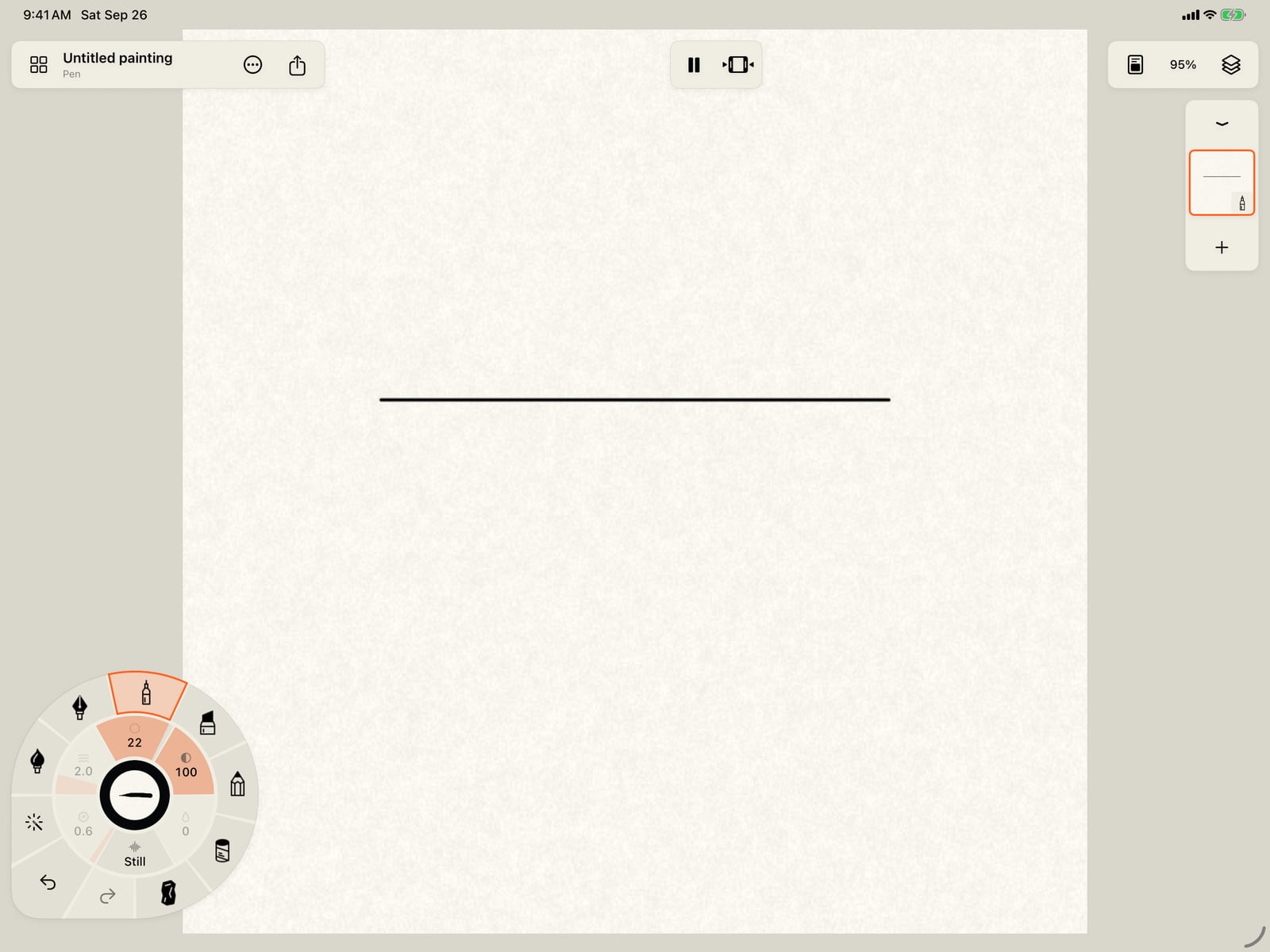
Unfold the wheel, tap Pen, tap it again to unfold its brushes, and take up Brush Pen. Fold the wheel and paint a stroke with it as it is, to compare.
Click Pen, click it again to unfold its brushes, and take up Brush Pen. Paint a stroke with it as it is, to compare.
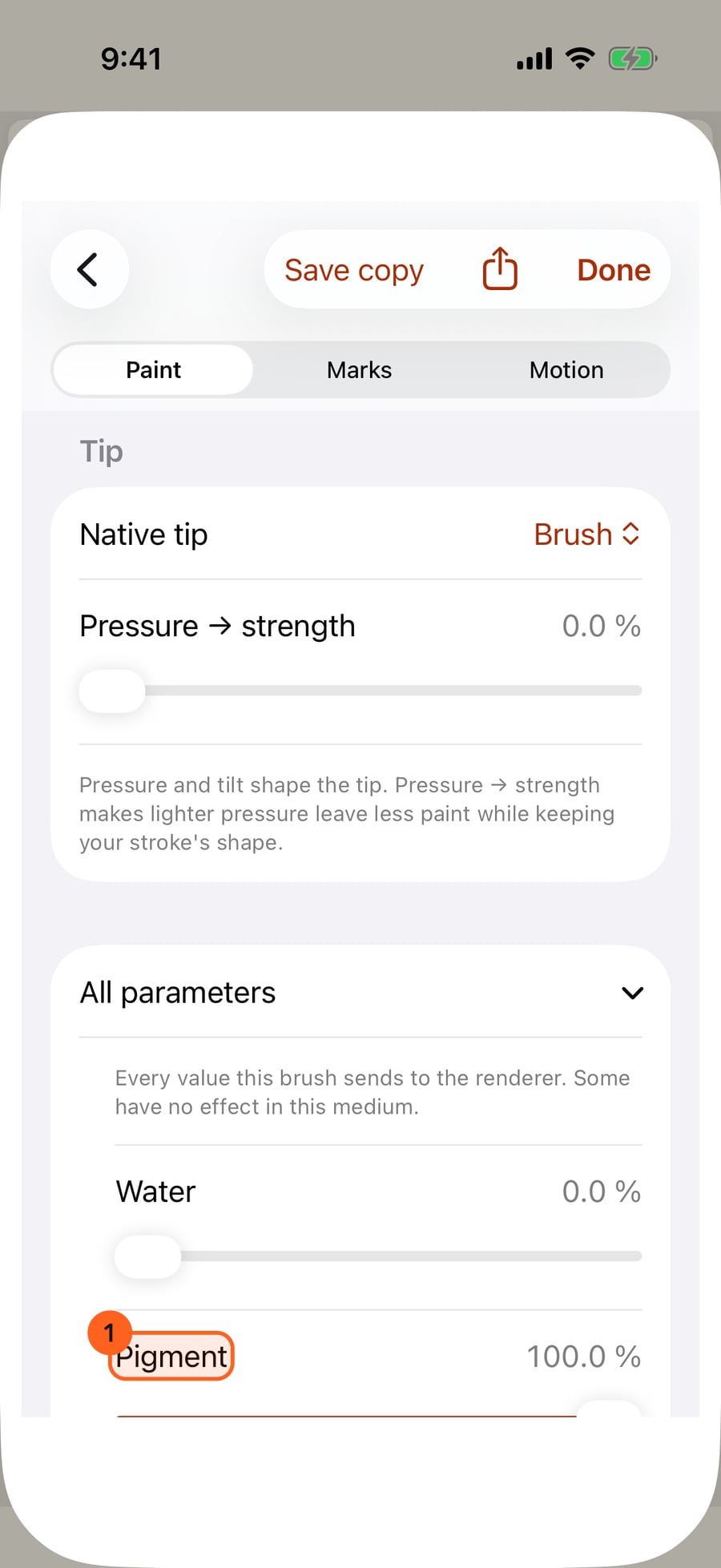
Open the brush in Brush Studio. At the end of the Brush page, All parameters lists every value the brush sends to the renderer, under its own name.
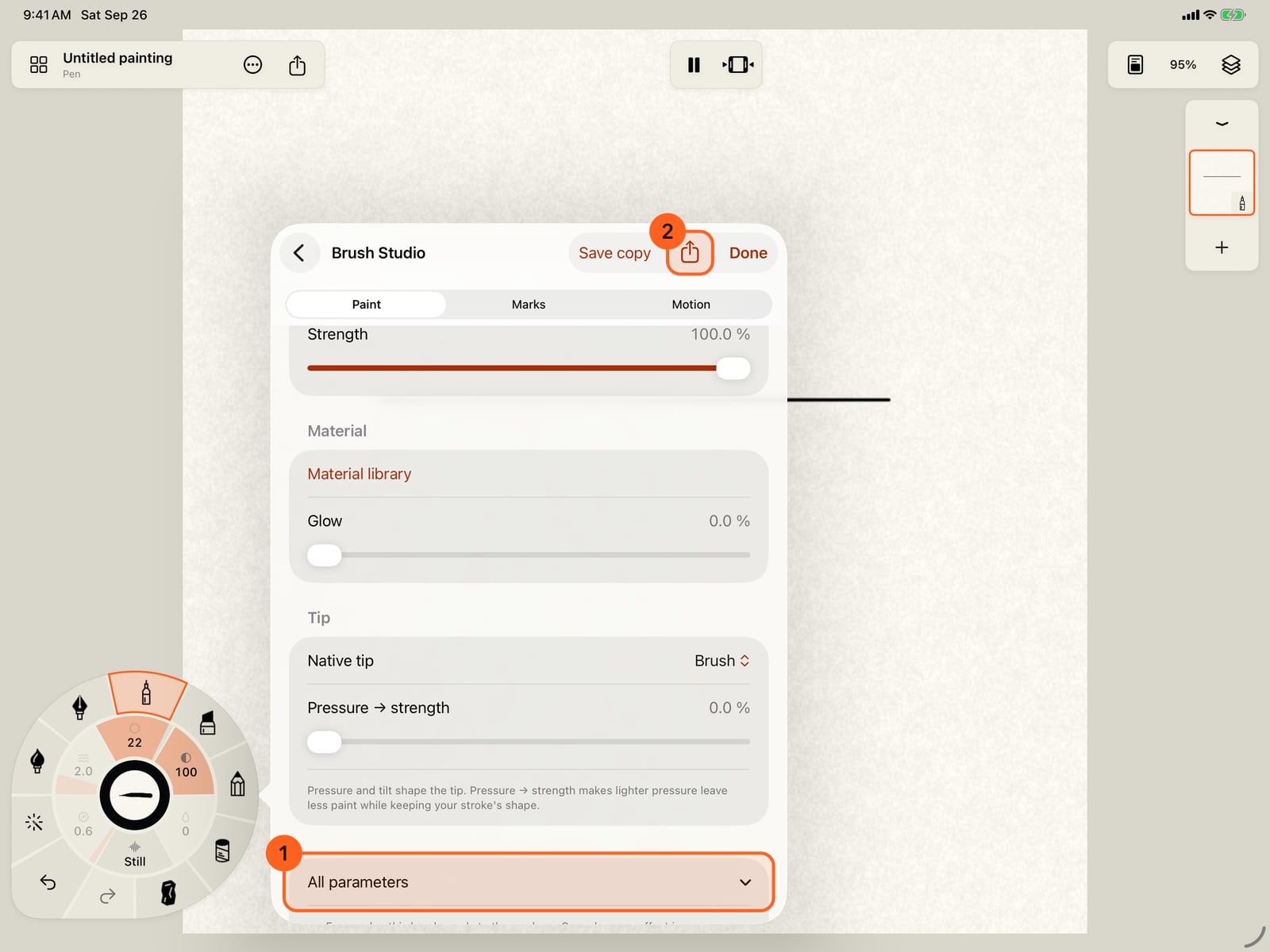
Open the brush in Brush Studio. At the end of the Brush page, All parameters lists every value the brush sends to the renderer, under its own name.
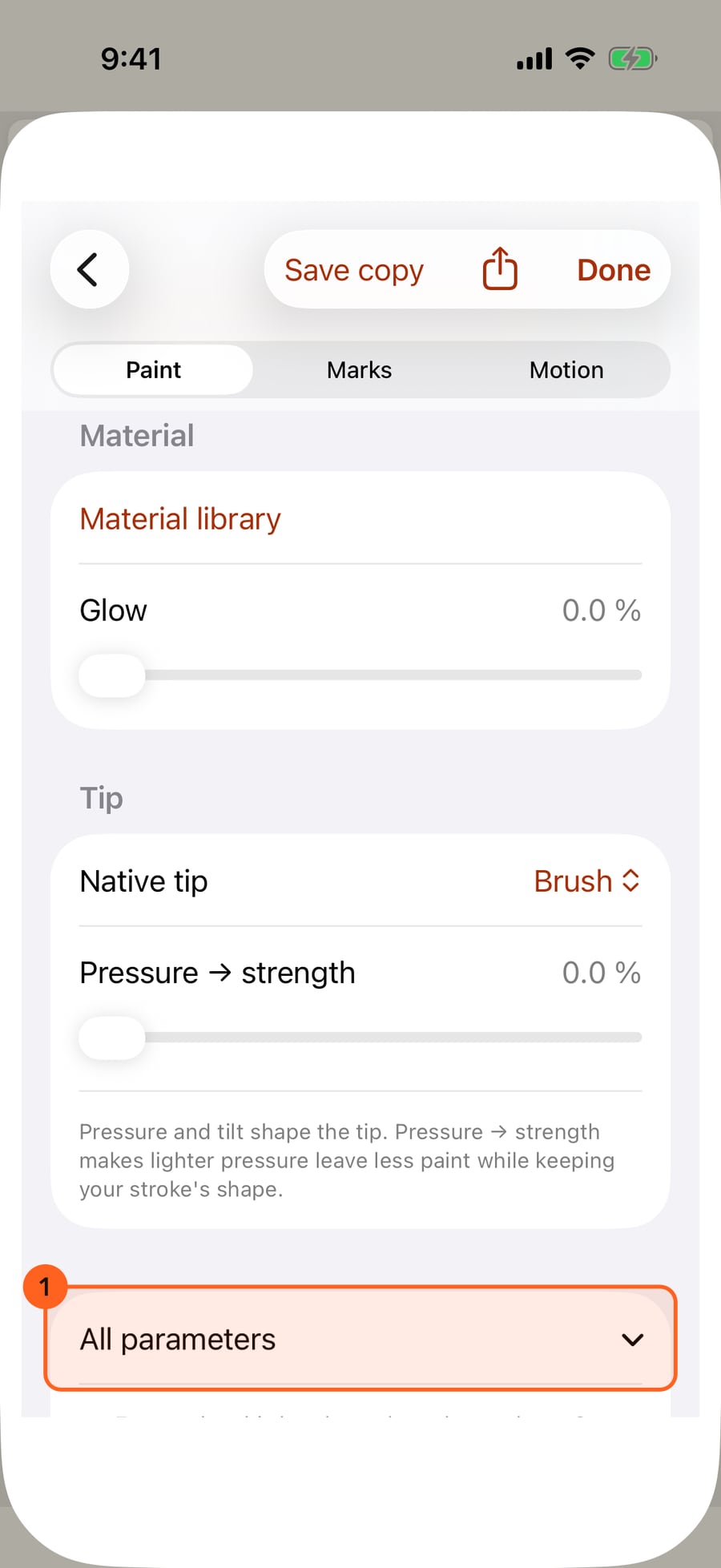
They include values this medium's own controls leave out. Pen shows Strength; here is the raw Pigment beneath it. Turn it right down.
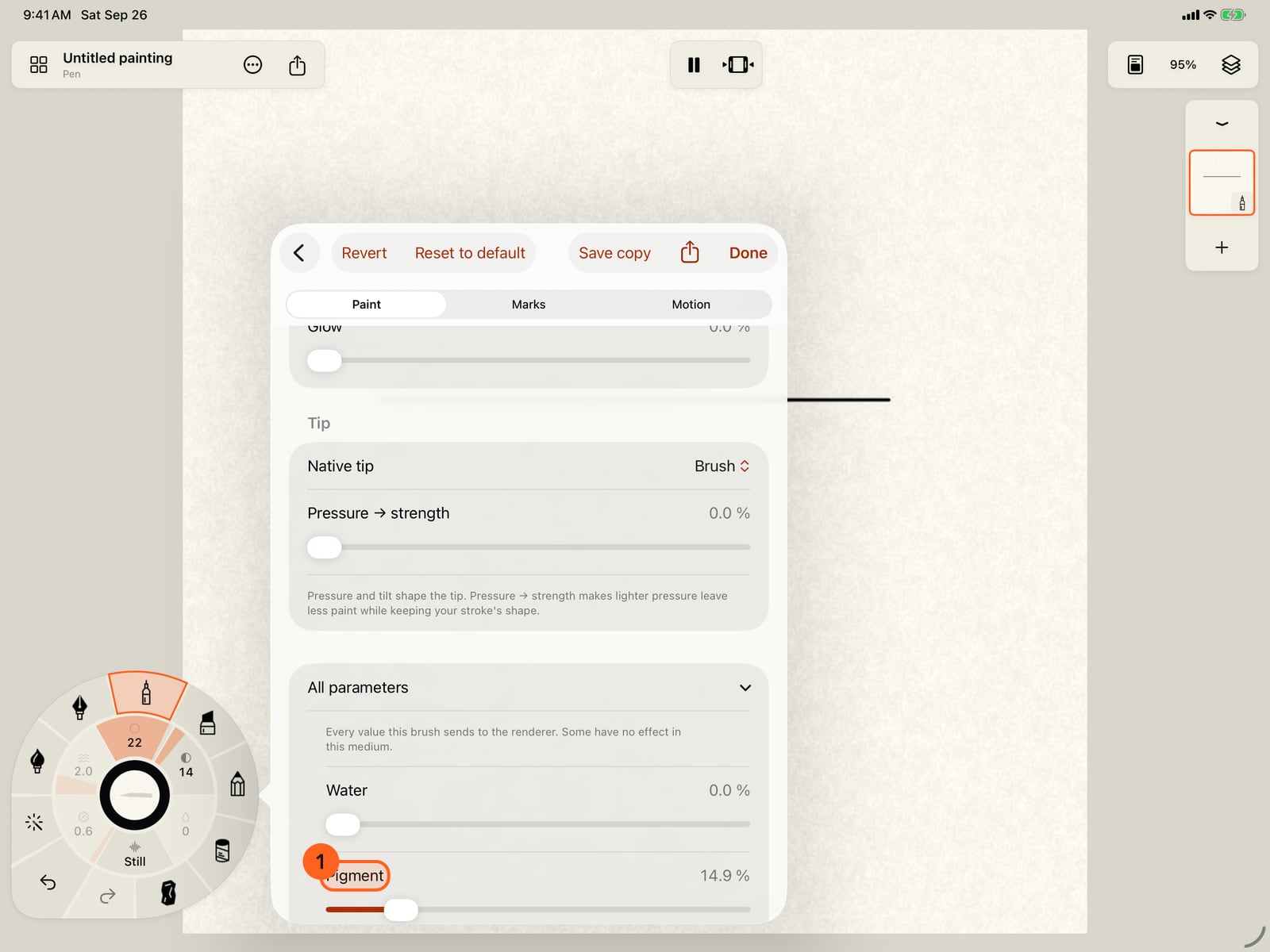
They include values this medium's own controls leave out. Pen shows Strength; here is the raw Pigment beneath it. Turn it right down.
Tap Done and paint below the first stroke. The same brush now lays a pale, thin line of pigment.
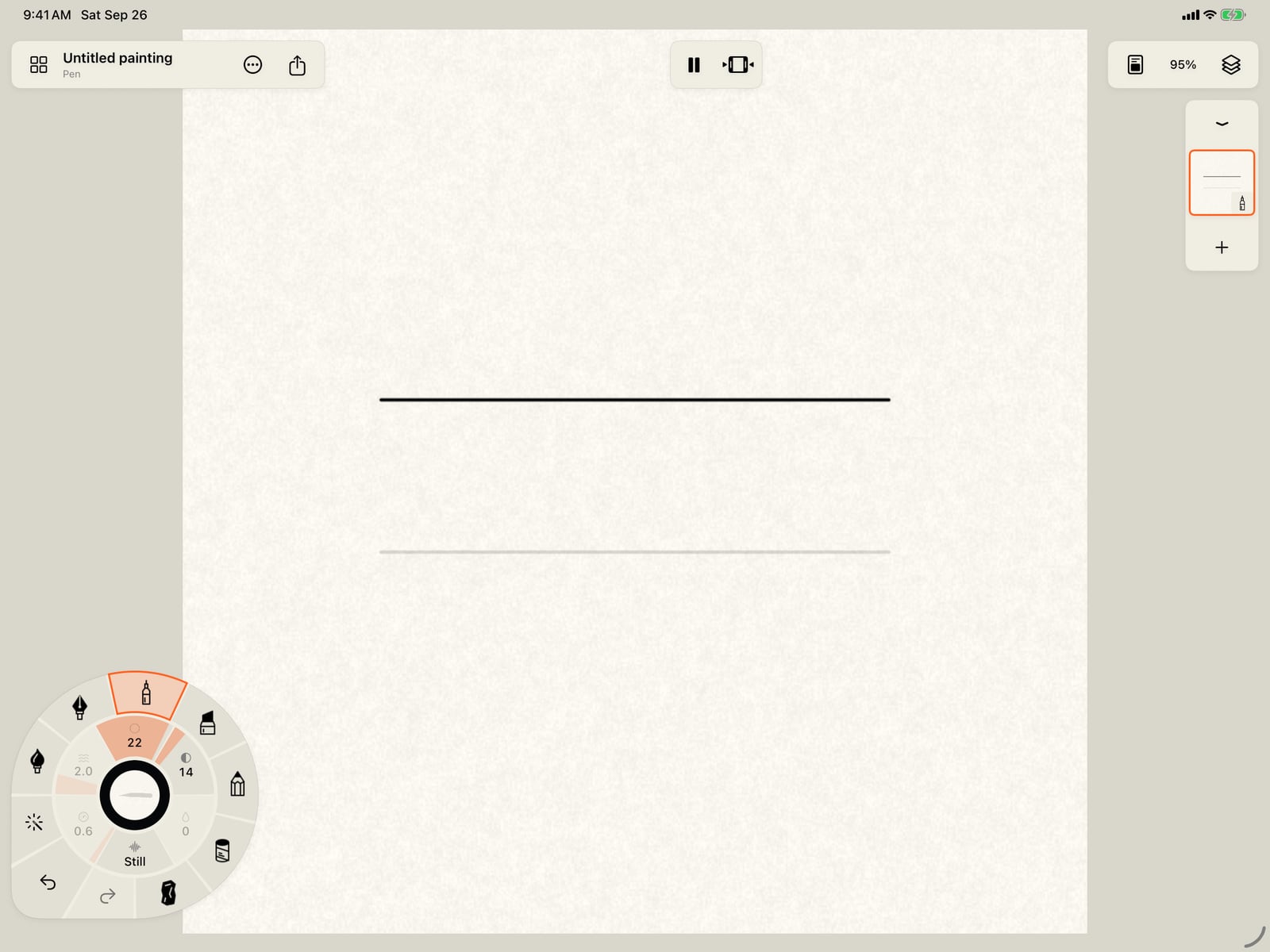
Tap More, then Done, fold the wheel, and paint below the first stroke. The same brush now lays a pale, thin line of pigment.
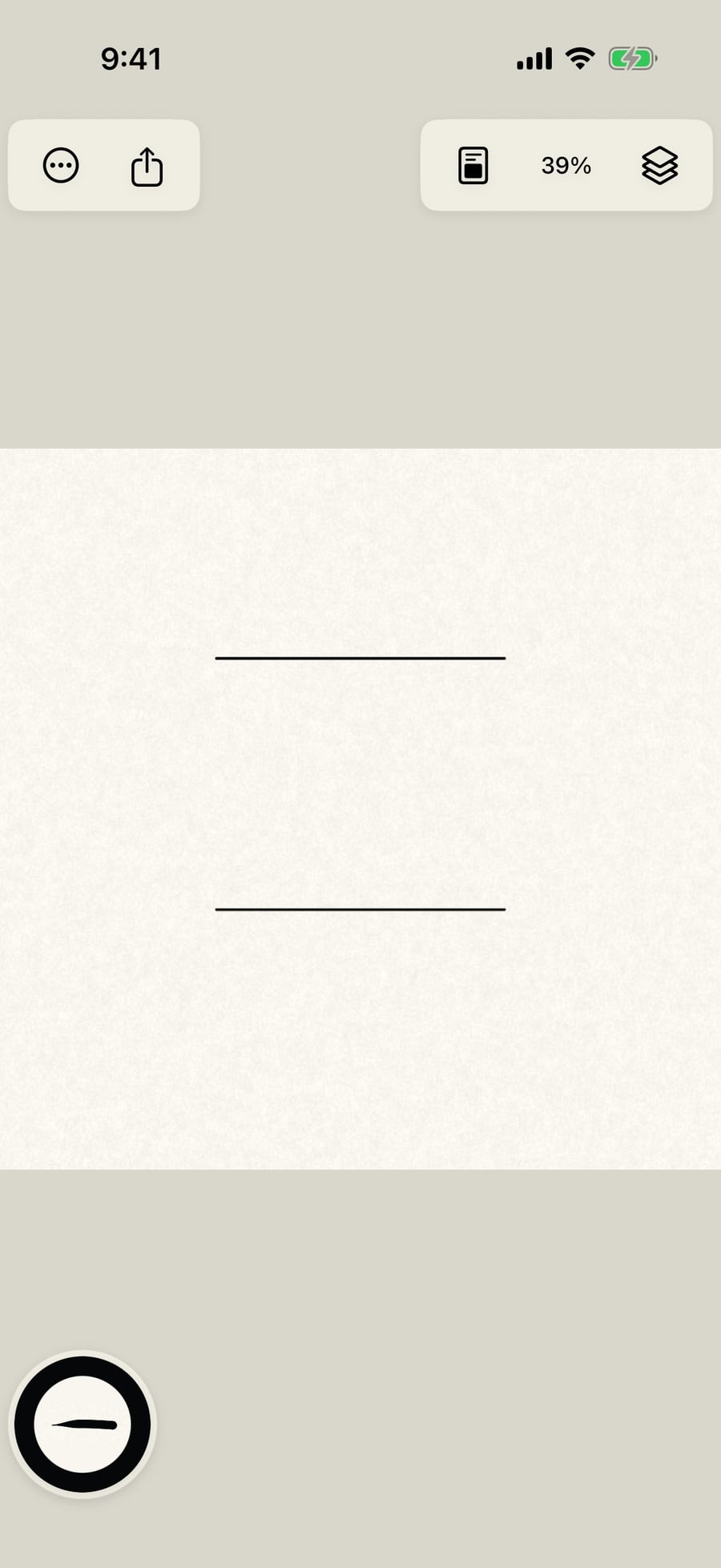
Click Done and paint below the first stroke. The same brush now lays a pale, thin line of pigment.
A stroke already painted has the same list. Choose Tools, then Select stroke, and tap the first stroke. All parameters is in its inspector too.
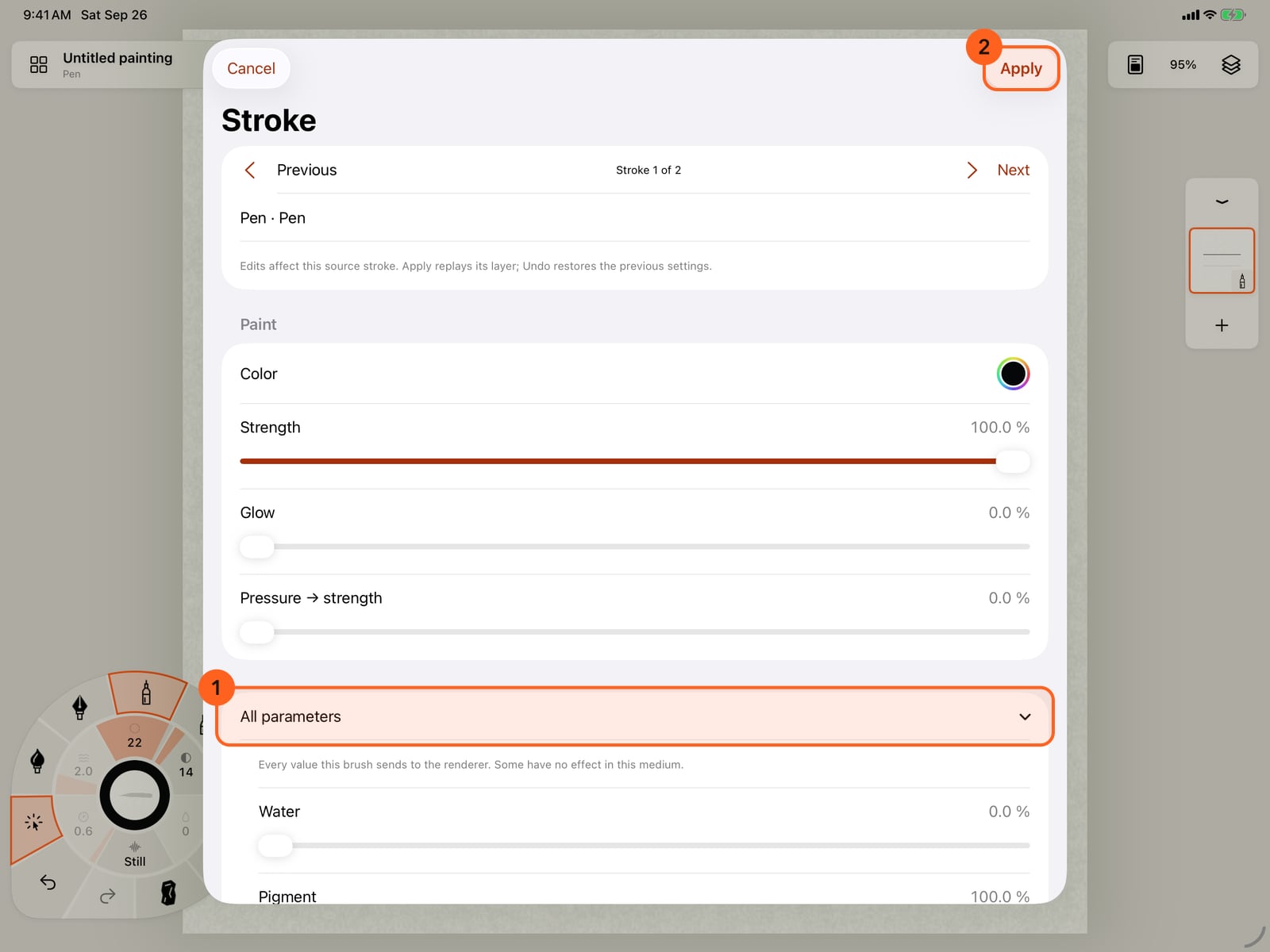
A stroke already painted has the same list. Choose Tools, then Select stroke, and tap the first stroke. All parameters is in its inspector too.
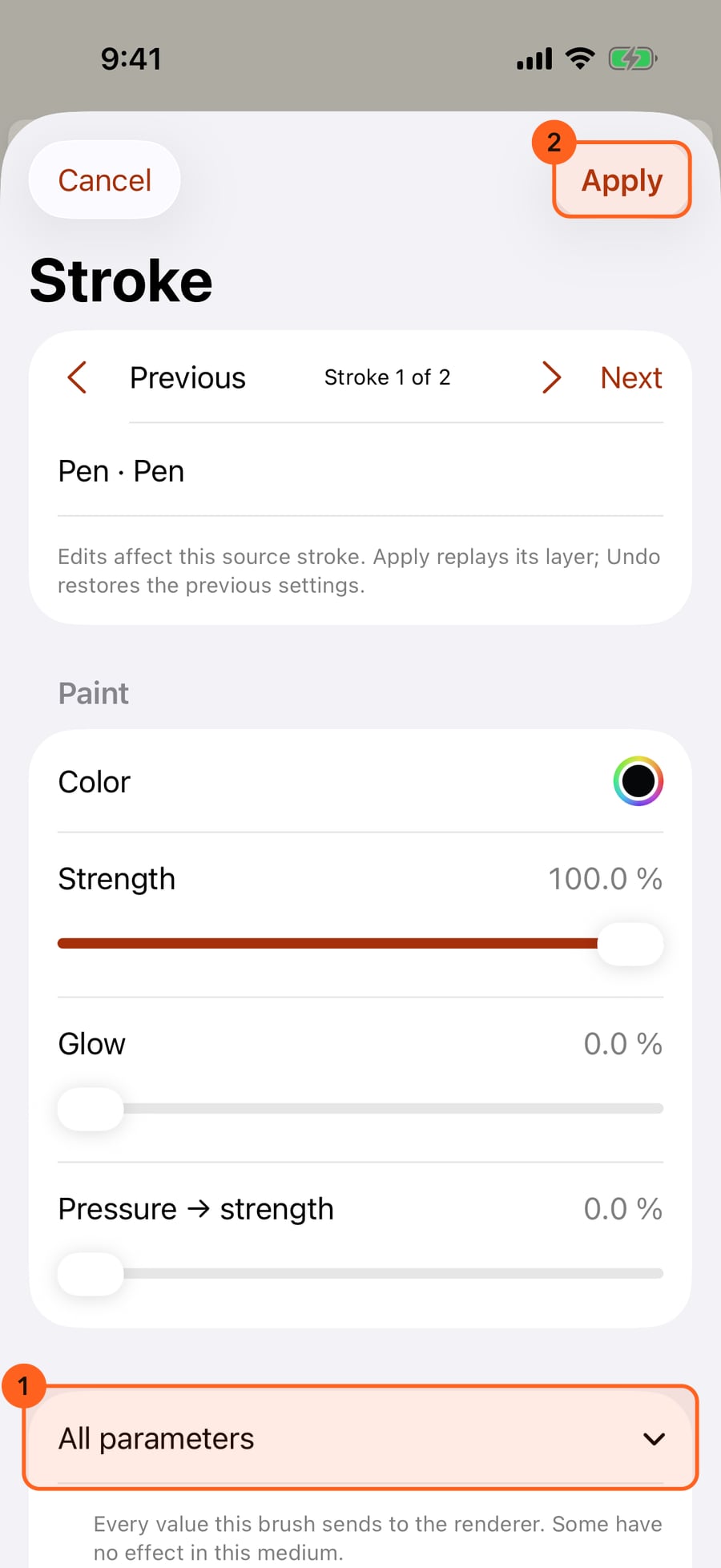
A stroke already painted has the same list. Choose Tools, then Select stroke, and click the first stroke. All parameters is in its inspector too.
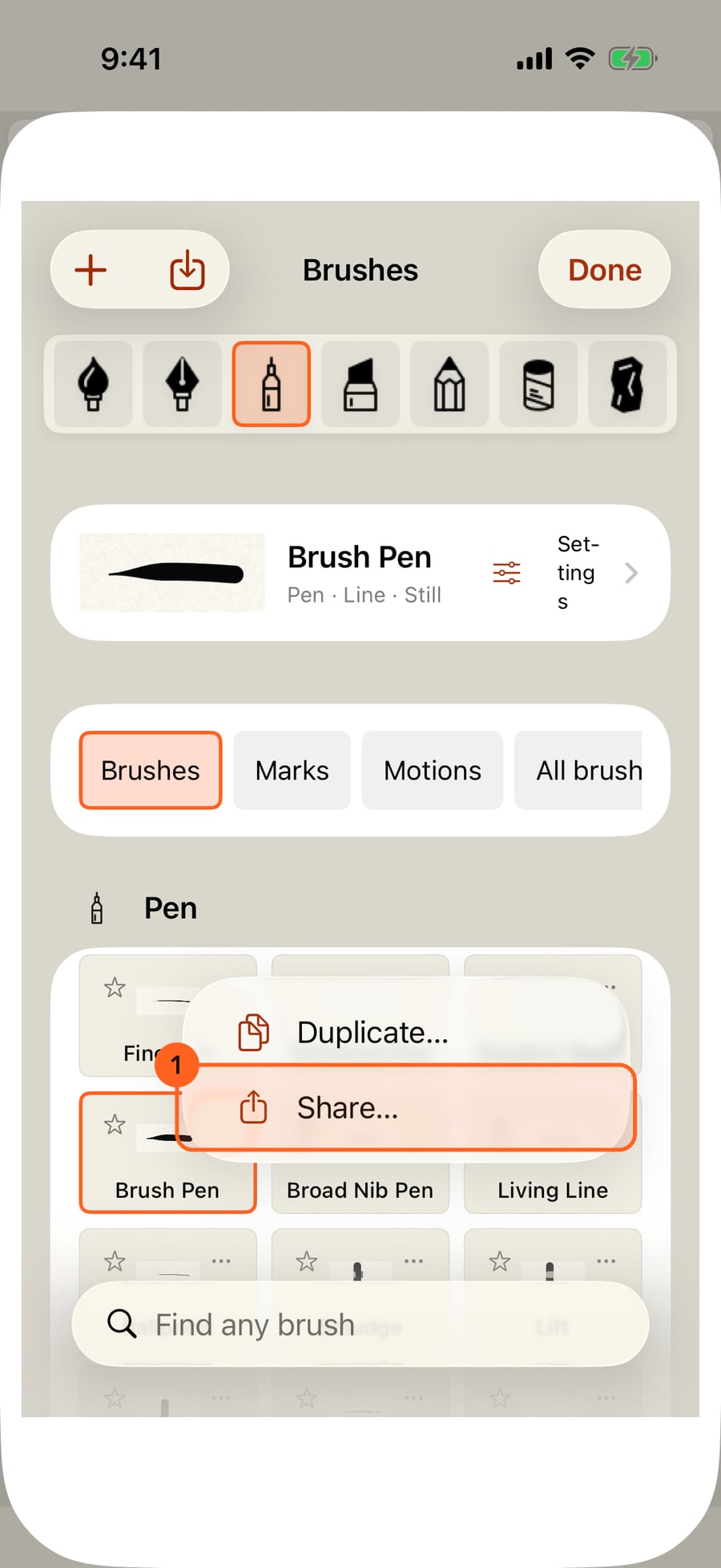
Brushes travel as files. In the library, a brush's menu has Share, and Import brush adds one from Files.
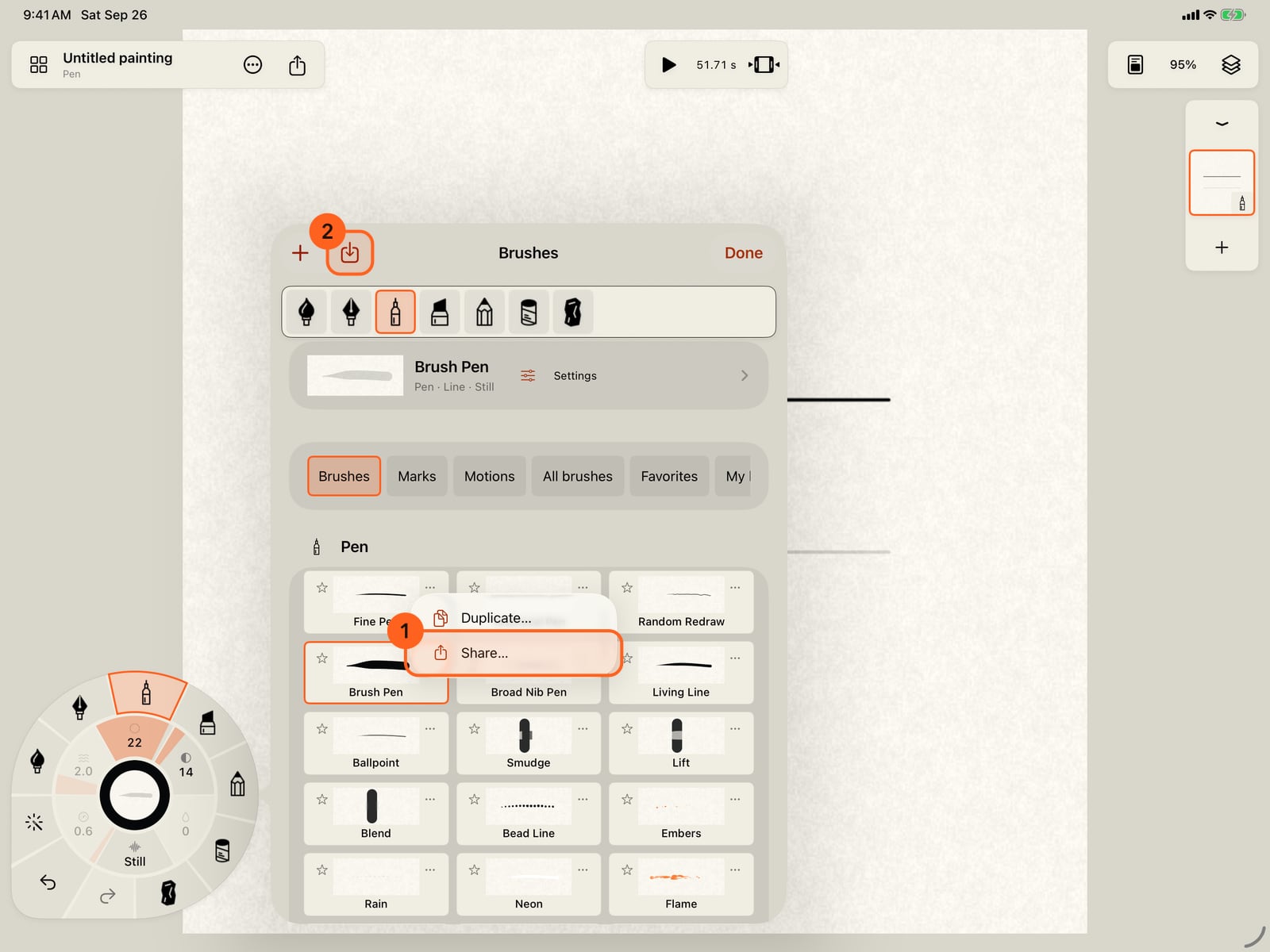
Brushes travel as files. In the library, a brush's menu has Share, and Import brush adds one from Files.
All parameters
Each medium's own controls show the values that matter for it, in its own words: Pen calls its pigment Opacity and has no grain. All parameters lists every value a brush sends to the renderer, whatever the medium shows, under its raw name. Some have no effect in a given medium; the medium decides what each one does.
In Brush Studio, open All parameters 1 at the end of the Brush page:
| Parameter | What it is |
|---|---|
| Water | The water the brush carries. |
| Pigment | How much colour it lays: the brush's Strength. |
| Granulation | How much the paper's grain breaks up the mark. |
| Staining | How firmly pigment binds; Adhesion on Pastel and Charcoal. |
| Diffusion | How far paint spreads; Bleed on Marker. |
| Edge darkening | How much pigment gathers at edges. |
| Pressure → load | How much lighter pressure leaves less pigment. |
| Gesture flow | How much the stroke's speed pushes wet paint. |
| Grain response | How strongly the brush answers the paper's grain. |
| Spread response | How strongly its paint answers the paper's absorbency. |
Edits apply to your next strokes as you make them, like everything in Brush Studio, and Revert puts them back.
In the stroke inspector (Tools → Select stroke, then tap a stroke), All parameters lists the same values for that one stroke, less the two surface responses, which belong to the brush. Tap Apply 2 to repaint the stroke with them, or Cancel.
Brush files
A brush file holds one brush, with every setting, as a small .json file you can keep, send to someone or move to another device.
| Control | Where | What it does |
|---|---|---|
| Share… 1 | A brush's ⋯ menu in the library | Saves that brush as a file, wherever you choose in Files. |
| Share brush… 2 | Brush Studio's toolbar | Saves the brush being edited as a file. |
| Import brush… 2 | The library's toolbar | Adds a brush from a file to My brushes, and takes it up. |
An imported brush is always a new brush: it never replaces one you have, and its file's settings become its default, so Reset to default returns to them. A file that isn't a brush, is damaged, or comes from a newer version of Doodly Doodle is refused with Unsupported or invalid brush file.
Pro: All parameters and brush files are part of Pro. On Free, All parameters shows its list dimmed, and its note, All parameters are included with Pro., opens Free and Pro, as Share…, Share brush… and Import brush… do. From Brush Studio the page opens over the Studio, so you come back to the brush you were changing. Brushes you made on Free, and strokes painted with them, keep every setting either way.
Something not behaving as expected?
Visit support or write to [email protected].