

Guides / Marks and effects
Variations for layering
Paint the stroke in hand nearer or farther, broader or finer, and build an effect from its parts, each stroke moving in its own time.
- Free
- Every depth and scale variation, on every brush, and the parts whose looks are Free: Flame, Embers, Smoke, Current, Clouds, Rain, Leaves and Blossoms.
- Pro
- The parts from Pro looks, such as Candle, Wildfire, Choppy sea, Foam and Drizzle.
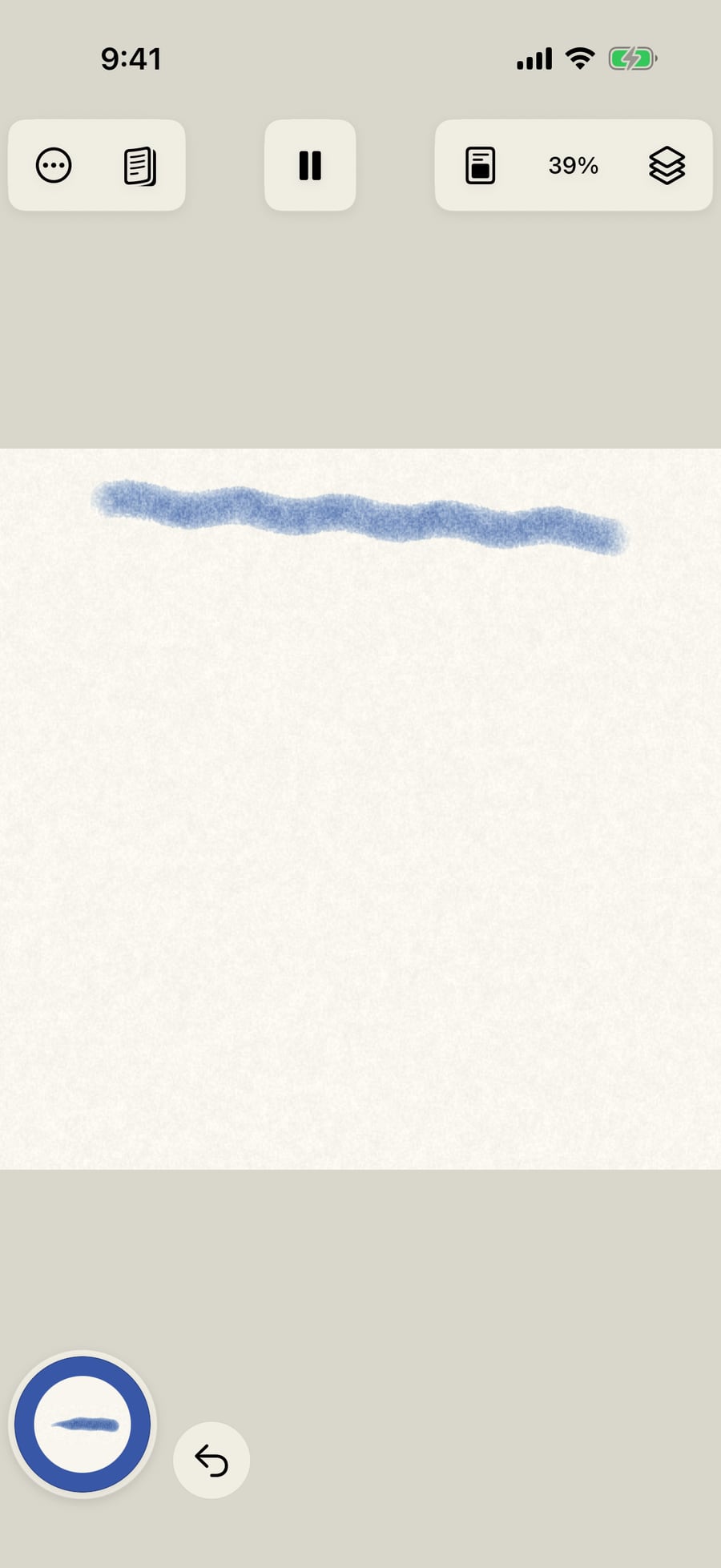
Choose Ultramarine and paint a stroke across the top of the page with the brush as it comes. It is the one to compare with.
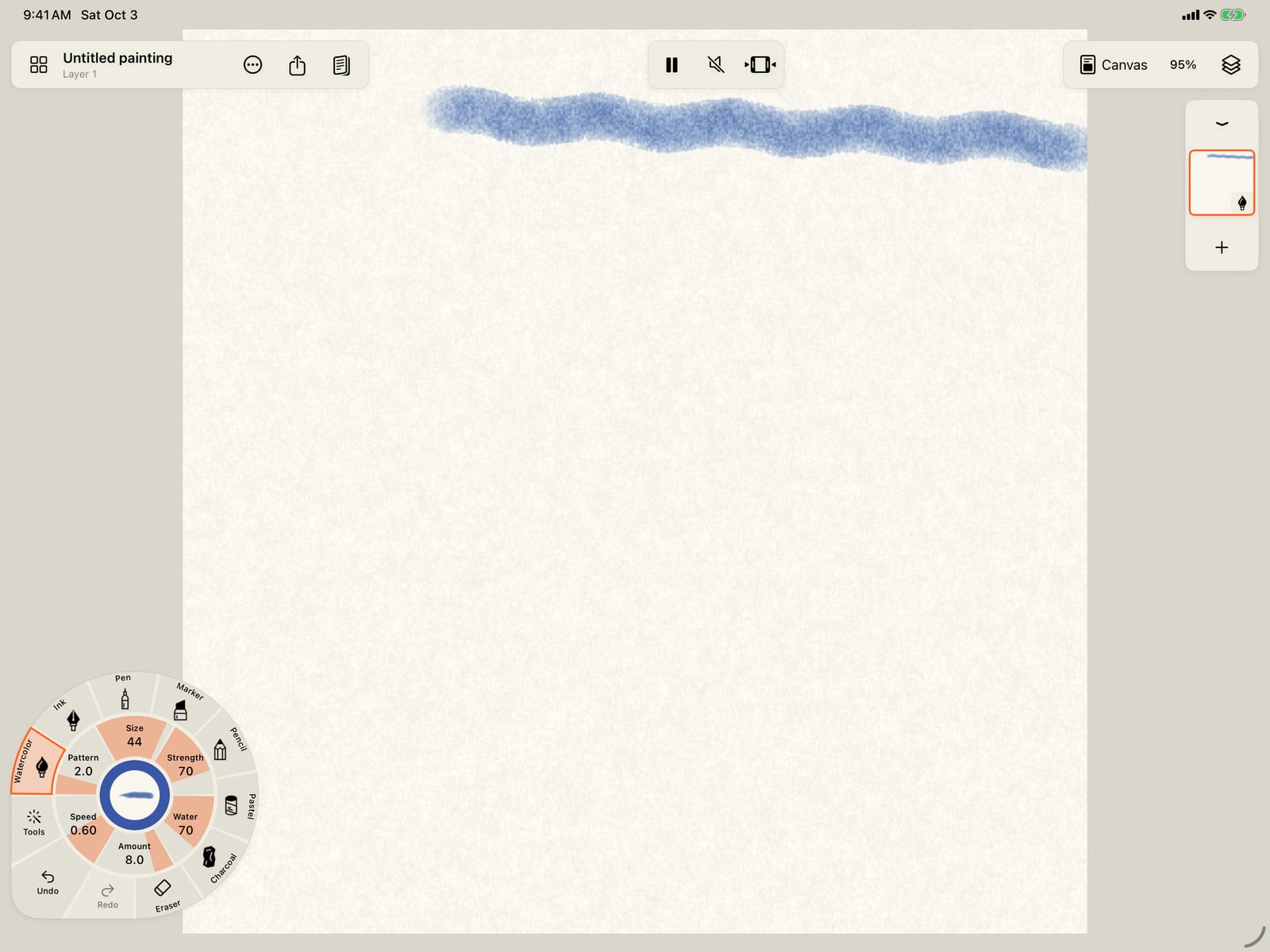
Choose Ultramarine and paint a stroke across the top of the page with the brush as it comes. It is the one to compare with.
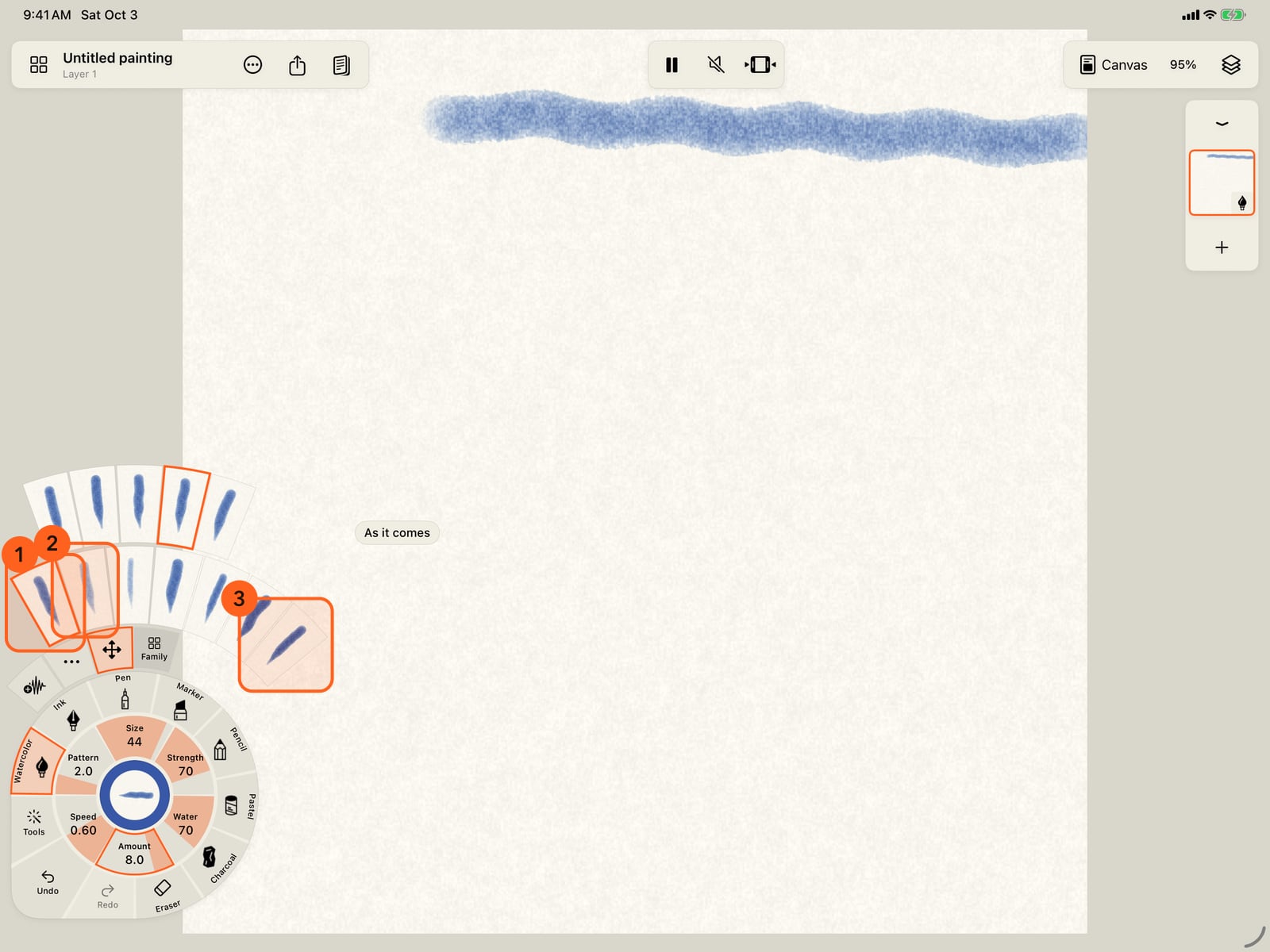
Tap Amount to open the Motion rings. The first ring of strokes holds variations of the stroke in hand. As it comes, then far and near, broad and fine.
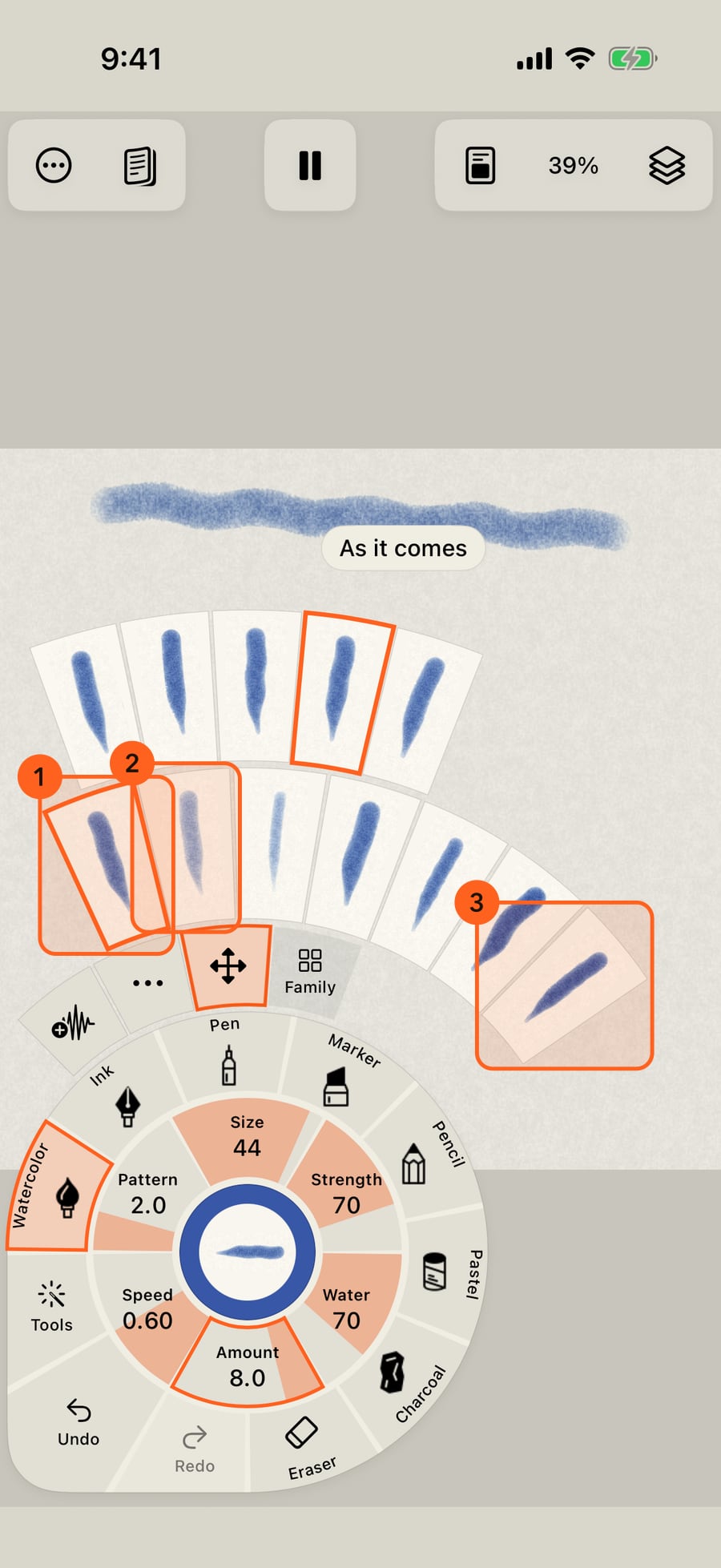
Tap the folded wheel, then Amount, to open the Motion rings. The first ring of strokes holds variations of the stroke in hand. As it comes, then far and near, broad and fine.
Click Amount to open the Motion rings. The first ring of strokes holds variations of the stroke in hand. As it comes, then far and near, broad and fine.
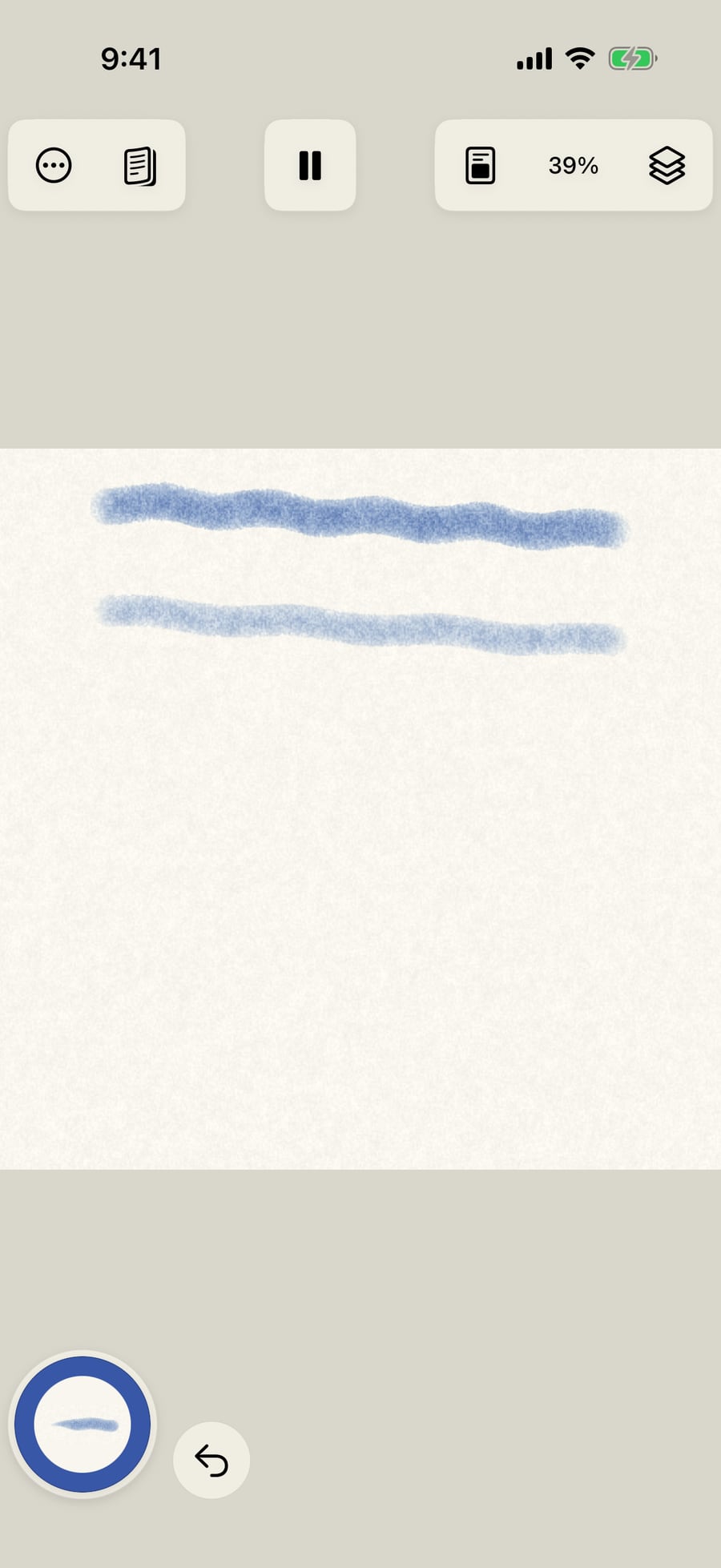
Choose Far, broad and paint a second stroke below the first. It is wider, paler and softer, and it moves more slowly, like something in the distance.
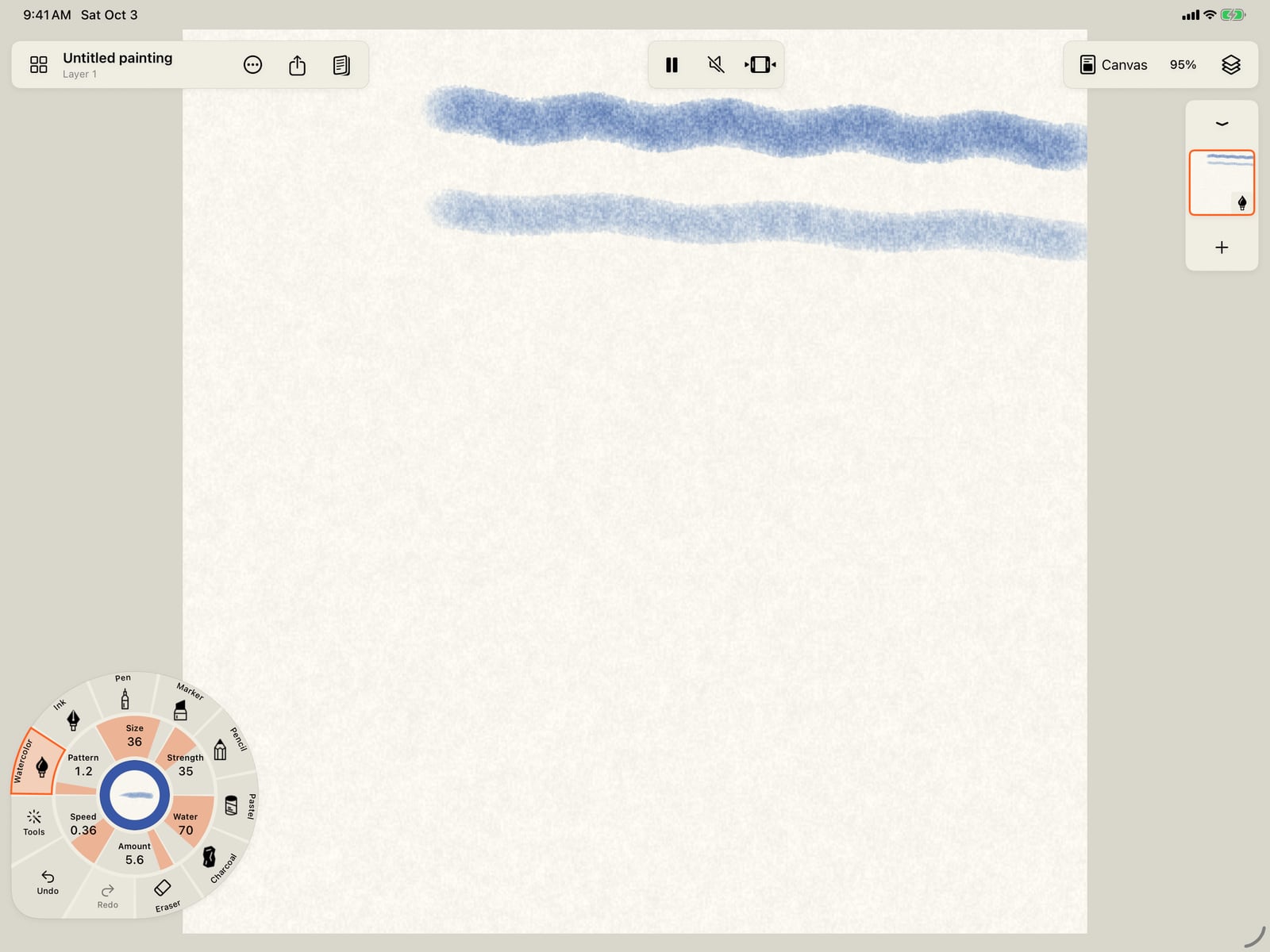
Choose Far, broad and paint a second stroke below the first. It is wider, paler and softer, and it moves more slowly, like something in the distance.
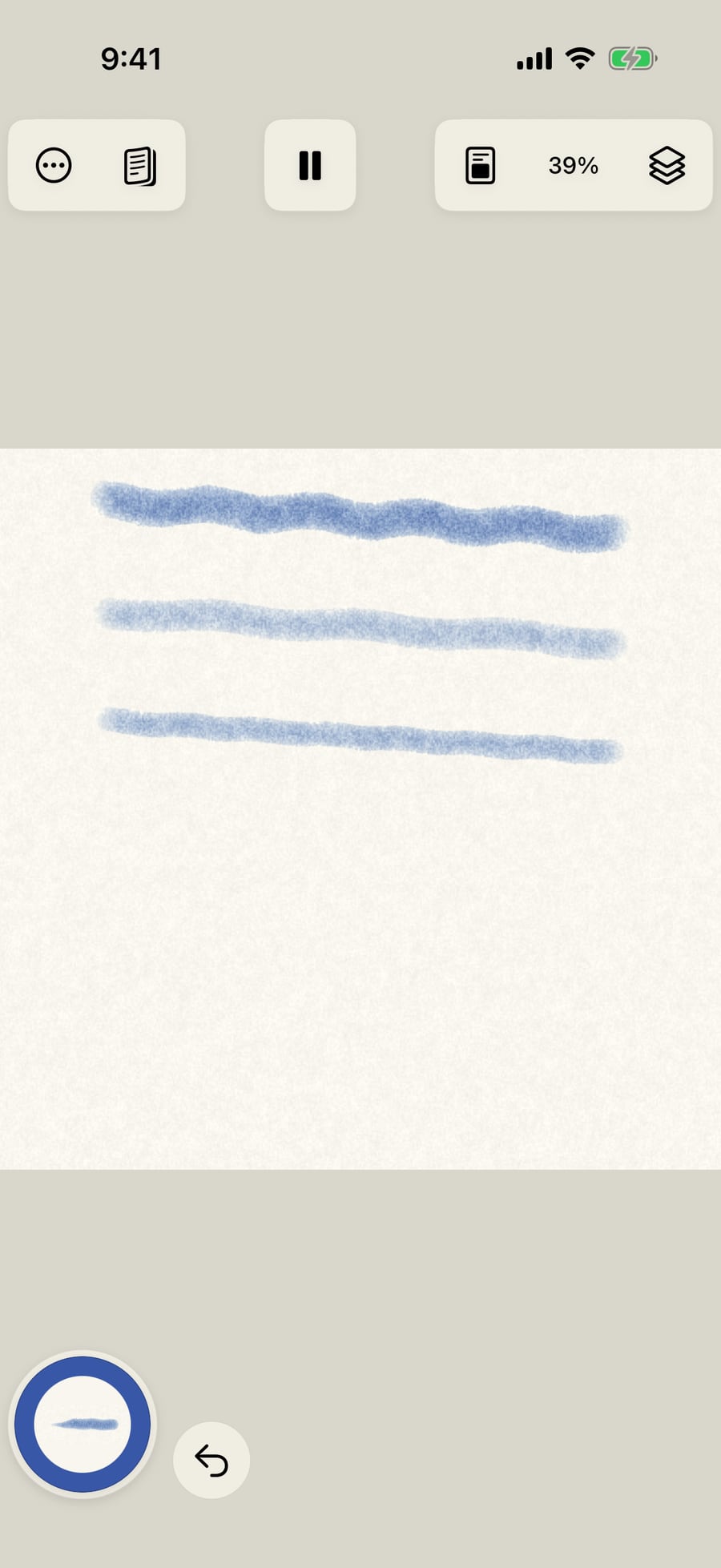
Open the Motion rings again and choose Near, fine. Each variation starts from the stroke as it came, so the row holds still while you try them. Paint a third stroke. It is narrower, darker and quicker.
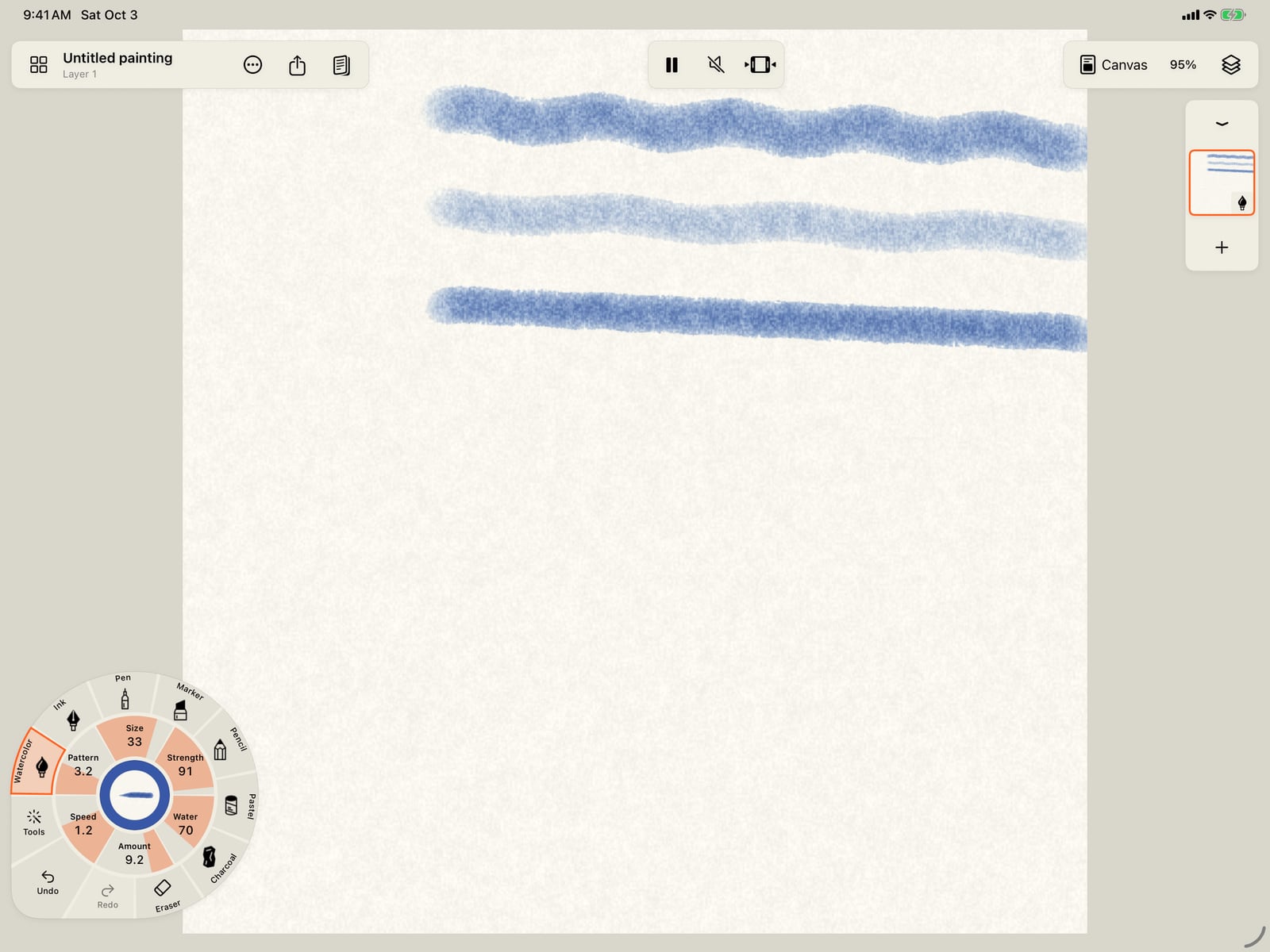
Open the Motion rings again and choose Near, fine. Each variation starts from the stroke as it came, so the row holds still while you try them. Paint a third stroke. It is narrower, darker and quicker.
Now build a fire. Tap Watercolor, then Marks, Fire and Flame. Choose Crimson and paint a stroke upward.
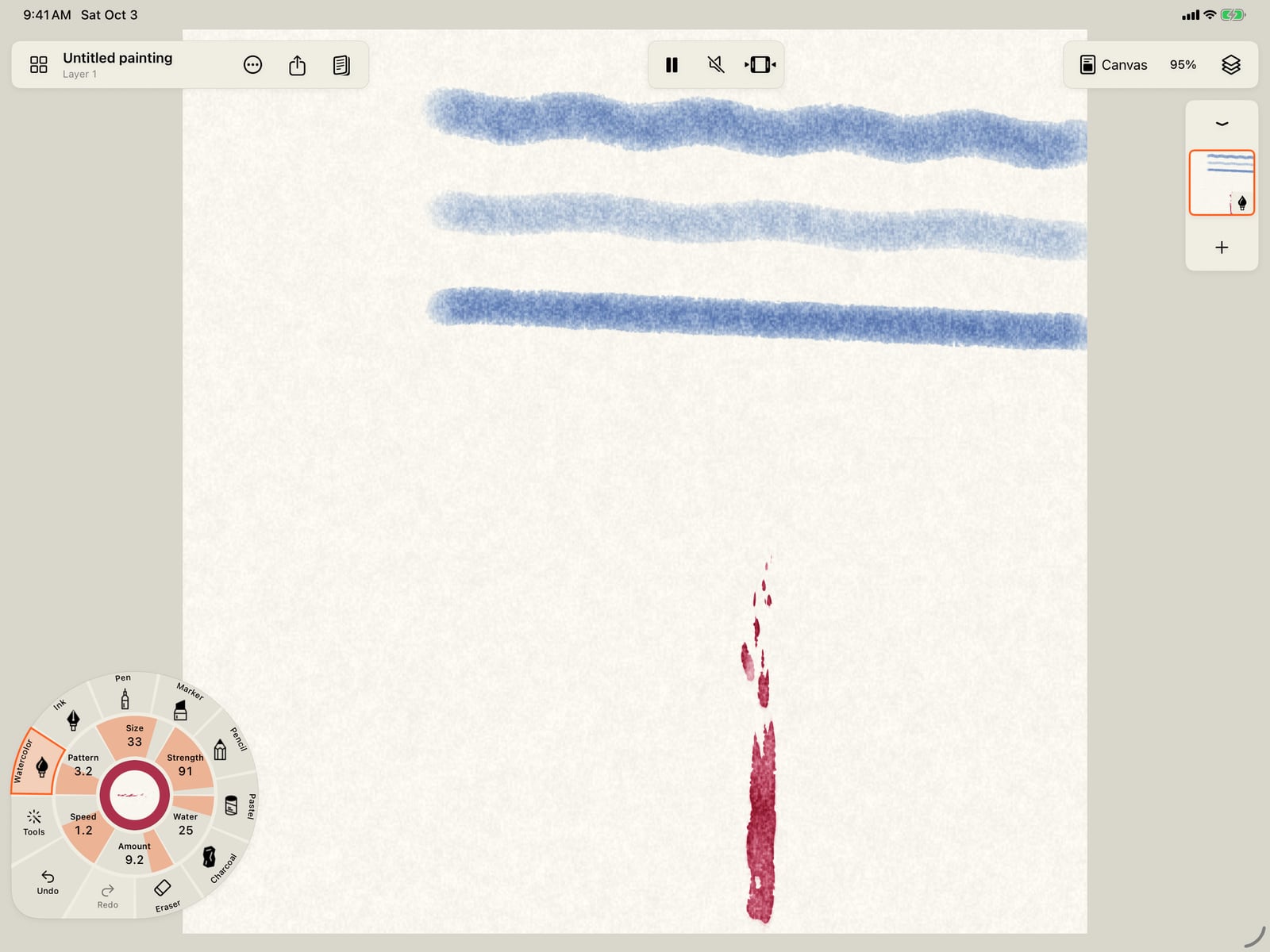
Now build a fire. Unfold the wheel, tap Watercolor, then Marks, Fire and Flame. Choose Crimson and paint a stroke upward.
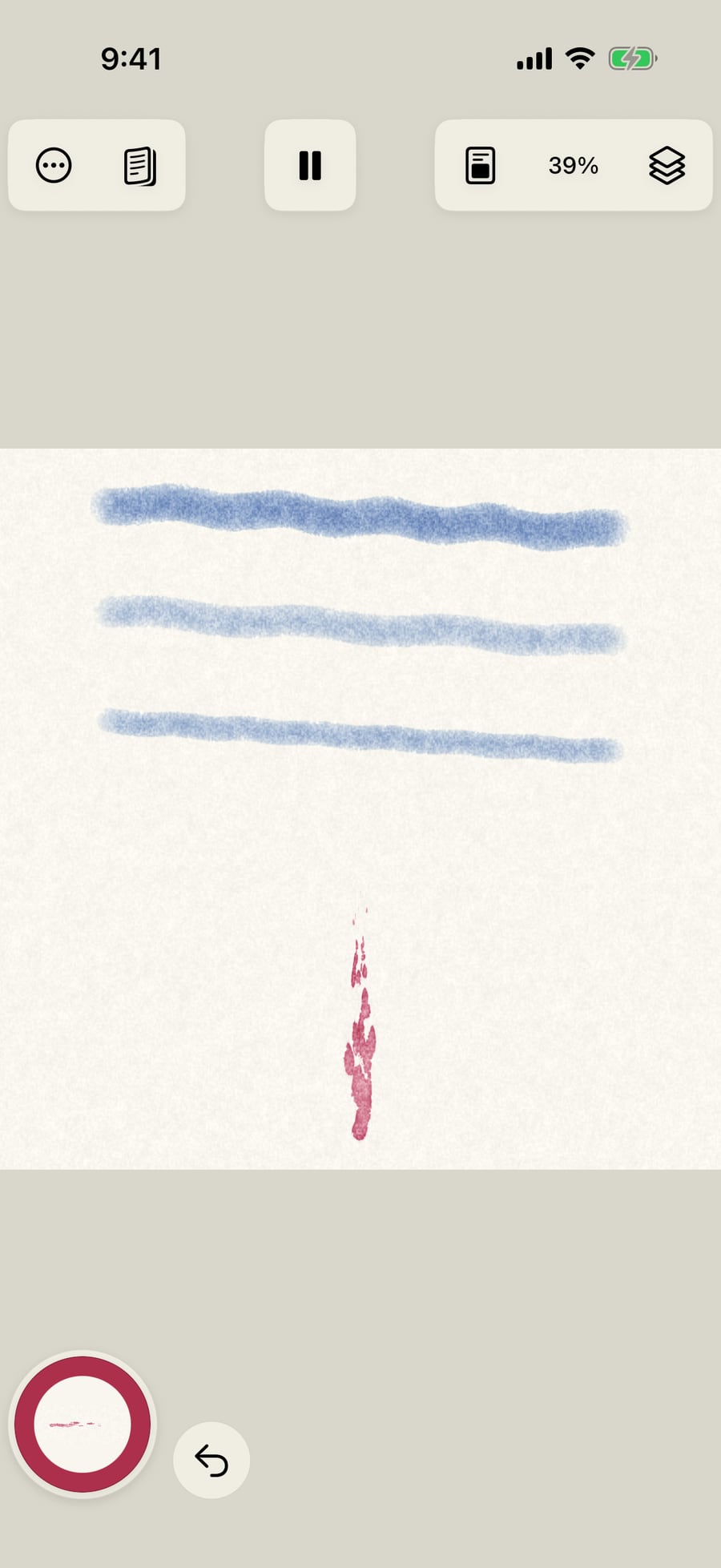
Now build a fire. Click Watercolor, then Marks, Fire and Flame. Choose Crimson and paint a stroke upward.
Open the Marks rings again. With an effect in hand, its parts come first, after As it comes. For fire, core, body, tongues, sparks and smoke, in the order a fire is painted.
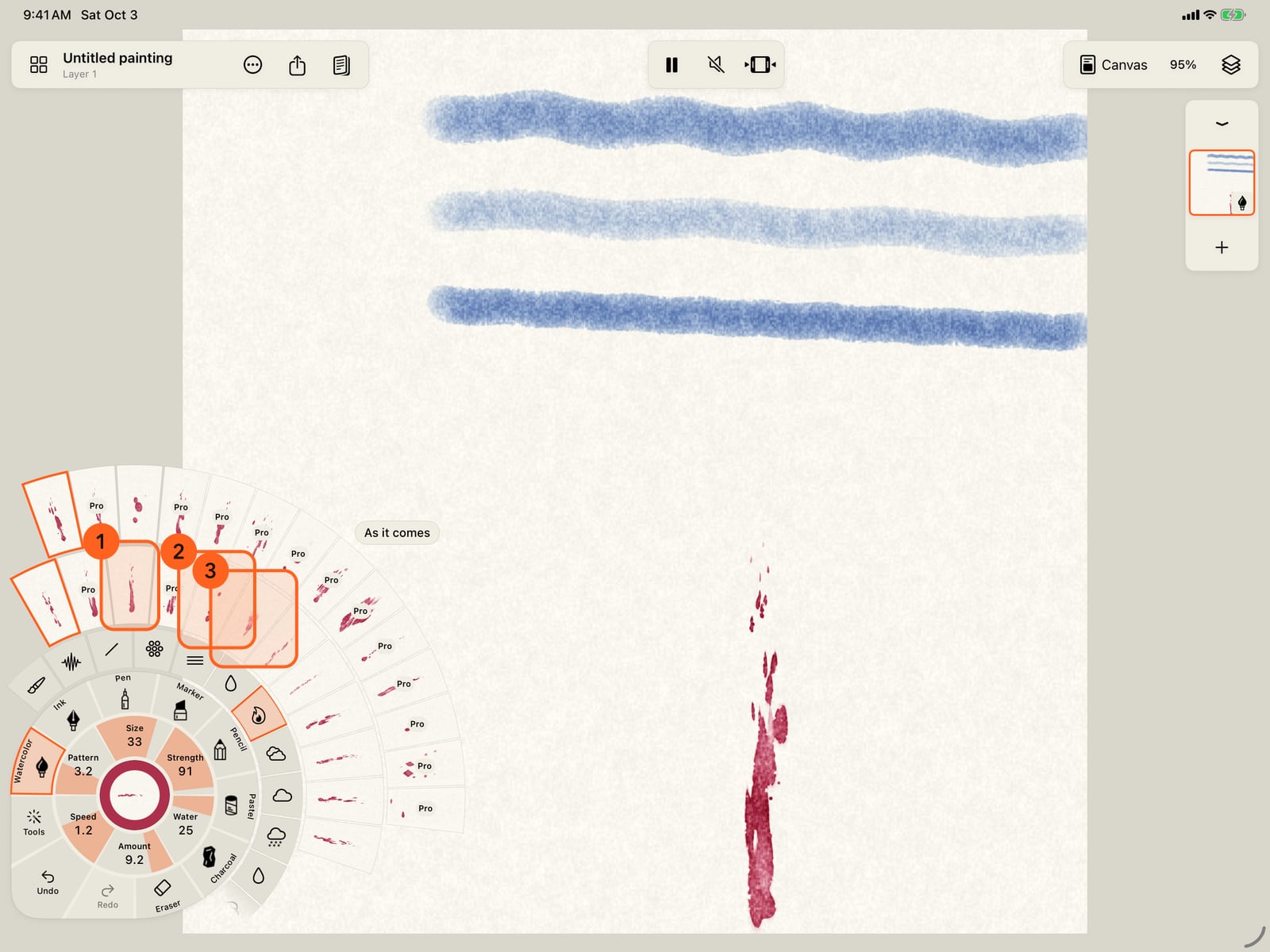
Open the Marks rings again. With an effect in hand, its parts come first, after As it comes. For fire, core, body, tongues, sparks and smoke, in the order a fire is painted.
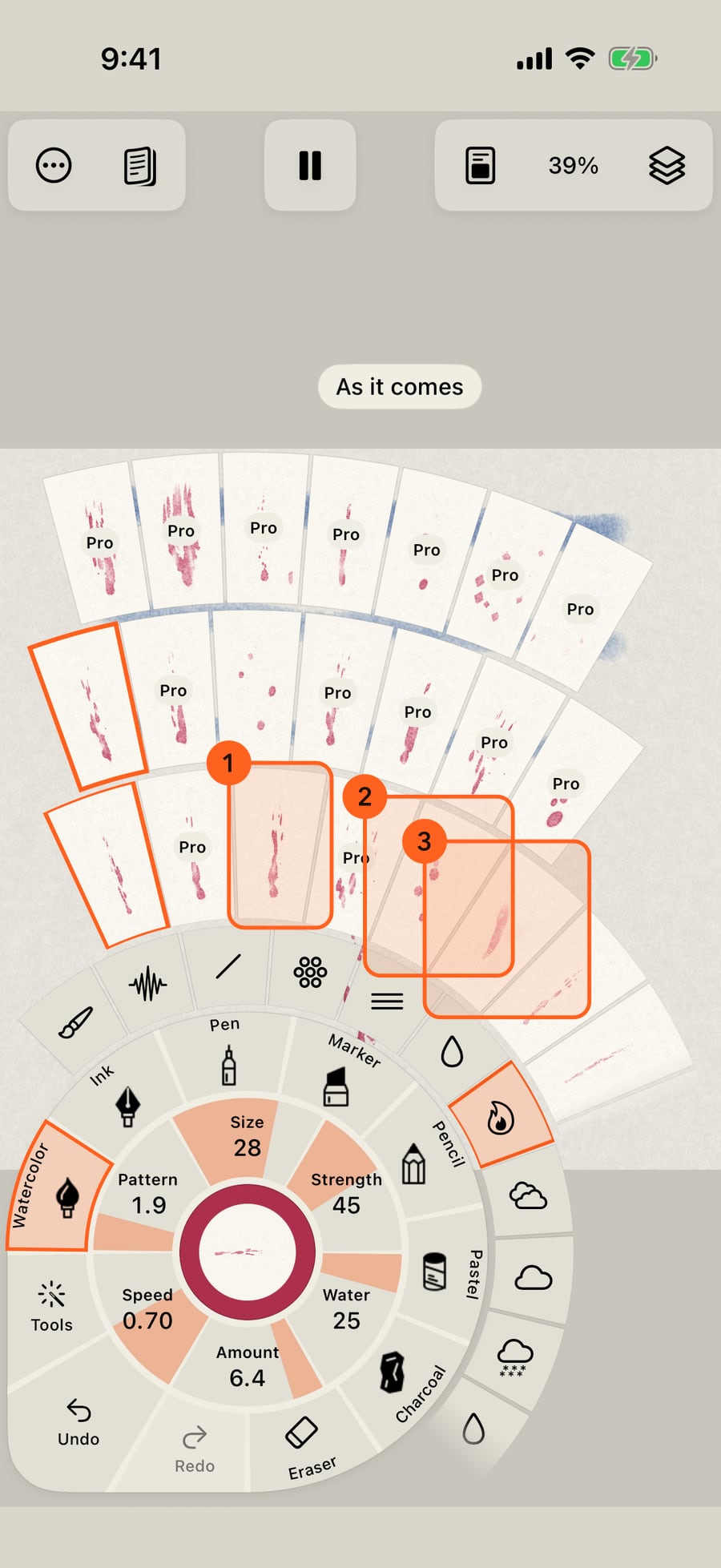
Choose Sparks, then Orange, and paint over the flame. The sparks rise with their own timing, never in step with the flame below.
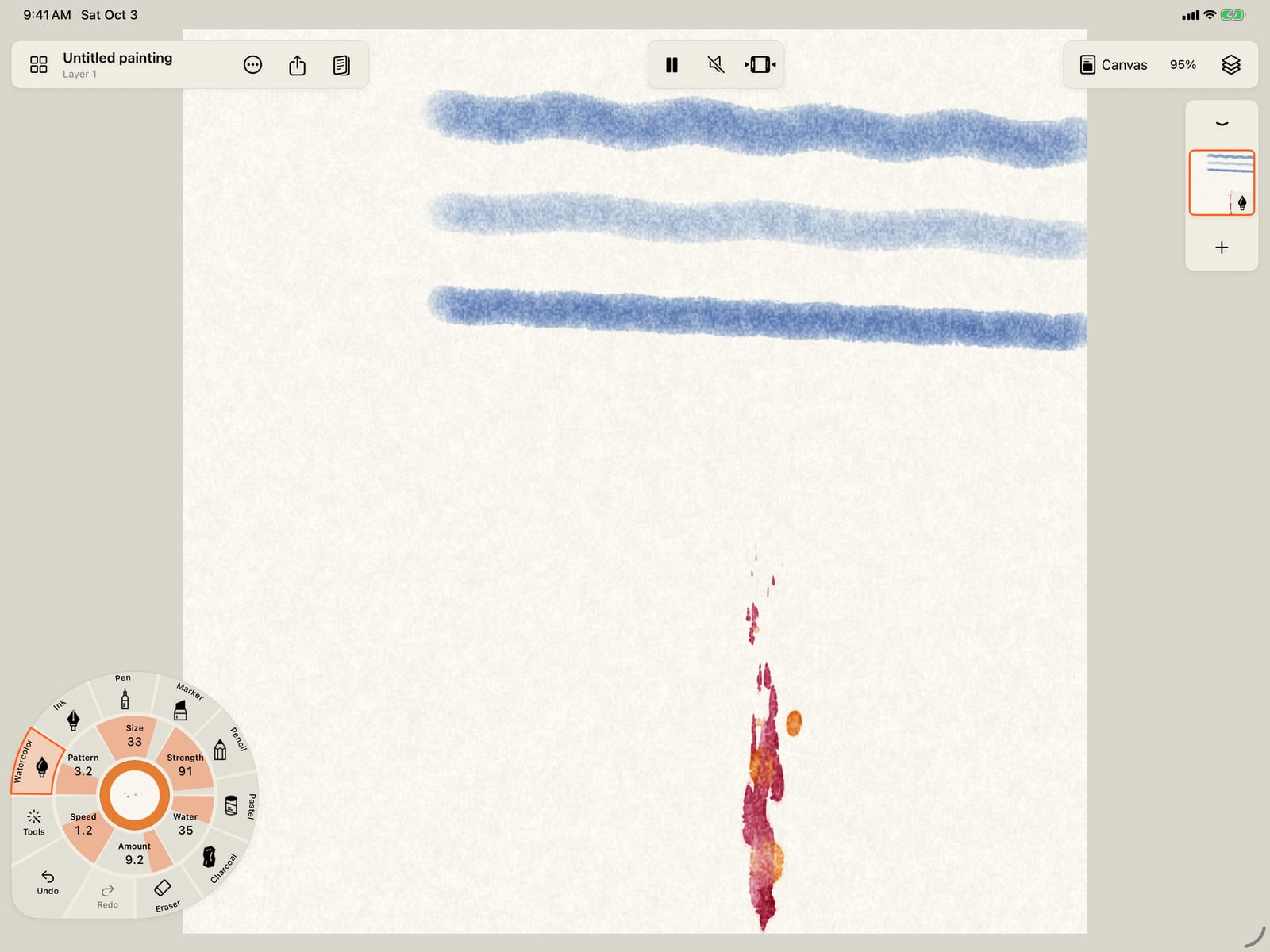
Choose Sparks, then Orange, and paint over the flame. The sparks rise with their own timing, never in step with the flame below.
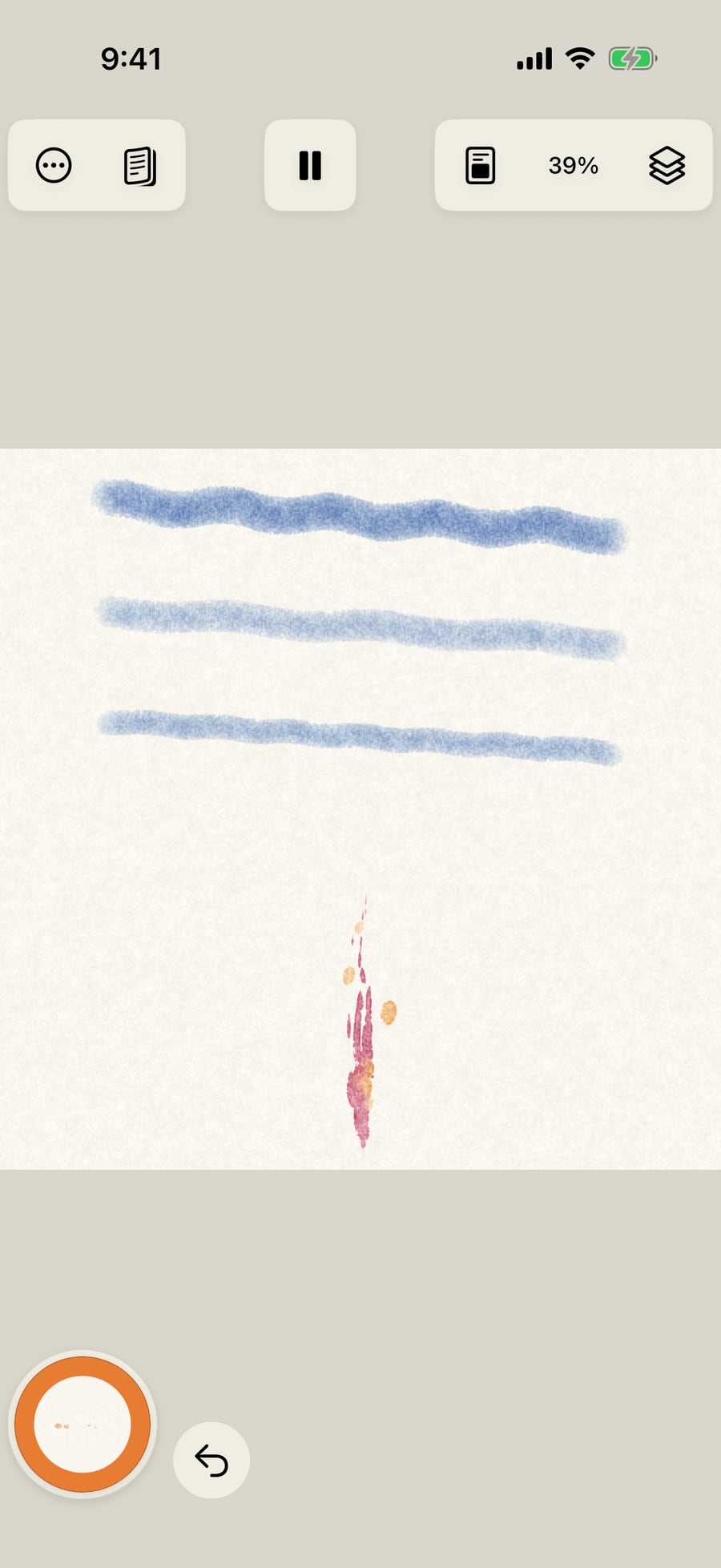
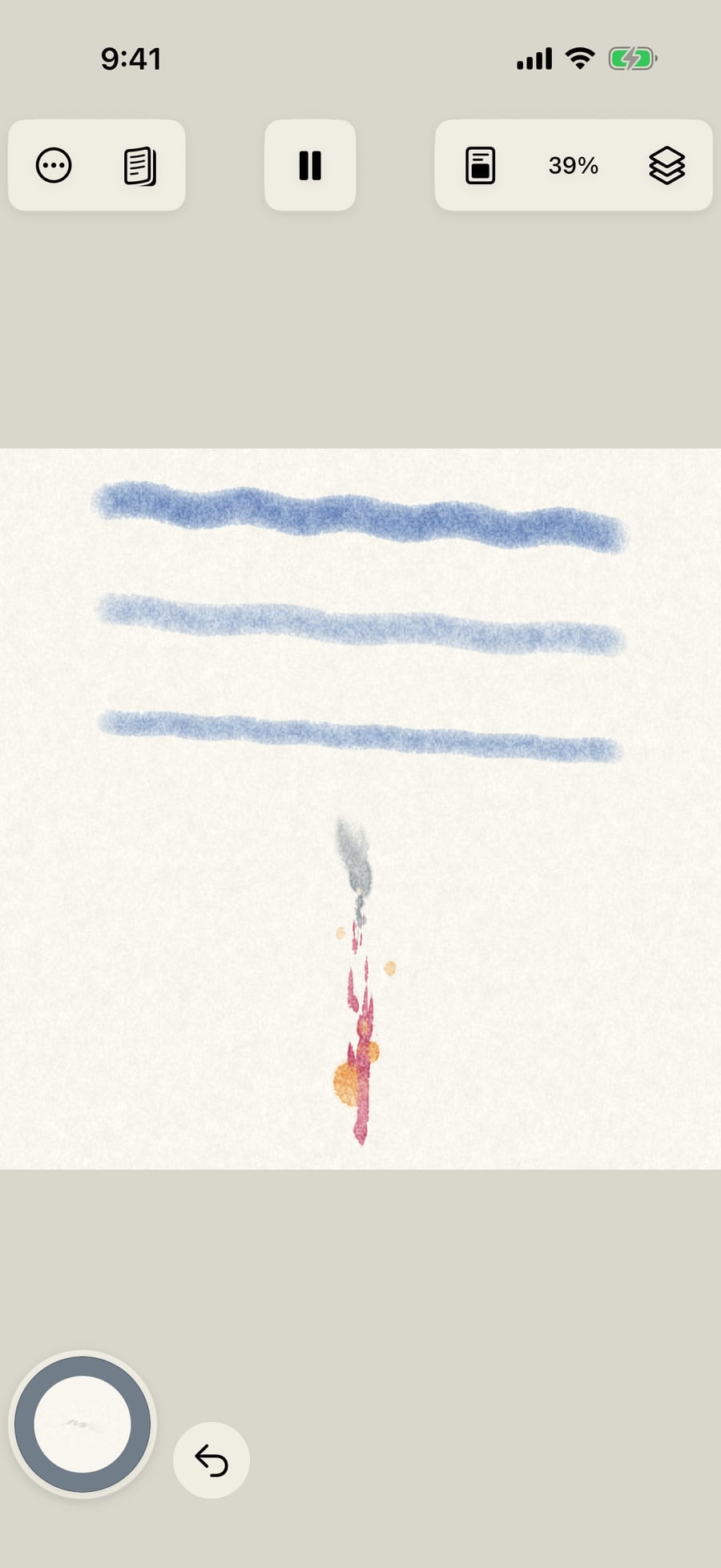
Last, open the Marks rings, choose Smoke, then Slate, and paint above the fire. Three strokes, three parts, each moving in its own time.
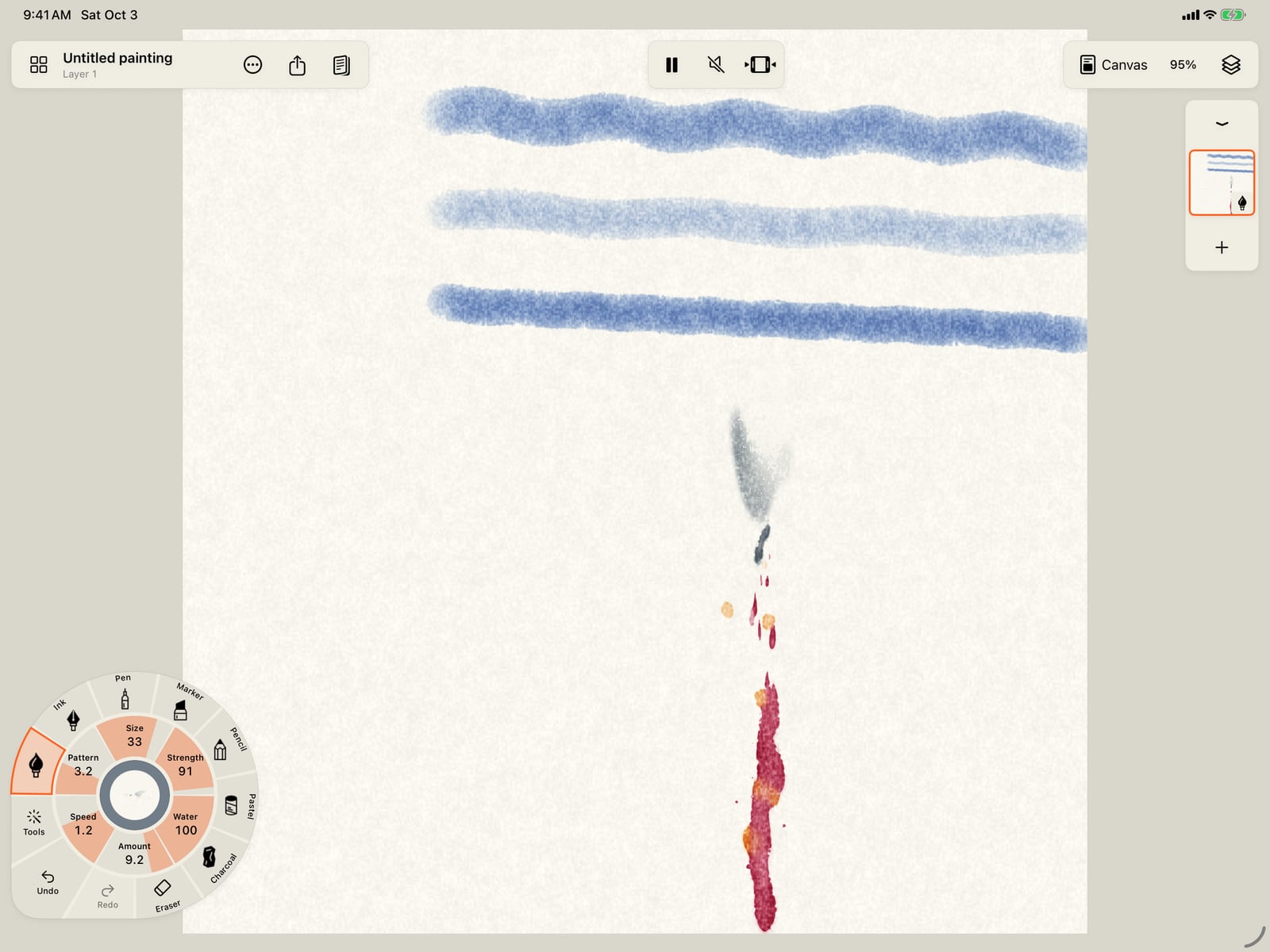
Last, open the Marks rings, choose Smoke, then Slate, and paint above the fire. Three strokes, three parts, each moving in its own time.
Painters build a picture up in layers: far before near, the broad mass before the fine detail. The variations ring does that for the stroke in hand, as the colour's shade ring does for the colour. It is the first ring of strokes in the wheel's Motion rings (tap Amount, Speed or Pattern) and its Marks rings.
- 1 As it comes: the stroke in hand, before any variation.
- Far strokes are thinner, paler and softer, and they move less and more slowly. Near strokes are bolder and quicker. Mid keeps the depth and changes only the scale.
- Broad strokes are wider, with longer, slower waves: the mass of a shape. Fine strokes are narrower, with shorter, quicker waves: the detail.
- With an effect in hand, its parts come first, before the depths: Fire (Core, Body, Tongues, Sparks, Smoke), Water (Deep, Current, Chop, Foam, Spray), Weather (Sky, Far rain, Near rain, Splashes) and Nature (Mass, Stems, Leaves, Blossoms). Other effects vary by depth and scale.
Every stroke painted with a variation or a part starts its movement at its own point, so layered strokes never pulse together. Strokes painted with the brush as it comes still move in step, as before.
A variation keeps the rings open, so you can try one after another. Each one starts from the stroke as it came, so the row doesn't change under your finger, even after you reopen it. On iPhone, a variation folds the wheel like any pick; press and hold one to keep the rings open. Choosing another brush, motion or mark ends the variation. The gauges don't: you can fine-tune a variation with Size, Strength and the motion gauges.
Variations never change the colour, which stays the one in hand, and never add a motion. Effects are built in their colours: deep red, orange and yellow for fire, as the brush settings' Build it up suggests.
Pro: Depth and scale variations are Free on every brush. A part is Pro when its look is: Flame, Embers, Smoke, Current, Clouds, Rain, Leaves and Blossoms are Free; Candle, Wildfire, Deep eddies, Choppy sea, Foam, Sea spray, Drizzle, Rain on water, Leaf clusters and Bare vine are Pro.
Something not behaving as expected?
Visit support or write to [email protected].