

Guides / Selecting and drawing aids
Write text
Write words as ordinary strokes in the brush in hand, in single-line fonts, then place, size and turn them.
Text is written with the brush in hand, so take up Pen for crisp letters. Then tap Tools in the wheel's corner; Text is on the ring.
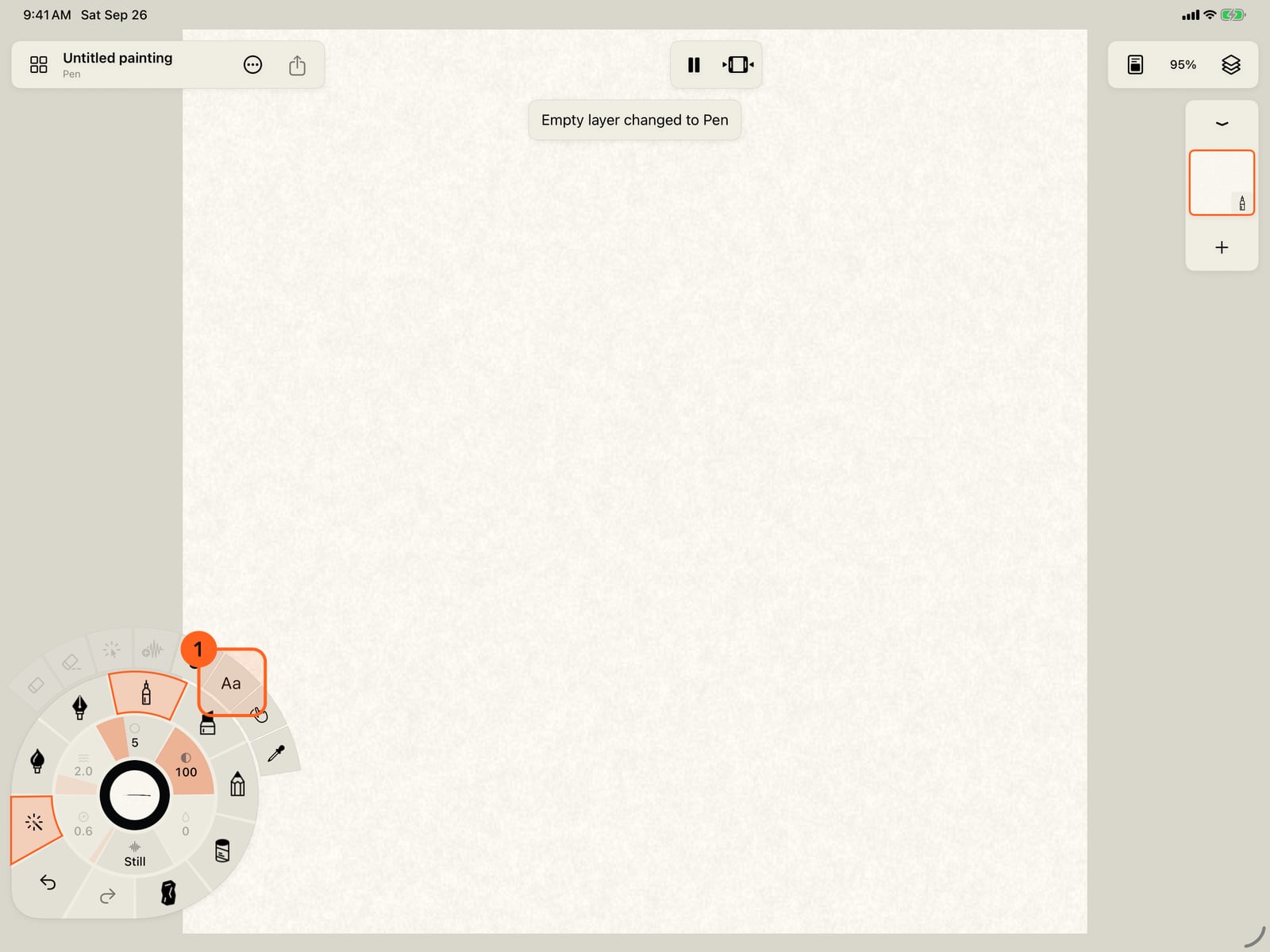
Text is written with the brush in hand. Unfold the wheel, take up Pen for crisp letters, and tap Tools in its corner; Text is on the ring.
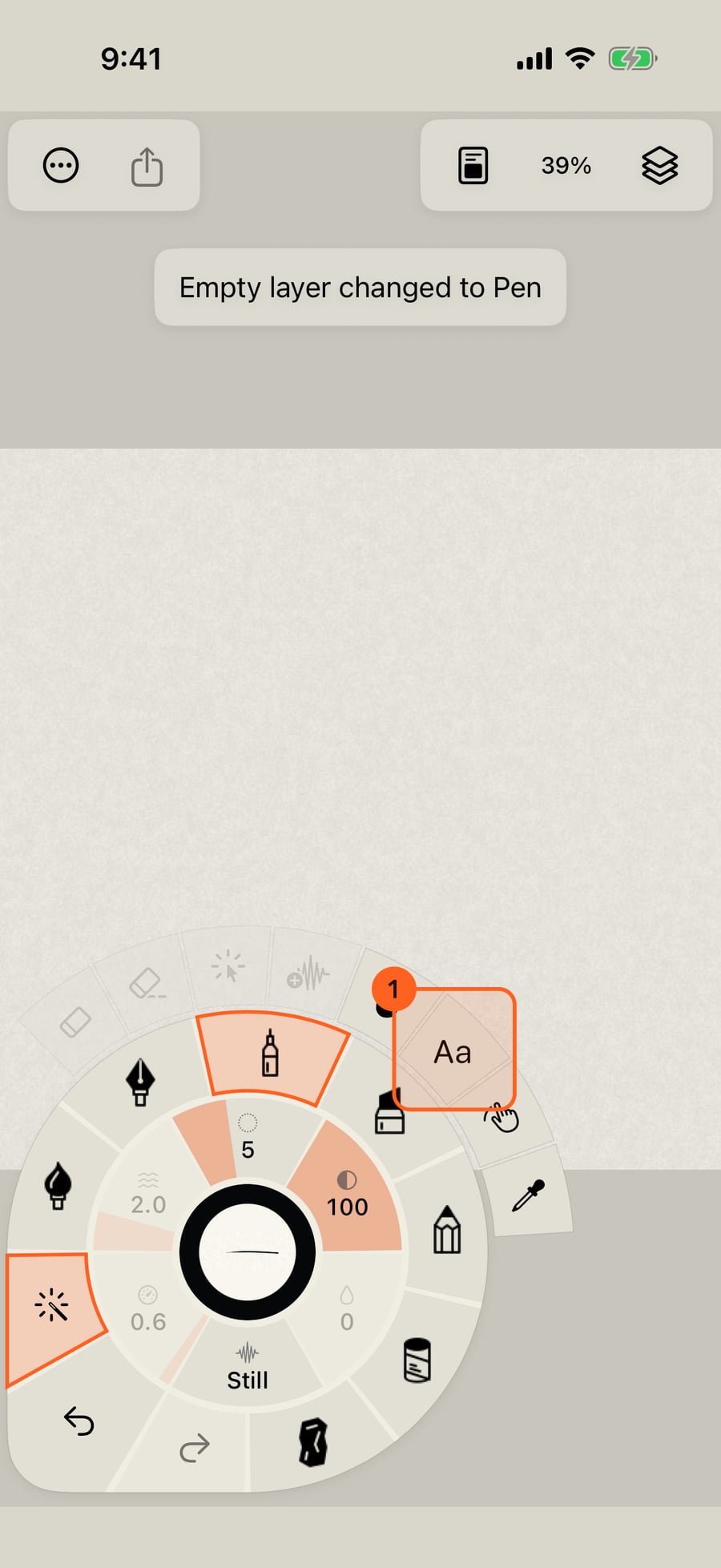
Text is written with the brush in hand, so take up Pen for crisp letters. Then click Tools in the wheel's corner; Text is on the ring.
Choose Text. A word appears in the middle of the page, and the text bar holds what it says, its font, its size, and Place.
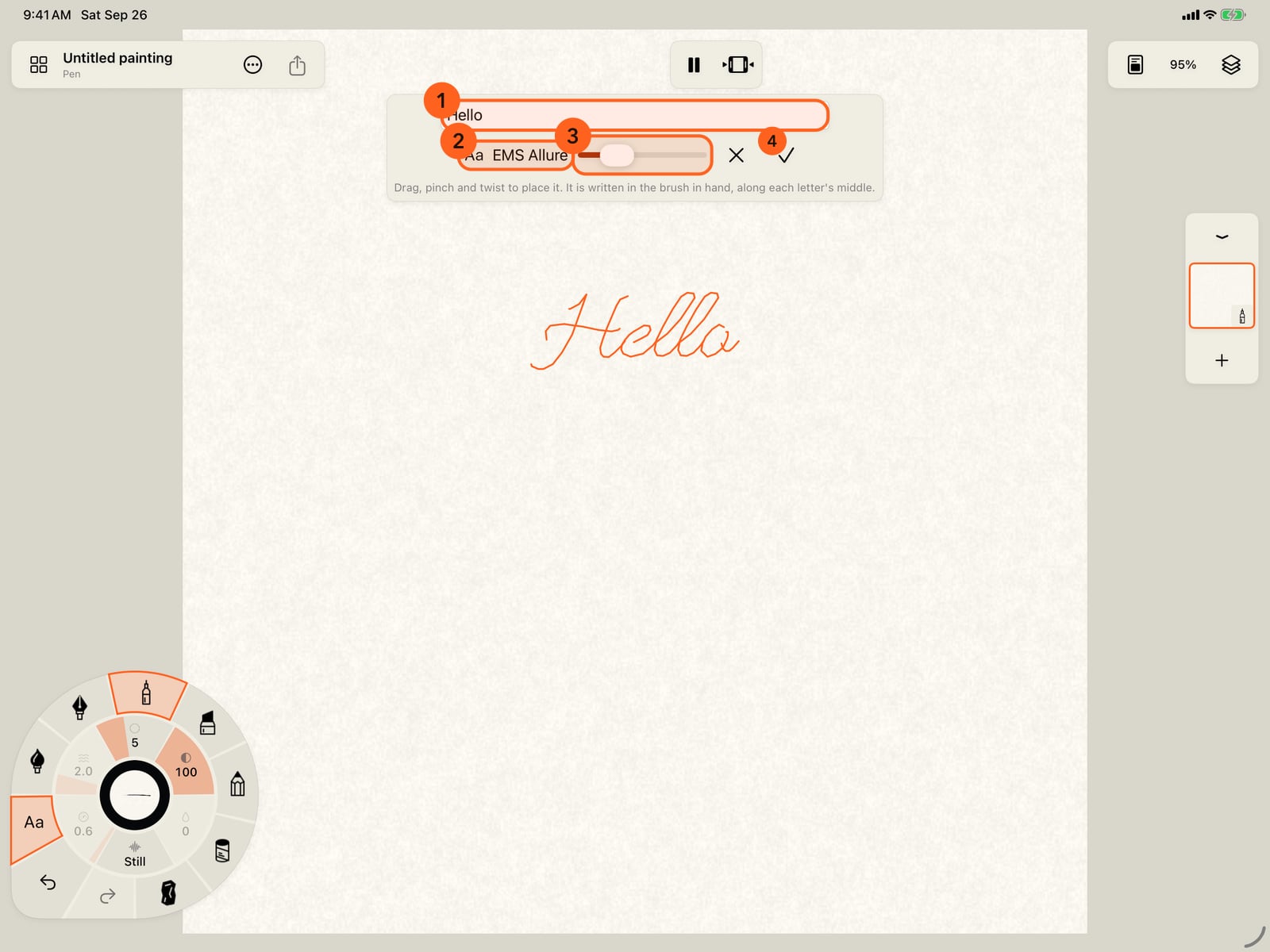
Choose Text. A word appears in the middle of the page, and the text bar holds what it says, its font, its size, and Place.
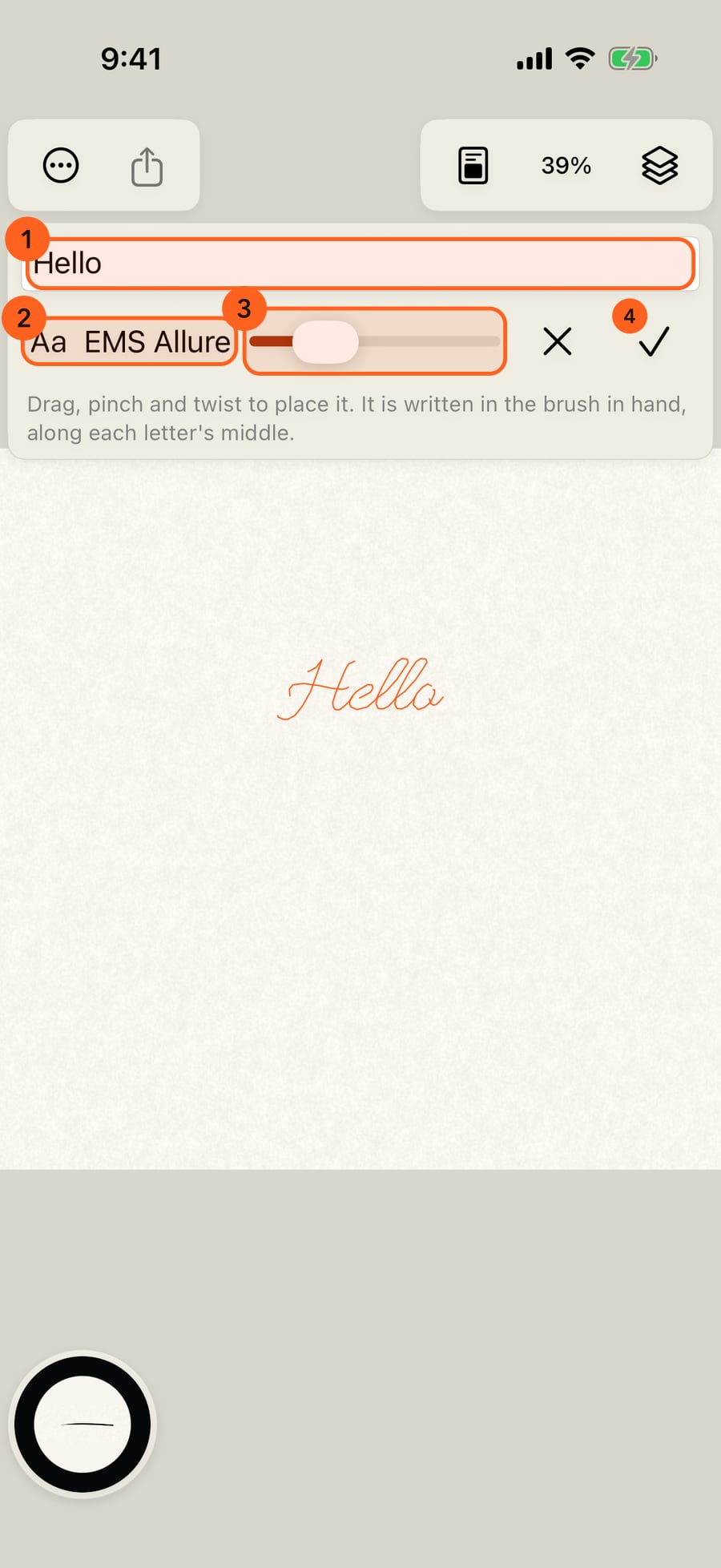
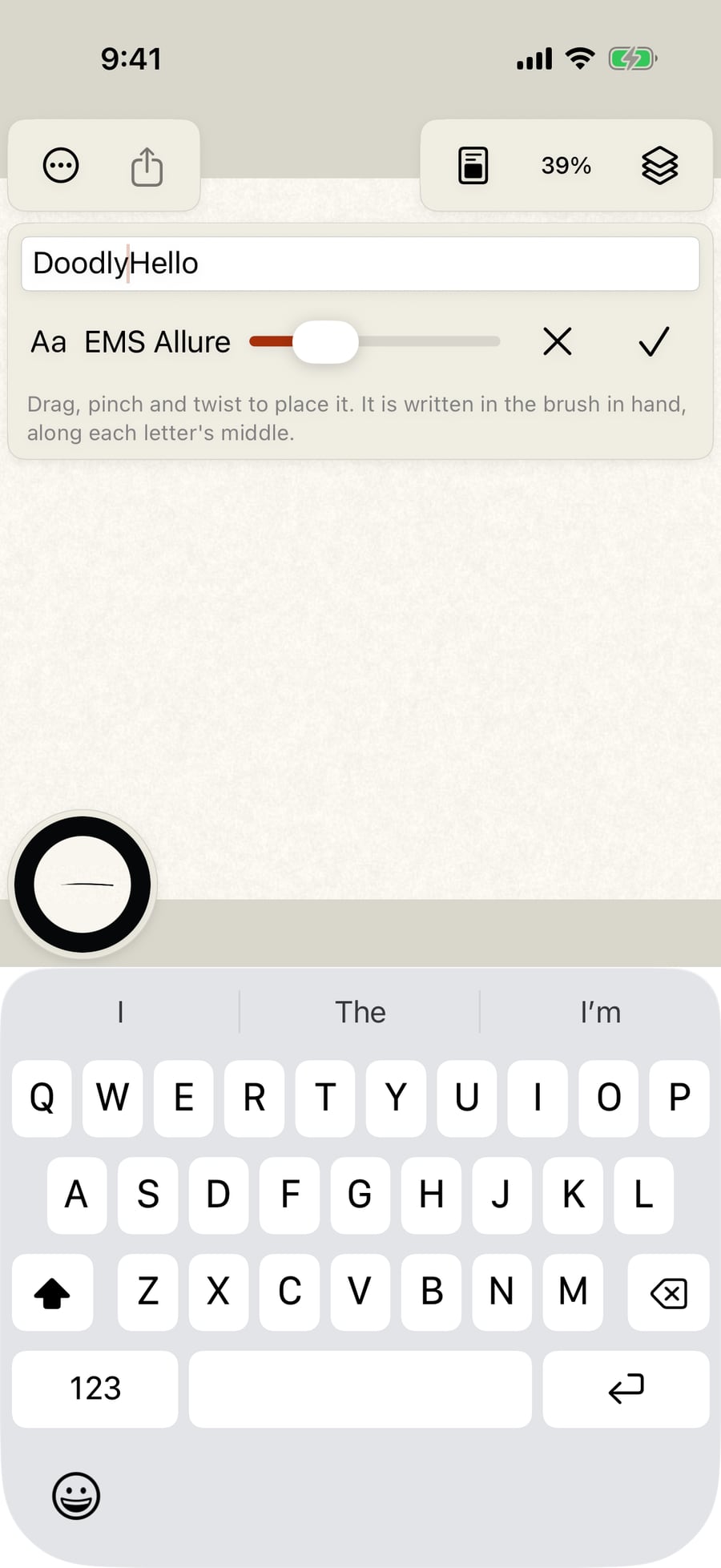
Type your words in the field. The preview on the page follows as you type.
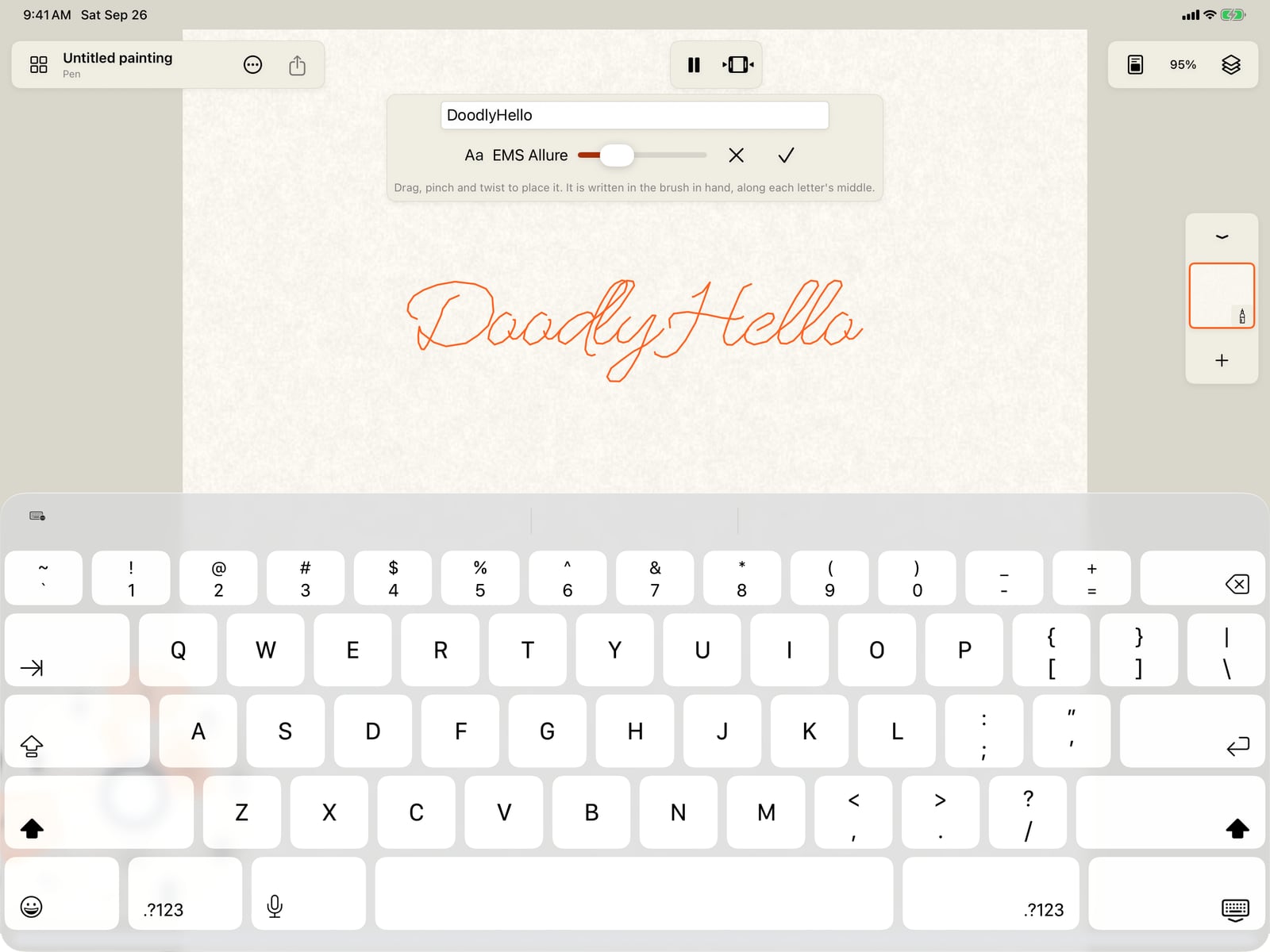
Type your words in the field. The preview on the page follows as you type.
Tap the font button. The fonts are grouped by style, and each one is a single-line font, drawn the way a pen would write it.
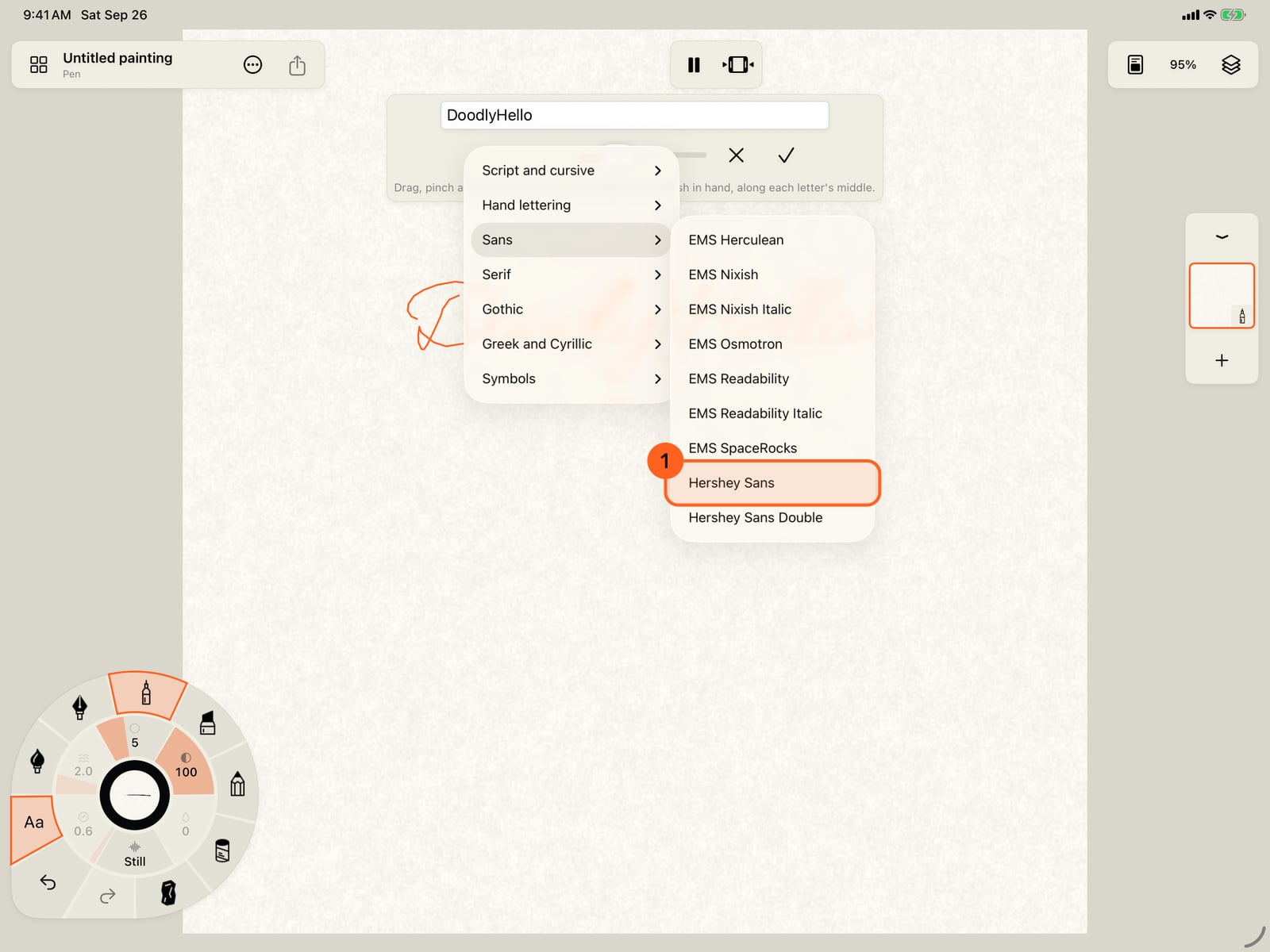
Tap the font button. The fonts are grouped by style, and each one is a single-line font, drawn the way a pen would write it.
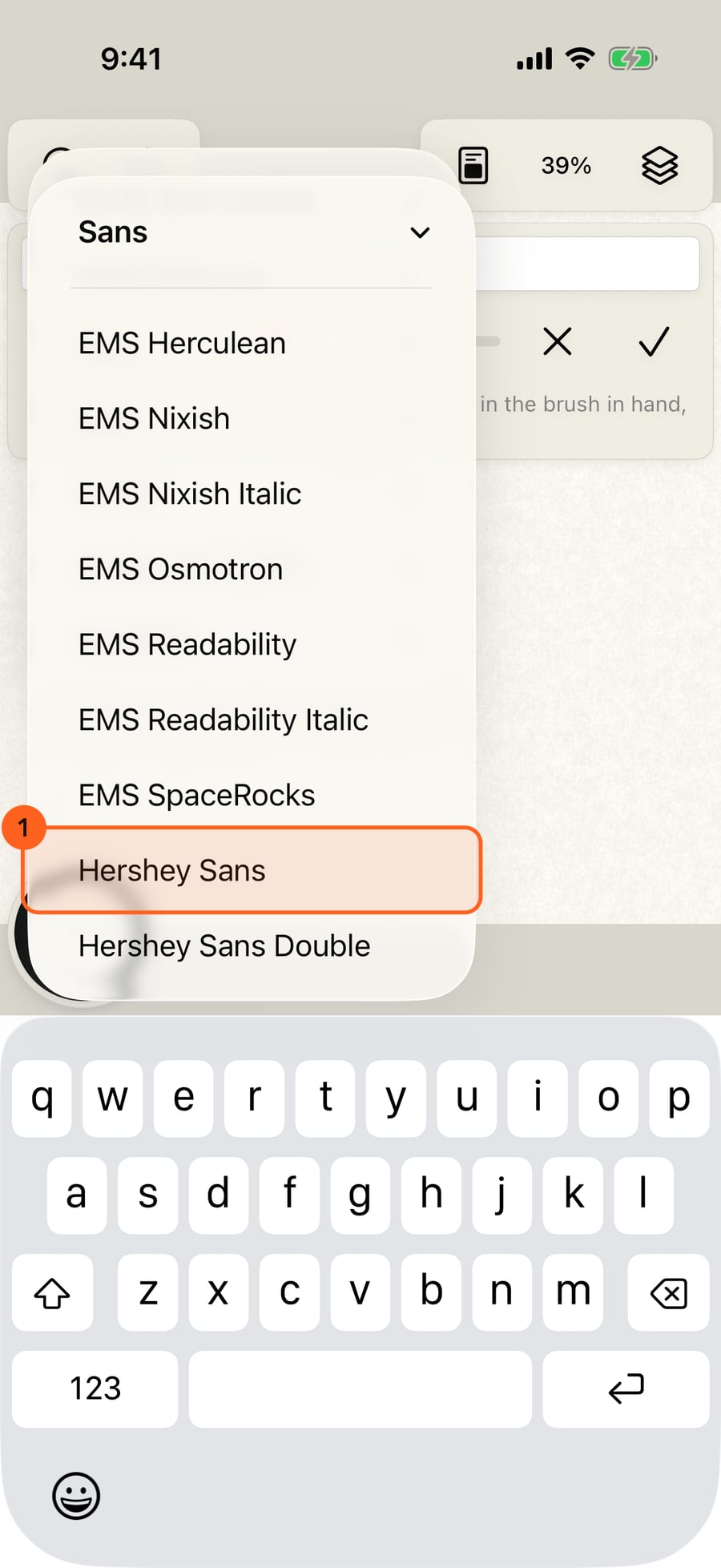
Click the font button. The fonts are grouped by style, and each one is a single-line font, drawn the way a pen would write it.
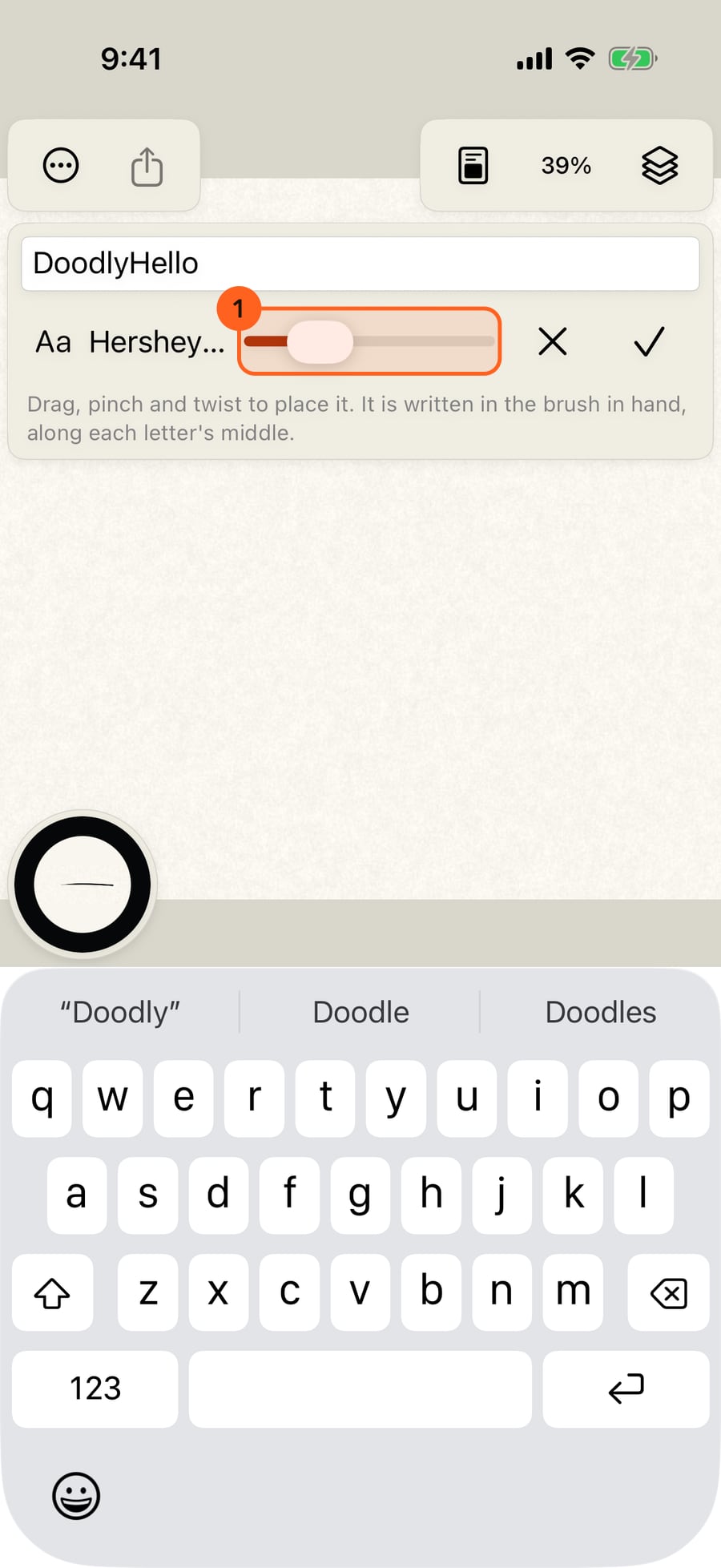
Choose Hershey Sans and make it smaller with the size slider. Then drag the word to move it, and twist to turn it.
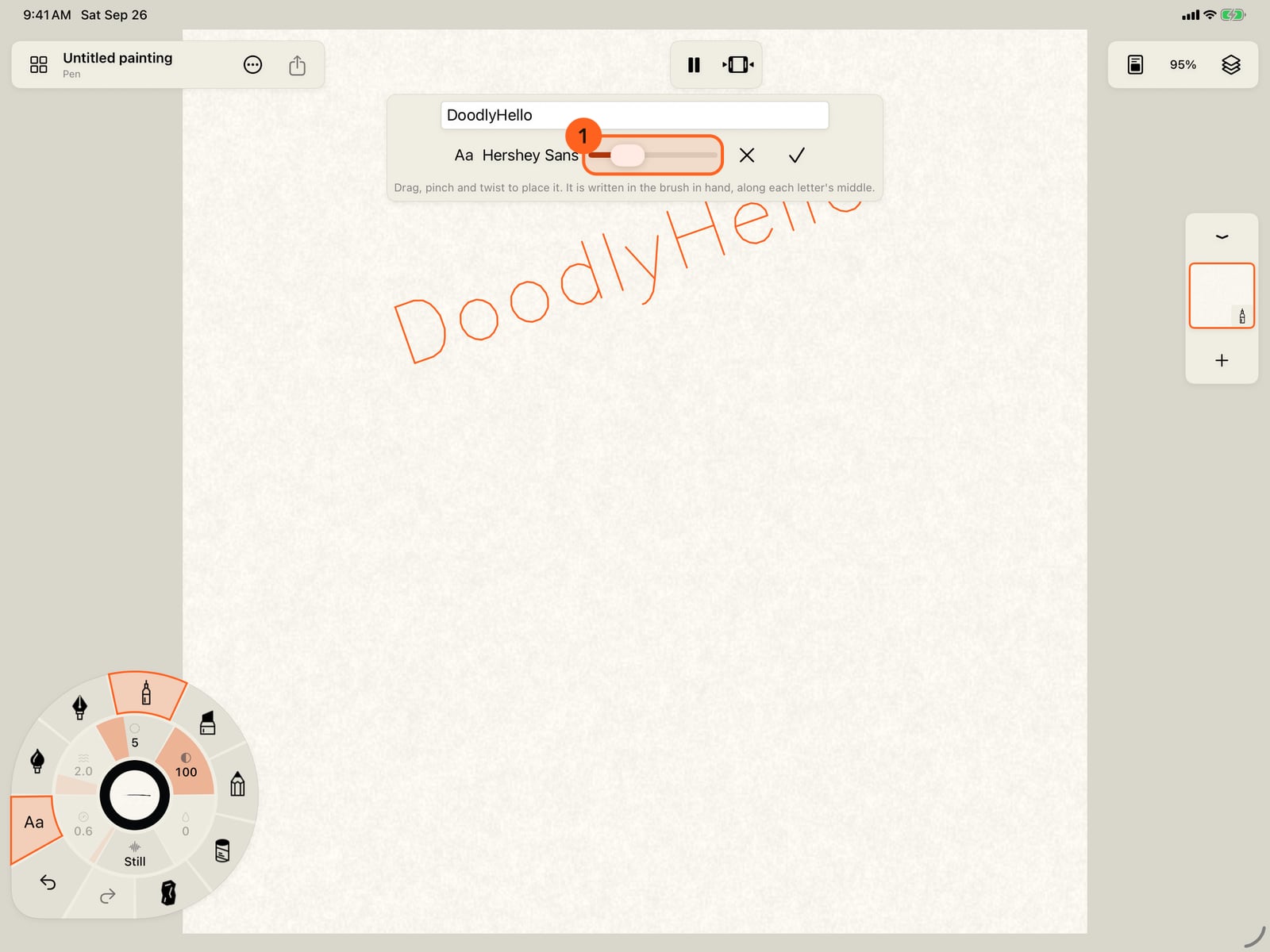
Choose Hershey Sans and make it smaller with the size slider. Then drag the word to move it, and twist to turn it.
Tap Place. Each letter is written as ordinary strokes along its middle, in the brush and colour in hand, and one Undo takes the whole word away.
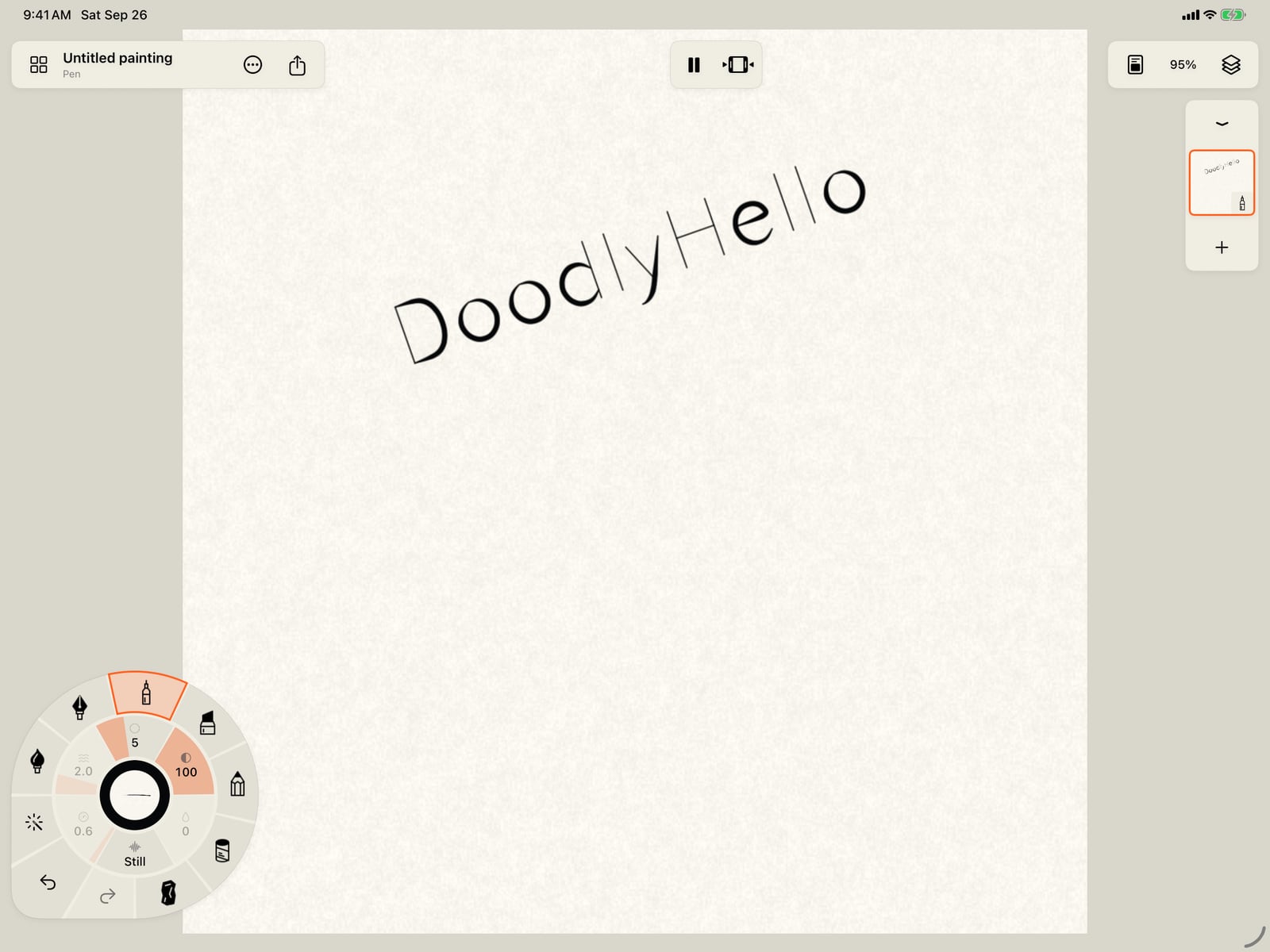
Tap Place. Each letter is written as ordinary strokes along its middle, in the brush and colour in hand, and one Undo takes the whole word away.
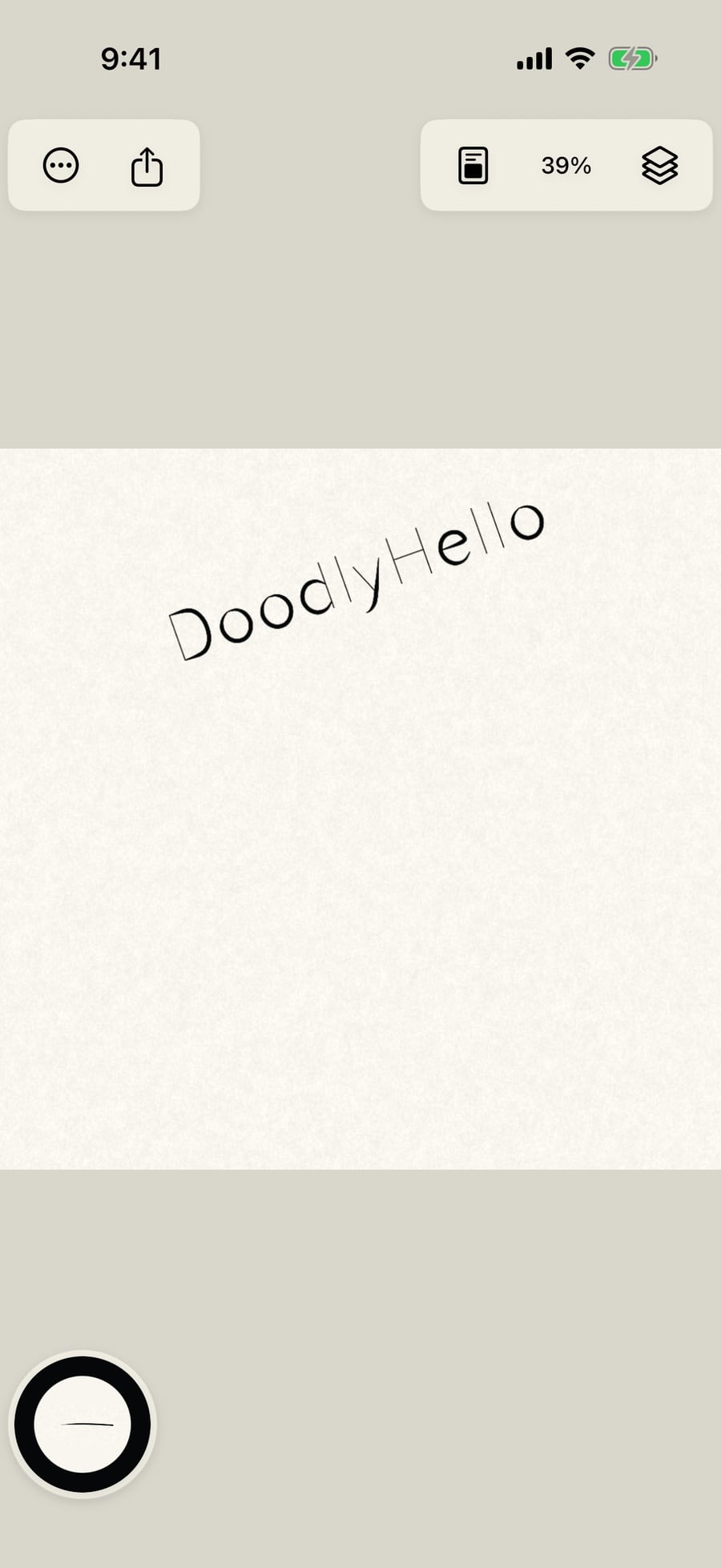
Click Place. Each letter is written as ordinary strokes along its middle, in the brush and colour in hand, and one Undo takes the whole word away.
Writing text
Tools → Text writes words as strokes. It's offered while you hold a brush that paints, so pick a brush before you start, rather than the eraser or a blending tool.
The text bar sits at the top of the page while you place the words:
| Control | What it does |
|---|---|
| Text field 1 | What to write. It starts with Hello, and shows up to three lines at once. |
| Font 2 | Single-line fonts in seven groups: Script and cursive, Hand lettering, Sans, Serif, Gothic, Greek and Cyrillic, and Symbols. The button shows the font in use. |
| Text size 3 | How big the letters are. A wide brush starts with larger letters, so they stay open. |
| Cancel text (✕) | Closes the bar without writing anything. Tools → Cancel text does the same. |
| Place text (✓) 4 | Writes the words onto the current layer. It's dimmed while the field is empty. |
On the page: drag to move the words, pinch to size them, and twist to turn them. Placing doesn't draw anything until you tap Place.
Words as strokes
Single-line fonts are made of centrelines, not outlines, so each letter is written the way a pen would write it: an I is one stroke, a T two. The strokes are written in the brush, size and colour in hand, with its motion, so text can ripple, wash and bleed like the rest of the painting. After placing, the words are ordinary strokes: Select stroke can recolour, move or restyle them. One Undo removes the whole word. Letters aren't steadied, snapped to shapes, laid along guides or mirrored by symmetry: the font already decided their shape.
The fonts are the Hershey fonts and the EMS single-line fonts by Evil Mad Scientist Laboratories; their credits are in Actions → Settings… → Acknowledgements.
On the Mac, type straight into the field, drag the words with the pointer, and pinch and rotate on a trackpad.
Something not behaving as expected?
Visit support or write to [email protected].