

Guides / Selecting and drawing aids
Paint with symmetry
Mirror every stroke left and right or top and bottom, or repeat it in radial folds for mandalas.
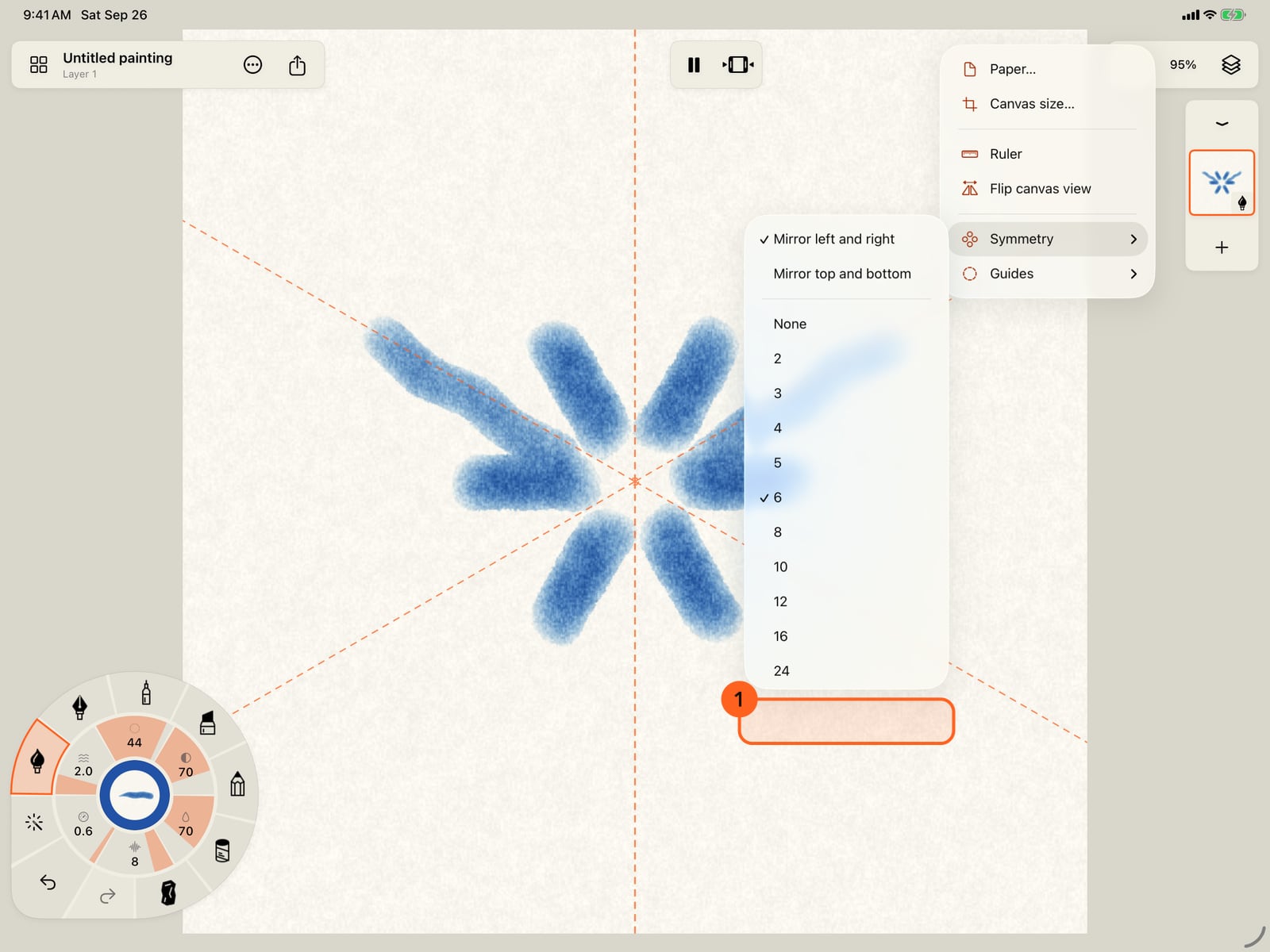
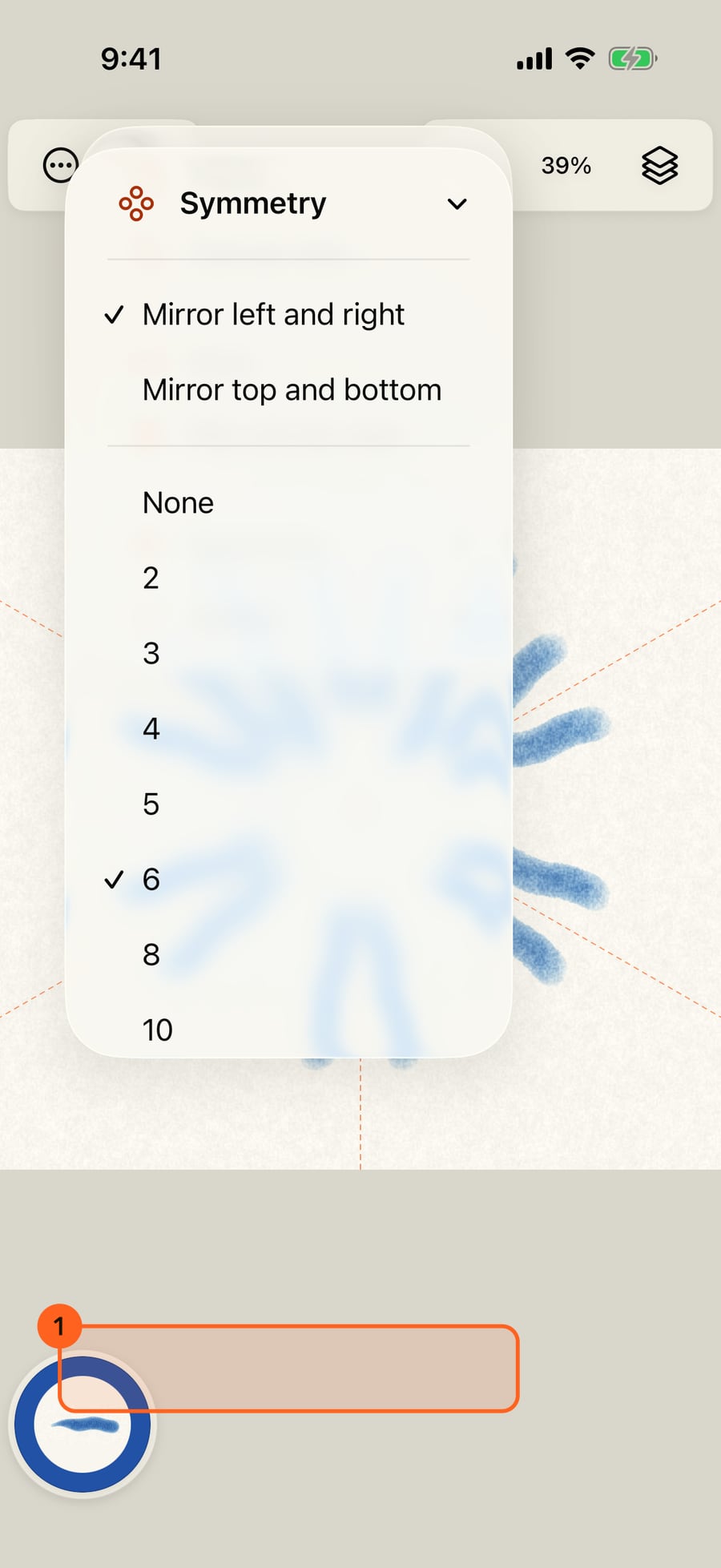
Tap the canvas menu in the top bar, then Symmetry. There are two mirrors and a choice of radial folds.
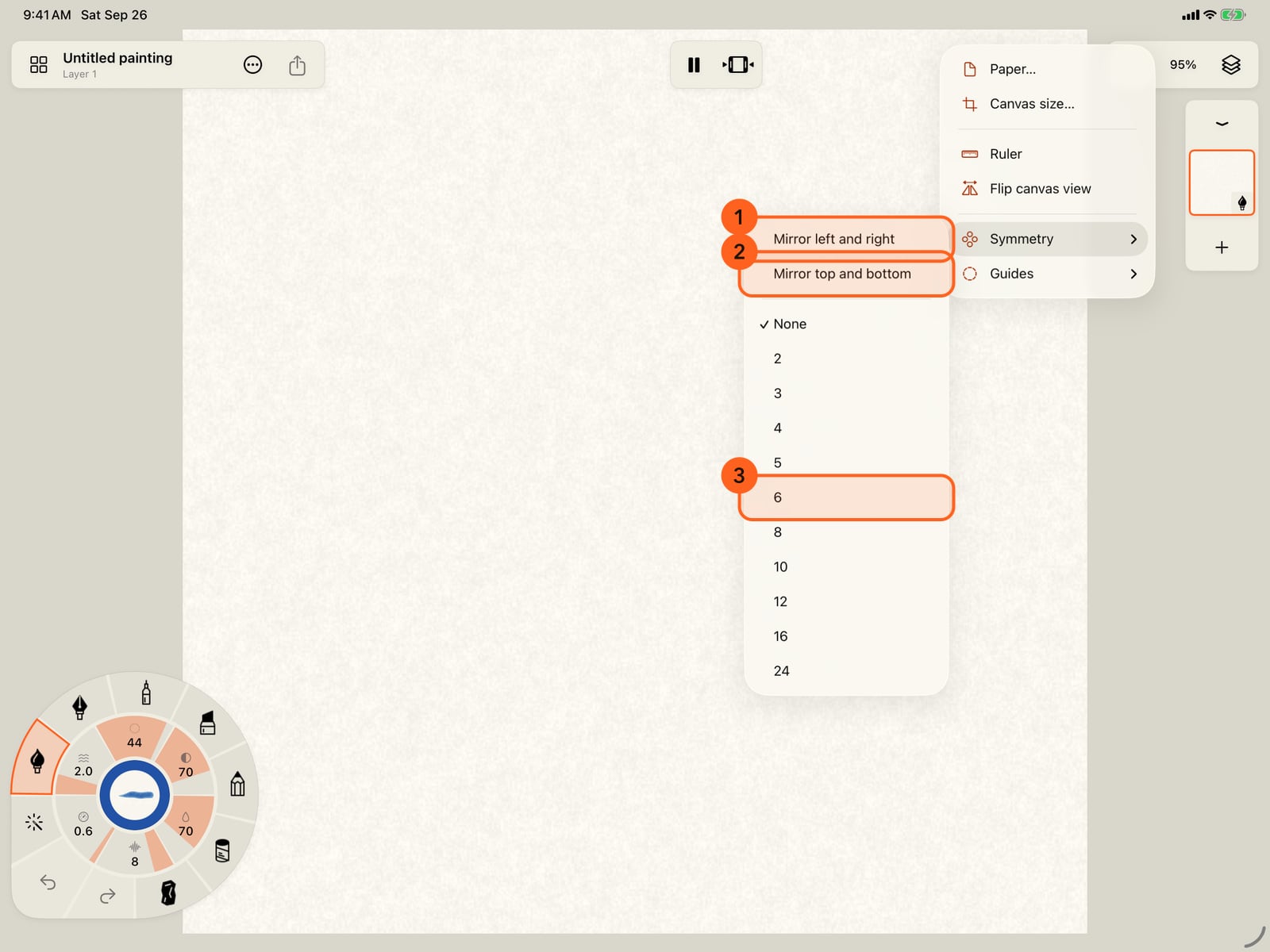
Tap the canvas menu in the top bar, then Symmetry. There are two mirrors and a choice of radial folds.
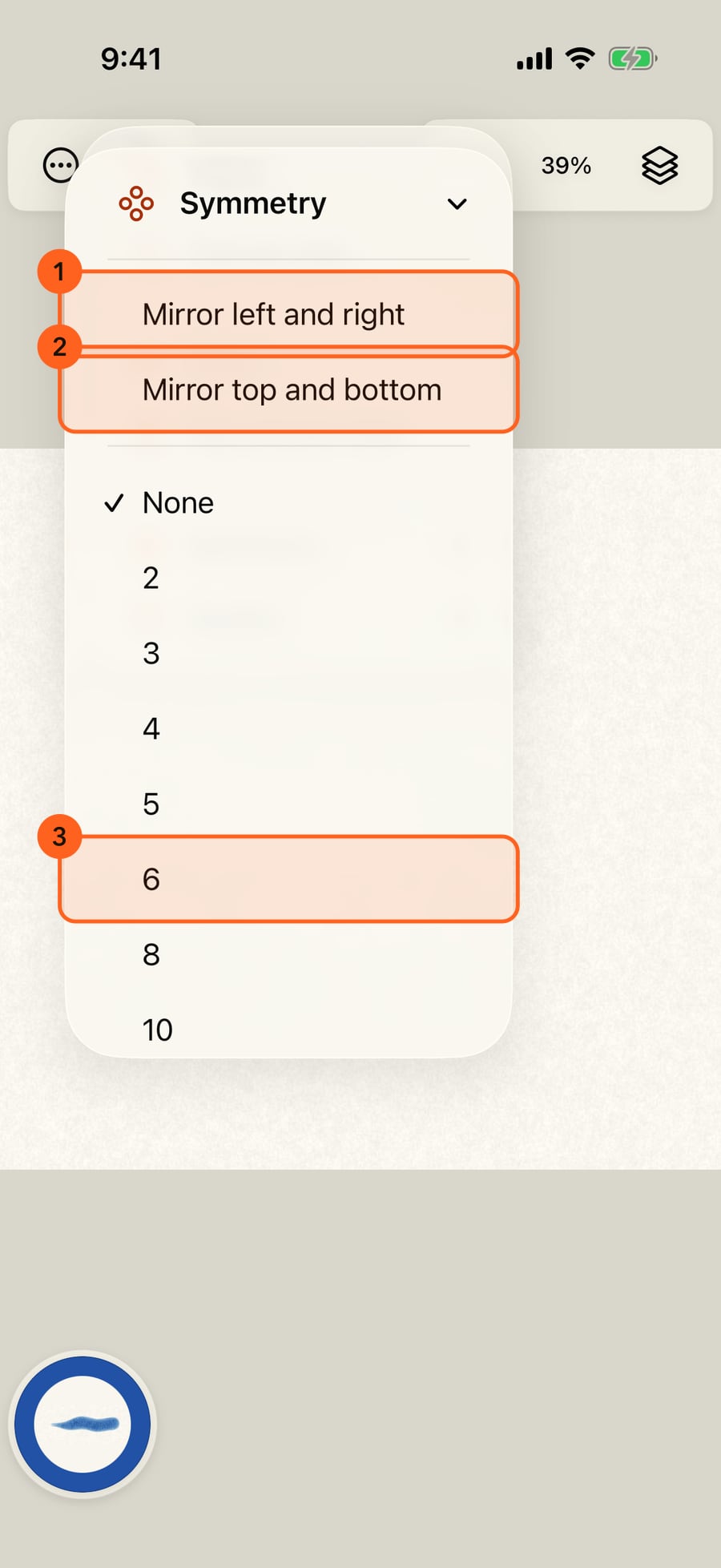
Click the canvas menu in the top bar, then Symmetry. There are two mirrors and a choice of radial folds.
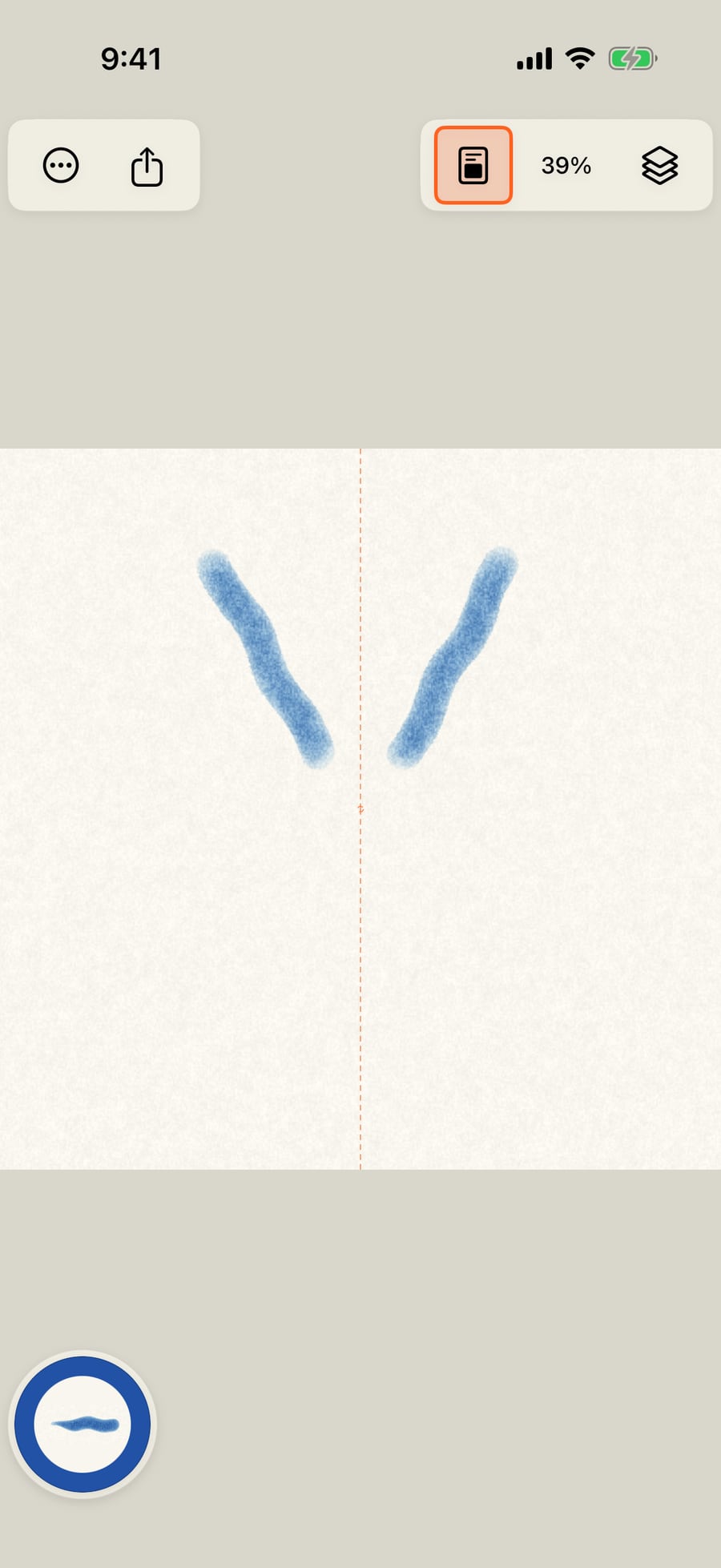
Choose Mirror left and right, and paint. Every stroke lands twice, reflected across the dashed axis down the middle of the page.
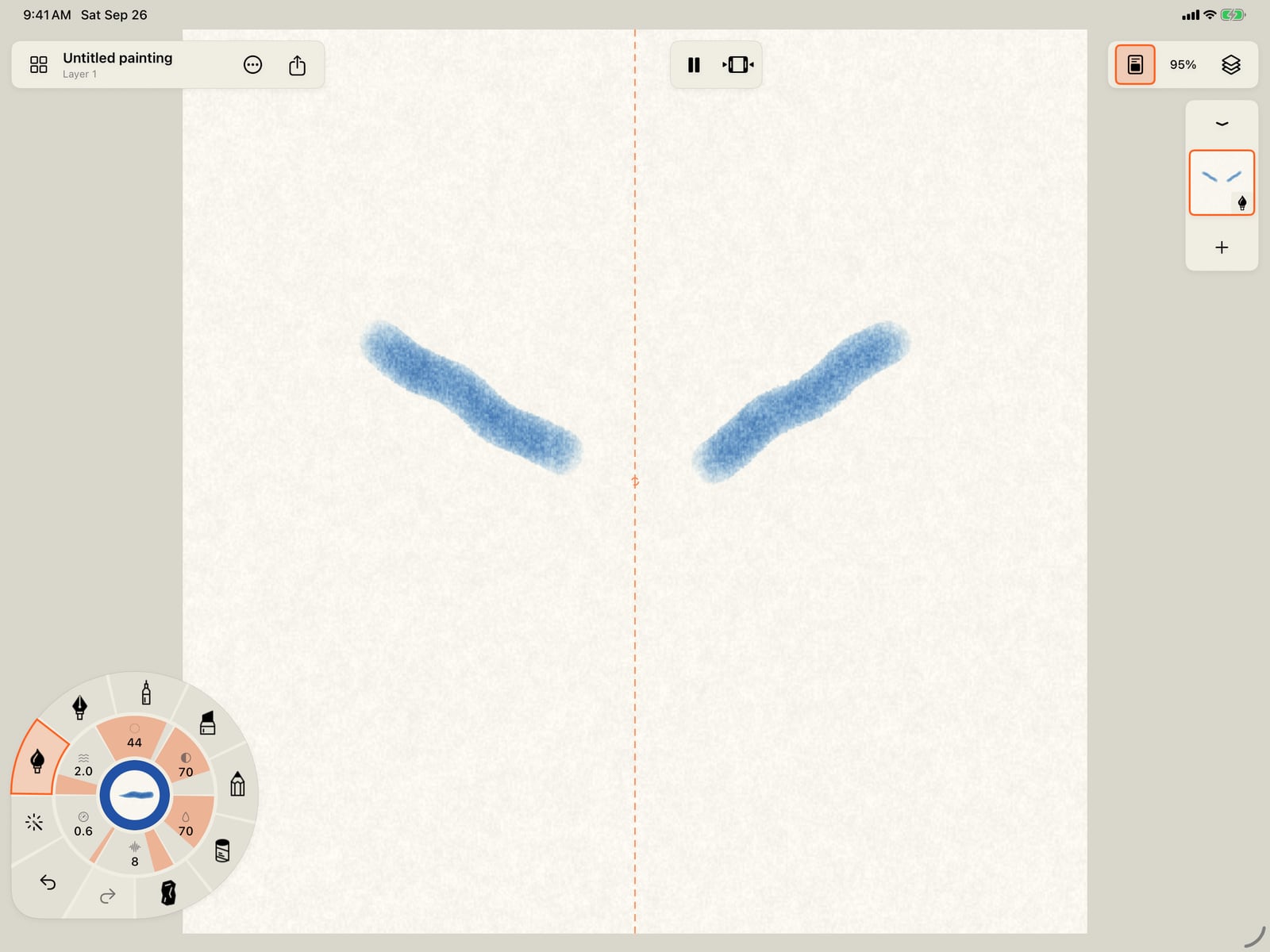
Choose Mirror left and right, and paint. Every stroke lands twice, reflected across the dashed axis down the middle of the page.
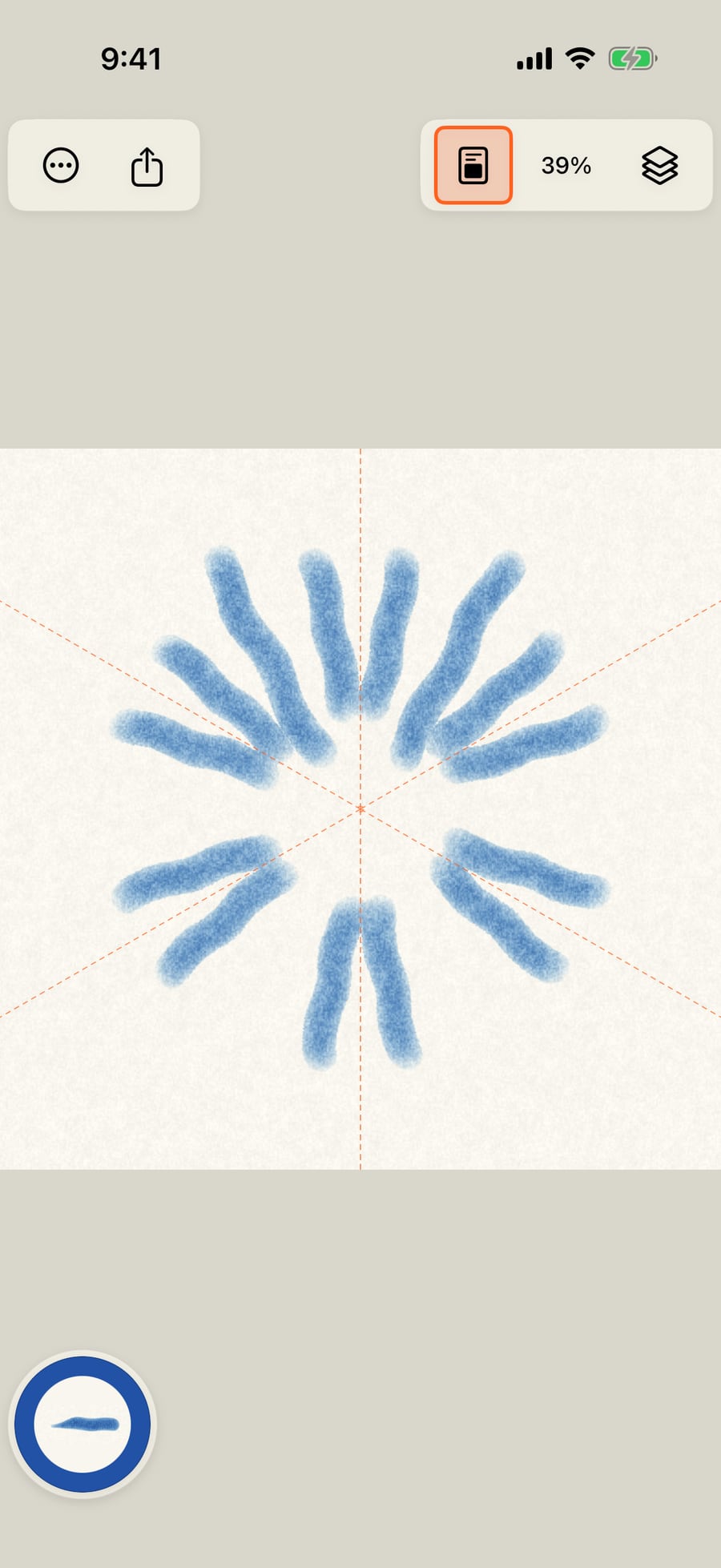
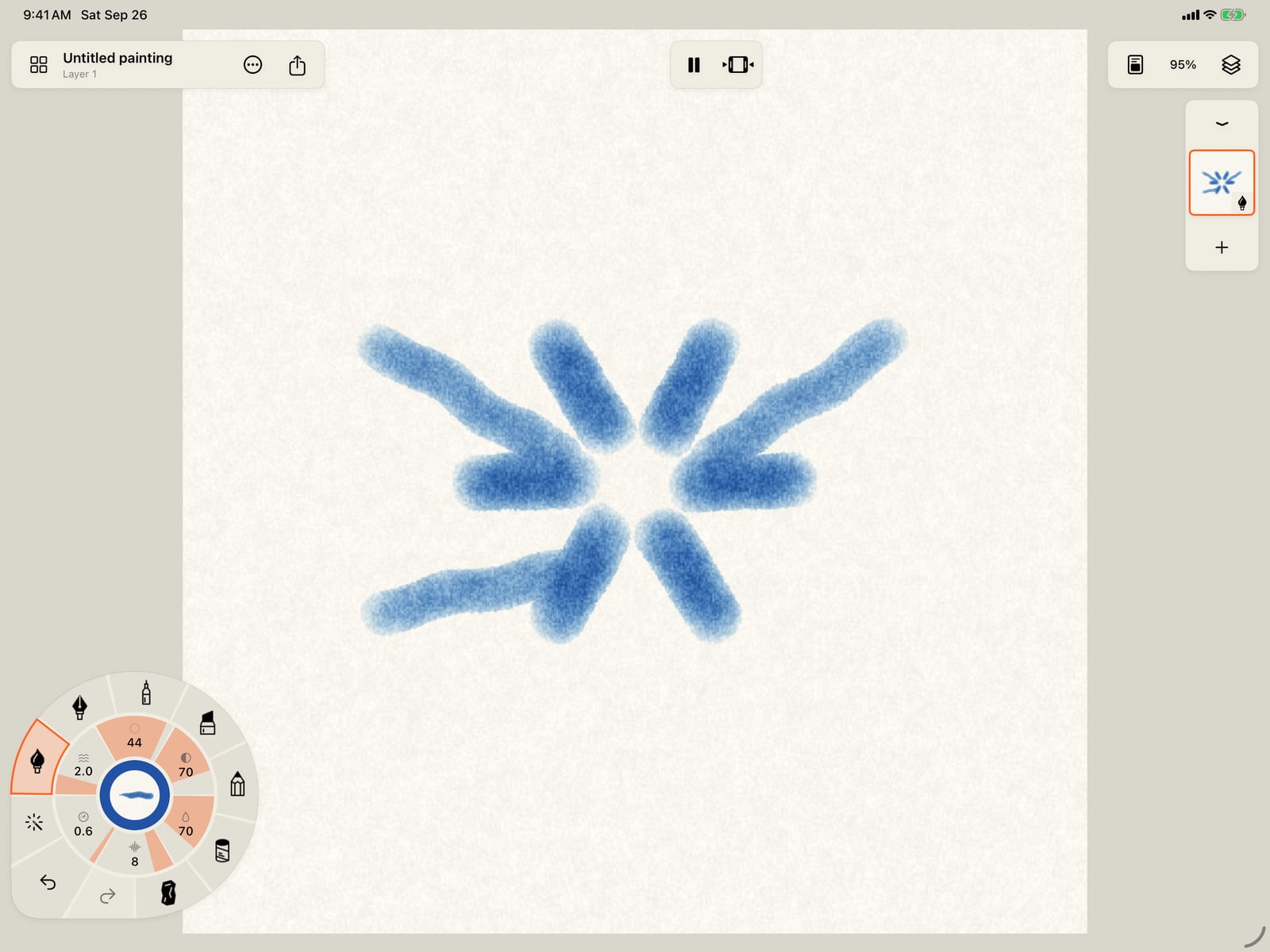
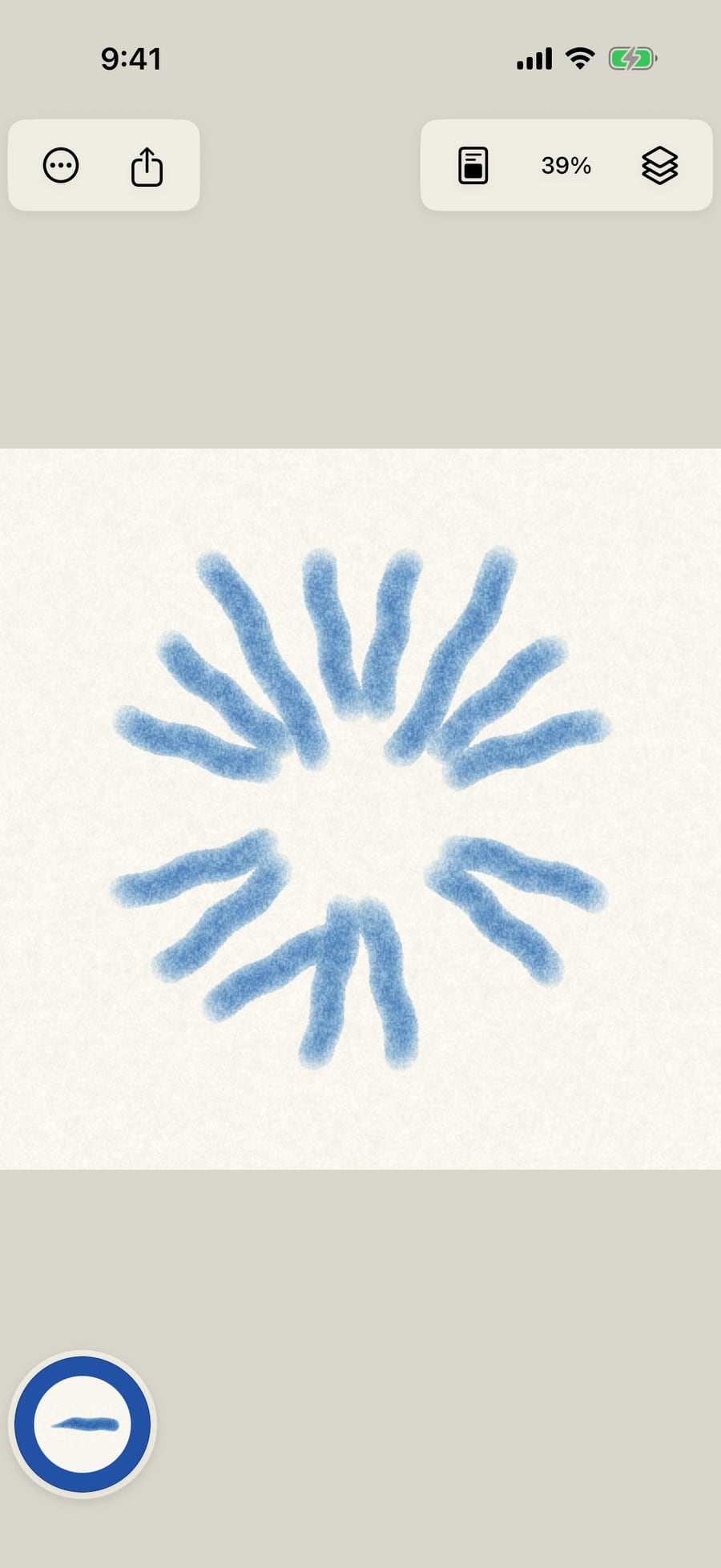
Now choose 6 under the folds, and paint near the centre. The stroke turns around the middle six times, and the mirror still doubles each copy.
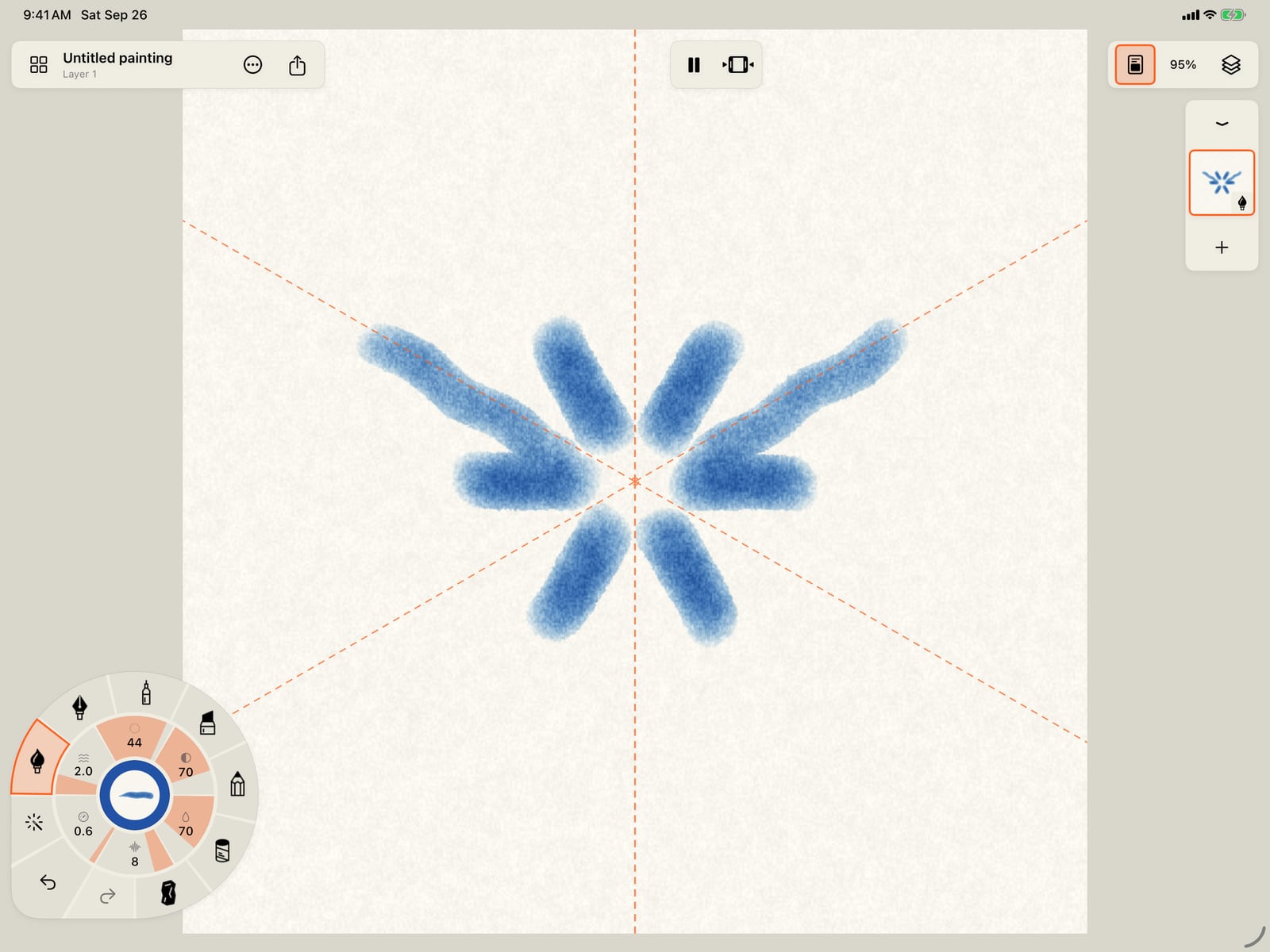
Now choose 6 under the folds, and paint near the centre. The stroke turns around the middle six times, and the mirror still doubles each copy.
Symmetry belongs to this session, not the painting. To stop, open Symmetry again and tap Turn symmetry off.
Symmetry belongs to this session, not the painting. To stop, open Symmetry again and tap Turn symmetry off.
Symmetry belongs to this session, not the painting. To stop, open Symmetry again and click Turn symmetry off.
Strokes land once again, just where you paint them.
Strokes land once again, just where you paint them.
Symmetry
Canvas menu (the page icon in the top bar) → Symmetry. Each choice applies to your next strokes; strokes already on the page stay as they are.
| Choice | What it does |
|---|---|
| Mirror left and right 1 | Each stroke is reflected across a vertical axis through the page's centre. |
| Mirror top and bottom 2 | Reflected across a horizontal axis. With both mirrors on, each stroke lands four times. |
| Radial folds 3 | None, or 2, 3, 4, 5, 6, 8, 10, 12, 16 or 24 copies turned evenly around the centre. With a mirror on as well, every fold is mirrored too. |
| Turn symmetry off | Shown while any symmetry is on. Back to single strokes. |
- The symmetry axes show as dashed orange lines on the page, and the canvas menu's icon is lit while symmetry is on.
- All the copies of one stroke are one step to undo.
- One drawn stroke makes at most 32 marks, so 24 folds with both mirrors stops at 32.
- Symmetry isn't saved with the painting: it's a setting for how you're painting now.
- Symmetry works with every brush and with Stabilization and Snap to shapes. Text isn't mirrored.
Tip: For a mandala, turn on 8 or 12 folds and Mirror left and right, then paint short strokes out from the centre.
Something not behaving as expected?
Visit support or write to [email protected].