

Guides / Motion and animation
Play, pause and the timeline
Play and pause the painting, scrub its timeline, and set its loop's length, looping and overall motion in Animation settings.
Paint a couple of strokes with the Round brush, which waves, and the painting plays as you paint. Its clock sits in the top bar.
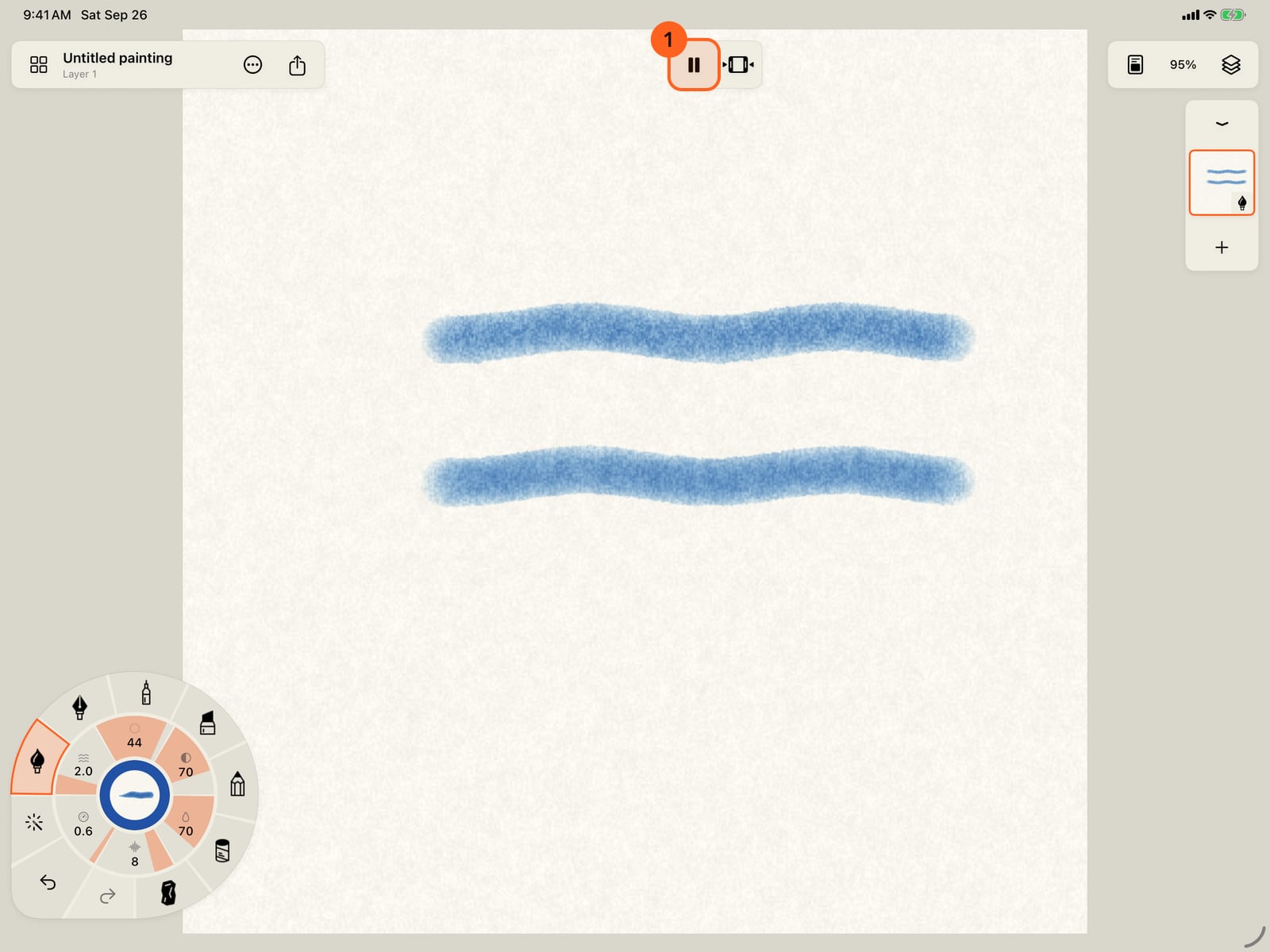
Paint a couple of strokes with the Round brush, which waves, and the painting plays as you paint. On iPhone the top bar has no room for the clock, so playback lives under Actions.
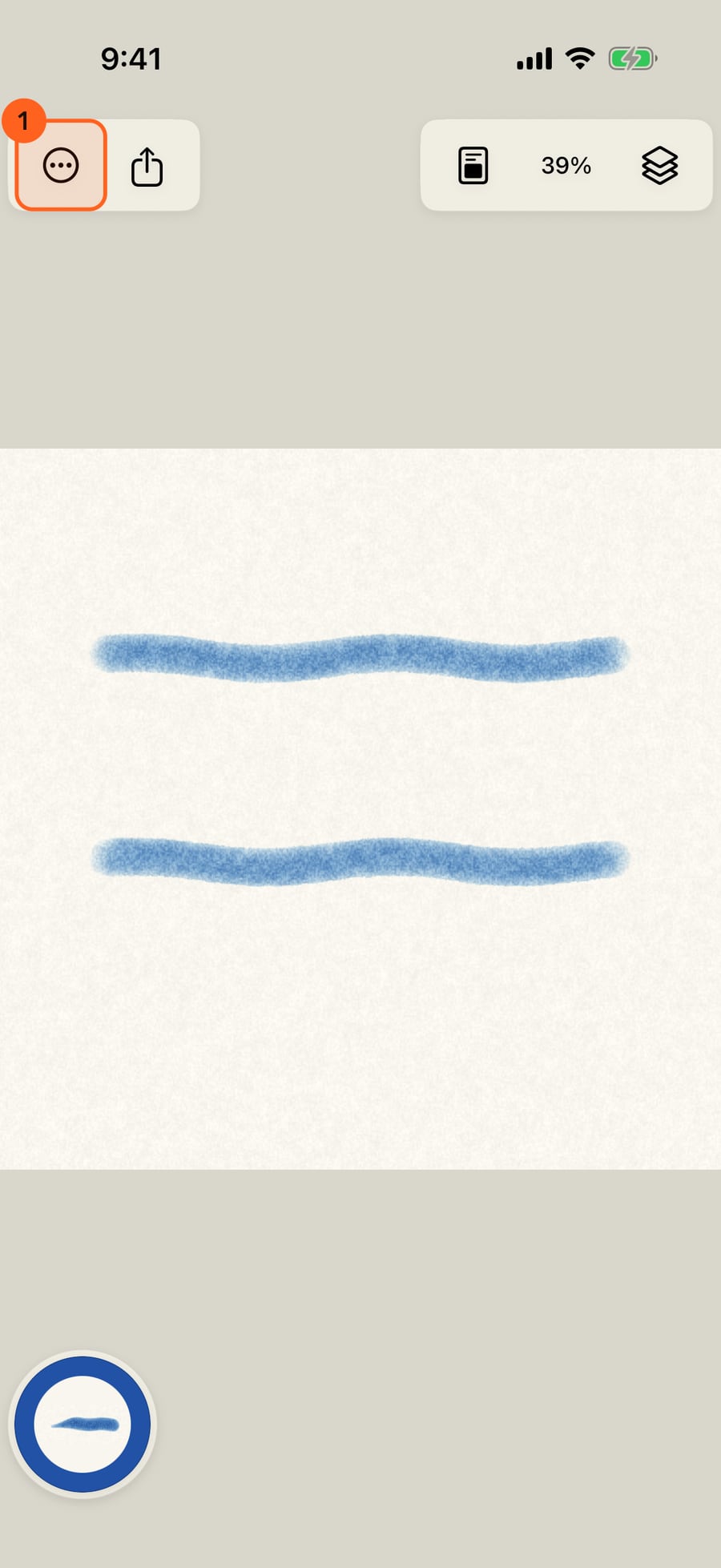
Tap Pause to hold every stroke still, and Play to set them moving again. With a keyboard, the Space bar does the same.
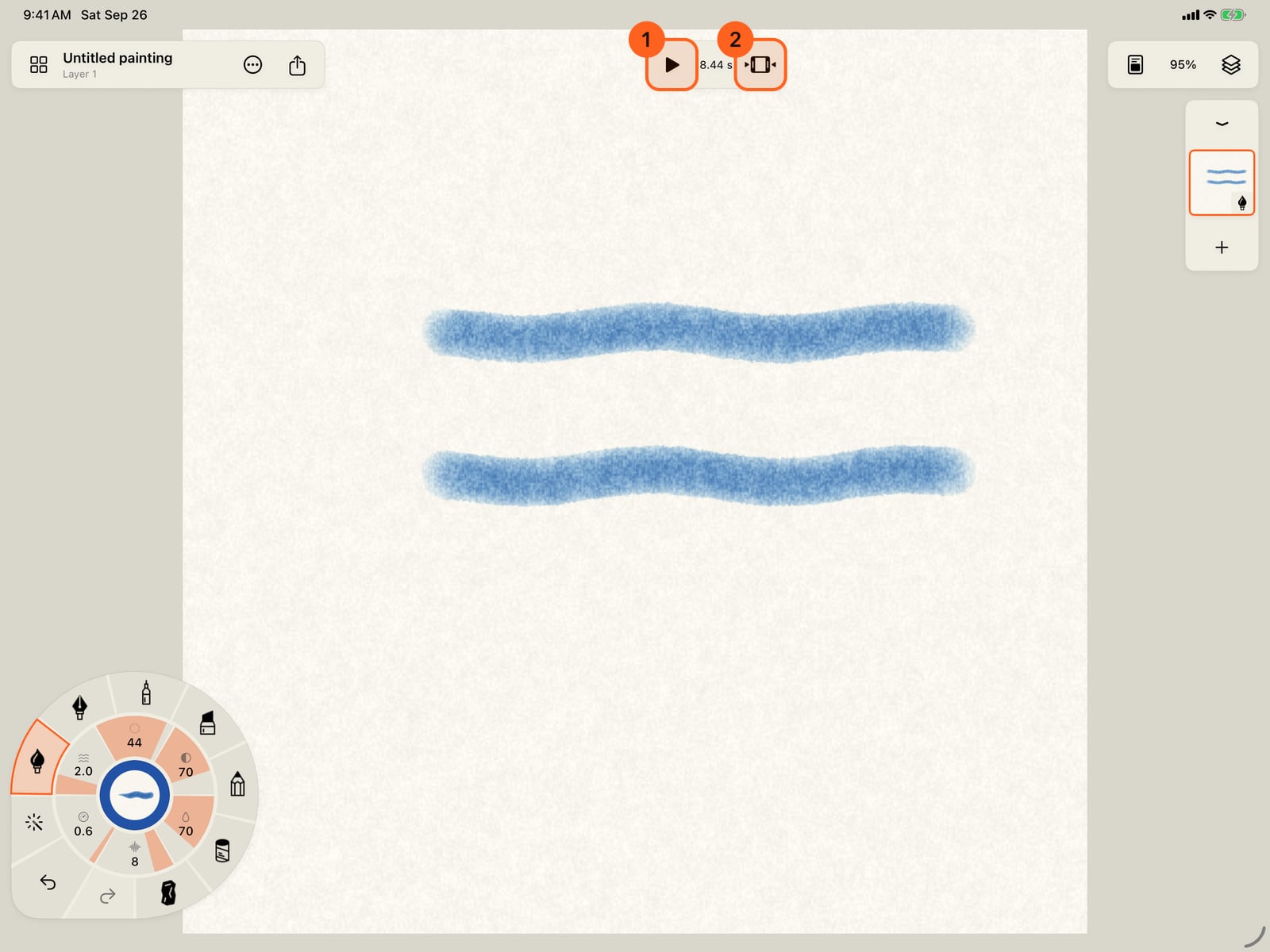
Click Pause to hold every stroke still, and Play to set them moving again. The Space bar does the same.
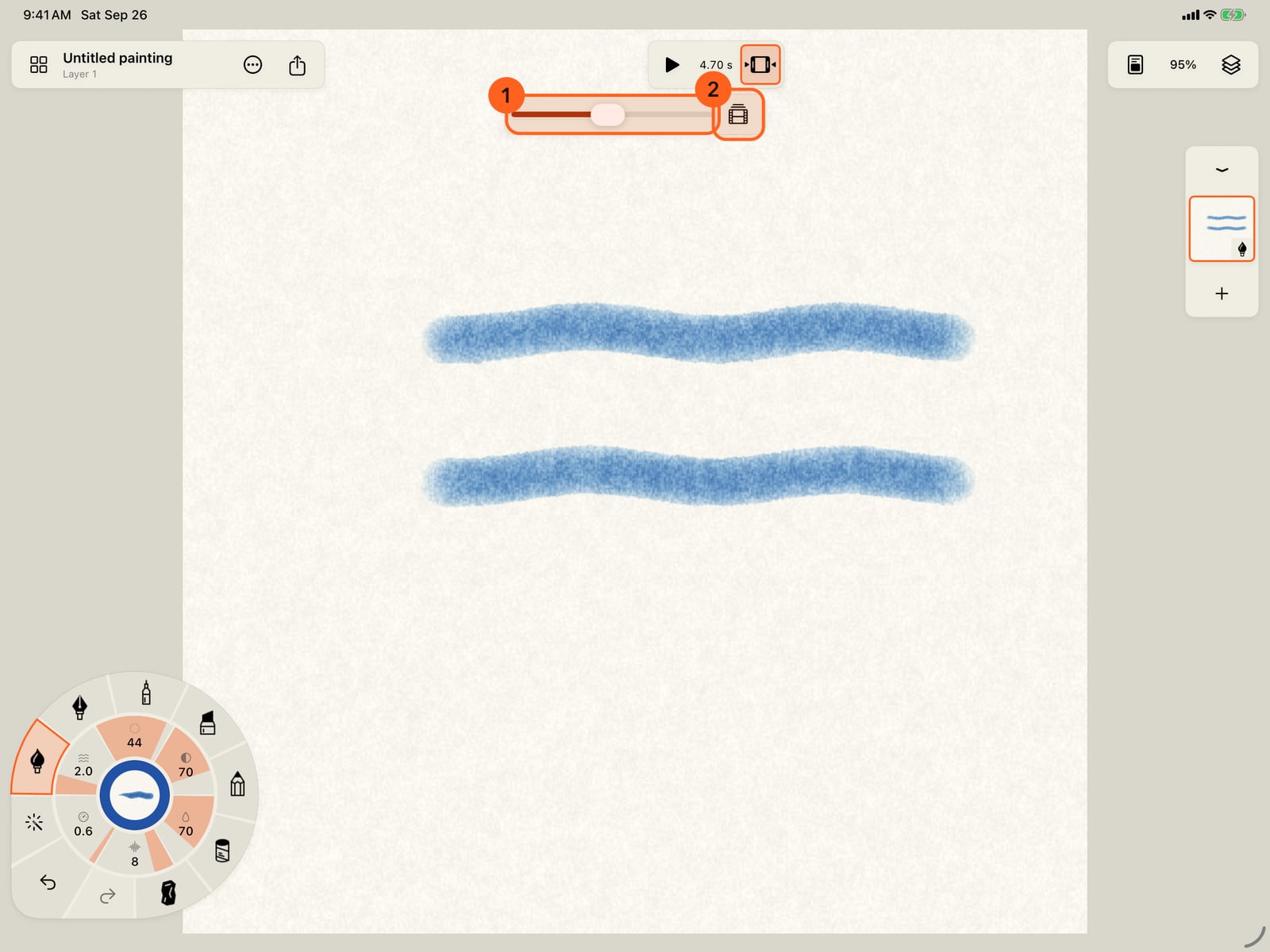
The timeline button drops a scrubber beneath the bar. While paused, drag it to any moment of the loop.
Tap Actions, then Playback, for Animation settings, Restart animation and Replay drying.
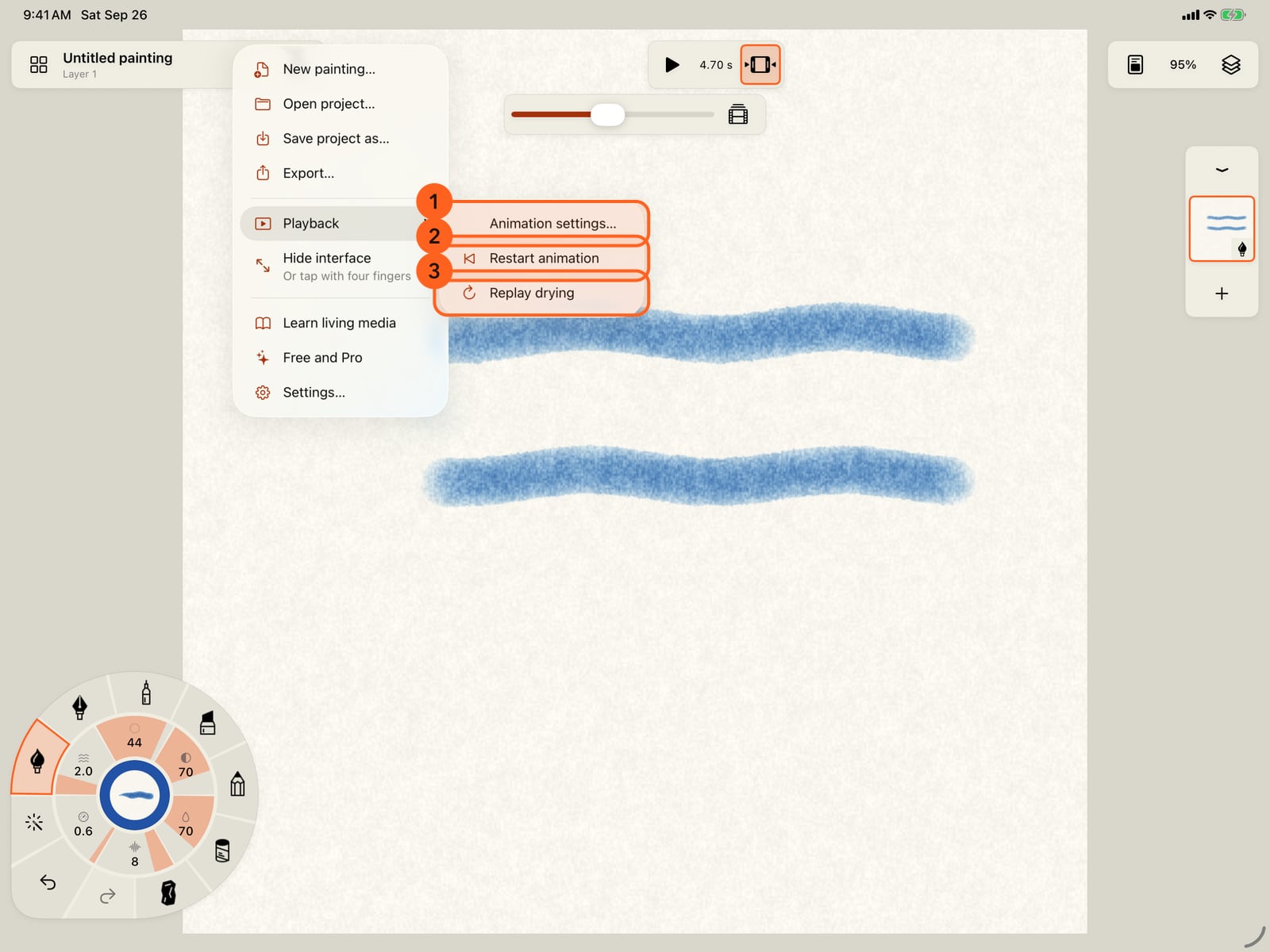
Tap Actions, then Playback, for Animation settings, Restart animation and Replay drying.
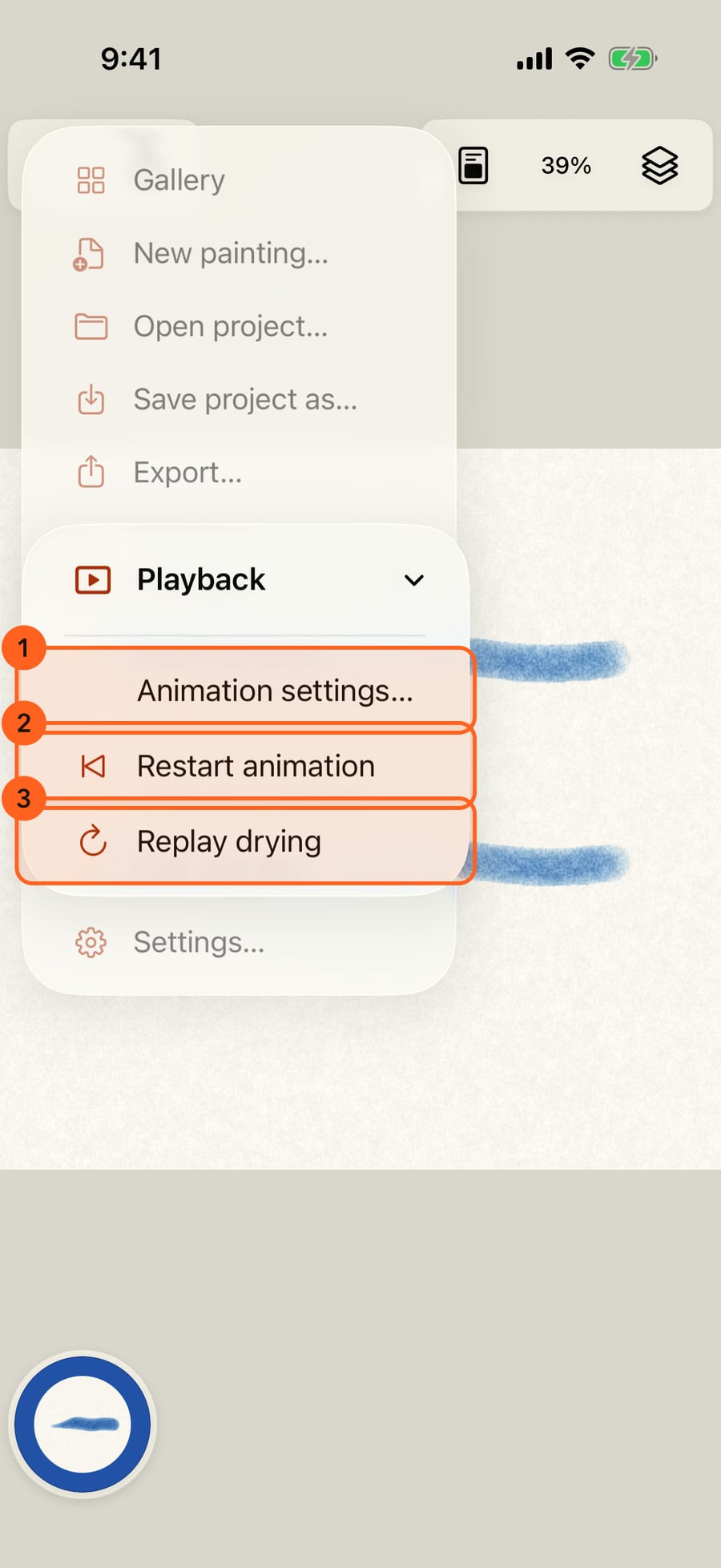
Click Actions, then Playback, for Animation settings, Restart animation and Replay drying.
Animation settings holds the painting's clock. Play or pause it, drag the time, and set how long the loop runs and how much everything moves.
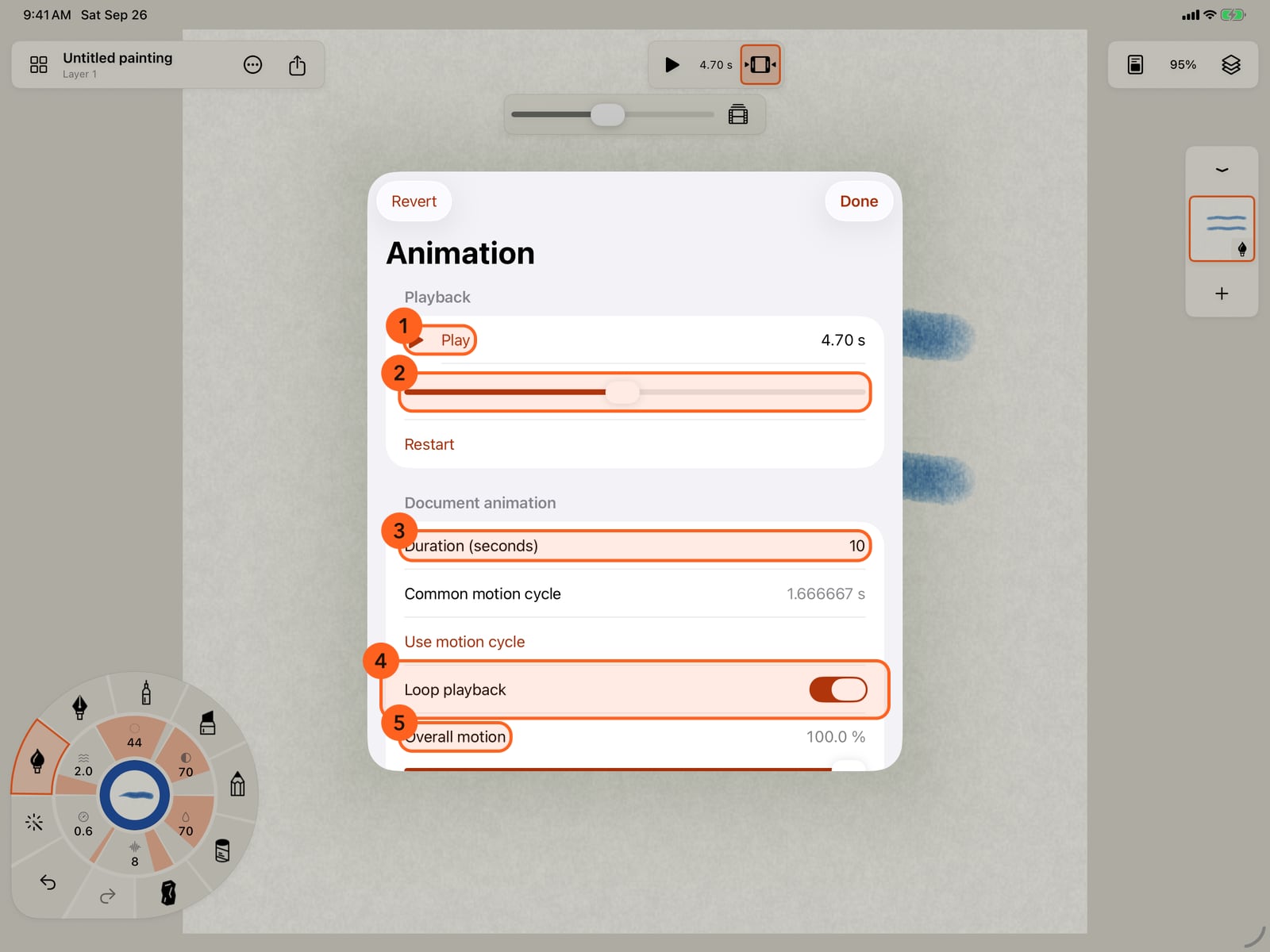
Animation settings holds the painting's clock. Play or pause it, drag the time, and set how long the loop runs and how much everything moves.
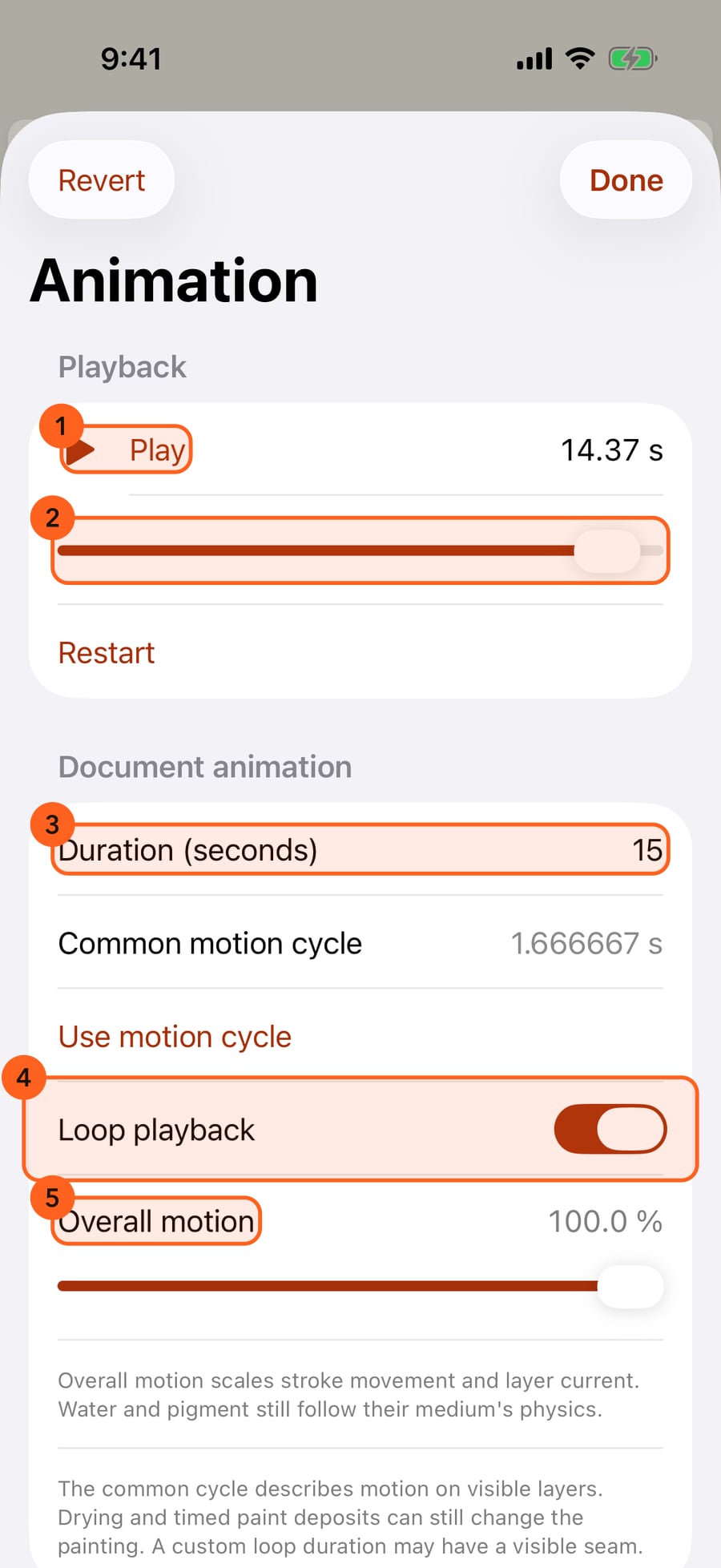
Use motion cycle sets the duration to the strokes' own loop, so the painting repeats without a jump. Changes apply at once, and Revert puts back what you had.
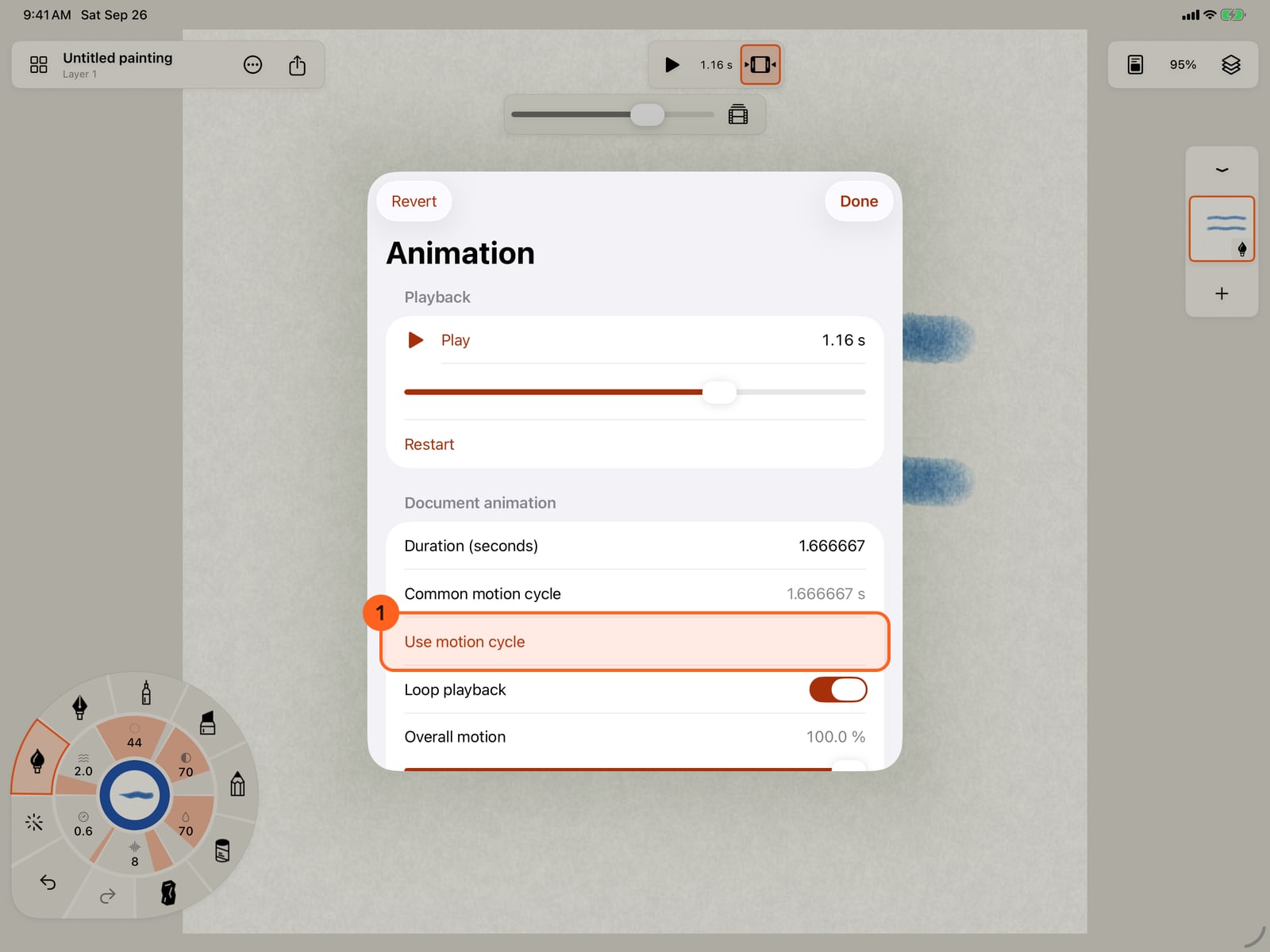
Use motion cycle sets the duration to the strokes' own loop, so the painting repeats without a jump. Changes apply at once, and Revert puts back what you had.
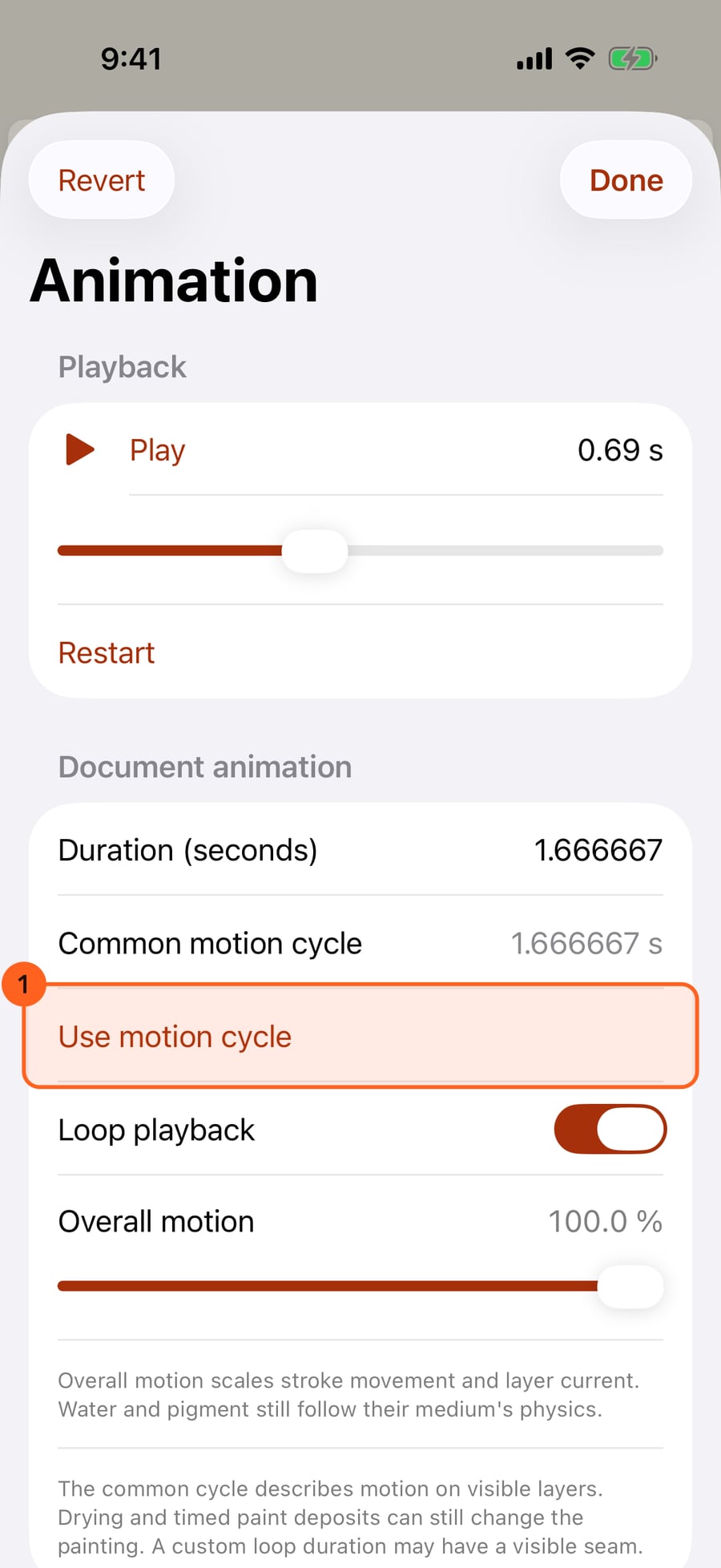
Tap Done. Restart animation, under Actions and Playback, starts the painting from the beginning and plays it.
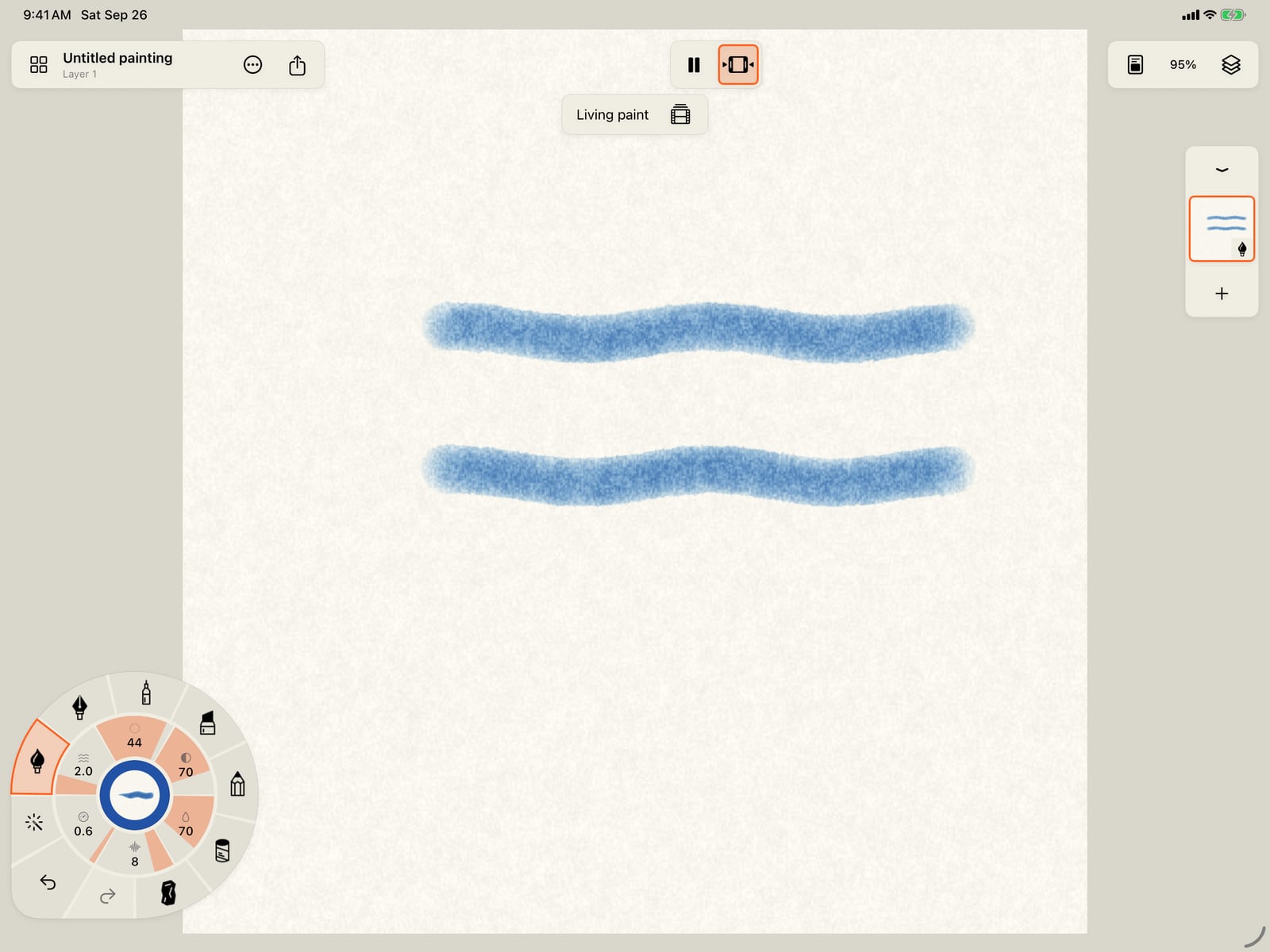
Tap Done. Restart animation, under Actions and Playback, starts the painting from the beginning and plays it.
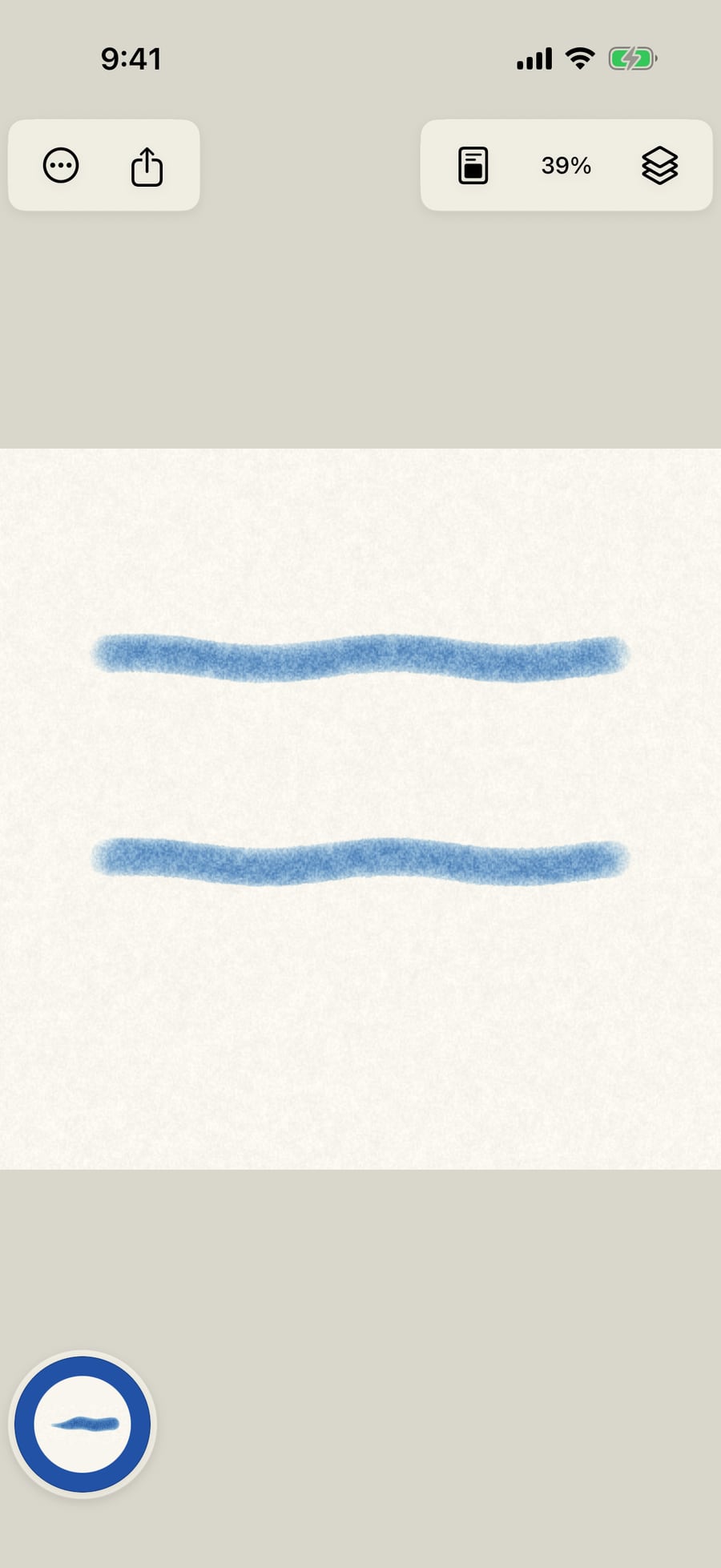
Click Done. Restart animation, under Actions and Playback, starts the painting from the beginning and plays it.
Play and pause
A painting plays whenever it is open: strokes with motion move, and wet paint keeps spreading and drying. New and reopened paintings start playing.
- Play and Pause 1 sit in the top bar, in the middle. While paused, the time shows beside the button.
- Show timeline 2 drops a bar beneath: while paused, a slider to scrub to any moment, and Animation settings (the film symbol). While playing, it reads Living paint.
- With a keyboard, the Space bar plays and pauses.
On iPhone the top bar has room only for the essentials, so Play, the time and the timeline are not in it. Use Actions → Playback → Animation settings…, which has Play, Pause and the time slider. The same happens in any window narrower than 500 points, for example in Split View on iPad.
On the Mac, press the Space bar to play and pause.
Actions → Playback
| Item | What it does |
|---|---|
| Animation settings… | Opens the painting's animation settings, pausing first. |
| Restart animation | Goes back to the start and plays. |
| Replay drying | Plays the wet layers' drying again from the start, so you can watch the washes spread and settle, and plays the painting. |
Animation settings
| Control | What it does |
|---|---|
| Play / Pause | Plays or holds the painting, with the time beside it. |
| Animation time | Scrubs to any moment while paused. |
| Restart | Goes back to the start. |
| Duration (seconds) | How long the painting's loop is, from 0.1 to 86,400 seconds. |
| Common motion cycle | How long the visible strokes' motions take to repeat together. Still when nothing moves; a reason when they cannot repeat exactly, for example when a layer has a water current. |
| Use motion cycle | Sets the duration to that cycle, and turns looping on, so the loop closes without a seam. Shown when there is a cycle to use. |
| Loop playback | Plays the loop over and over; off, it plays once and stops. |
| Overall motion | Scales every stroke's movement and the layers' current, from none to full. Water and pigment still follow their medium. |
| Revert | Appears after a change: puts back the settings you opened with. |
Changes apply as you make them, and one Undo takes them back. The loop length also sets what Share loop and animated exports use.
Tip: Drying and timed marks can still change a painting after its motion loop repeats, so a custom duration may show a small seam where it wraps.
Reduce Motion
With Reduce Motion on (Settings → Accessibility → Motion on iPad and iPhone; System Settings → Accessibility → Display on the Mac), paintings open paused. Play is one tap away, and nothing else changes.
Something not behaving as expected?
Visit support or write to [email protected].