

Guides / Paper and canvas
Choose and adjust the paper
Pick the paper your painting sits on, change its colour, and tune its grain, tooth, absorbency and light.
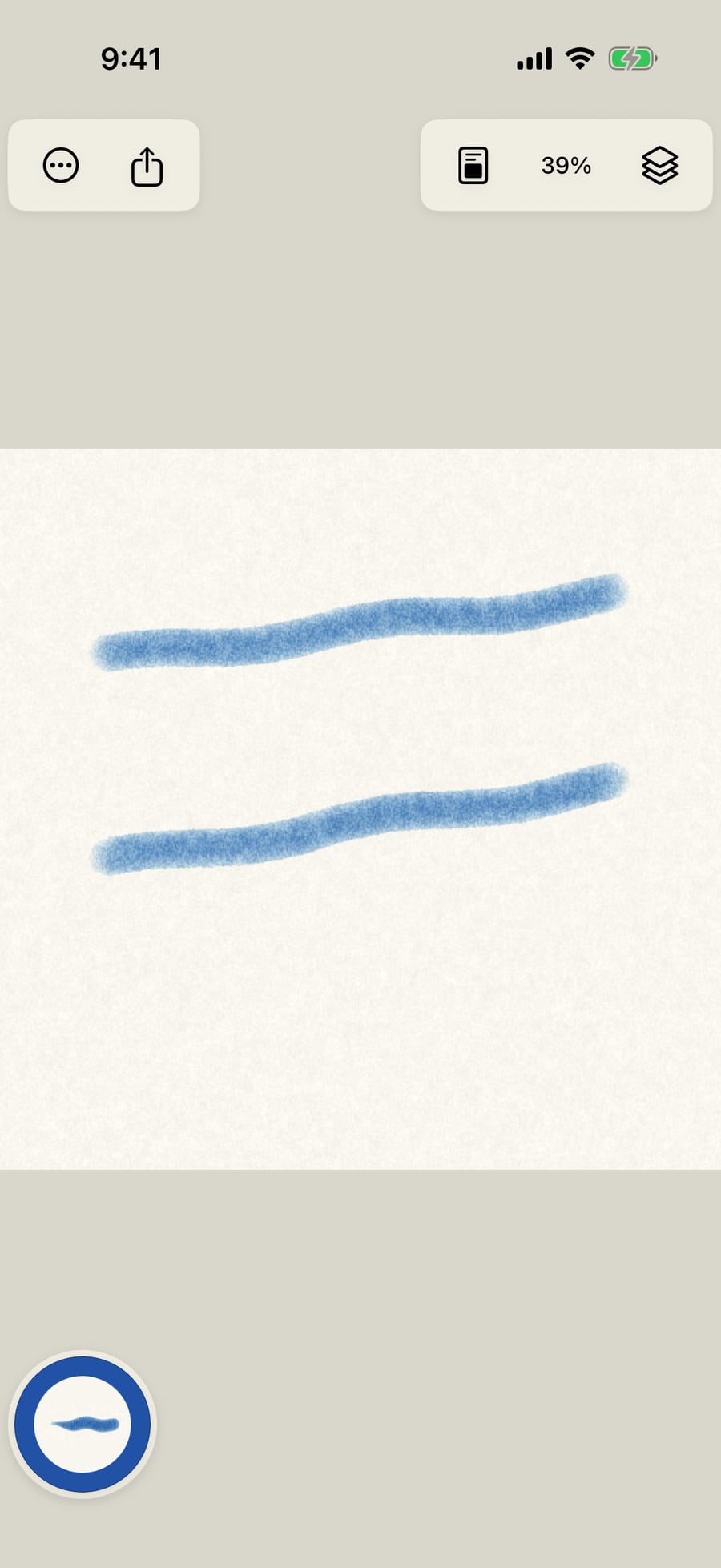
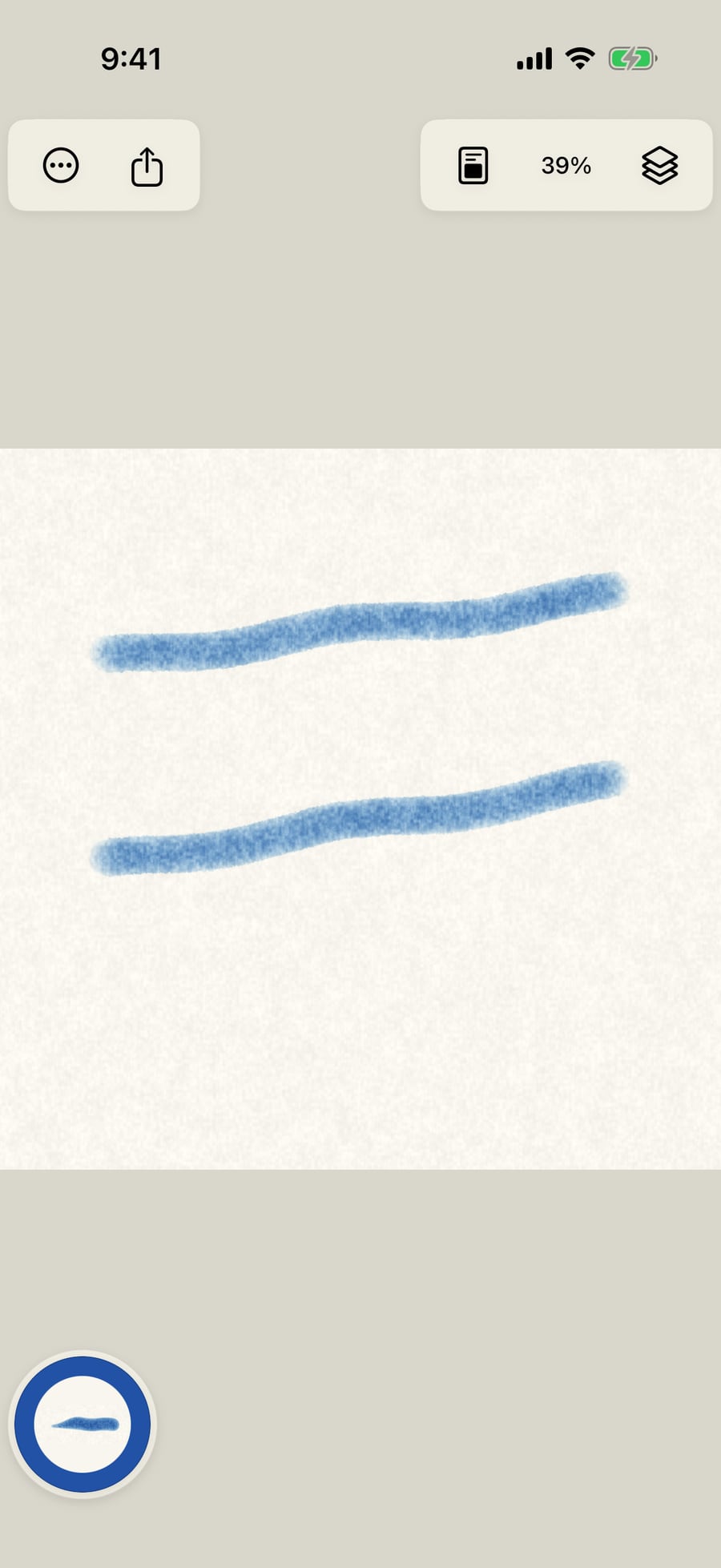
Paint something first, so you can see the paper change under it.
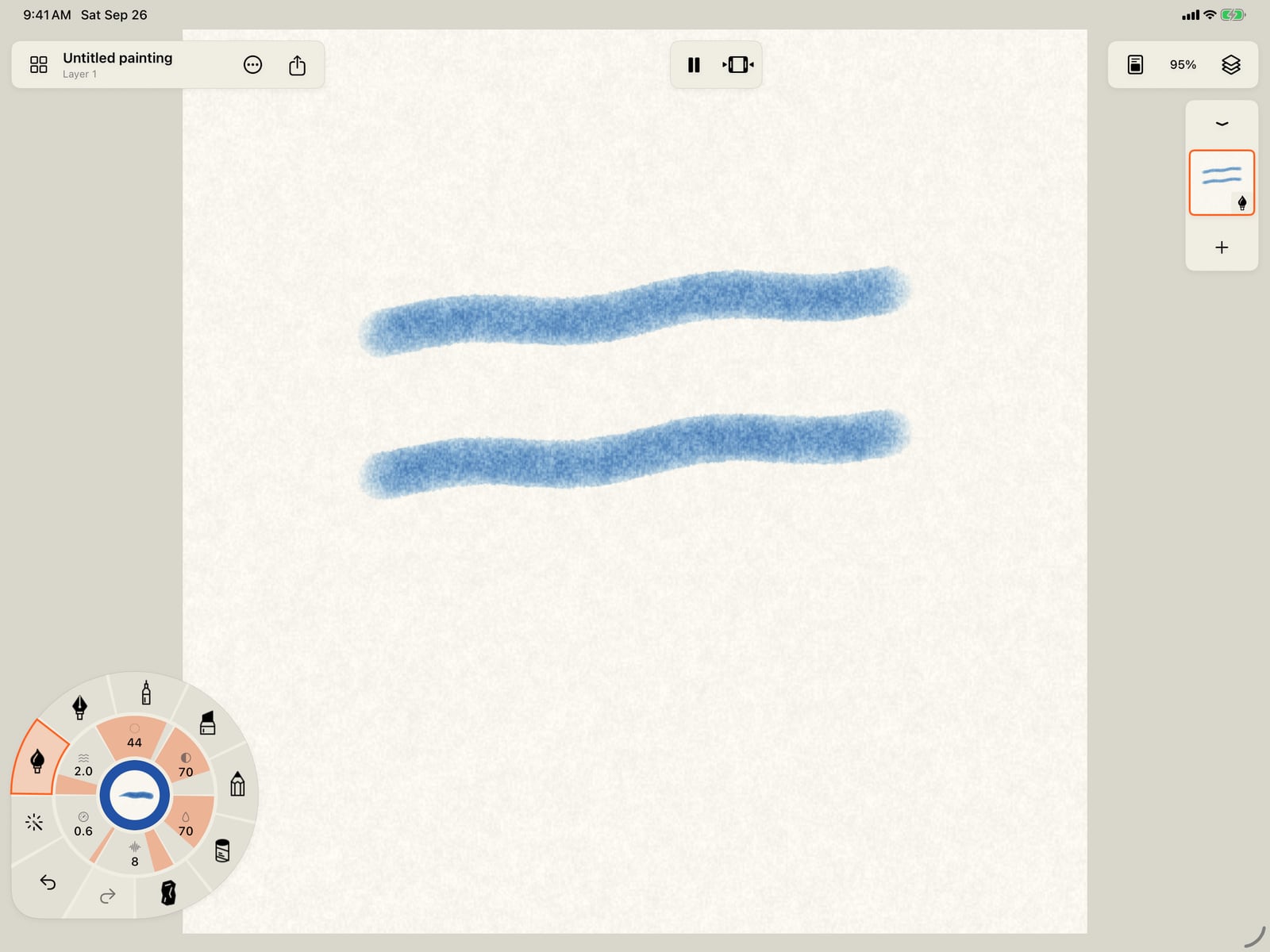
Paint something first, so you can see the paper change under it.
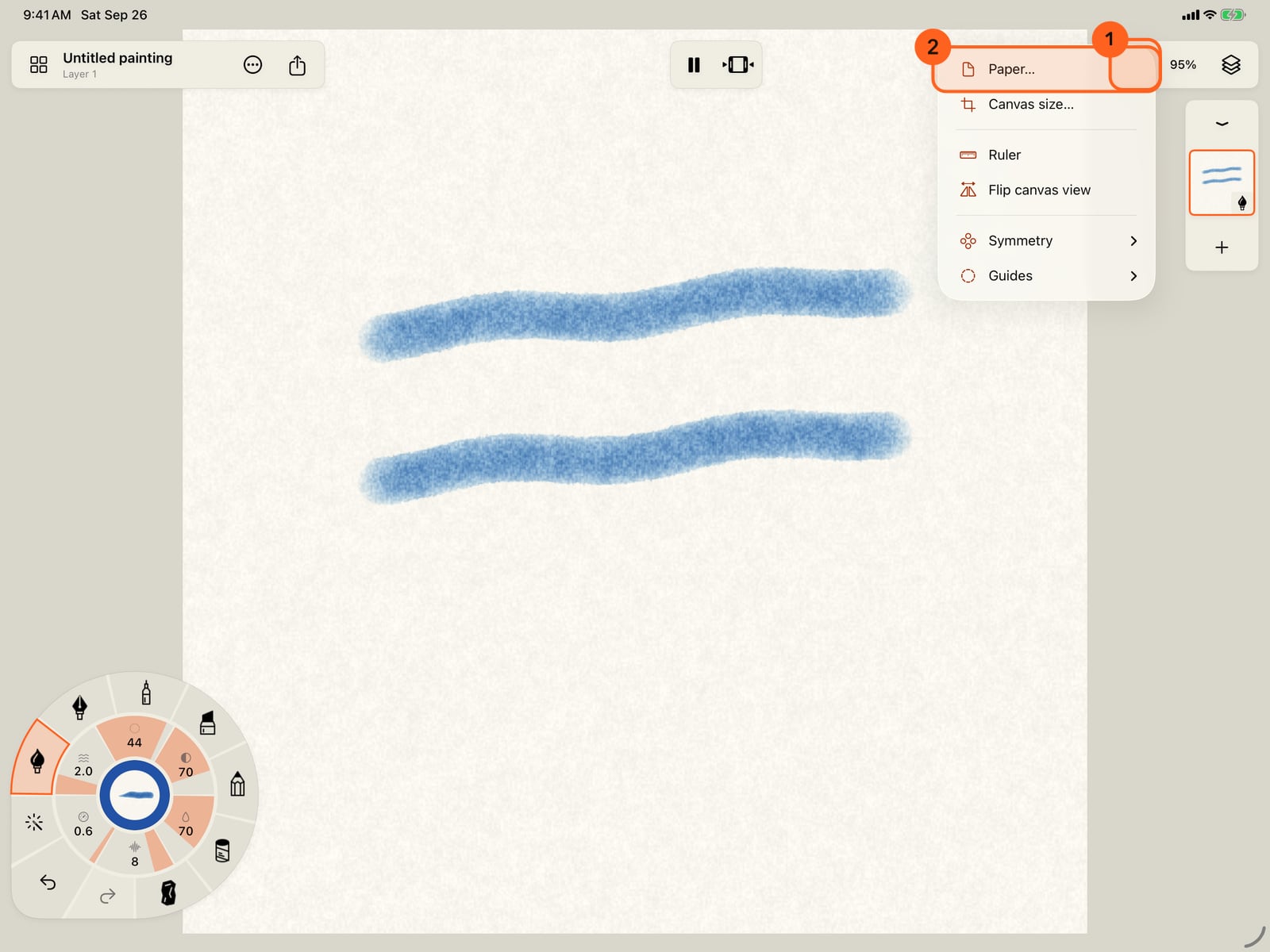
Tap Canvas and paper in the top bar, then Paper.
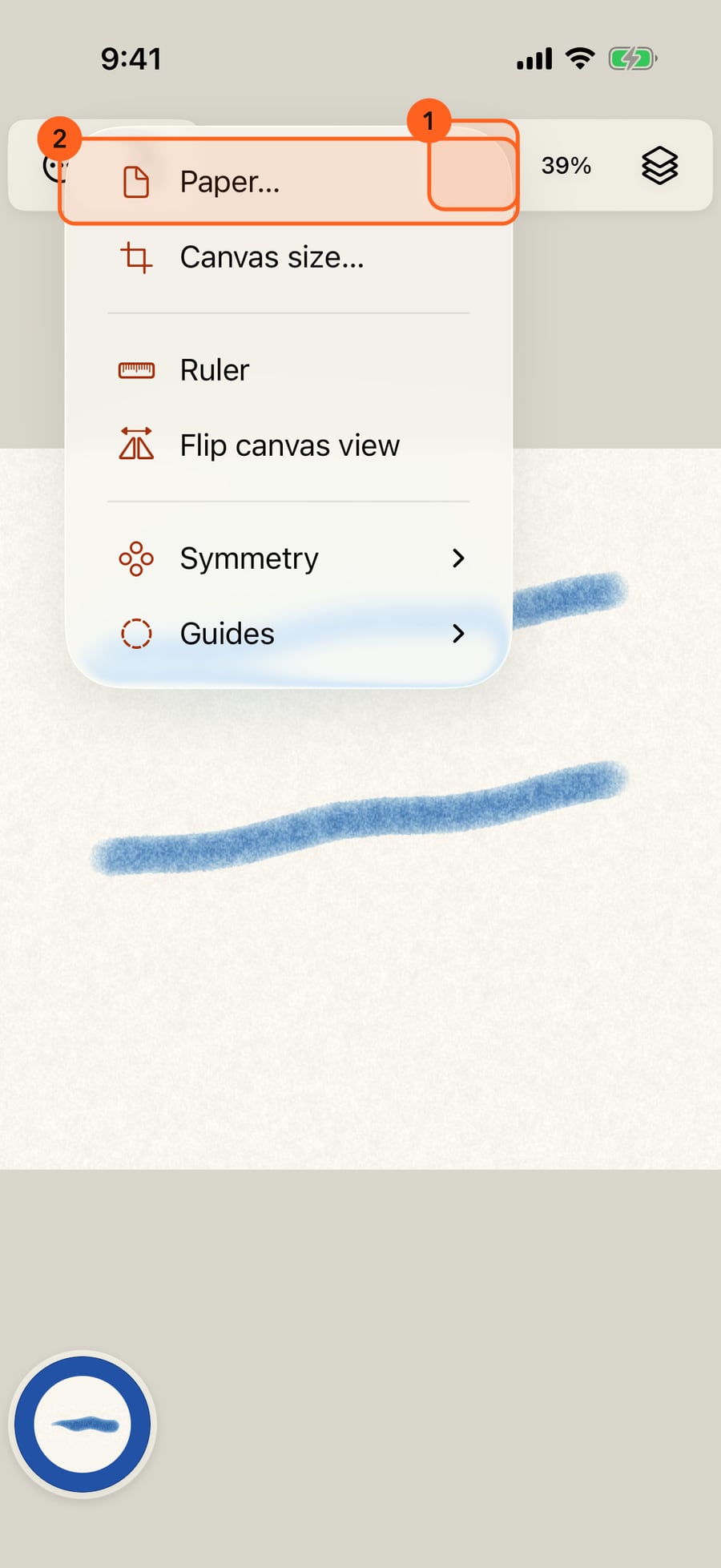
Tap Canvas and paper in the top bar, then Paper.
Click Canvas and paper in the top bar, then Paper.
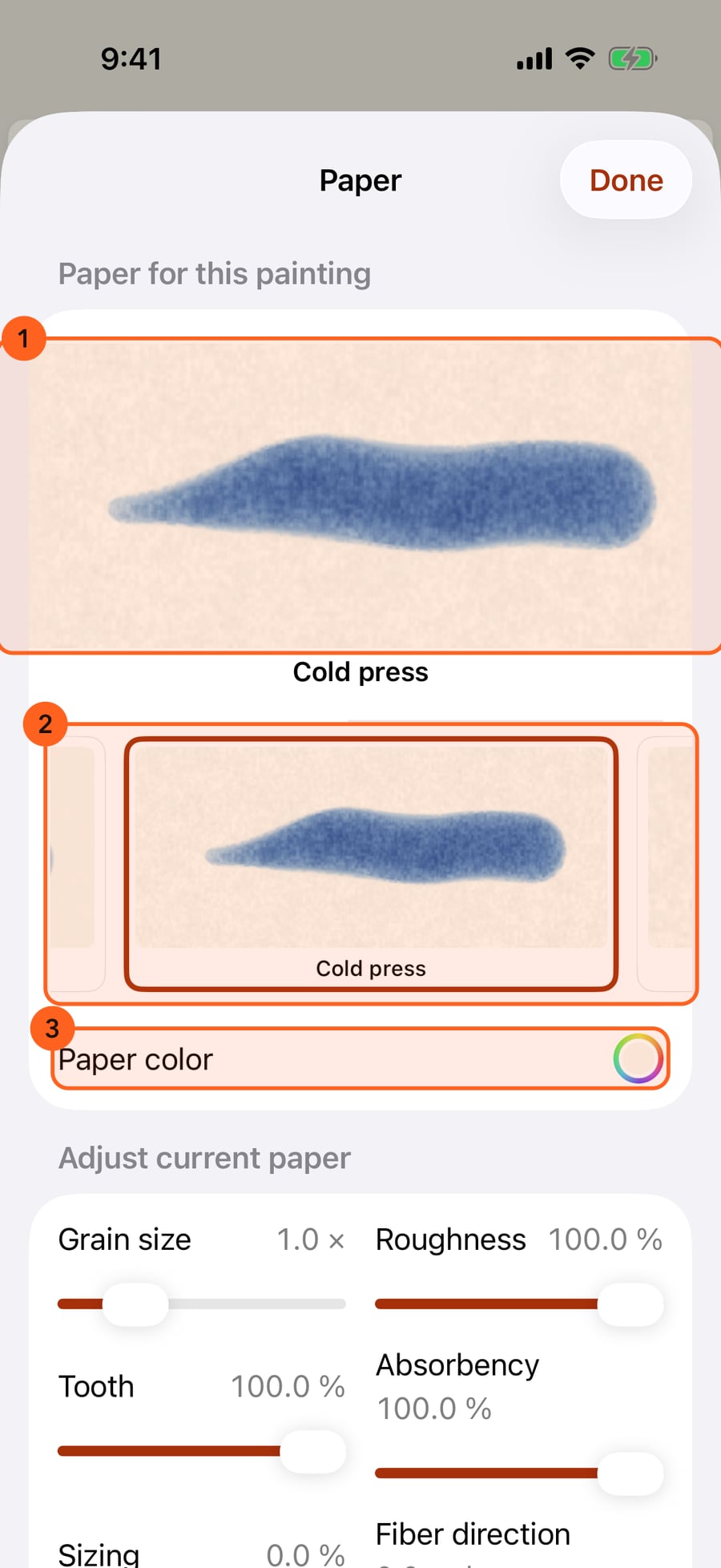
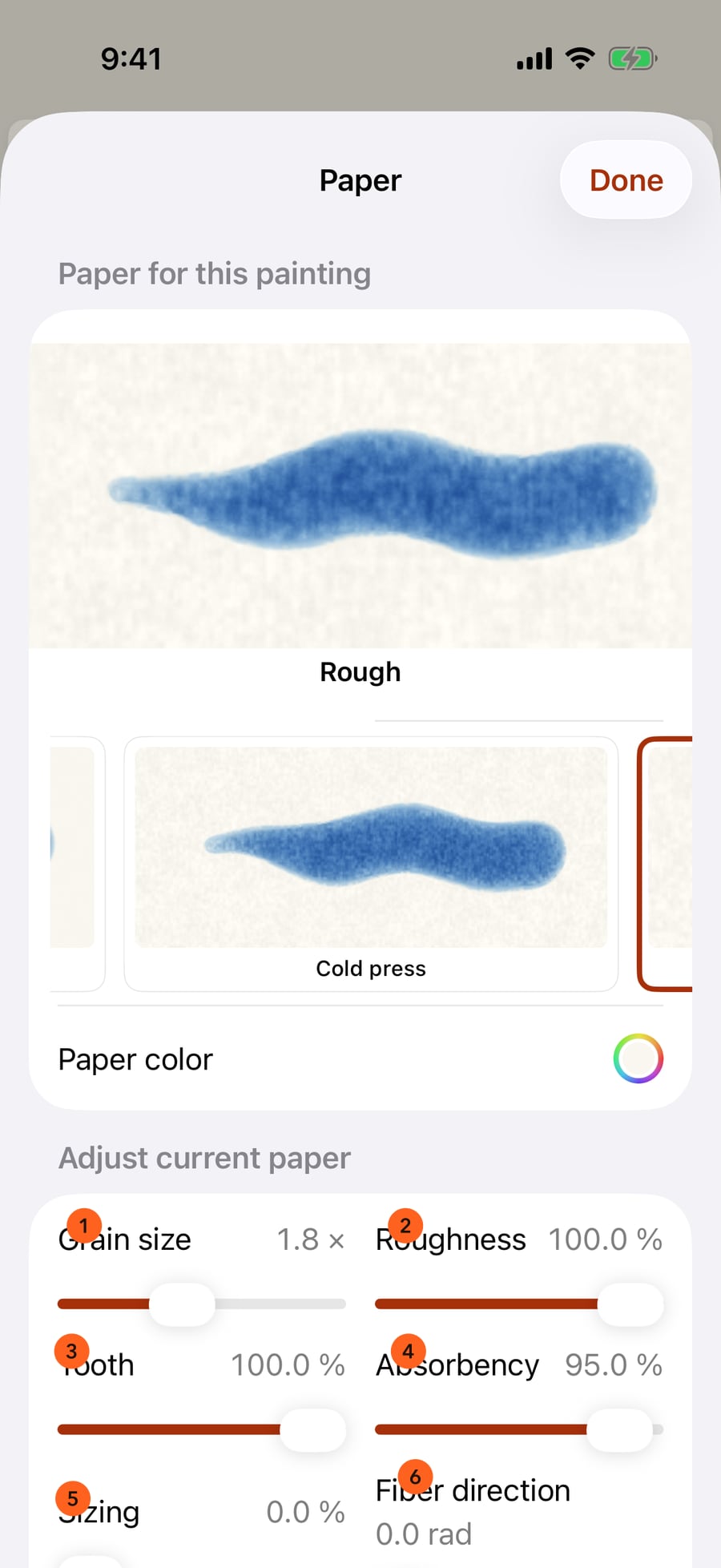
The paper in use is shown large, under your brush. Below it, every paper in a row that scrolls sideways, and the colour of the sheet.
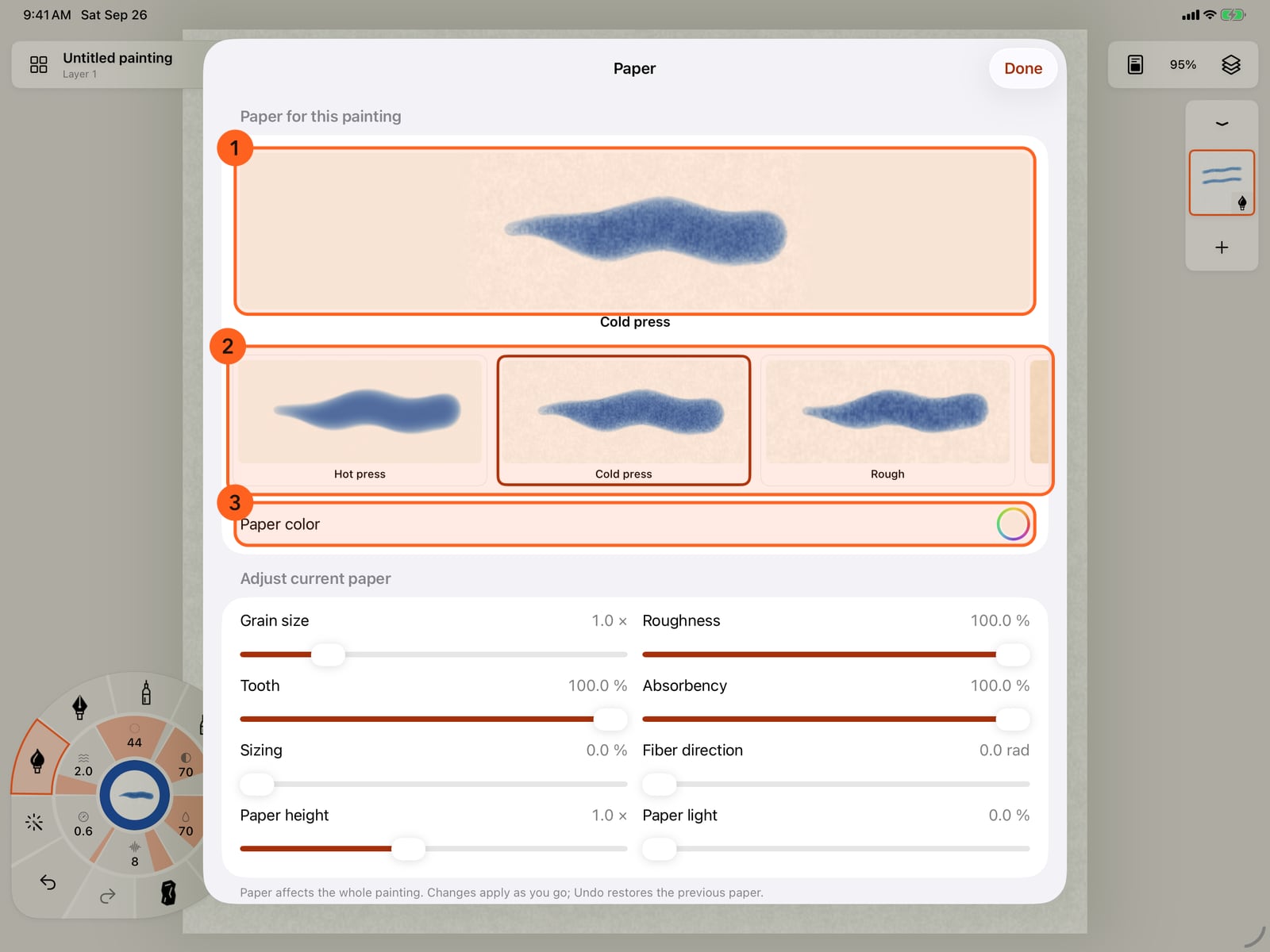
The paper in use is shown large, under your brush. Below it, every paper in a row that scrolls sideways, and the colour of the sheet.
Tap a paper, here Rough, to use it. It applies at once and the sheet stays open, so you can compare papers under the same brush.
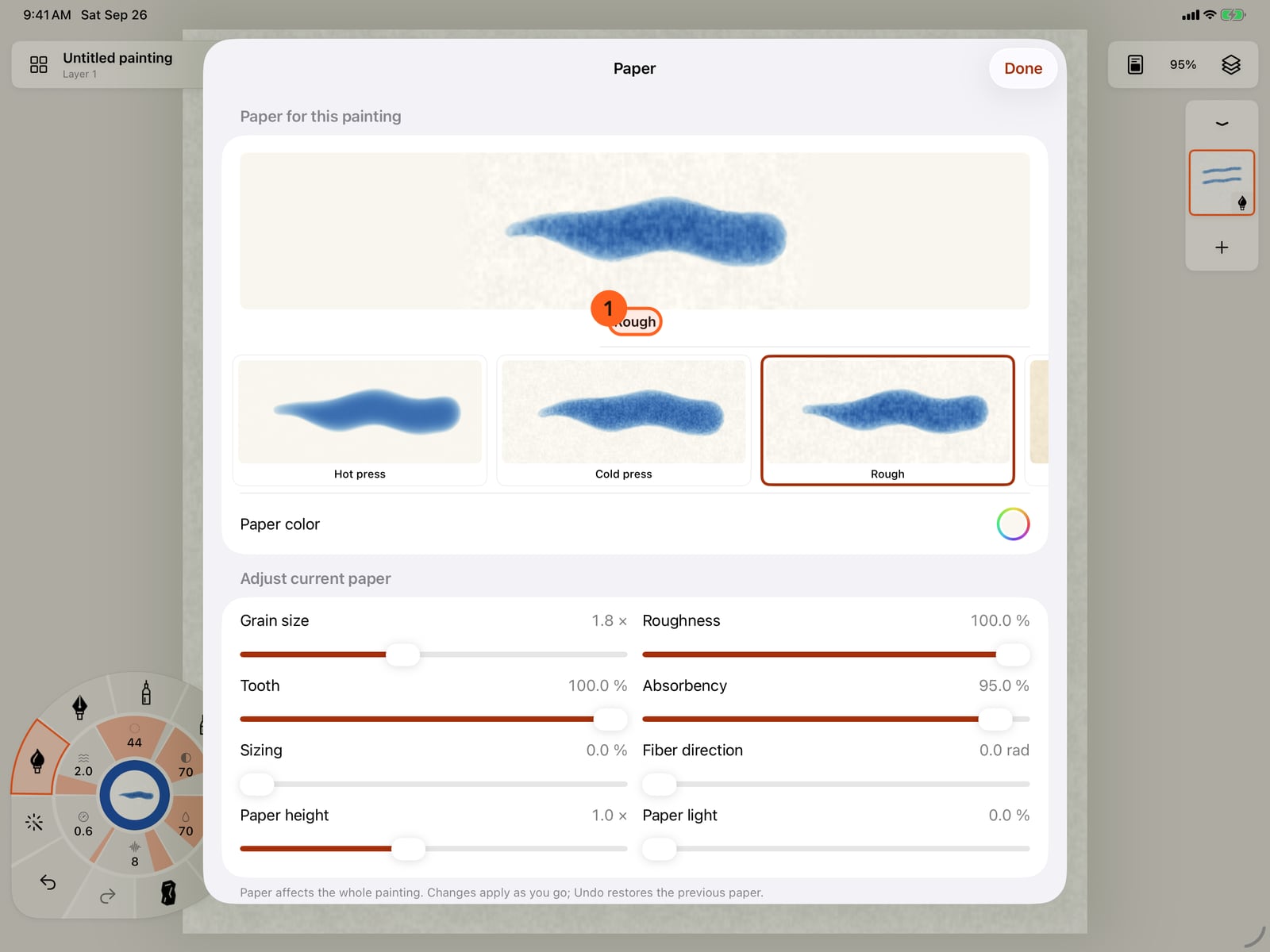
Tap a paper, here Rough, to use it. It applies at once and the sheet stays open, so you can compare papers under the same brush.
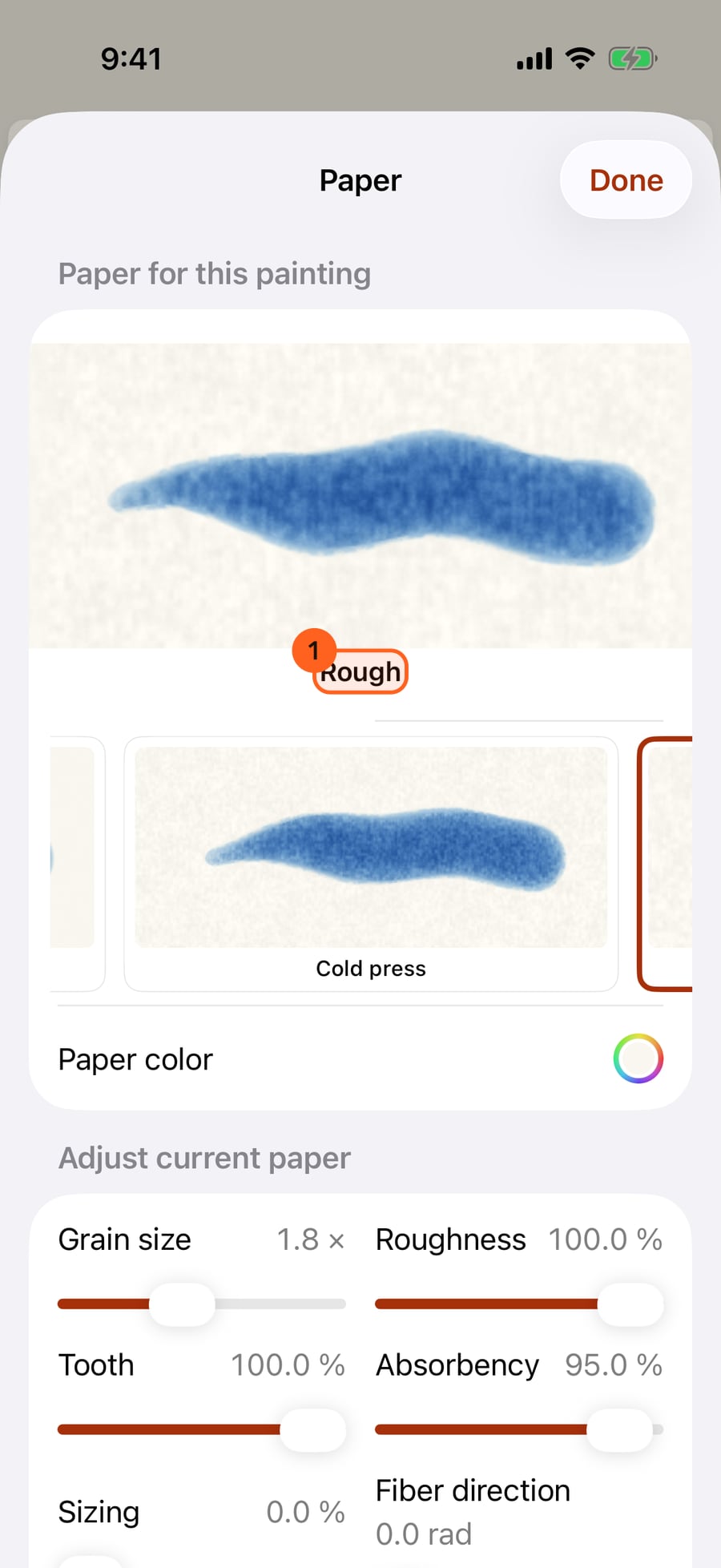
Click a paper, here Rough, to use it. It applies at once and the sheet stays open, so you can compare papers under the same brush.
Under Adjust current paper, the sliders tune the paper in use. Here the grain is made larger, and Paper light shades the paper by its own surface.
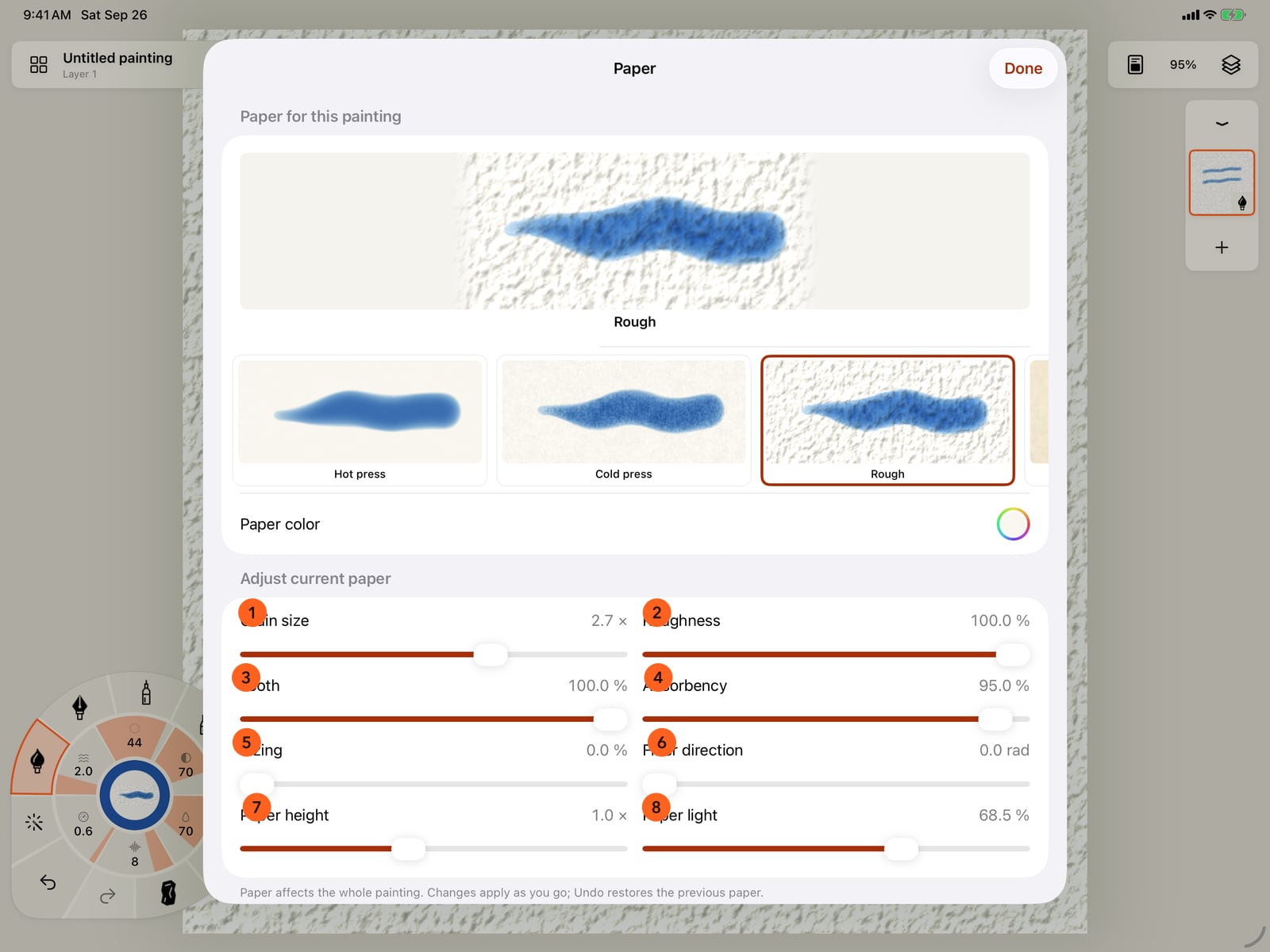
Under Adjust current paper, the sliders tune the paper in use. Here the grain is made larger, and Paper light shades the paper by its own surface.
Tap Done, and compare with the first picture. The same strokes now sit on Rough, with larger grain and the paper's own light and shade.
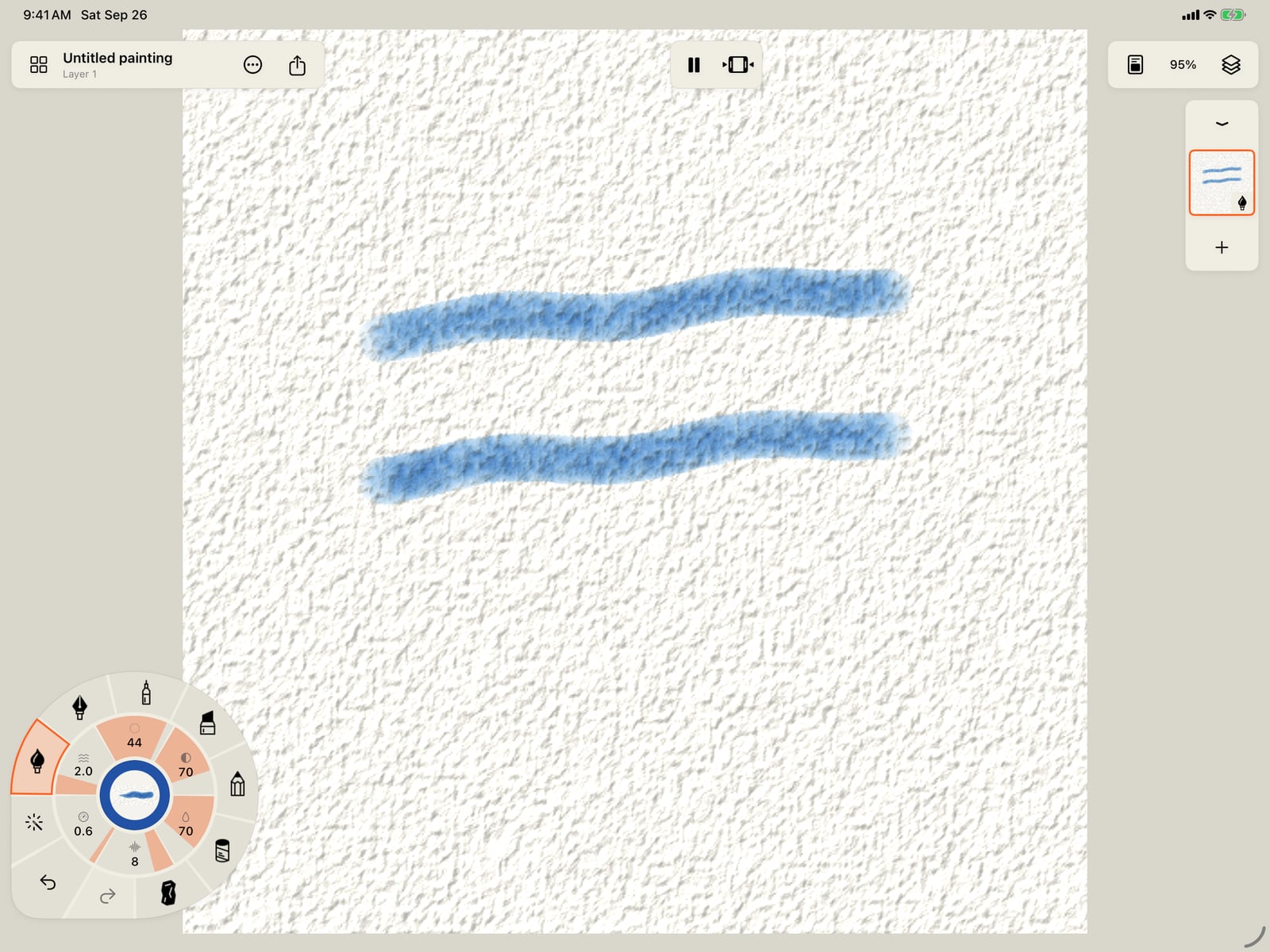
Tap Done, and compare with the first picture. The same strokes now sit on Rough, with larger grain and the paper's own light and shade.
Click Done, and compare with the first picture. The same strokes now sit on Rough, with larger grain and the paper's own light and shade.
The paper sheet
Open Canvas and paper 1 in the top bar and choose Paper… 2. The paper belongs to the whole painting: every layer and stroke sits on it, and changing it changes them all, already painted or not.
- The paper in use 1 is shown large, with the brush in hand, at the size it paints, so its grain is true.
- The row of papers 2 scrolls sideways. Each sample shows your brush on that paper. Tap one to use it; the sheet stays open so you can try another.
- Paper color 3 sets the colour of the sheet itself. It stays while you try other papers. Use the paper's own appears once you have chosen a colour, and goes back to each paper's own.
Changes apply as you go, and Undo restores the previous paper.
The papers
| Paper | Kind | |
|---|---|---|
| Hot press | Smooth, hard-sized watercolour paper | Free |
| Cold press | The classic medium-grain watercolour paper | Free |
| Rough | Deep, open grain | Free |
| Handmade | Large, irregular grain with fibres, warm white | Free |
| Smooth drawing paper | Fine and even | Free |
| Toothy sketch paper | Fine grain that catches dry media | Free |
| Pastel paper | Toned, toothy and less absorbent | Free |
| Cold press cotton | Scanned from real cold press cotton paper | Free |
| Fine cold press, Rough watercolor, Vellum, Smooth bristol, Rough tooth sketch, Linen | Scanned papers | Pro |
The first seven are procedural: their grain is generated. The scanned papers carry the surface of a real sheet, measured from photographs, so their hills and valleys are the paper's own.
Adjust current paper
| Slider | What it does |
|---|---|
| Grain size | How large the paper's grain is, from a quarter to four times. |
| Roughness | How much the grain breaks up the paint. |
| Tooth | How much dry media such as graphite, pastel and charcoal catch on the peaks and skip the valleys. |
| Absorbency | How quickly wet paint soaks in and stops spreading. |
| Sizing | Makes the paper less absorbent, so wet paint stays on the surface longer. |
| Fiber direction | Turns the direction of the paper's fibres. |
| Paper height | How deep the paper's relief is. |
| Paper light | Shades the paper by its own surface, so its relief shows even where there is no paint. Off by default. |
| Texture scale | Scanned papers only: how large one tile of the scan is on the page. |
Pro: The seven procedural papers and Cold press cotton, in any colour and with every slider, are Free. The six other scanned papers come with Pro; on Free they show a lock, and tapping one opens Free and Pro. A painting keeps its paper either way.
On iPhone the sheet fills the screen. Scroll to reach every slider.
Something not behaving as expected?
Visit support or write to [email protected].