

Guides / Motion and animation
Motion inside a wash
Keep a wash's outline still and animate only its colour, with gentle Current, Ripples, Eddies and blooms.
Water Current is a joined, soft wash with a still outline. Open the brush library, search for Water Current and choose it.
Water Current is a joined, soft wash with a still outline. Open the brush library, search for Water Current and choose it.
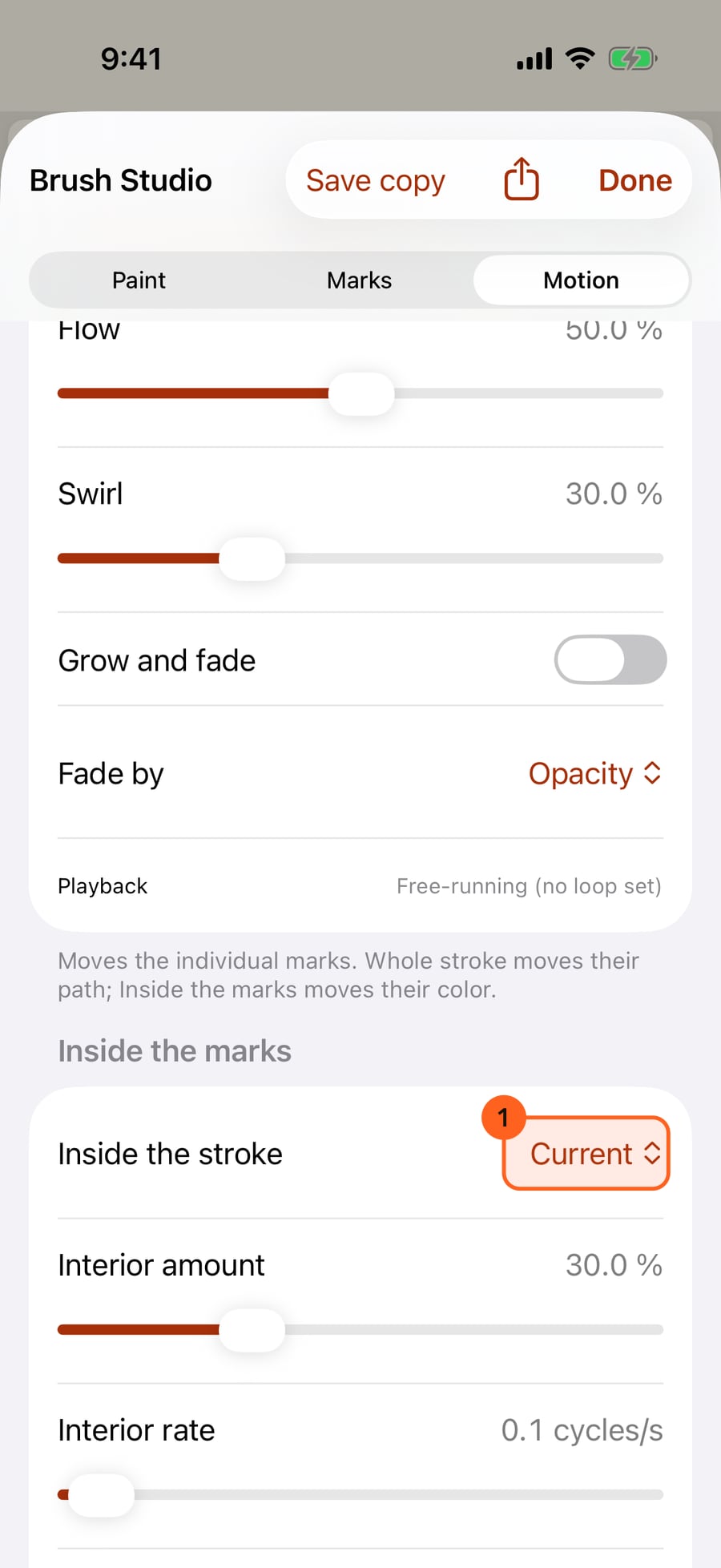
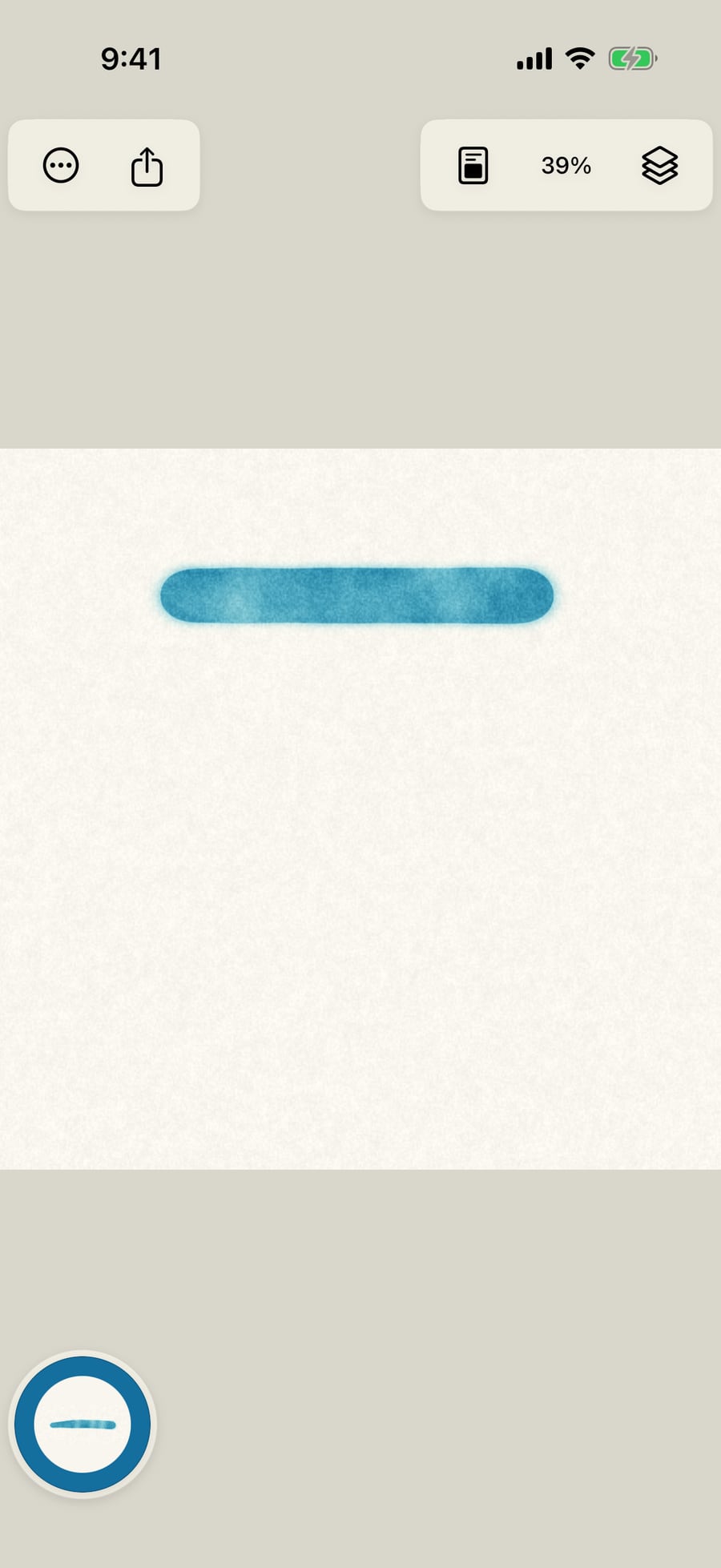
First choose Still and paint a wash. This gives us a static example to compare with the moving colour.
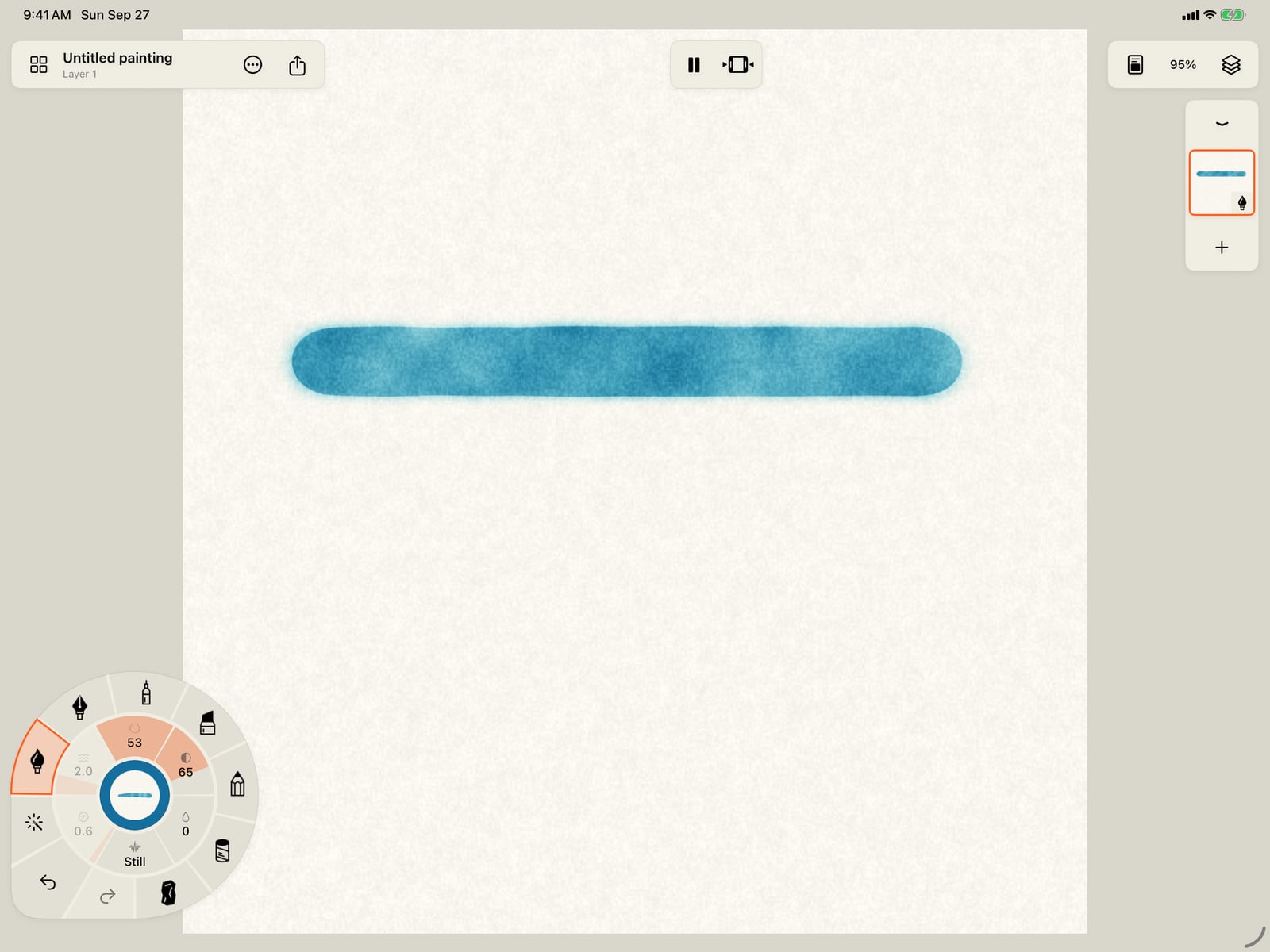
First choose Still and paint a wash. This gives us a static example to compare with the moving colour.
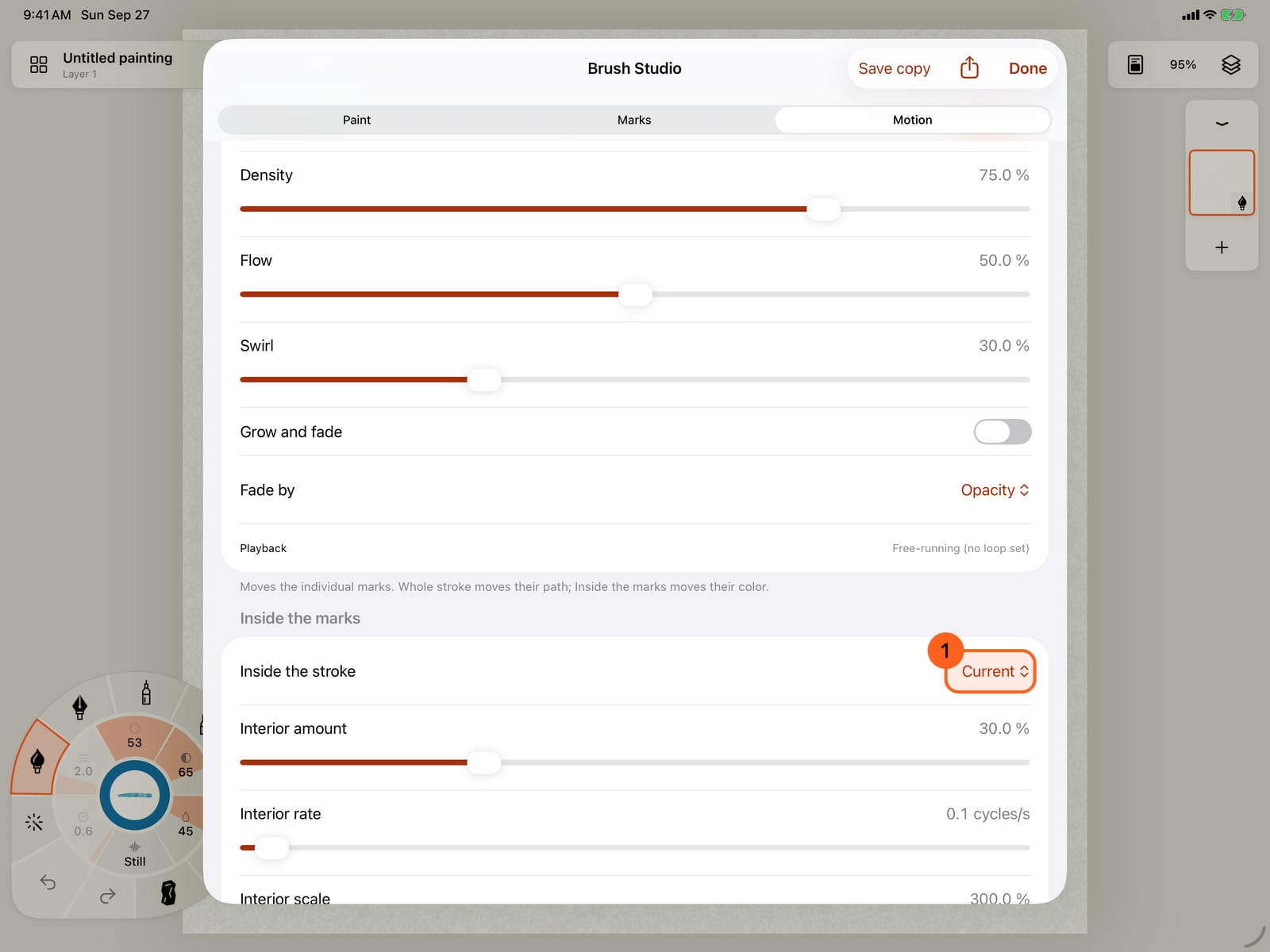
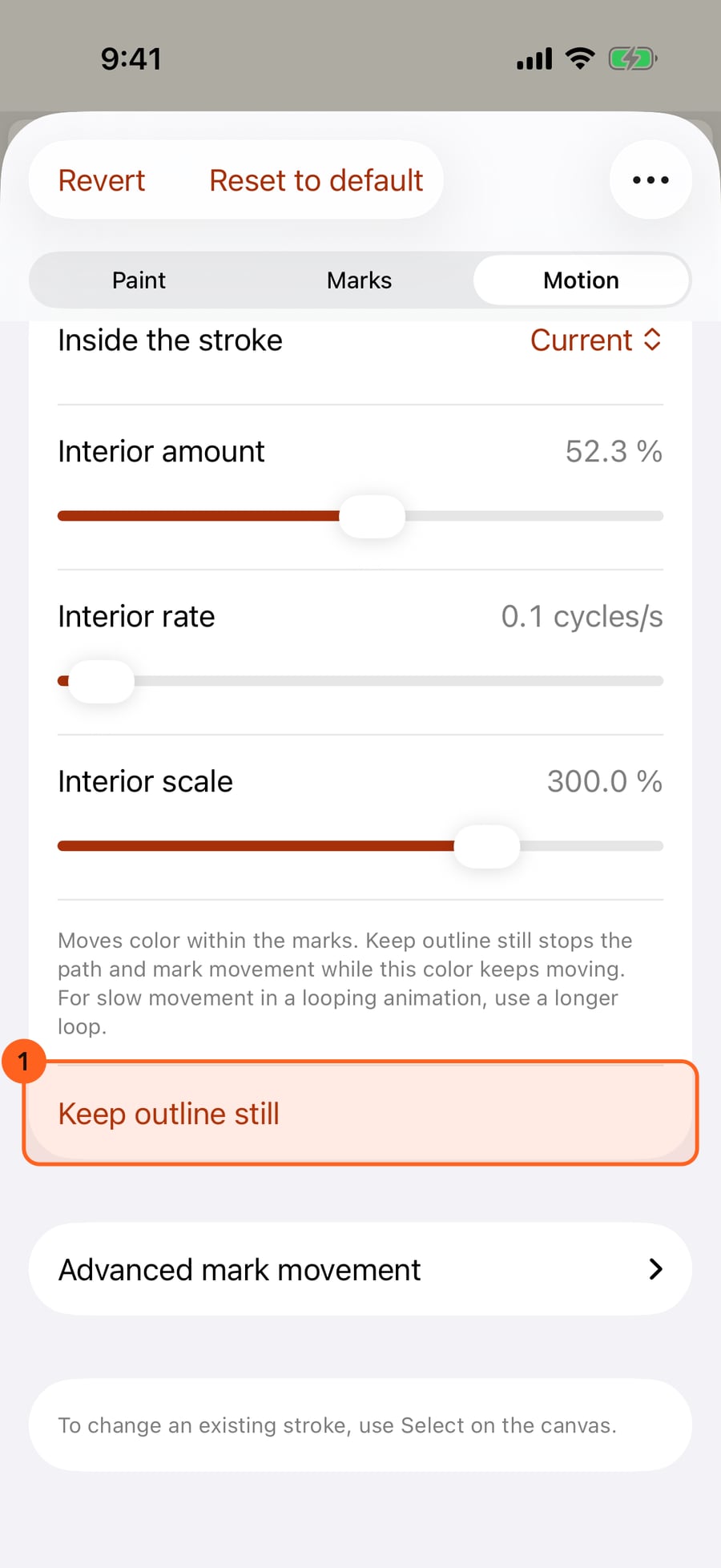
Return to Motion and choose Current inside the marks. Keep outline still stops path and mark movement while the colour keeps moving. Amount controls how visible it is; Rate controls the pace.
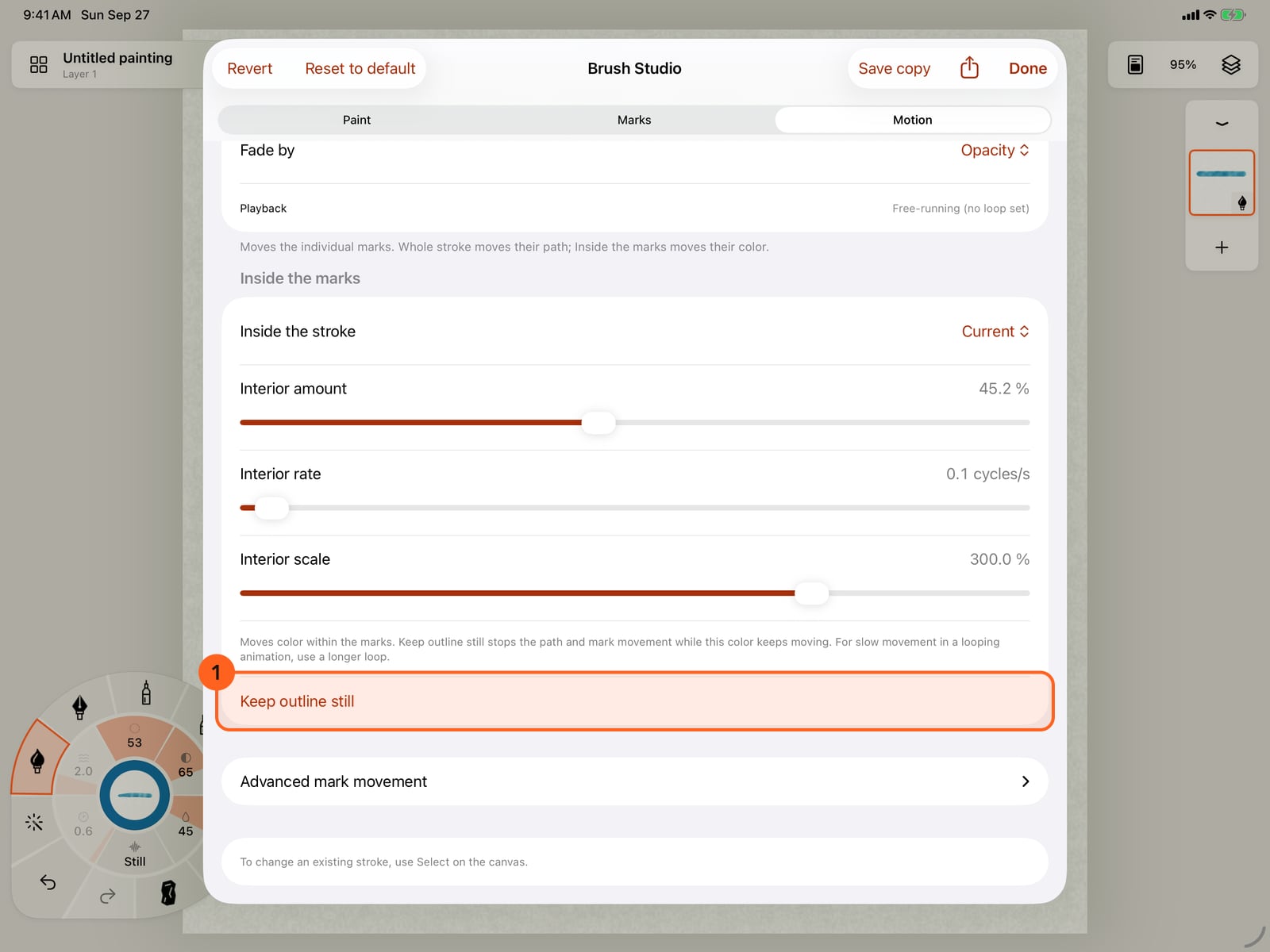
Return to Motion and choose Current inside the marks. Keep outline still stops path and mark movement while the colour keeps moving. Amount controls how visible it is; Rate controls the pace.
Paint below the first wash. Its outline stays put while the colour drifts. Start with a low amount for a quiet effect, and raise it when the movement should be more visible.
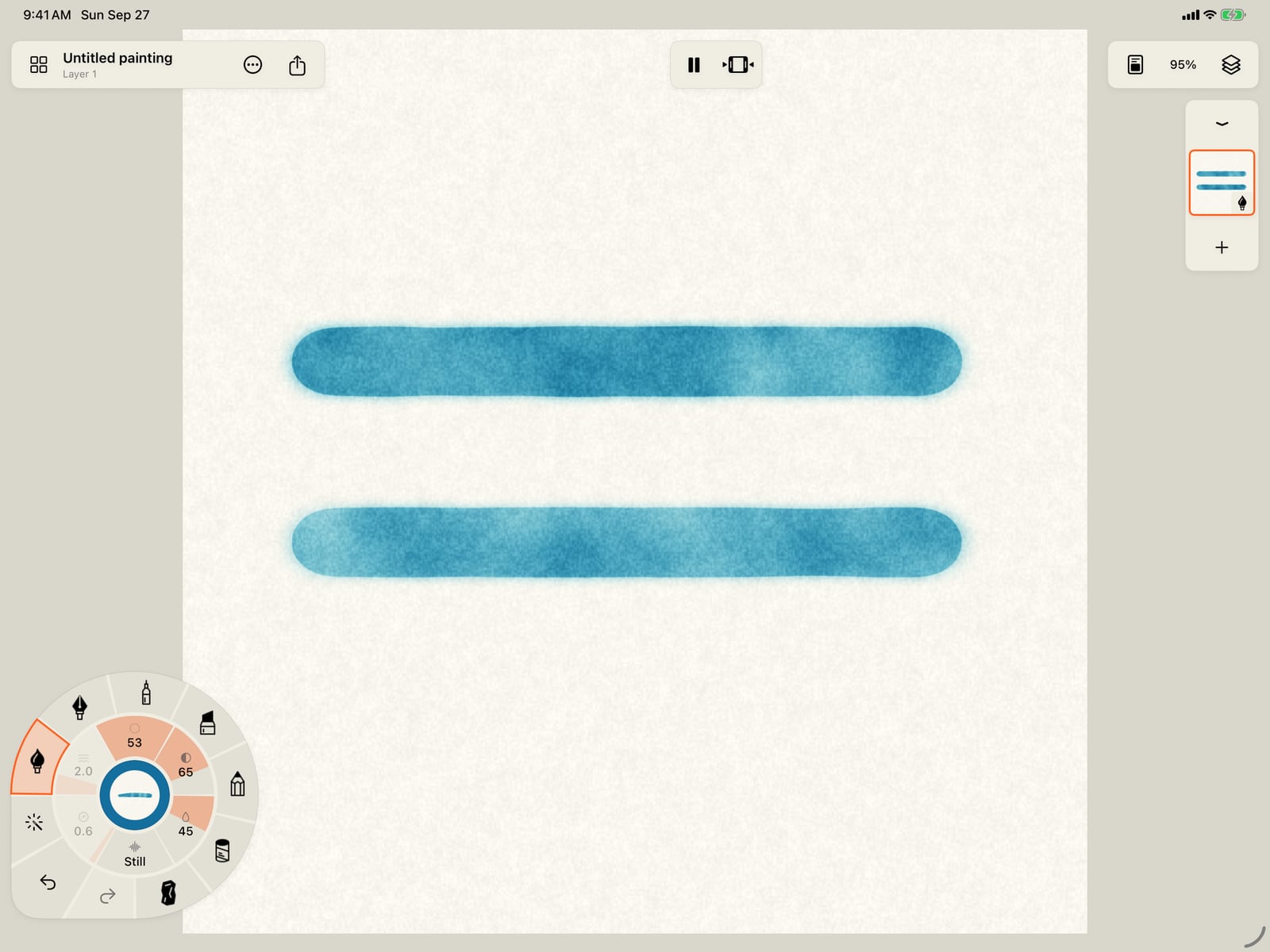
Paint below the first wash. Its outline stays put while the colour drifts. Start with a low amount for a quiet effect, and raise it when the movement should be more visible.
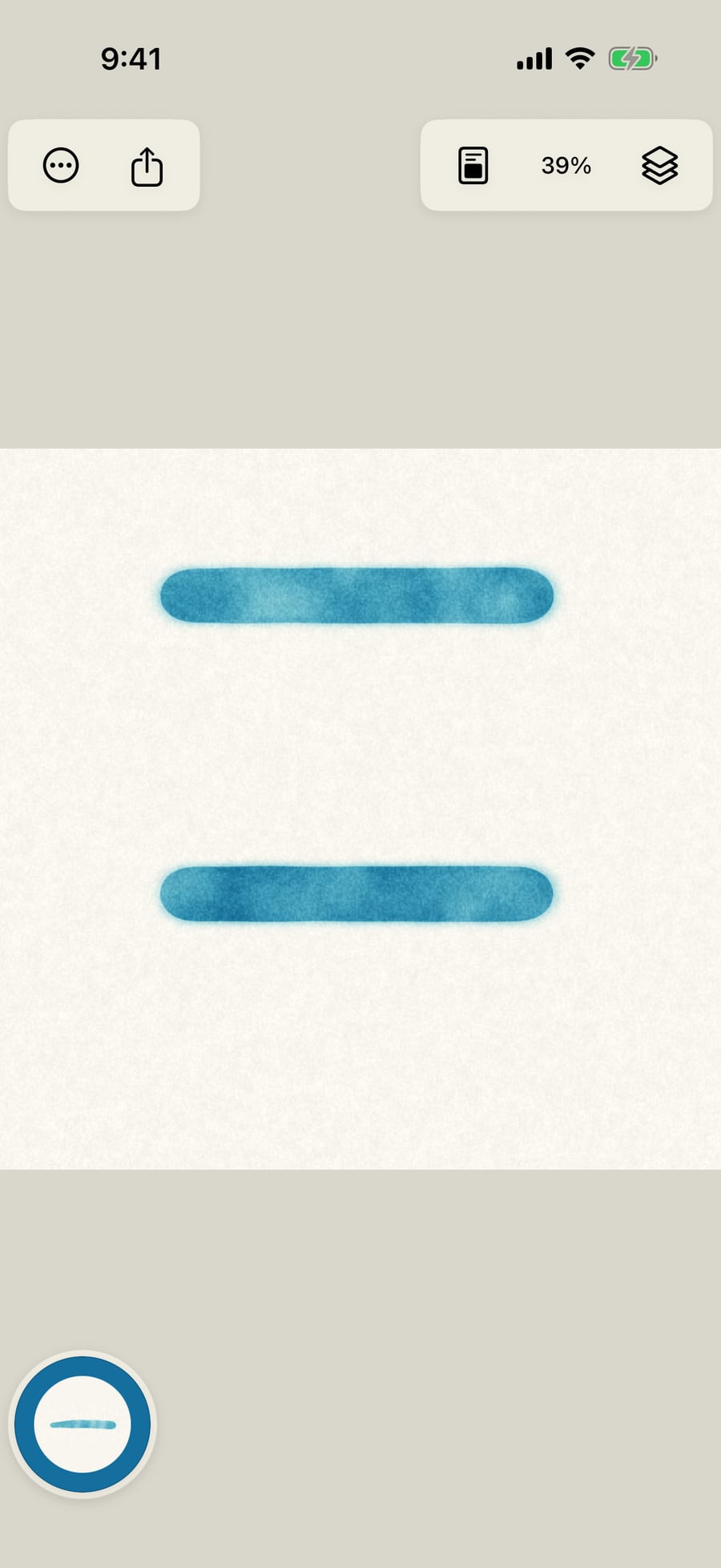
For a quiet, living wash, start with Water Current, Water Ripples, Water Eddies, Wet / Dry Loop or Edge Bloom in the brush library. These use densely joined liquid marks with a soft outline. They work best when the colour moves gently and the outline stays still.
In Brush Studio → Motion → Inside the marks:
| Control | What it does |
|---|---|
| Current | Drifts pigment-like colour bands through the wash. |
| Ripples | Spreads colour in soft rings inside the outline. |
| Eddies | Swirls the interior colour. |
| Wet / Dry | Alternates the wash's wet and dry appearance. It does not reverse physical drying. |
| Edge Bloom | Gently deepens colour along the wash's shared outside edge. |
| Interior amount | Sets the strength. Try roughly 0.2–0.35 for a subtle result. |
| Interior rate | Sets the speed. The presets start around one cycle every 12–20 seconds. |
| Interior scale | Sets the size of the Current, Ripples or Eddies pattern. |
| Keep outline still | Stops whole-stroke motion and holds individual marks, preserving interior movement. |
Still in this section stops the interior only. Stop all animation stops every animation component on the brush. Existing strokes retain their settings; select a stroke to change it later.
A still outline is optional. For a stronger wash, raise the interior amount, turn on Animate marks, or add a Whole stroke motion such as Breathe or Ripple. Local movement and whole-stroke motion can swell or reshape the outline while the interior colour keeps moving.
A looping painting fits interior movement into its loop. For a slow wash, use a longer duration in Actions → Playback → Animation settings. These are appearance effects inside compatible marks, separate from physical pigment transport and from the layer's Current, which moves the wash itself. Ordinary Line brushes do not yet have these interior controls.
Pro: Current and Ripples are Free. Eddies, Wet / Dry and Edge Bloom are included with Pro.
Something not behaving as expected?
Visit support or write to [email protected].