

Guides / Selecting and drawing aids
Guides, ruler and flipped view
Draw along an ellipse or French curve, in 1- to 6-point perspective or on a grid, with the ruler, and check your painting flipped.
Tap the canvas menu in the top bar, then Guides. There are shapes to draw against, perspective, and grids.
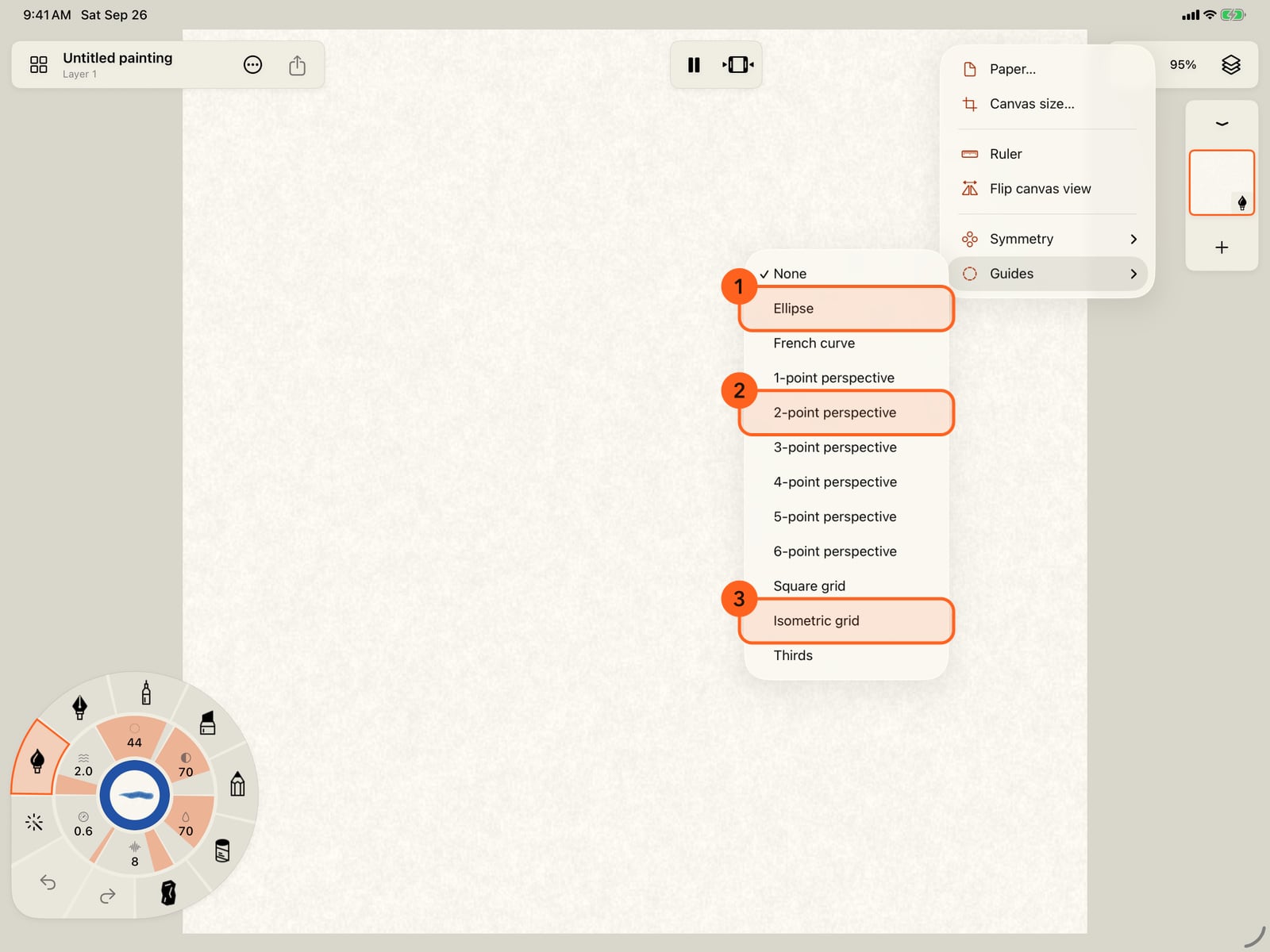
Tap the canvas menu in the top bar, then Guides. There are shapes to draw against, perspective, and grids.
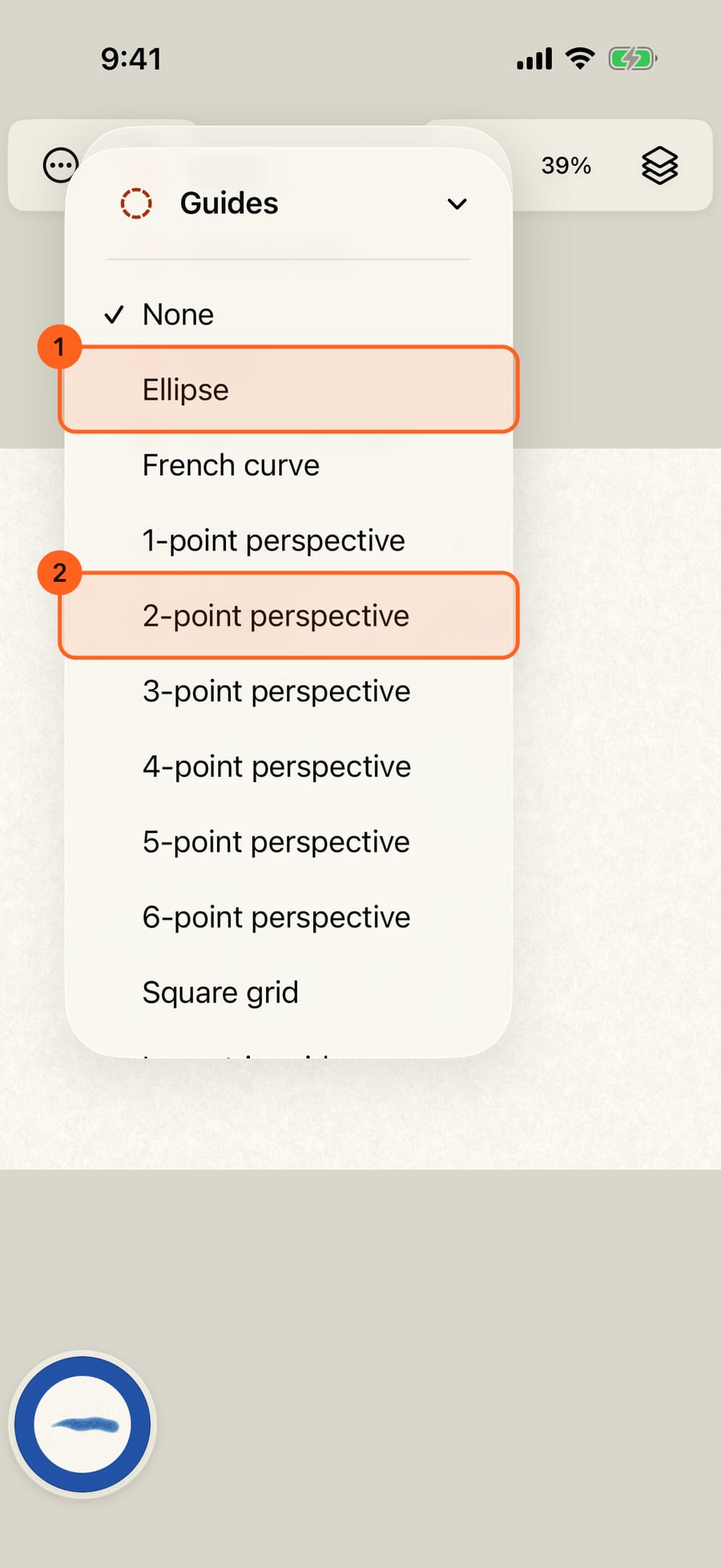
Click the canvas menu in the top bar, then Guides. There are shapes to draw against, perspective, and grids.
Choose Ellipse. It's placed in the middle of the page, ready to move. Drag, pinch and twist it, and set its Roundness. All the way up makes a circle.
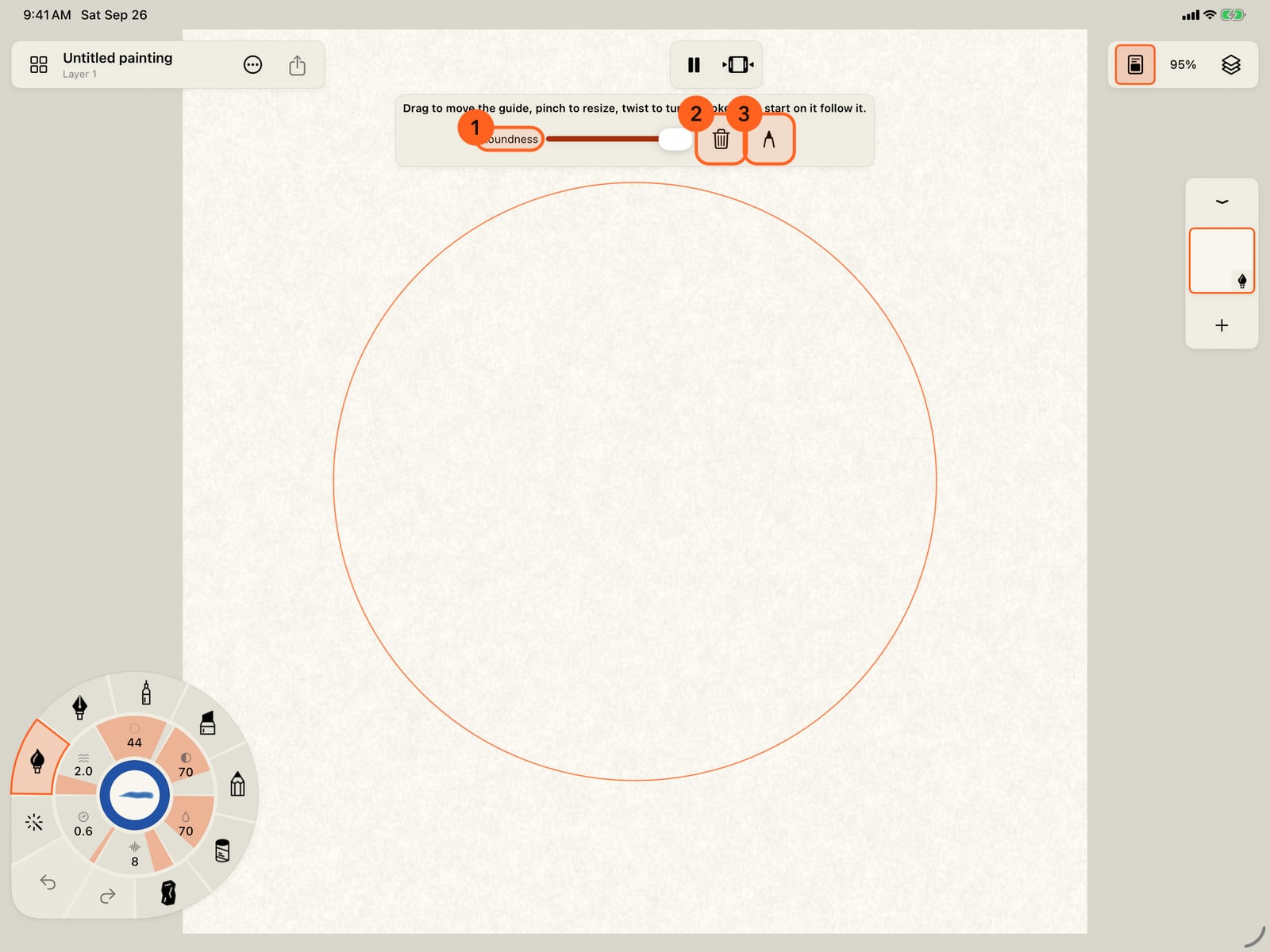
Choose Ellipse. It's placed in the middle of the page, ready to move. Drag, pinch and twist it, and set its Roundness. All the way up makes a circle.
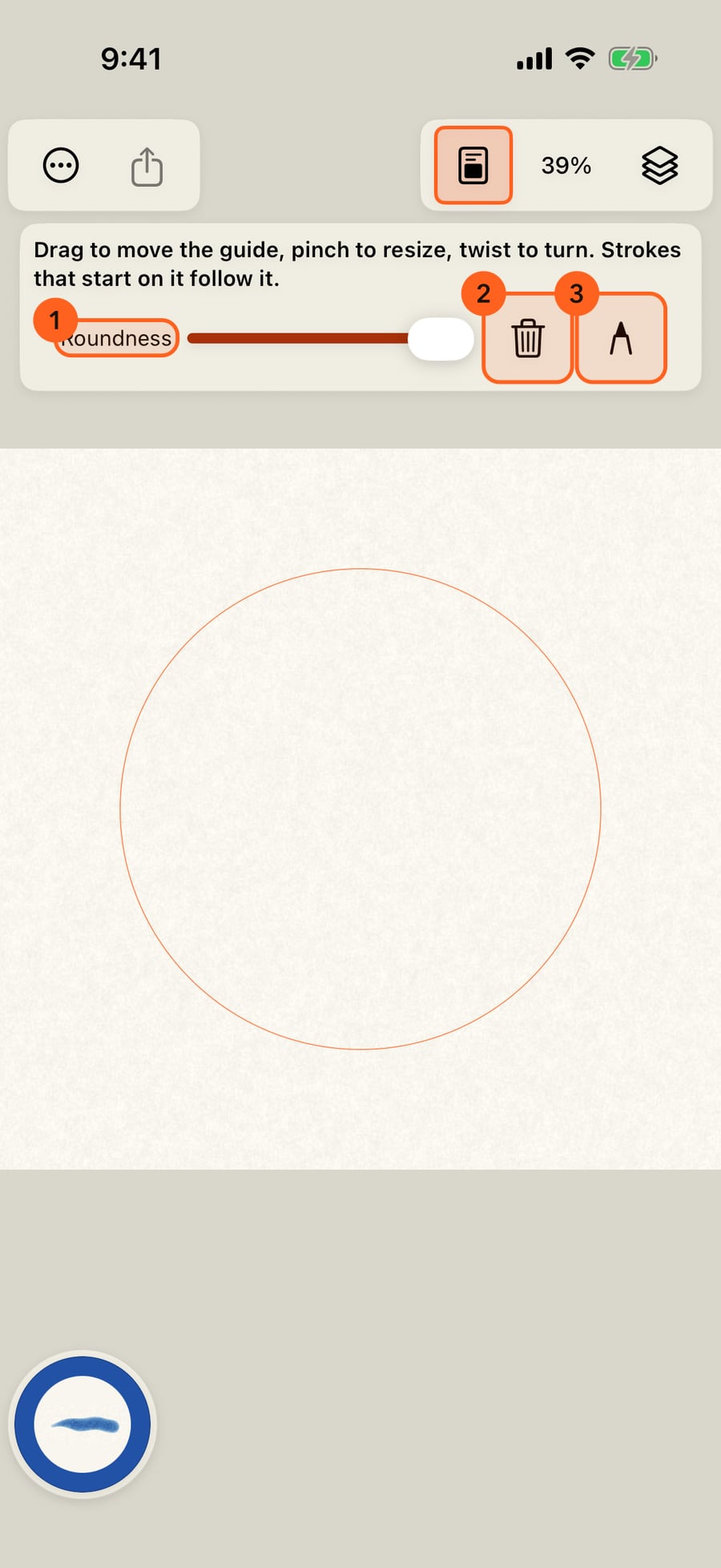
Tap the pencil to draw. A stroke that starts on the guide is laid along it, so a quick straight flick becomes a clean arc.
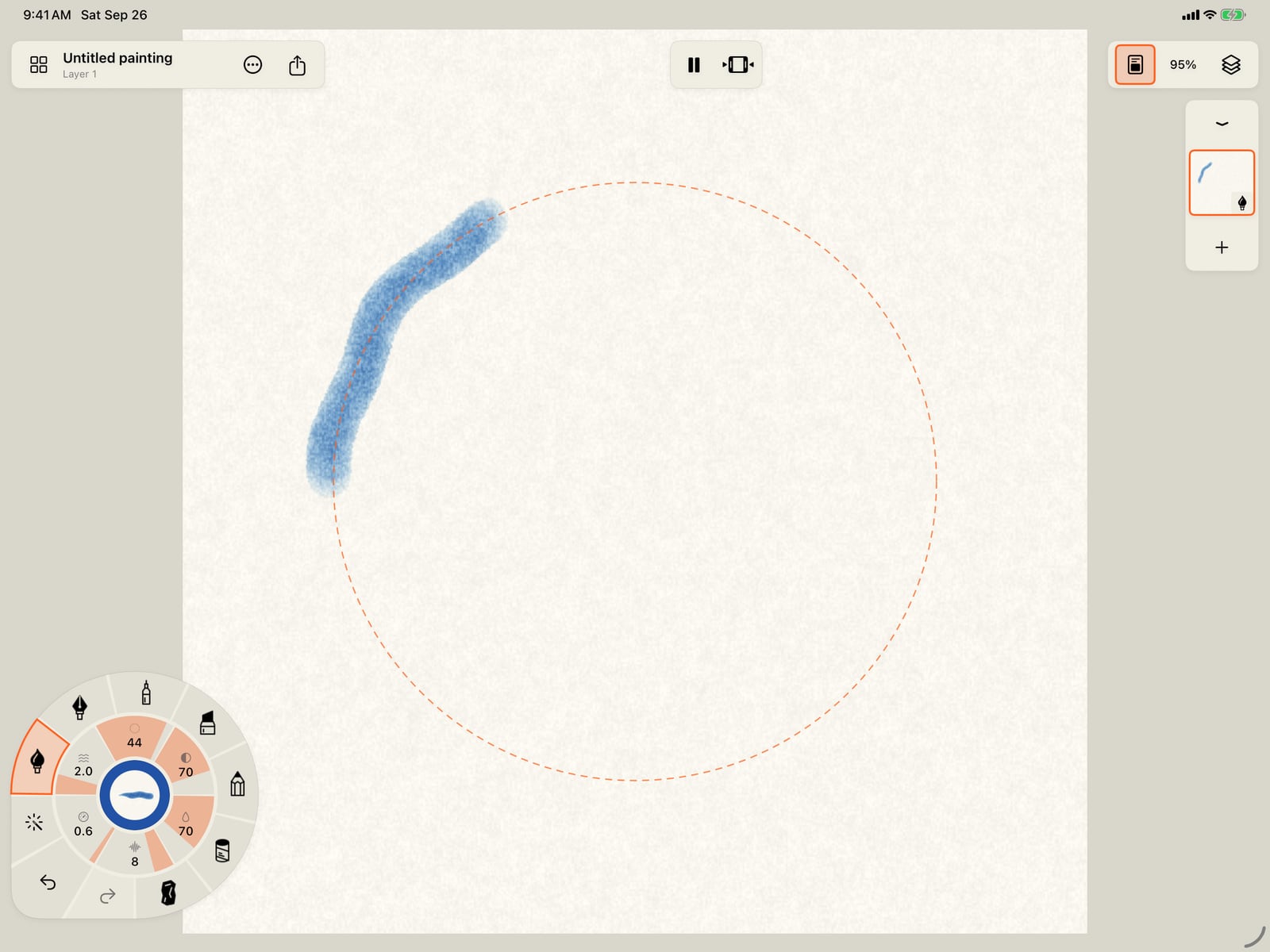
Tap the pencil to draw. A stroke that starts on the guide is laid along it, so a quick straight flick becomes a clean arc.
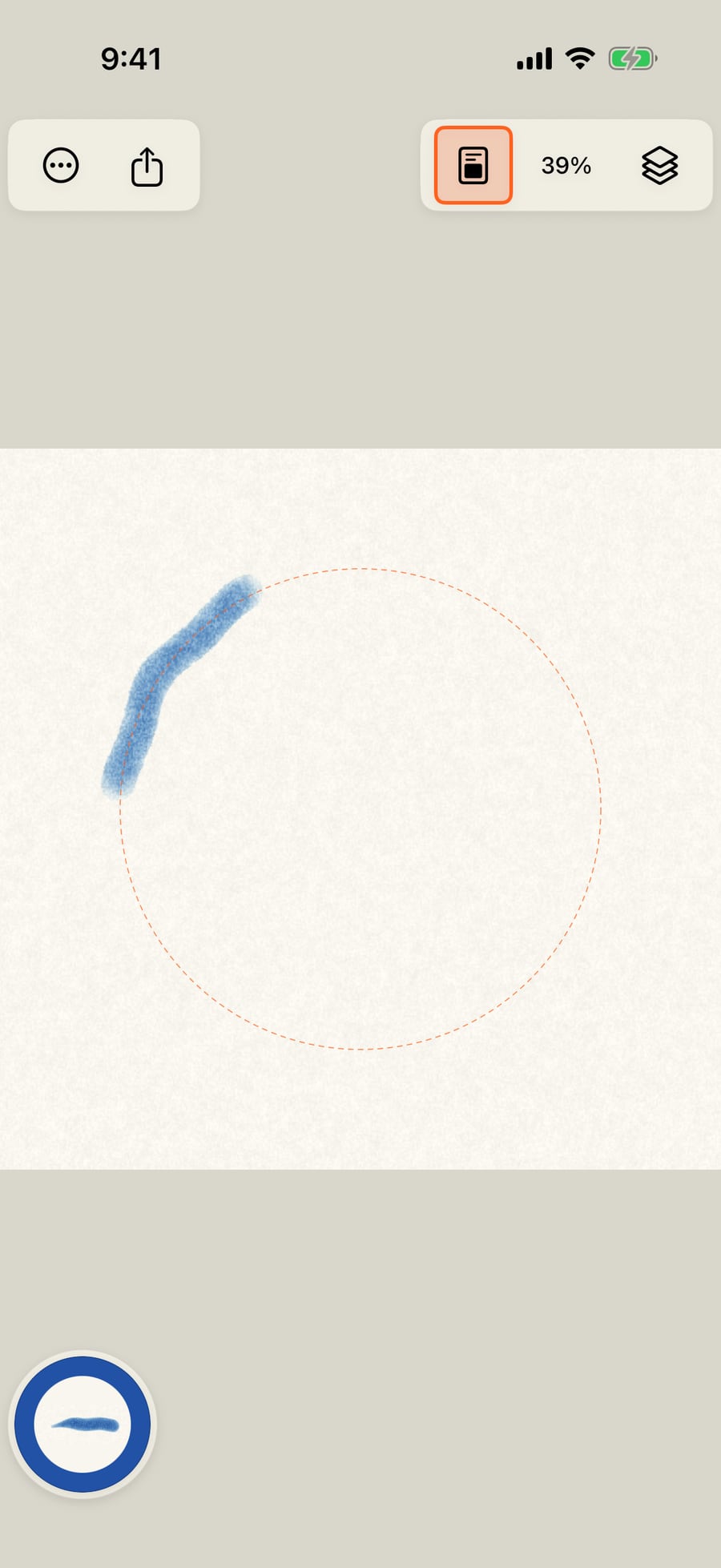
Click the pencil to draw. A stroke that starts on the guide is laid along it, so a quick straight flick becomes a clean arc.
Choose 2-point perspective, tap the pencil, and draw a straight line. It turns to run toward the nearest vanishing point.
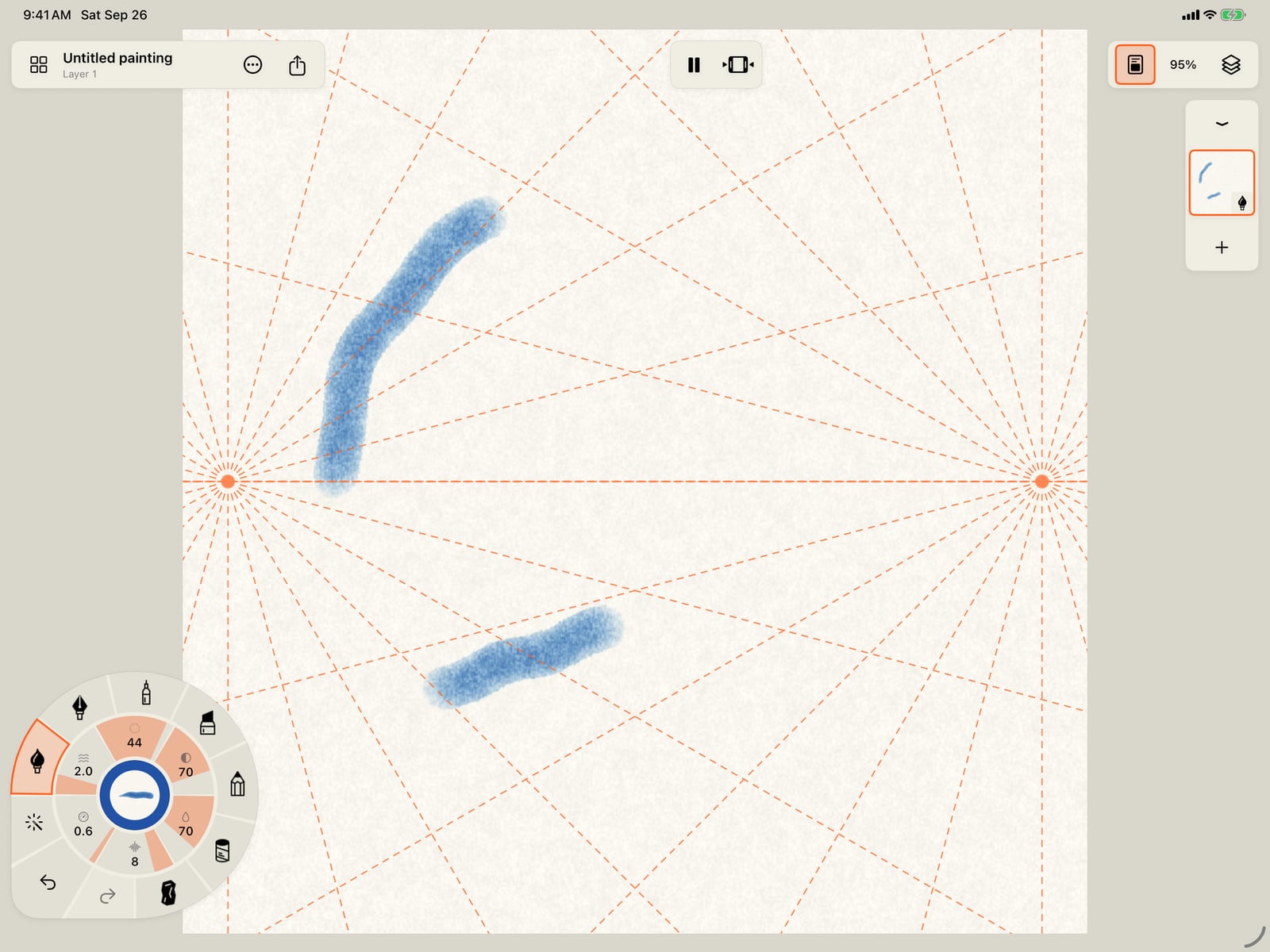
Choose 2-point perspective, tap the pencil, and draw a straight line. It turns to run toward the nearest vanishing point.
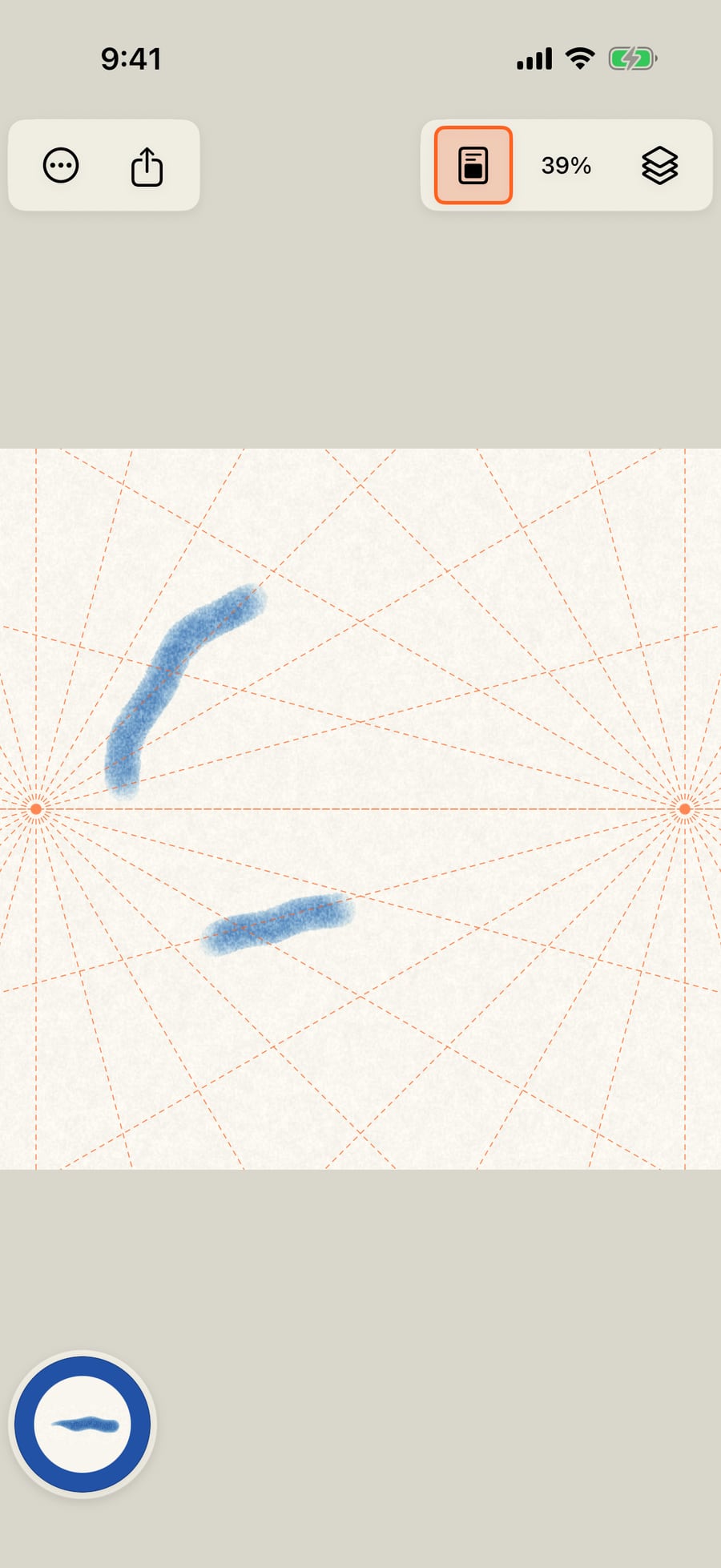
Choose 2-point perspective, click the pencil, and draw a straight line. It turns to run toward the nearest vanishing point.
The Isometric grid works the same way. A straight stroke turns to the nearest of the grid's three directions.
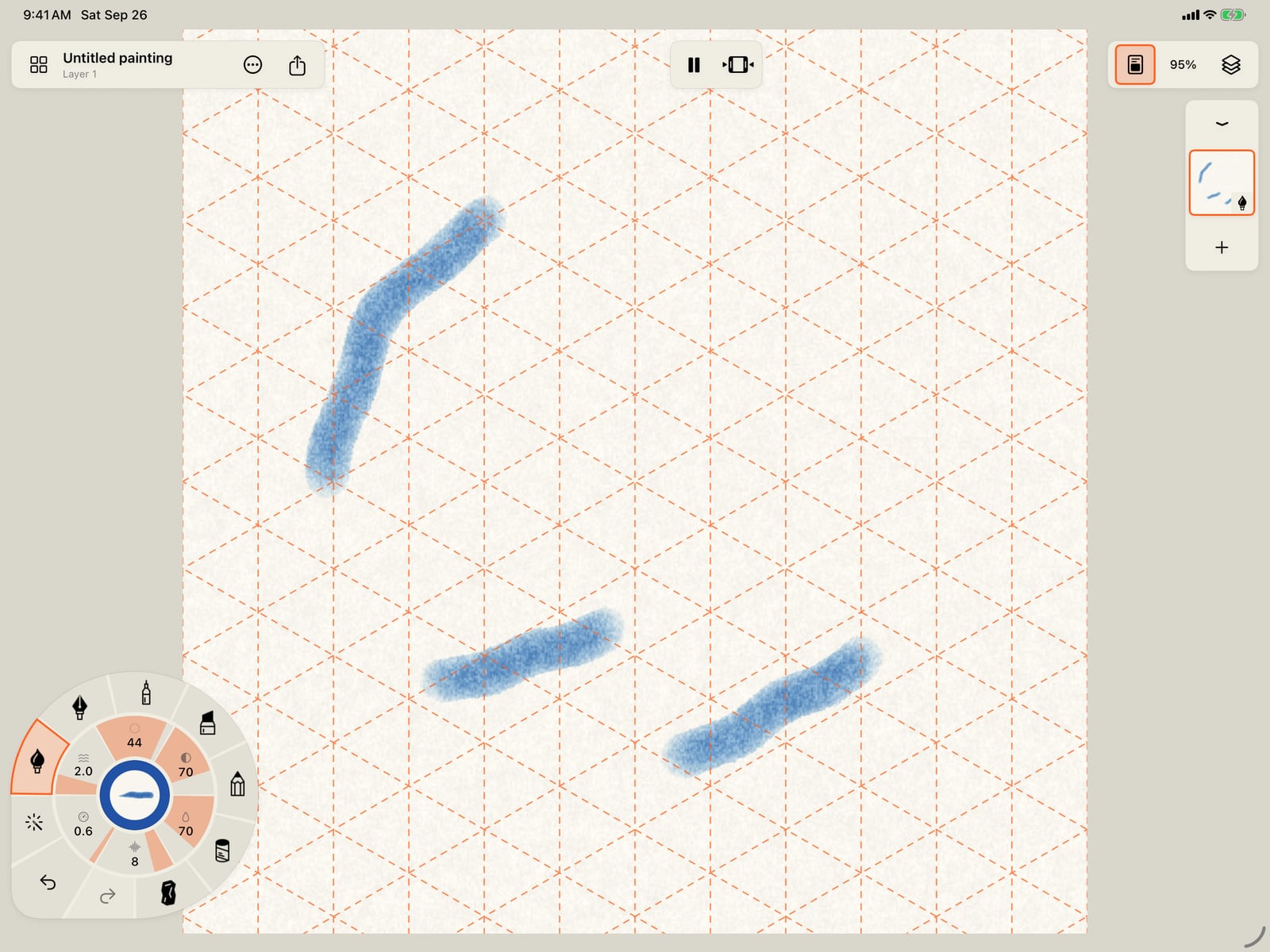
The Isometric grid works the same way. A straight stroke turns to the nearest of the grid's three directions.
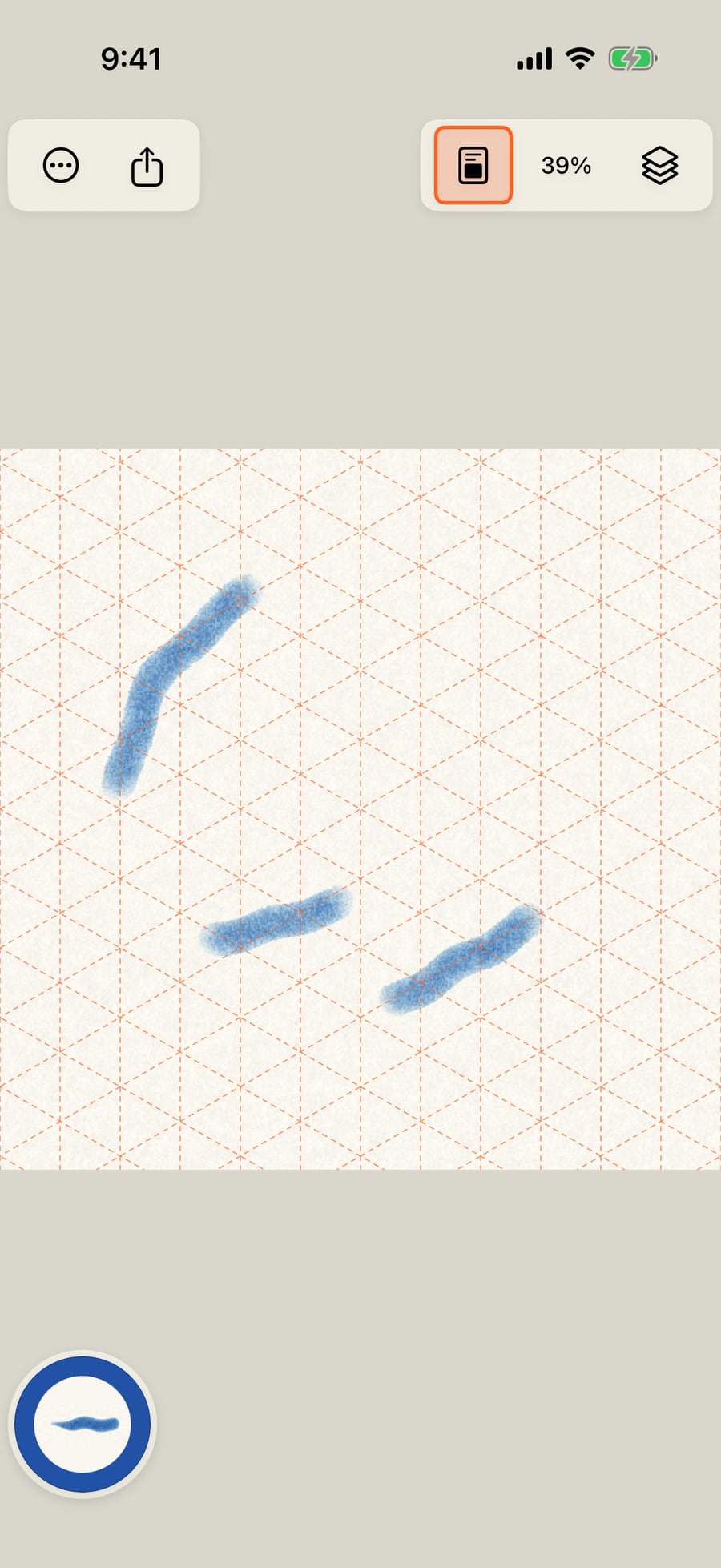
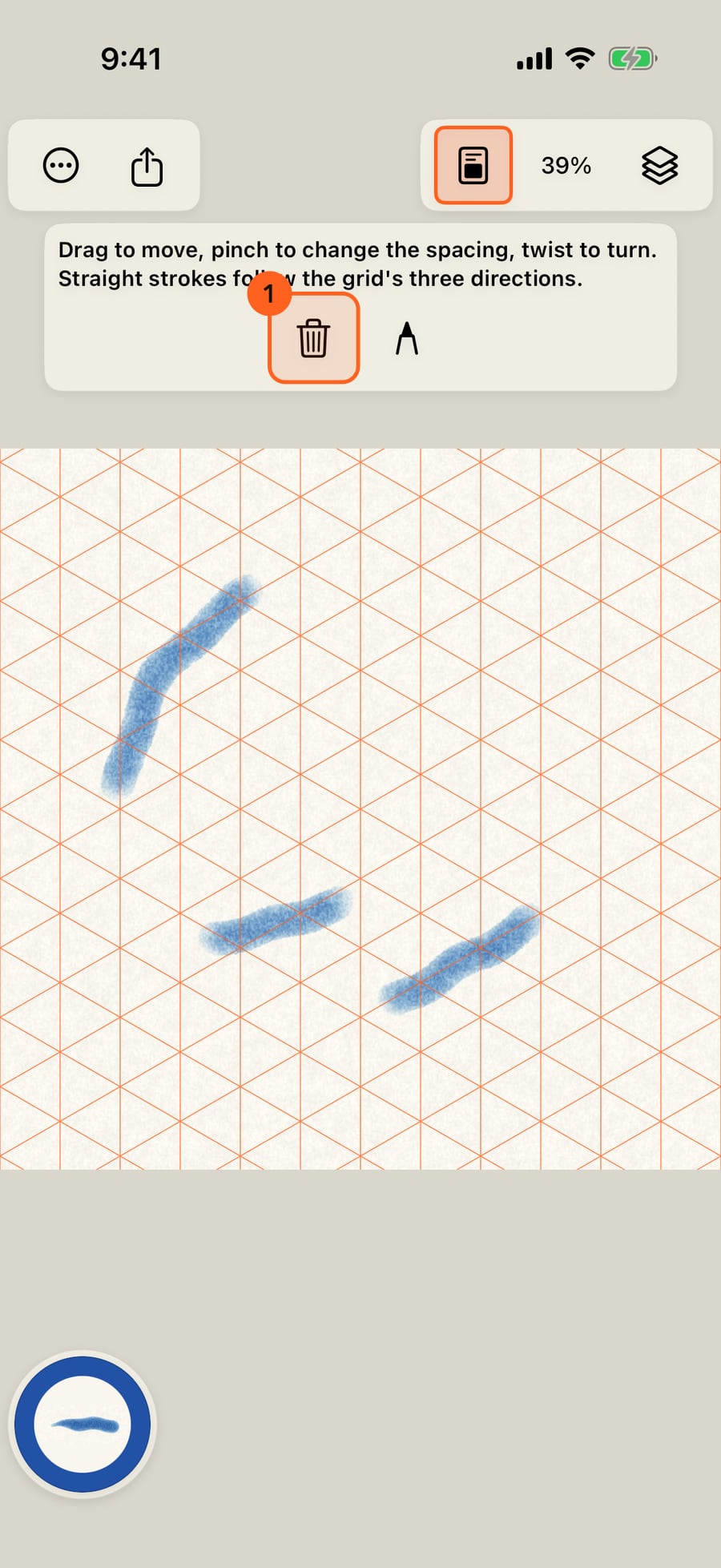
To change a guide later, choose Move guide under Guides. The bar's bin removes the guide altogether.
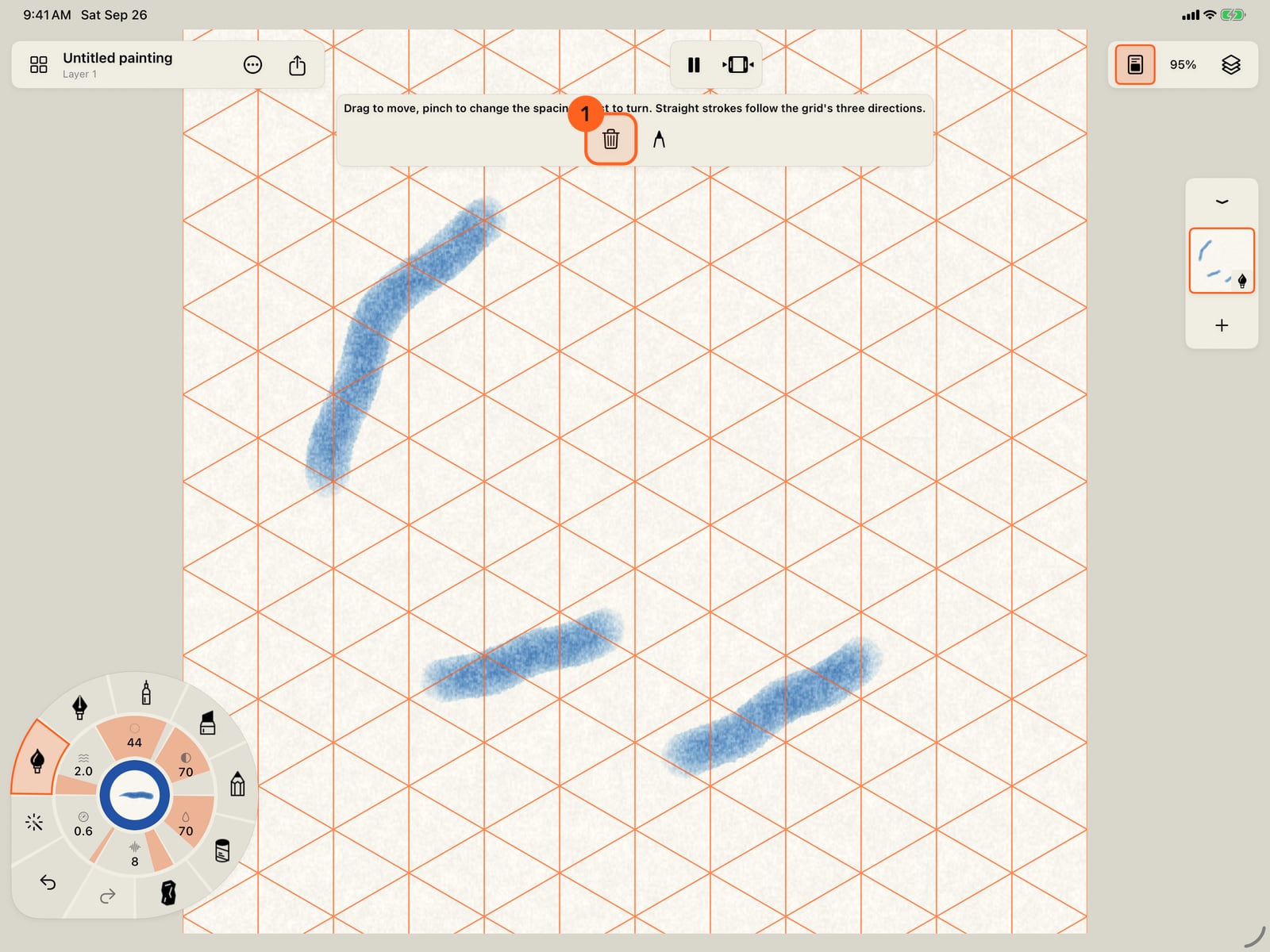
To change a guide later, choose Move guide under Guides. The bar's bin removes the guide altogether.
The same menu has the Ruler, and Flip canvas view, which mirrors your view of the painting to show it with fresh eyes.
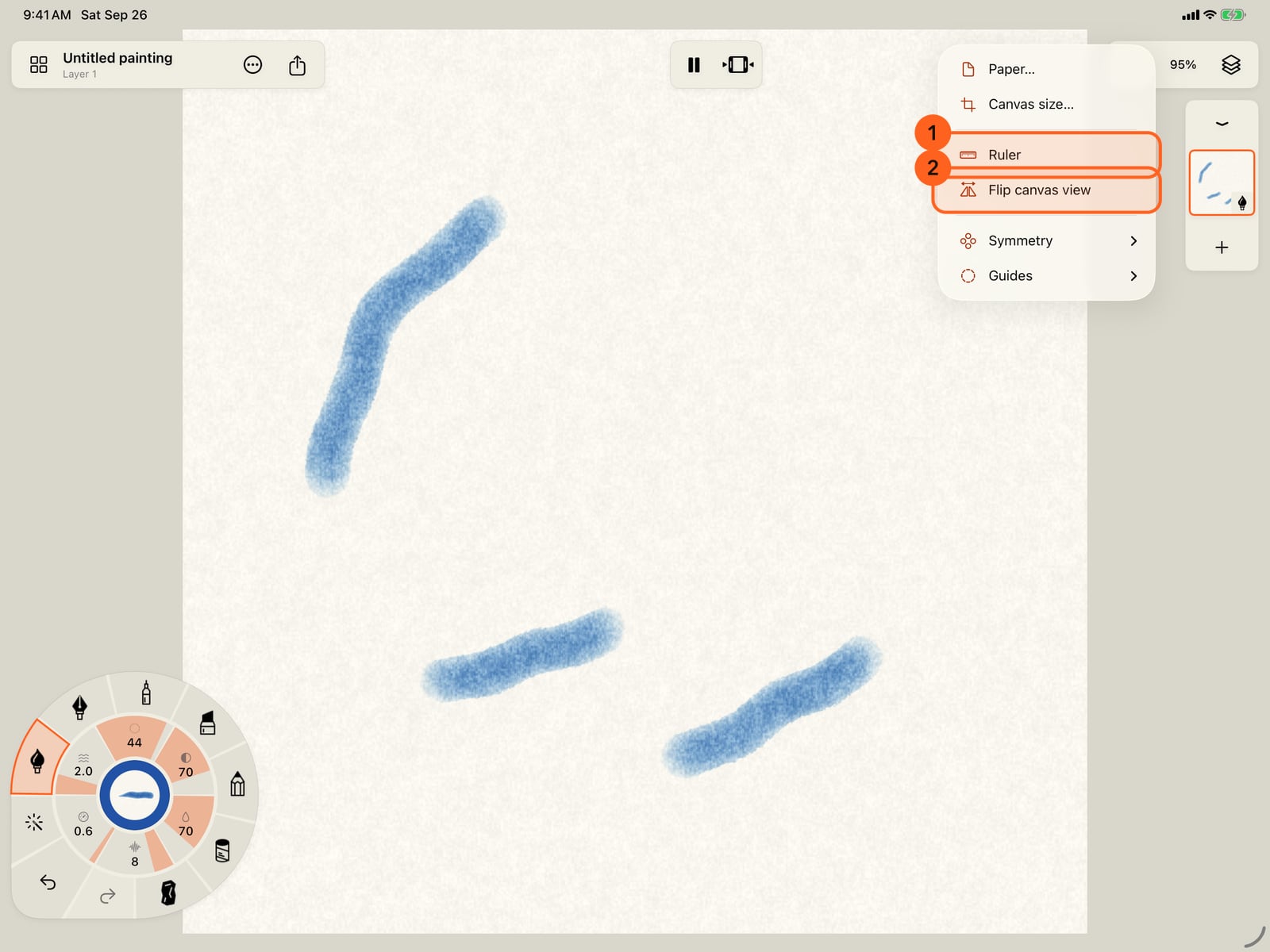
The same menu has the Ruler, and Flip canvas view, which mirrors your view of the painting to show it with fresh eyes.
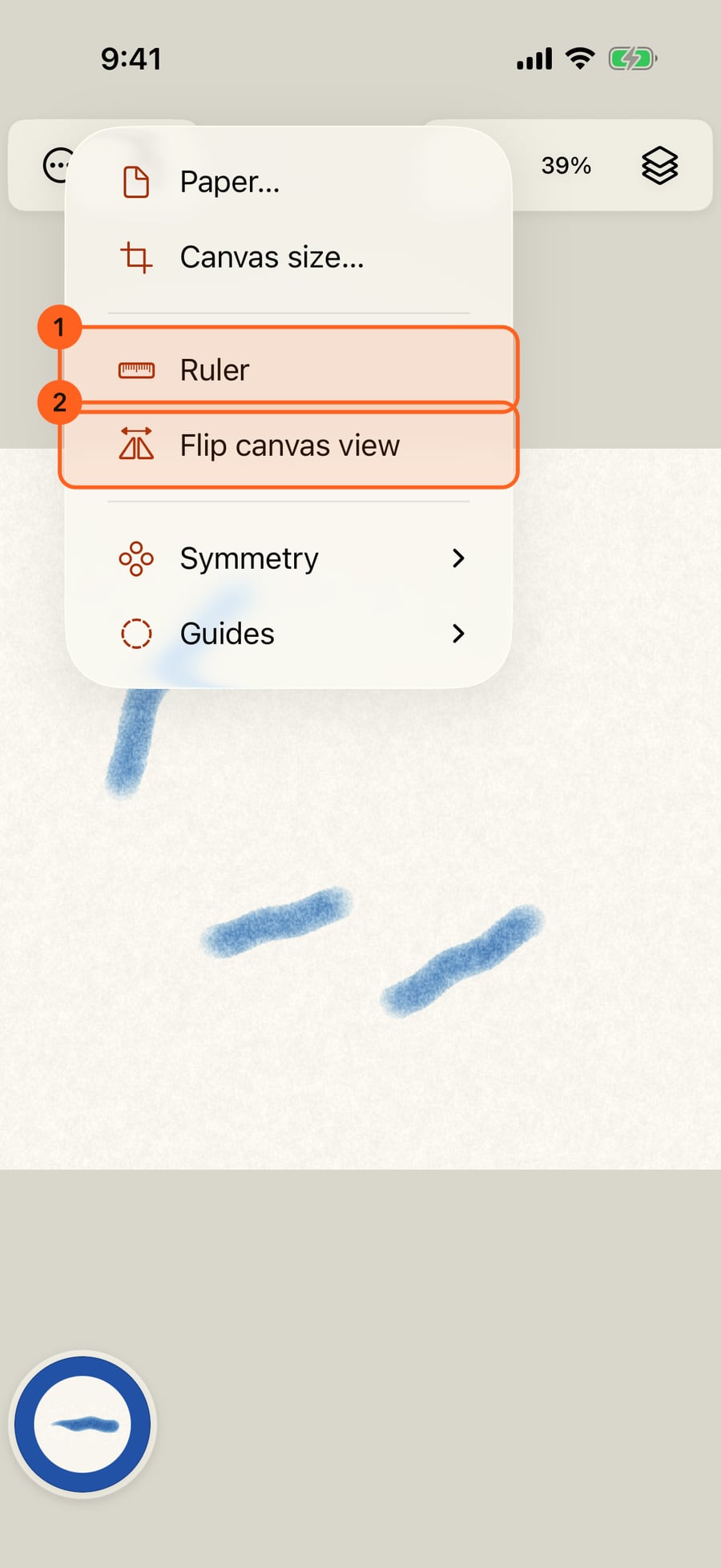
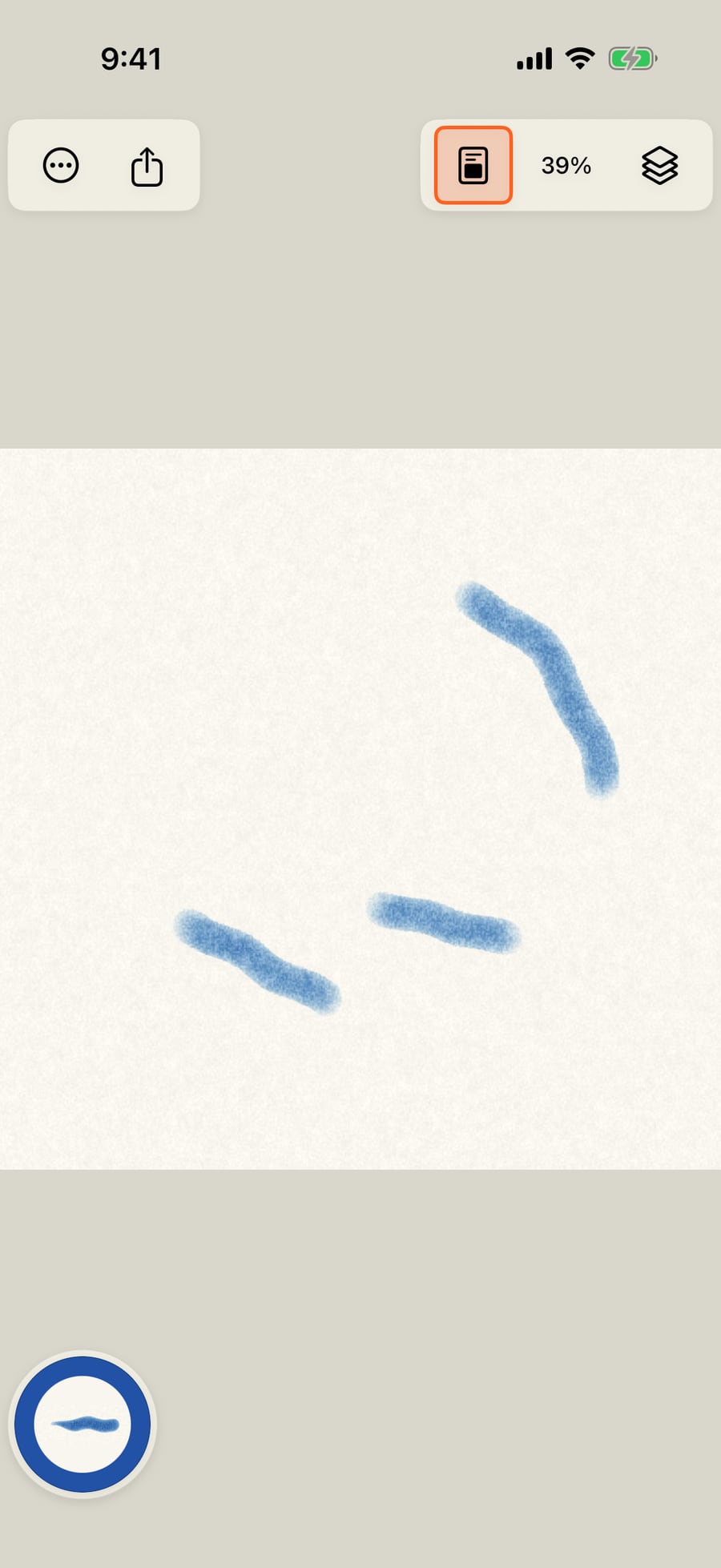
Choose Flip canvas view. Only your view is mirrored, and you can keep painting. Choose it again to turn it back.
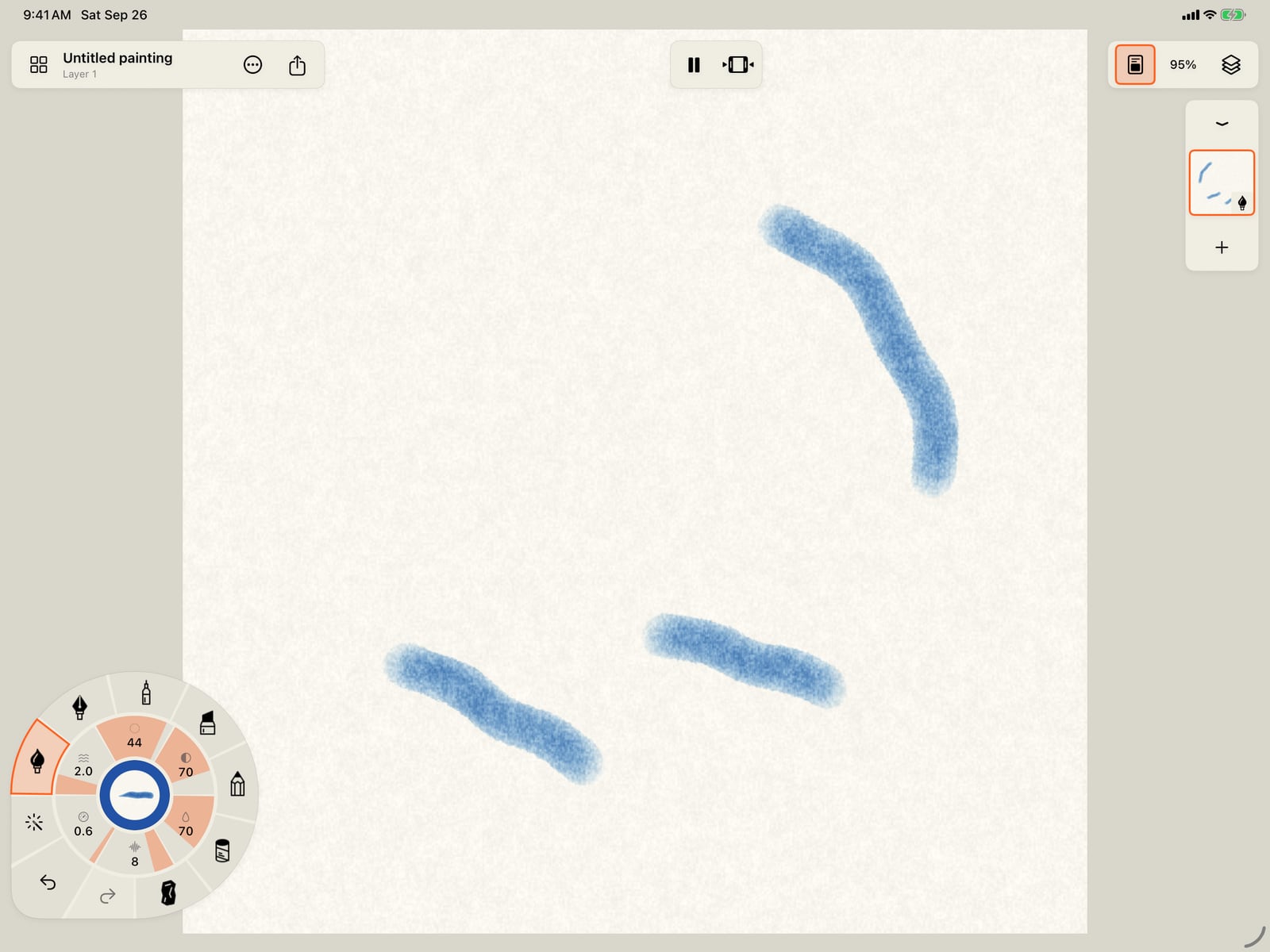
Choose Flip canvas view. Only your view is mirrored, and you can keep painting. Choose it again to turn it back.
Guides
Canvas menu (the page icon in the top bar) → Guides. Choosing a guide places it in the middle of the page and opens the guide bar, so you can move it before you draw. Only one guide is on the page at a time.
| Guide | What it does |
|---|---|
| Ellipse 1 | An ellipse template. A stroke that starts on its edge is laid along it. Roundness sets the short axis against the long one; all the way up is a circle. |
| French curve | A curve template of changing radius, used the same way. |
| 1-point perspective | One vanishing point. Straight strokes run toward it, or stay horizontal or vertical. |
| 2-point perspective 2 | Two vanishing points on the horizon. Straight strokes run toward either one, or stay vertical. |
| 3-point perspective | A third vanishing point below the horizon, for tall things seen from above or below. Every straight stroke runs toward one of the three. |
| 4-, 5- and 6-point perspective | Curvilinear perspective around a sphere of vision: lines bend into arcs. 5-point adds the point straight ahead; 6-point adds the one behind you, as the outer ring. |
| Square grid | A grid of squares to measure by. Strokes stay free. |
| Isometric grid 3 | Straight strokes follow the grid's three directions. |
| Thirds | The page in thirds, for composition. Strokes stay free. |
| None | Takes the guide away. |
How strokes follow: with a shape, a stroke that starts close to the edge is laid along it, like a pencil run against a template. With perspective and the isometric grid, a straight stroke within about 25° of a guide line is turned onto it; curves and strokes that match no line stay free.
The guide bar
The bar appears while a guide is being placed, and says what the gestures do for that guide.
| Gesture or control | What it does |
|---|---|
| Drag | Moves the guide. In 1- to 3-point perspective, drag a vanishing point to move it on its own. In 4- to 6-point, drag a point on the rim to resize and turn the sphere. |
| Pinch | Resizes the guide, spreads the vanishing points, or changes the grid's spacing. |
| Twist | Turns the guide, or tilts the horizon. |
| Roundness | Ellipse only. |
| Remove guide (bin) | Takes the guide off the page. |
| Return to drawing (pencil) | Keeps the guide and goes back to painting. |
While the bar is up, touches move the guide and draw nothing. To move a guide later, choose Move guide in the Guides menu.
Guides are shown as dashed orange lines and aren't part of the painting: they aren't exported, and they aren't saved with the painting.
Ruler
Canvas menu → Ruler puts the system ruler on the page. Move and turn it with your fingers, then draw along its edge for a straight line. Choose Ruler again to put it away.
Flip canvas view
Canvas menu → Flip canvas view mirrors your view of the painting left to right, a painter's trick for spotting what's off in a composition. The painting itself isn't changed: you can paint, zoom and undo as usual, and exports come out the right way round. Choose it again to flip back.
On the Mac, drag guides with the pointer, and pinch and rotate on a trackpad to resize and turn them.
Something not behaving as expected?
Visit support or write to [email protected].