

Guides / Motion and animation
Combine motions
Stack several motions on one brush, so a single stroke can wave and bounce at once.
Tap Motion on the stroke wheel. Every motion unfolds around it as a moving stroke.
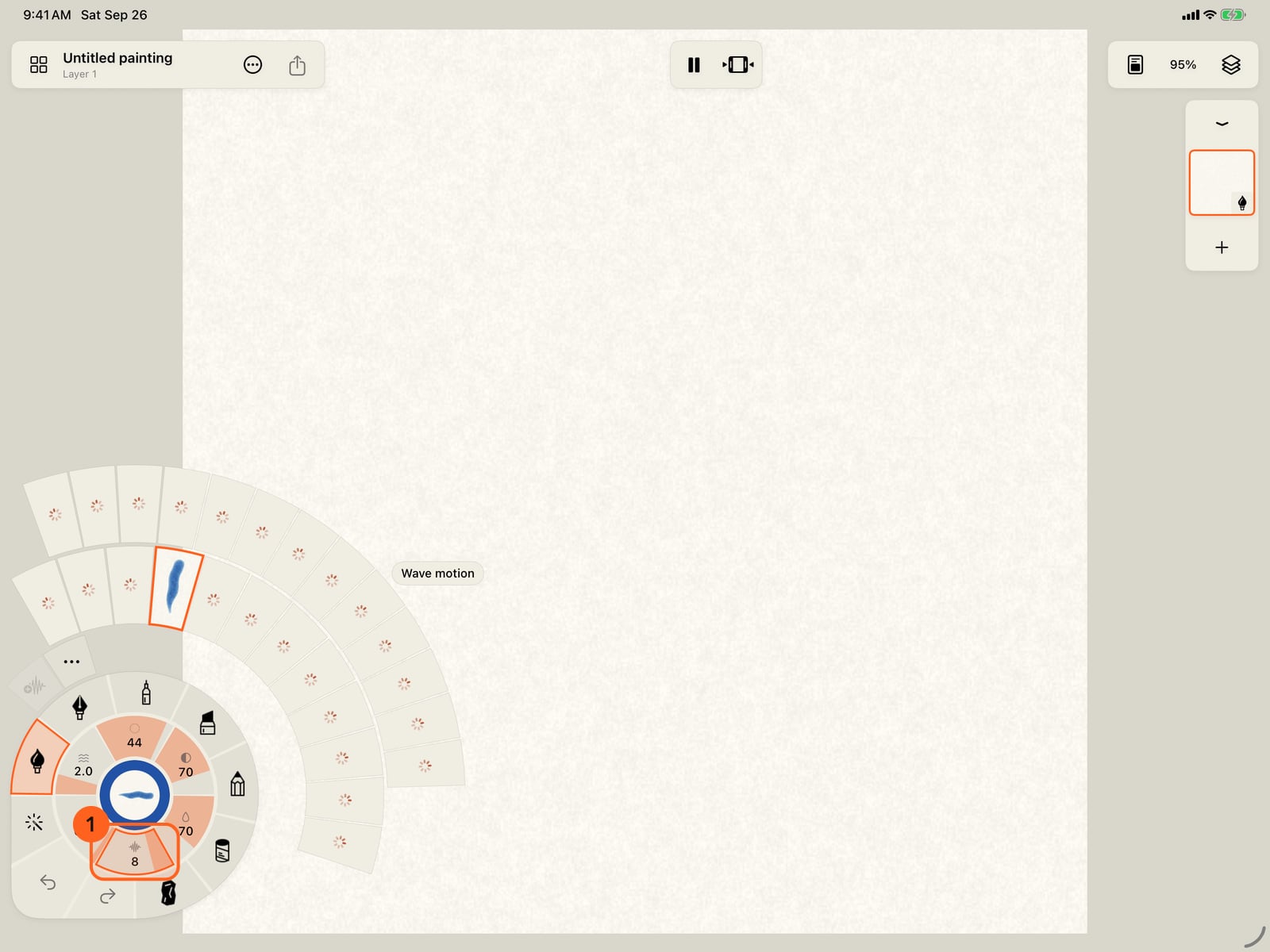
Tap Motion on the stroke wheel. Every motion unfolds around it as a moving stroke.
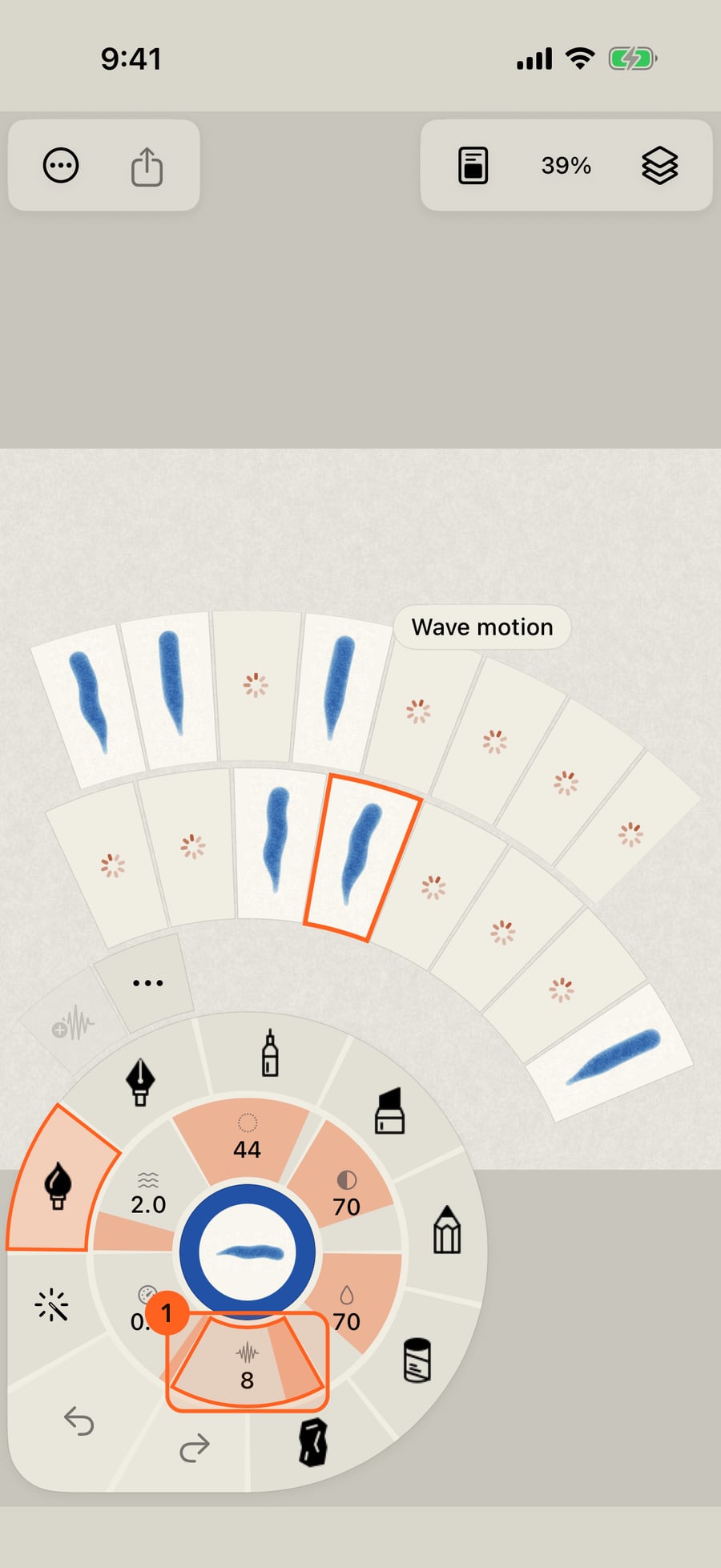
Click Motion on the stroke wheel. Every motion unfolds around it as a moving stroke.
Choose a base motion. Here, Wave.
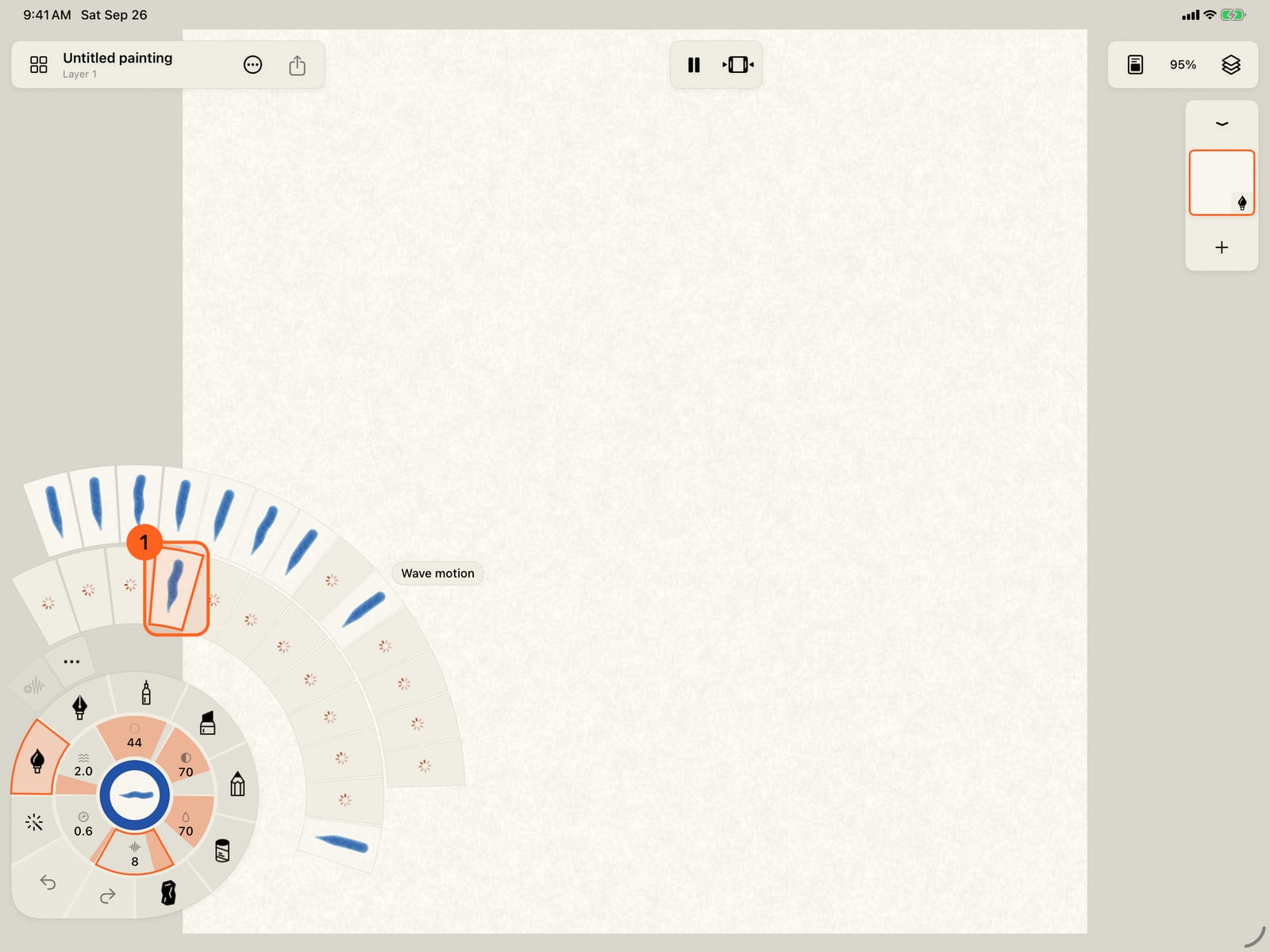
Choose a base motion. Here, Wave.
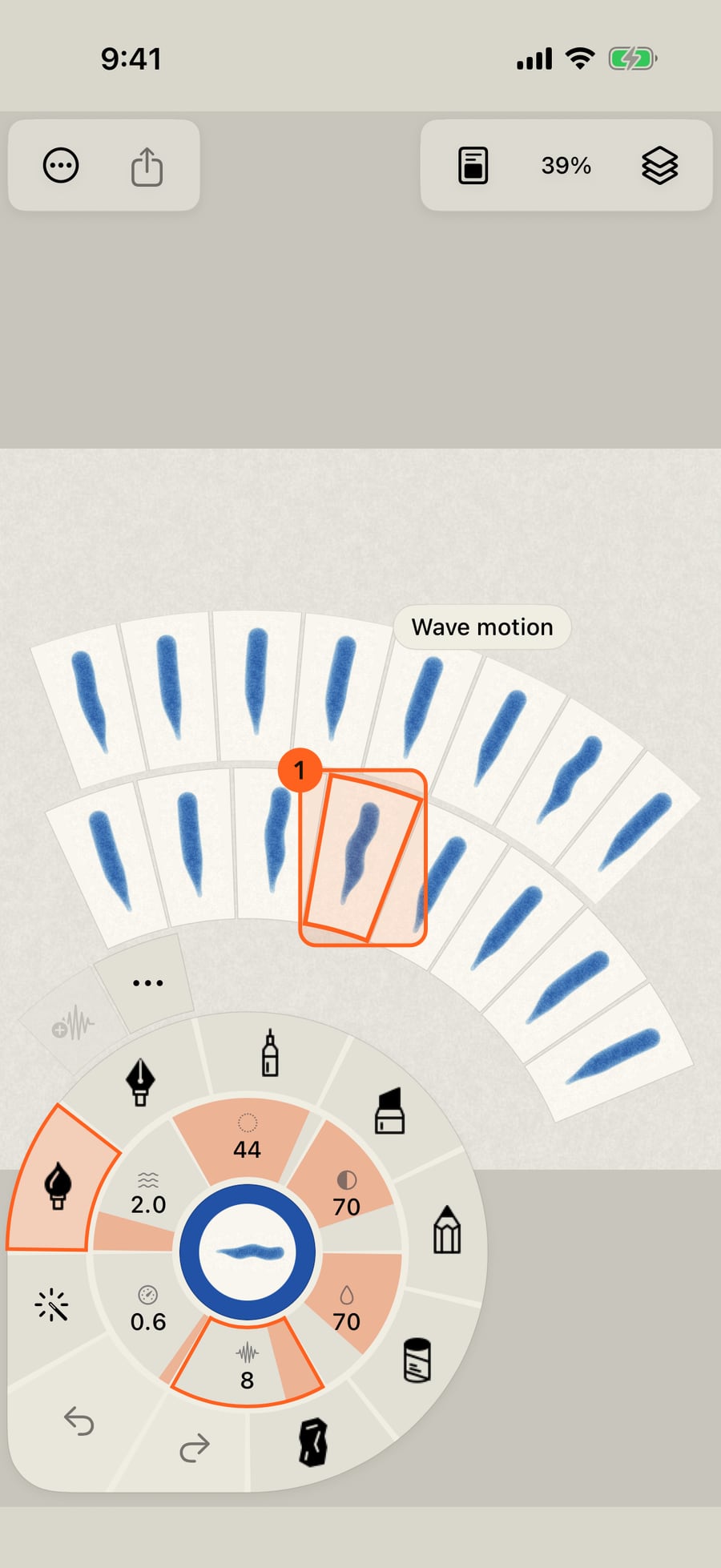
First, paint a stroke with Wave alone, to compare. It ripples along its length.
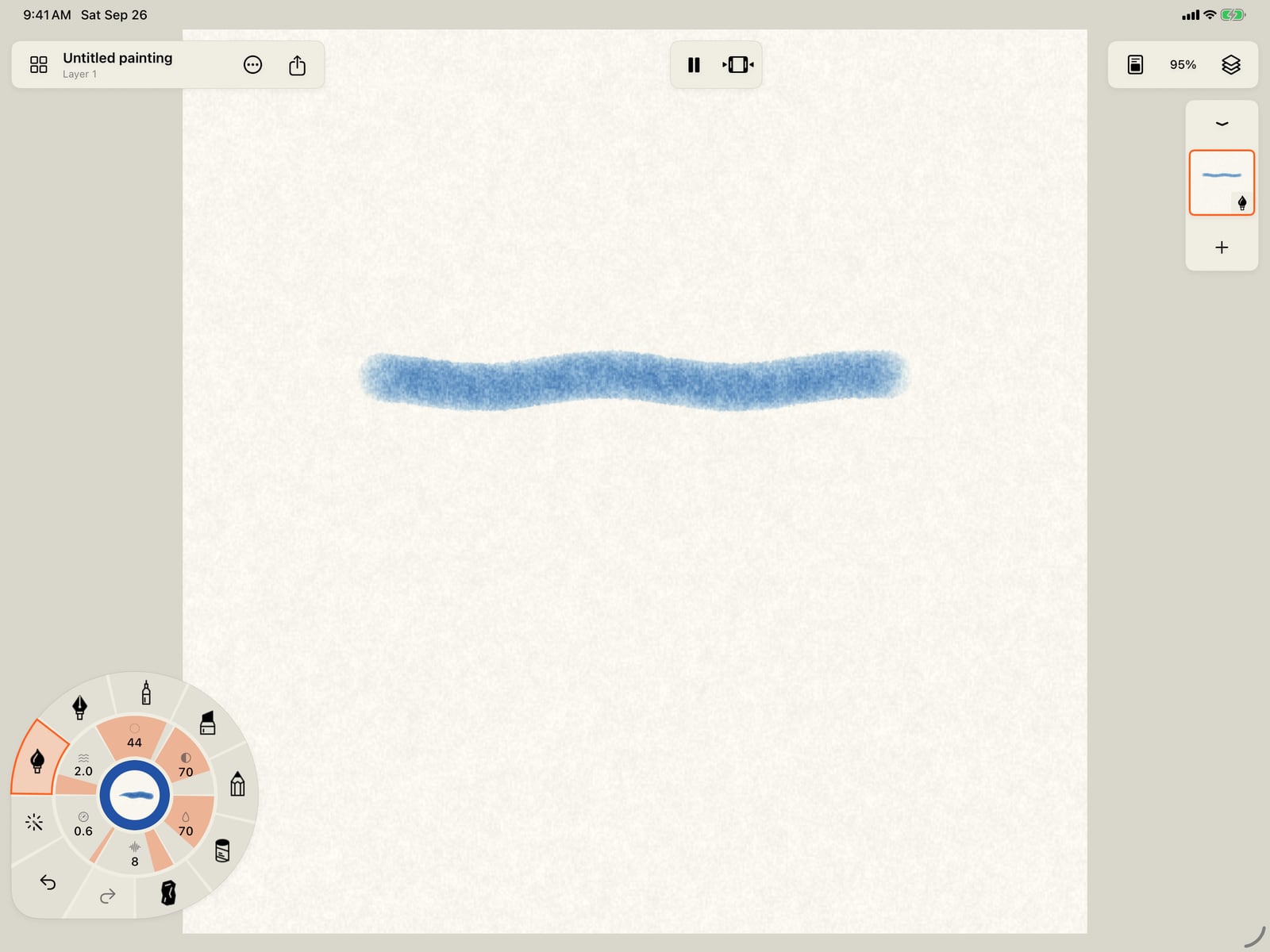
First, tap the page to fold the wheel, and paint a stroke with Wave alone, to compare. It ripples along its length.

Now open the brush's own motion settings. Tap Motion, then More motion, then Advanced motion.
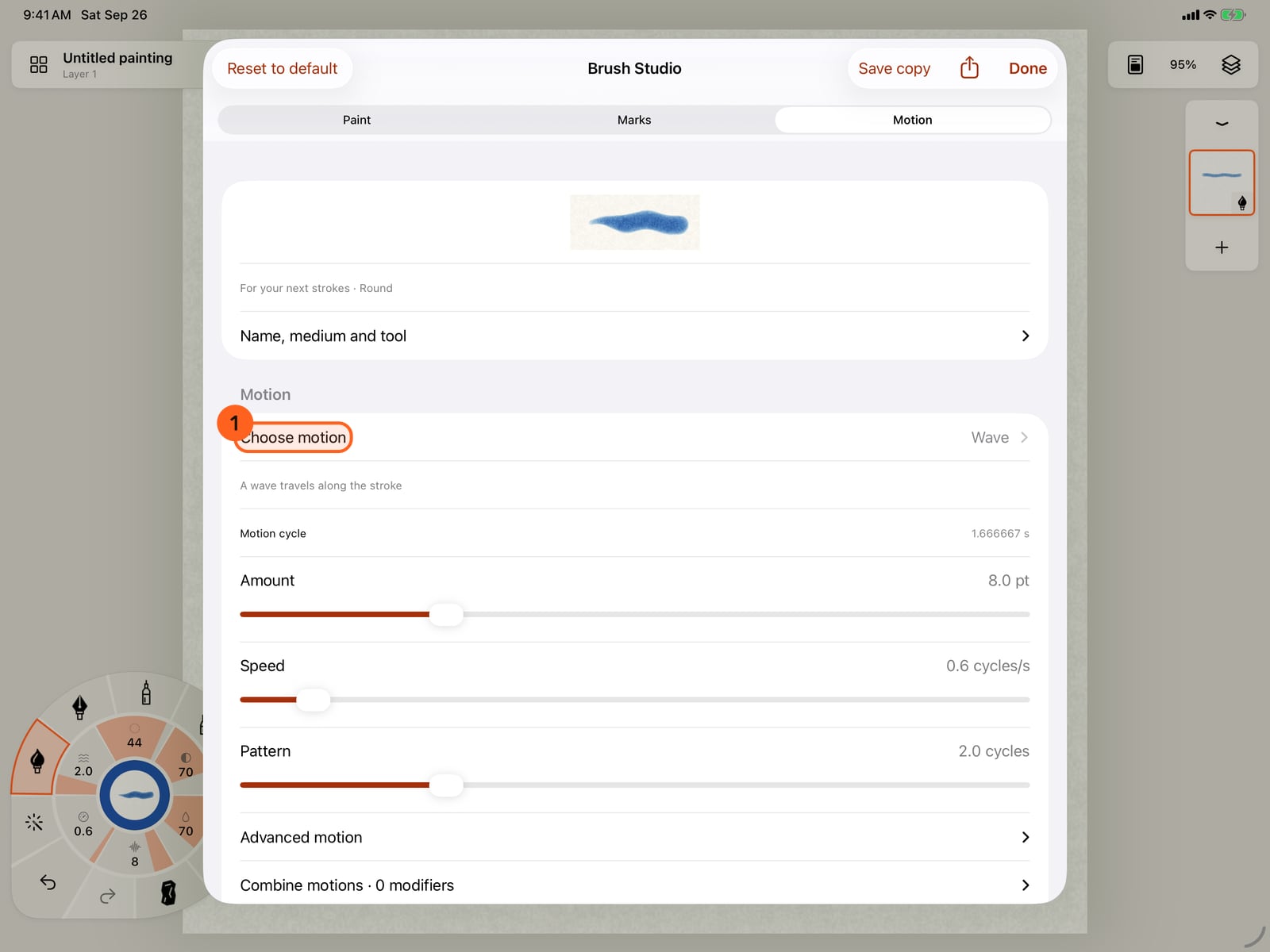
Now open the brush's own motion settings. Tap Motion, then More motion, then Advanced motion.
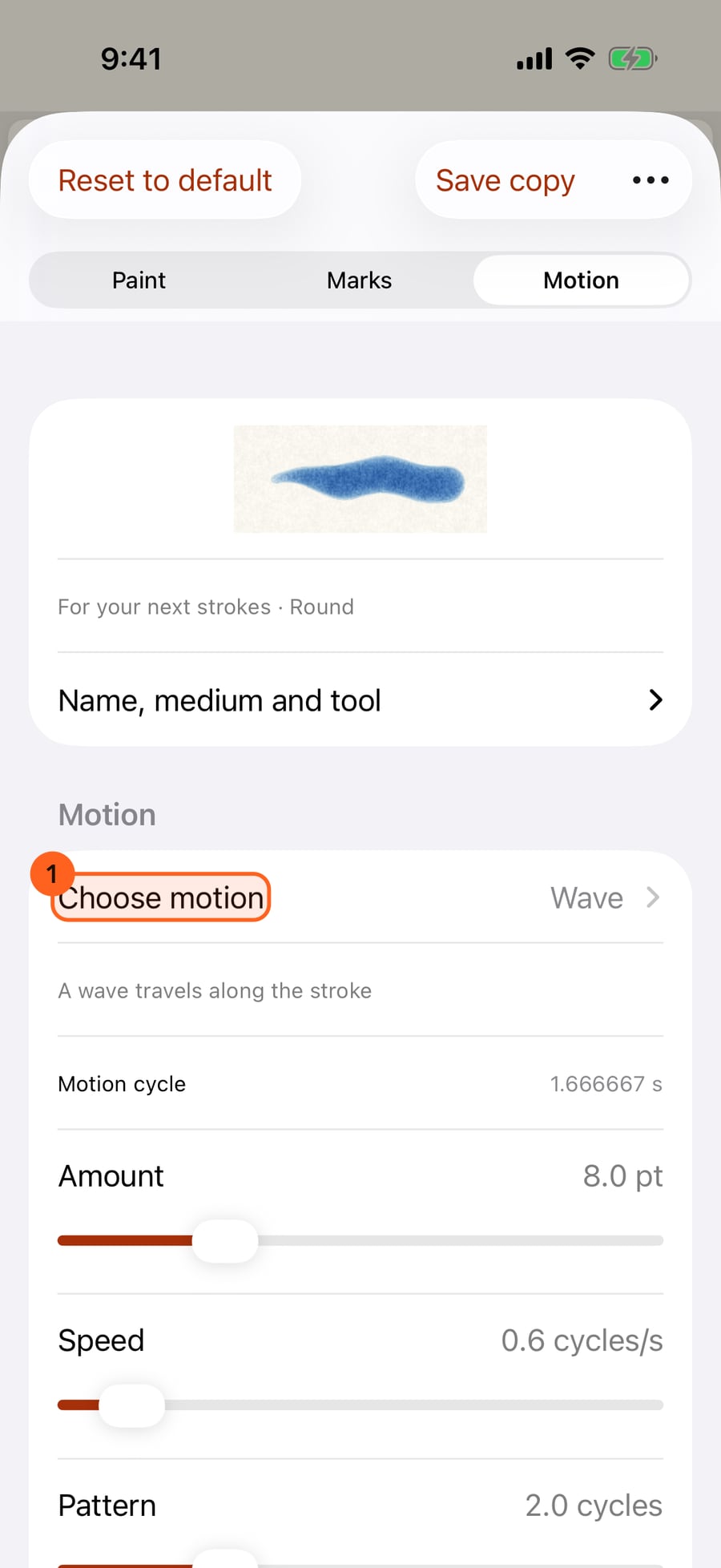
Now open the brush's own motion settings. Click Motion, then More motion, then Advanced motion.
Open Combine motions and tap Add modifier. Each modifier is one more motion, added on top of the base.
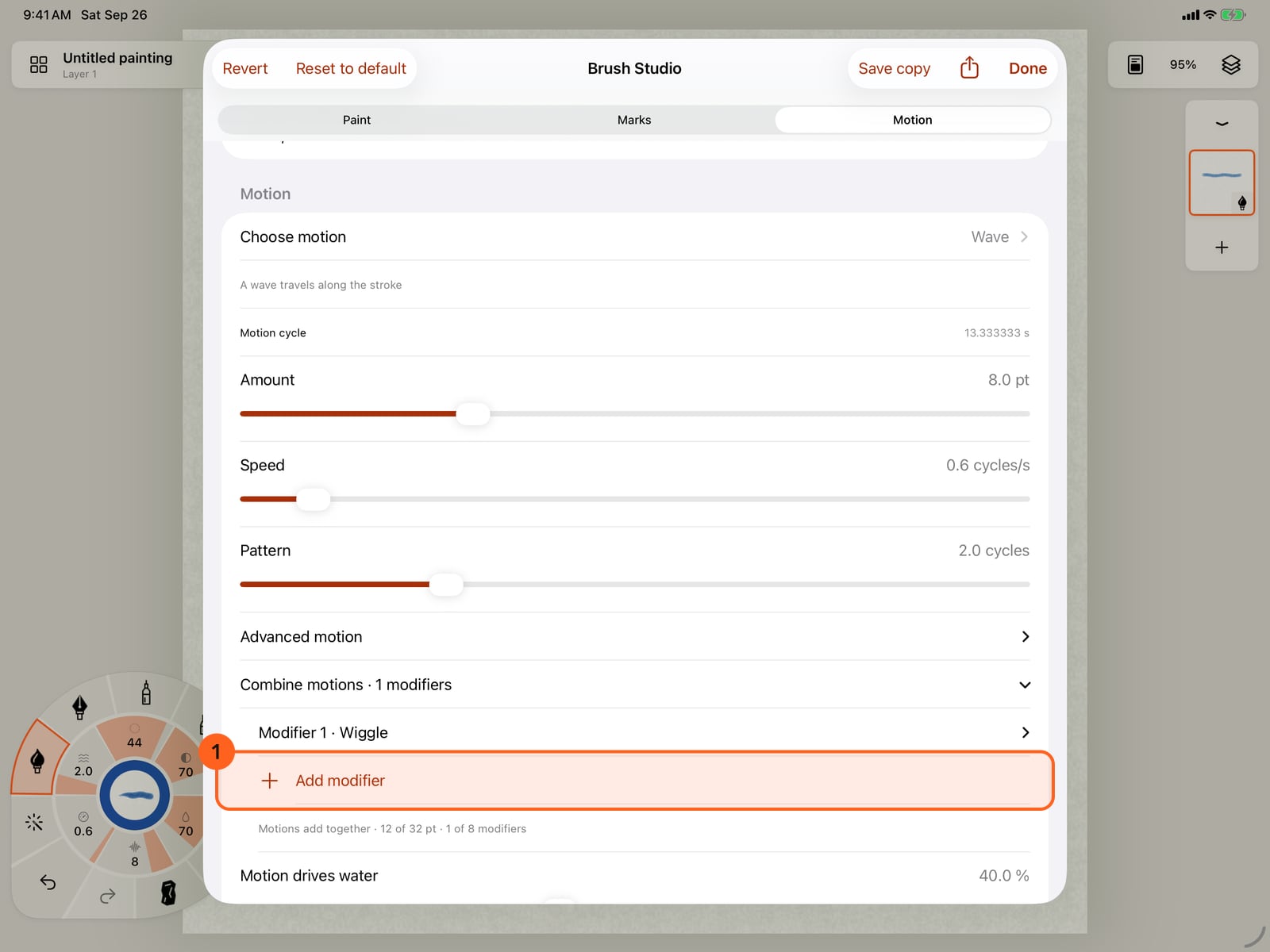
Open Combine motions and tap Add modifier. Each modifier is one more motion, added on top of the base.
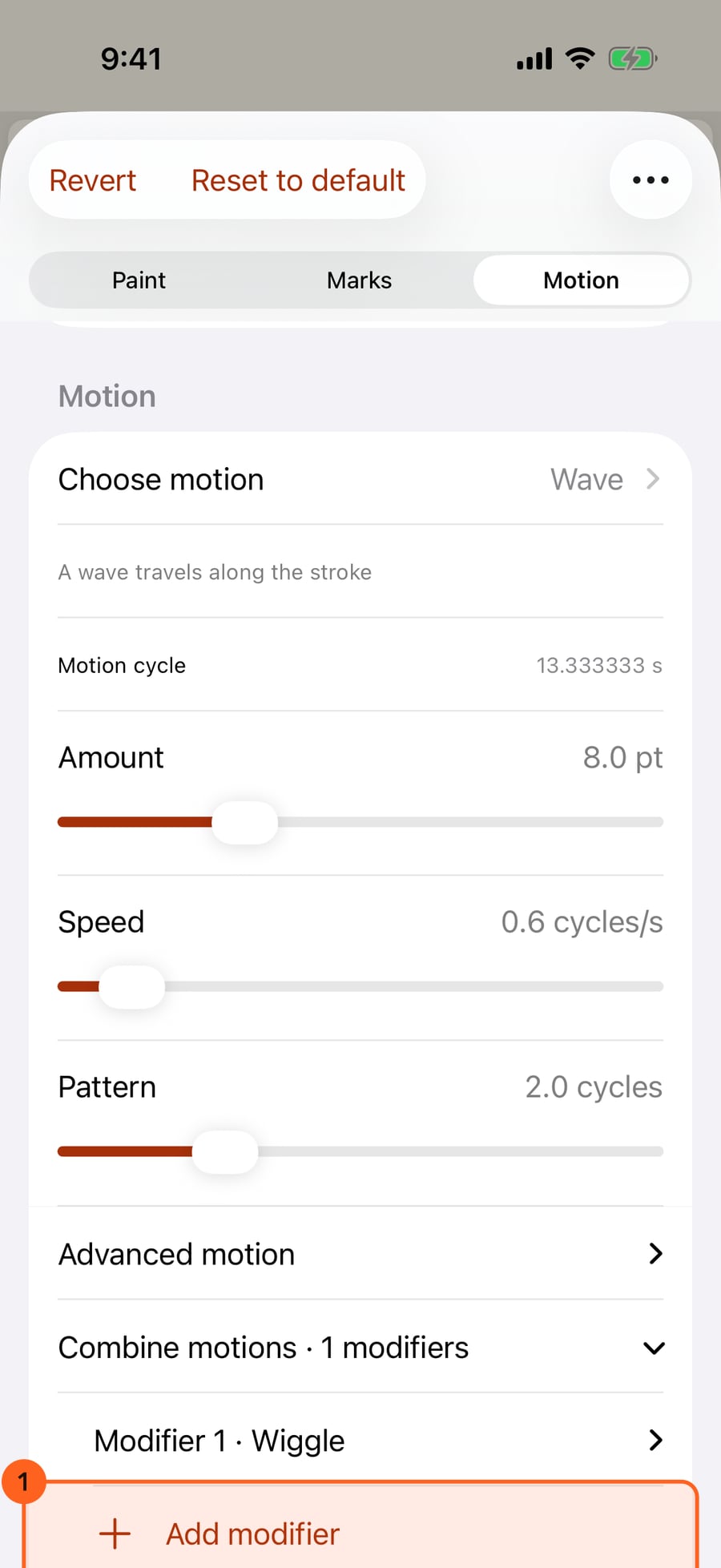
Open Combine motions and click Add modifier. Each modifier is one more motion, added on top of the base.
Open the modifier and choose its motion. Bounce lifts and settles the whole stroke, so it shows clearly on top of the wave.
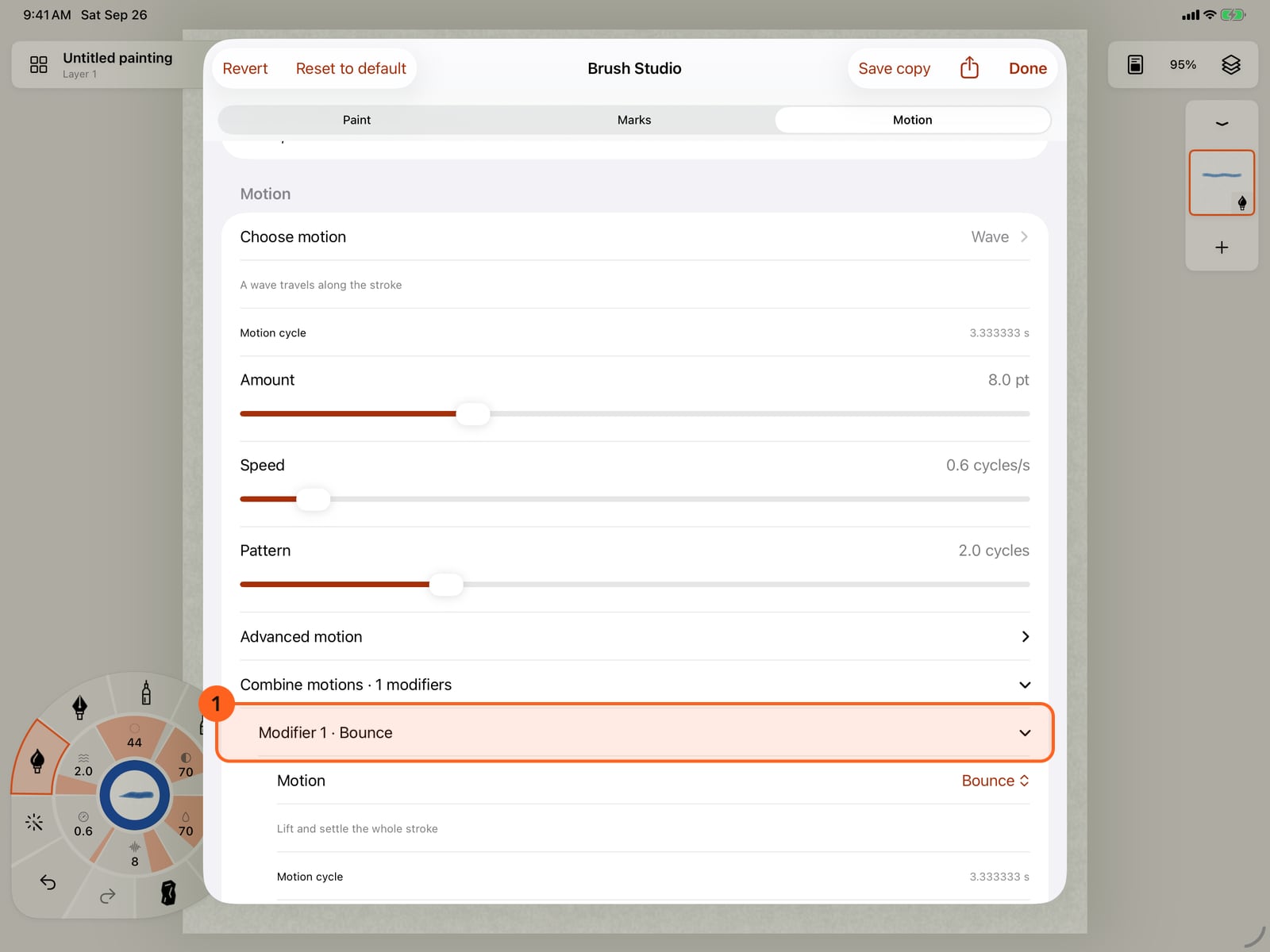
Open the modifier and choose its motion. Bounce lifts and settles the whole stroke, so it shows clearly on top of the wave.
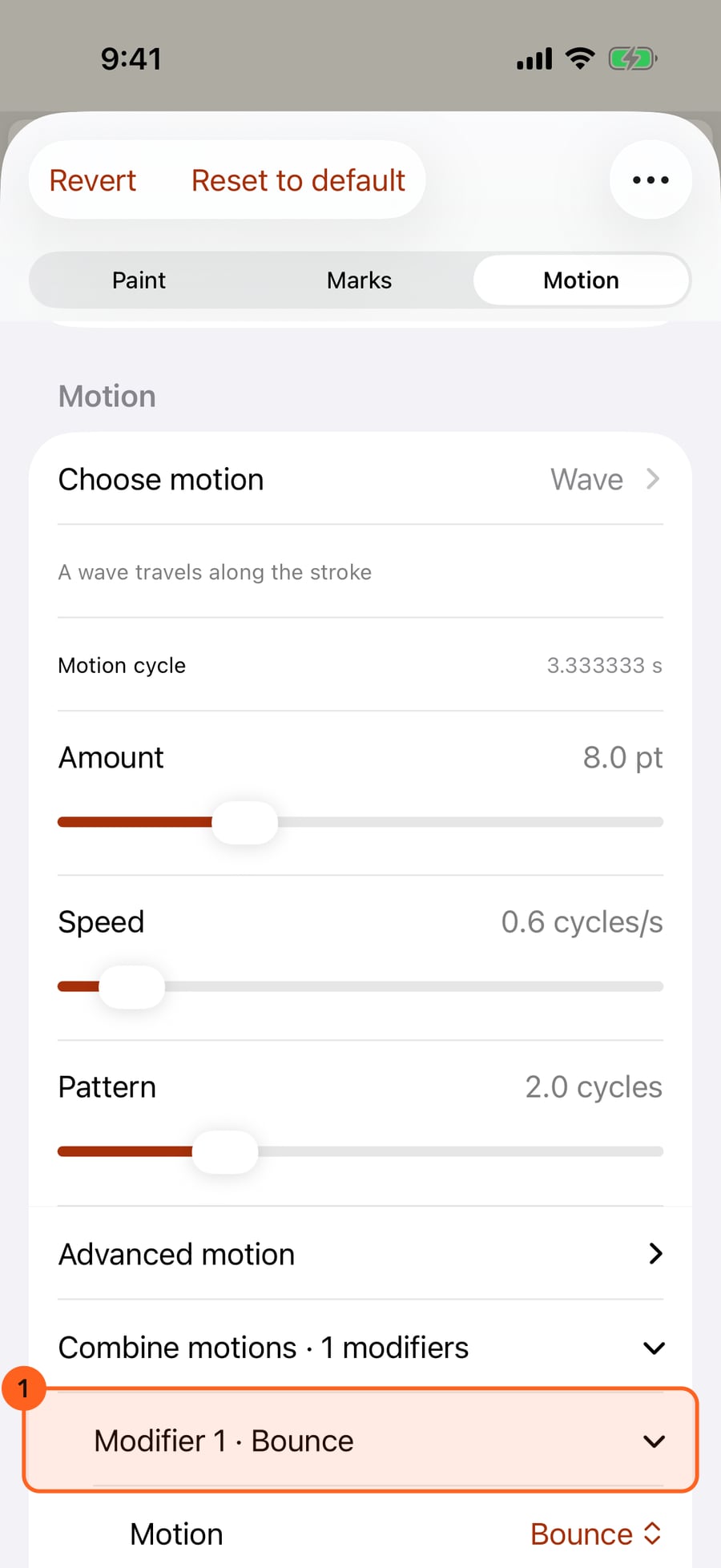
Give it more movement with the modifier's own Amount and Speed. All the motions share one budget of movement.
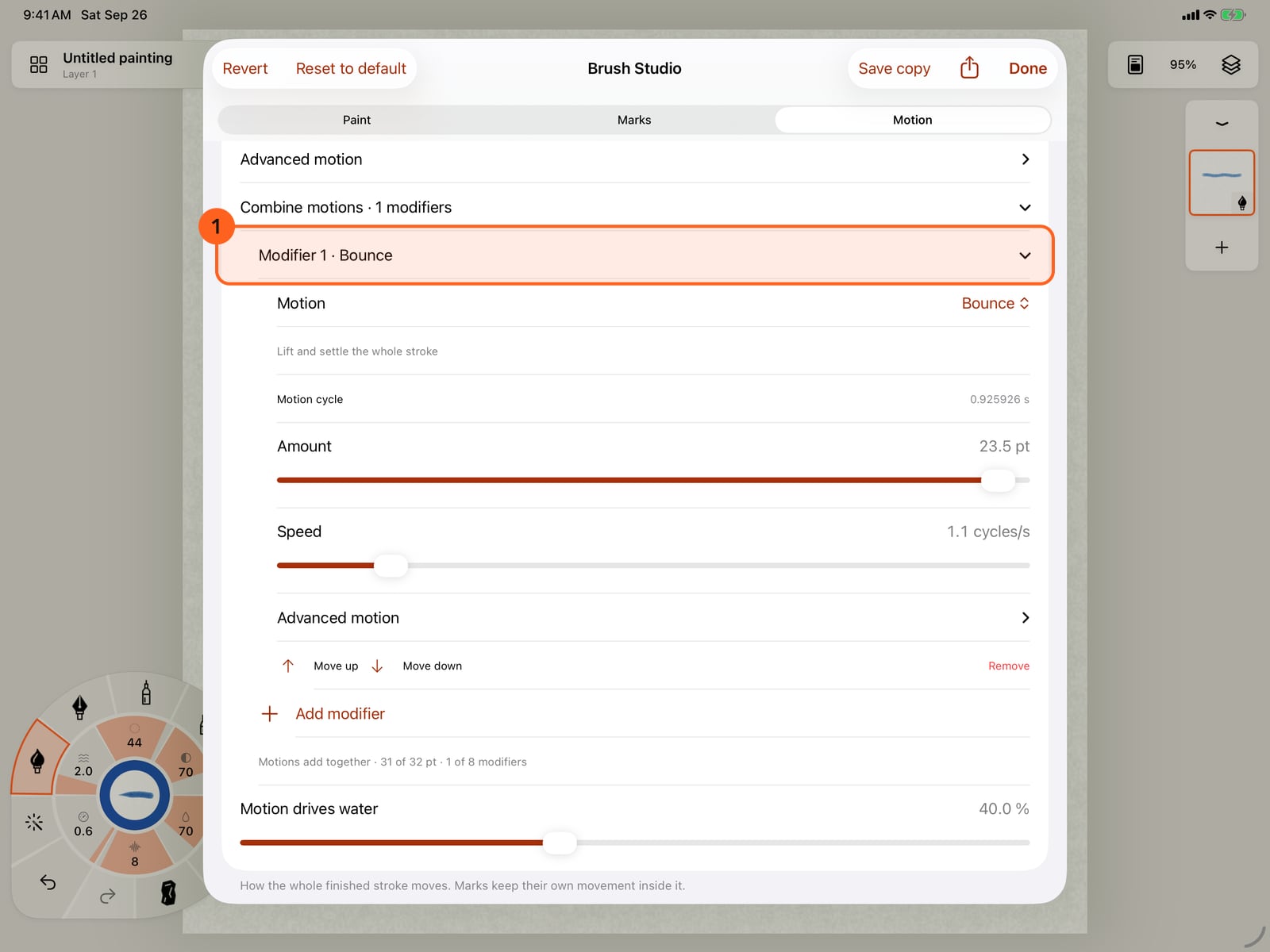
Give it more movement with the modifier's own Amount and Speed. All the motions share one budget of movement.
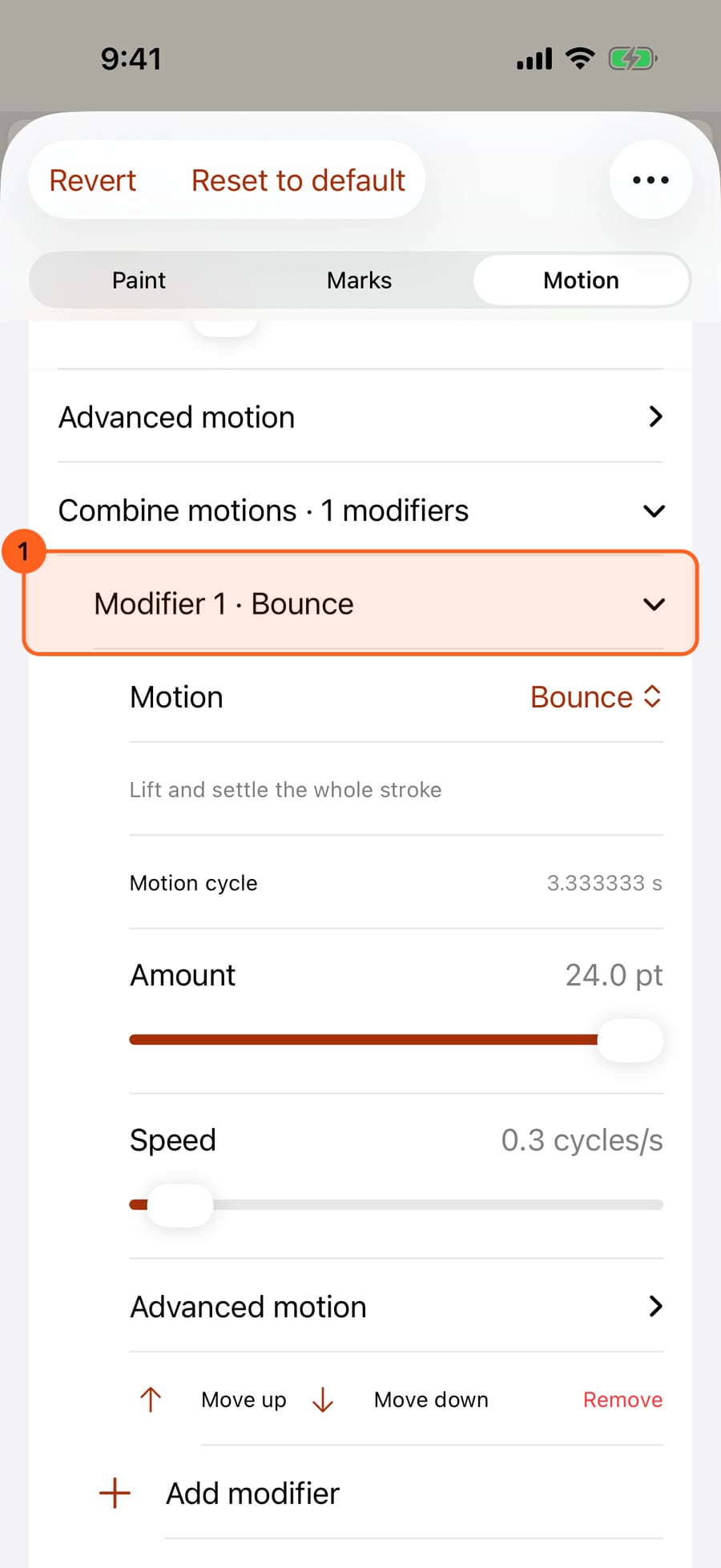
Tap Done and paint a second stroke below the first. The top one only waves; the new one waves and bounces at once.
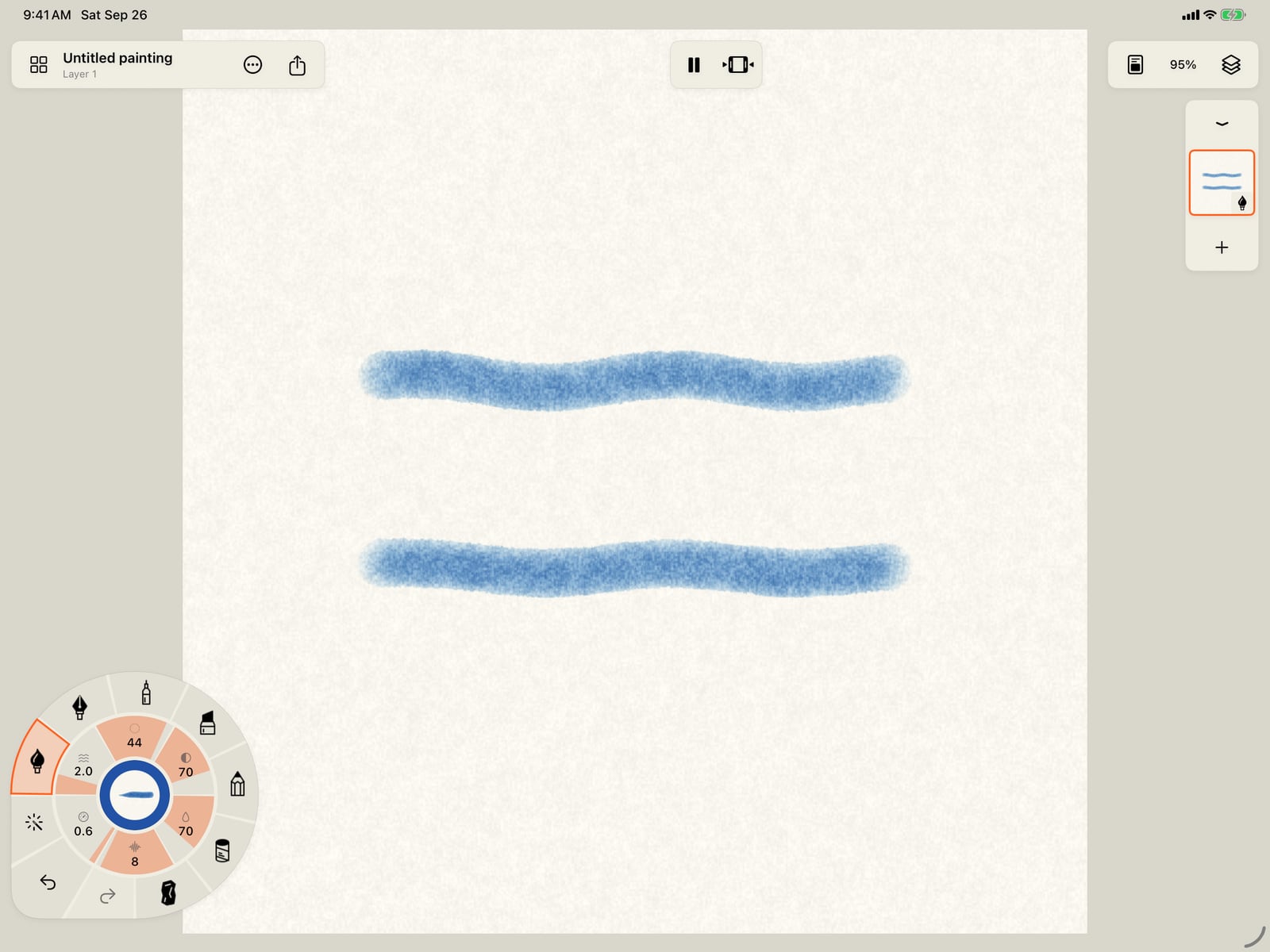
Tap More, then Done, and paint a second stroke below the first. The top one only waves; the new one waves and bounces at once.

Click Done and paint a second stroke below the first. The top one only waves; the new one waves and bounces at once.
What a modifier is
A brush has one base motion, chosen on the wheel's Motion ring. Combine motions adds up to eight modifiers on top of it, each with its own motion, amount, speed and advanced settings. They add together: a Wave base with a Bounce modifier ripples along its length while the whole stroke lifts and settles.
- The line under the list shows how much movement is left: all motions share one budget of points.
- Move up and Move down reorder modifiers; Remove deletes one.
- Changing the base motion keeps the modifiers, even when the base is Still.
Pro: Every single motion is Free. Combining motions is part of Pro; on Free, Add modifier is unavailable, and the note Motion stacks are included with Pro. opens Free and Pro. Strokes painted with a stack keep their motion on any device.
Something not behaving as expected?
Visit support or write to [email protected].